Connect Claude Code to a Third-Party API: Base URL, API Key, and Common Errors
Configure Claude Code with Nbility using ANTHROPIC_BASE_URL, ANTHROPIC_AUTH_TOKEN, settings.json, model selection, and practical fixes for 401, 404, 429, and timeout errors.
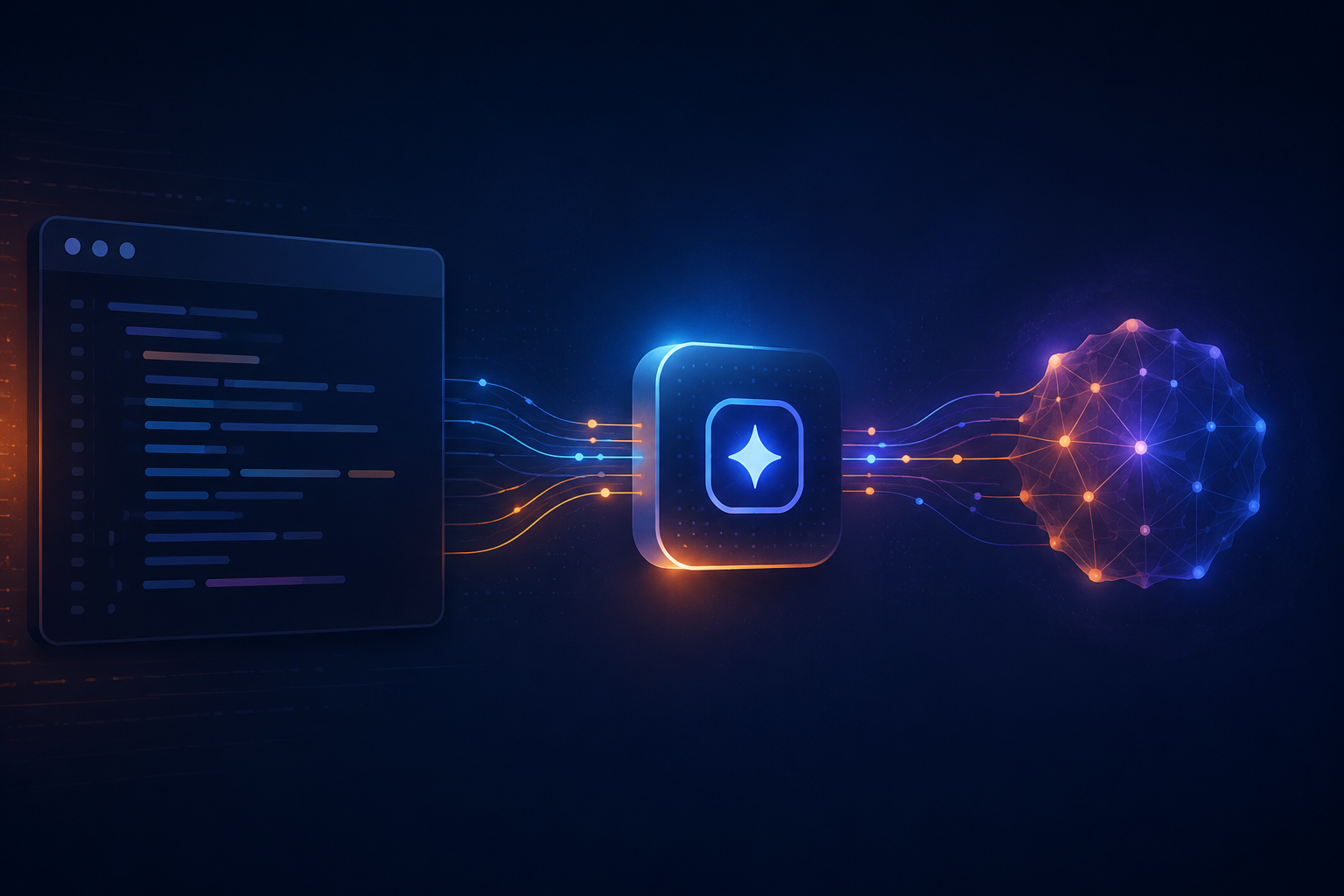
Claude Code does not have to use only its default sign-in flow. If a third-party gateway supports the Anthropic Messages API, you can point Claude Code at that gateway with environment variables.
The installation is usually the easy part. Most failed setups come down to three small details:
- whether
ANTHROPIC_BASE_URLshould include/v1; - whether the gateway key belongs in
ANTHROPIC_AUTH_TOKENor another variable; - whether the selected model is actually available to the current token.
This guide uses the Nbility Claude Code documentation as a working example. It covers installation, a temporary smoke test, persistent configuration, model selection, and the errors that tend to appear first. Every command uses placeholders, so there is no reason to put a real API key in source control.
Understand the Request Path First
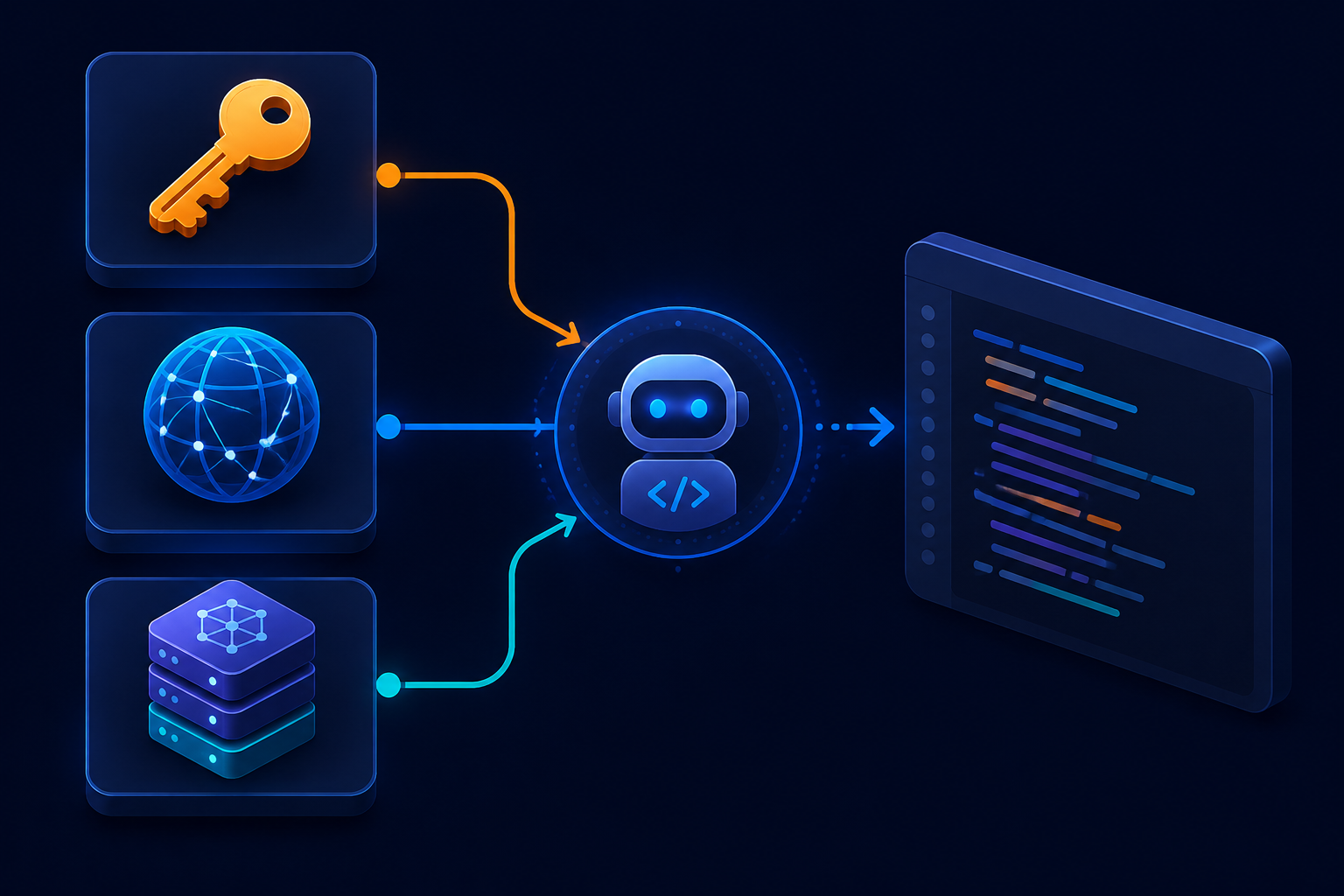
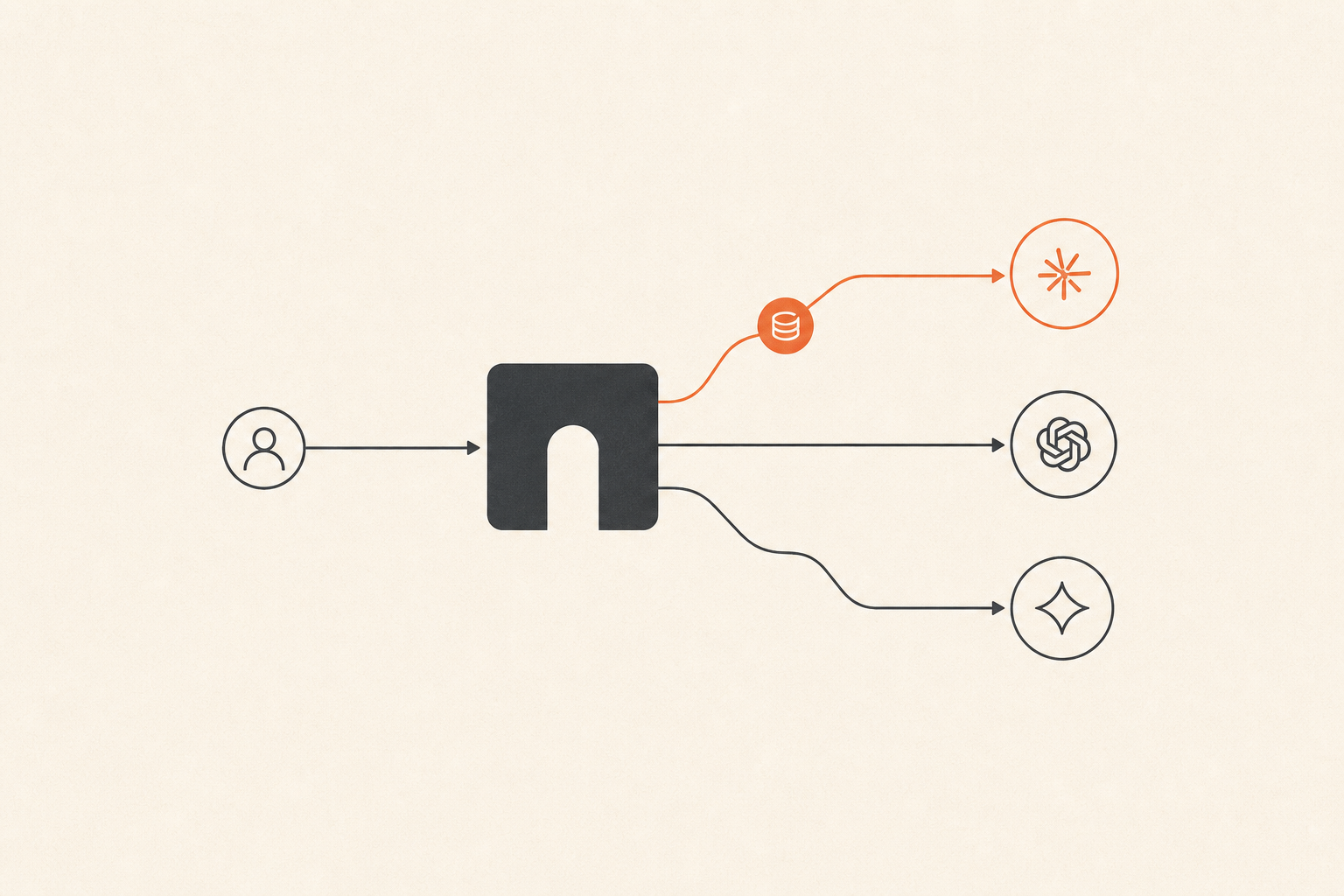
Once configured, the path looks like this:
Claude Code
    ↓ Anthropic Messages API
https://api.nbility.ai
    ↓ authentication, routing, billing, and logs
Claude model
Claude Code still reads the repository, plans changes, calls terminal tools, and edits files. The gateway receives model requests and routes them to the selected Claude model.
The protocol matters here. Claude Code expects an Anthropic-compatible API, not a standard OpenAI Chat Completions configuration. Nbility exposes a native Claude Messages-compatible endpoint:
POST https://api.nbility.ai/v1/messages
For Claude Code, set the service root as the Base URL:
https://api.nbility.ai
Do not append /v1 yourself. Claude Code follows Anthropic API path conventions and adds the endpoint path. If you configure https://api.nbility.ai/v1, some client versions or integrations may end up with a duplicated path.
Install and Verify Claude Code
If Claude Code is not installed yet, Anthropic currently recommends its native installer.
macOS, Linux, or WSL:
curl -fsSL https://claude.ai/install.sh | bash
Windows PowerShell:
irm https://claude.ai/install.ps1 | iex
The npm package is also available:
npm install -g @anthropic-ai/claude-code
Verify the binary and run the built-in diagnostics:
claude --version
claude doctor
This step only proves that Claude Code itself is installed correctly. Fix command not found, permissions, or missing runtime dependencies before troubleshooting the API. Otherwise, installation problems and gateway problems become difficult to separate.
Start with a Temporary Configuration
Do not begin by editing several shell profiles. Export the variables in one terminal, test the connection, and persist them only after the smoke test works.
macOS, Linux, or WSL:
export ANTHROPIC_BASE_URL="https://api.nbility.ai"
export ANTHROPIC_AUTH_TOKEN="YOUR_API_KEY"
export ANTHROPIC_MODEL="claude-sonnet-4-6"
Windows PowerShell, for the current window only:
$env:ANTHROPIC_BASE_URL = "https://api.nbility.ai"
$env:ANTHROPIC_AUTH_TOKEN = "YOUR_API_KEY"
$env:ANTHROPIC_MODEL = "claude-sonnet-4-6"
Open a small test directory and start Claude Code:
claude
Use a read-only first prompt, for example:
Inspect the current directory and tell me what kind of project this is. Do not modify any files.
A normal response confirms that the important parts work together:
- the Claude Code installation;
- network access to the Base URL;
- API key authentication;
- the selected model;
- Anthropic Messages protocol compatibility.
What the Three Variables Control
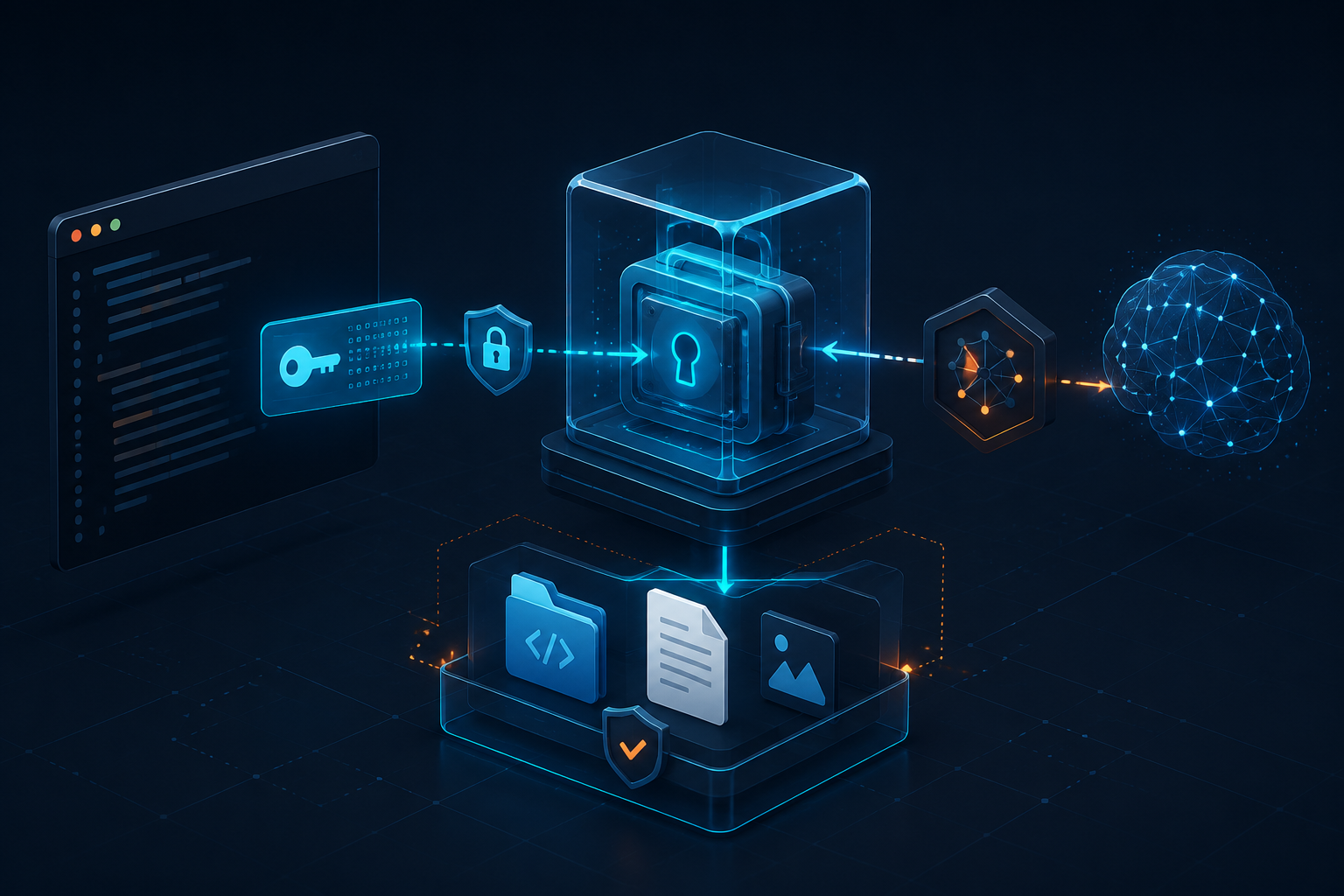
ANTHROPIC_BASE_URL
This variable tells Claude Code where to send Anthropic API requests:
export ANTHROPIC_BASE_URL="https://api.nbility.ai"
It is the service root for the Claude-compatible API. It is not the https://api.nbility.ai/v1 Base URL commonly used by OpenAI-compatible SDKs.
ANTHROPIC_AUTH_TOKEN
This variable carries the gateway API key:
export ANTHROPIC_AUTH_TOKEN="YOUR_API_KEY"
Never put the real key in a public script, Git repository, screenshot, terminal recording, or support post. For teams, use an operating-system credential store, a CI secret, or your server's secret-management system.
ANTHROPIC_MODEL
This sets the default model used by Claude Code:
export ANTHROPIC_MODEL="claude-sonnet-4-6"
A Sonnet-tier model is a practical starting point for everyday coding. Use a stronger model when a difficult refactor or reasoning-heavy task justifies the cost. Model access is token-specific, so treat the models shown for your token in the Nbility console as the source of truth instead of copying an old model ID from a tutorial.
The Nbility model guide lists major models and also notes that the token management page is where you should confirm the complete current list.
Persist the Configuration After It Works
macOS or Linux
For Zsh, append the variables to ~/.zshrc:
cat >> ~/.zshrc <<'EOF'
export ANTHROPIC_BASE_URL="https://api.nbility.ai"
export ANTHROPIC_AUTH_TOKEN="YOUR_API_KEY"
export ANTHROPIC_MODEL="claude-sonnet-4-6"
EOF

source ~/.zshrc
For Bash, add them to ~/.bashrc and reload it:
source ~/.bashrc
Shell profiles are usually plain-text files. If your machine has multiple users, cloud backups, or a version-controlled dotfiles repository, inject the key from a safer secret store instead of committing it with the rest of your shell configuration.
Windows PowerShell
Store the values for the current user:
[Environment]::SetEnvironmentVariable("ANTHROPIC_BASE_URL", "https://api.nbility.ai", "User")
[Environment]::SetEnvironmentVariable("ANTHROPIC_AUTH_TOKEN", "YOUR_API_KEY", "User")
[Environment]::SetEnvironmentVariable("ANTHROPIC_MODEL", "claude-sonnet-4-6", "User")
Close and reopen the terminal so the new process receives the updated environment.
Configure Claude Code with settings.json
Claude Code supports user-level and project-level settings. The user settings file is commonly located at:
~/.claude/settings.json
You can define the same variables under env:
{
  "env": {
    "ANTHROPIC_BASE_URL": "https://api.nbility.ai",
    "ANTHROPIC_AUTH_TOKEN": "YOUR_API_KEY",
    "ANTHROPIC_MODEL": "claude-sonnet-4-6"
  }
}
This is convenient, but remember:
- the key is still stored as plain text;
- a project-level
.claude/settings.jsonmay be committed to Git.
Shared project settings are appropriate for permissions, hooks, and non-sensitive model defaults. They are not a good place for a team-wide production API key. Let each developer inject a personal token from their environment or secret manager.
Confirm Which Model Is Actually Active
Claude Code provides interactive model commands for checking or changing the current model. The exact UI can change between releases, so use the command help shown by the version you have installed.
When a model setting appears to be ignored, check more than the shell variable:
- did user-level
settings.jsonoverride the shell? - did project-level
.claude/settings.jsonoverride user settings? - was the terminal opened before or after you changed the environment?
- does the token have access to that exact model ID?
- do the model IDs match character for character?
If Claude Code keeps using the old model, close the session, open a fresh terminal, and test again. A running process cannot inherit environment changes made after it started.
Show Gateway Models in /model
The current Claude Code gateway connection guide documents this optional shell setting:
export CLAUDE_CODE_ENABLE_GATEWAY_MODEL_DISCOVERY=1
Restart Claude Code and inspect /model. Discovery does not replace the gateway URL or credential configuration above. If models are missing, run claude --debug and inspect local [gatewayDiscovery] entries for a 404, timeout or redirect; redact logs before sharing them. An administrator's modelPicker.replaceBuiltInOptions lineup can also hide discovered models, so they may need to be added to that lineup.
See the Nbility Claude Code guide for persistent, non-secret settings. This behavior was checked on 2026-10-14; available models still depend on key permissions and the gateway catalog.
Troubleshoot Common Errors
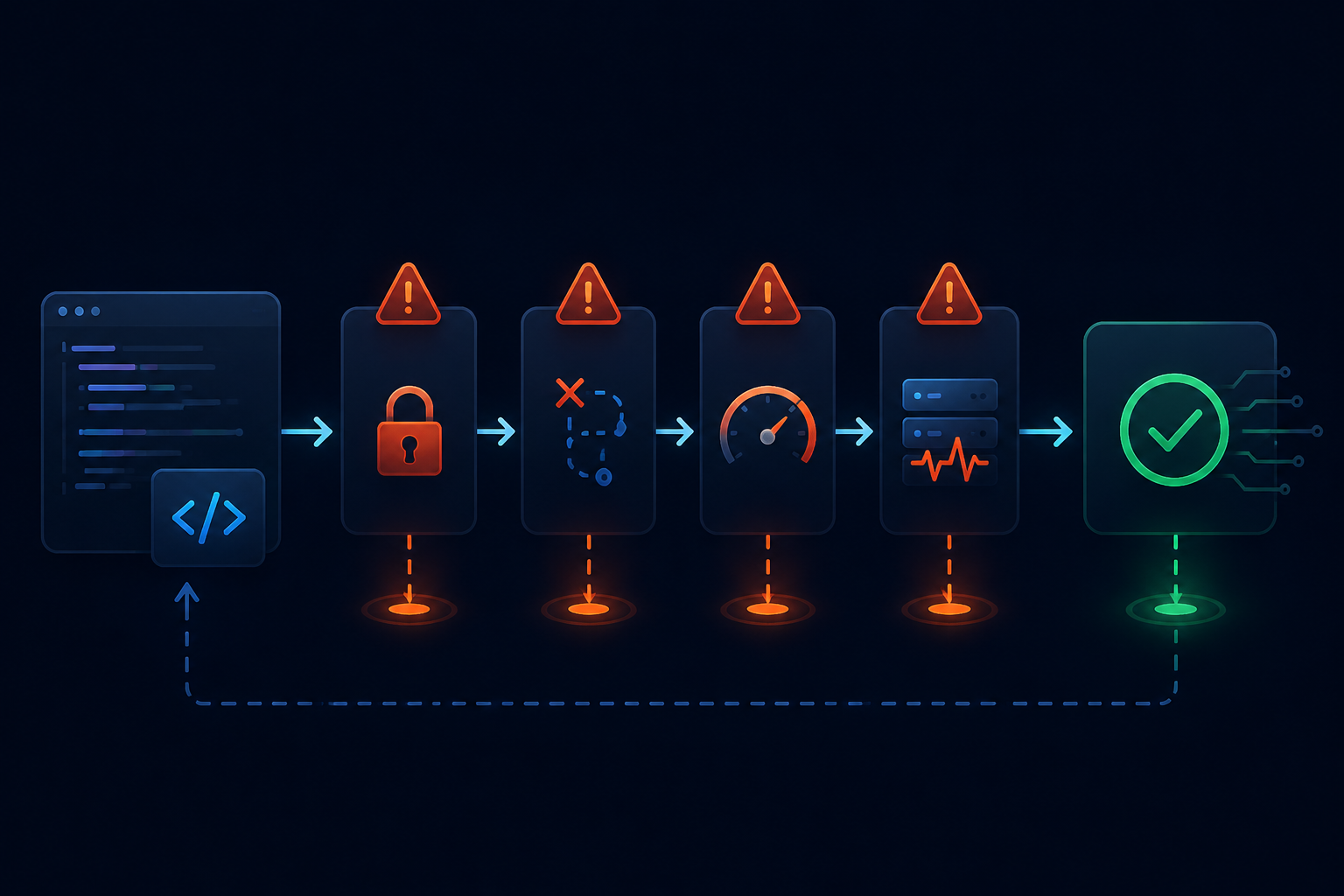
401 Unauthorized or Authentication Failed
Check these first:
[ ] ANTHROPIC_AUTH_TOKEN exists
[ ] The value has no accidental spaces or copied quotes
[ ] It is an API key, not a browser cookie or unrelated token
[ ] The shell profile was reloaded
[ ] settings.json did not override the environment
[ ] The token is active and has the required balance or permissions
Check whether the variable exists without printing the secret:
if [ -n "$ANTHROPIC_AUTH_TOKEN" ]; then
  echo "ANTHROPIC_AUTH_TOKEN is set"
else
  echo "ANTHROPIC_AUTH_TOKEN is missing"
fi
Do not paste a complete key into a group chat or ticket. A timestamp, error code, and a redacted key prefix/suffix are normally enough for support to locate a request.
404 Not Found
A wrong Base URL path is the usual cause.
For Claude Code with Nbility, use:
https://api.nbility.ai
Do not use:
https://api.nbility.ai/v1
https://api.nbility.ai/v1/messages
The Base URL is the service root. The client adds /v1/messages when it sends an Anthropic Messages request.
model not found
This generally points to a model ID or permission issue, not a network failure:
- the model name is misspelled;
- the copied model version is old or no longer available;
- the current token does not allow that model;
- the environment and
settings.jsonspecify different model IDs.
Open the token management page, copy an exact model ID from the current list, and restart Claude Code.
429 Too Many Requests
A 429 can indicate a request-rate limit, upstream capacity pressure, concurrency limits, or quota pressure. Do not immediately retry in an infinite loop.
A better response is to:
- wait a few seconds;
- reduce concurrent tasks;
- check whether several Claude Code sessions are running;
- inspect token or model limits;
- switch to another available model when appropriate.
Requests Time Out or Stay on “Connecting”
Check the path layer by layer:
Can the terminal reach https://api.nbility.ai?
Is the proxy configured only in the browser?
Did the terminal inherit the proxy variables?
Does the corporate network interfere with HTTPS or SSE?
Is the gateway or upstream model experiencing a temporary issue?
Claude Code streams responses. Some proxies can load a normal website but buffer or terminate a long-lived streaming connection. Being able to open the homepage does not prove that the model stream works.
Changes Do Not Take Effect
This is usually configuration precedence or a stale process:
- a running Claude Code process cannot see environment variables changed later;
- an IDE-integrated terminal may keep an old environment;
- user and project settings may override one another;
- PowerShell user variables load only in a new terminal.
Close Claude Code and the terminal, open a new terminal, and test once before editing the configuration again.
A Safer Setup Checklist
[ ] API keys never enter Git, screenshots, logs, or chat messages
[ ] Claude Code Base URL is https://api.nbility.ai
[ ] OpenAI SDKs commonly use https://api.nbility.ai/v1 instead
[ ] The model ID comes from the current token's available models
[ ] Temporary configuration is tested before it is persisted
[ ] A fresh terminal and Claude Code session are used after changes
[ ] 401/403 errors trigger authentication checks, not blind retries
[ ] 404 errors trigger Base URL and path checks
[ ] model not found triggers model ID and permission checks
[ ] 429 and 5xx errors use limited retries, not infinite loops
Why Use a Gateway with Claude Code?
The value of a third-party API gateway is not just changing one URL. For an individual developer or small team using Claude Code regularly, a gateway can provide:
- one place to manage API keys and available models;
- usage and cost records;
- separate tokens for different devices or projects;
- fewer client-side changes when models or upstream routes change;
- a clearer boundary between client, gateway, and model failures.
A gateway does not remove Claude Code's local power. Claude Code can still read files, edit code, and execute commands. Review project permissions, sensitive files, and Git state before starting a task; a successful API connection is not a substitute for a safe workspace.
If you need a unified endpoint that supports the Claude Messages format, start with the Nbility Claude Code setup guide. After registering, you can also open a ticket on the support page to request $5 in test credit.