Connect Codex CLI to an OpenAI-Compatible API: Installation, Configuration, and Model Selection
Install Codex CLI, configure config.toml and auth.json for an OpenAI-compatible endpoint, choose a model, verify the connection, and fix common API errors.

Codex CLI is a coding agent that runs in your terminal. It can inspect a repository, edit files, execute commands, and pause for approval while it works. In addition to the default sign-in flow, Codex supports custom model providers, which makes it possible to route requests through an OpenAI-compatible API.
This guide uses the Nbility Codex integration guide as a practical example. You will learn:
- how to configure
~/.codex/config.toml; - where the API key belongs and why it must stay out of Git;
- why this Base URL includes
/v1; - what
wire_api = "responses"controls; - how to select a model and troubleshoot authentication, routing, and streaming failures.
Every example uses YOUR_API_KEY instead of a real credential.
How Codex CLI and the Gateway Work Together
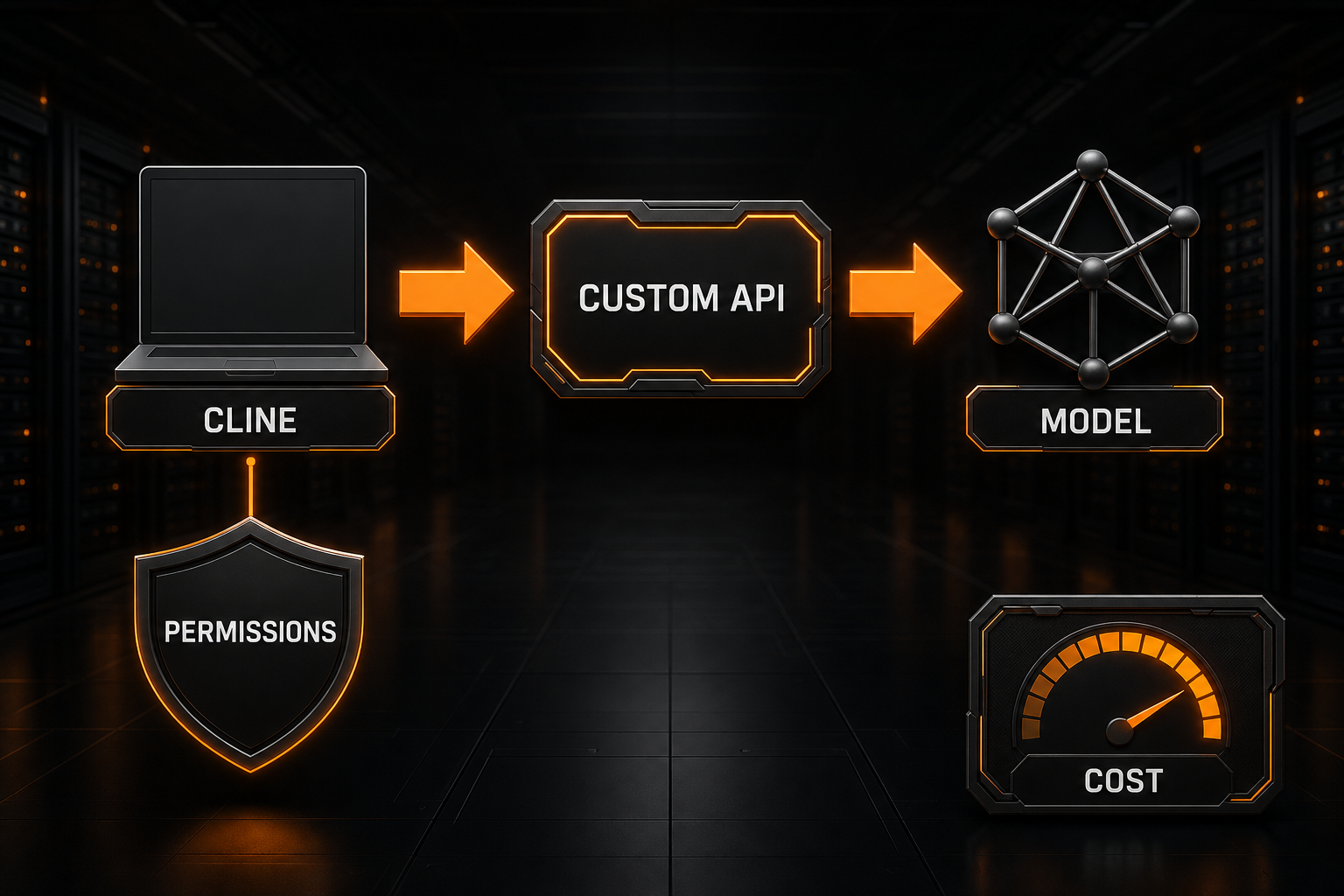
The CLI controls the local workspace and tools. The gateway handles model traffic:
repository → Codex CLI → OpenAI-compatible API → model
                 ↑                 ↓
          approval and sandbox  auth, routing, billing
Local permissions determine whether Codex can read, modify, or execute something. Provider configuration determines whether the model request succeeds. Keeping those two layers separate makes failures much easier to diagnose.
Step 1: Install Codex CLI
Install the official package with npm:
npm install -g @openai/codex
The Nbility guide also supports pnpm:
pnpm install -g @openai/codex
Verify the installation before touching API settings:
codex --version
codex --help
If the shell reports command not found, fix the global package path first. No model request has been made at this point, so changing the API key or Base URL will not help.
Step 2: Prepare a Token and Model
Create a dedicated token on the Nbility token page. Naming tokens by machine or purpose makes them easier to rotate and audit:
codex-personal-laptop
codex-workstation
codex-ci-review
Choose a group that includes the coding model you need, then confirm that the token is active and the account has balance.
Do not copy a model ID from an old article without checking it. The current Nbility guide uses gpt-5.3-codex as its example, but the model list available to your token is the source of truth.
Step 3: Configure config.toml
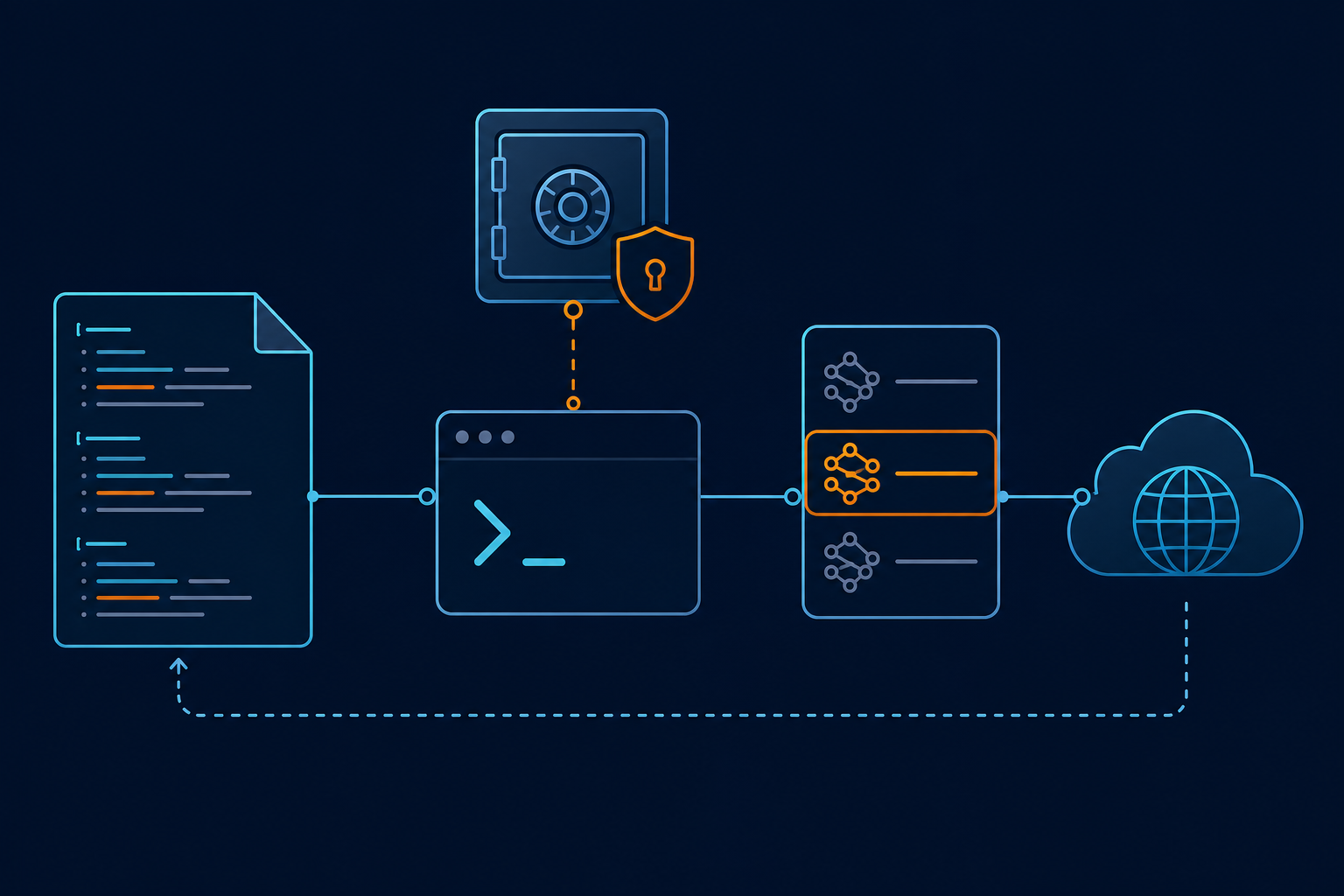
User-level Codex configuration lives at:
~/.codex/config.toml
Create the directory if needed:
mkdir -p ~/.codex
Add a custom provider:
model = "gpt-5.3-codex"
model_provider = "nbility"
preferred_auth_method = "apikey"

[model_providers.nbility]
name = "Nbility OpenAI-compatible API"
base_url = "https://api.nbility.ai/v1"
wire_api = "responses"
query_params = {}
stream_idle_timeout_ms = 300000
The fields serve different purposes:
modelselects the default model ID;model_providerpoints to thenbilityprovider defined below;preferred_auth_methodselects API-key authentication;base_urlis the root of the OpenAI-compatible API;wire_api = "responses"selects the Responses API protocol;stream_idle_timeout_mslimits how long an idle stream can wait for another event.
For this integration, the Base URL includes /v1:
https://api.nbility.ai/v1
That differs from the Anthropic-style root used by Claude Code. Clients append paths according to their own protocol, so a Base URL copied from a different tool may be subtly wrong.
OpenAI's configuration reference also explains that provider and authentication settings are machine-local. Project-scoped .codex/config.toml files cannot override the local provider configuration, so define a custom provider in your user-level file.
Step 4: Store the API Key
The current Nbility Codex guide uses:
~/.codex/auth.json
Create it with this structure:
{
  "OPENAI_API_KEY": "YOUR_API_KEY"
}
Restrict access to the file:
chmod 600 ~/.codex/auth.json
Never place a real key in:
- a project-level
.codex/config.toml; AGENTS.md;- a committed shell script;
- screenshots or support messages;
- a tracked example
.envfile.
If a key enters Git history, deleting the current file is not enough. Revoke that token and issue a new one.
Step 5: Run a Small Verification Task
Enter a test repository and inspect its current state:
cd my-project
git status
codex
Start with a read-only request:
Inspect this repository and summarize its technology stack. Do not modify files.
After that succeeds, try a narrow change with an explicit review point:
Check the README for broken local links. Explain any issues first and wait for approval before editing.
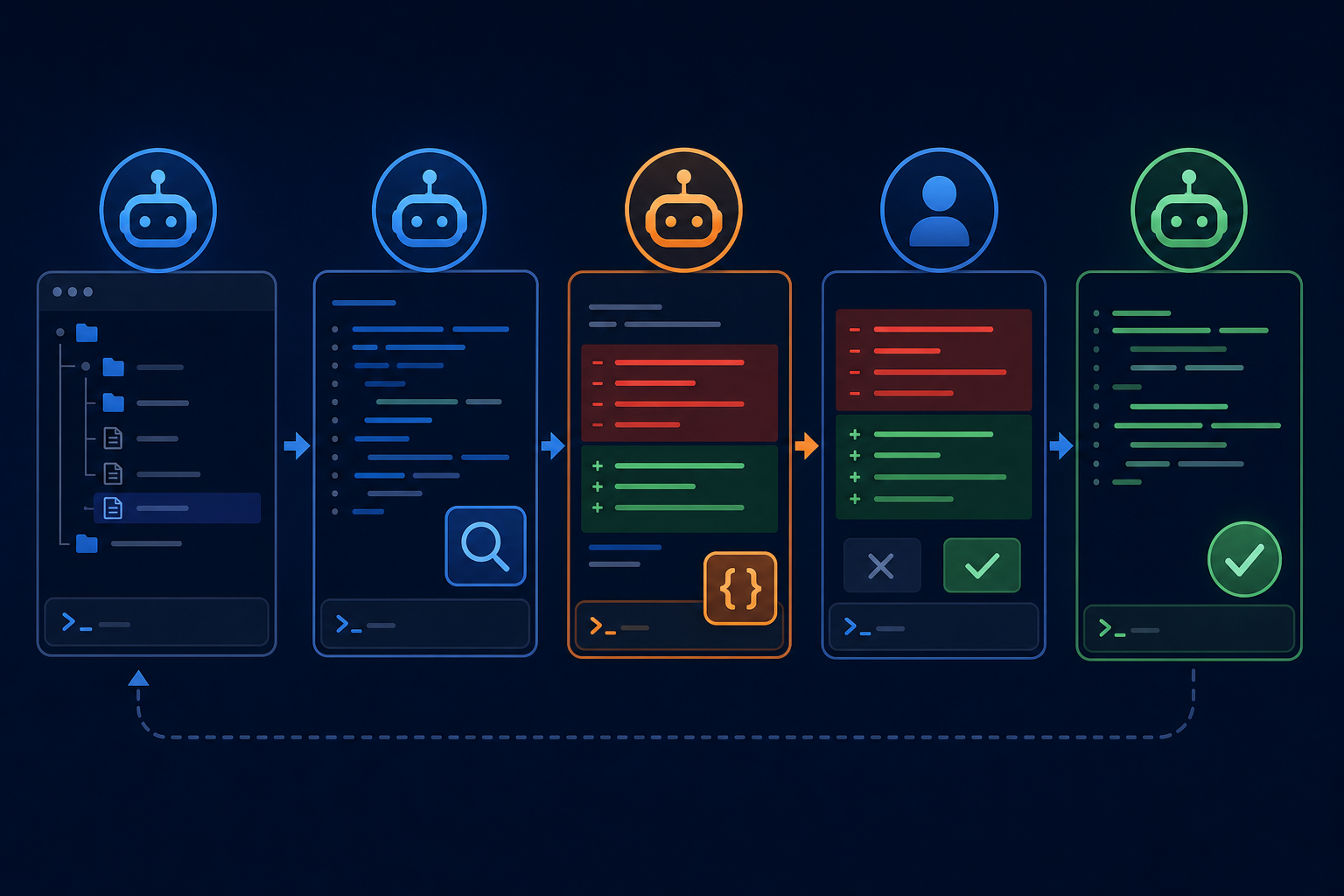
At the end of a task, review the real output:
git status
git diff --check
git diff
A working API connection does not prove that a patch is correct. Tests, builds, and human review still matter.
How to Choose a Model
Choose based on task complexity, latency, and cost rather than treating one model as the universal default.
Routine Work
A faster, lower-cost coding model is often enough for:
- explaining a function;
- updating copy;
- adding a small test;
- diagnosing a local error;
- generating repetitive boilerplate.
Cross-File Features and Refactors
More capable models are useful when the task requires longer planning or broader context:
- multi-module refactors;
- difficult type-system errors;
- database migrations;
- concurrency and state bugs;
- review of a large pull request.
“More expensive” does not mean “better for every request.” A practical policy is to use an efficient default and switch to a stronger model only when the task justifies it.
Codex supports command-line configuration overrides for temporary experiments, so you do not have to rewrite config.toml for every comparison. Check codex --help and the current official CLI reference for the exact flags supported by your installed version.
Keep Approval and Sandbox Boundaries
A model provider only changes where reasoning requests are processed. Codex still runs locally with access to files and commands.
Start conservatively:
- require approval for high-risk commands;
- limit writable directories;
- do not launch Codex in a directory full of production secrets;
- begin with a clean Git worktree;
- treat repository instructions and scripts as untrusted until reviewed;
- inspect install, deletion, and upload commands before allowing them.
The official CLI exposes --ask-for-approval for approval policy and --cd for selecting the working directory. Disabling safeguards permanently to save a prompt is rarely worth the risk.
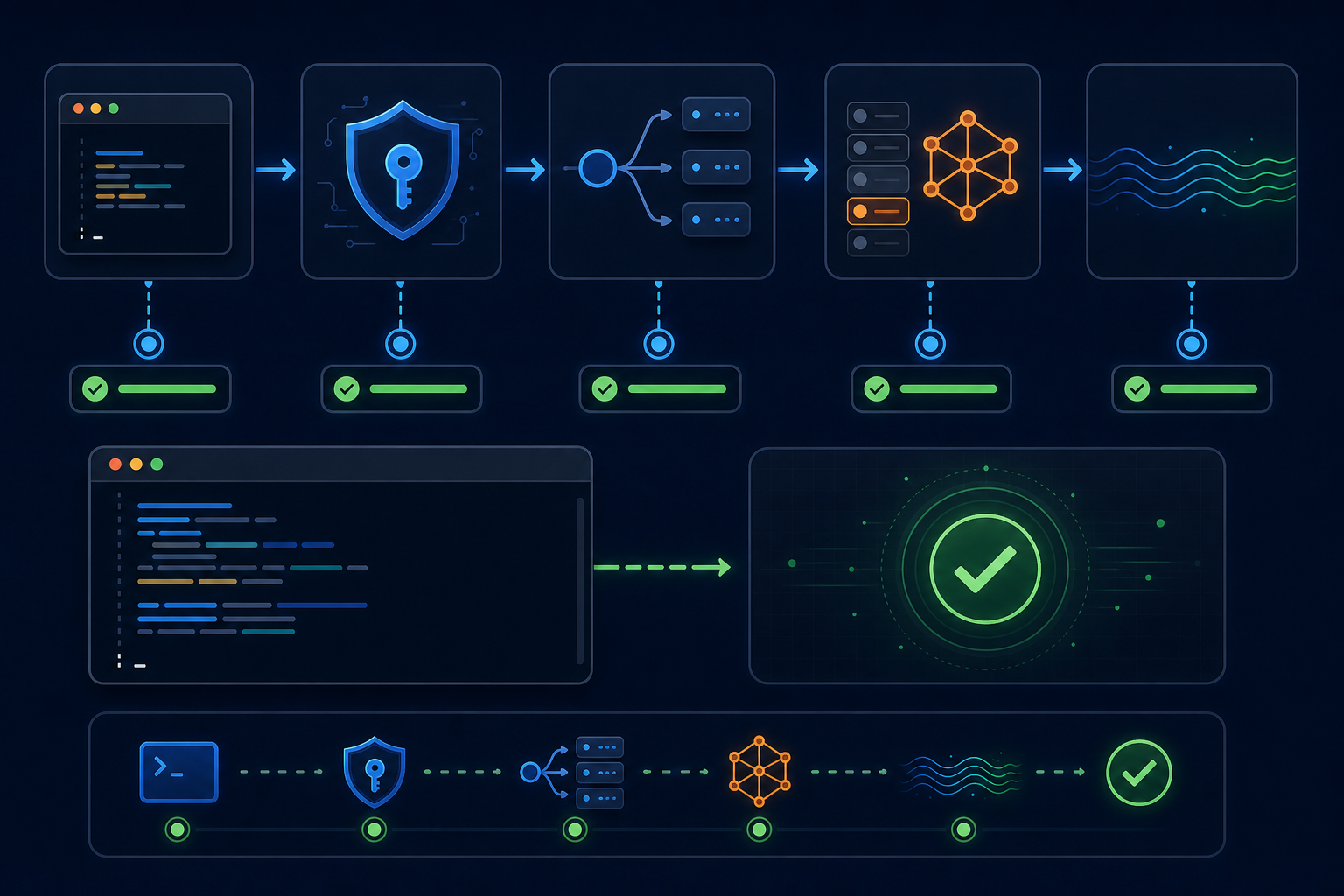
Troubleshoot Common Errors
401 Unauthorized
Check:
[ ] ~/.codex/auth.json exists
[ ] The file contains valid JSON
[ ] The field is named OPENAI_API_KEY
[ ] The key has no copied spaces or missing characters
[ ] The token is active
[ ] Codex is reading the expected CODEX_HOME
Do not post a screenshot of auth.json. Confirm that the file exists and parses without printing the secret.
404 Not Found
This usually indicates a Base URL or protocol mismatch. This guide uses:
base_url = "https://api.nbility.ai/v1"
wire_api = "responses"
A request containing /v1/v1 indicates that the version path was appended twice. A request sent to the wrong endpoint, such as an unsupported /chat/completions or /responses route, points to a wire_api or gateway compatibility mismatch.
model not found
Compare the configured model against the exact IDs available to the token. Common causes include:
- a spelling error;
- an outdated model version;
- a token group without access to that model;
- a model ID copied from another provider.
429 Too Many Requests
A 429 may reflect request rate, concurrency, quota, or upstream capacity. Reduce parallel work, wait, and retry a limited number of times. Infinite agent retries can consume additional context and cost without fixing the underlying limit.
The Stream Hangs or Disconnects
Check whether:
- the terminal can reach
api.nbility.ai; - the proxy supports long-lived streaming connections;
stream_idle_timeout_msis too short;- the upstream model has temporary capacity issues;
- a corporate network buffers or interrupts SSE.
A longer timeout can help with a slow model, but it cannot repair an invalid key or endpoint.
Configuration Changes Have No Effect
Restart the Codex session and verify the actual configuration directory:
printf '%s\n' "${CODEX_HOME:-$HOME/.codex}"
If CODEX_HOME is set, Codex may not be reading ~/.codex. Also inspect any -c key=value command-line overrides because they take precedence for that invocation.
Final Checklist
[ ] Codex CLI starts successfully
[ ] The provider is defined in user-level ~/.codex/config.toml
[ ] base_url is https://api.nbility.ai/v1
[ ] wire_api is responses
[ ] The key lives only in local auth storage or a secret manager
[ ] The model ID comes from the token's current model list
[ ] The first request is read-only
[ ] Every patch is reviewed and tested
[ ] High-risk commands still require approval
If you do not have a token yet, follow the Nbility getting-started guide, then use the Codex integration guide. For a problem you cannot isolate, submit a redacted error, timestamp, and configuration excerpt through the support ticket page.