GPT-Image 2.6 Adds SVG and Animated GIF Deliverables
Understand SVG and GIF output, complexity, and markup editing in GPT-Image 2.6, with an official request example and practical checks before web delivery.

A generated PNG can be an effective website illustration. Changing a particular shape or adding a short repeating motion usually sends the work back to a design tool. SVG and animated GIF output in GPT-Image 2.6 bring generation closer to those delivery requirements.
OpenAI's changelog dates the Sunburst and Flare 2.6 release to November 4, 2026. We reread the Sunburst page and image generation guide on November 12. We did not generate SVG, GIF, or edited images with 2.6. This article's artwork explains the workflow and is not a model output demonstration.
Start with the intended asset
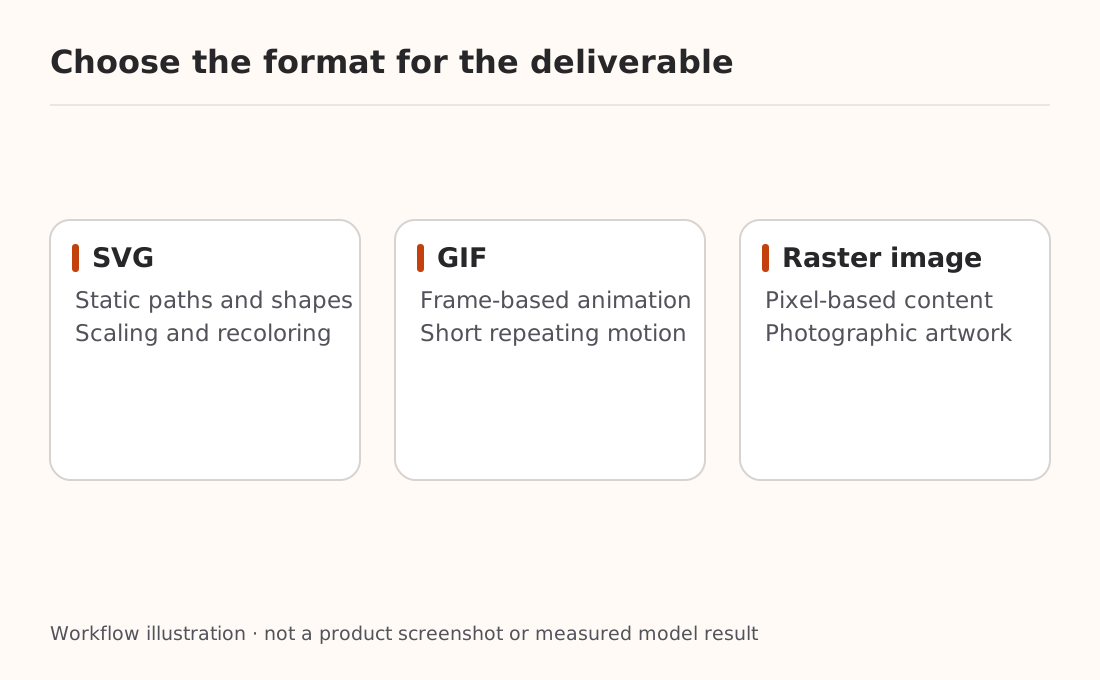
SVG uses XML to describe shapes, paths, and colors. It suits icons and illustrations that need scaling or recoloring. GIF stores animation frames and suits short loops. Renaming one format to the other provides neither motion nor editable vector paths.
| Deliverable | Format to consider | Remaining checks |
|---|---|---|
| Simple web illustration or icon | SVG | Paths, colors, text treatment, scaling |
| A short repeating object motion | GIF | Frames, timing, loop seam, file size |
| Photographic promotional art | PNG, JPEG, or WebP | Actual encoding, clarity, compression |
The image API introduction explains generation versus editing and image understanding. Here the question is what the delivered file must contain.
SVG generation uses a reference image
The official guide says the service first creates a reference image, then produces the SVG. quality controls that reference. The returned document contains static vectors without scripts, external resources, or embedded raster images. Inspect the actual file rather than trusting its extension.
This complete Shell example targets OpenAI's official generation endpoint and has not been executed. Supply OPENAI_API_KEY through private environment configuration:
umask 077
curl --fail-with-body --silent --show-error \
  https://api.openai.com/v1/images/generations \
  -H "Authorization: Bearer $OPENAI_API_KEY" \
  -H 'Content-Type: application/json' \
  --data-binary @- --output svg-response.json <<'JSON'
{
  "model": "gpt-image-2.6-sunburst",
  "prompt": "A simple static vector illustration of a ceramic cup, warm white and burnt orange, clean paths, no text or logo",
  "n": 1,
  "quality": "high",
  "size": "1024x1024",
  "output_format": "svg"
}
JSON
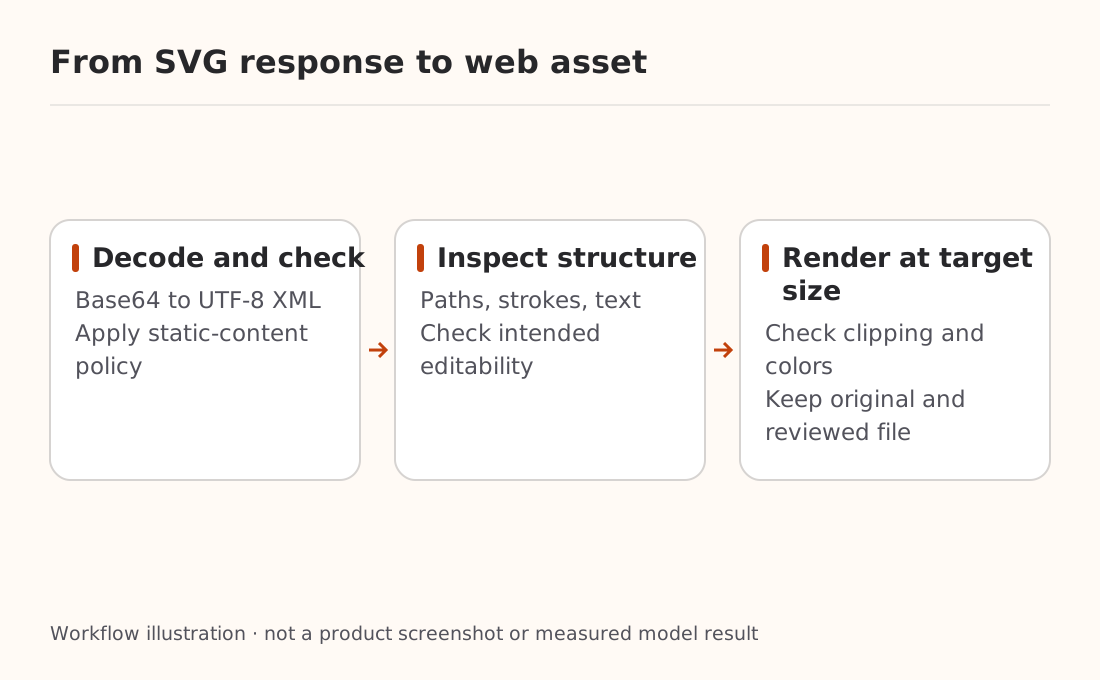
Strictly decode data[0].b64_json and save the UTF-8 XML bytes as .svg. Do not write the Base64 string directly or pass the result to a saver that supports only PNG, JPEG, and WebP. The download recovery guide explains how to retain existing results when saving fails.
For official SVG output, n must be 1. Streaming, partial images, and output_compression are unsupported. The official edit endpoint does not support SVG output, and SVG is not a supported raster input for edits. These are the official protocol's documented limits, not promises about every compatible provider.
Editability depends on the document
Opening an SVG proves a renderer can display it. It does not establish that every component is convenient to edit. Text may be converted to paths, and several objects may share a complex path. Inspect the structure before promising independent recoloring or replaceable copy.
Before delivery:
- Parse the XML without executing document content and verify the root and namespace. Parsing alone is not sanitization.
- Apply the project's static SVG policy to scripts, event handlers, external references, and unnecessary embedded objects. Stop publication on failure.
- Inspect paths, fills, strokes, text, and canvas in a trusted tool, then render at the intended page size.
- Preserve original and reviewed versions. Check optimized output for missing text, changed colors, and clipping.
Do not insert an untrusted SVG directly as inline page HTML. The official static-output contract does not replace an application's file-handling rules. This article does not offer a short filter as a complete SVG security solution.
GIF timing comes from frames
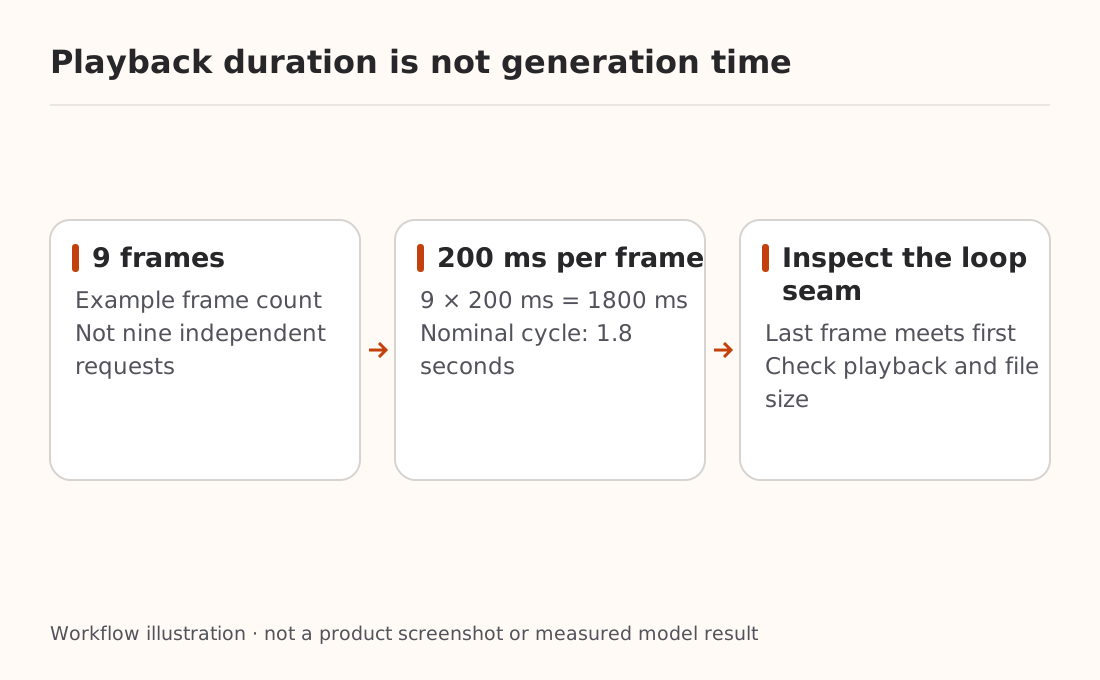
The official API accepts output_format: "gif" on generation and edit endpoints. Current documented frame_count is 2–16, defaulting to 9. frame_duration_ms is 20–2000 milliseconds, rounded to 10 ms, defaulting to 200. Frame count, dimensions, and result count must also fit the pixel budget.
This unexecuted field fragment illustrates timing:
{
  "output_format": "gif",
  "frame_count": 9,
  "frame_duration_ms": 200,
  "size": "auto"
}
Nine frames at 200 ms each produce a nominal 1.8-second cycle, not a 1.8-second generation time. Describe the motion, ending pose, and return to the beginning, then inspect the actual frames and playback.
GIF output does not support streaming, partial images, or custom output_compression. A production page also needs file-size checks, a static alternative, and appropriate reduced-motion handling. Use media tools for longer video, precise timelines, or audio tracks.
Complexity and quality control different things
complexity supports low, medium, and high, defaulting to high. It controls planning before rendering; quality controls rendering quality. Higher complexity can add latency or unwanted changes. Markup-guided editing uses markup to identify the edit location and is a separate capability from SVG output.
For Nbility, follow the image API documentation for model names, output_format, and response_format. Encoding and delivery are separate: SVG or GIF describes content; a URL or Base64 describes how it arrives. Nbility documents SVG editing separately, and we did not verify that runtime behavior. This article demonstrates only official generation and does not establish gateway support for every new official field.
First deliver a file that opens, supports the required modifications, and renders correctly on the actual page. Expand to batches after establishing those checks.