How to Appeal a Claude Restriction and Preserve Your Data
What Anthropic officially offers after a Claude KYC prompt or account ban, with a loss-limiting order for appeals and data export and clearly labeled community reports.
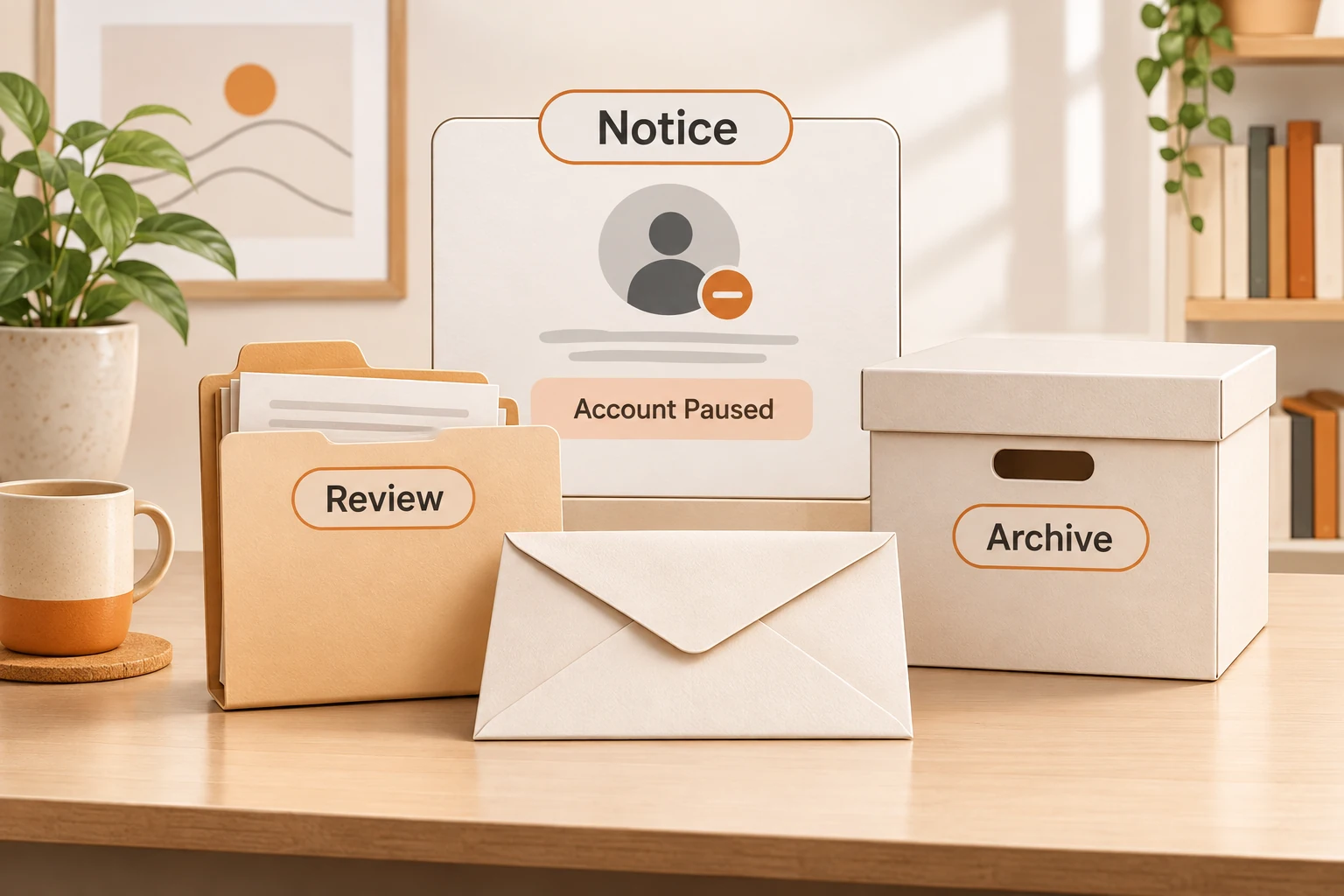
A KYC prompt, Organization disabled screen, ban email, and failed subscription payment call for different responses. Before adding money or paying an “unban” service, preserve the notice, identify the state, use official support, and handle data and billing separately.
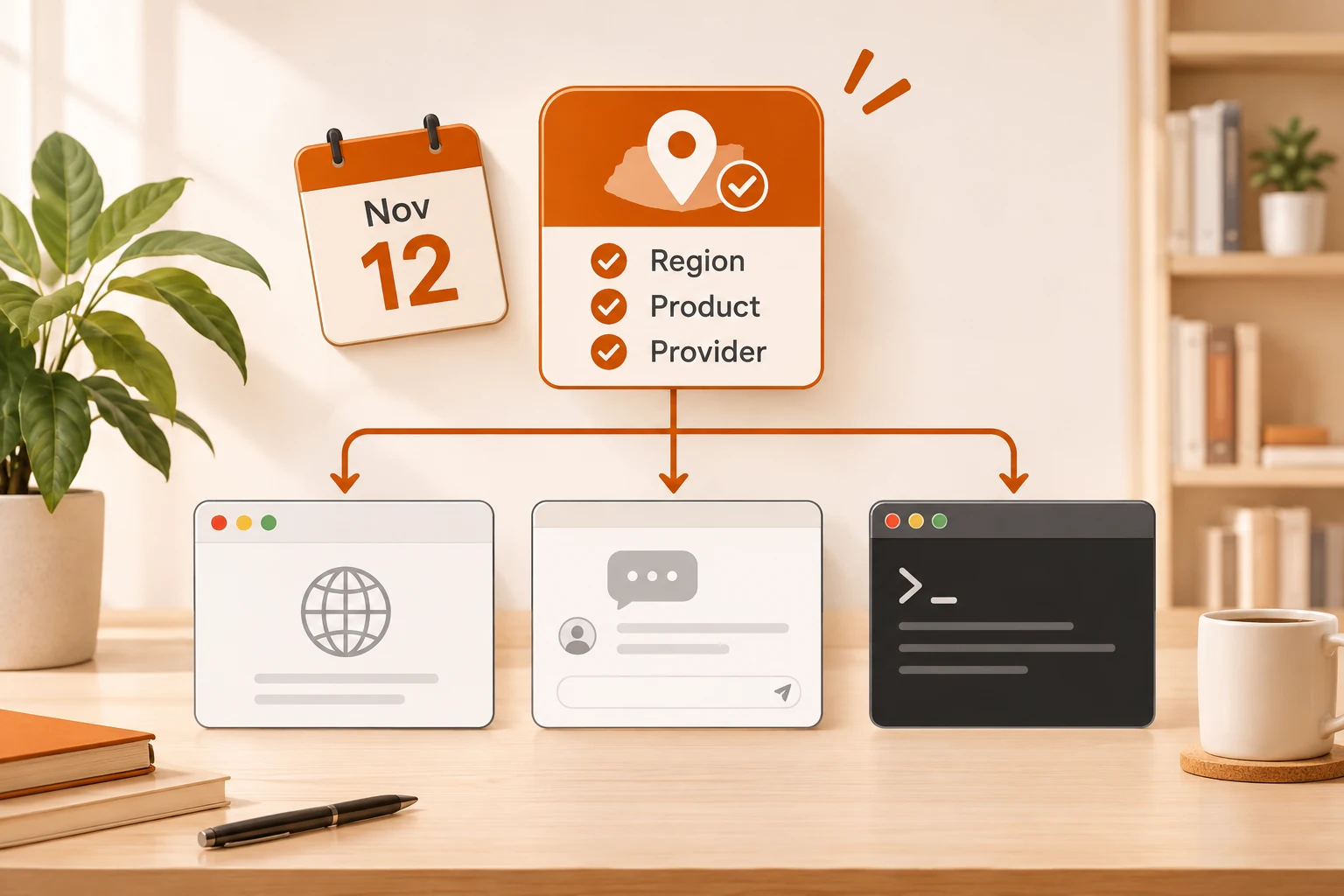
As checked on November 11, 2026, Anthropic has published a Supported Regions Policy marked effective November 12. It describes eligibility, not the undisclosed decision behind each account. The following separates documented actions from community reports.
Identify the notice
| What you see | First action |
|---|---|
| Identity verification / KYC | Read the official requirements and use truthful documents belonging to you |
| Account suspension or ban | Save the text and sign in to find the appeal route |
| One organization on hold | Use Request a review for the affected organization, as the help page describes |
| Payment or receipt mismatch only | Inspect the original order and subscription owner; it does not itself prove a ban |
A V2EX KYC thread includes reports of verification followed by Organization disabled. A reply in the related subscription discussion explicitly warns that individual success is not general evidence. Verification, organization status, and location eligibility remain different questions.
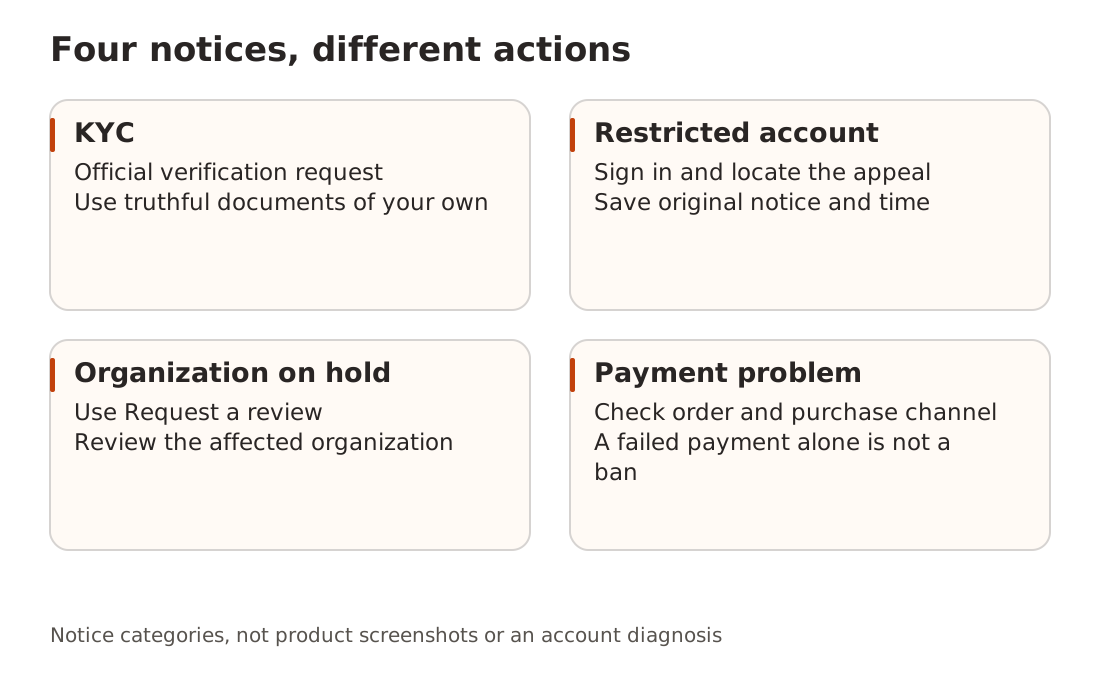
For verification failure, check the requested material
Anthropic’s identity verification guide, dated August 11, 2026, names Persona as its verification partner. Individuals generally need a valid physical government photo ID in hand and a camera phone for a possible live selfie. Organizations also need identifying business information. Copies, screenshots, scans, and photos of photos are not accepted.
Within the officially initiated flow, check blurry images, expired documents, incorrect registration details, and technical errors. The flow permits multiple attempts; after exhausting them, use the help form linked in that page. One community success with a particular document is not a universal acceptance rule. Verification also does not guarantee region or account eligibility: the official page separately addresses bans after verification.
Prepare an official appeal
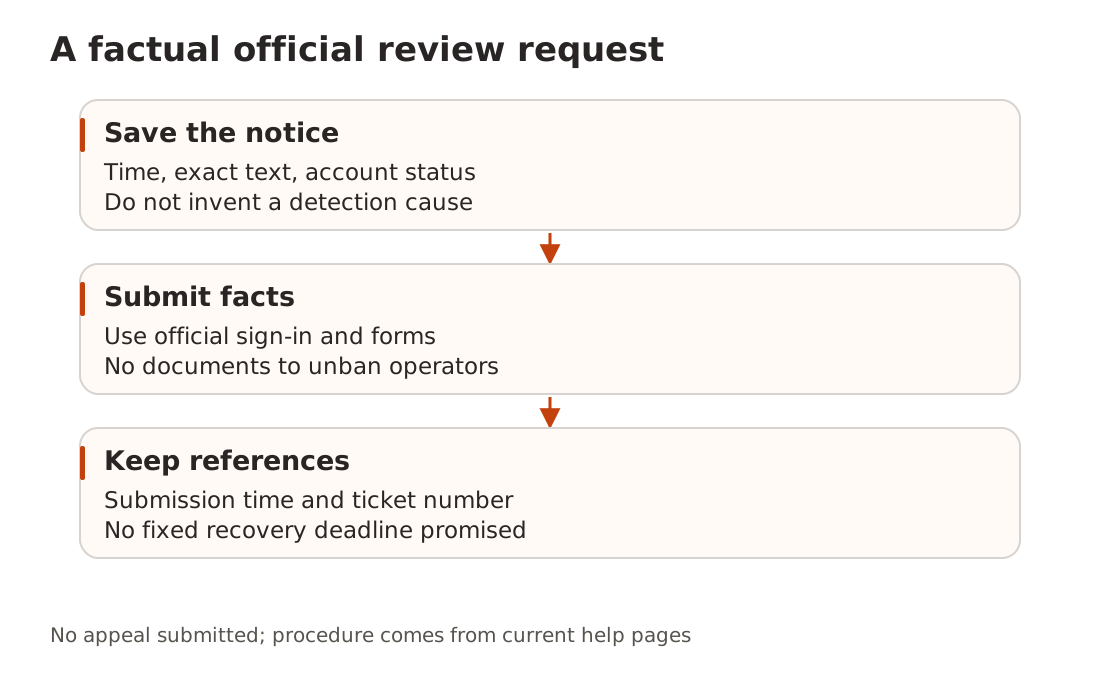
Anthropic’s Safeguards warnings and appeals lists possible reasons including Usage Policy violations, account creation from an unsupported location, and Terms of Service violations. For a suspected mistake, log in to the banned account at claude.ai and follow the linked appeal form, which requires sign-in.
Provide facts: notice time, exact status, truthful circumstances relevant to a possible mistake, and information the form requests. Do not turn “a ban followed a model switch” into a proven cause or misstate your location. Keep the submission time and any reference number.
The page currently warns of slower responses and gives no fixed recovery deadline. A US App Store thread includes an individual restoration report alongside payment disputes and failures; it cannot guarantee your outcome.
Export early; keep original uploads separately
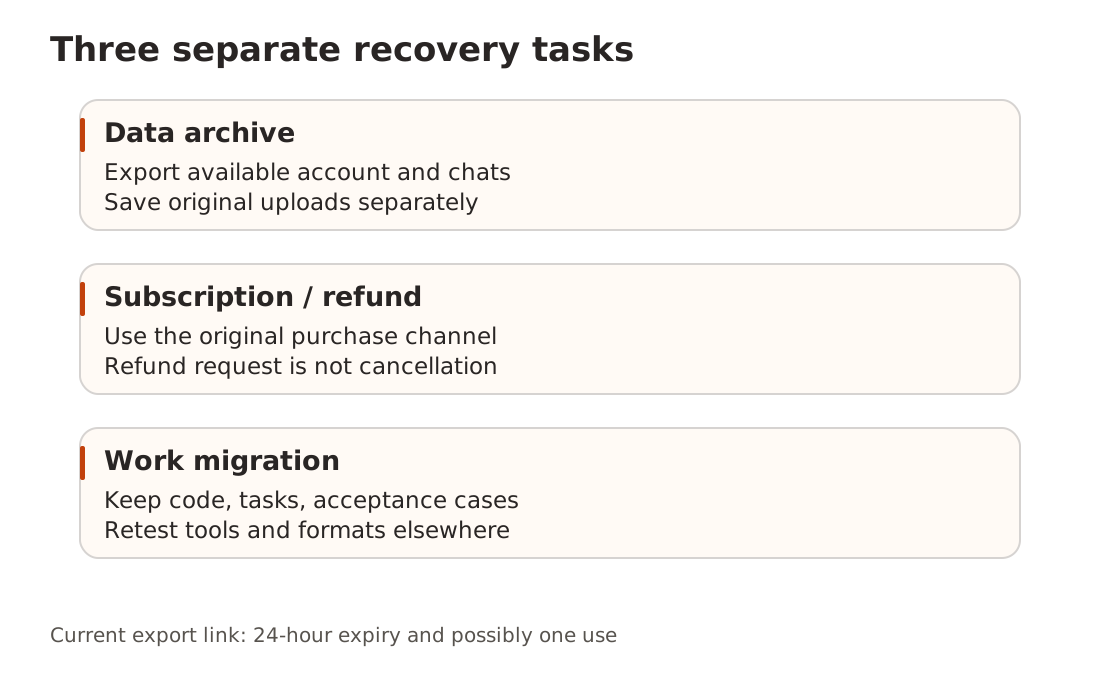
The safeguards page says banned users can delete their account and offers self-serve exports, although accessible data can be restricted by the violation. For ordinary personal accounts, the export guide uses Settings → Privacy → Export data on the web or Claude Desktop. iOS and Android cannot initiate an export. For a banned account, use the options actually shown on its restricted screen.
A download link arrives by email and still requires sign-in. The current guide says it expires 24 hours after creation and may work only once. Download promptly, keep it securely, and verify that the archive opens and contains what you need. Exports do not include original uploaded files, and cannot be imported into another personal Claude account.
Team and Enterprise exports require the appropriate organization setting or owner route. Primary Owners export organization data through a separate path. Do not upload a complete archive to an unknown migration service.
Return to the original payment channel
Cancellation, refund review, and account restoration are separate actions. Anthropic’s refund guide sends direct purchases to Anthropic support and App Store purchases to Apple. Google Play requests depend on subscription status and the guide’s instructions. Eligibility must be reviewed; refund approval is not promised. A refund request does not itself cancel an App Store subscription.
The App Store community report initially described purchase linkage as permanent, then added discussion of timing and billing period. Replies included contrary experiences. Without backend evidence, neither permanent binding nor “switch to annual billing” is an established fix. Do not add an annual payment to test a rumor.
Preserve work you control
Keep code, Git commits, task notes, and useful public acceptance samples outside the account. When changing to a provider available in your location, retest tools and output formats. A new email does not inherit old data or eligibility.
If credentials reached a reseller, shared-account operator, or public ticket, follow API key safety to revoke and rotate what you can. Use connection basics for a minimal new-service test. If you are considering a purchase rather than recovering an account, start with the mainland access overview.
We did not submit an appeal, complete KYC, or test a refund. These procedures come from official pages read today; community experiences identify possible branches only.