Choosing a Provider for Claude Chat in Chatbox or Cherry Studio
Configure desktop chat through a permitted API provider, compare Chatbox and Cherry Studio URL fields, and verify text, files, tools, and data paths separately.
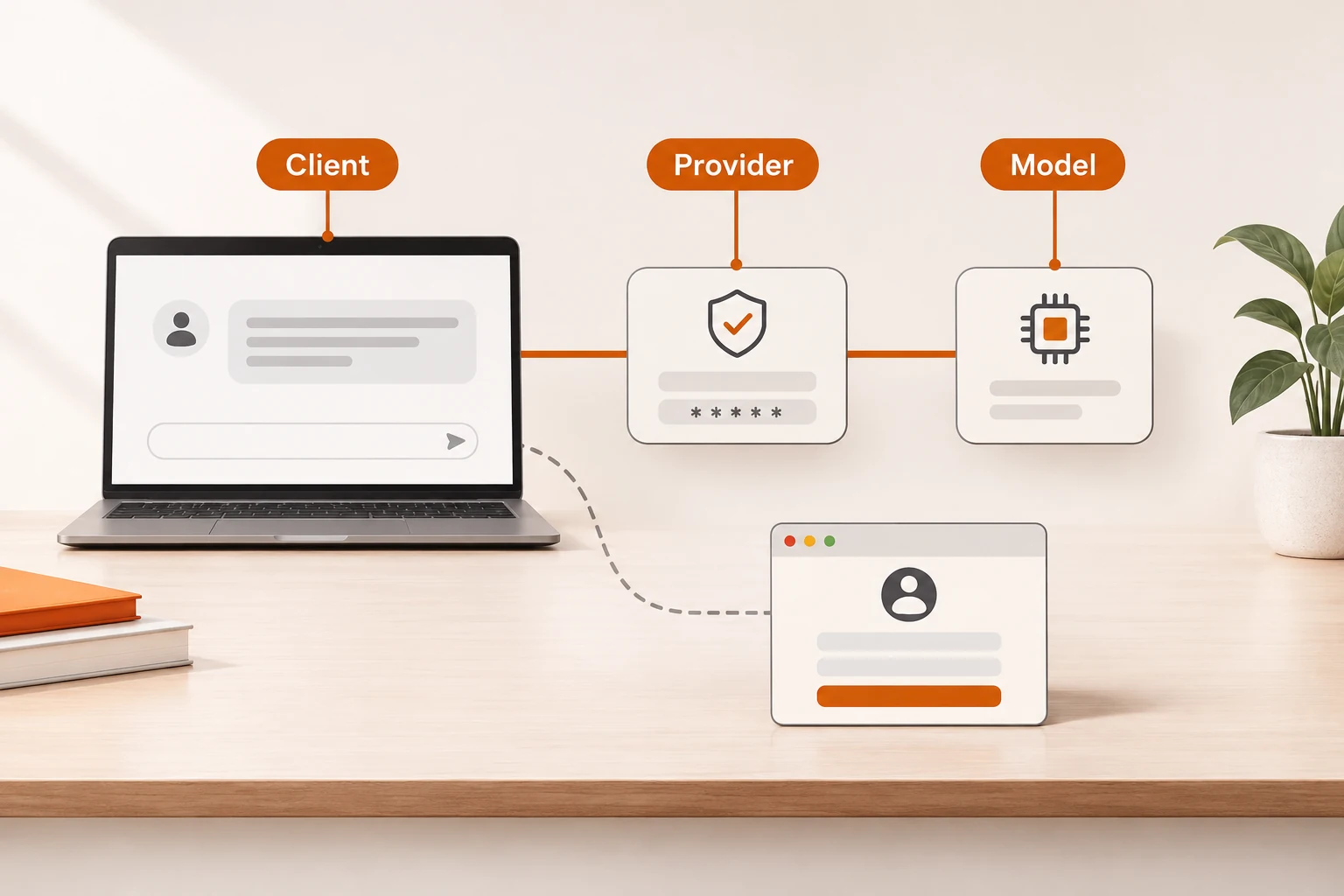
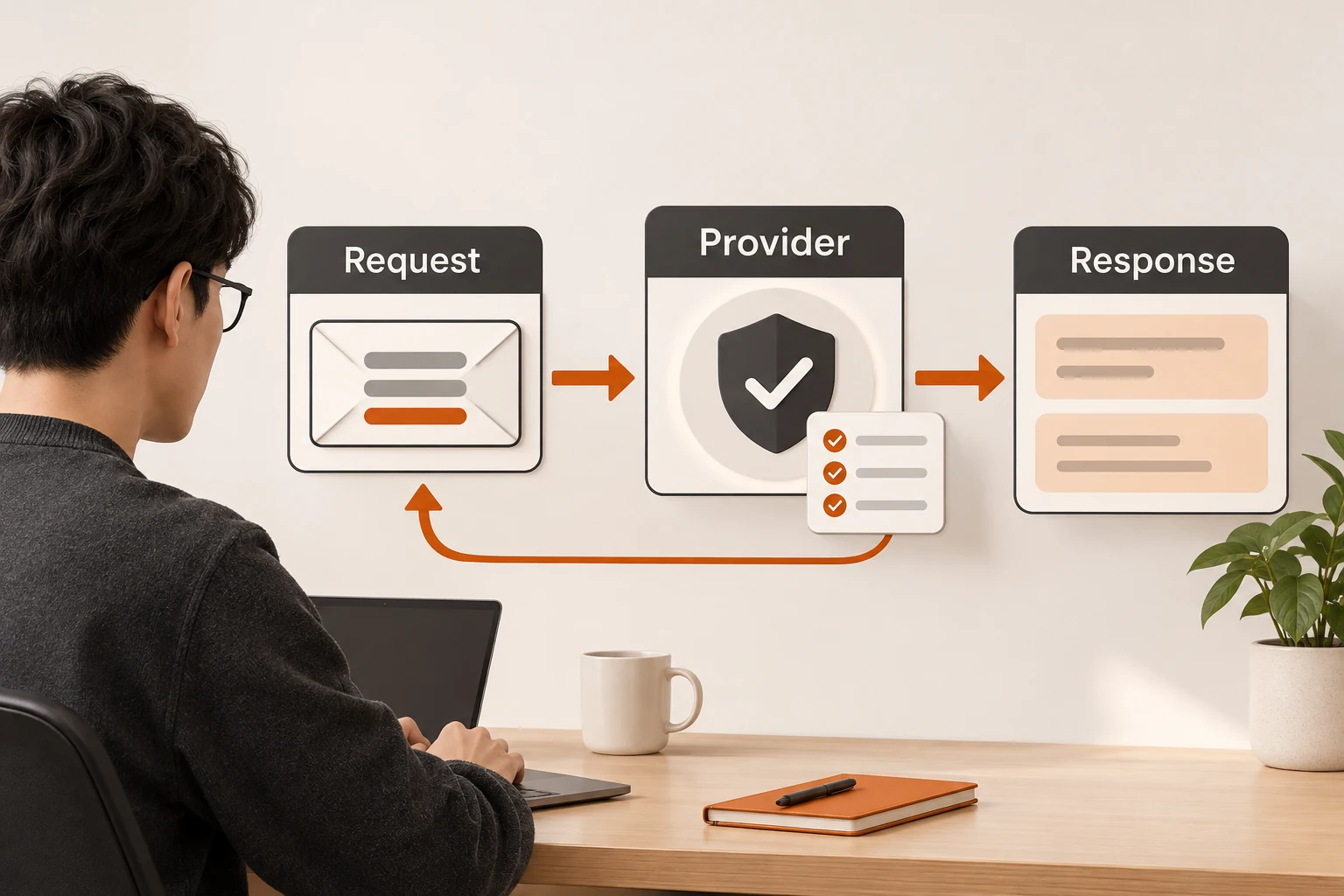
A desktop client is a common alternative when someone wants Claude-style chat without first setting up the official website account. Chatbox and Cherry Studio separate the interface from inference: the client sends requests; the provider controls authentication, models, and service availability.
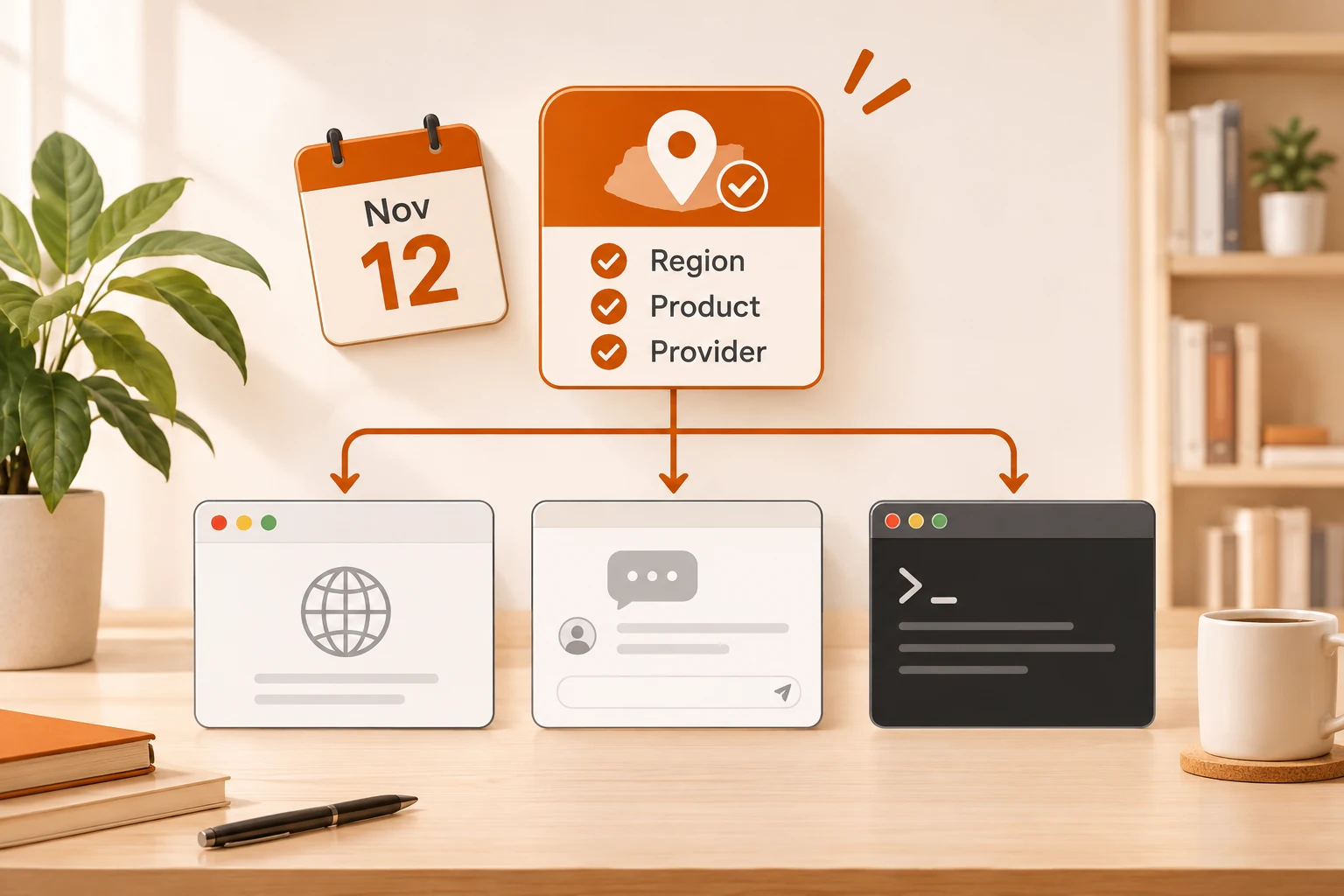
Custom-API mode uses a provider key, not your Claude website password. A supported client integration still does not establish eligibility for the upstream model. Read the mainland access overview for current restrictions and the policy marked effective November 12. The configuration below assumes you have confirmed that the service is permitted for your use.
Know what you are buying
Chatbox’s repository lists multiple model services. Cherry Studio’s public description includes cloud providers, custom compatible services, and local models. Installing a client, buying a client’s optional service, subscribing to Anthropic, and paying an API provider are different transactions.
Get three exact values: service URL, API key, and model ID. Then confirm the protocol. An OpenAI-compatible endpoint and an Anthropic Messages endpoint are not interchangeable just because both offer a model named Claude.
Chatbox and Cherry Studio use different URL fields
This example follows Nbility’s existing documentation for its OpenAI-compatible interface. It is not a claim of regional eligibility or authorized resale. Availability depends on your key and the provider’s terms.
| Setting | Chatbox | Cherry Studio |
|---|---|---|
| Provider type | OpenAI API Compatible | Custom OpenAI-compatible provider |
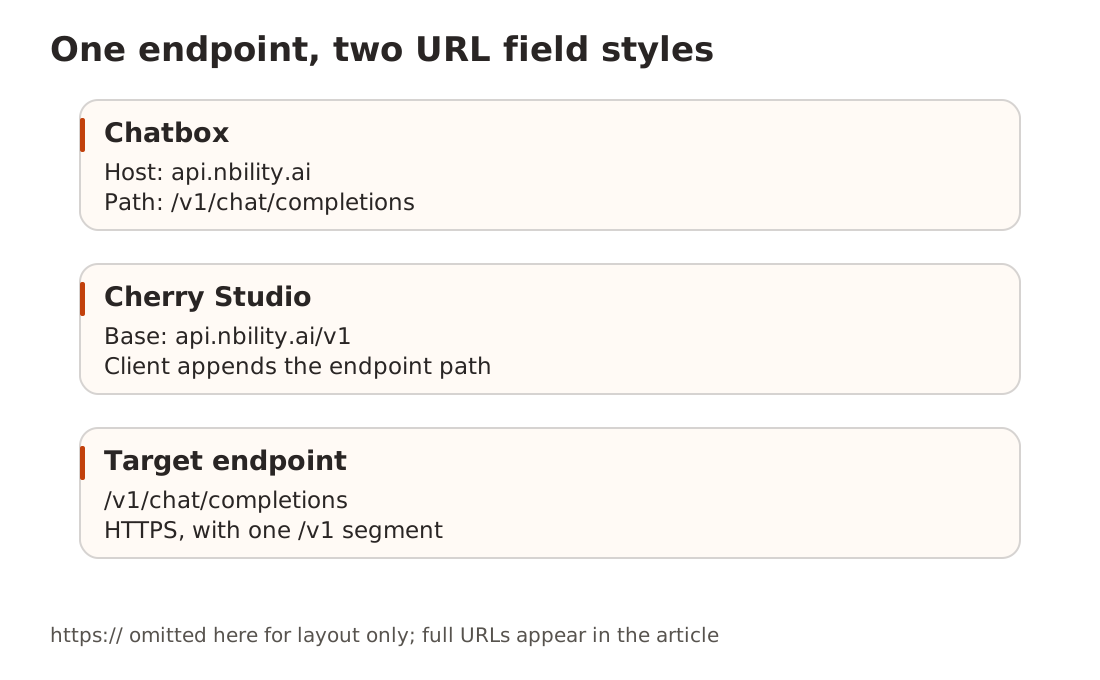
| URL | API Host: https://api.nbility.ai | API URL: https://api.nbility.ai/v1 |
| Path | If separate, keep /v1/chat/completions | Let the client append it |
| Key | A dedicated client token | A dedicated client token |
| Model | Exact ID visible to that token | Fetch the list or enter the exact ID |
In Chatbox, select the compatible provider under model/provider settings, save, and choose it in a new conversation. In Cherry Studio, add and enable the provider, then choose its model for the current assistant or conversation. Adding a service does not switch every existing conversation.
Field names vary by release. If your version exposes only Base URL, inspect its hint and final request path: there should be one /v1. See the Chatbox and Cherry Studio setup pages.
Verify with short text before importing files
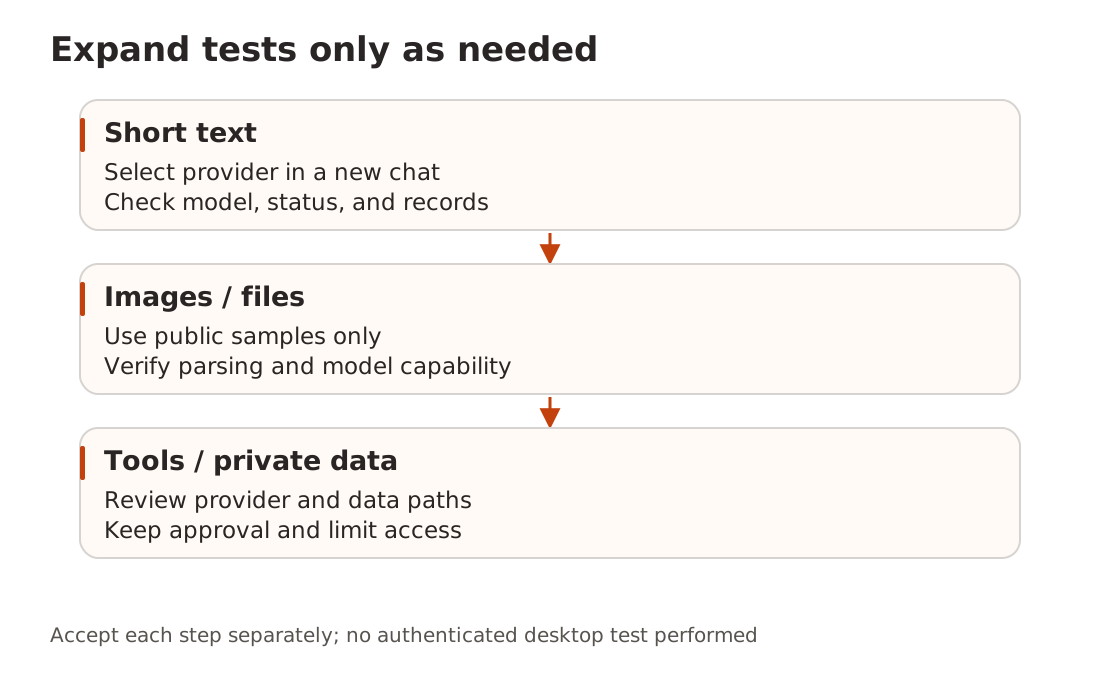
Ask for a one-sentence explanation of vector search, then inspect the provider’s timestamp, model, and status. This establishes the text path, not model identity, image support, full tool compatibility, or long-term availability. Asking a model who it is cannot authenticate its upstream.
Add public images, short public documents, and tools one at a time. Do not immediately import a company knowledge base or customer files. Parsing, embeddings, inference, and MCP tools can use different services.
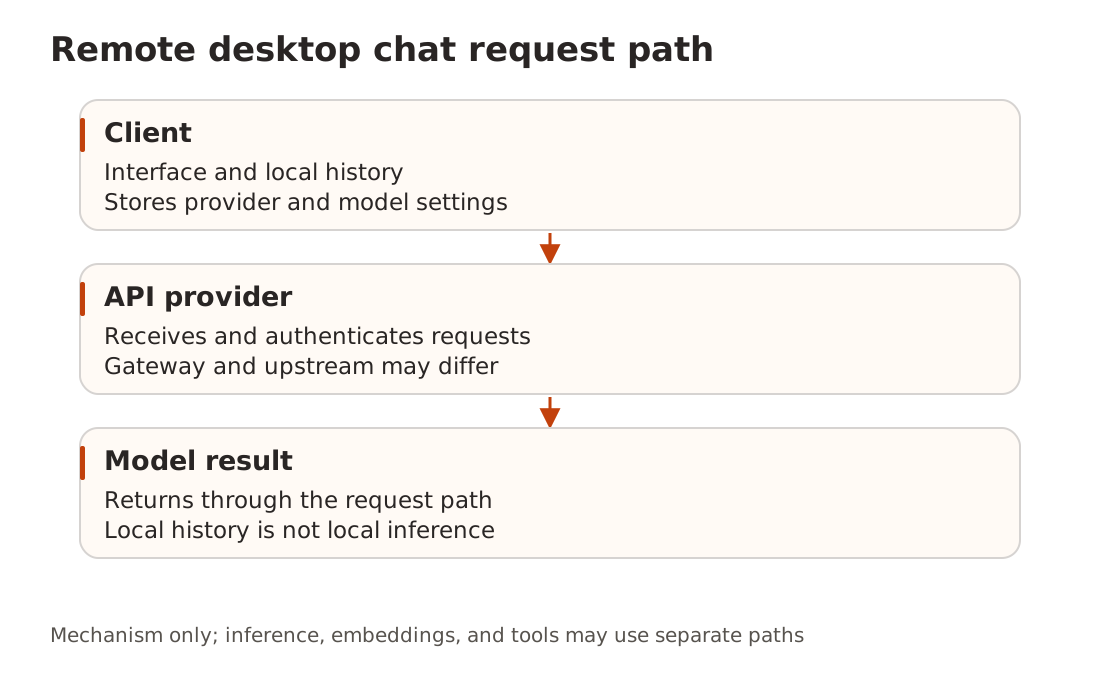
Local history does not mean local inference
A client can store conversation history locally while sending prompts to a remote API. Check settings and each provider’s retention policy; “local storage” is not a privacy guarantee across the whole path.
A V2EX Claude Code privacy discussion contains conflicting speculation about telemetry and session identifiers. We did not inspect network traffic to validate those claims, and have no evidence that deleting local files prevents account restrictions.
When a test fails
For 401, check the key and active conversation provider. For 404, check duplicate paths and model IDs. For 429, inspect concurrency and limits before bounded retries. An empty catalog is usually a permissions question before it is a display-name question. If text works and images fail, investigate image support while preserving the working text configuration.
If Claude is not permitted for your location, retain the client and choose a provider explicitly available there, then retest. Connection basics covers URL, credential, and model verification. We did not make an authenticated desktop-client test; these instructions reflect the site’s current setup guides and the clients’ public descriptions.