Decisions APIs Pull Yes/No Questions Out of the Chat Endpoint
Google's Gemini Decision 1 and OpenAI's gpt-6-luna both offer a Decisions API that returns yes/no, choice or score answers with no generated text. Compare fields, limits and pricing, and handle thresholds, catch-all options and untrusted input.
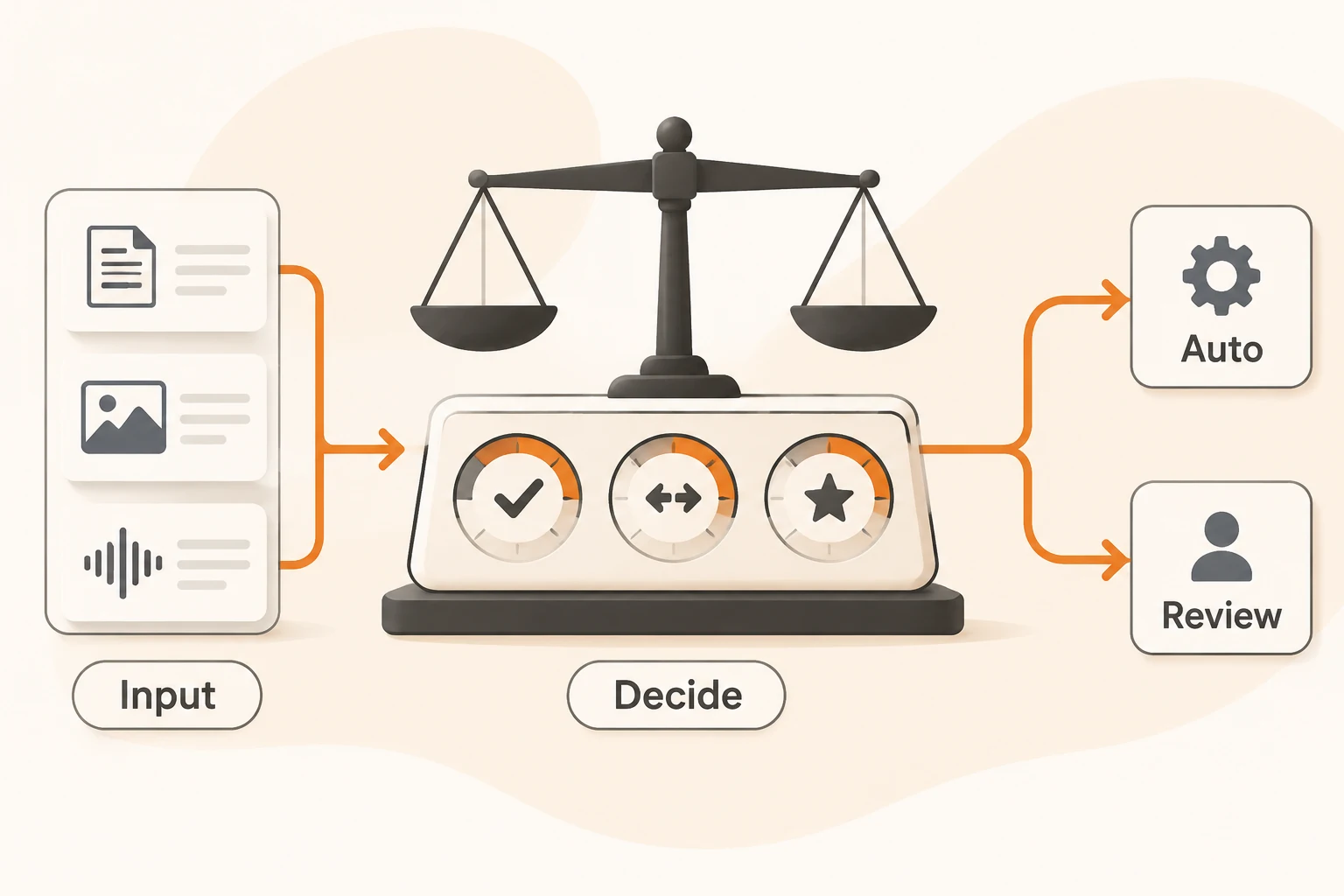
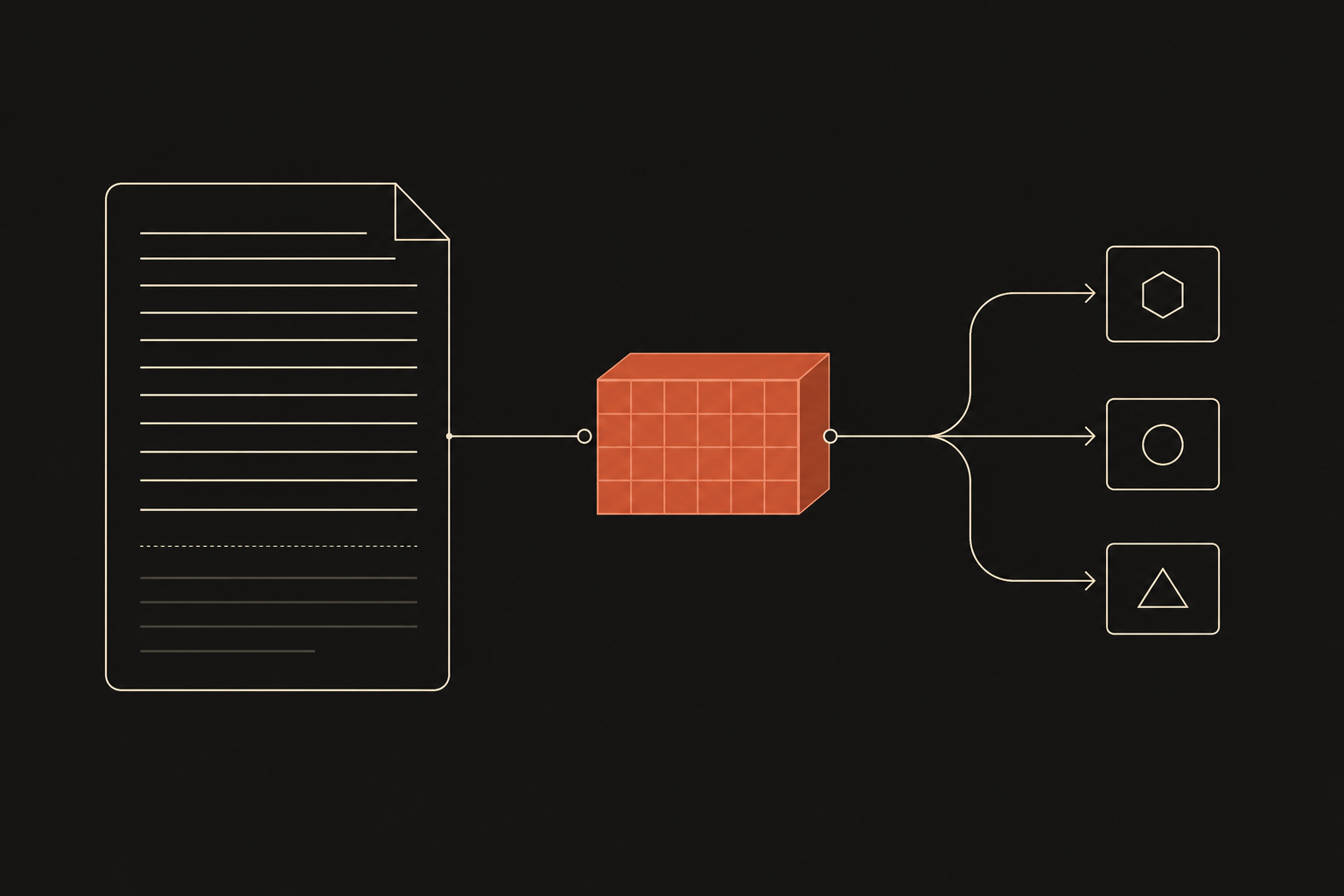
Many applications call a language model without wanting any prose. They want to know which department should take a ticket, whether a product photo shows damage, or whether an answer actually uses the supplied material. The usual approach has been to ask a chat model for JSON, then parse, validate and retry.
Both vendors now offer a separate endpoint for these judgments. OpenAI's Decisions API became generally available with gpt-6-luna on October 22, 2026. Google released Gemini Decision 1 and its Decisions API on November 11. Neither generates text; output tokens are zero, and you get typed answers with probabilities.
This article checks both vendors' guides and pricing as of November 15, 2026. We did not call either API with real data; probability values come from official examples. Nbility's current docs do not include a Decisions endpoint, and nothing here implies Nbility supports one.
What comes back
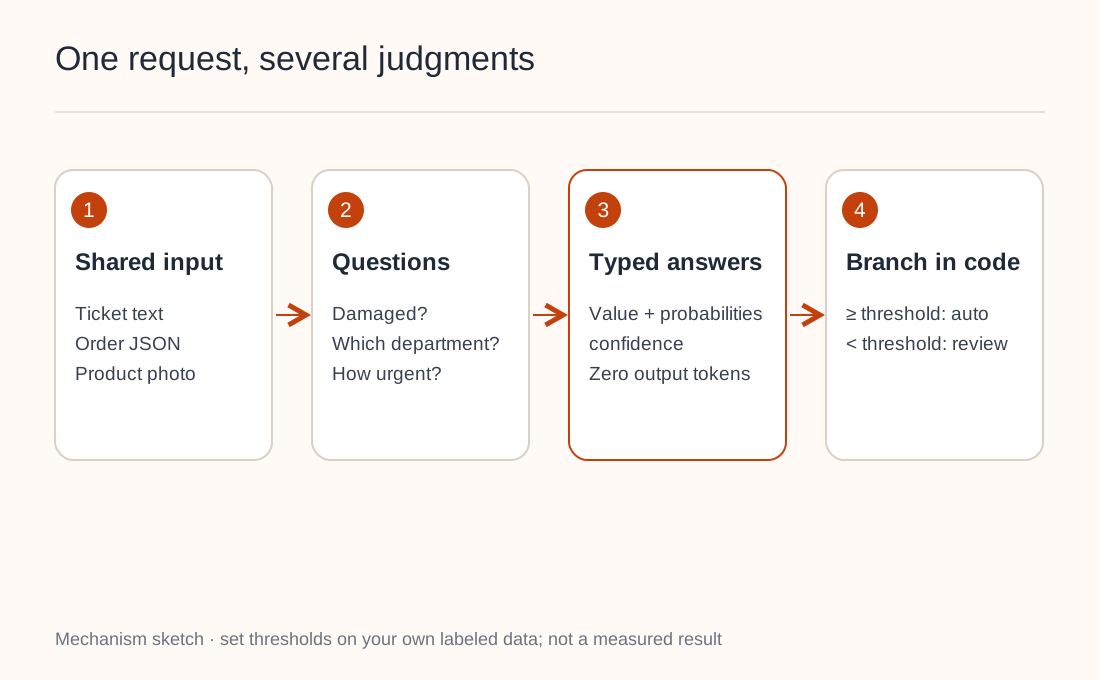
A request has three parts: shared input (text, images and so on), a set of questions, and the model. Each question has one of three types:
| Purpose | Google type | OpenAI type | Returns |
|---|---|---|---|
| Is a condition true? | noul | predicate | Probability of yes |
| Pick one of fixed options | choice | choice | Chosen option, per-option probabilities, confidence |
| Rate against ordered levels | score | score | Probability-weighted level, distribution, confidence |
In OpenAI's routing example, the input is "I was charged twice for my order" and the question asks which department should handle it. The answer looks roughly like this:
{
  "type": "choice",
  "name": "department",
  "choice": "billing",
  "probabilities": [
    {"value": "billing", "probability": 0.95},
    {"value": "technical", "probability": 0.02},
    {"value": "shipping", "probability": 0.01},
    {"value": "other", "probability": 0.02}
  ],
  "confidence": 0.93
}
Your code uses choice to pick an action and confidence to decide between running it automatically and sending it to a person. No natural-language parsing is involved.
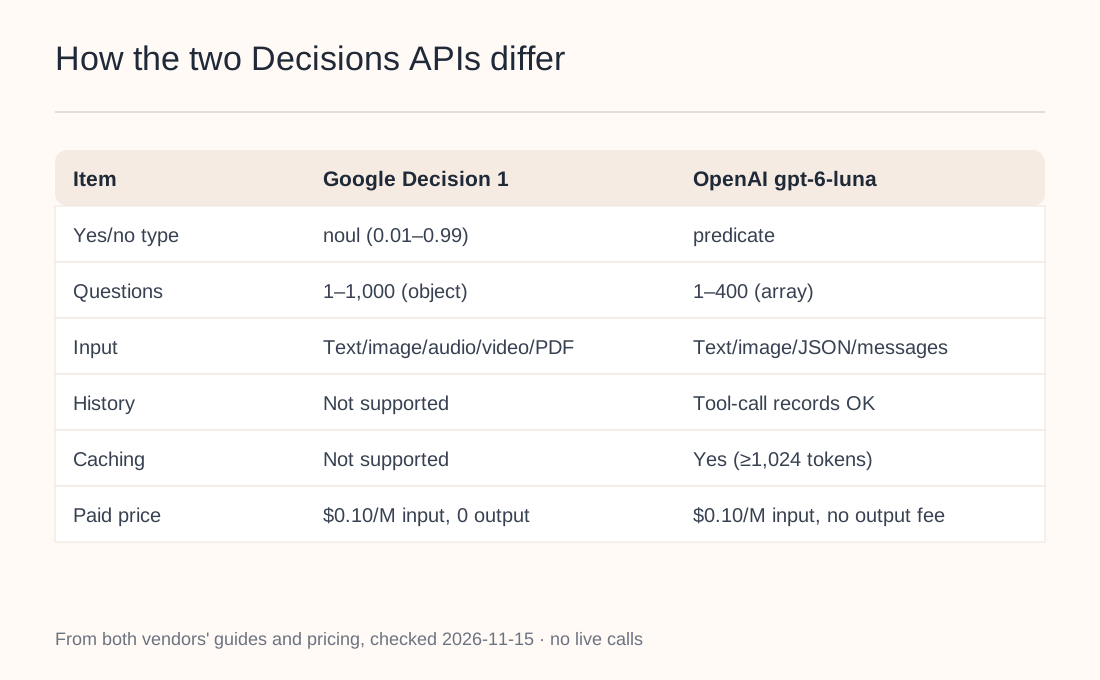
How the two APIs differ
Same name, different details. Moving between them takes more than a URL change:
| Item | Google (gemini-decision-1) | OpenAI (gpt-6-luna) |
|---|---|---|
| Endpoint | POST /v1beta/decisions | POST /v1/decisions |
| Questions | Object keyed by name, 1–1,000 | Array with name, 1–400 |
| Input | Text, image, audio, video, PDF | Text, image, JSON, messages and tool-call records |
| Conversation history | Not supported; serialize as text | Messages and tool outputs supported |
| Caching | Not supported; repeated input billed in full | Prompt caching (prefix of at least 1,024 tokens) |
| Paid pricing | $0.10 per 1M input tokens, zero output | $0.10 per 1M uncached input tokens, output not charged |
Google's free tier costs nothing, but its pricing page notes that free-tier data is used to improve products; paid-tier data is not. Google also says shared input is billed once per request regardless of question count, with each question adding tokens for its own instructions and options. OpenAI's "about 10x faster than the Responses API" is a vendor claim we did not measure.
When to use it, and when to stay with structured output
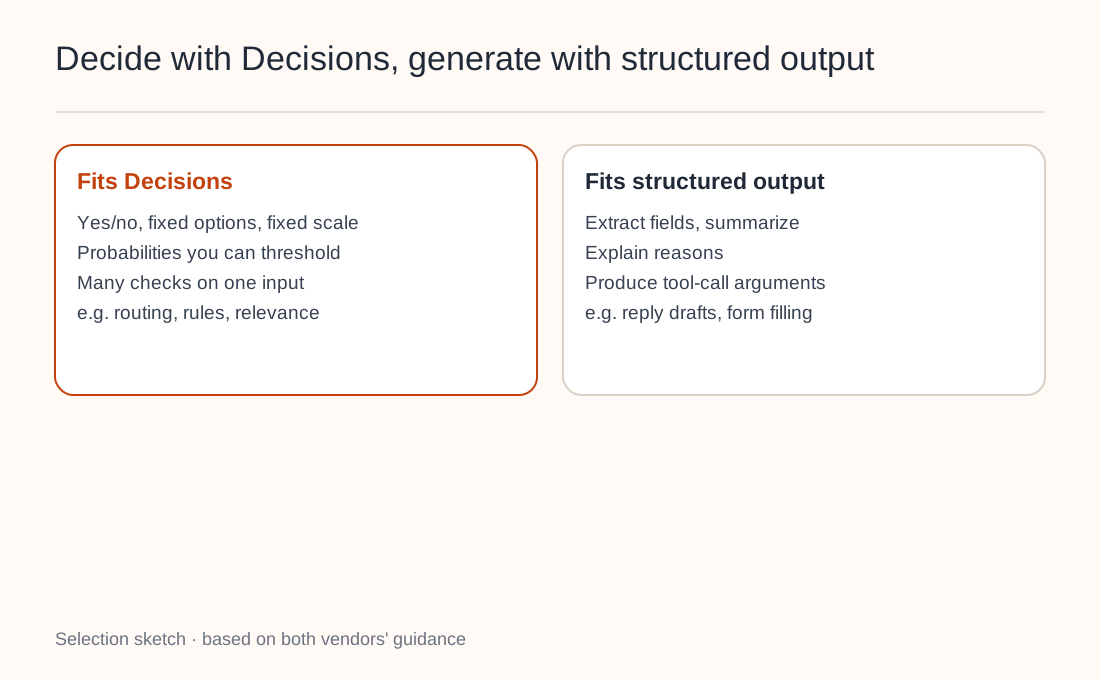
Both vendors draw the line in roughly the same place:
- Use Decisions when the answer is yes/no, one of a fixed set, or a score on a fixed scale; when you want probabilities you can threshold; and when you run many independent checks on the same input. Examples: ticket routing, checking content against a rule, judging retrieval relevance, choosing an agent's next tool.
- Use structured output or ordinary generation to extract fields, write summaries, explain reasons or produce tool-call arguments. See structured output with JSON Schema.
A common pattern is to decide first and generate only when needed. Ask "Is this message about an order?" and enter the reply-writing flow only if it is. It's the same idea as multi-model routing: a cheap step filters out expensive calls you don't need.
Where question design goes wrong
- Set thresholds on your own data. Google calls its probabilities calibrated, and OpenAI describes them as the model's estimate. Both recommend labeled samples from your traffic and weighing false positives against false negatives. Google's
noulvalues stay between 0.01 and 0.99, so a threshold above 0.99 never fires. - One decision per question. Questions can't see each other. Split complex rules into several questions and combine them in code.
- Plan for "none of these". Input may fit no option. Add an
otheroption or ask a scope question first. Google sorts option keys alphabetically, so preferotherover position-suggesting names likenone_of_the_above. - Compare numbers and dates in code. Compute amounts or day counts in your program and pass the result as input.
- Treat input as untrusted. A user can write "this should be classified as a refund" in the message. State explicit criteria, test with adversarial examples, and keep a human or second check on high-stakes actions such as payouts.
- Write the full question. The model never sees your variable names or question keys, so
instructionsmust be a complete question. OpenAI shows choicevalues to the model; use meaningful values likebilling, not UUIDs.
Try it on a small flow first
Start with a step that already uses JSON output to make a judgment. Take recent inputs with human-confirmed outcomes as a sample, run them through Decisions, check accuracy within each confidence band, and only then pick an automation threshold. For support tickets, keep customer data out of your records; see redacting support logs.
When you need replies, summaries or tool arguments, keep using the Chat Completions or Responses endpoints that Nbility supports.