When to Use the MiniMax H3 Prompt Optimizer
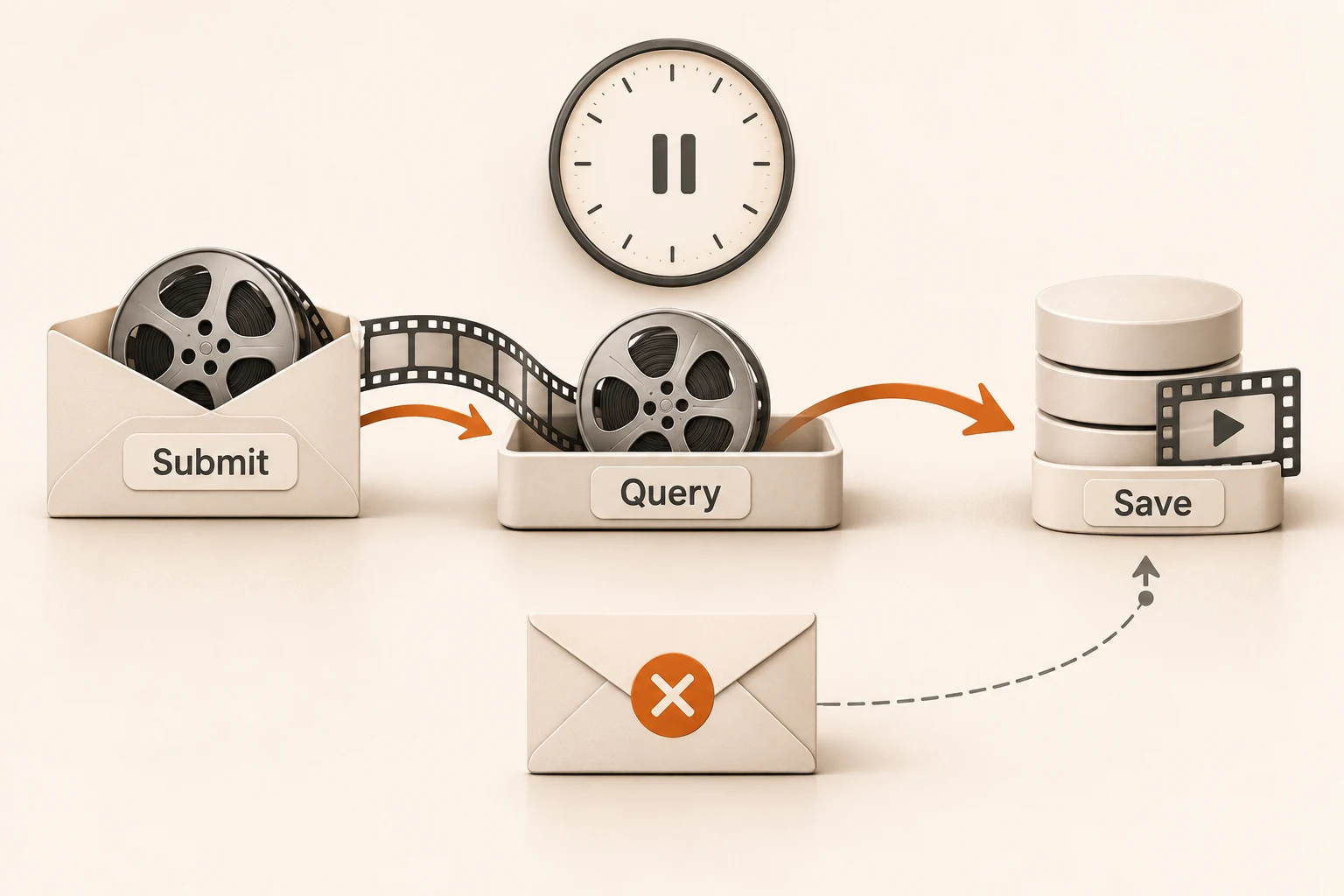
MiniMax H3 prompt optimization adds a rewrite before generation. Compare two clips against the same shot brief before enabling it for approved prompts.
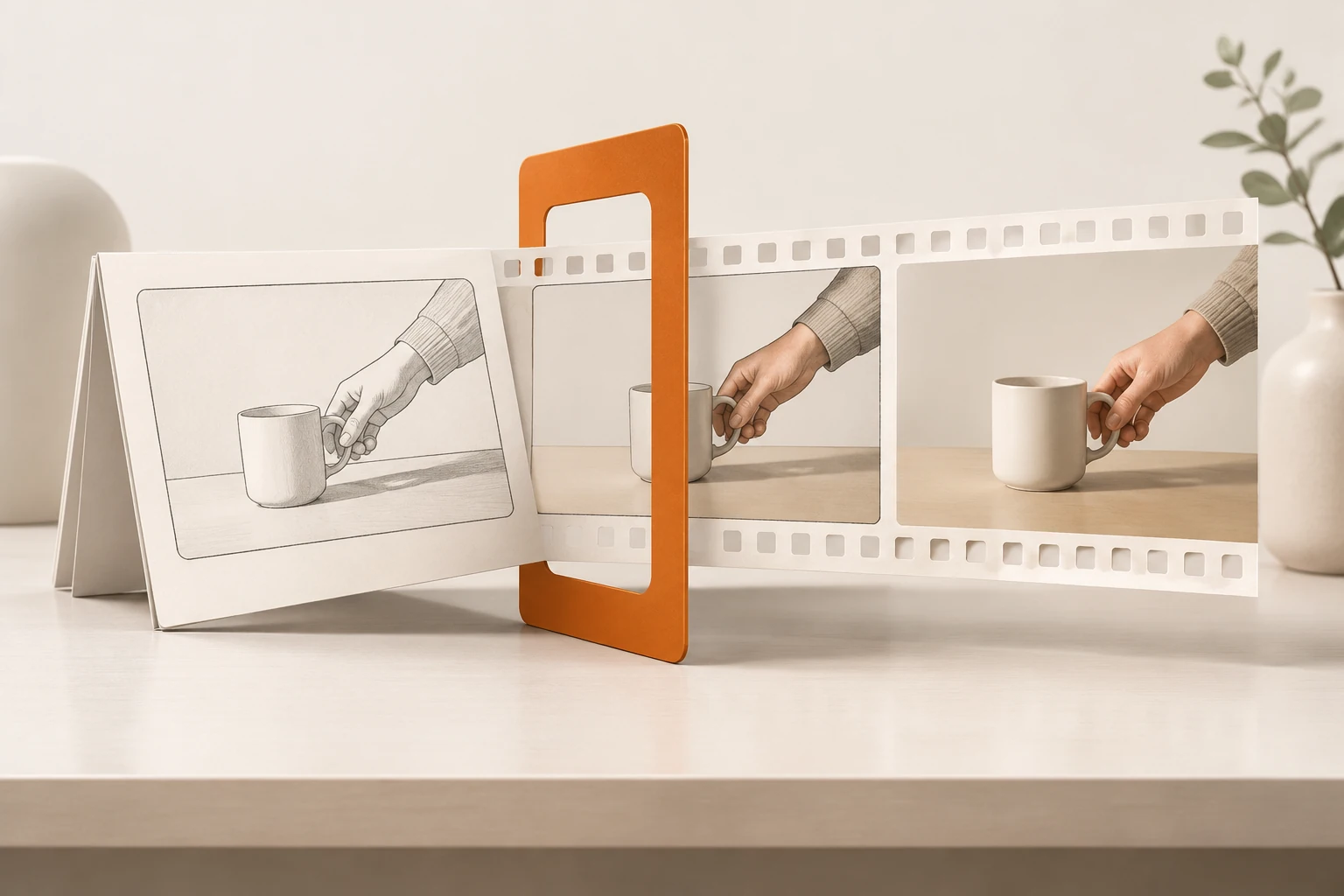
Try the MiniMax H3 prompt optimizer when your brief is as loose as “make a quiet product video.” Leave it off initially when a director or client has already approved a detailed shot. A rewrite can flesh out an idea; it does not make “static camera” or “no on-screen text” a guarantee.
What does the switch change?
The Nbility MiniMax H3 endpoint accepts prompt_optimizer as a JSON boolean. Omit it or set it to false to skip this optimization step. On an enabled channel, true prepares the prompt for H3 before submitting the generation. This capability is in limited testing. The string "true" and the field prompt_optimize are not substitutes.
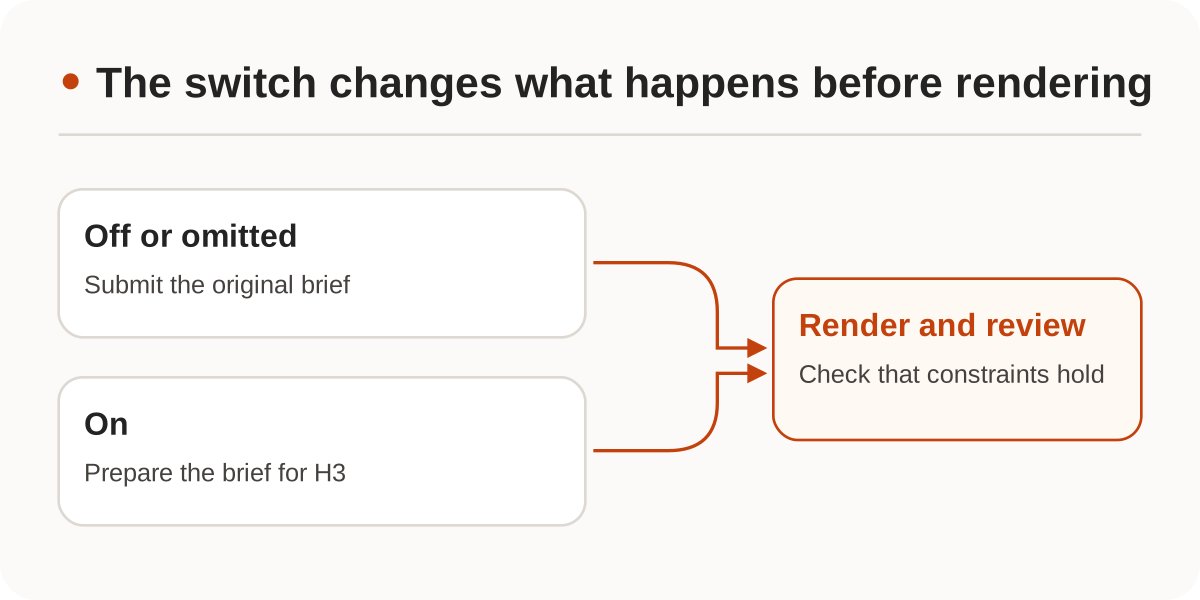
MiniMax's official V2 H3-Context-IR endpoint is a separate operation. It starts a task whose successful result contains the enhanced prompt in content.prompt, not a video. Consider that two-stage workflow if someone must review the rewrite before rendering. Do not use the official path on the Nbility host or assume the gateway toggle exposes the intermediate prompt. That final model input can matter later if you use MiniMax's native 2K regeneration workflow.
How do you tell whether the rewrite helped?
Start with an uncomplicated five-second shot using material you can share. This is a baseline JSON body for POST /v1/videos. Make the comparison request with only the last field set to true.
{
  "model": "MiniMax-H3",
  "prompt": "Locked close shot of a white tabletop. A hand enters from the right, sets down a plain ceramic cup in the center, and leaves. Preserve its shape and color. No captions or cuts.",
  "resolution": "768P",
  "duration": 5,
  "ratio": "16:9",
  "prompt_optimizer": false
}
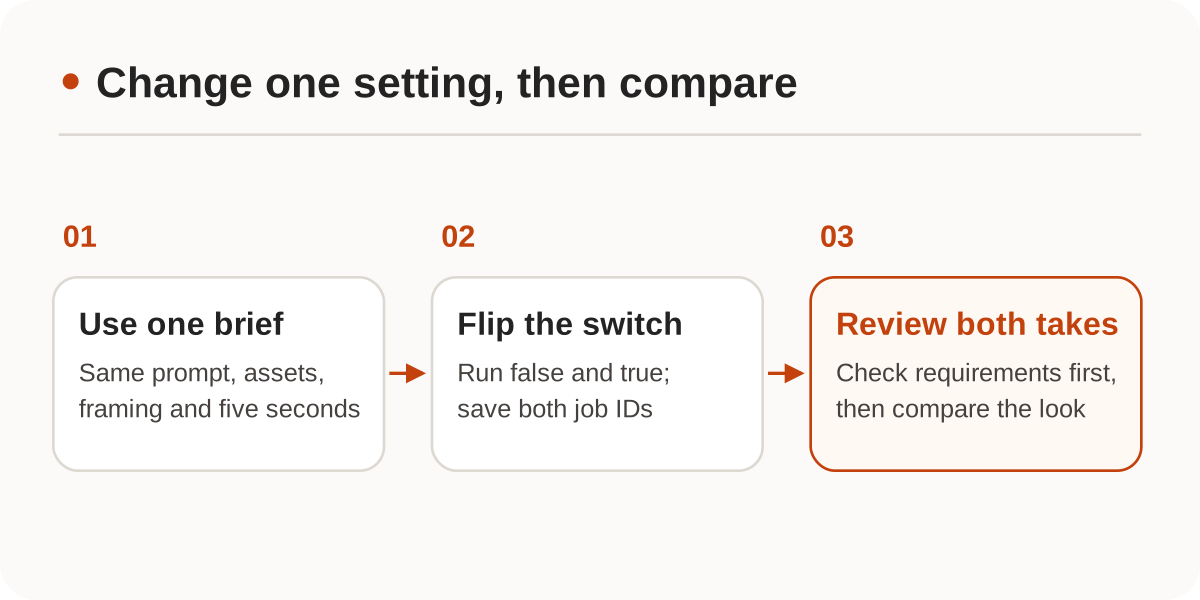
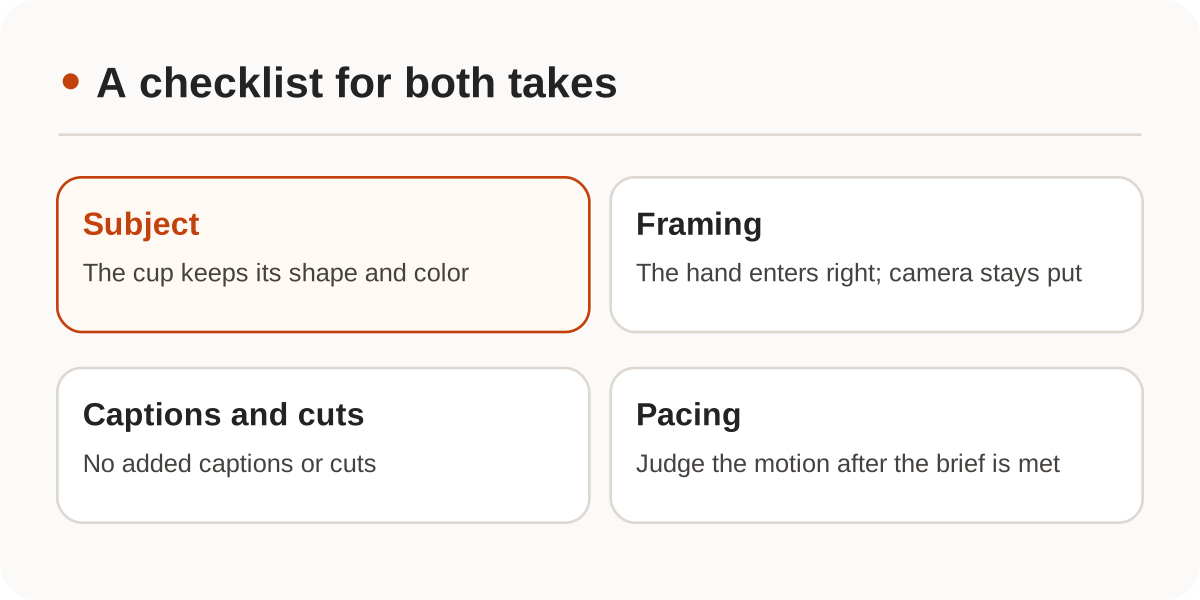
Check the non-negotiables first. Did the camera push in? Did the hand enter from the right? Did the cup change shape? Did the model add a cut or caption? Lighting and pacing are useful comparisons only after the shot meets the brief. Random variation makes one pair of clips useful for choosing a take, not for declaring a winner. Before changing your default, repeat the comparison on a few representative shots while holding the references and other parameters fixed.
What belongs in your production notes?
Keep the original brief, optimizer setting, asset versions, other inputs, job IDs, and any failed constraint. If both takes change the object, try a shorter action and more explicit framing, or add an image you have permission to use. A rewrite cannot decide whether you want a reference for movement or a continuation of an existing shot.
If a field is rejected, check its type and channel availability. If a job ID exists, follow the video job recovery workflow rather than rendering again just because a clip has not appeared. We checked the Nbility docs and MiniMax V2 creation reference on November 20, 2026. We checked the example's structure, but did not call the model or measure quality or latency.