Extend an Existing Shot With Seedance 2.5
Use Seedance 2.5 extend mode with a reference video and adaptive framing, then check motion, sound, and overlap before cutting the new footage in.
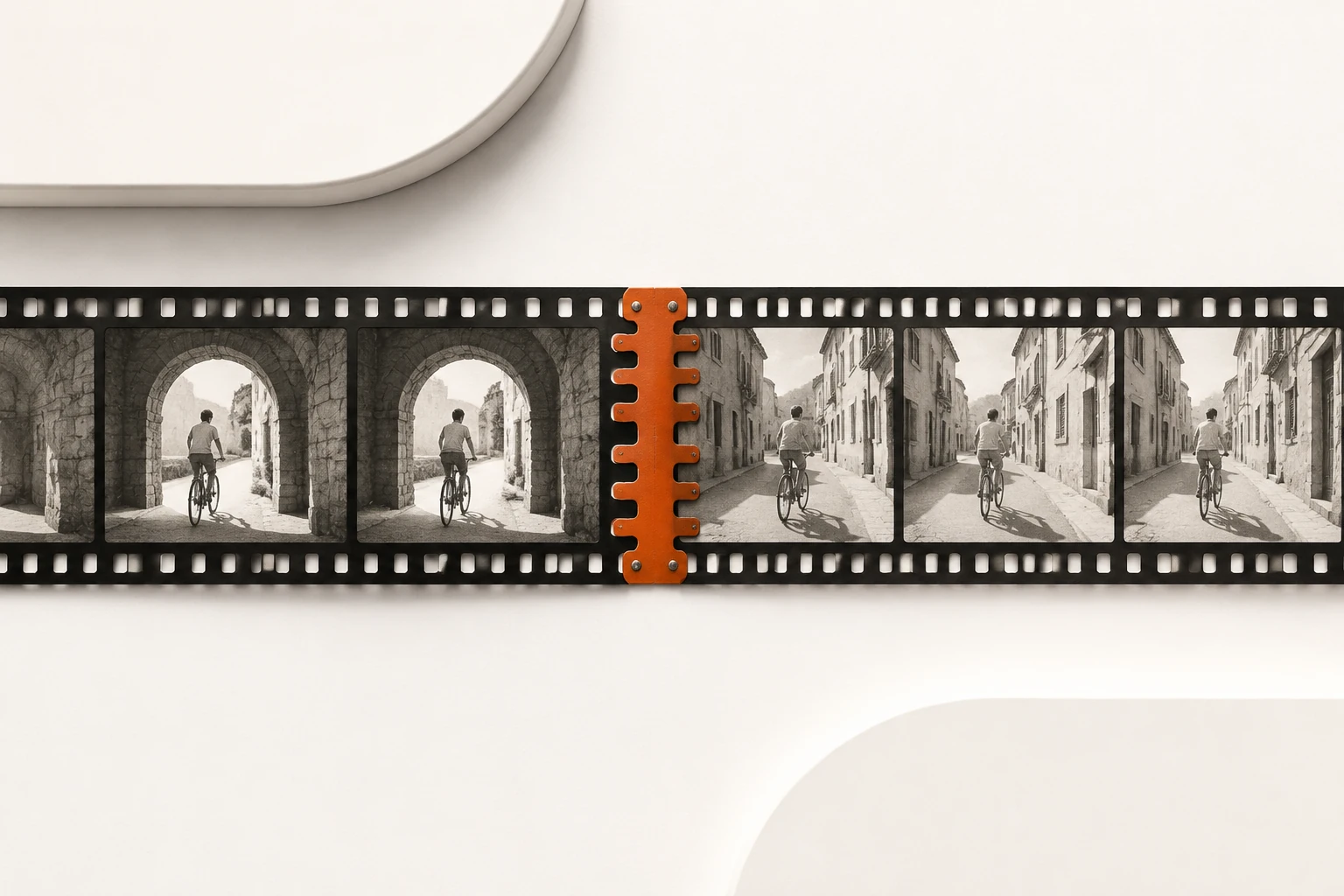
Extend a shot in Seedance 2.5 when the existing footage works and you just need another beat: an actor leaving the frame, a product finishing a turn, or the camera holding a little longer. Give extend the source clip and describe what happens next. If the change belongs inside the existing action, look at edit instead.
Decide what the source clip is for
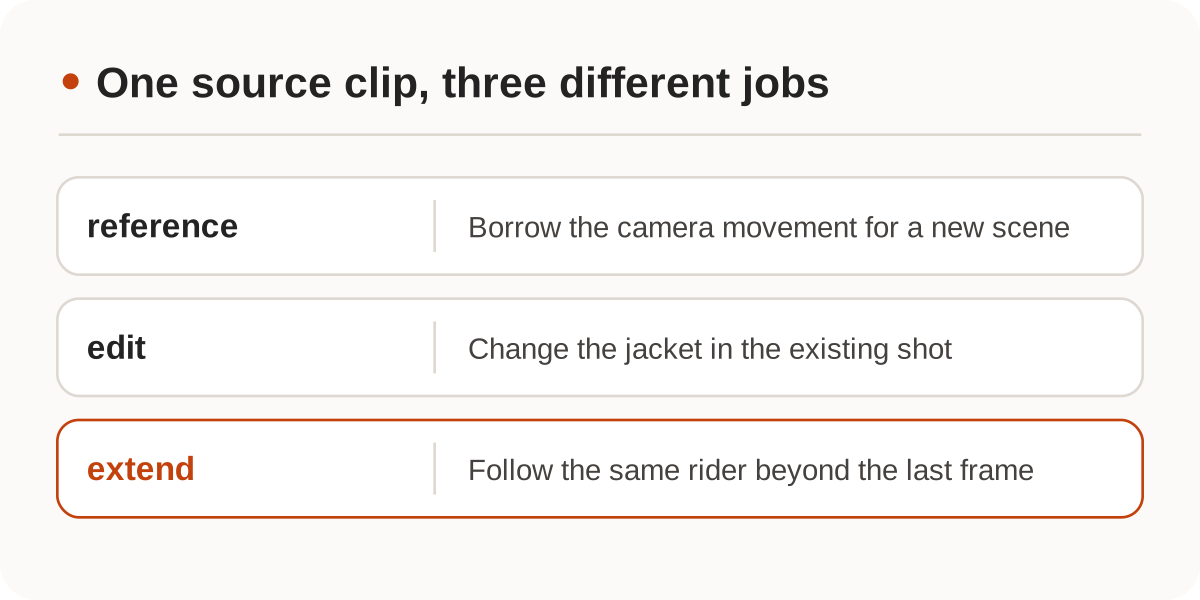
Suppose the clip follows a cyclist through a stone arch. Use extend to follow that rider down the next stretch of road. Use edit to change the rider's jacket in the existing shot, or reference when you want a different scene filmed with the same sort of camera movement. If you instead want to define the start and end with still images, Nbility has a first-and-last-frame mode; it cannot be combined with reference video in the same request.
The Seedance 2.5 model page describes single generations of up to 30 seconds and the option to extend twice. That is not a universal promise about a gateway, the length of each addition, or the final edit. This example uses doubao-seedance-2-5 through the documented Nbility Seedance API. For a separate approach based on conversational editing, see the Gemini Omni video workflow; its endpoints and duration limits are different.
Start the prompt at the last frame
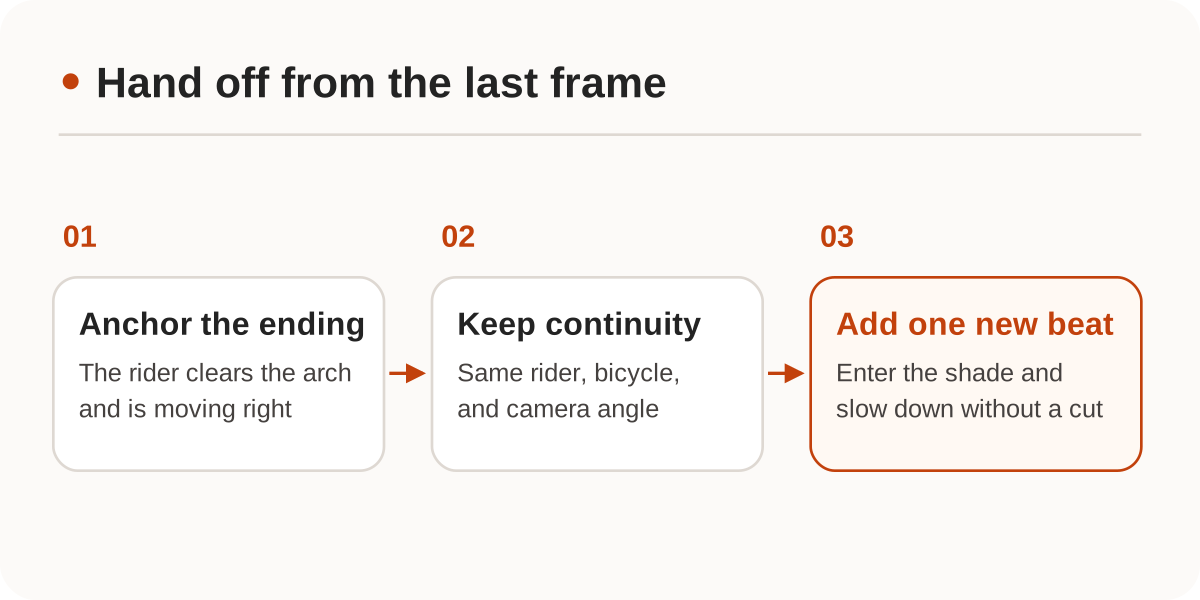
At the end of our imaginary shot, the rider has just left the arch and is moving from left to right. Do not recount the approach to the arch. Preserve the rider, direction, and camera position, then give the rider one new action. This is an illustrative body for POST /seedance/api/v3/contents/generations/tasks. Substitute a clip you have permission to use and that the service can fetch, or an active asset from your Nbility media library.
{
  "model": "doubao-seedance-2-5",
  "omni_reference_task_type": "extend",
  "ratio": "adaptive",
  "resolution": "720p",
  "content": [
    {"type": "text", "text": "Continue from the end of @视频1. Keep the same bicycle, clothes, and rear three-quarter camera angle. The cyclist keeps moving left to right along the cobblestones, enters the shade, and slows naturally. No cuts."},
    {"type": "video_url", "video_url": {"url": "https://example.com/cyclist.mp4"}, "role": "reference_video"}
  ]
}
extend requires a reference video and ratio: "adaptive". This native request omits duration, letting the model choose as documented. It assumes neither a fixed number of added seconds nor that the result includes the entire source. If runtime is contractual, inspect the returned footage and trim it to length in the edit.
Review the join with sound on
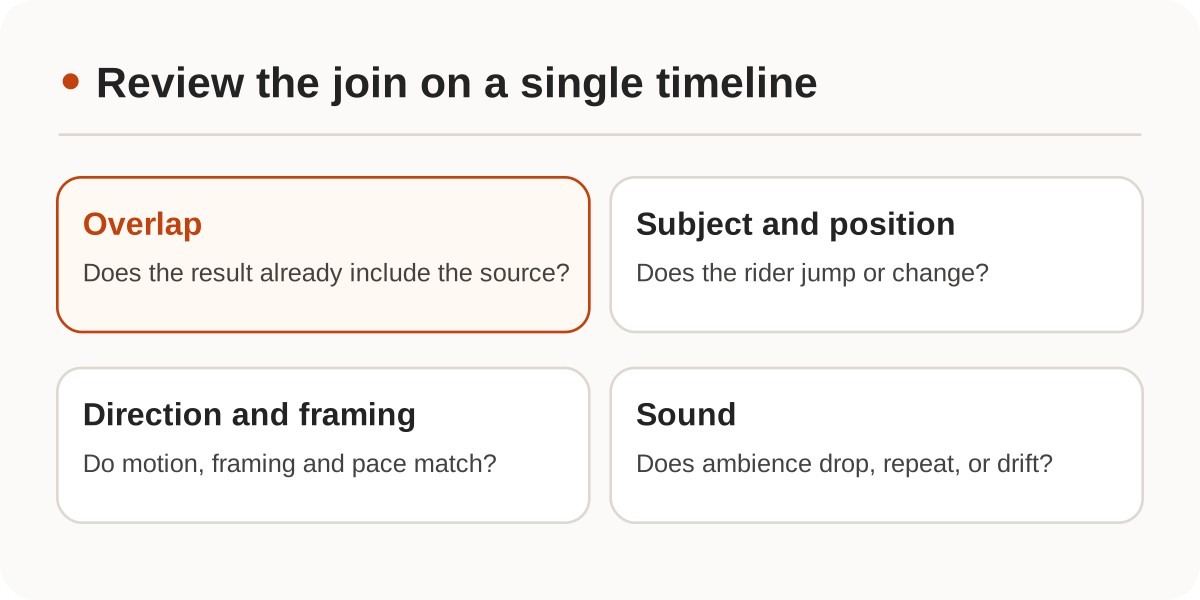
Save the job ID and poll using the same protocol. At succeeded, download and verify the video. Compare the end of the source and the start of the returned footage on one timeline. Does the rider hold position and direction through the join? Did the camera jump? Does ambience drop out or repeat? If the output already includes the source segment, do not splice it in again.
Begin with a clip you own that has simple movement, and keep the original. An editor is a better fit if you need frame-accurate audio or want to insert a beat halfway through existing footage. The official model page and Nbility API docs were checked on November 20, 2026; we did not submit a video job or evaluate any generated splice.