Write OpenCode Permission Rules Without Widening Access
OpenCode V2 uses ordered permissions with the last match winning. Check agent overrides, saved approvals, client behavior, and operating-system access separately.
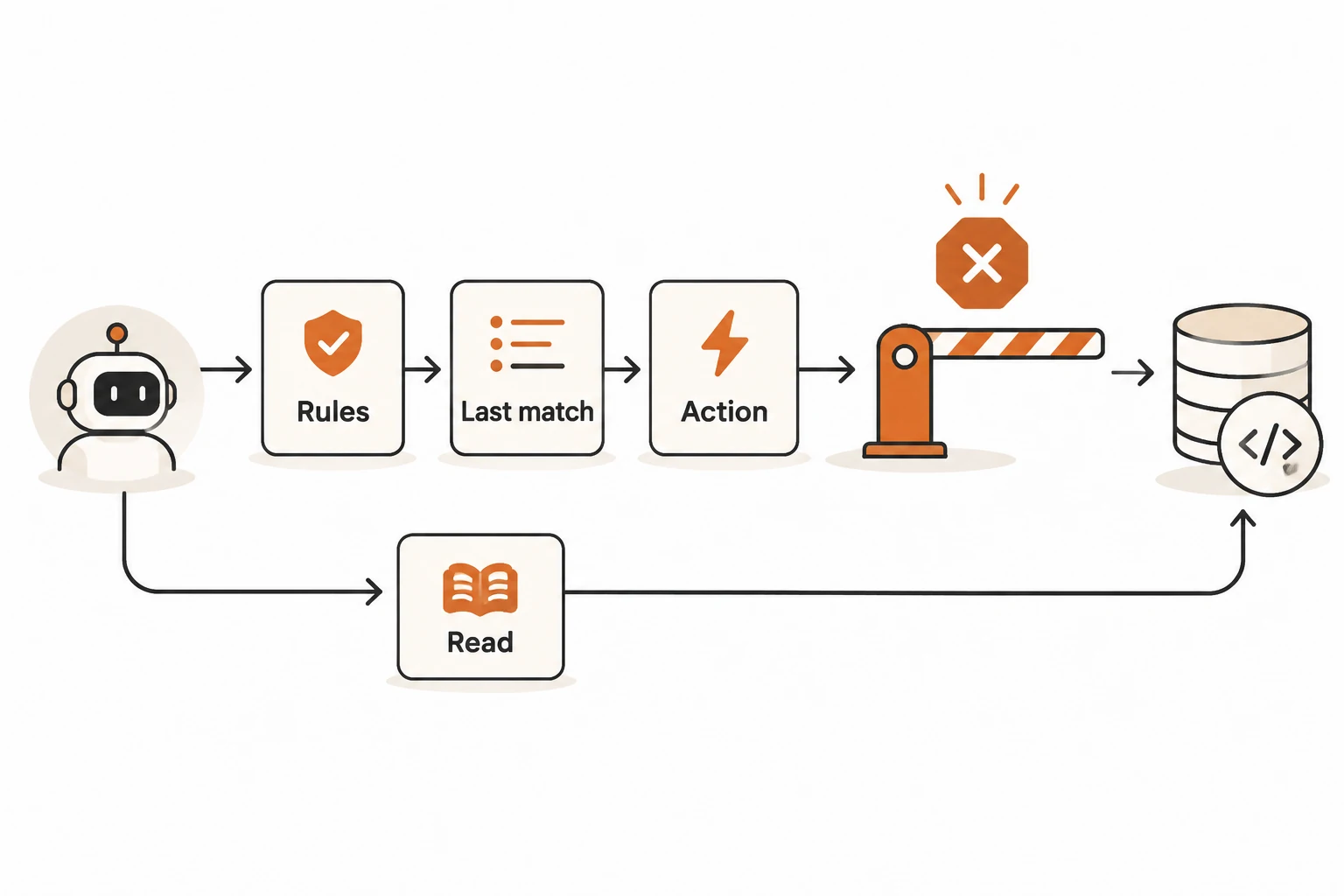
OpenCode V2 evaluates permission rules in order, and the last matching rule wins. A later allow can override an earlier deny. A child agent's permissions are also not automatically a restricted subset of its parent's. Reliable configuration requires checking rule order, the executing agent, and the client's handling of approval requests.
This guide reads the Permissions and Agents documentation, including their v2.3.2 versions, on November 21, 2026. V2 uses permissions, shell, and subagent; V1 uses different fields and action names. No live client permission assessment was performed for this article.
Does the default policy ask about everything?
No. The documented base policy allows all actions, then asks for reads matching .env and .env.*, with an exception for .env.example. The fallback for an unmatched action is ask, but many actions already match the base allow rule.
Build can use tools and access external locations by default. Plan restricts ordinary file edits, while shell access remains permission-controlled. Its name does not establish an operating-system read-only environment.
A sentence in a rule file or skill describes intended behavior. Execution controls must independently enforce denied actions.
How should broad rules and exceptions be ordered?
In a public demonstration project's opencode.json, put the broad rule first:
{
  "$schema": "https://opencode.ai/config.json",
  "permissions": [
    { "action": "shell", "resource": "*", "effect": "ask" },
    { "action": "shell", "resource": "git status *", "effect": "allow" },
    { "action": "shell", "resource": "git diff *", "effect": "allow" },
    { "action": "shell", "resource": "git push *", "effect": "deny" },
    { "action": "edit", "resource": "*", "effect": "ask" },
    { "action": "external_directory", "resource": "*", "effect": "ask" }
  ]
}
This illustrates rule composition, not a complete security configuration. git diff * allows a command family whose behavior can also depend on arguments and Git configuration. Use trusted demonstration repositories, and narrow commands and system authority further when the environment requires stronger restrictions.
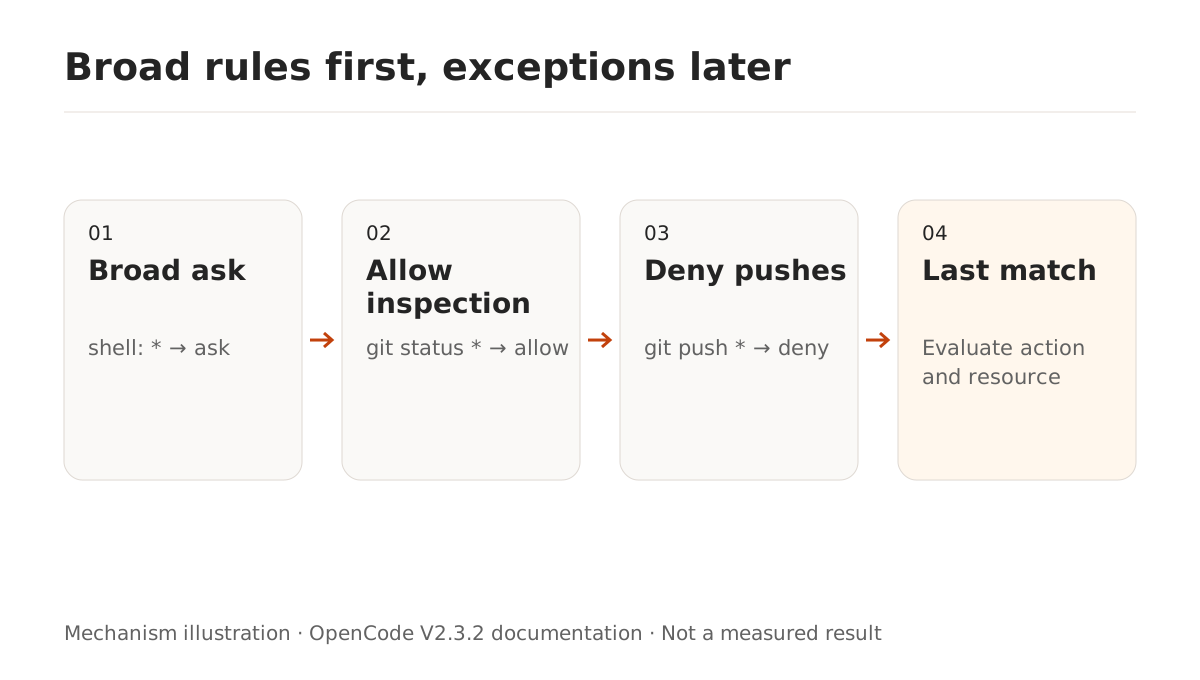
Wildcards match the whole value: * includes /, and ? matches one character. They are not full regular expressions. A shell pattern ending in * also matches the command without arguments, so git status * includes git status.
An operation may check several resources. Any denied resource denies the operation; otherwise an ask requires approval. Checking one safe file does not validate a patch touching several files.
Are child agents restricted by their parent's rules?
Not as a permission subset. Global rules apply first, and each agent's own rules append afterward. Restricting agents.build.permissions does not establish equivalent restrictions for general or a custom reviewer.
To allow Build to launch only a particular reviewer:
{
  "agents": {
    "build": {
      "permissions": [
        { "action": "subagent", "resource": "*", "effect": "deny" },
        { "action": "subagent", "resource": "reviewer", "effect": "allow" }
      ]
    },
    "reviewer": {
      "description": "Review code without changing files or running shell commands",
      "mode": "subagent",
      "permissions": [
        { "action": "edit", "resource": "*", "effect": "deny" },
        { "action": "shell", "resource": "*", "effect": "deny" },
        { "action": "subagent", "resource": "*", "effect": "deny" }
      ]
    }
  }
}
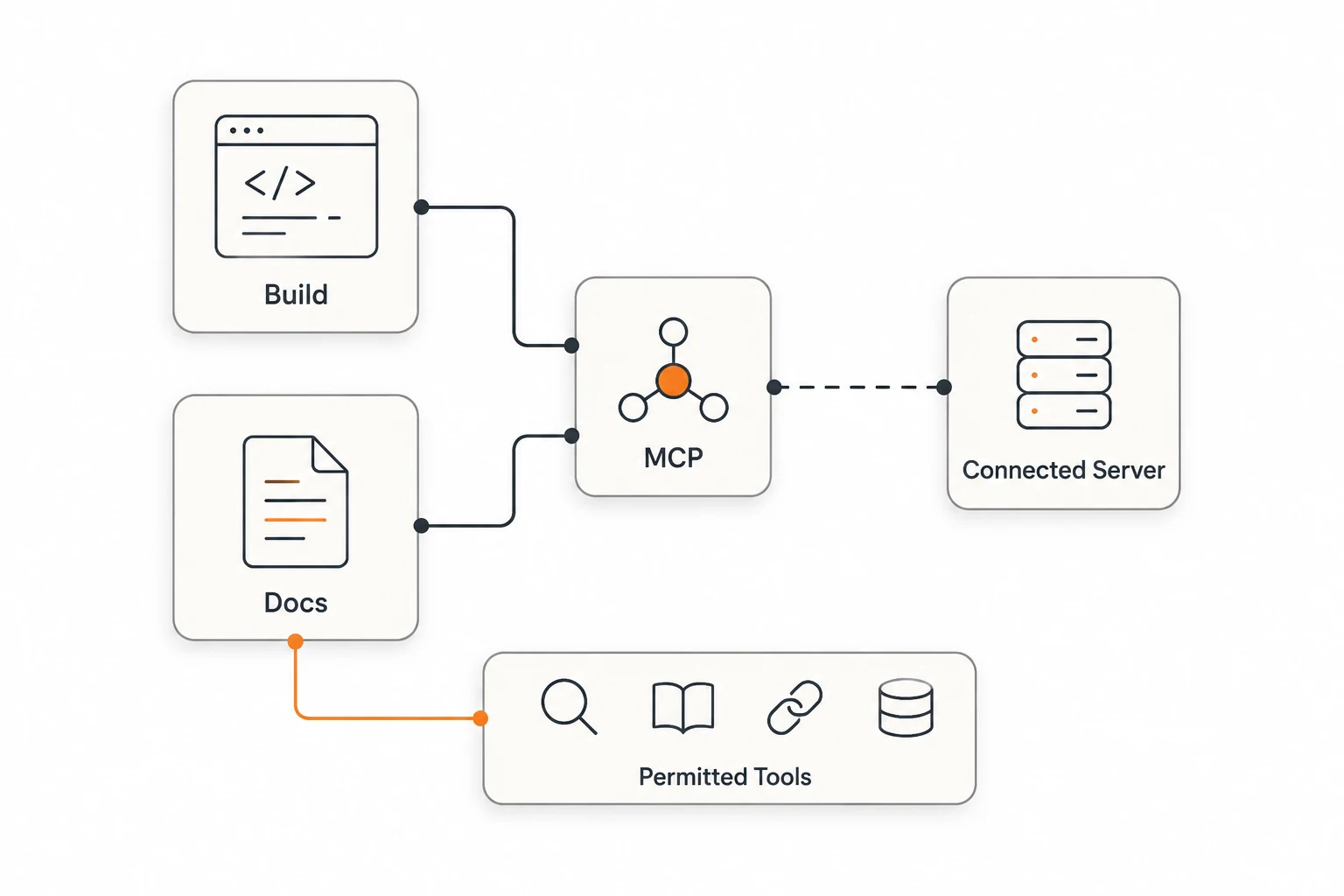
This reviewer denies edits, shell commands, and further delegation. Other actions still follow the remaining effective rules. If a connected MCP tool can write data, also configure agent-specific MCP permissions. A read-only role description does not restrict every integration automatically.
What does Always allow save?
It stores durable, project-scoped approvals using the tool's proposed patterns. A command approval may cover an entire command prefix. Inspect that scope before choosing a persistent approval over a one-time decision.
Saved approvals cannot override configured deny rules. Later matching configuration rules can still change the configured result. For organization-enforced restrictions, consult Policies rather than relying on an entry that later project configuration may widen.
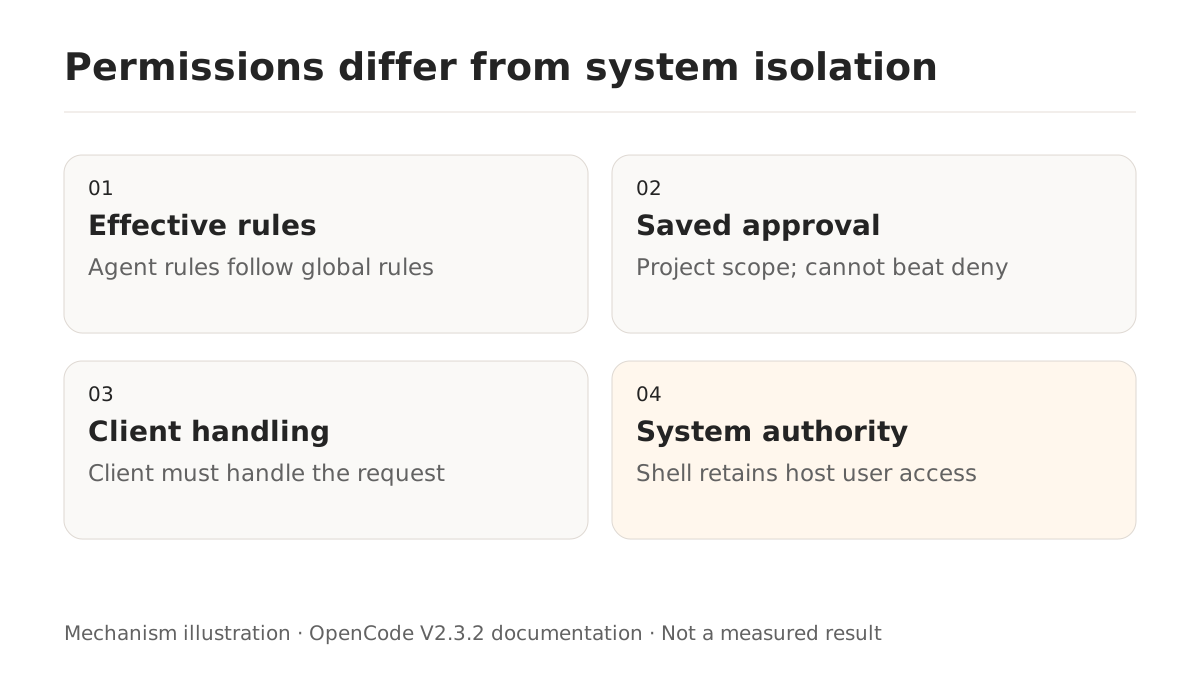
external_directory checks external paths, while shell access also relies on command analysis. The official guide explicitly states that shell commands retain the host user's filesystem, process, and network authority. Directory inference is best effort. Allowing a general interpreter should not be treated as a complete filesystem sandbox.
What if ask does not produce a dialog?
Investigate the executing environment before changing the rule to allow. Issue #65248 reports silent approval in a v2.3.2 Linux TUI while opencode run rejected the same pending action. A bot did not reproduce it with a simulated model, no plugins, and a private server. Issue #65290 reports external reads on Windows 2.3.2 proceeding without approval; the author later confirmed use of the built-in read tool with automatic approval disabled.
Both remained open when checked. Their environments and follow-ups differ. This article did not independently reproduce them or establish one common cause. Record the version, client, server location, agent, actual tool, automatic-approval settings, saved patterns, and plugins. Compare using public files rather than widening access to suppress a symptom.
How can you check enforcement safely?
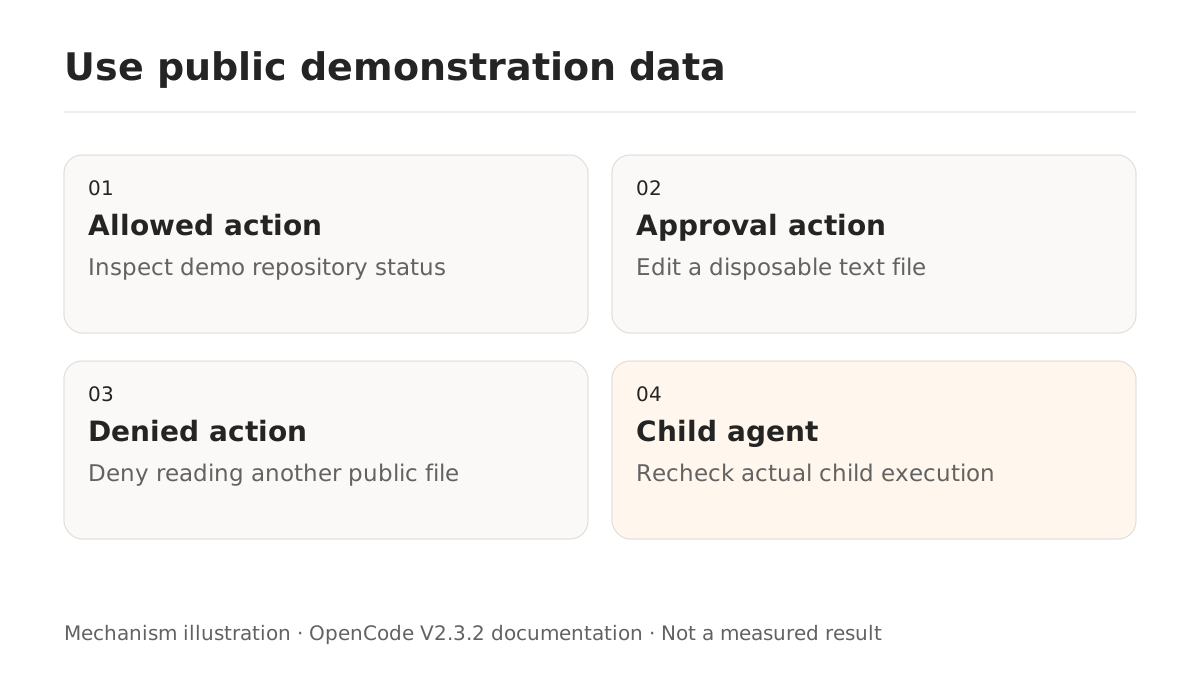
Prepare two directories containing public text and record git status --short. Confirm that an allowed status query runs. Check that editing a disposable file requests approval. Add an explicit read denial for another public file and verify that access is rejected. Real pushes, deletion, and secrets are unnecessary test inputs.
Repeat a denied action with the configured reviewer. Inspect tool execution and actual file state, not just the model's final claim. For non-interactive differences, see opencode run result and approval checks. External text cannot grant new authority; the tool-output permissions guide explains that boundary.