Use opencode run for Reports and Validate the Result
opencode run --format json emits JSONL events. Check process status, error events, tool failures, and report content before treating an automated run as complete.
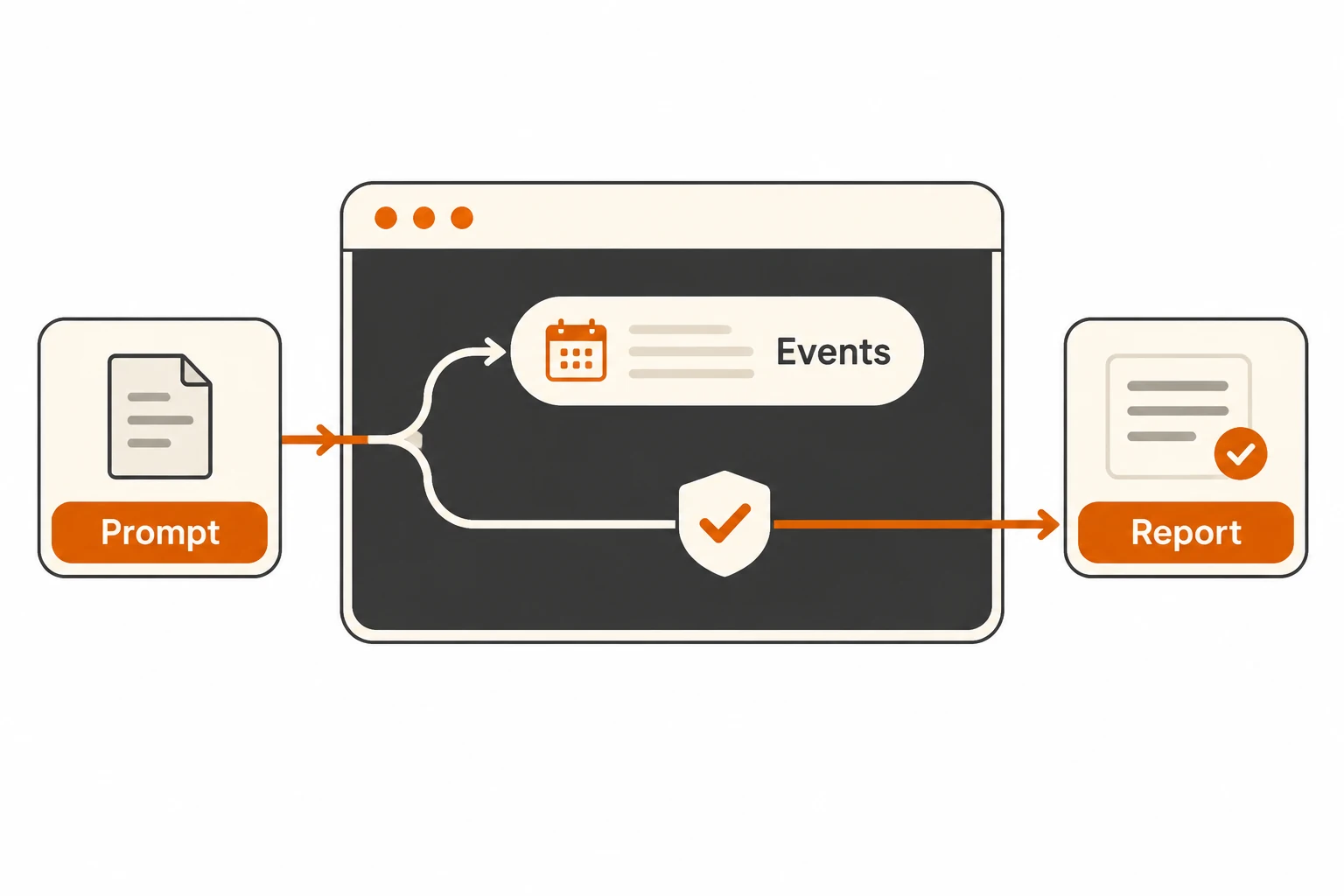
opencode run submits a task without opening the interactive interface. With --format json, it emits newline-delimited events, not one finished report object. An automation script must check process success, event-level failures, and the report's actual acceptance criteria.
This article checks the v2.3.2 CLI guide and non-interactive implementation on November 21, 2026. The extractor below was exercised with public synthetic inputs. No authenticated model run was performed. Keep provider setup in the OpenCode connection guide.
Start with a report that does not edit files
Use a public demonstration directory before introducing edits, commits, or outbound messages. Define a dedicated V2 primary agent:
{
  "$schema": "https://opencode.ai/config.json",
  "agents": {
    "public-report": {
      "description": "Read public Markdown and text files and return a review report",
      "mode": "primary",
      "permissions": [
        { "action": "*", "resource": "*", "effect": "deny" },
        { "action": "read", "resource": "*.md", "effect": "allow" },
        { "action": "read", "resource": "*.txt", "effect": "allow" }
      ]
    }
  }
}
The rules deny other actions and allow the required Markdown/text reads. This example names the file explicitly and does not need directory discovery or content-search tools. Wildcards can span directories. Run this only against public demonstration material; an extension allowlist does not classify private information. Restrict the executing user's system access independently.
Check opencode --version and opencode run --help, then run:
opencode run --standalone --agent public-report --format json \
  "Read README.md and report unclear setup steps. Cite each relevant heading; do not invent test results." \
  > events.jsonl 2> run.log
This uses the model selection you have already configured and verified. Add --model provider/model when you need an explicit selection. Logs and event files may contain paths, file content, and tool inputs. Store them privately and keep them out of automatic commits.
What does standalone isolate?
It uses a private server for the run. The official CI example uses this mode so the private server receives credentials supplied to that job. An already-running shared service may not inherit environment variables you just set in the terminal.
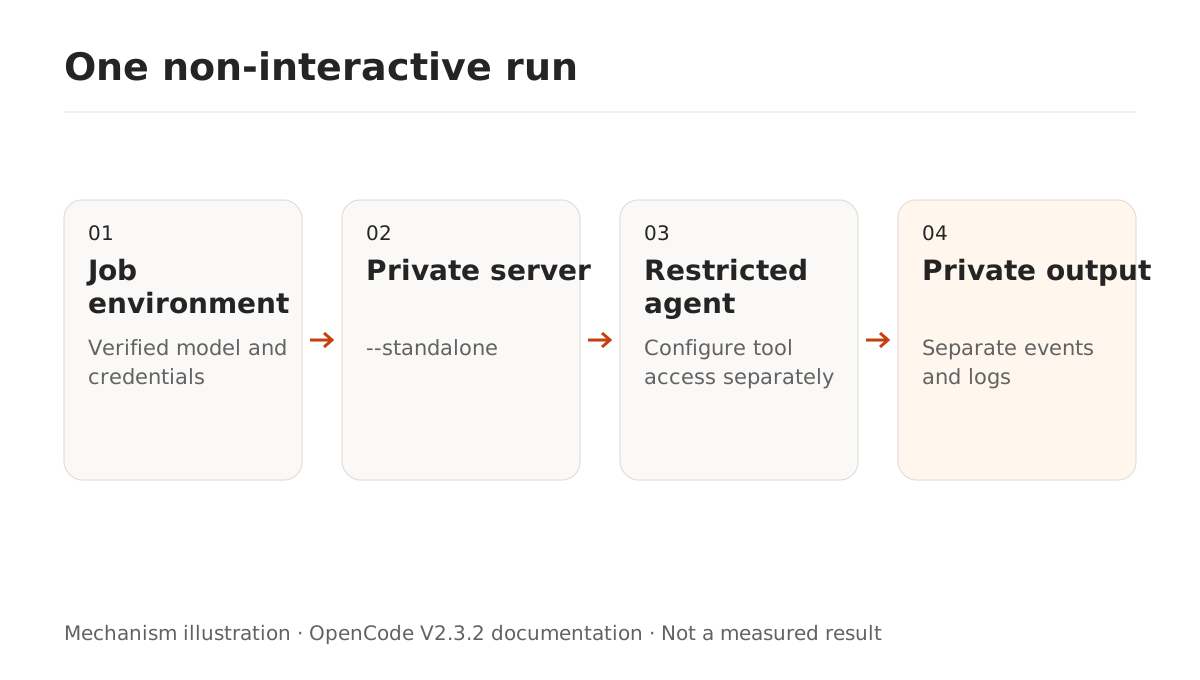
Standalone is not a filesystem or network sandbox. Redirecting output does not restrict tool side effects. Use agent permissions and operating-system controls. Diagnose credential problems through the connection checks, not by disabling approvals.
What happens when nobody can answer an approval?
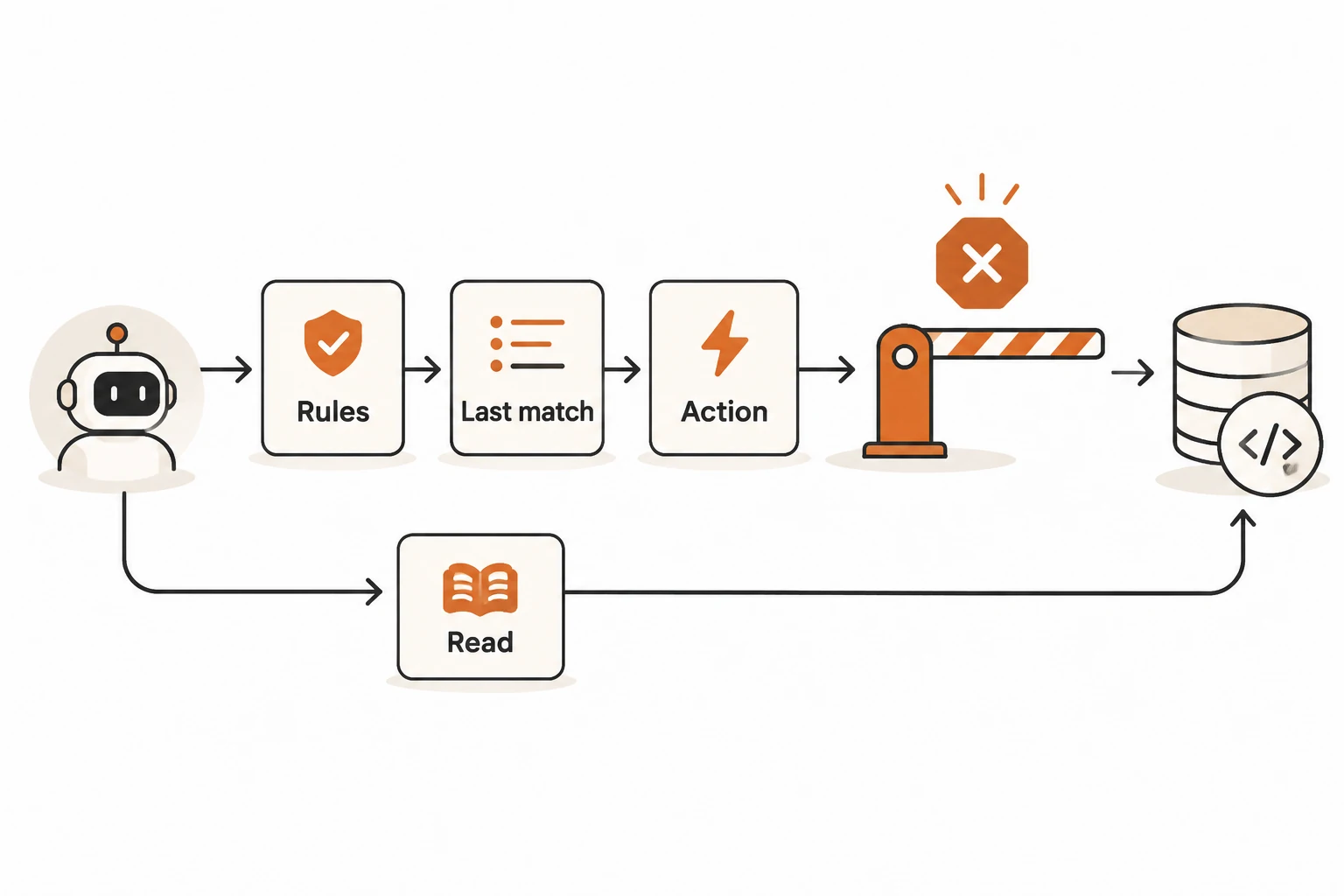
The v2.3.2 non-interactive implementation rejects permission requests requiring a human decision and tells the model to continue without the action. Ordinary questions are cancelled. Other input requests that cannot be answered can fail the run.
--auto approves requests that are not explicitly denied; it does not override configured deny. Define the required actions through ordered permission rules instead of adding the flag merely to make an unattended job finish.
A model may still produce an explanation after a tool was rejected. Text output therefore does not establish that the requested file was read. A successful process exit is also distinct from a useful business result.
How can a script extract inspectable text?
The v2.3.2 renderer emits events including text, tool_use, step_start, step_finish, retry, background_wait, and error. step_finish ends a model step, not necessarily the entire task. Text content is in part.text; recheck the shape when changing versions.
Save this as collect_report.py:
import json
import sys
from pathlib import Path

chunks = []
for number, line in enumerate(Path(sys.argv[1]).read_text(encoding="utf-8").splitlines(), 1):
    if not line.strip():
        continue
    try:
        event = json.loads(line)
    except json.JSONDecodeError:
        raise SystemExit(f"Invalid JSON on line {number}")
    if not isinstance(event, dict):
        raise SystemExit(f"Expected an event object on line {number}")
    if event.get("type") == "error":
        raise SystemExit("Run emitted an error; inspect the private log")
    part = event.get("part")
    if event.get("type") == "tool_use" and isinstance(part, dict):
        state = part.get("state")
        if isinstance(state, dict) and state.get("status") == "error":
            raise SystemExit("A tool failed; review the run before using its report")
    if event.get("type") == "text":
        if not isinstance(part, dict) or not isinstance(part.get("text"), str):
            raise SystemExit(f"Invalid text event on line {number}")
        chunks.append(part["text"])

report = "".join(chunks).strip()
if not report:
    raise SystemExit("No report text found")
sys.stdout.write(report + "\n")
This deliberately stops on any tool failure, even if the model later recovers. It concatenates text events, including possible intermediate explanations. It does not identify a final answer or validate citations. Reasoning and step-finish events are not treated as report text.
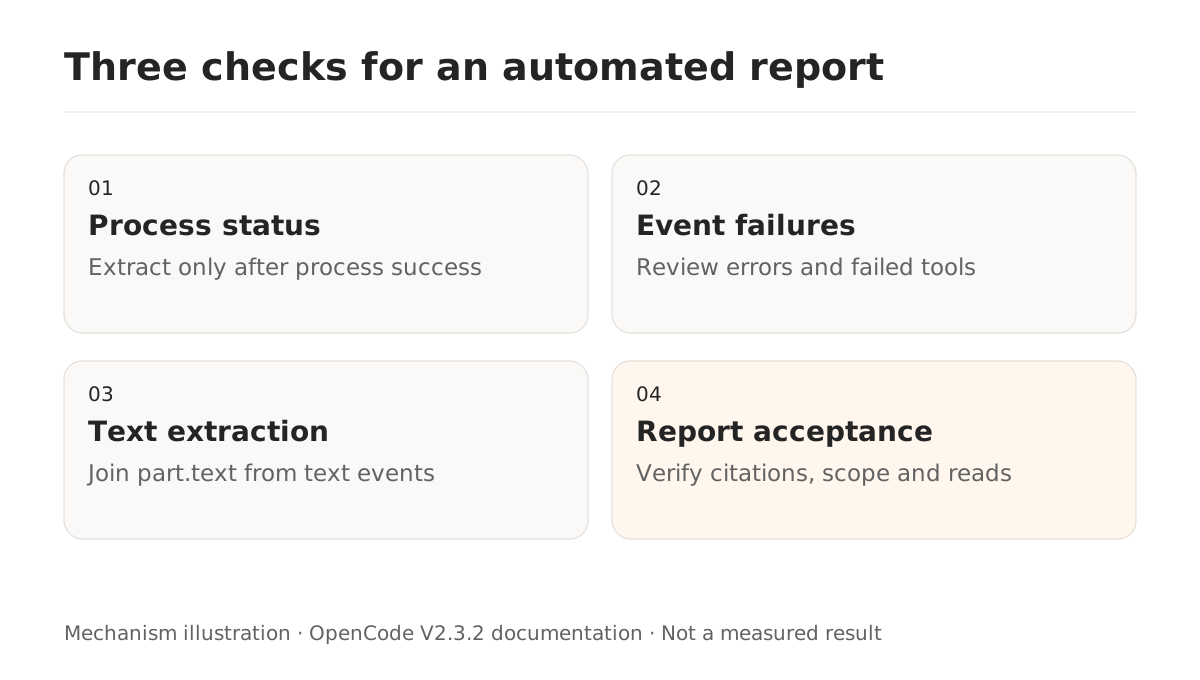
Check the original command's status before extraction:
if opencode run --standalone --agent public-report --format json \
  "Read README.md and report unclear setup steps with heading references." \
  > events.jsonl 2> run.log; then
  python3 collect_report.py events.jsonl > report.md
else
  printf '%s\n' 'OpenCode failed; inspect the private run log.' >&2
  exit 1
fi
Both language versions' final code blocks were checked with successful text fragments, an error event, a failed tool, malformed JSON, empty output, and invalid field types. These checks establish the extractor's behavior, not the correctness of a model-generated report.
Should a rerun continue an existing session?
Independent reports are easier to trace with independent sessions. Use --session ses_... when continuation is intentional. --continue selects the latest session, which can be the wrong target in a concurrent workflow. Record the actual ID before resuming.
Issue #64918 reports a Windows 2.3.2 run storing its prompt without returning an answer. A bot initially suggested a possible streaming cause; the author later attributed their case to Git snapshot work over a large untracked tree and reported recovery after disabling snapshots for that project. The issue remained open. This article did not reproduce it and does not recommend disabling snapshots for every stalled run.
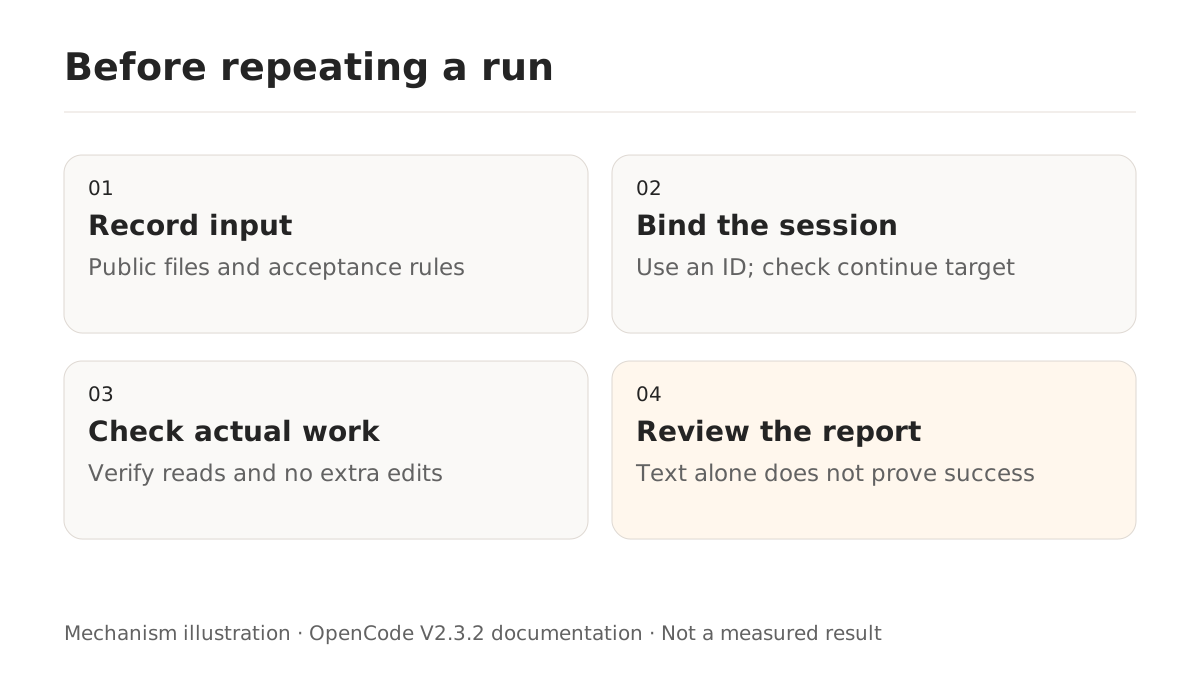
Before delivery, confirm that cited headings exist, the report does not claim tests that never ran, every required file was considered, and no unexpected changes occurred. If you later add side-effecting tools, account for duplicate actions on retries. A new session ID does not undo an earlier external action. For longer work, see what survives compaction.