What OpenCode Keeps After Context Compaction
OpenCode V2 retains a summary and recent conversation. Understand keep.tokens, buffer, summary models, and the limits of native compaction before resuming a long task.
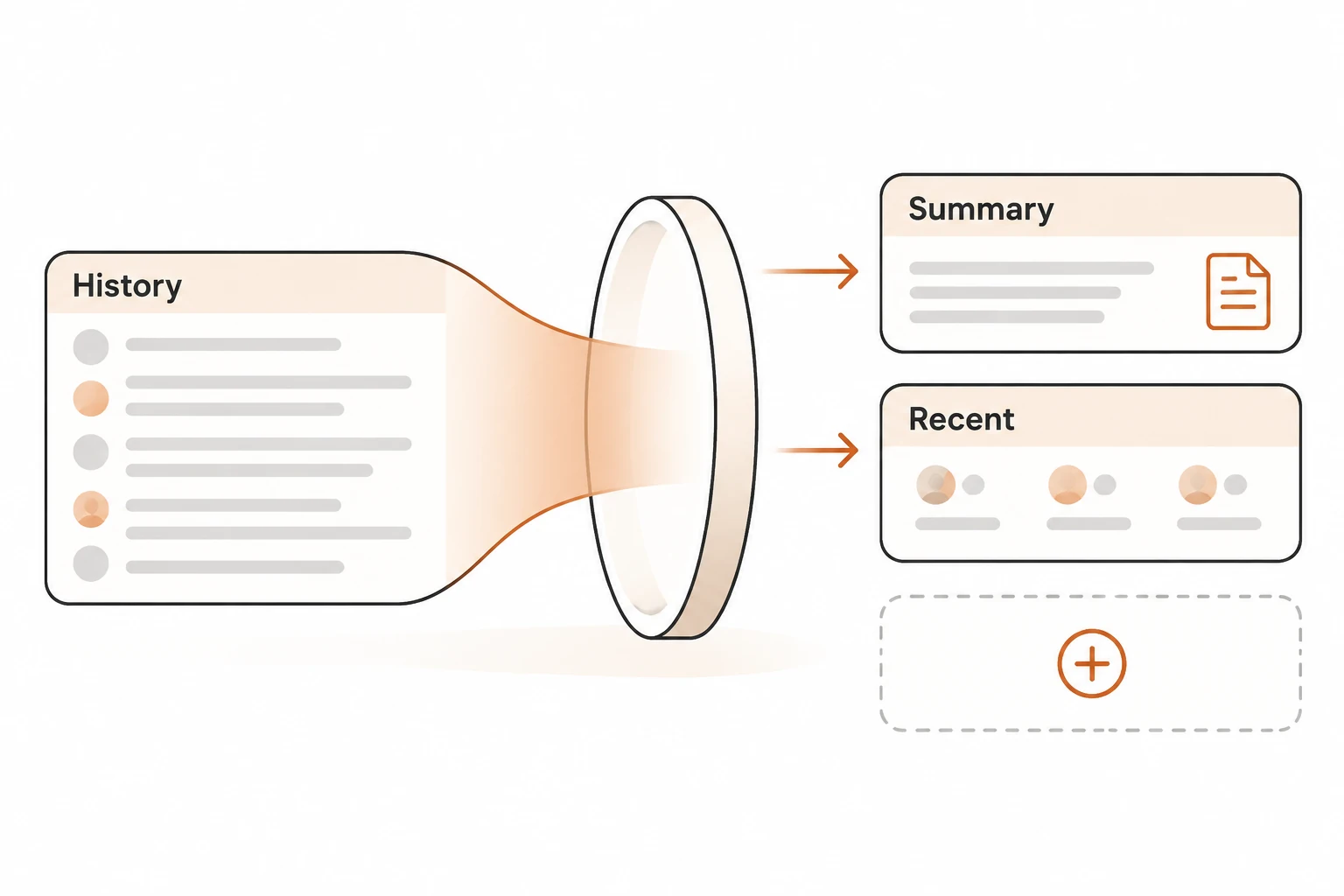
OpenCode V2 replaces older conversation with a summary while keeping a recent tail alongside it. The default keep.tokens budget is approximately 15,000 tokens. That is a budget for recent context, not a promise to preserve every recent byte: long tool results and attachments can be shortened, and summarization loses detail.
This guide checks the official compaction documentation against its v2.3.2 version on November 21, 2026. It explains V2 behavior; it does not report a live long-session experiment. Complete the OpenCode connection checks before diagnosing maintenance calls.
Does stored history equal the next model input?
No. Earlier messages can remain in session storage without being sent individually to the model. A local summary carries the objective, requirements, decisions, completed work, blockers, relevant files, and next moves. Recent conversation is retained separately to support the task in progress.
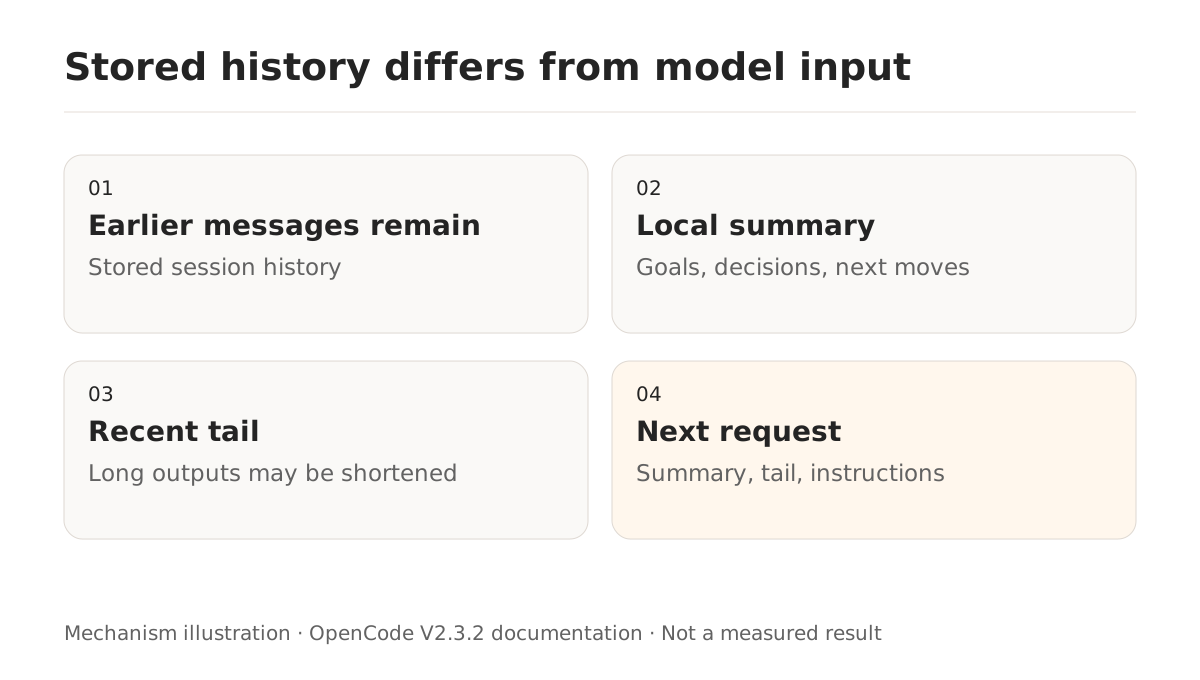
The documentation adds two useful qualifications. Long tool output in the retained tail is shortened, and attachment data becomes a short description. Current instruction files also become the session baseline after compaction. Being able to scroll back to an image does not establish that its original image data remains in the next request.
For work spanning several days, save the goal, constraints, verified results, active files, and next action in an appropriate project file. Keep credentials and private transcripts out. Reusable procedures can become on-demand skills instead of permanent prompt material.
How do keep.tokens and buffer differ?
keep.tokens controls how much recent conversation survives beside the summary. Increasing it retains more detail but leaves less space for new work. buffer reserves room before the context limit, so increasing it triggers compaction earlier.
A minimal V2 opencode.json example is:
{
  "$schema": "https://opencode.ai/config.json",
  "compaction": {
    "auto": true,
    "keep": { "tokens": 15000 },
    "buffer": "20%"
  }
}
A "20%" buffer means approximately 80% full, not 20% full. The documentation's simplified examples put that around 102k for a 128k window and 800k for a 1M window. Actual usable input also depends on output and other budgets.
The default buffer is "15%", with at least roughly 16k reserved. A token count is also accepted. Raising a client-side context declaration does not enlarge the provider's limit; see the context overflow explanation.
If exact recent details disappear, adjust the retained tail modestly and compare similar tasks. If the summary request itself is too large, investigate timing, tool schemas, and fixed instructions. Change one setting at a time so the result remains interpretable.
Why can summaries fail when normal chat works?
Local compaction normally uses the session model. To select another configured model:
{
  "agents": {
    "compaction": {
      "model": "your-provider/your-summary-model"
    }
  }
}
Replace both placeholder IDs with a model that is actually configured and accessible. The documented fallback applies when that model cannot be resolved. It does not establish automatic fallback for every authentication, rate-limit, or protocol failure.
Background compaction is enabled by default. OpenCode prepares a summary while the session continues and installs it when needed. An unused prepared summary still consumes tokens. Set compaction.background to false to generate it only when compaction is due. This changes timing; no cost savings were measured for this article.
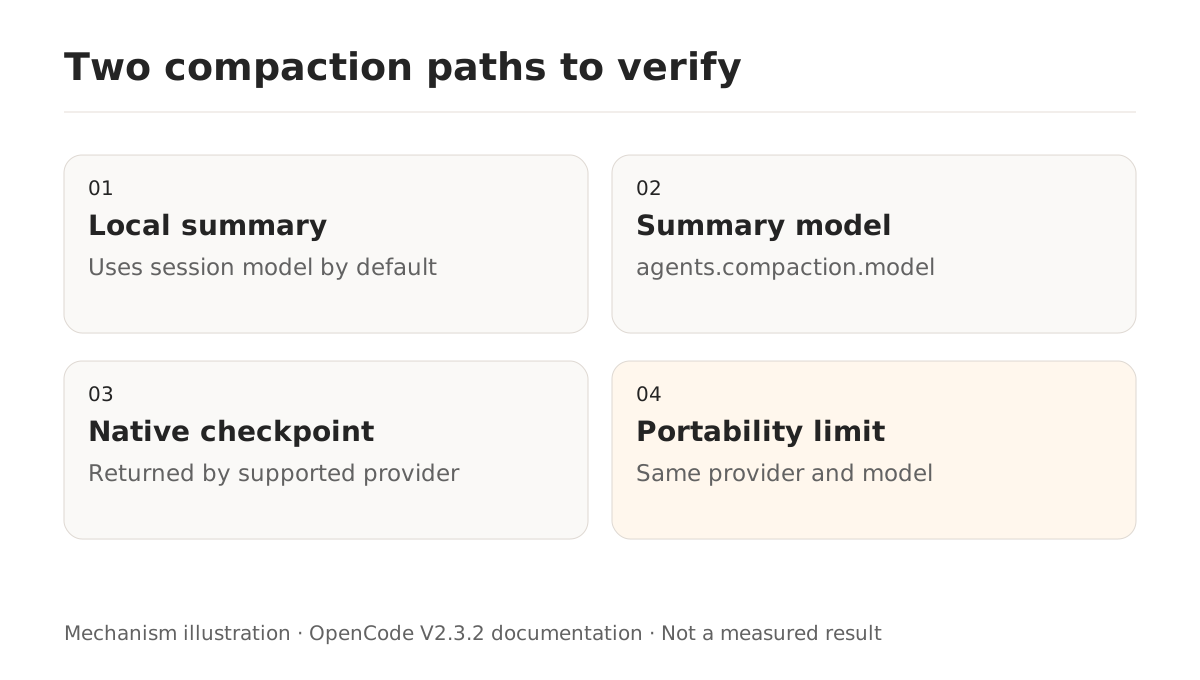
Native compaction uses providers.<id>.settings.compaction.type: "native". A supported provider returns an opaque encrypted checkpoint. The documented support is for compatible Responses models and varies by deployment. The checkpoint works only with the same provider and model; switching models resumes from the original conversation instead.
For Nbility, verify the actual protocol and model through the connection guide. Successful chat does not establish native compaction support. Keep local summaries as the starting point until the specific native path has been tested.
Why can a compacted session still overflow?
Compaction needs replaceable conversation. It cannot reclaim much room if fixed instructions and tool definitions dominate the request. The official example is a 128k window containing 120k of fixed instructions and tools plus only 8k of conversation.
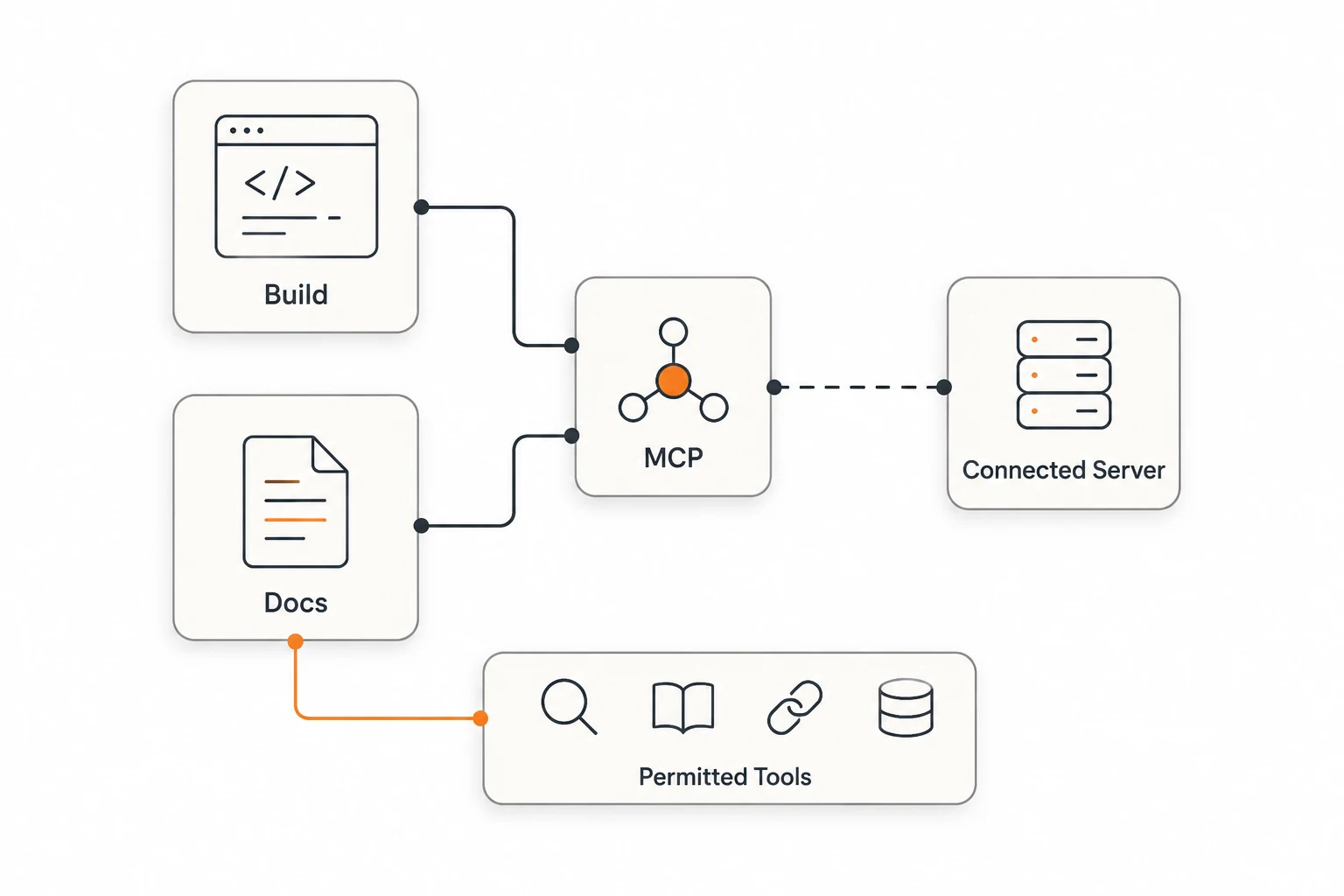
Reduce irrelevant tool exposure with agent-specific MCP access, then review persistent instructions. The documented overflow recovery compacts and retries once; a second rejection is returned as an error.
Issue #65146 reports a separate failure when native compaction encounters a rejected WebSocket continuation. Its environment names 2.3.0 and a dev commit. The bot reply uses a simulated provider. The issue remained open when checked; this article did not reproduce it and does not use it to explain every compaction error.
How should you verify continuation?
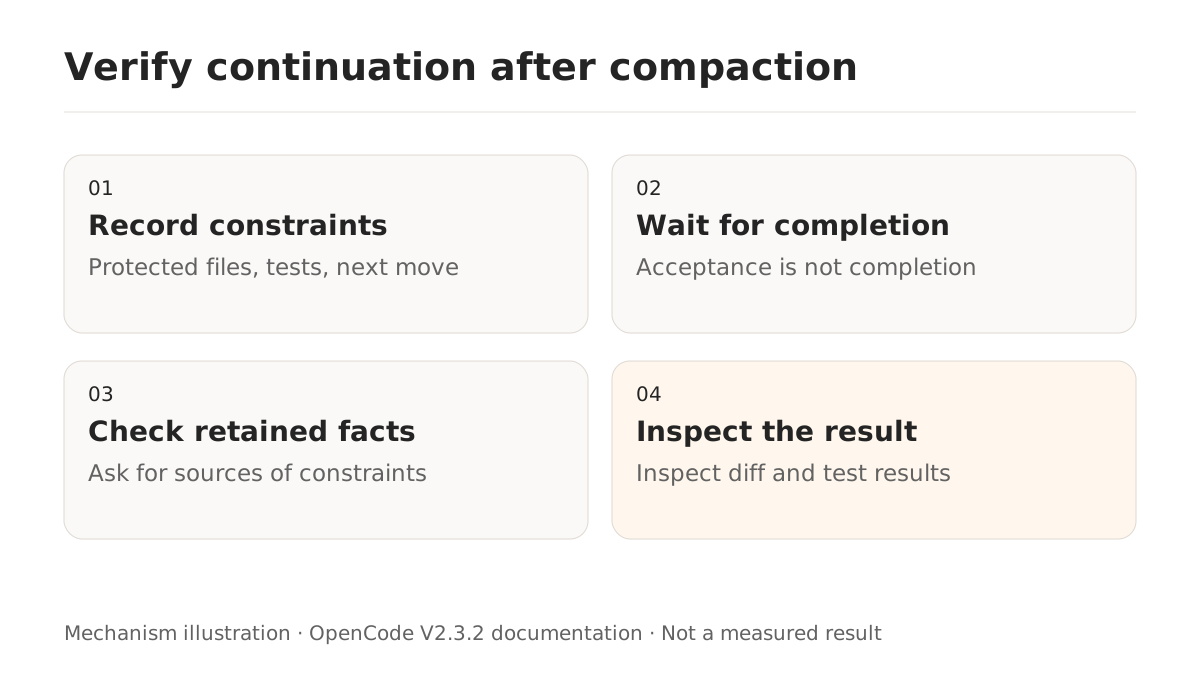
Use a public demonstration repository. Record three checkable constraints: a protected file, the required test command, and the next edge case. After compaction, ask the agent to restate them with their sources, then perform a small follow-up action. Inspect the diff and test result rather than accepting a claim that it remembers.
For manual compaction, replace ses_example with the actual session ID:
opencode api post /api/session/ses_example/compact --data '{}'
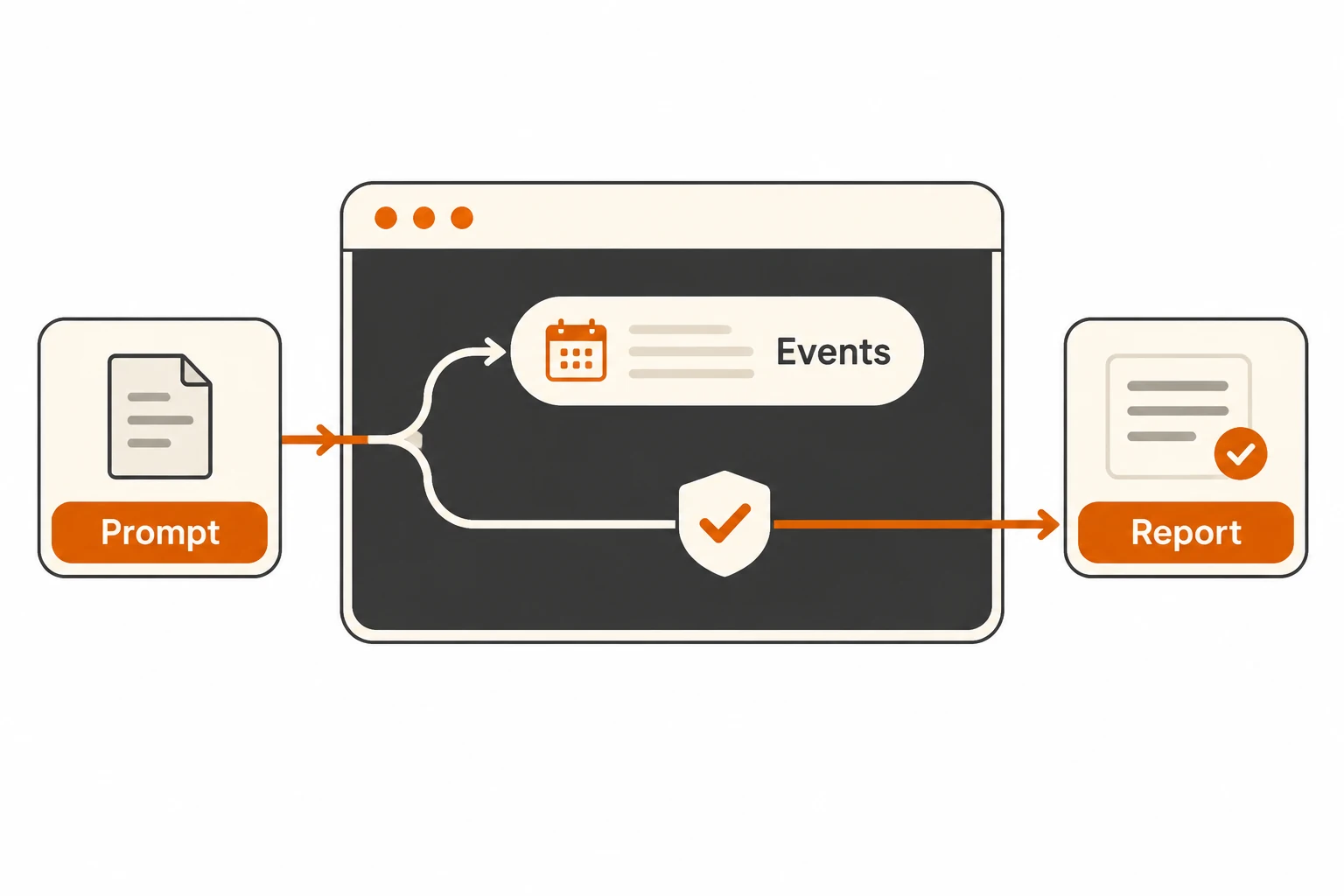
The response acknowledges acceptance, not completion. Follow session.compaction.* events to determine when it finishes. Setting compaction.auto: false still permits manual requests and does not discard installed checkpoints. Preserve a useful handoff before resuming; deleting the session database is not a necessary diagnostic step.