Assign OpenCode MCP Tools to the Agents That Need Them
Configure MCP connections separately from agent permissions in OpenCode V2, including normalized tool names, Code Mode, and independent resource access.
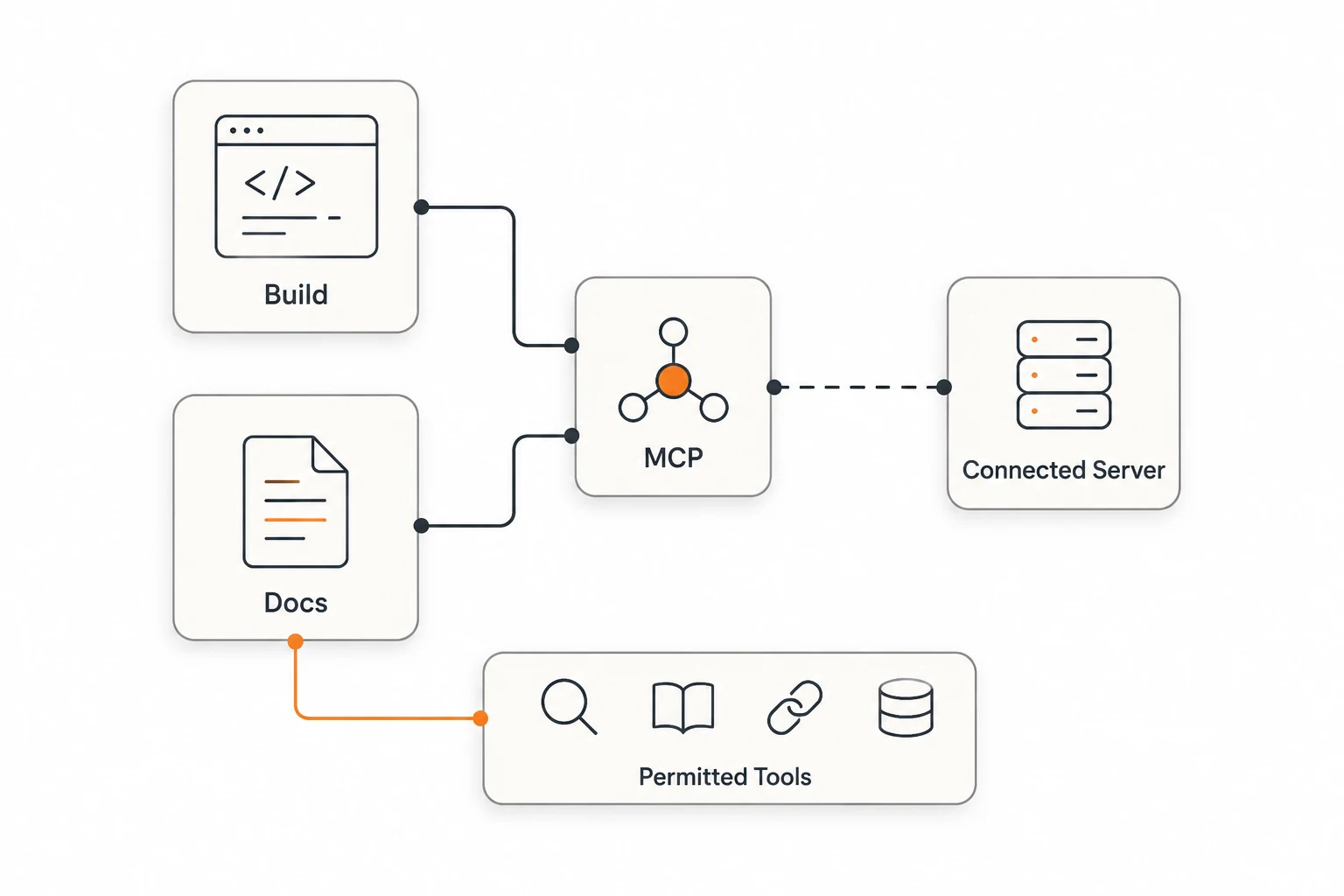
An OpenCode MCP server can stay connected while its tools are available only to selected agents. V2 uses mcp.servers for connections and permissions for tool access. Assigning integrations to the agents that need them makes the callable surface easier to inspect.
This guide checks the MCP and Agents documentation, including v2.3.2, on November 21, 2026. The example concerns public documentation. It does not connect a private database, implement OAuth, or claim a completed live integration test. Start with the MCP introduction if the roles are unfamiliar.
Why can a connected server have unavailable tools?
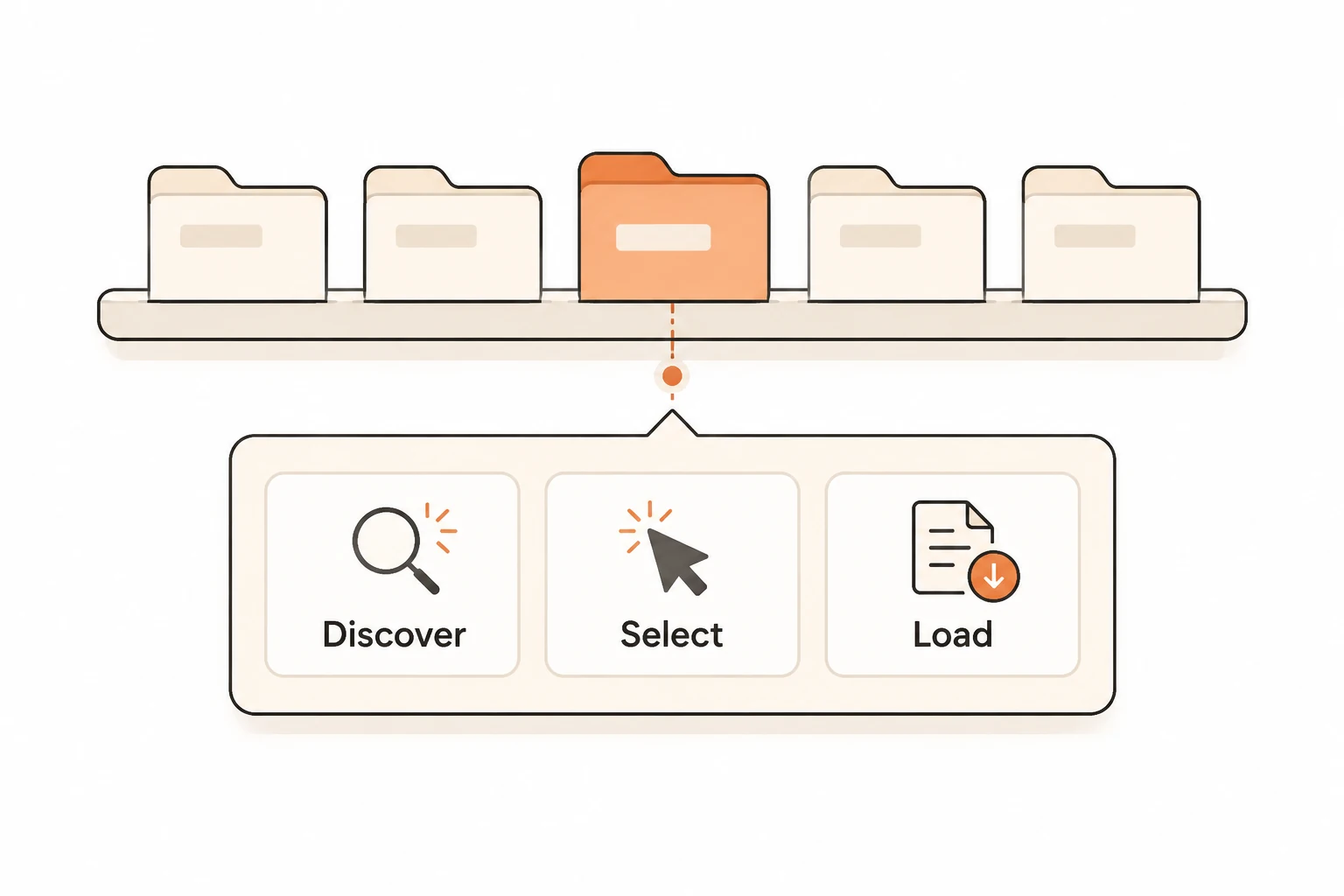
A successful connection establishes one part of the path. Tools must also be discovered, pass the current agent's permissions, and reach the model through a supported exposure mechanism. Availability does not guarantee that the model will select a tool for a particular task.
A V2 remote server is configured under mcp.servers:
{
  "$schema": "https://opencode.ai/config.json",
  "mcp": {
    "servers": {
      "docs": {
        "type": "remote",
        "url": "https://mcp.context7.com/mcp"
      }
    }
  }
}
This uses a public endpoint from the official guide. Its operator determines availability, authentication, and limits. Inspect connection state with opencode mcp list; follow the service's authentication instructions if required.
V2 uses disabled: true to retain a server without connecting. Disconnecting it in /mcps does not rewrite configuration. A higher-priority project entry replaces the whole same-named server object, so repeat required fields when overriding it.
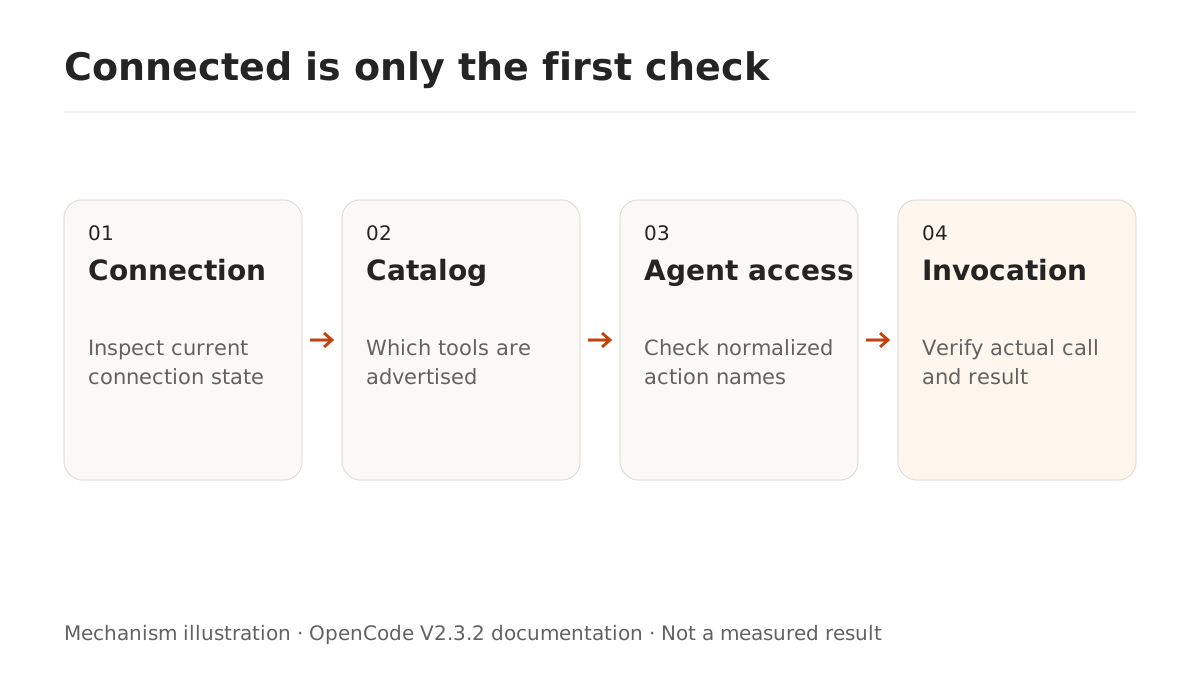
How can one documentation agent receive the tools?
Tool actions use normalized <server>_<tool> names. A server named docs can be matched with docs_*. Unsupported name characters become underscores; choose names that remain unique after normalization.
Merge this into the same V2 configuration:
{
  "permissions": [
    { "action": "docs_*", "resource": "*", "effect": "deny" },
    { "action": "opencode_list_mcp_resources", "resource": "docs", "effect": "deny" },
    { "action": "opencode_read_mcp_resource", "resource": "docs:*", "effect": "deny" }
  ],
  "agents": {
    "docs-reader": {
      "description": "Look up public library documentation and return supported answers",
      "mode": "subagent",
      "permissions": [
        { "action": "docs_*", "resource": "*", "effect": "allow" },
        { "action": "opencode_list_mcp_resources", "resource": "docs", "effect": "allow" },
        { "action": "opencode_read_mcp_resource", "resource": "docs:*", "effect": "allow" },
        { "action": "edit", "resource": "*", "effect": "deny" },
        { "action": "shell", "resource": "*", "effect": "deny" },
        { "action": "subagent", "resource": "*", "effect": "deny" }
      ]
    }
  }
}
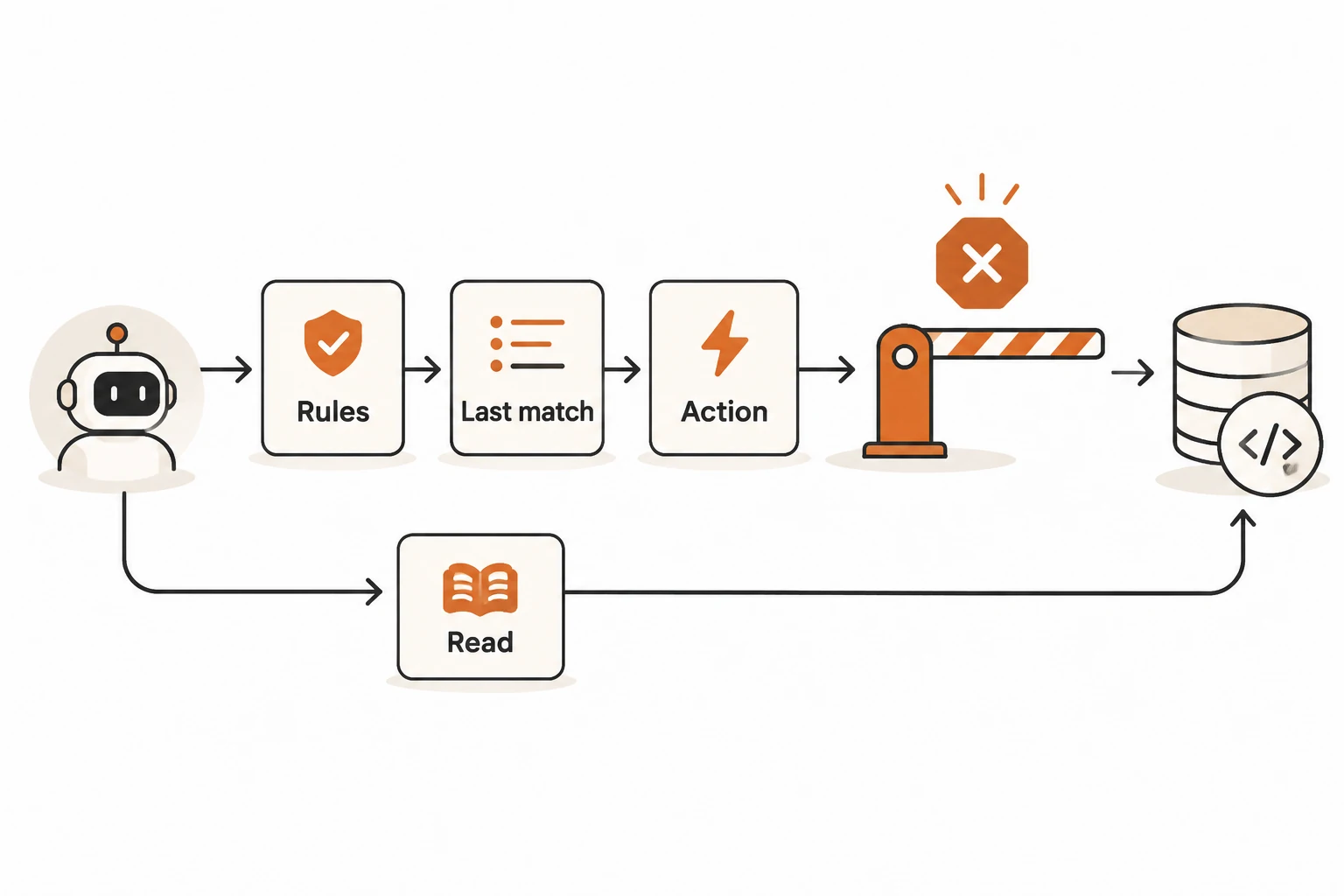
The global rules deny this server's tools; the documentation agent appends explicit exceptions. Resource listing and reading are separate actions. Denying docs_* alone does not establish that MCP resources are denied. These resource rules permit access if resources exist; they do not add capabilities to the service.
The agent denies edits, shell, and further delegation. Other actions still follow effective configuration. Remote tools retain their own capabilities and business permissions. See permission ordering and child-agent boundaries before treating this as stronger isolation than it provides.
Does Code Mode change the permission names?
Code Mode is enabled by default in V2. MCP tools are grouped into an executable namespace rather than all appearing directly in the provider's native tool list. Setting a server's codemode to false exposes its tools directly. That is an exposure choice, not a universal connection repair.
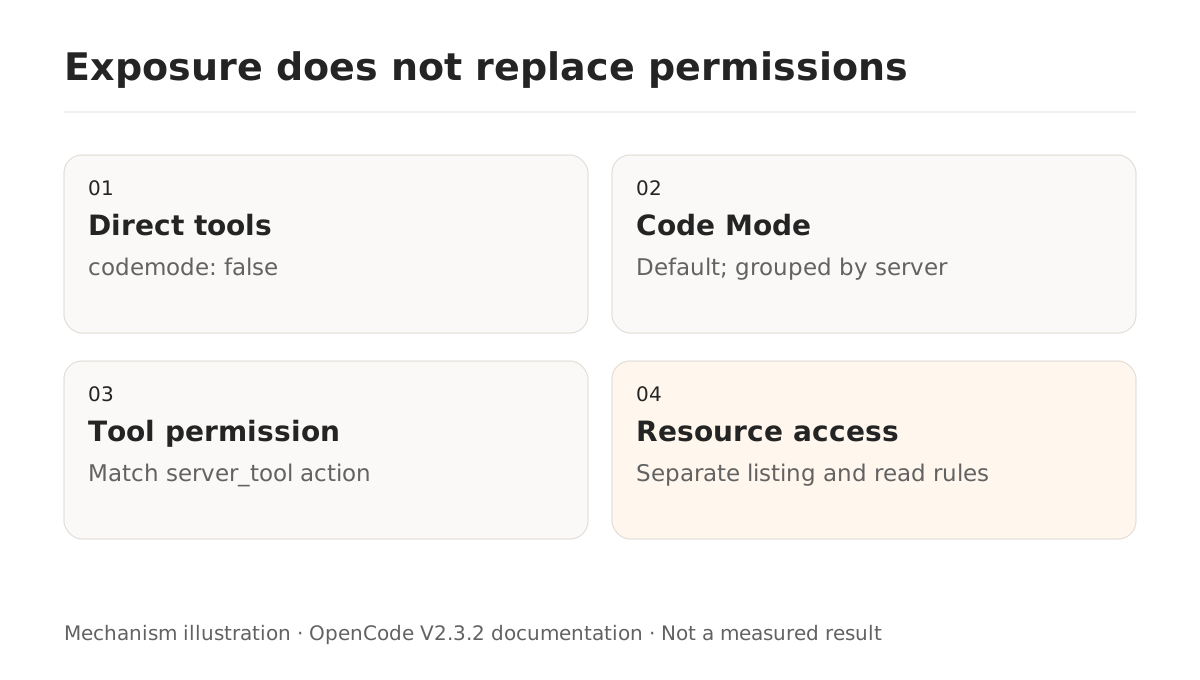
Permissions still match normalized <server>_<tool> names. Denying execute removes Code Mode and lists tools directly; nested tools still enforce their own rules. Use specific tool rules to restrict specific capabilities.
The guide also states that server initialization instructions are omitted when an agent is denied every tool from that server. This can reduce irrelevant context, but no token-saving percentage was measured here. For remaining overflow, examine fixed tool definitions and compaction.
Why might a newly added tool remain unavailable?
Distinguish initial permissions from a changing catalog. Issue #64117 reports OpenCode 2.3.0 on Windows with a local stdio server: after notifications/tools/list_changed, a new tool was not immediately available to the model.
The report and all four replies were read. A bot simulation narrows the behavior to same-step refresh timing. Another contributor supplies candidate changes and local tests while explicitly excluding real-model testing. The issue remained open when checked. Candidate commits and dev results do not establish a fix shipped in v2.3.2.
Record the initial catalog, notification time, actual tools available to the next request, and whether Code Mode is enabled. Recheck on a later message or after reconnecting before asking the model to repeatedly attempt a nonexistent tool.
How should you verify the assignment?
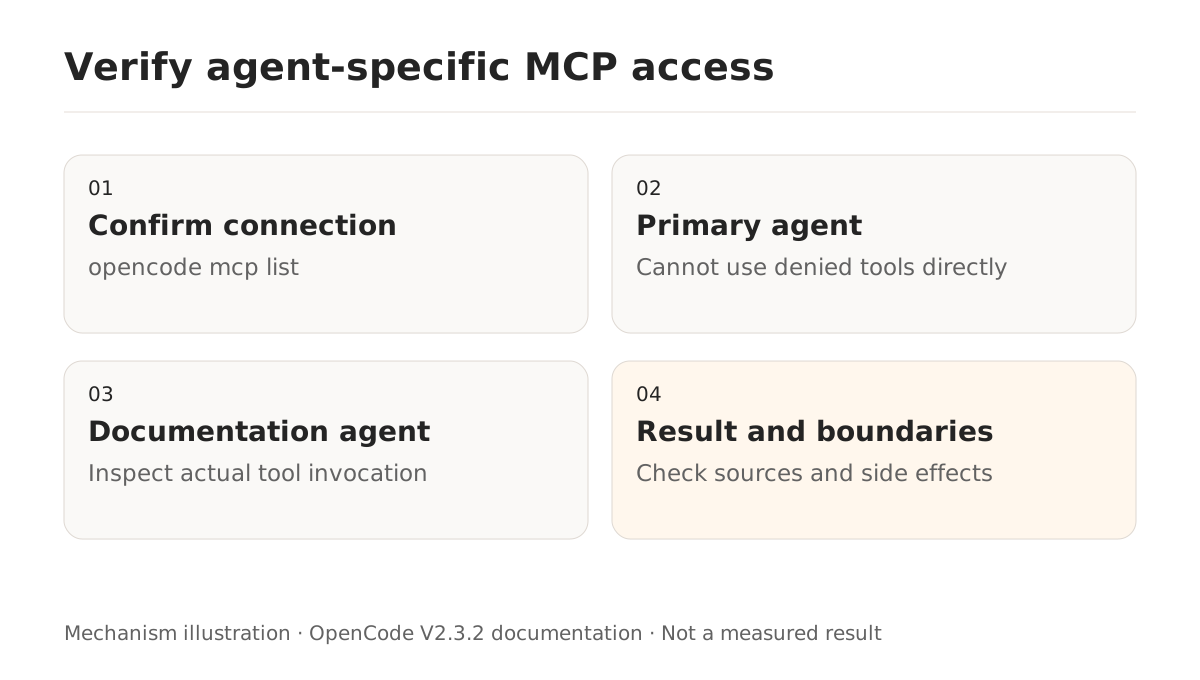
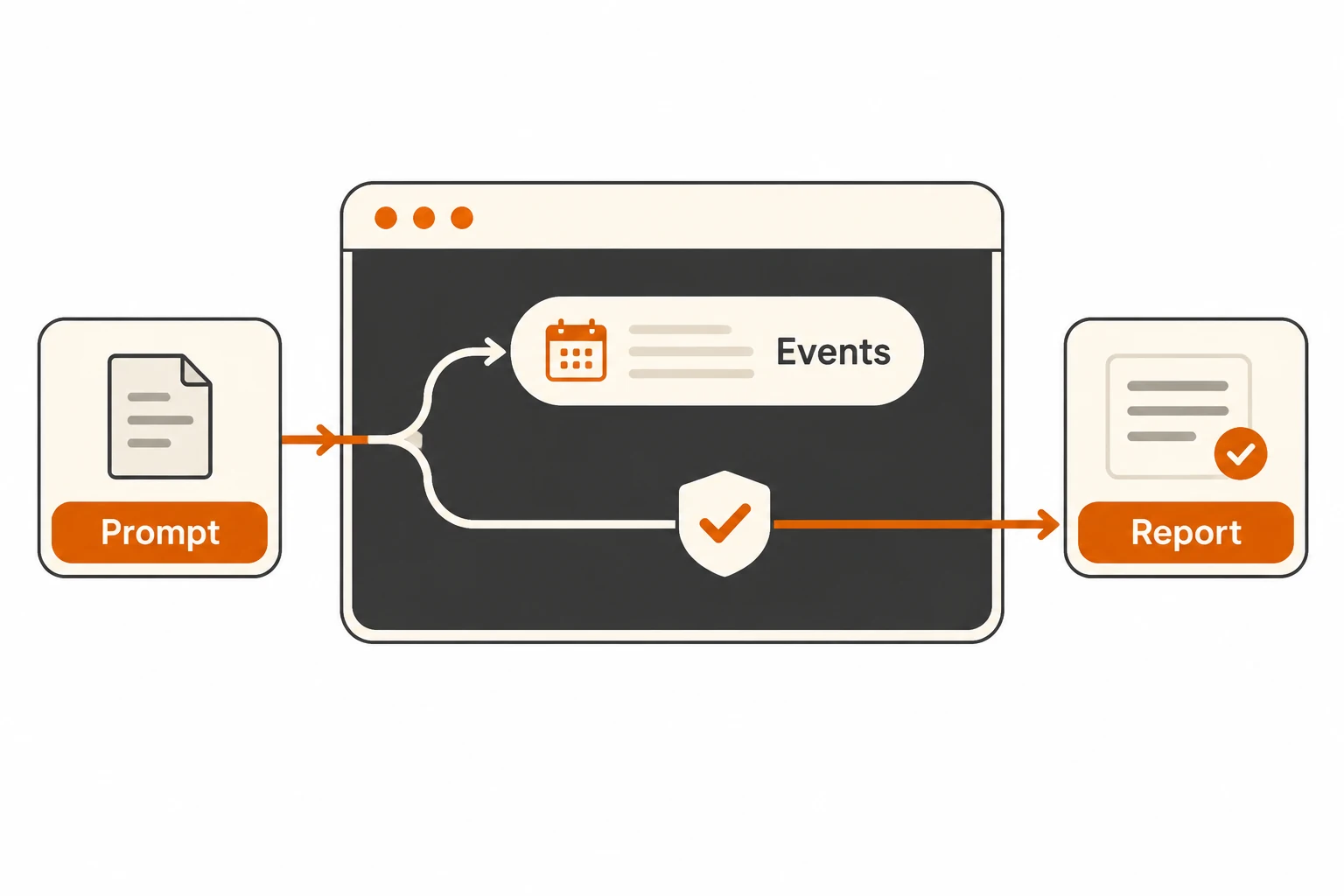
Ask a version-specific public-library question that requires documentation lookup, and have the primary agent delegate to docs-reader. Verify the actual child session, the appropriate docs_ tool invocation, and an answer with checkable sources. Confirm that the parent cannot call the denied tools directly or read equivalent resources through a separate route.
If a connected server remains unusable, inspect normalized names, agent ID, final matching rules, catalog refresh, and tool schemas. If ordinary tool use fails too, revisit the OpenCode connection guide. Tool output remains external evidence; it cannot grant permission for new actions, as explained in the tool-output boundary guide.