A Practical Poster Workflow for Qwen-Image Turbo
Understand Qwen-Image-2.1-Turbo's eight-step schedule, separate artwork from exact typography, and check the research license before commercial use.
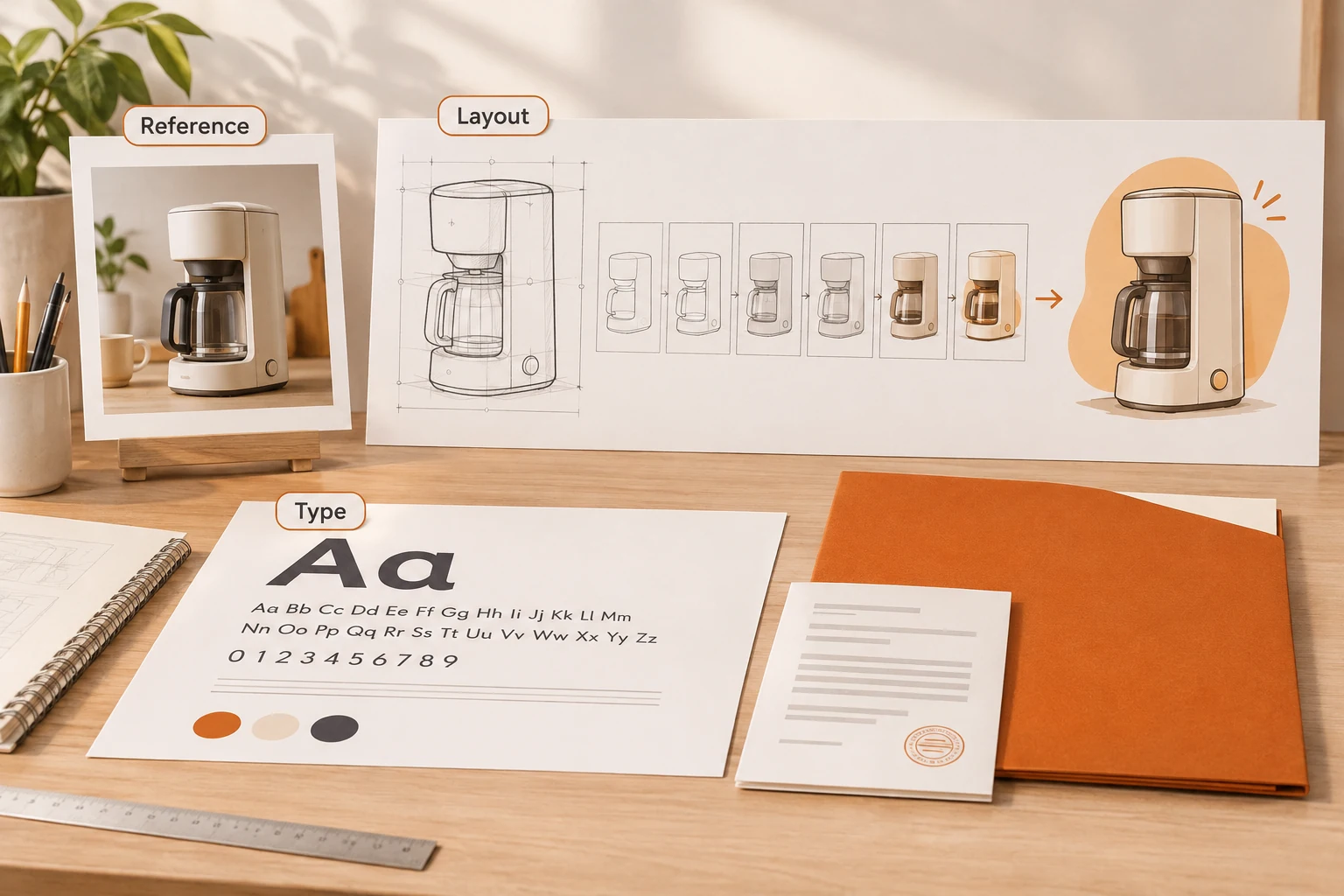
A convincing poster draft is not yet a publishable asset. A wrong date, product name, or price can make an attractive composition unusable. Qwen-Image-2.1-Turbo brings generation and editing into an eight-step sampling workflow; a reliable production process still needs exact typography and final review.
We reread the official repository, Turbo model card, and full license on November 12, 2026. The repository records the Turbo weights and Pro/Turbo API launch on October 9. That is outside the last thirty days, so this is an application guide rather than fresh launch coverage. We did not run Qwen generation. The cover and diagrams are explanatory assets, not Qwen output samples.
Eight steps describe sampling, not delivery time
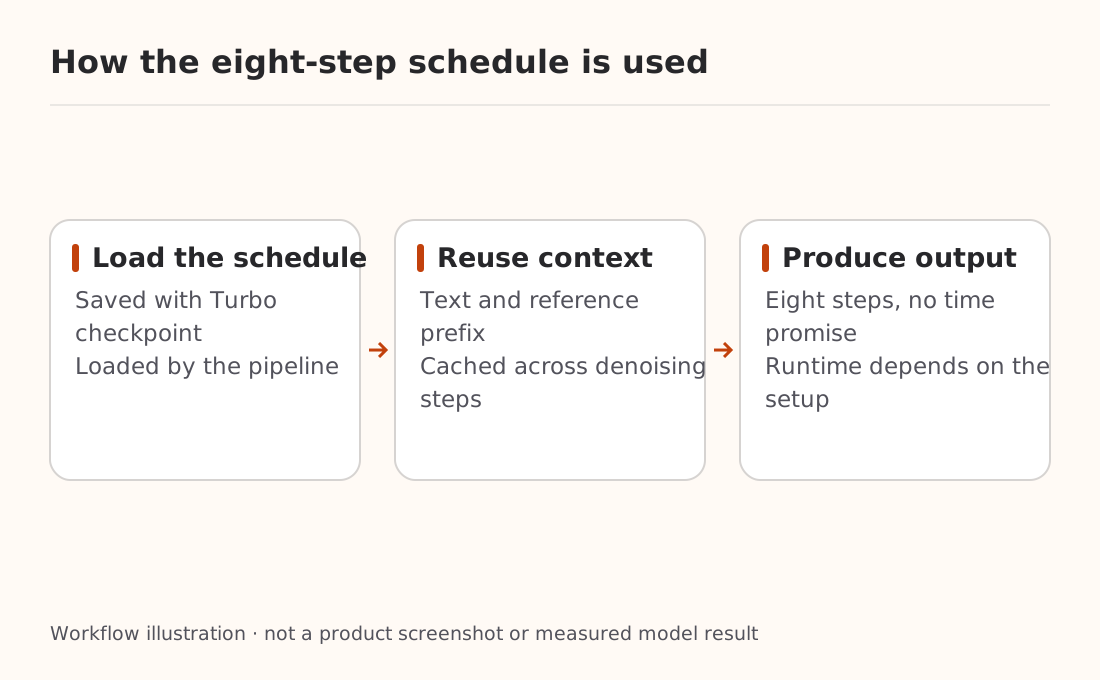
The card describes the same 7B visual-generation architecture as Qwen-Image-2.1, with text-to-image and editing support. Its recommended eight-step schedule is stored with the checkpoint and loaded by Diffusers' QwenImage21Pipeline. CFG defaults to 1, and prefix caching can reuse text and reference-image context across denoising steps.
That explains an implementation mechanism, not a device-independent time estimate. Resolution, references, loading, memory, and the inference implementation all matter. The 7B count is not a complete pipeline memory specification. This article provides no unmeasured minimum VRAM or seconds-per-image claim.
An easy configuration mistake deserves attention: changing num_inference_steps alone does not override Turbo's saved schedule. The card says explicit call-time sigmas does override it, while other schedules have not been evaluated. Start with the recommended configuration before experimenting with the original model's settings.
Current installation guidance requires Diffusers support for pipeline-configured sampling sigmas, linked to PR #14950. It installs Diffusers from source and requires transformers>=5.17.0. We did not install that stack. For an actual deployment, record dependency versions and source revisions rather than leaving only “latest” in the setup record.
Write the brief before deciding where text belongs
For a poster featuring your own ceramic mug, gather an authorized product photo, approved copy, size and crop requirements, and a list of visual details to preserve. Do not let the model invent event dates or promotional terms.
This is an unexecuted creative brief for research or an appropriately licensed environment:
Create a vertical poster background for an orange ceramic mug.
Preserve the handle, rim, and surface texture from the reference.
Use warm white with restrained orange accents; place the mug lower
in the composition. Reserve clear space above for a headline and
below for date and details. Generate no text in this pass.
Add no branding, packaging, accessories, prices, or certifications.
A text-free background is useful when copy will change, multiple languages share a layout, or dates must be exact. Add the typography in a design tool to preserve fonts, line breaks, and editability. If testing text inside the generated image, begin with a short headline and inspect every character. Showcase images do not establish universal text accuracy.
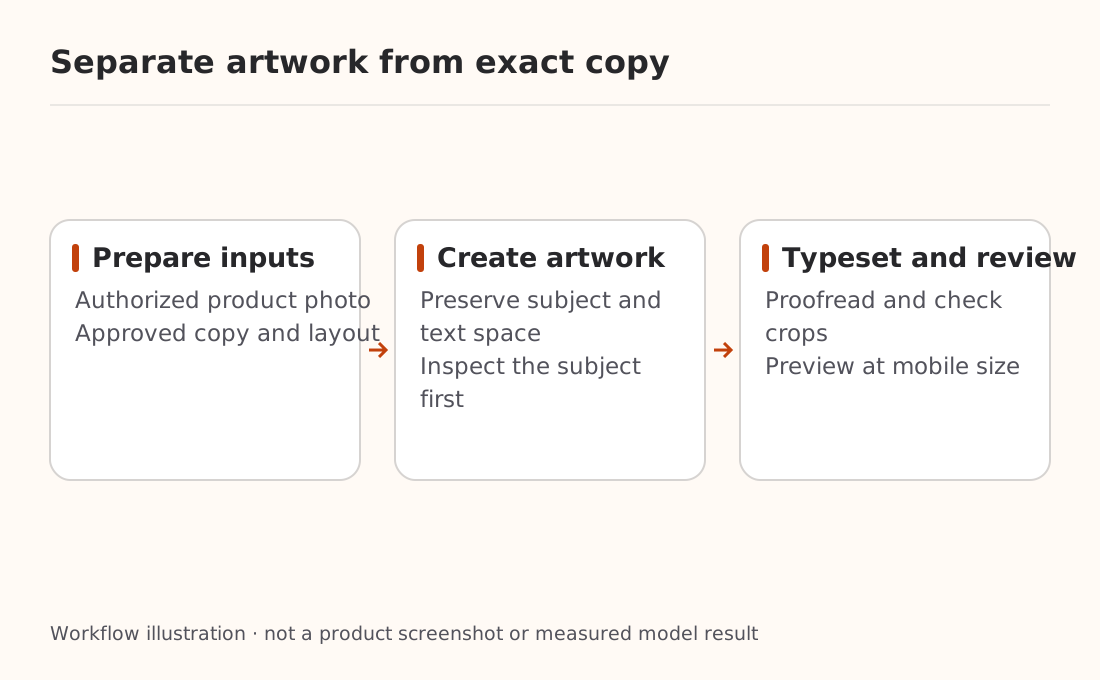
For social cards, use the crop and safe-area approach in the multi-platform artwork workflow. The additional concerns here are Turbo's schedule, trial boundaries, and license.
Make one clear change per edit
After approving a first draft, try a narrowly defined change: replace the background while preserving the mug's shape, light direction, and position. Keep the prior output, reference, and prompt. Inspect for unintended changes before adding another instruction.
Review the result at its actual mobile display size for readable type and safe cropping, then inspect edges, handles, and lettering at full size. If transparency matters, check the alpha channel; a checkerboard pattern is not proof of transparency.
Preserve source material alongside the output. If saving fails, recover the existing result using the image download workflow instead of starting another generation. For scalable illustrations or short animation, the GPT-Image 2.6 SVG and GIF article covers another model and output contract.
Read the research license before commercial use
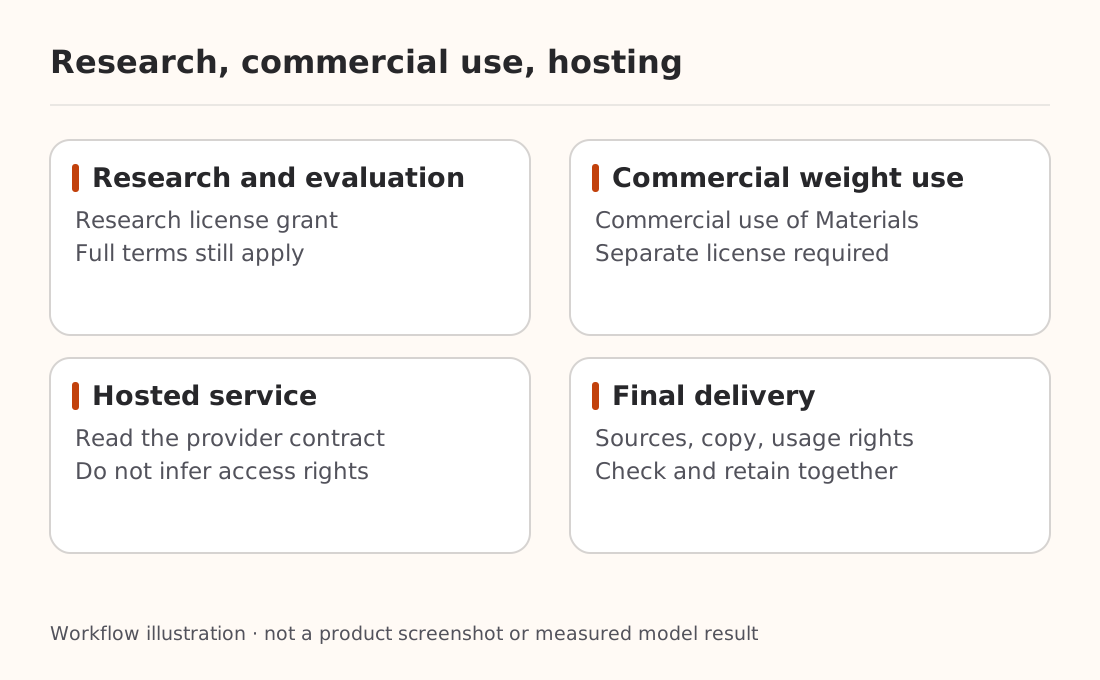
Turbo's card has license: other. The Qwen Research License Agreement defines Non-Commercial as research or evaluation and grants rights under Section 2 for non-commercial purposes only. Commercial use of the Materials requires a separate commercial license.
Downloadable weights therefore do not automatically authorize operating them in a paid poster service. Read the full terms for using the materials or distributing derivatives, and read a hosted provider's contract separately. This article does not infer ownership of every possible output from the weight license or declare all hosted APIs research-only.
For Nbility, consult the image API documentation and model catalog. This article does not establish Qwen-Image-2.1-Turbo availability there. A weight repository name, official cloud model name, and gateway route ID are not interchangeable.
Complete the subject, typography, and crop checks for one asset before scaling to a batch. An eight-step schedule is a useful research starting point; publication depends on correct content, traceable material, and appropriate usage rights.