What SillyTavern Needs: The UI, a Model API, Hosting, and Membership
Separate the SillyTavern interface, model backend, hosting, and website membership before configuring a minimal connection and checking an actual reply.

After installing SillyTavern and importing a character, the chat window may still have nothing to say. First check whether a model backend is connected. SillyTavern organizes prompts, characters, and conversation history; a separate local or hosted service usually generates the text. A character card or website membership does not establish that connection.
This guide was checked on November 10, 2026, against the official introduction, connection documentation, and the 1.19.0 stable release record. It explains responsibilities rather than comparing plans or promising that a membership includes external API access.
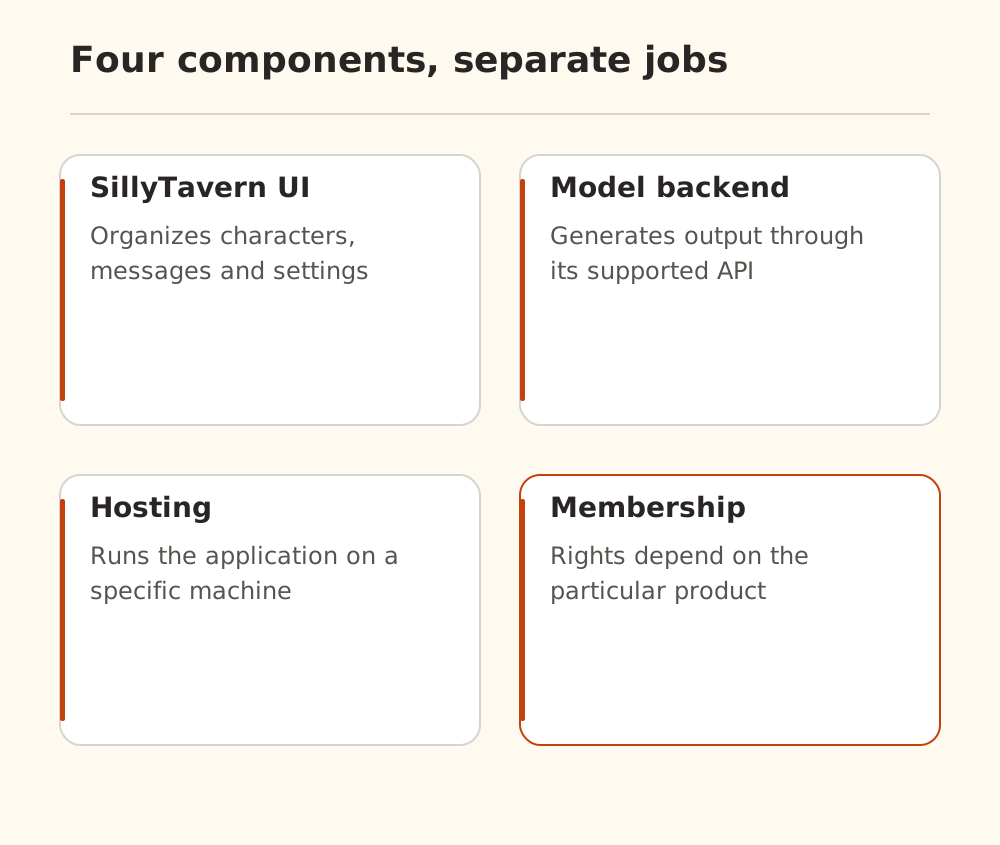
Identify what each purchase or download provides
The official introduction describes SillyTavern as a frontend that needs access to an LLM backend. The project itself is free and open source. Hosting, installation assistance, or a managed service can be separate commercial offerings.
| Component | What it supplies | What you still need to check |
|---|---|---|
| SillyTavern | Character, prompt, and chat management | Backend address and access method |
| Character cards and presets | Context and generation settings | Suitability for the model and protocol |
| Model API credential | Access to a particular service | Endpoint, exact model ID, and permission |
| Local inference backend | Model execution on your hardware | Whether it runs and which API it exposes |
| Hosted SillyTavern service | An available application or interface | Whether model access is included and where data goes |
| Website membership | Rights defined by that product | Whether external API use is explicitly included |
“Membership” has no universal technical meaning. Check the provider's terms and API documentation. Being able to chat on a website does not establish that its credentials can be used in another application.
Follow the request to the machine that sends it
In a typical hosted setup, a browser opens SillyTavern, the application backend prepares messages, and that backend contacts the model service. A working browser connection does not prove that the hosting server can reach the API. With a local backend, check which machine localhost refers to.
For Nbility, prepare the address, a dedicated API key, and an exact model ID using the connection guide. A website password, browser cookie, or login link is not an API key.
For the custom source that appends the request path, the configuration is:
API type: Chat Completion
Chat Completion Source: Custom (OpenAI-compatible)
Custom Endpoint: https://api.nbility.ai/v1
API Key: YOUR_API_KEY
Model: YOUR_AVAILABLE_MODEL_ID
The official custom-source instructions explicitly say not to append /chat/completions to this endpoint. They also do not guarantee compatibility with every third-party API. UI wording may differ by installed version; the Nbility SillyTavern guide covers the local setup details.
Verify a short reply before adding complexity
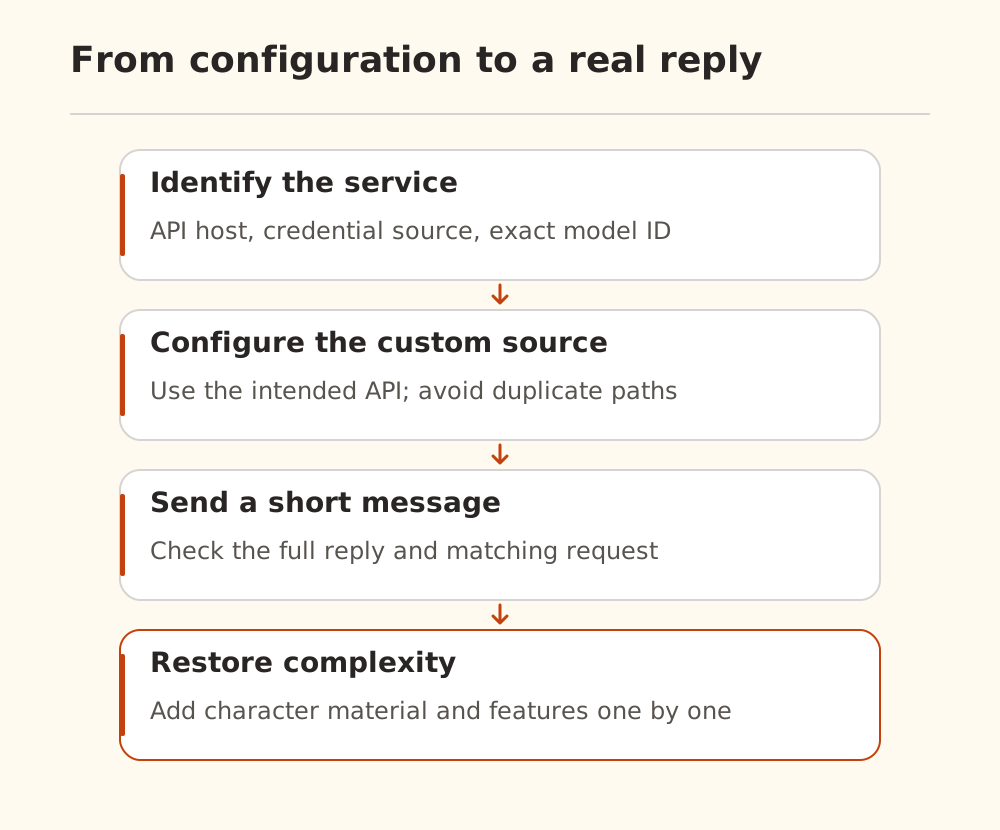
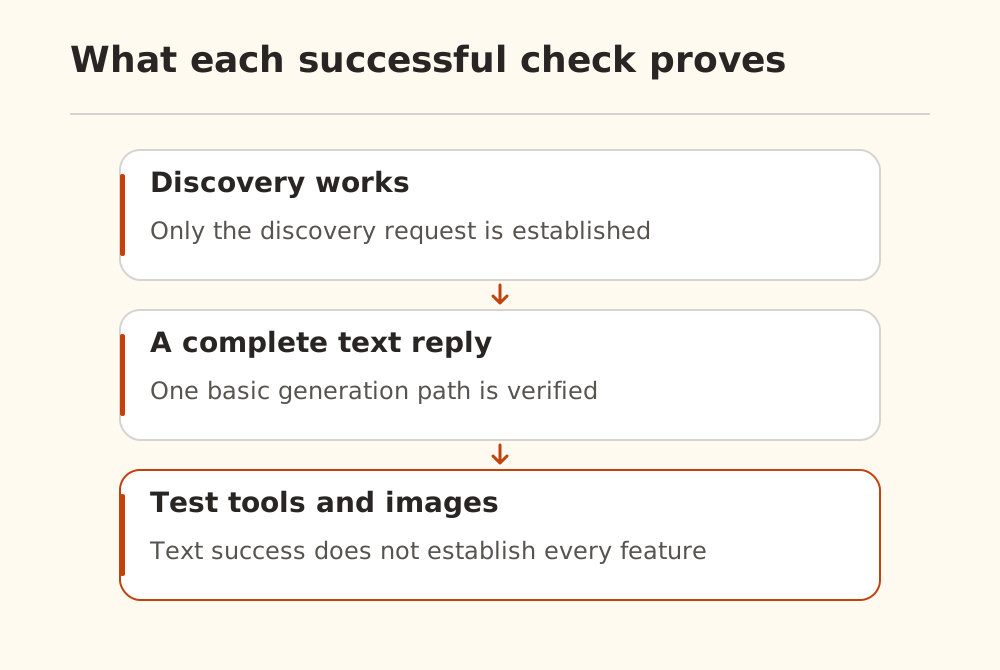
Start with an empty assistant or a short character card. Ask for a brief confirmation. Leave tools, images, automatic summaries, extensive lore, and long history out of this first check.
Look for a complete reply, then find the corresponding request in the service's records. For Nbility, use the request logs to match the time, model, and status. Restore streaming and other features one at a time.
A green connection indicator or populated model picker establishes less than a successful generation. The official documentation permits a manually entered model ID when a backend does not implement model discovery; entering an ID does not grant access to it. See model lists versus capabilities for the next checks.
Test extensions on their own paths
A working character conversation does not establish image generation, speech, tools, or summarization support. These can use separate APIs or configuration. The official guide also notes that prompt post-processing modes marked no tools do not support tool calling.
Issue #5021 remains an example of why a visible setting and an outgoing parameter need separate inspection. Its original report used 1.15.0 staging; a user added a different backend observation on October 30. The issue was still open when checked. We did not reproduce it, and it does not establish a universal defect in current connections. Editing source code or applying a comment's patch should not be the first troubleshooting step.
If only a complex character fails, preserve the original and simplify a copy. If an empty assistant also fails, inspect the endpoint, permissions, and model first. Knowing which component is missing makes both configuration changes and purchasing decisions much easier.