A Model Is Listed but Still Fails: Check IDs, Aliases, and Capabilities
Distinguish key-visible models, display aliases, outgoing IDs, and capability settings, then verify the actual operation instead of trusting a model picker.
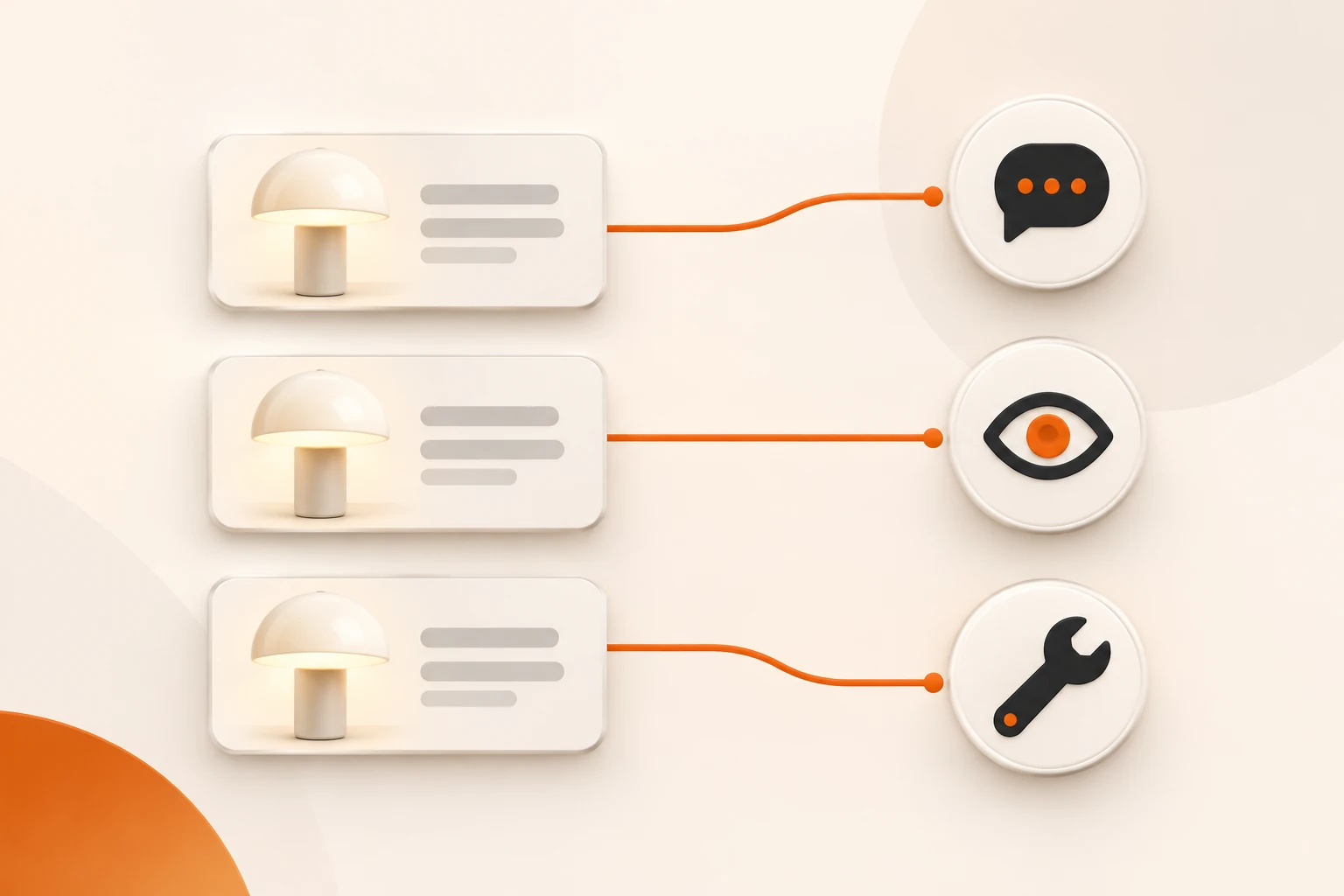
A model can appear in a picker and still return model not found. It can answer text while failing on images or tools. Separate four things: the ID visible to a credential, the client's display name, the ID actually sent, and the capabilities of that request path.
Checked on November 10, 2026, this guide uses Nbility's model API documentation, the current Open WebUI model-workspace documentation, and the v0.13.3 stable release record. Live documentation may describe features ahead of a stable installation. This is a diagnostic method, not a permanent capability catalog.
An old name can also route to a new model on the service side. The December 2026 Gemini migrations show why model strings, request settings, and tool round trips need separate checks beyond refreshing the picker.
Query with the credential and endpoint the application uses
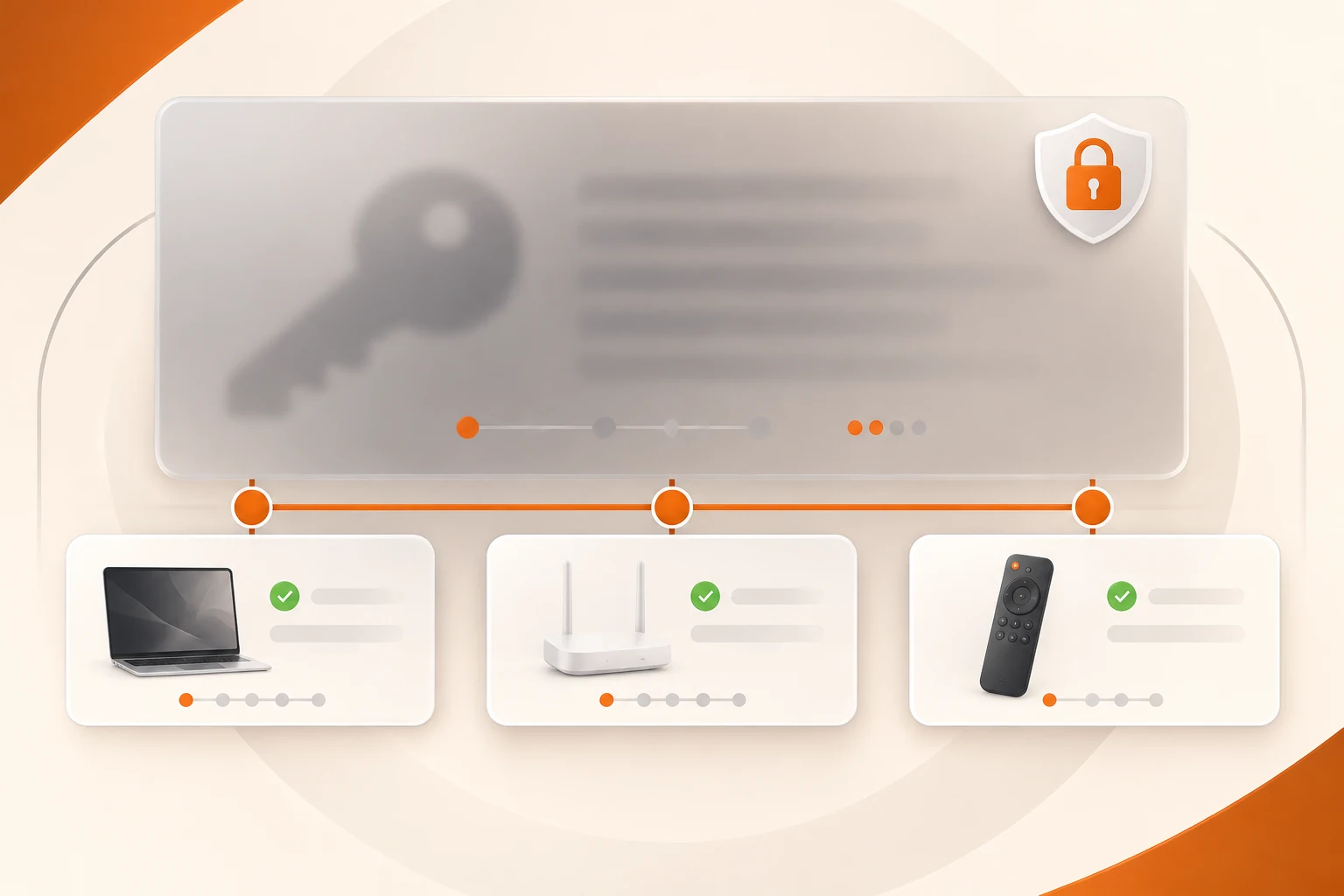
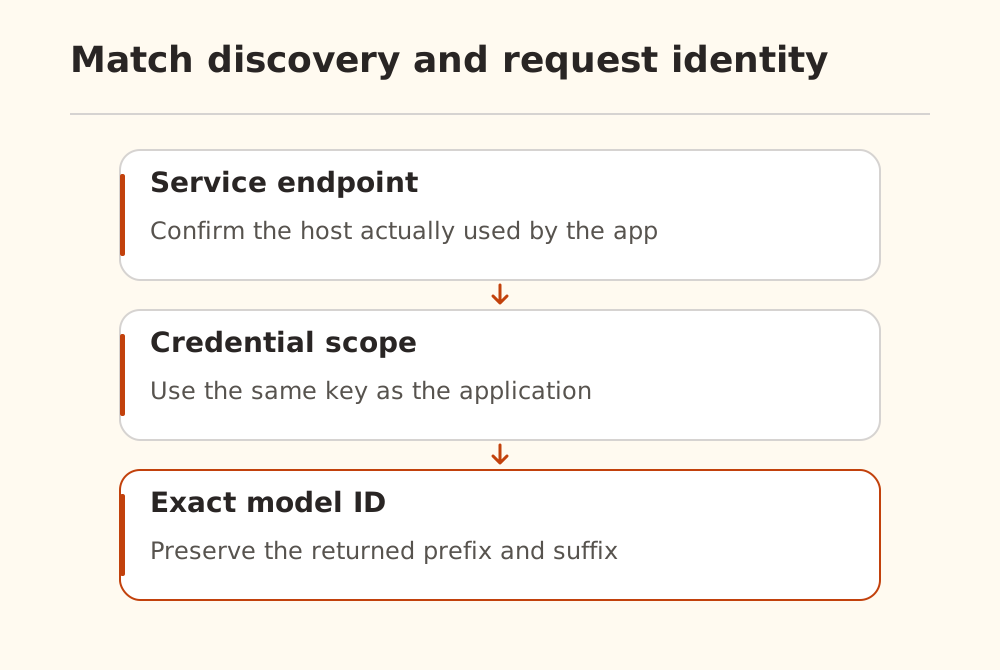
A dashboard, desktop app, and server environment can hold different keys. A model visible to an administrator may be unavailable to a restricted token. Confirm the actual endpoint and credential source with the connection guide, then run this in a trusted terminal:
curl --fail-with-body --silent --show-error \
  https://api.nbility.ai/v1/models \
  -H "Authorization: Bearer $NBILITY_API_KEY" \
  --output models.json
jq -r '.data[].id' models.json | sort
Do not publish verbose curl output containing authorization headers. Keep the saved file appropriately scoped. The command was checked against the documented interface; we did not run it with a reader's account.
The models API returns models visible to the current credential. A cached client list may lag behind it. Preserve the returned ID exactly, including prefixes, case, and version suffixes. If it is missing, inspect token restrictions and service configuration rather than guessing similar names.
A display alias may wrap a base model
The Open WebUI Models workspace supports presets that combine a base model with instructions, knowledge, tools, and parameter overrides. An entry called “Code Reviewer” can be such a wrapper. Trace its display label and workspace configuration through to the remote model identifier.
| Evidence | What to inspect | What it does not prove |
|---|---|---|
| UI selection | Display label or preset | The outgoing remote ID |
| Client configuration | Base model, connection, overrides | Acceptance of every parameter |
| Request record | Target API path and sent model ID | Every internal provider-routing detail |
A model's own identity claim is also weak evidence: system instructions and character material can shape that answer. If results changed, use a controlled task investigation instead.
Capability settings need matching task checks
Enabling Vision or Tools tells the client to prepare those requests. It cannot add capabilities to a remote model. A capable model can also remain unusable if the client disables the feature or sends the wrong structure.
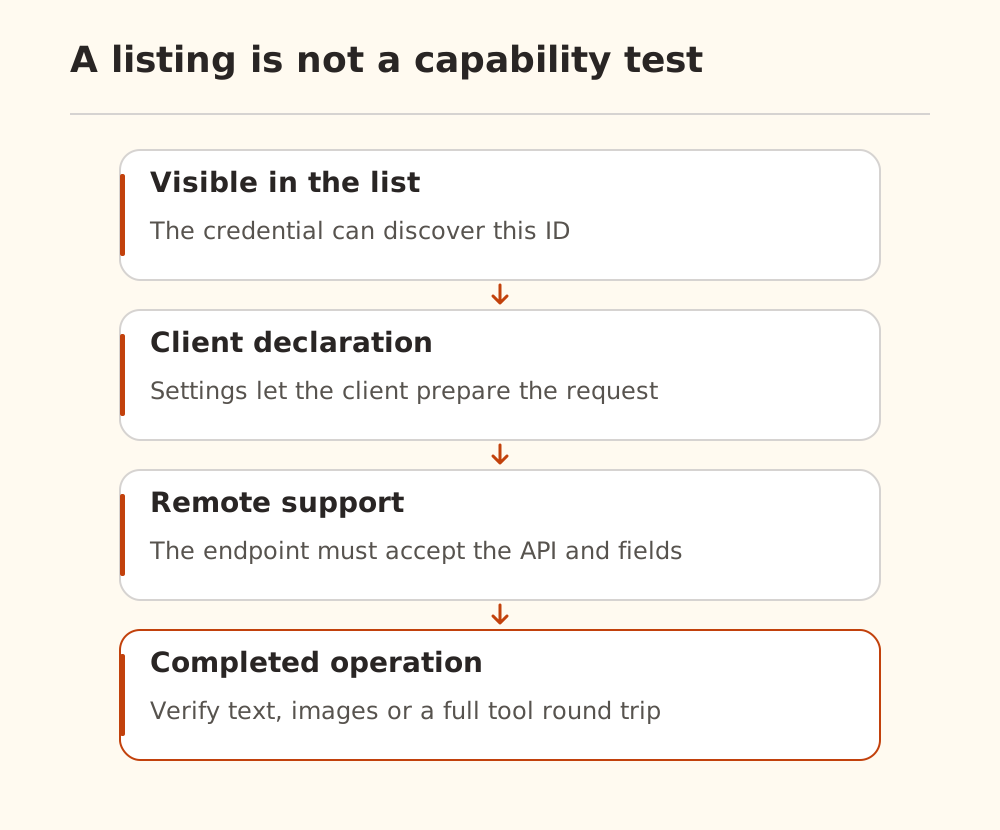
Test the operations you actually need:
- Text: a fresh conversation and a short, complete reply.
- Vision: a public image and a question whose answer depends on its contents.
- Tools: a harmless read, valid arguments, a returned result, and a follow-up answer.
- Conversation continuity: a later question that depends on the previous result.
Do not move from a failed read-only test to deletion, messaging, or database writes. Structured output and real-time audio have their own interface requirements too.
Isolate a client-specific failure
Compare a minimal request using the same key, model ID, and protocol. If that works outside the application, inspect the application's final URL, preset, extra parameters, history, and parser. The model guide explains capability categories; it does not replace those checks.
Open WebUI #33956 illustrates the need for a narrow conclusion. Its author reported a history-replay problem on 0.13.3 dev, and a participant supplied source analysis and self-reported tests. It remained open when checked. We did not reproduce it; it does not establish a general inability to use tools, and the comment is not evidence of a shipped stable fix.
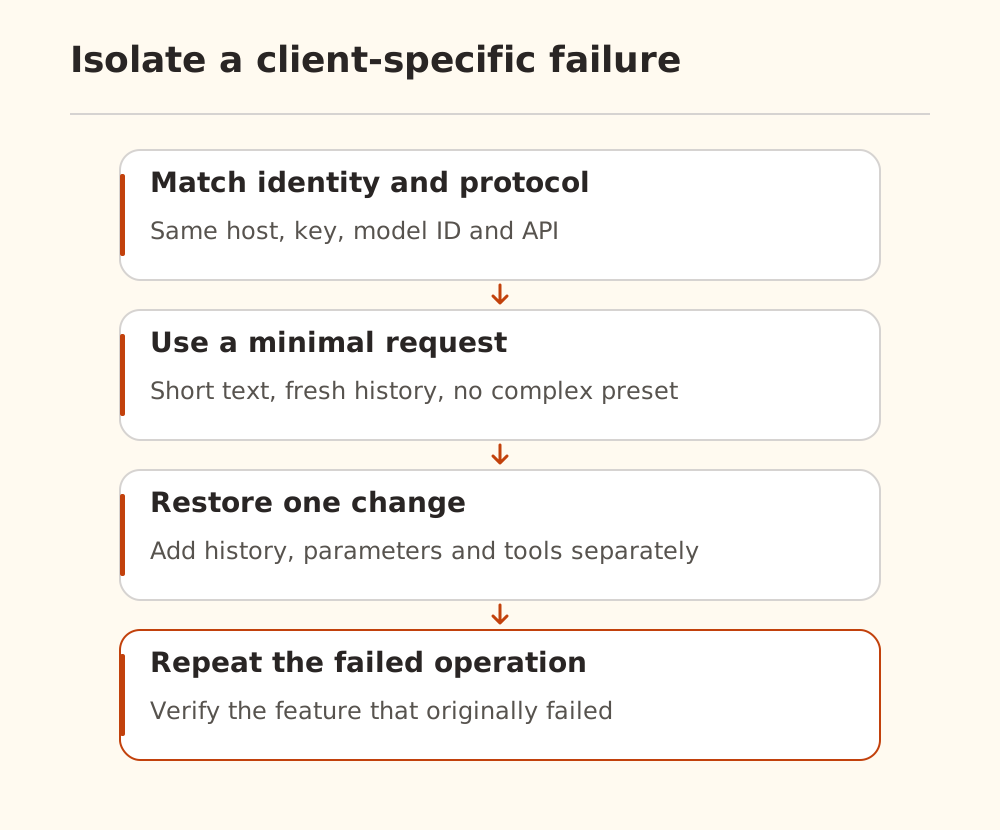
After a change, repeat the operation that failed. A tool issue needs a complete tool round trip; a vision issue needs a real image-dependent answer. Use Nbility request logs to correlate the model call, and the tool system's own records to verify independent actions.