AI API Returned Empty Content? Debug content, Reasoning, and Response Formats
A successful AI API call can still produce null or empty text. Learn how to inspect content, tool calls, reasoning, finish reasons, streaming events, and protocol-specific response paths.
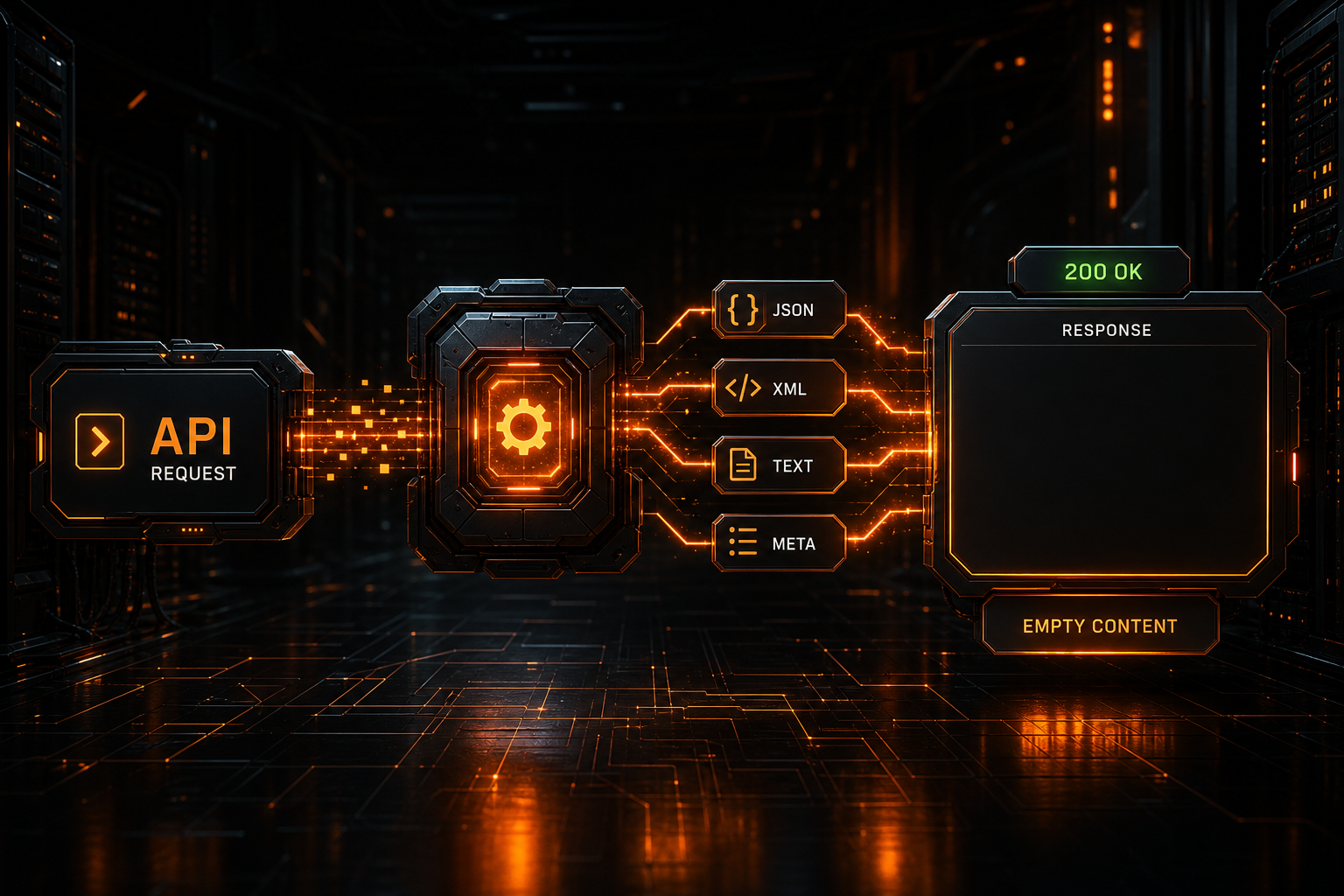
An AI API request returns 200 OK, and usage reports nonzero output tokens, but the application displays one of these:
""
null
undefined
No content
That does not necessarily mean the model produced nothing. More often, the client read the wrong field, the model requested a tool instead of writing text, reasoning and final output use different structures, a stream was assembled incorrectly, or generation stopped before a visible answer was completed.
Do not debug this by logging only content. Preserve a redacted version of the full response structure, then answer three questions:
- Where does this protocol place user-visible text?
- Was this turn expected to produce normal text at all?
- Why did generation stop, and did the client consume every event?
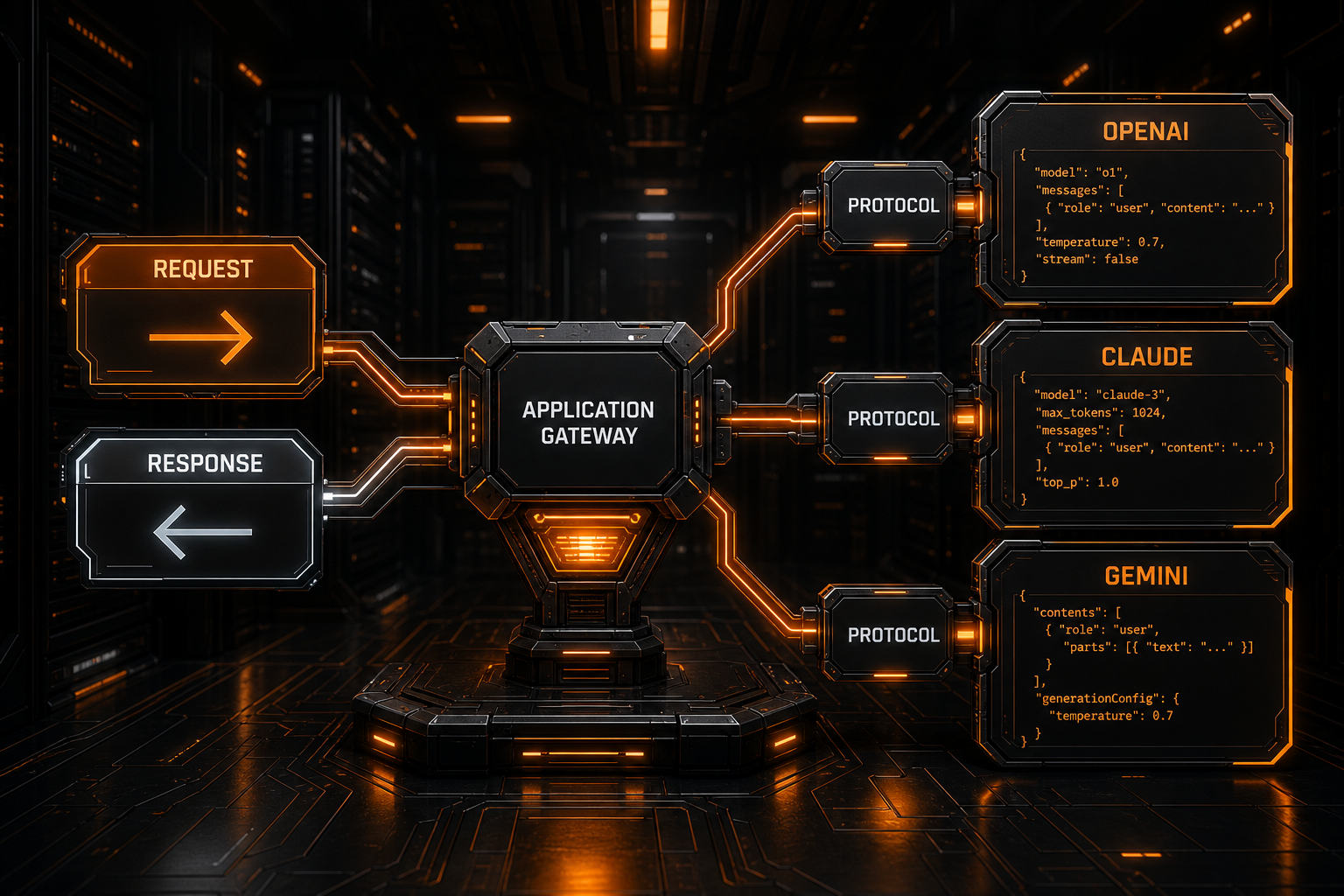
This guide covers OpenAI Chat Completions, the Responses API, Anthropic Messages, Gemini, and compatible third-party gateways.
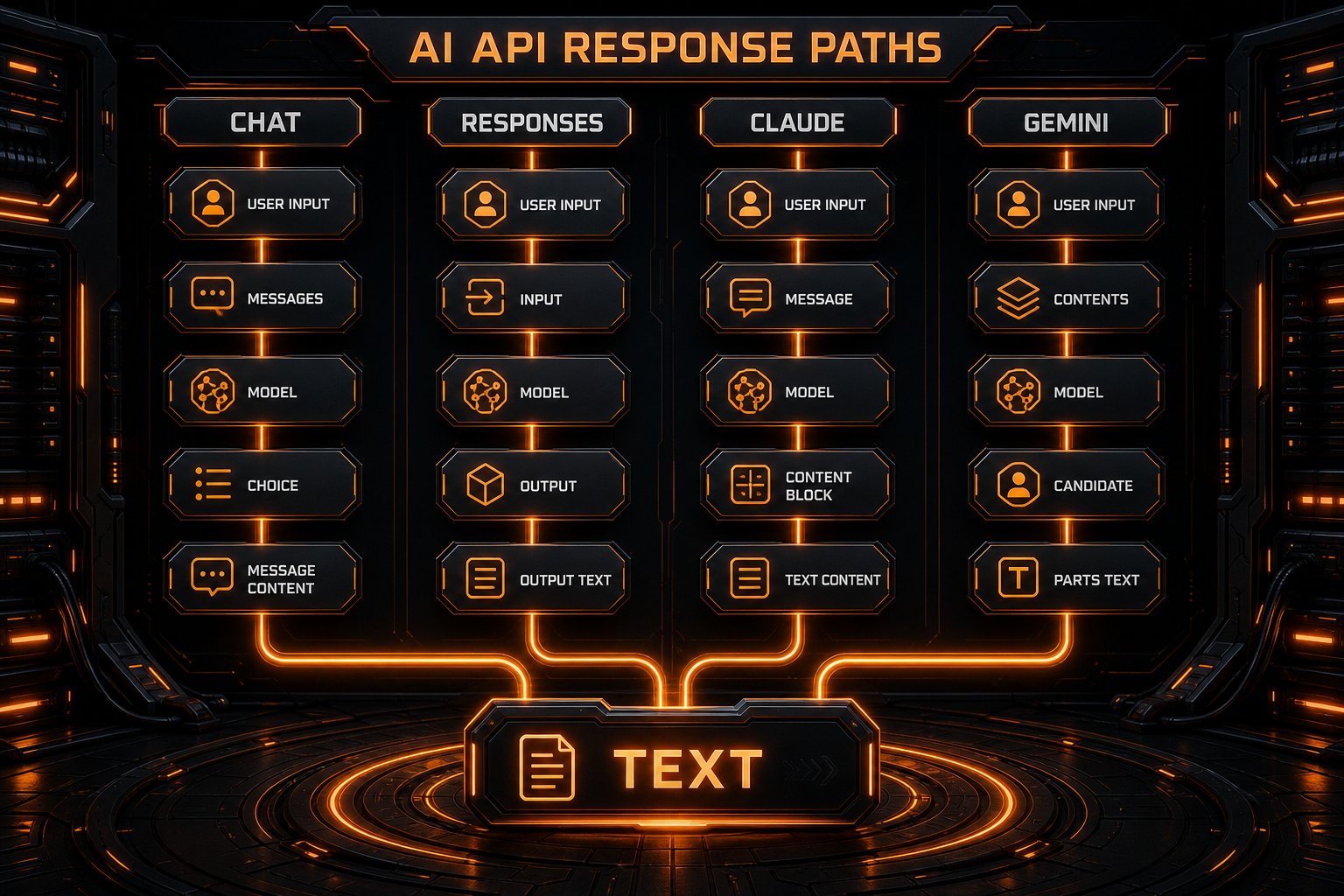
Locate Text by Protocol Before Choosing a Fix
| Request protocol | Normal text location | Next check when text is empty |
|---|---|---|
| Chat Completions | choices[].message.content | Handle tool_calls first; check the output budget when the finish reason is length |
| Responses | output_text content parts in message items under output[] | Inspect tool items, status and incomplete_details; do not parse it as choices |
| Claude Messages | Blocks with type: text in content[] | Distinguish tool_use, thinking and final text; inspect stop_reason |
| Gemini GenerateContent | Text parts in candidates[].content.parts[] | Inspect candidates, function calls, finishReason and safety feedback |
Verify the field path with a short, non-streaming request without tools, then restore tools and streaming. Compare the Chat Completions and Responses examples; turning streaming off is a diagnostic step, not a permanent fix.
Start by Distinguishing Different Kinds of Empty
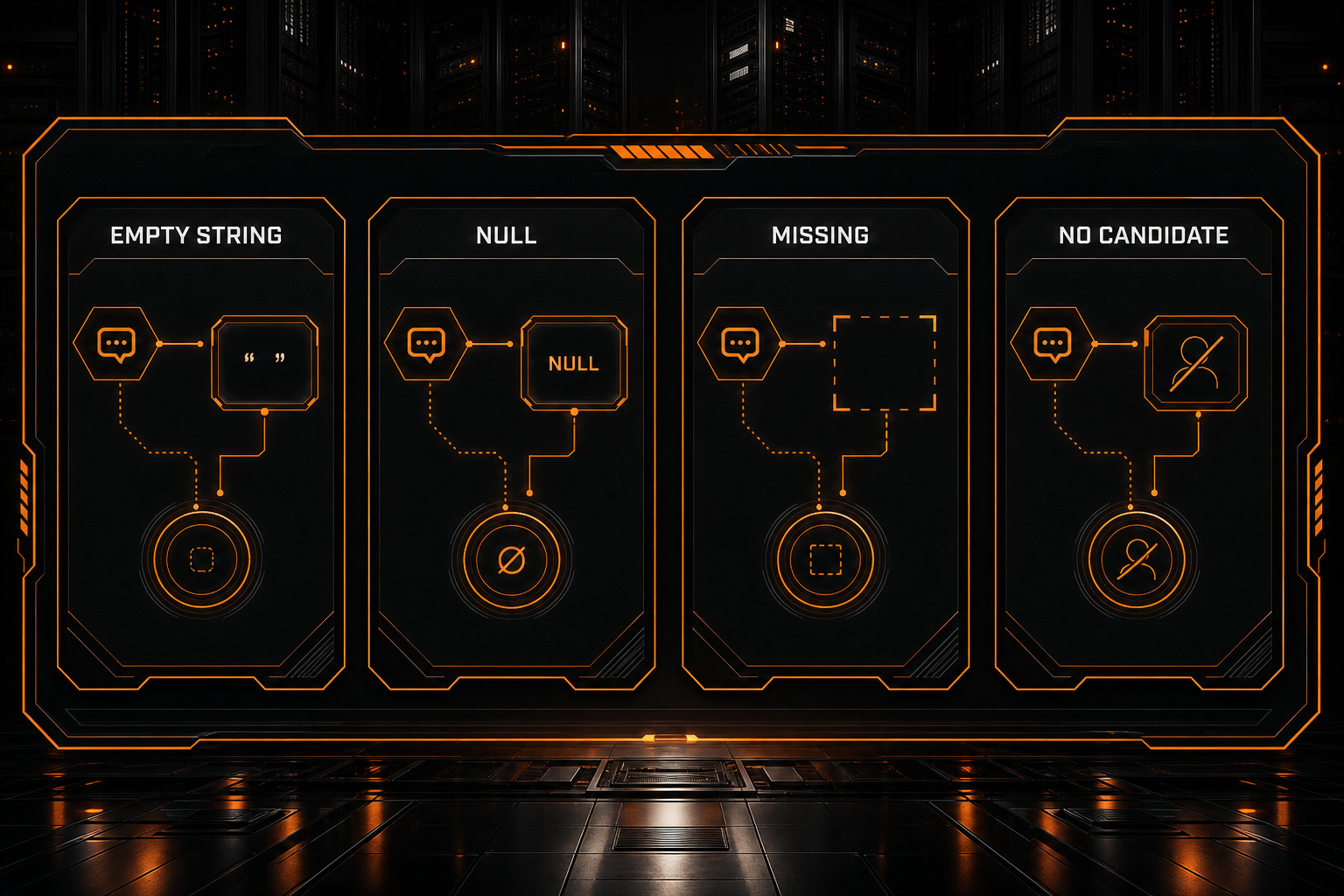
| Symptom | Likely meaning | Inspect first |
|---|---|---|
content: "" | The field exists but contains no text | Tool calls, output limit, gateway conversion |
content: null | The turn has no normal text payload | tool_calls, refusal data, protocol rules |
No content field | The parser may target the wrong API shape | Responses, Claude, or Gemini native fields |
Empty choices / candidates | No usable candidate was returned | Safety metadata, prompt feedback, gateway behavior |
| A completed stream accumulated no text | Events were missed or were non-text events | SSE parser, event types, interrupted connection |
| Reasoning exists but the answer does not | Reasoning is separate or generation ended early | Token budget, stop reason, response adapter |
This single expression is not a universal AI response parser:
const text = response.choices[0].message.content;
It targets one Chat Completions shape and still fails when choices is absent, content is null, or the result is a tool call or refusal.
Capture a Redacted Raw Response First
Record enough context to reconstruct the failure:
HTTP status
Content-Type
API route
Model ID
Whether stream=true
Top-level response keys
Length of choices / output / content / candidates
finish_reason / stop_reason / finishReason
Usage fields
Request ID
Never log a complete API key, authorization header, cookie, private prompt, or unredacted source file. Even the raw response should not be dumped indiscriminately in production; retain its structure and the minimum diagnostic fields.
In Node.js, inspect the object rather than the one field you expect:
console.log({
  fields: Object.keys(response),
  choicesCount: response.choices?.length,
  outputCount: response.output?.length,
  contentBlocks: response.content?.length,
  candidatesCount: response.candidates?.length,
});
If an SDK wraps the result in a custom object, use its documented serialization method where available.
OpenAI Chat Completions: Inspect the Entire Message
A normal text result usually appears at:
response.choices[0].message.content
A robust client should inspect the other message properties and the completion reason as well:
const choice = response.choices?.[0];
const message = choice?.message;

console.log({
  content: message?.content,
  toolCalls: message?.tool_calls,
  refusal: message?.refusal,
  finishReason: choice?.finish_reason,
});
content Is null but tool_calls Is Present
When a model requests a function, the important output for that turn may be structured tool data:
{
  "message": {
    "role": "assistant",
    "content": null,
    "tool_calls": [
      {
        "type": "function",
        "function": {
          "name": "get_weather",
          "arguments": "{\"city\":\"Shanghai\"}"
        }
      }
    ]
  },
  "finish_reason": "tool_calls"
}
This is not an empty response. The client should:
- validate the requested tool and arguments;
- run an allowed tool;
- send the tool result back as a new message;
- read the model's final answer.
A UI that renders only content will incorrectly report that the model did not answer.
finish_reason Is length
finish_reason: "length" normally means the output budget was exhausted. A reasoning model can spend substantial tokens before it reaches the visible answer.
Try:
- raising the supported output-token limit;
- shortening input context;
- asking for the conclusion first;
- confirming whether the model expects
max_tokens,max_completion_tokens, or a provider-specific field; - inspecting visible output and reasoning-token usage when the service exposes that breakdown.
Do not send several conflicting token-limit parameters without understanding the selected API.
finish_reason Is content_filter
A safety policy may stop the candidate before it contains usable text. Read the provider's refusal, filter, or safety metadata. Repeating the same deterministic request is usually not a meaningful recovery strategy.
Responses API: Stop Assuming choices[0]
A Responses API result is built from typed output items. An SDK may expose a convenient aggregate such as output_text, but the raw HTTP response is not choices[0].message.content.
Walk the output by type rather than taking the first array item:
function collectResponseText(response) {
  if (typeof response.output_text === 'string') {
    return response.output_text;
  }

  const parts = [];
  for (const item of response.output ?? []) {
    if (item.type !== 'message') continue;
    for (const content of item.content ?? []) {
      if (content.type === 'output_text' && content.text) {
        parts.push(content.text);
      }
    }
  }
  return parts.join('');
}
The same response can contain function calls, tool results, reasoning items, and other output types. Reading only output[0] can miss the actual message.
A gateway may call itself OpenAI-compatible while implementing Chat Completions but not Responses. If a client switches to /responses, the result can be a 404, an incomplete conversion, or a shape its parser cannot understand. Verify the final route and the gateway's feature matrix.
Reasoning Is Not the Same as Final Content
Nonzero token usage with no visible answer commonly has one of three explanations:
- reasoning and final text use separate fields or content types;
- the output budget ended before final text was generated;
- a gateway translated reasoning into an extension field the client ignores.
Services may expose reasoning items, thinking blocks, reasoning_content, or an SDK-specific aggregate. reasoning_content is not a universal OpenAI-compatible standard and should not be hardcoded as the only fallback.
Production code should prioritize the protocol's user-visible final text and model reasoning as an optional capability. Do not treat hidden reasoning as required display content, and do not assume providers expose raw chain of thought.
Anthropic Messages: content Is an Array of Blocks
A Claude Messages response commonly contains an array rather than one text string:
{
  "content": [
    {
      "type": "text",
      "text": "The answer is ..."
    }
  ],
  "stop_reason": "end_turn"
}
Parse blocks by type:
const text = (response.content ?? [])
  .filter((block) => block.type === 'text')
  .map((block) => block.text)
  .join('');
A tool_use block may arrive without any text. Extended-thinking configurations can add thinking-related blocks as well. Inspect stop_reason and complete the tool loop instead of coercing the content array into a string.
Gemini: Inspect candidates, parts, and finishReason
Gemini's native response usually places generated content in candidate parts. SDK helpers may aggregate text, but the raw shape is conceptually:
candidates[]
  └─ content
      └─ parts[]
When text is missing, check:
- whether
candidatesis empty; - whether each part contains text, a function call, or another modality;
finishReason;- prompt and candidate safety feedback;
- whether an SDK refused to expose
.textafter a safety result; - whether the client used an OpenAI parser for a Gemini-native response.
A multimodal candidate can contain images, function calls, and other part types. The first part is not guaranteed to contain text.
Why Streaming Responses Often Look Empty
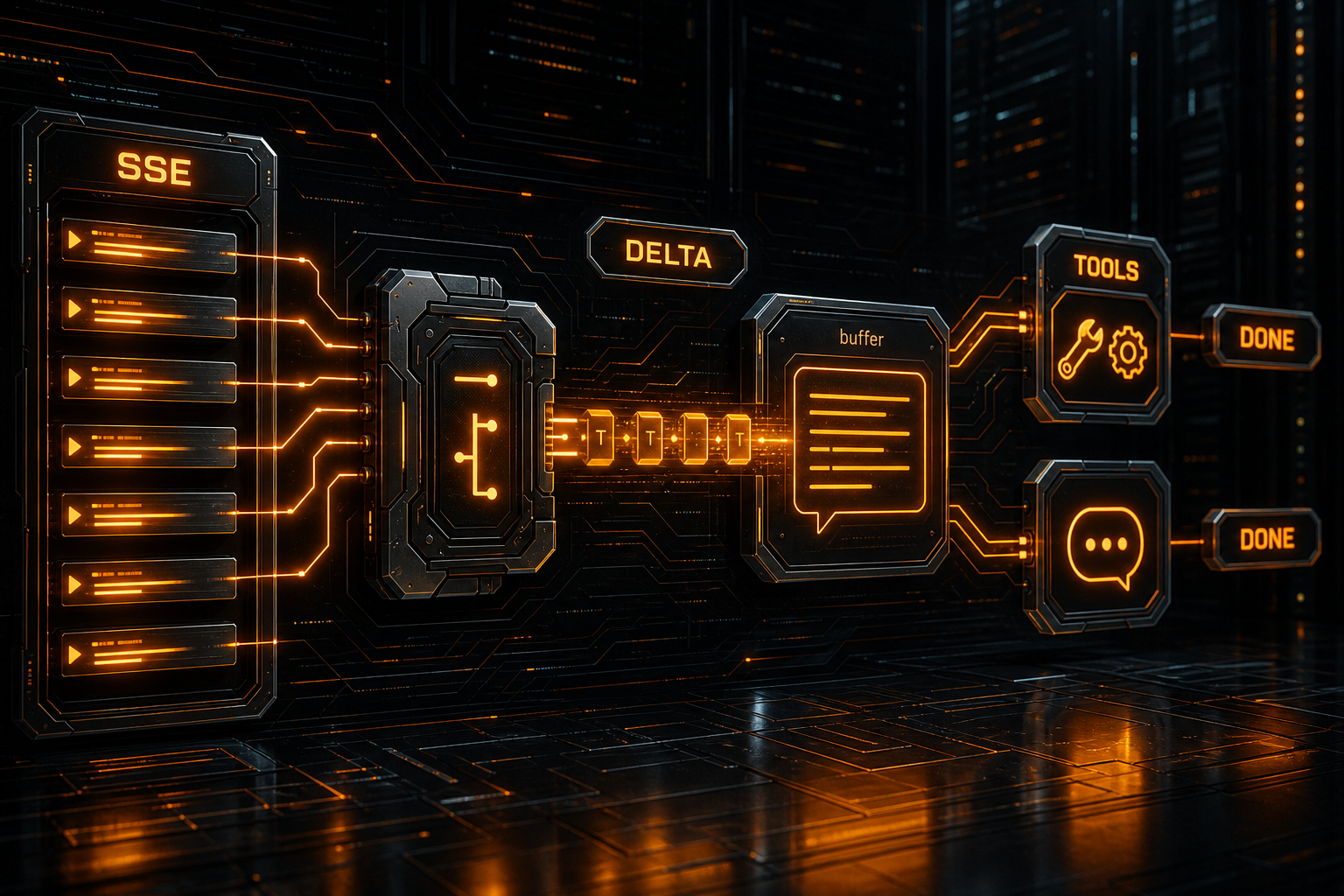
A non-streaming request returns one complete object. A streaming request returns a sequence of events. Empty results frequently come from client-side event handling:
- reading only the first chunk, which contains a role but no text;
- looking for
message.contentinstead of an incrementaldelta; - replacing the buffer on each chunk instead of appending;
- terminating when a tool-call event arrives;
- ignoring Responses API event types;
- parsing SSE as one ordinary JSON document;
- mishandling heartbeat lines, blank lines, or the terminal marker;
- losing the stream through proxy buffering or connection interruption.
A simplified Chat Completions accumulator looks like this:
let text = '';

for await (const chunk of stream) {
  const delta = chunk.choices?.[0]?.delta;
  if (typeof delta?.content === 'string') {
    text += delta.content;
  }

  // tool_calls arguments must also be accumulated by index
}
Responses streaming uses typed events for text deltas and completion. Do not send both protocols through one undifferentiated stream parser.
Compare with a Non-Streaming Request
Temporarily set stream to false:
- non-streaming works: inspect SSE handling, SDK iteration, and intermediary buffering;
- both are empty: inspect field paths, tool calls, stop reasons, and output budget;
- curl works but the application does not: the application parser is the leading suspect;
- direct access works but the gateway path does not: inspect gateway translation and buffering.
A Repeatable Debugging Sequence
1. Verify the HTTP Layer
Check the status and Content-Type. Some proxies return 200 with an HTML login or WAF page, which an SDK may turn into a confusing parse failure or empty object.
2. Confirm the Final Endpoint
Identify whether the client actually called:
/v1/chat/completions
/v1/responses
/v1/messages
Gemini generateContent / streamGenerateContent
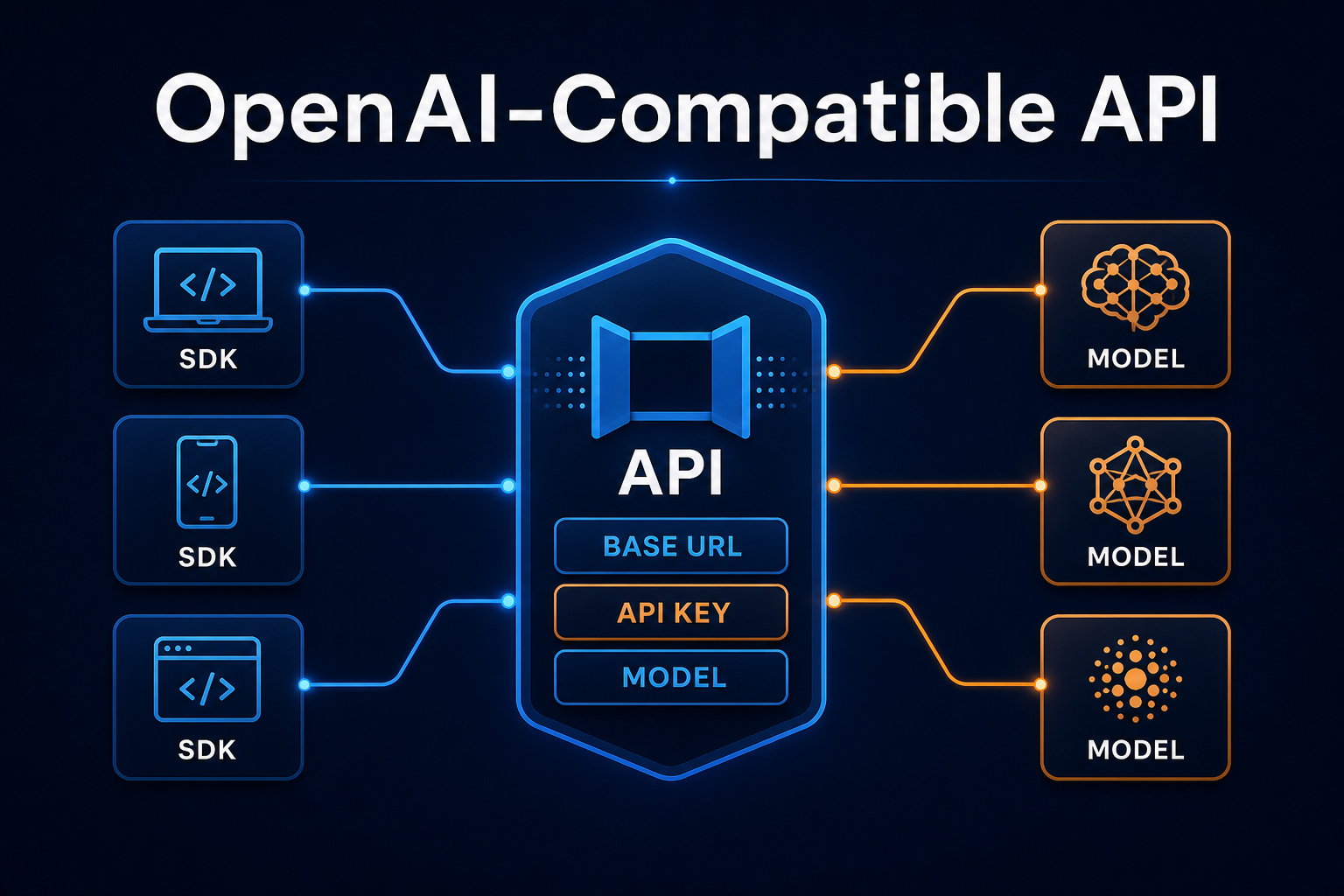
The Base URL, protocol adapter, and endpoint must agree. See What Is an OpenAI-Compatible API? for the route model.
3. Log Structure, Not Just content
Capture top-level keys, array sizes, content types, and termination reasons without retaining sensitive input.
4. Inspect Non-Text Output
Check for:
tool_calls / function_call
refusal / safety feedback
reasoning / thinking
image or another modality
5. Check Stop Reasons and Usage
For length, adjust output budget or context. For a tool call, complete the tool loop. For safety filtering, handle the result according to the application's policy rather than blindly retrying.
6. Reproduce with a Minimal Request
Remove tools, structured output, images, long context, and complex system instructions:
{
  "model": "YOUR_MODEL_ID",
  "messages": [
    {"role": "user", "content": "Reply with exactly: OK"}
  ],
  "stream": false
}
Restore one feature at a time after the minimal call works.
7. Compare the SDK with Raw HTTP
An SDK can rename fields, aggregate text, or hide low-level events. Compare it with a redacted curl request to isolate server behavior from client parsing.
Build a Protocol Adapter Instead of One Universal Field
Explicitly model text, tools, and stop reasons for each protocol:
function parseModelResult(result, protocol) {
  if (protocol === 'openai-chat') {
    const choice = result.choices?.[0];
    return {
      text: choice?.message?.content ?? '',
      toolCalls: choice?.message?.tool_calls ?? [],
      finishReason: choice?.finish_reason ?? null,
    };
  }

  if (protocol === 'anthropic') {
    return {
      text: (result.content ?? [])
        .filter((x) => x.type === 'text')
        .map((x) => x.text)
        .join(''),
      toolCalls: (result.content ?? []).filter((x) => x.type === 'tool_use'),
      finishReason: result.stop_reason ?? null,
    };
  }

  throw new Error(`Unsupported protocol: ${protocol}`);
}
Production code should also validate schemas, retain request IDs, classify recoverable failures, and implement separate Responses and Gemini adapters. A tested protocol layer is safer than optional chaining scattered throughout the UI.
Debug Empty Content Through Nbility
Copy the exact model ID from the Nbility model catalog, then confirm the protocol and capabilities supported by that model. OpenAI-compatible clients normally use this API root:
https://api.nbility.ai/v1
If Chat Completions works while Responses is empty or fails, verify the route selected by the client. For issues isolated to tool calls or reasoning models, submit a redacted diagnostic set:
Request time and timezone
Model ID
API route
Streaming or non-streaming
finish_reason / stop_reason
Top-level keys and content types
Request ID
Send those details through Nbility support tickets without a real API key or private business data.
FAQ
Is content: null always an error?
No. A tool-call turn may contain tool_calls without normal text, and other protocols represent results as typed blocks or output items. Inspect the complete message and stop reason.
Why are output tokens nonzero when there is no text?
Tokens may have been spent on reasoning, tool calls, or content types the current parser does not recognize. Generation may also reach its output limit before producing a final answer.
Is reasoning_content the model's answer?
Usually not. It can be a gateway-specific reasoning extension rather than a standard field. Read the final user-visible text defined by the selected protocol.
stream=false works but stream=true is empty. What should I check?
Focus on SSE framing, incremental concatenation, completion events, intermediary buffering, and the SDK's asynchronous iteration behavior.
Should an application automatically retry empty content?
Only after identifying a temporary upstream failure. Tool calls, safety filtering, protocol mistakes, and output limits will not be repaired by blind retries.
Summary
“Empty content” is a symptom, not one failure mode. Use this order:
- preserve a redacted response structure;
- verify the protocol and final endpoint;
- distinguish an empty string,
null, a missing field, and no candidate; - inspect tool calls, refusals, safety feedback, and non-text modalities;
- read
finish_reason,stop_reason, orfinishReason; - compare streaming with non-streaming;
- use a minimal request to isolate the service, gateway, and client parser.
Do not flatten every model response into a single content field. Once content types and termination reasons become part of the application model, most “200 OK but no answer” incidents become straightforward to diagnose.