Can Windsurf Use a Third-Party API? Support Limits and Alternatives
Does Windsurf support custom Base URLs, OpenAI-compatible APIs, or BYOK? Learn what Cascade's model selector and proxy settings actually do, plus practical alternatives.
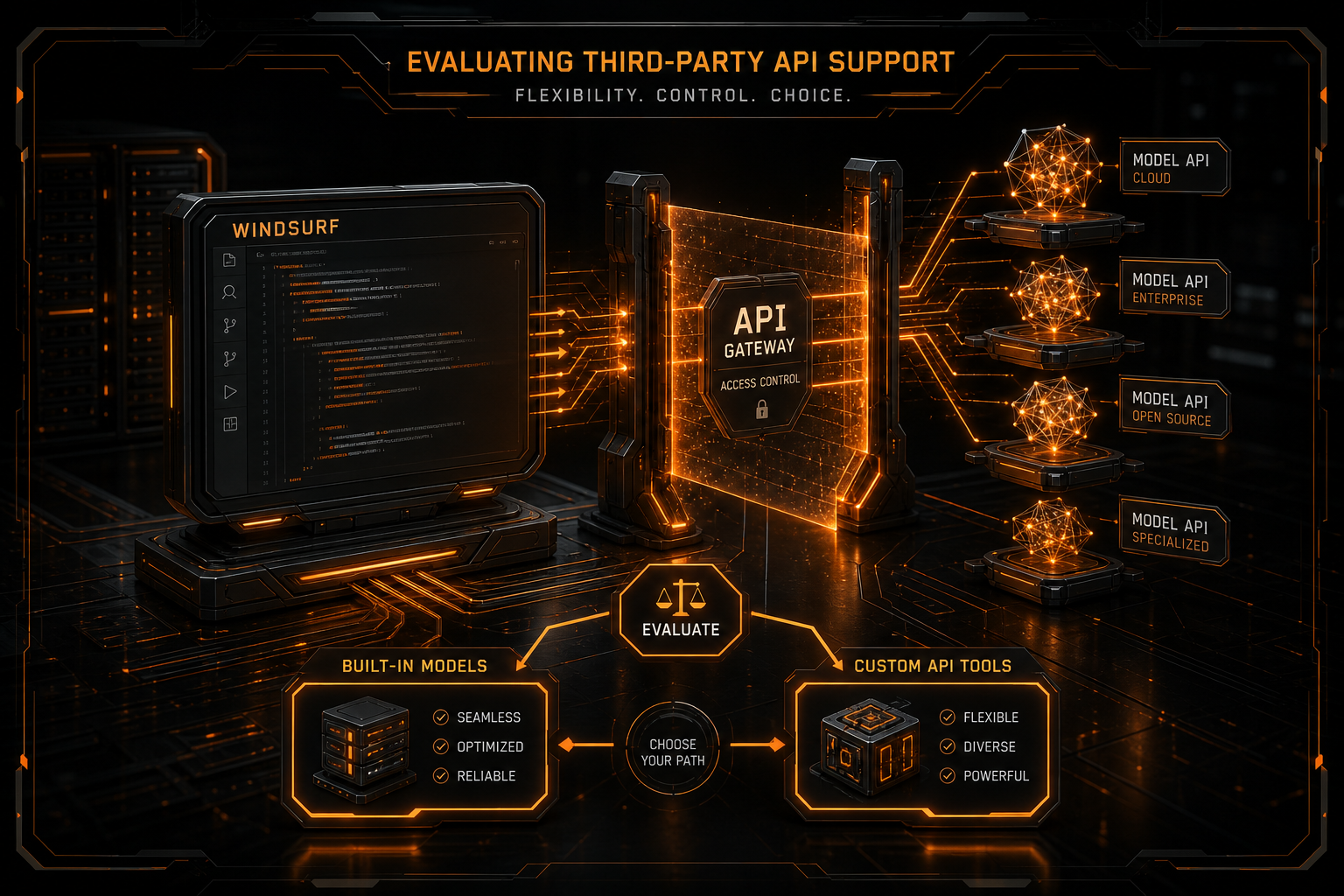
A common request from Windsurf users is to bring an existing API key into Cascade, point it at an OpenAI-compatible gateway, and use a self-hosted or centrally managed coding model. That request actually contains three separate questions:
- Can Cascade switch among multiple models offered by the product?
- Can a user supply a key issued by OpenAI, Anthropic, or another provider?
- Can the user also replace the Base URL and enter any model ID accepted by a third-party gateway?
Based on the public Windsurf and Devin Desktop documentation available on July 17, 2026, the safest answer is:
Cascade lets users select among models exposed by the product, but the public documentation does not provide a general consumer-facing configuration for an arbitrary OpenAI-compatible Base URL and model ID.
A model selector, corporate proxy, and enterprise deployment are not interchangeable with a custom model provider. If connecting to Nbility, LiteLLM, vLLM, or another compatible gateway is a hard requirement, use a coding assistant that documents that configuration explicitly rather than depending on hidden or historical Windsurf settings.
The Short Version: What Is and Is Not the Same Feature
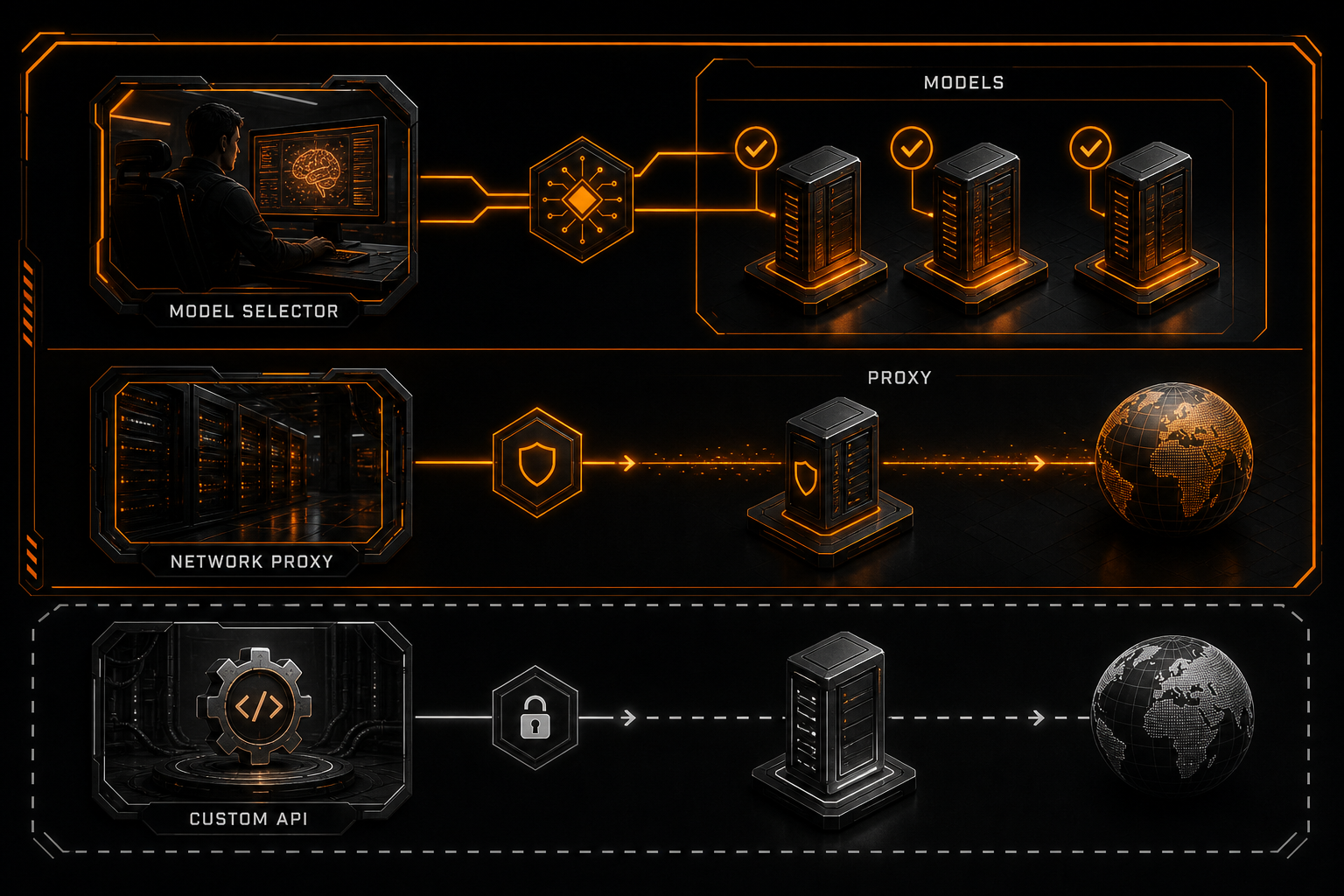
| Requirement | Publicly documented status | What it means |
|---|---|---|
| Switch models in Cascade | Supported | Choose from the models currently offered in the product selector |
| Use built-in Windsurf / Devin Desktop models | Supported | The available SWE, Claude, GPT, and other options can change |
| Enter any OpenAI-compatible Base URL | No general public setup documented | Do not infer stable support from old screenshots or internal settings |
| Enter an arbitrary model ID | No general public setup documented | Models normally come from the selector rather than free-form provider configuration |
| Configure an HTTP/HTTPS proxy | Supported | Solves network connectivity; it does not replace Cascade's model backend |
| Run another extension with a third-party API | Practical where supported | Cline or Roo Code can provide an independent agent path |
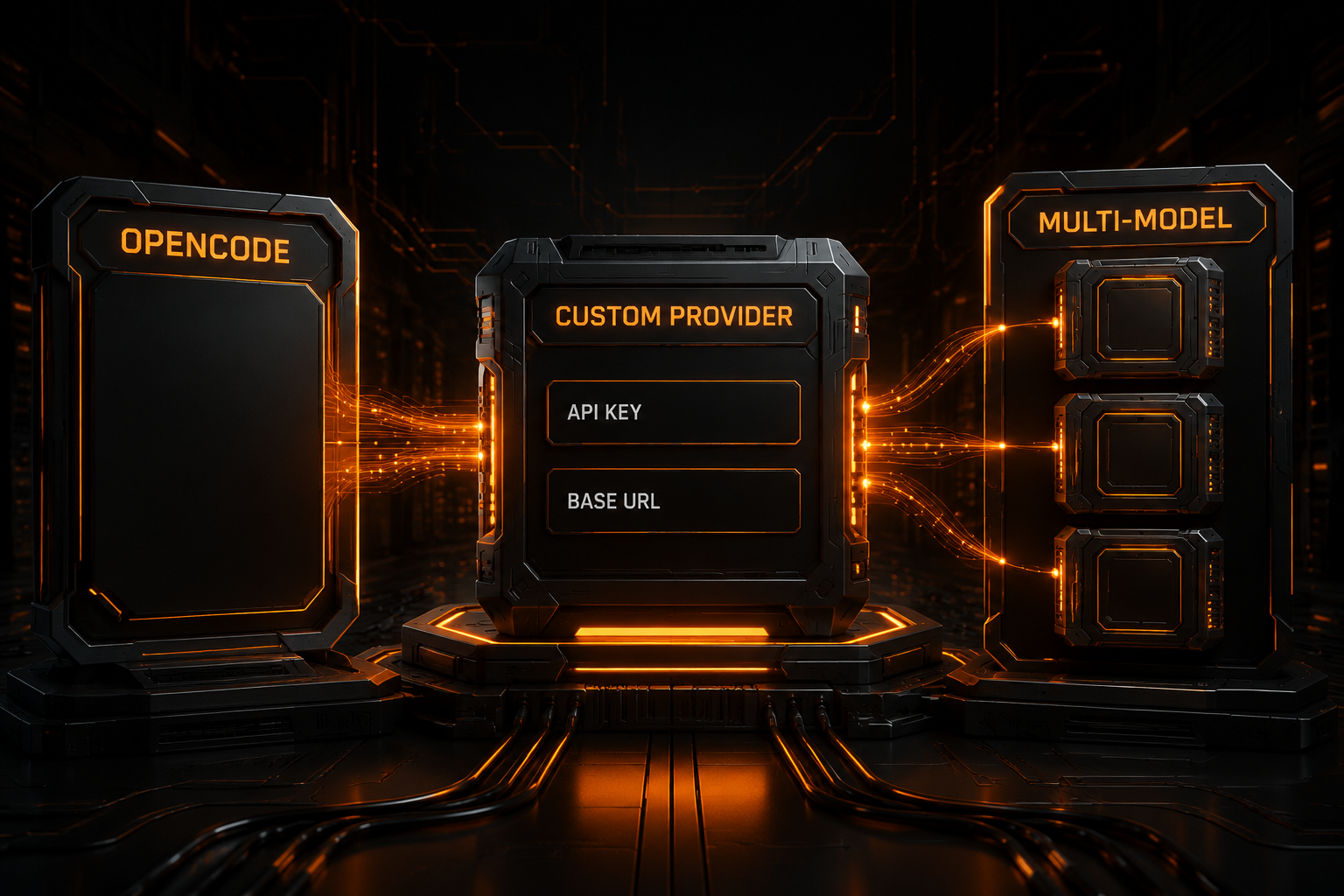
| Use a tool with custom-provider support | Practical | OpenCode, Cline, and Roo Code document compatible-provider setups |
The most common mistake is to see a Models, Proxy, or enterprise networking setting and assume it must accept a custom AI endpoint. Those controls operate at different layers.
What the Cascade Model Selector Does
Windsurf's official model documentation says that Cascade users can open the model menu below the input and switch among available choices. It also says the in-product selector is the source of truth for current availability and cost.
That has several implications:
- the product controls the displayed catalog;
- the catalog may vary by plan, organization policy, and release;
- token cost or quota behavior can change;
- selecting a model does not replace its underlying API host;
- a model absent from the selector cannot be enabled by merely guessing its ID.
Consequently, “Windsurf offers Claude and GPT models” is not equivalent to “Windsurf accepts my Anthropic or OpenAI key.” Multi-model selection is also not the same feature as an arbitrary OpenAI-compatible gateway.
Why Proxy Configuration Is Not a Custom Base URL
The official troubleshooting guide documents system proxy detection and manual HTTP/HTTPS proxy settings for corporate networks, VPNs, firewalls, and remote environments. The network path looks like this:
Devin Desktop / Windsurf
        ↓
Corporate HTTP(S) proxy
        ↓
External services required by the product
It does not turn the application into this:
Cascade
   ↓
Your OpenAI-compatible Base URL
   ↓
Your chosen model
A network proxy normally forwards traffic. It does not automatically:
- translate a proprietary request into
/v1/chat/completions; - map a built-in model name to your model ID;
- inject a third-party API key;
- reproduce tool calling, streaming, and agent state;
- bypass product authorization, billing, or model policy.
Avoid treating TLS interception, DNS rewriting, or traffic redirection as a provider integration. Such approaches are fragile, may conflict with service terms, and increase the exposure of source code, credentials, and session data.
Why Older Guides May Mention Windsurf BYOK
Search results can contain historical screenshots, forum answers, or unofficial guides showing provider keys or model override controls. Before relying on them, ask:
- Is the page part of the current official documentation?
- Does it describe Windsurf Editor, an older plugin, or today's Devin Desktop?
- Was the feature limited to a historical release, plan, or enterprise account?
- Does the setting select an official model, or truly replace the Base URL?
- Does it explicitly support the OpenAI-compatible protocol and arbitrary model IDs?
If the current application has no corresponding control and the official docs define no configuration field, do not recommend editing internal databases, extension files, or hidden preferences. An update can invalidate those methods without notice.
Does Enterprise Mean Self-Hosted Model Support?
Enterprise procurement often includes proxies, SSO, auditability, network controls, retention rules, and security policy. None of those capabilities automatically proves arbitrary self-hosted model support.
If an organization must use its own gateway, require explicit written answers during procurement or a proof of concept:
- Which providers are supported?
- Can the API Base URL be replaced?
- Are OpenAI Chat Completions or Responses supported?
- How are model IDs configured?
- Which data paths are used by Cascade, Tab, Command, and other features?
- How are source code, prompts, telemetry, and request logs retained?
- Are tool calls, streaming responses, and context caching compatible?
- Which plan and contract terms apply?
Until those points are confirmed, a corporate proxy or a “contact sales” option should not be described as self-hosted model support.
Practical Alternatives When You Need a Third-Party API
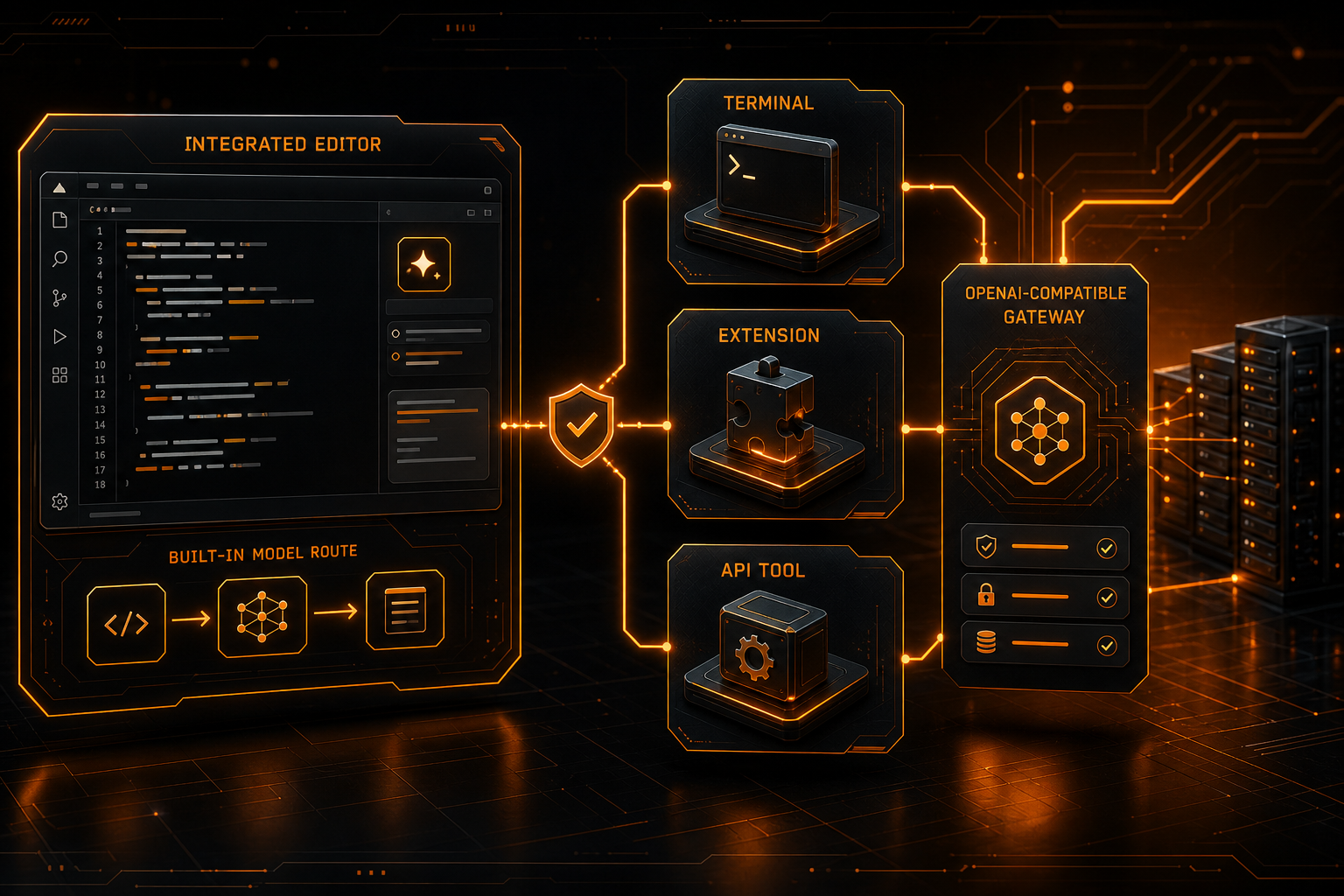
Preferred Path: Use an Officially Supported ACP Agent
Devin Desktop now officially supports the Agent Client Protocol (ACP). ACP does not replace Cascade's model backend. Instead, it makes an independent agent available through Agent Command Center. The official examples include OpenCode, Codex CLI, Claude Agent, Gemini CLI, and Junie, and teams can register a custom ACP agent.
A practical request path is:
Devin Desktop
    ↓ ACP
OpenCode / custom agent
    ↓
Third-party or enterprise OpenAI-compatible API
The external agent manages its own API key, Base URL, model selection, billing, and privacy terms. This retains a Devin Desktop agent entry without intercepting Cascade traffic. The official documentation says third-party agents are available on Pro, Max, and Teams; Enterprise customers need to contact their account team for enablement.
An organization with an internal LLM gateway can also build a custom ACP agent and distribute it through a local or team registry. This adds an independent agent to Devin Desktop—it does not replace the backend used by Cascade or Devin Local.
Option 1: Keep Cascade and Run a Separate Terminal Agent
If you value the editor experience, keep using Cascade with its offered models and run a custom-provider tool such as OpenCode or Codex CLI in the terminal.
This approach:
- leaves Windsurf internals untouched;
- keeps the two request paths easy to diagnose;
- allows a gradual evaluation of third-party models.
The tradeoff is that context and agent state are not fully shared. Establish clear ownership so two agents do not modify the same files at once.
Option 2: Install an Extension That Documents Custom APIs
Where the editor's extension policy permits it, Cline or Roo Code can provide an independent agent. Both expose an OpenAI Compatible provider configuration built around values such as:
Base URL: https://api.nbility.ai/v1
API Key:  ***
Model ID: YOUR_MODEL_ID
See these setup guides:
Extension availability and compatibility can change with the product version or organization policy. Terminal access, file writes, and auto-approval also need their own permission review.
Option 3: Choose a Tool with Native Custom-Provider Support
When a private API, unified gateway, or local model is mandatory, make documented provider configuration a selection criterion:
| Tool | Good fit | Custom API approach |
|---|---|---|
| OpenCode | Terminal agents and multiple providers | Supports custom providers and compatible OpenAI endpoints |
| Cline | VS Code agent workflows | Provides an OpenAI Compatible option and permission controls |
| Roo Code | VS Code with multiple profiles | Supports configuration profiles and OpenAI Compatible providers |
| Codex CLI | Terminal coding tasks | Supports compatible provider configuration; verify feature protocols |
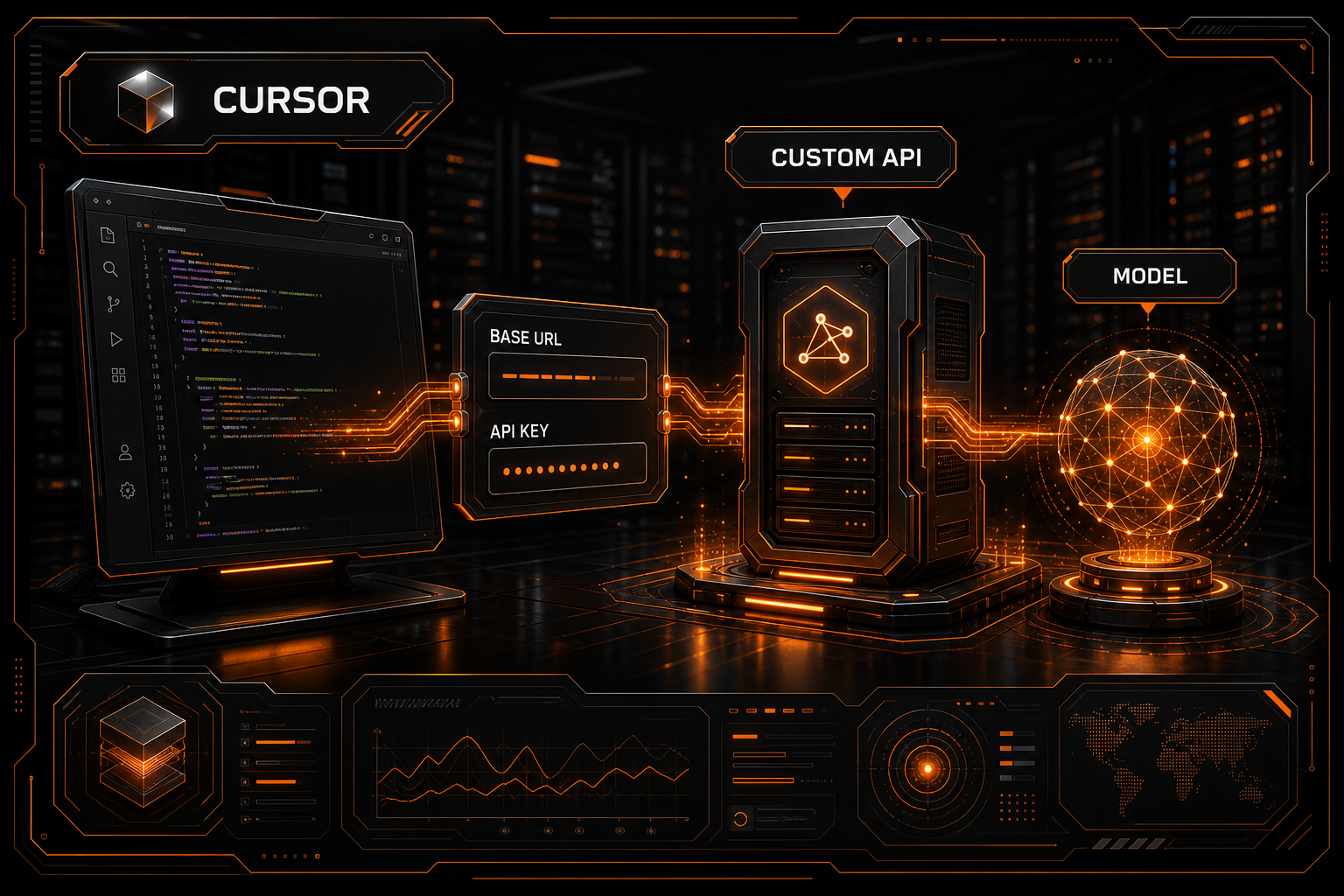
| Cursor | Integrated editor | Offers BYOK, while Base URL and feature scope must be checked in the current UI |
For a broader comparison, read Claude Code vs Codex vs Cursor vs OpenCode.
Option 4: Use the API in a Focused Internal Tool
If developers mainly need code explanations, test generation, or error analysis, the third-party API does not have to be embedded in Cascade. A small internal web app, CLI, or IDE panel can restrict requests to an explicit scope.
Compared with intercepting Windsurf traffic, this makes it easier to implement:
- key isolation;
- model allowlists;
- request auditing;
- budget limits;
- sensitive-directory filtering;
- bounded retries and fallback models.
What to Test in an Alternative Client
A Base URL field only proves that a request can be pointed somewhere. A useful coding agent also depends on:
- streaming output;
- tool calling;
- file reads and incremental edits;
- long context and compaction;
- multi-turn tool-result handling;
- timeout, rate-limit, and error recovery;
- reliable patch or edit behavior from the selected model.
Begin with a read-only task:
Read package.json. Explain the project's framework and test commands. Do not modify files.
Then test a bounded edit:
Add one minimal case in a new temporary test file. Do not install dependencies or modify other files.
Only after those steps should you enable terminal commands, broad edits, or auto-approval. A successful chat response does not validate the complete agent workflow.
Using an OpenAI-Compatible Model Through Nbility
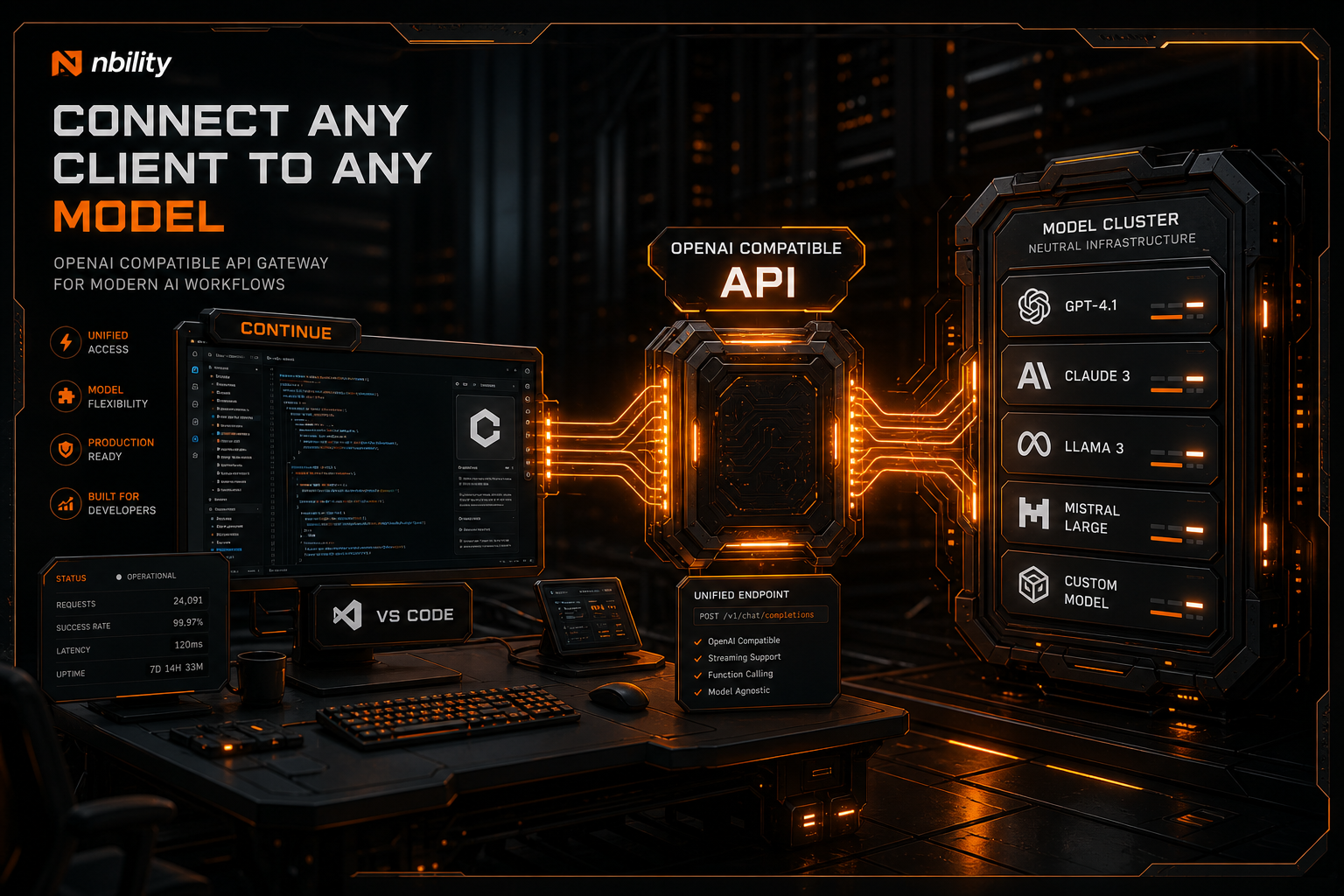
In a client that supports custom providers, copy the exact model ID from the Nbility model catalog and use the API version root:
https://api.nbility.ai/v1
Do not enter a complete operation path as the Base URL:
https://api.nbility.ai/v1/chat/completions
Compatible clients normally append their own route. Read What Is an OpenAI-Compatible API? for the Base URL fundamentals, and use the AI API error-code guide when a request returns 401, 404, 429, or 5xx.
Never put a real key in a repository, screenshot, or shared configuration. Give the coding assistant a dedicated key with a budget, appropriate scope, logs, and a rotation policy.
Common Misunderstandings and Troubleshooting
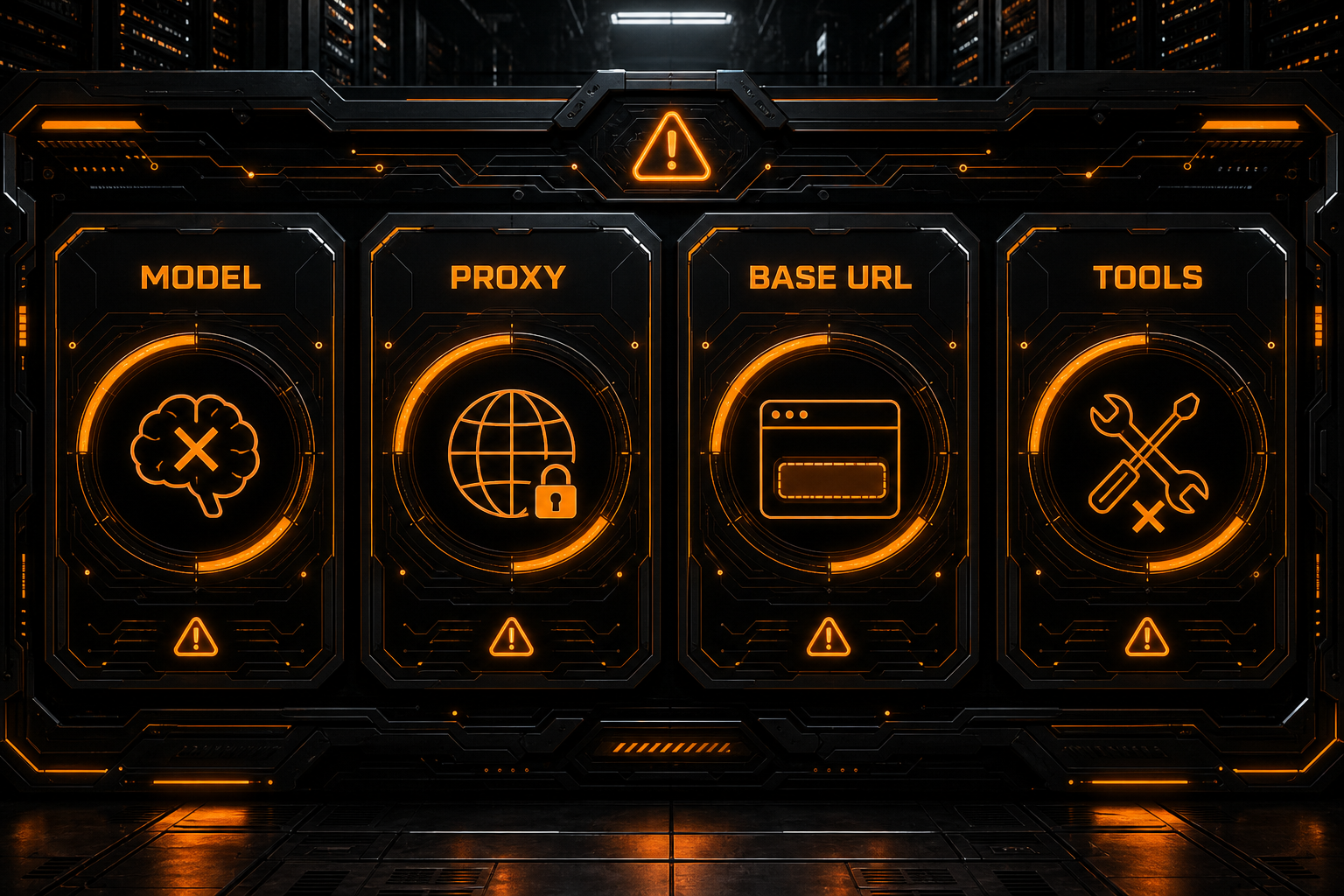
The Target Model Is Missing from the Selector
Update the application, then check the account plan, organization policy, and current model catalog. Do not guess an internal model ID from a marketing name. The official documentation says to use Cascade's selector for current availability.
An HTTP Proxy Is Configured but the Model Did Not Change
That is expected. A proxy changes the network path, not Cascade's provider, model source, or billing.
There Is No Base URL Field
If neither the current settings nor the official documentation provides one, treat a general custom endpoint as unsupported. Move the workload to a tool with an explicit OpenAI Compatible provider instead of hunting for hidden settings.
A Third-Party Extension Cannot Be Installed
Check the current extension marketplace, product version, and organization policy. Run the extension in standard VS Code or use a terminal client when the host editor does not support it.
Chat Works but the Agent Fails
Validate tool calling, streaming, context limits, and editing behavior. A 404 can also mean the Base URL is wrong or the client called an unsupported /responses route. The OpenAI-compatible API primer covers the endpoint distinction.
FAQ
Can I enter my own OpenAI API key in Windsurf?
The current public documentation focuses on the models provided through the product selector and does not describe a general consumer OpenAI BYOK workflow. Use the current client and official documentation as the source of truth rather than an old screenshot.
Can Windsurf connect directly to Nbility, LiteLLM, or vLLM?
There is no publicly documented general configuration for an arbitrary Base URL plus model ID. Run a terminal tool such as OpenCode alongside the editor, or use a client such as Cline or Roo Code that documents an OpenAI Compatible provider.
Can the HTTP proxy redirect Cascade to a custom model?
No. The documented proxy settings are for corporate network connectivity, not a custom model provider. Intercepting and rewriting traffic is unreliable and creates security and compliance risks.
Does the enterprise plan always support self-hosted models?
Do not assume it does. Enterprise networking and administration are separate from model integration. Request written confirmation covering the Base URL, protocol, feature scope, and data paths.
Does another extension replace Cascade?
No. It runs as a separate agent with its own model, context, permissions, and usage. Avoid having multiple agents edit the same file concurrently.
Summary
Windsurf offers convenient model selection, but choosing among multiple models is not the same as connecting an arbitrary third-party API. As of the verification date for this article, the public documentation does not define a general user configuration for a custom OpenAI-compatible Base URL and model ID.
Use this decision path:
- If Cascade's available models meet the requirement, use the model selector.
- If only corporate connectivity is blocked, configure the documented HTTP/HTTPS proxy.
- If a third-party compatible API is mandatory, use Cline, Roo Code, OpenCode, or another tool with explicit custom-provider support.
- If an enterprise needs a self-hosted model, obtain written confirmation of protocol, feature, and data-path support before the proof of concept.
- Do not force the integration through traffic interception or hidden settings.
This preserves the editor workflow without confusing network routing, model selection, and model-provider integration.