OpenCode Custom Provider: API Key, Base URL & opencode.json
Set up an OpenCode custom provider with /connect and opencode.json. Configure the API key, Base URL and model ID, then diagnose missing or unavailable providers.
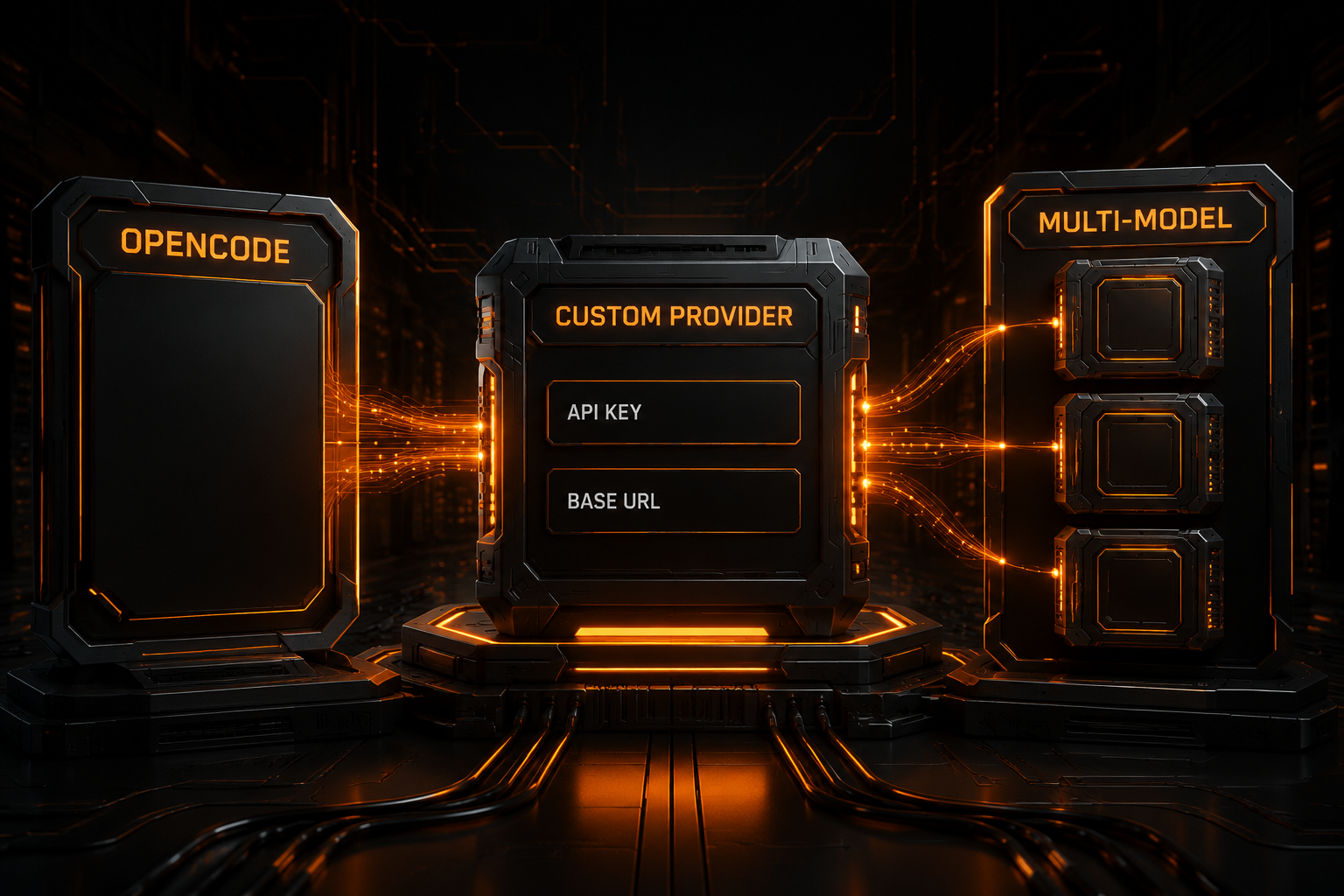
To connect a third-party API in OpenCode CLI/TUI, use /connect → Other to store a provider ID and API key, then define the same provider ID, Base URL and models in opencode.json. Saving a key alone does not add a model to /models.
The example uses provider ID nbility and Base URL https://api.nbility.ai/v1. Replace YOUR_MODEL_ID with an exact ID from Models. After configuration, select nbility/YOUR_MODEL_ID in /models and test a read-only task on a small file. For the shorter configuration checklist, see the Nbility OpenCode setup guide.
The configuration was checked against the official Providers guide on 2026-10-14. If the app reports Custom providers are unavailable on this server, read the version-specific explanation below before replacing your key.
Step 1: Save the API Key with /connect
Enter this command in the OpenCode TUI:
/connect
If the target service is not listed, scroll to Other, then:
- enter the unique provider ID
nbility; - enter the API key;
- finish saving the credential.
This step stores only the credential. It does not create a custom provider automatically. OpenCode's interface explicitly tells you to configure the provider in opencode.json next.
Check stored credentials with:
opencode auth list
Never place a real key in project config, terminal screenshots, issues, or chat. If you prefer not to use /connect storage, export an environment variable:
export NBILITY_API_KEY="YOUR_API_KEY"
Then reference it with OpenCode's variable syntax:
"apiKey": "{env:NBILITY_API_KEY}"
Step 2: Define an OpenAI-Compatible Provider
Create opencode.json in the project root:
{
  "$schema": "https://opencode.ai/config.json",
  "provider": {
    "nbility": {
      "npm": "@ai-sdk/openai-compatible",
      "name": "Nbility",
      "options": {
        "baseURL": "https://api.nbility.ai/v1"
      },
      "models": {
        "YOUR_MODEL_ID": {
          "name": "Primary Coding Model"
        }
      }
    }
  }
}
Each field has a distinct job:
nbility: the custom provider ID; it must match/connect;npm: the AI SDK package OpenCode uses for the protocol;name: the provider's display name;options.baseURL: the API root, not a complete endpoint;models: models OpenCode can select;YOUR_MODEL_ID: the exact ID recognized by the service.
For Nbility, use this Base URL:
https://api.nbility.ai/v1
Do not use:
https://api.nbility.ai/v1/chat/completions
The adapter appends the protocol endpoint. Treating a complete endpoint as the Base URL can create a duplicated path and a 404.
If these values are unfamiliar, read What Is an OpenAI-Compatible API?.
Understand the Four Configuration Layers
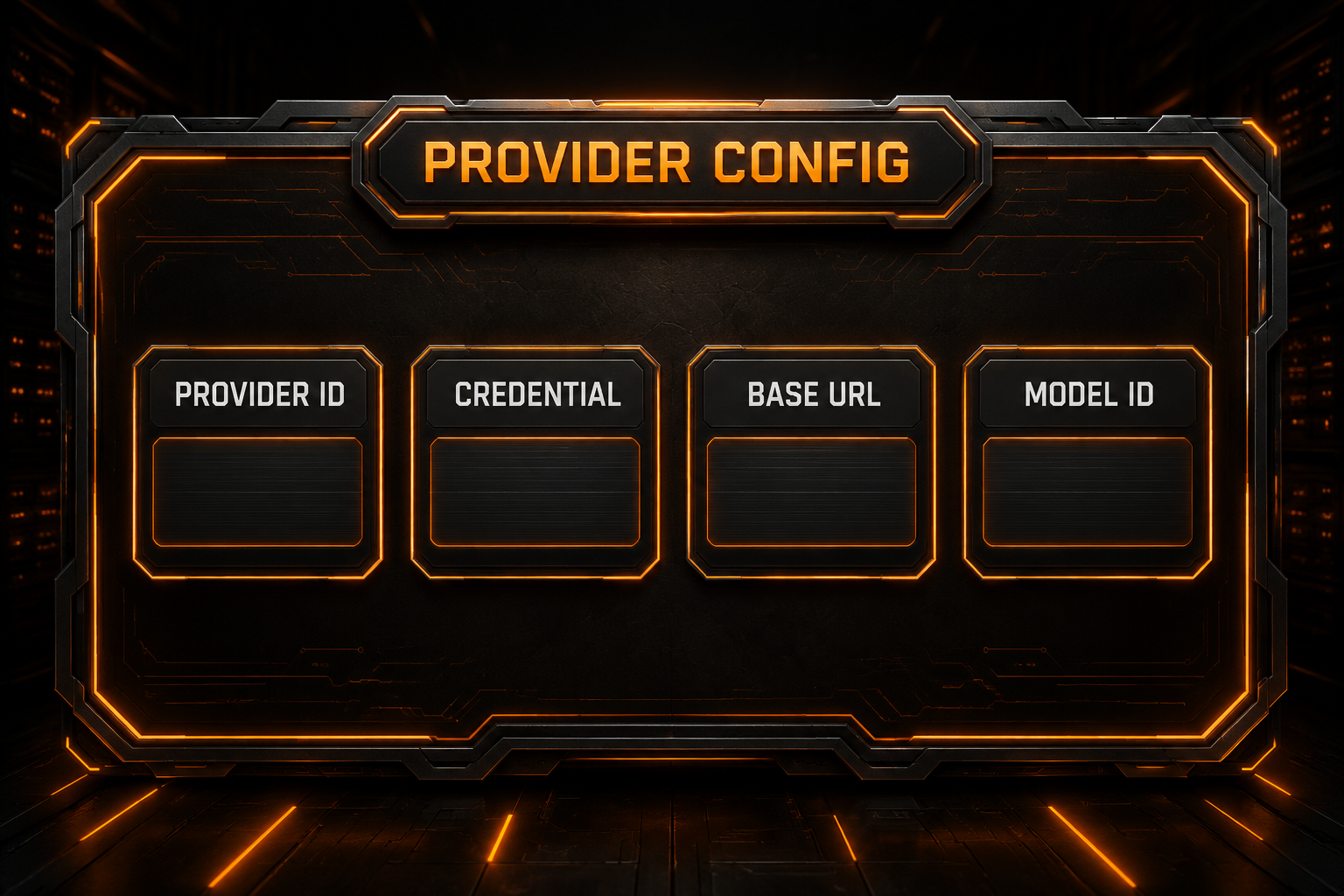
| Object | Purpose | Common location |
|---|---|---|
| Provider ID | Joins a credential to its provider config | /connect and the provider key |
| Credential | Authorizes API calls | OpenCode auth storage or environment variable |
| Base URL | Identifies the API root | options.baseURL |
| Model ID | Selects a model recognized by the gateway | provider.<id>.models |
Credentials added through /connect are stored at:
~/.local/share/opencode/auth.json
That file contains secrets and should never be committed. opencode.json describes providers and models. The provider ID must match exactly in both places, or OpenCode cannot associate the credential with the configuration.
This article uses one consistent ID:
Provider ID: nbility
Choose Chat Completions or Responses Correctly
This is one of the easiest OpenCode configuration mistakes to make.
OpenCode's current provider documentation distinguishes the adapters explicitly:
/v1/chat/completions → @ai-sdk/openai-compatible
/v1/responses        → @ai-sdk/openai
For a Chat Completions service, set:
"npm": "@ai-sdk/openai-compatible"
For Responses API, set:
"npm": "@ai-sdk/openai"
Do not assume that every service described as “OpenAI-compatible” uses the same adapter. A protocol mismatch can cause malformed requests, 404 responses, empty output, failed tool calls, or broken streaming.
For a provider that mixes protocols across models, OpenCode can override provider.npm at the model level. Verify the endpoint exposed for each model before writing the configuration.
Add Multiple Models
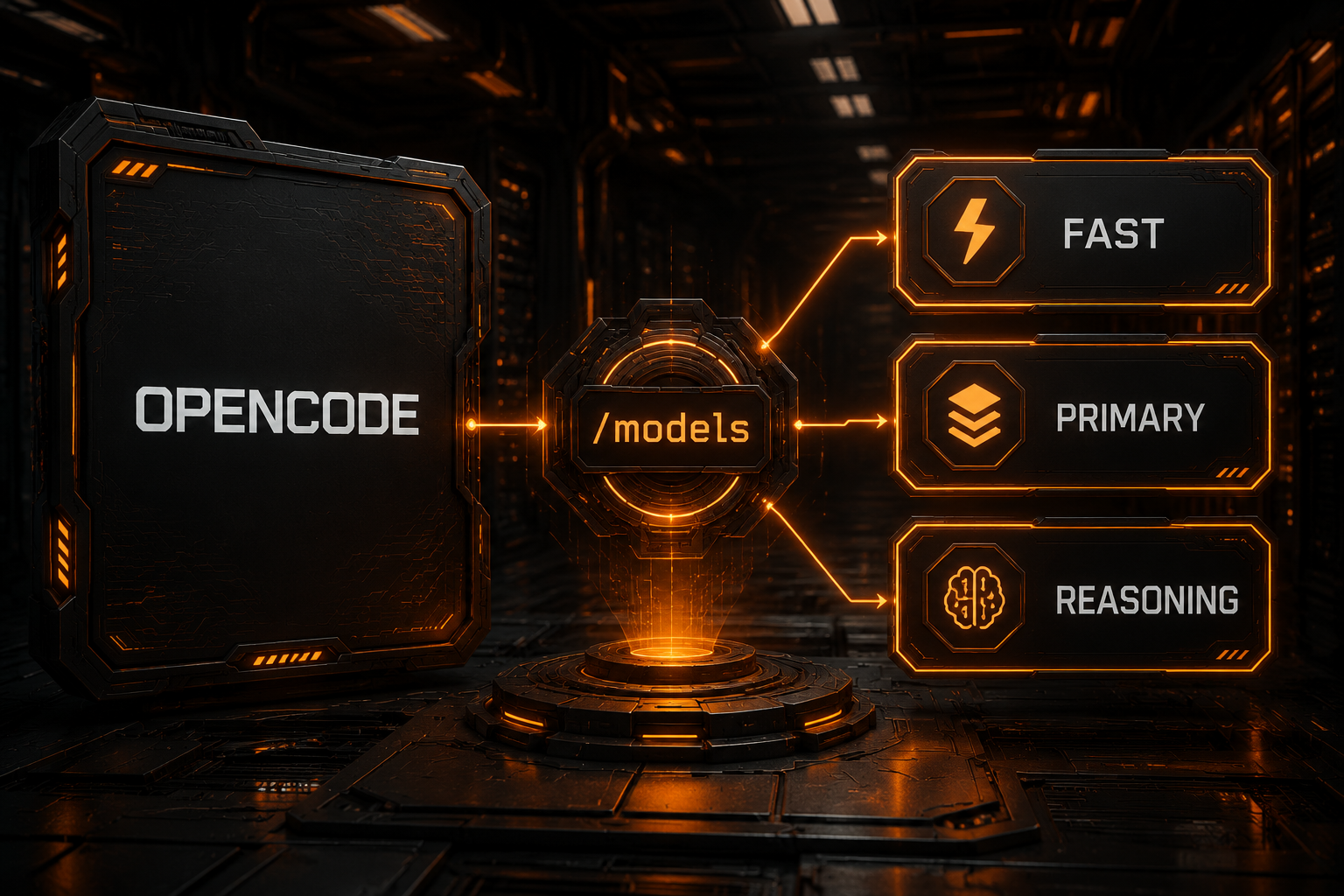
Define several models under one provider:
{
  "$schema": "https://opencode.ai/config.json",
  "provider": {
    "nbility": {
      "npm": "@ai-sdk/openai-compatible",
      "name": "Nbility",
      "options": {
        "baseURL": "https://api.nbility.ai/v1"
      },
      "models": {
        "YOUR_FAST_MODEL_ID": {
          "name": "Fast Coding"
        },
        "YOUR_PRIMARY_MODEL_ID": {
          "name": "Primary Coding"
        },
        "YOUR_REASONING_MODEL_ID": {
          "name": "Deep Reasoning"
        }
      }
    }
  }
}
Then enter:
/models
OpenCode identifies models with a full ID:
provider_id/model_id
For example:
nbility/YOUR_PRIMARY_MODEL_ID
Model IDs must match the service exactly. Query the available list first:
curl https://api.nbility.ai/v1/models \
  -H "Authorization: Bearer YOUR_API_KEY"
Do not confuse a display name with an ID. Primary Coding can be customized; YOUR_PRIMARY_MODEL_ID must be a value the gateway recognizes.
Set Default and Lightweight Models
Set the default model through the top-level model field:
{
  "$schema": "https://opencode.ai/config.json",
  "model": "nbility/YOUR_PRIMARY_MODEL_ID",
  "small_model": "nbility/YOUR_FAST_MODEL_ID",
  "provider": {
    "nbility": {
      "npm": "@ai-sdk/openai-compatible",
      "name": "Nbility",
      "options": {
        "baseURL": "https://api.nbility.ai/v1"
      },
      "models": {
        "YOUR_PRIMARY_MODEL_ID": {
          "name": "Primary Coding"
        },
        "YOUR_FAST_MODEL_ID": {
          "name": "Fast Coding"
        }
      }
    }
  }
}
A useful tiering strategy is:
- lightweight model: titles, summaries, simple lookup, and tiny edits;
- primary model: ordinary implementation, debugging, and tests;
- reasoning model: architecture, cross-file refactors, and difficult failures.
Coding quality is not the only criterion. An OpenCode model also needs reliable tool calling, enough context, and predictable structured output. A model that chats well can still fail in an agent workflow.
Global vs Project Configuration
OpenCode supports JSON and JSONC and merges multiple configuration sources. The two most common locations are:
Global:  ~/.config/opencode/opencode.json
Project: <project-root>/opencode.json
Global config is appropriate for your usual providers, models, and permissions. Project config is useful for repository-specific defaults. OpenCode documents that project config overrides conflicting global values while preserving non-conflicting settings.
A project config may be committed only when it contains no credential. Prefer:
"apiKey": "{env:NBILITY_API_KEY}"
over:
"apiKey": "sk-real-secret"
If an explicit apiKey option is unnecessary, keep the credential in /connect storage and commit only the provider structure.
Verify the Integration in Layers
Do not begin with an autonomous multi-file refactor. Test one layer at a time.
1. Verify the service
curl https://api.nbility.ai/v1/models \
  -H "Authorization: Bearer YOUR_API_KEY"
Send a minimal chat request as well, confirming the host, key, model, and endpoint.
2. Verify OpenCode auth
opencode auth list
Confirm that nbility is present.
3. Verify model discovery
Start OpenCode and enter:
/models
Confirm that the custom provider and its models appear.
4. Verify plain chat
Ask the model to explain a small code sample without invoking tools.
5. Verify agent behavior
Test progressively:
read one file
→ search the project
→ edit one small file
→ run tests
→ complete a multi-file task
Move to real repository work only after each layer succeeds.
Troubleshooting
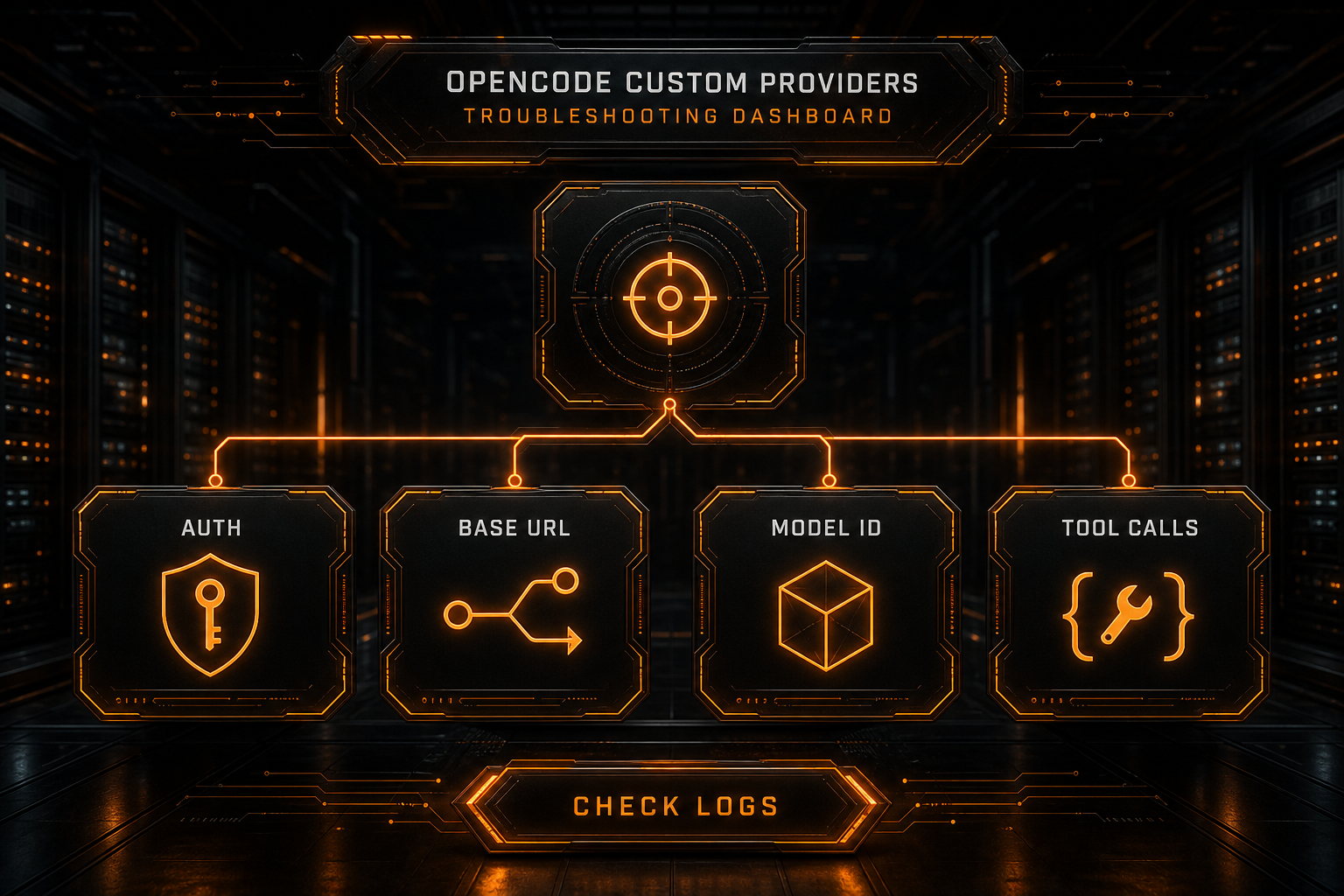
“This only stores a credential. Configure the provider in opencode.json to use it.”
This is a next-step message. /connect stores a key; you still need provider.nbility, options.baseURL, and at least one models entry as shown above. Check the active project or the global configuration on the machine running OpenCode, then reopen /models. Pasting the key again does not define the provider.
“Custom providers are unavailable on this server”
In the inspected official V2 app source, the custom-provider save function throws this error directly. Its comment says that support awaits V2 configuration and arbitrary-credential APIs. That revision has not attempted to save or validate your third-party credential, so the message alone does not establish a bad Nbility key or Base URL.
Record opencode --version and the version of the server selected by the app. Use the CLI/TUI configuration path documented for a version that supports custom providers, on the machine that actually runs OpenCode. Editing files on the browser's computer will not configure a remote server. For a managed remote instance, its administrator must provide a supported configuration path. The source finding is specific to the linked revision; an upgrade is not a verified universal fix.
The custom provider is missing from /models
Check whether:
- the provider ID from
/connectexactly matches the config key; opencode.jsonis in the active project or correct global directory;- the JSON or JSONC parses;
modelsdefines at least one entry;- OpenCode started from the expected repository root.
401 or invalid credential
Run:
opencode auth list
If you use an environment variable, confirm that the OpenCode process receives it. Do not send a credential issued for one host to another Base URL.
404 Not Found
Inspect:
- whether
/v1appears exactly once in the Base URL; - whether a complete
/chat/completionspath was pasted by mistake; - whether the
npmadapter matches Chat Completions or Responses; - the final URL observed in gateway logs.
Model Not Found
The model config key must match the server's real ID. Query /v1/models, check token access, and remember that the complete selection is provider_id/model_id.
Chat works, but tool calls fail
This is rarely an API-key problem. Verify the model's tool-calling capability, the compatibility layer's translation of tool definitions and results, complete streaming events, and sufficient context and output limits.
OpenCode's own documentation recommends models that are good at both code generation and tool calling.
For more status-code diagnostics, see How to Fix AI API 401, 404, 429, and 5xx Errors.
Optional: Limit the Model Picker
When a provider exposes many models, use whitelist to keep only team-approved entries:
{
  "provider": {
    "nbility": {
      "whitelist": [
        "YOUR_FAST_MODEL_ID",
        "YOUR_PRIMARY_MODEL_ID"
      ]
    }
  }
}
Alternatively, use blacklist to hide selected IDs. OpenCode applies whitelist first, then removes matching blacklist entries.
This is useful for teams: it reduces accidental selection of expensive models and prevents use of models whose tool behavior has not been validated.
Preflight Checklist
[ ] `/connect` and config use the same provider ID
[ ] Base URL is an API root, not a complete endpoint
[ ] The npm adapter matches Chat Completions or Responses
[ ] Every model ID comes from the current service
[ ] No API key appears in Git, screenshots, or logs
[ ] `/models` shows the custom models
[ ] Plain chat, streaming, and tool calls have been tested
[ ] Default and small models fit their intended cost and capability
[ ] Team config limits models with whitelist or blacklist
[ ] 401, 404, 429, and 5xx responses have handling policies
FAQ
Can OpenCode connect to multiple providers at once?
Yes. Each provider has its own ID, credential, and model set. OpenCode distinguishes choices as provider_id/model_id, and /models lets you switch among them.
Should I put the API key in opencode.json?
Do not put the literal value there. Prefer /connect or reference an environment variable with {env:NBILITY_API_KEY}. Review every project config for secrets before committing it.
Why do I need both /connect and a config file?
/connect manages the credential. opencode.json defines the provider protocol, Base URL, and models. A custom provider needs both pieces.
What is the difference between @ai-sdk/openai-compatible and @ai-sdk/openai?
In OpenCode's current documentation, the compatible package is for /v1/chat/completions, while the OpenAI package is for /v1/responses. Choose based on the actual endpoint, not the provider's marketing label.
Conclusion
The reliable OpenCode setup is to save the credential with /connect, use the same provider ID in opencode.json, define npm, baseURL, and models, and select the result through /models.
With Nbility, set the OpenAI-compatible Base URL to https://api.nbility.ai/v1. Confirm exact model IDs from the current model list, then validate plain chat, streaming, and tool calls separately. This gives you a practical multi-model OpenCode workflow while keeping authentication, protocol, and model problems easy to isolate.