Connect Roo Code to a Custom API: Choosing Claude, GPT, or Gemini
Configure an OpenAI-compatible API in Roo Code with the correct Base URL, API key, and model ID, then choose Claude, GPT, or Gemini by coding task.
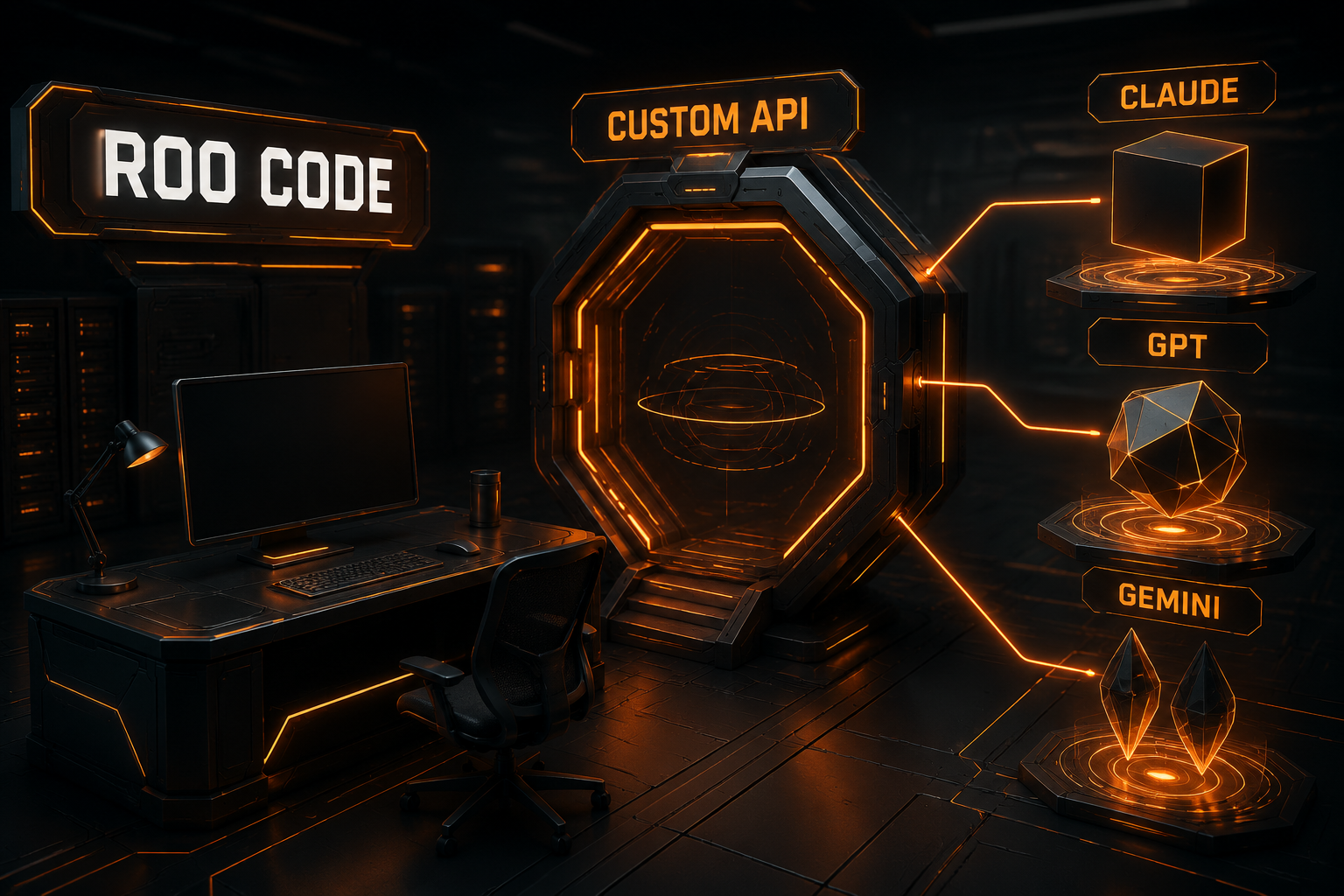
Roo Code is an AI coding agent inside VS Code. It can inspect a repository, edit multiple files, run commands, and work with Claude, GPT, Gemini, and other models through different providers.
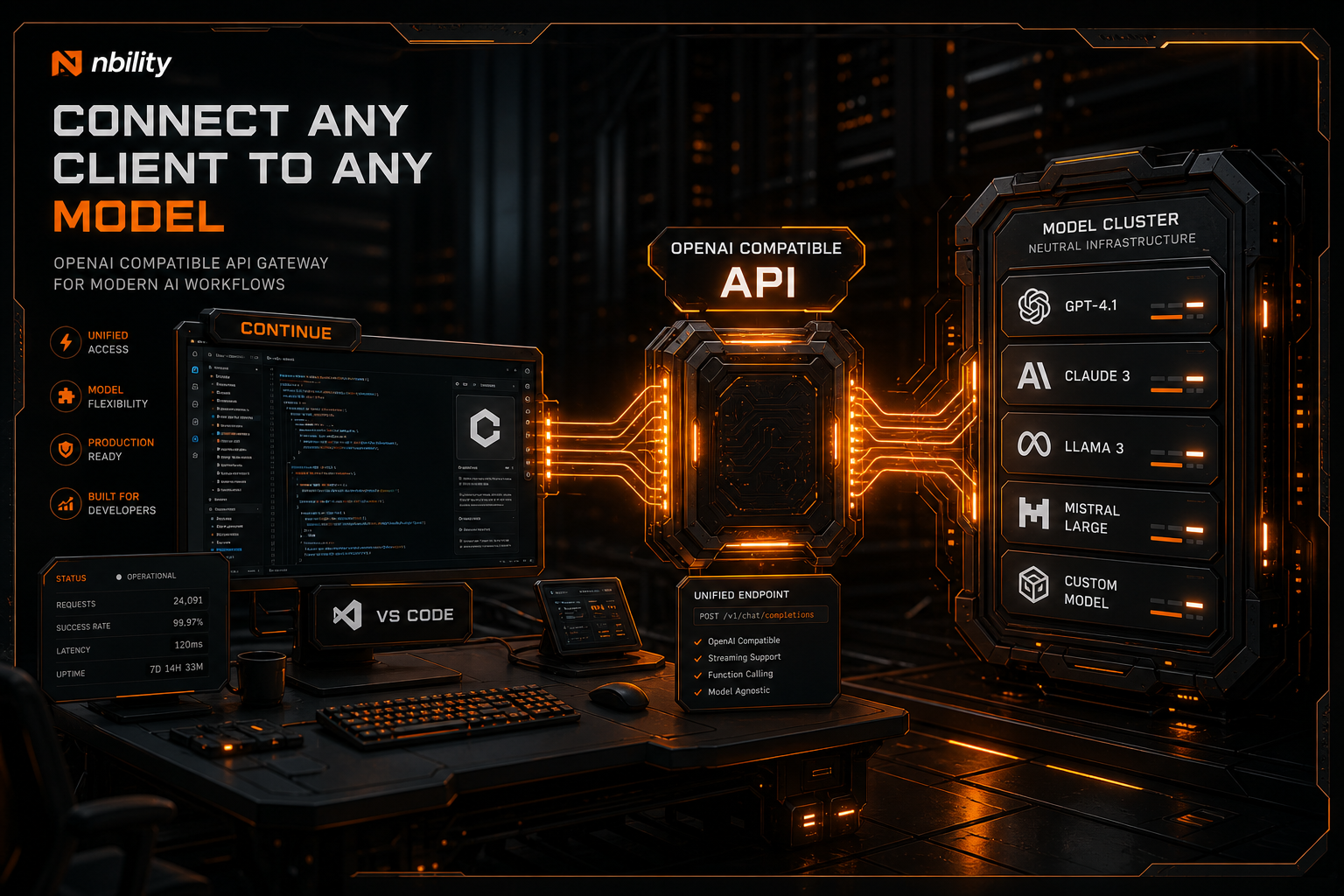
When your API comes from an aggregator or a self-hosted gateway, the correct entry is usually not the native OpenAI, Anthropic, or Google provider. It is OpenAI Compatible. The form itself is simple—provider, Base URL, API key, and model ID—but integrations often fail because of an incorrect path, a guessed model name, or a gateway that supports chat while mishandling agent tool calls.
This guide, verified against the Roo Code documentation in July 2026, covers setup, validation, troubleshooting, and a practical way to choose among Claude, GPT, and Gemini for coding work.
Native Provider or OpenAI Compatible?
Roo Code includes native integrations for Anthropic, OpenAI, Google Gemini, OpenRouter, LiteLLM, Ollama, LM Studio, and other services. It also has a generic OpenAI Compatible provider.
Use this rule of thumb:
| API source | Preferred Roo Code provider |
|---|---|
| Official OpenAI API | OpenAI |
| Official Anthropic API | Anthropic |
| Google AI Gemini API | Google Gemini |
| OpenRouter | OpenRouter |
| Third-party OpenAI-compatible gateway | OpenAI Compatible |
| Local Ollama or LM Studio | Its dedicated provider |
Native integrations can expose provider-specific capabilities such as reasoning controls, prompt caching, or Gemini tools. OpenAI Compatible is the portable option: it lets one familiar API shape front models from different vendors.
The model family does not determine the client-side provider by itself. If a gateway exposes Claude or Gemini through an OpenAI-compatible endpoint, choose OpenAI Compatible, not the native Anthropic or Google option.
The Four Custom API Fields
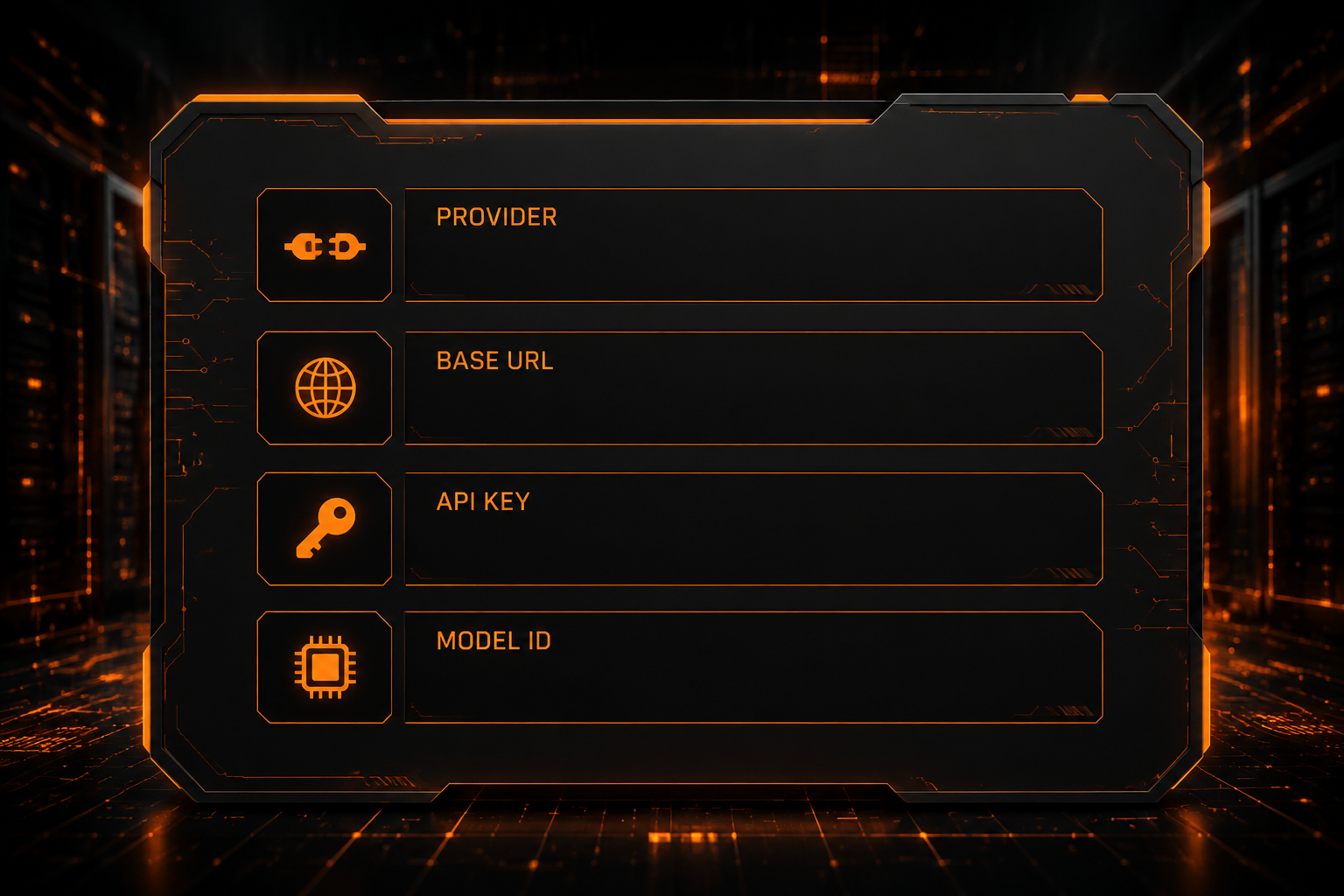
Open Roo Code in the VS Code sidebar, select the gear icon, and configure:
- API Provider:
OpenAI Compatible; - Base URL: the provider's API root;
- API Key: a key issued by that provider;
- Model: the exact model ID accepted by the gateway.
For example, an Nbility setup looks like this:
API Provider: OpenAI Compatible
Base URL: https://api.nbility.ai/v1
API Key: YOUR_API_KEY
Model ID: copy the current ID from the model catalog
Why Base URLs Fail So Often
A Base URL normally ends at the version root:
https://api.example.com/v1
Do not automatically append a complete endpoint such as:
/chat/completions
Roo Code constructs the request path for its provider. If you paste a complete endpoint into the Base URL field, the client may append the route again and receive a 404 response.
Gateway layouts do differ, so follow your provider's documentation rather than assuming every service uses /v1. If these terms are unfamiliar, read What Is an OpenAI-Compatible API? for a focused explanation of Base URLs, keys, and model IDs.
Copy the Model ID; Do Not Guess It
A display label is not necessarily an API model ID. A dashboard might show “Claude Coding” while requests require a separate identifier. Preserve the spelling, case, separators, and version suffix exactly.
A safe sequence is:
- copy the ID from the provider's current model catalog;
- paste it into Roo Code;
- run a minimal task;
- then verify file, terminal, and multi-turn tools.
Validate Agent Behavior, Not Just Chat
A one-line answer proves little more than authentication and basic text generation. Roo Code also depends on streaming events, structured tool arguments, conversation state, and reliable error handling.
Test in a disposable Git repository:
- ask the model to explain a small file;
- ask it to create a tiny test file;
- let it run a safe test command;
- inspect tool arguments, the diff, and terminal output;
- continue for several turns and check context stability.
Start with a read-only prompt:
Read package.json and summarize the available scripts. Do not modify files.
Then try a controlled edit:
Create one minimal test, run it, and explain the plan before modifying files.
This progression catches gateways that can answer chat prompts but emit malformed tool calls, incomplete stream events, or incorrect context metadata.
Choosing Claude, GPT, or Gemini
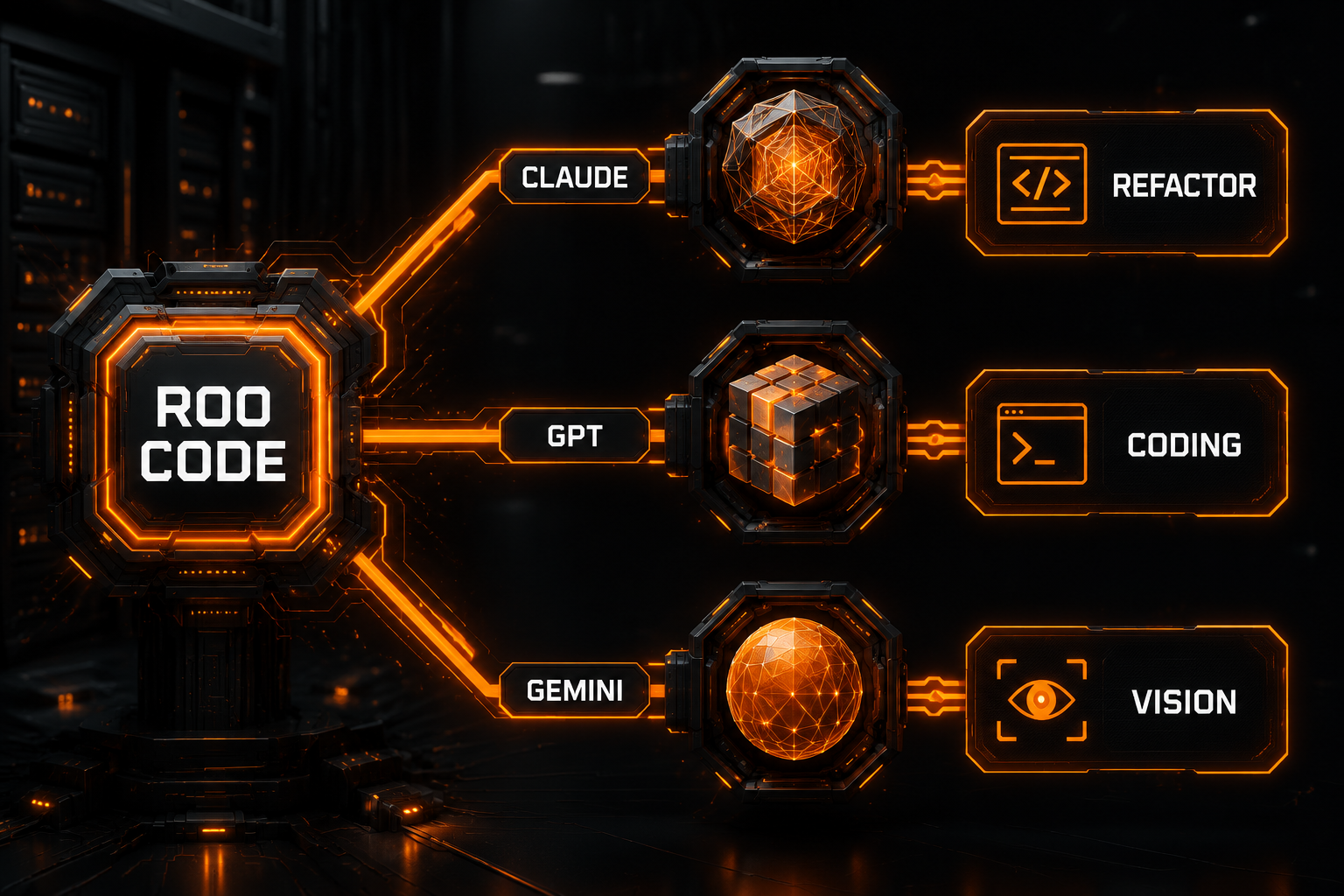
There is no permanent winner for every repository. A better question is: what capability does this task require, and how expensive would a wrong change be?
Claude: Long-Range Understanding and Careful Changes
Claude models are often good candidates for:
- understanding a large body of code;
- cross-file analysis and refactoring;
- planning before making changes;
- following layered constraints;
- preserving conventions across a long task.
That makes Claude a useful model to test for architectural work, difficult implementation tasks, and broad refactors. Results still depend on the exact model version, context limits, and whether your gateway preserves tool calls correctly.
GPT: General Coding and Tool-Driven Workflows
GPT models are often practical for:
- regular feature work and bug fixes;
- structured outputs and tool calls;
- terminal, test, and edit loops;
- switching between explanation, implementation, and debugging;
- reasoning-intensive work when the model and provider expose reasoning controls.
If you want one broadly useful default, a capable GPT model is a reasonable starting point. Roo Code's native OpenAI provider may expose controls such as reasoning effort and verbosity. A generic compatibility gateway may not reproduce every extension.
Gemini: Large Context and Multimodal Tasks
Gemini models are useful candidates for:
- reading large sets of documents or source files;
- analyzing screenshots and visual artifacts;
- long-context retrieval and synthesis;
- work around the Google ecosystem;
- native URL Context or search grounding when used through a provider that supports those features.
When Gemini is accessed through OpenAI Compatible, basic generation and tool use may work, but Google-specific features do not appear automatically. Use the native Google Gemini provider when those capabilities are the reason you chose the model.
A Practical Task Matrix
| Task | Starting point | Why |
|---|---|---|
| Small edits, types, and tests | Fast or mid-tier model | Lower latency and cost |
| Regular feature development | Mainline GPT or Claude model | Balanced implementation and tool use |
| Cross-module refactor or hard debugging | Strong reasoning GPT or Claude | Planning and consistency matter more |
| Huge repository review or screenshot analysis | Gemini or another large-context model | Context and multimodality dominate |
| High-risk production change | Most reliable model you have validated | Correctness outweighs unit price |
Treat this matrix as a starting hypothesis. Model releases move quickly, and a benchmark cannot tell you how a gateway behaves in your repository. Run a small evaluation set built from your own recurring tasks.
Manage Multiple Models with API Configuration Profiles
Roo Code's API Configuration Profiles save multiple combinations of provider, credentials, model, and temperature. The documentation also supports assigning different profiles to different modes.
A useful layout is:
| Profile | Purpose | Model strategy |
|---|---|---|
fast | Explanations and small edits | Low latency and cost |
coding | Daily development and testing | Stable primary coding model |
reasoning | Architecture and difficult bugs | Strong reasoning model |
vision | Screenshots and multimodal work | Vision-capable model |
Profiles are safer than repeatedly overwriting one setup and make side-by-side comparisons easier.
Do not expose real keys in profile names, screenshots, or exported settings. Inspect exported data before sharing it.
Temperature for Coding Tasks
Roo Code documents temperature as a randomness control, not a direct quality control. Coding usually benefits from consistency, so lower settings are a sensible starting point:
- precise fixes and tests:
0.0–0.2; - ordinary development and explanation:
0.2–0.5; - design exploration and brainstorming:
0.5–0.8.
Not every model accepts temperature. Some reasoning models ignore it or reject the parameter. If a previously working request starts returning a 400 after changing temperature, restore the provider default.
Troubleshooting Custom API Failures
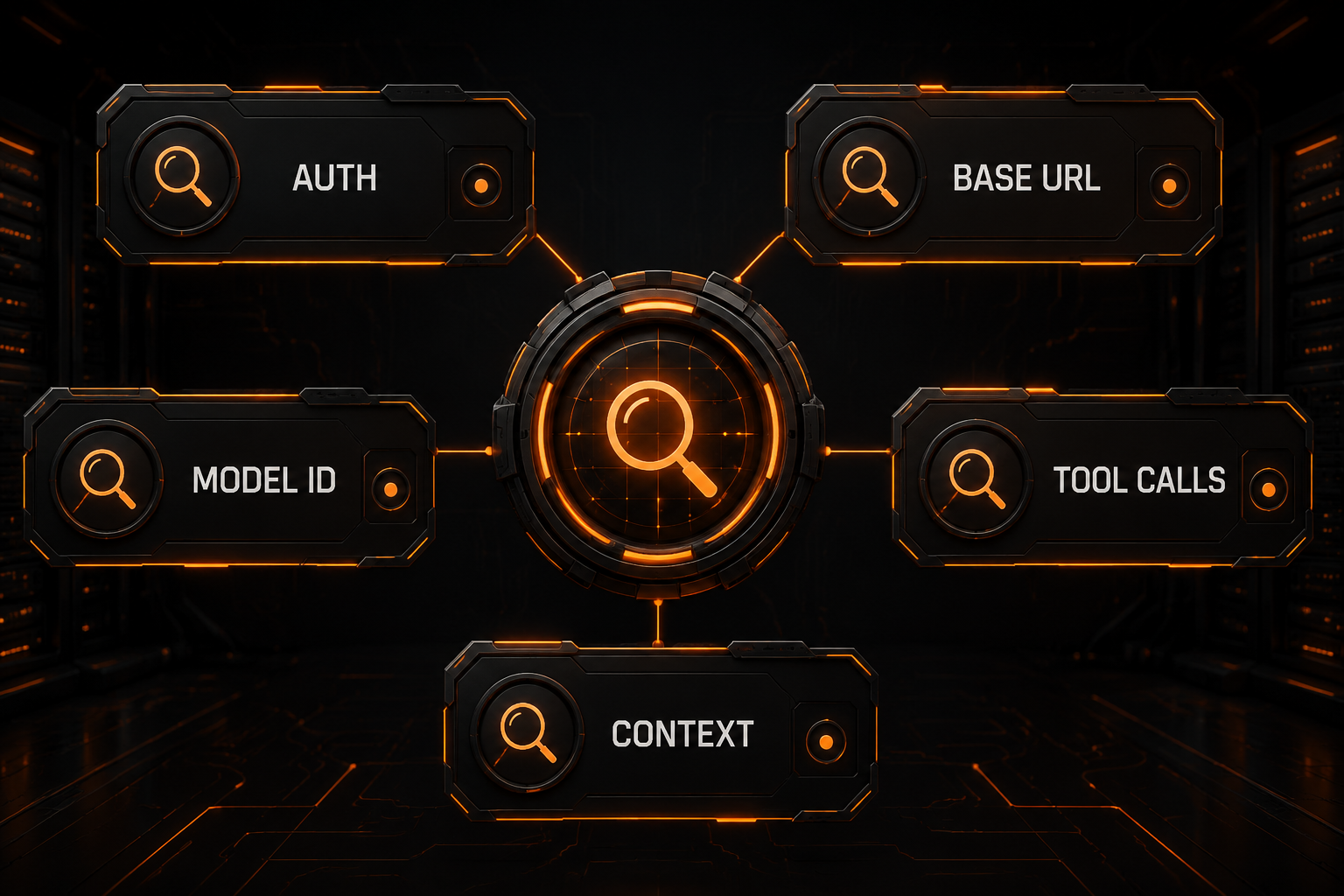
401: Invalid Credential or Wrong Service
Check that:
- the key was copied completely;
- it has no accidental spaces or quotes;
- the key and Base URL belong to the same service;
- the account can access the selected model;
- the credential has not expired or been revoked.
Never paste an active key into an issue or screenshot. Redact logs before sharing them.
404: Incorrect Base URL or Route Layout
Common causes include:
- a missing
/v1segment; - putting
/chat/completionsin the Base URL and having the client append it again; - a provider that uses a different version path;
- using a website hostname instead of an API hostname.
The AI API status-code troubleshooting guide provides a reusable sequence for 401, 404, 429, and 5xx failures.
Model Not Found
Copy the ID again from the provider's catalog. Also check account access. Some gateways deliberately return “model not found” when a key lacks permission.
Chat Works, but Files or Terminal Tools Do Not
This is usually a model or gateway compatibility problem, not a better-prompt problem. Verify that:
- the model supports tools;
- the gateway preserves
tool_calls; - streamed tool arguments arrive completely;
- you did not select a chat-only model for an agent workflow;
- Roo Code and the provider integration are current.
Context Limit or Gradual Slowdown
Agent sessions accumulate files, command output, and assistant messages. To control growth:
- split work into smaller tasks;
- read fewer files at once;
- exclude generated assets and dependency directories;
- use Roo Code's context-condensing features;
- switch to a model with a larger verified context window.
429, Timeout, or 5xx
A 429 commonly indicates a rate, concurrency, or quota limit. A 5xx is more likely a gateway or upstream failure. Use bounded exponential backoff rather than immediate unlimited retries. If you maintain several profiles, switch deliberately instead of repeatedly spending requests on a failing route.
Security and Cost Controls
Roo Code can edit files and execute commands, so provider configuration is only one part of safe operation:
- disable risky auto-approval during initial testing;
- work inside Git and review every diff;
- prevent access to
.env, private keys, and production credentials; - give API keys appropriate limits and permissions;
- ask for a plan before large changes;
- run tests before accepting edits.
Do not compare models by token price alone. A cheap model that loops, rereads files, or fails tool calls may cost more per completed task. Track total tokens, elapsed time, and human corrections for a realistic comparison.
Test Multiple Models Through Nbility
If you want one OpenAI-compatible endpoint for trying several model families, check the current IDs in the Nbility model catalog, then configure Roo Code as follows:
Base URL: https://api.nbility.ai/v1
API Key: YOUR_API_KEY
Model ID: copy it from the model catalog
Create separate fast, coding, and reasoning profiles instead of repeatedly replacing the same setup. Validate streaming, tools, and context behavior in a small repository before using a model on important code.
FAQ
Can Roo Code use any OpenAI-compatible API?
It can try any endpoint that claims compatibility, but chat compatibility is not proof of agent compatibility. Test authentication, streaming, tool calls, error shapes, and context behavior.
Must I select the Anthropic provider for a Claude model?
No. Select Anthropic for the official Anthropic API. Select OpenAI Compatible when a third-party gateway exposes Claude through an OpenAI-compatible protocol.
Which is best for coding: Claude, GPT, or Gemini?
There is no version-independent answer. Start with a stable GPT or Claude model for general coding, test Gemini for large-context or multimodal work, and use a strong model already validated in your repository for risky refactors.
Why does normal chat work while Roo Code fails?
An agent also needs structured tools, streaming events, multi-turn context, and predictable errors. A gateway that implements only basic chat may fail at those layers.
Can different Roo Code modes use different models?
Yes. API Configuration Profiles can store separate providers, models, keys, and settings, and Roo Code supports selecting profiles per mode.
Summary
A dependable Roo Code custom API setup is more than four populated fields. Build and test the whole agent path:
- choose the correct provider type;
- verify Base URL, API key, and model ID;
- progress from read-only prompts to file and terminal tools;
- create profiles for different task classes;
- compare Claude, GPT, and Gemini on your own repository;
- set boundaries for permissions, cost, and retries.
For protocol fundamentals, start with the OpenAI-compatible API guide. If you are comparing terminal-based agents as well, see the OpenCode custom provider tutorial.