Claude Code vs Codex vs Cursor vs OpenCode: Which Coding Agent Fits You?
Compare Claude Code, Codex, Cursor, and OpenCode across interfaces, models, custom APIs, automation, permissions, cost, and real developer workflows.
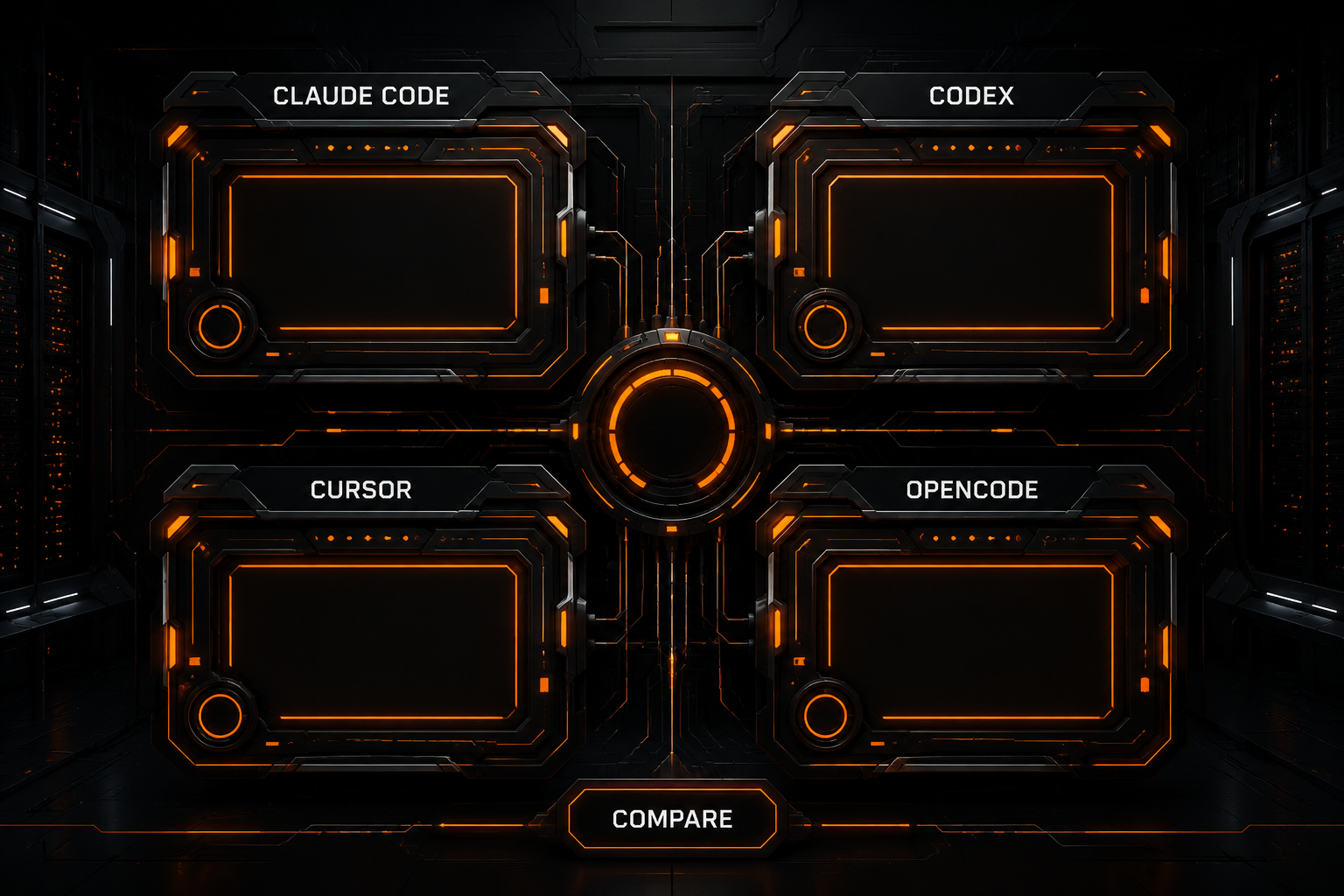
Claude Code, Codex, Cursor, and OpenCode can all inspect a repository, edit files, and run commands. Their landing pages increasingly describe the same destination: an agent that can complete a meaningful development task. Yet the day-to-day experience is not interchangeable.
Each product starts from a different center of gravity:
- Claude Code emphasizes deep agent workflows built around Claude, with terminal roots and additional IDE, desktop, and web surfaces.
- Codex connects OpenAI's coding-agent experience across the CLI, IDE, cloud tasks, and repeatable automation.
- Cursor makes AI part of the editor itself, combining completion, targeted edits, agents, and remote execution.
- OpenCode prioritizes open source, provider choice, terminal workflows, and extensibility while also offering desktop and IDE clients.
This comparison was checked against official documentation and product pages in July 2026. It does not invent a synthetic benchmark or pretend that client design and model quality are the same thing. The goal is to help you choose a workflow, not crown a universal winner.
The Short Answer
| Your priority | Start with |
|---|---|
| Deep terminal agent workflows, Claude, fine-grained permissions | Claude Code |
OpenAI/Codex ecosystem, CLI automation, codex exec | Codex |
| In-editor completion, visual control, low migration cost | Cursor |
| Open source, many providers, custom APIs, control | OpenCode |
These are not exclusive assignments. A team might use Cursor for daily editing, Claude Code or Codex for longer tasks, and OpenCode to test different gateways and models.
What Each Tool Is Optimizing
Claude Code: Agent Depth First
Anthropic describes Claude Code as an agentic coding tool that reads a codebase, edits files, runs commands, and integrates with development tools. It now spans the terminal, VS Code, JetBrains, desktop, and the web.
Its strengths become clearer when you need to:
- reason across a large repository;
- make coordinated multi-file changes;
- encode workflow context in
CLAUDE.md, Skills, Hooks, MCP, and subagents; - control tools, paths, and commands with granular permission rules;
- keep a consistent experience within the Claude ecosystem.
The terminal CLI and VS Code support documented third-party provider paths, but the product's core behavior is still designed around Claude models and Anthropic's agent stack. It is not the most neutral choice when arbitrary OpenAI-compatible models are your primary requirement.
Codex: CLI, IDE, Cloud, and Automation
Codex CLI works directly against a local repository, using tools already installed on the machine. Current documentation highlights model choice, reasoning effort, permissions, commands, and repeatable execution through codex exec.
User defaults live in:
~/.codex/config.toml
Trusted repositories can add .codex/config.toml overrides. The CLI and IDE extension share those layers, including model and provider settings, approval policies, sandboxing, and MCP configuration.
Codex is a natural fit when you:
- already use OpenAI or the wider ChatGPT/Codex ecosystem;
- want one agent model across terminal, IDE, and cloud work;
- need scripted or non-interactive execution in CI;
- want explicit reasoning and sandbox controls.
For a gateway setup, see Connect Codex CLI to an OpenAI-compatible API.
Cursor: Editor Experience First
Cursor's distinctive advantage is migration cost: the product is an AI-native editor. Completion, targeted edits, codebase indexing, agent tasks, model selection, and review happen within the same visual workspace.
Its current product surface also includes a CLI, cloud agents, Slack, GitHub, and automations. For many individual developers, however, the defining experience remains simple: the AI and the editor's context live in one place.
Cursor is a strong starting point when you:
- prefer a graphical editor over a terminal TUI;
- rely heavily on completion and small iterative edits;
- switch frequently between manual coding and agent delegation;
- value a polished default workflow over assembling providers and plugins yourself.
Cursor offers multiple models, but its custom API support should not be treated as identical to a generic OpenAI-compatible client. See Cursor custom OpenAI API setup and limits.
OpenCode: Open Source and Provider Choice
OpenCode is an open-source coding agent available as a terminal TUI, desktop app, and IDE extension. Its provider directory covers a large set of cloud services, gateways, and local inference systems, and it supports custom OpenAI-compatible providers.
It is compelling when you:
- switch among several model vendors or API gateways;
- use OpenRouter, cloud platforms, local models, or self-hosted endpoints;
- want an open client with extensible configuration;
- like terminal workflows but do not want a single model vendor to define the stack.
OpenCode also exposes Agents, Rules, Commands, MCP, Skills, SDK, Server, and Plugins. The trade-off is responsibility: more provider freedom means more compatibility testing. Start with OpenCode third-party API configuration.
Feature Comparison
| Dimension | Claude Code | Codex | Cursor | OpenCode |
|---|---|---|---|---|
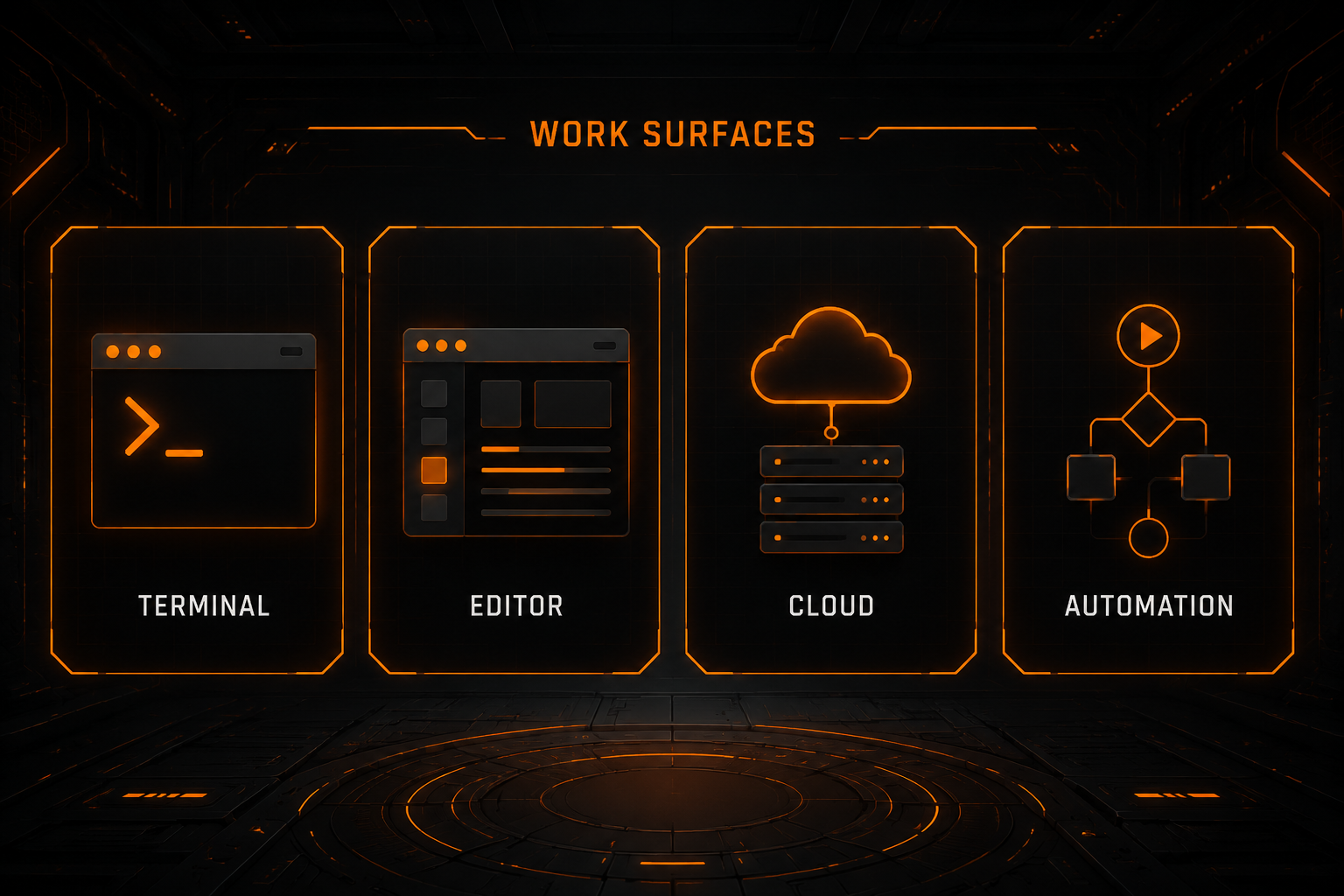
| Primary surfaces | Terminal, IDE, desktop, web | CLI, IDE, cloud | Editor, CLI, cloud agents | TUI, desktop, IDE |
| Core model ecosystem | Claude | OpenAI/Codex | Multiple vendors and Cursor models | Multiple providers and models |
| Open-source client | No | CLI is open source | No | Yes |
| Custom provider flexibility | Specific third-party and enterprise paths | Provider configuration available | Supported with boundaries | Very high |
| Native editor experience | Extensions, but terminal DNA | IDE extension | Defining strength | IDE extension available |
| Non-interactive automation | CLI, SDK, Hooks | codex exec, CI | Cloud agents, Automations | opencode run, SDK, Server |
| Permission model | Granular rules, modes, sandbox | Approvals, sandbox, project trust | Editor/agent rules and approvals | allow, ask, deny |
| Best fit | Deep agent users | OpenAI and automation users | IDE-first developers | Provider freedom seekers |
Features change quickly. This table captures product direction, not a guarantee that every platform, plan, or authentication method exposes the same capabilities. Check current pricing and feature-availability pages before purchasing.
Model and API Freedom
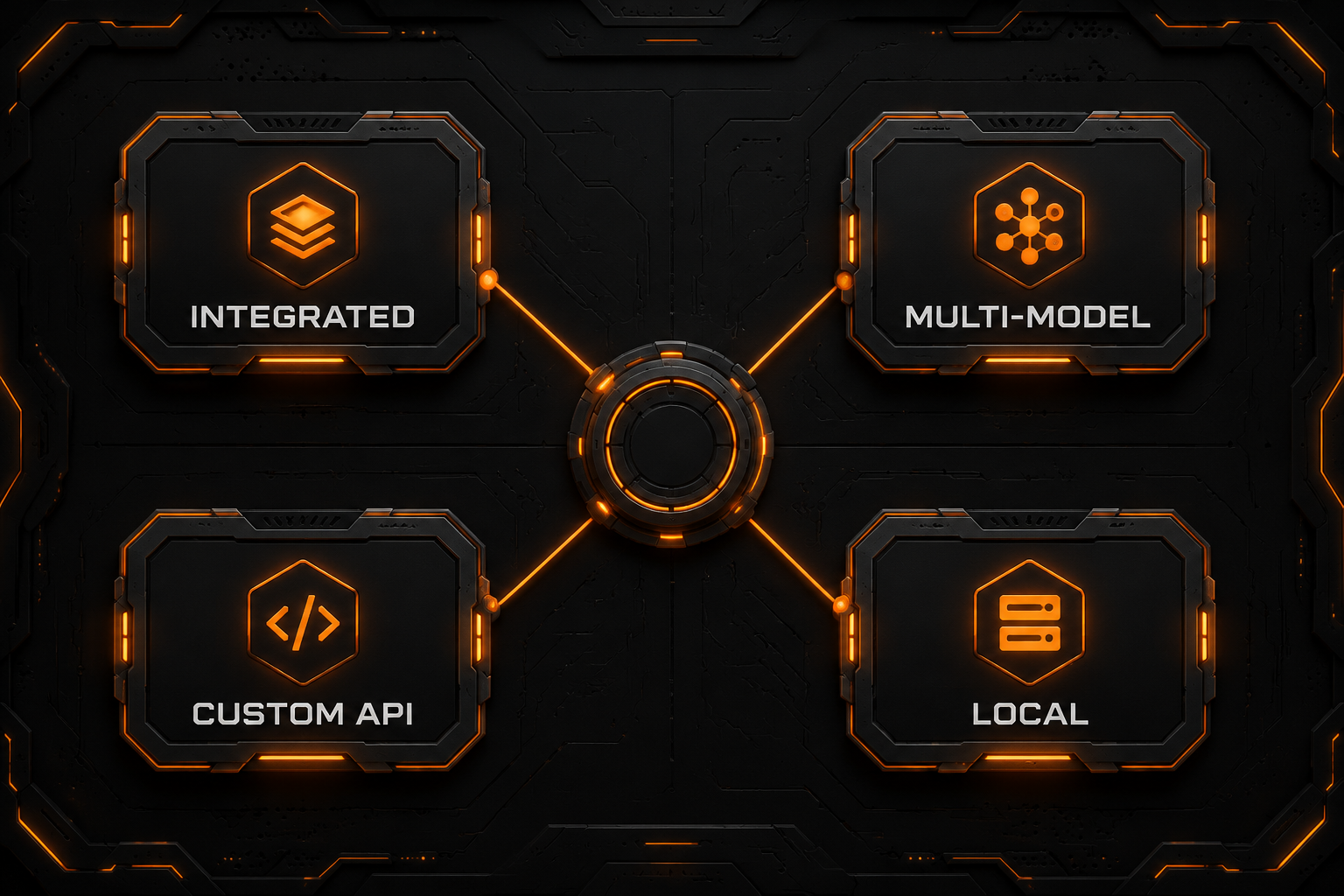
This is one of the most consequential differences.
If You Want the Integrated Default Experience
Start with Claude Code, Codex, or Cursor. Their default authentication, models, tool protocols, and client behavior are tested as one product, reducing setup work.
If You Want to Control Several Models
OpenCode behaves more like a provider and model control plane. You can configure cloud providers, custom OpenAI-compatible endpoints, and local systems, then switch models by task.
Codex also supports provider configuration. Claude Code documents cloud-provider and gateway deployment paths. Cursor offers model selection and supported API-key options. But “custom API support” does not mean the same thing in all four products, and the presence of a Base URL field does not guarantee full agent compatibility.
The Hidden Cost of a Third-Party API
A text response only proves the simplest request works. Coding agents also depend on:
- streaming events;
- structured tool calls and incremental arguments;
- multi-turn context;
- correct handling of reasoning and final content;
- cancellation, timeout, and error formats;
- a model's actual ability to use file and shell tools.
The useful question is not “Can it chat?” but “Can it complete controlled repository tasks reliably?”
Permissions and Security
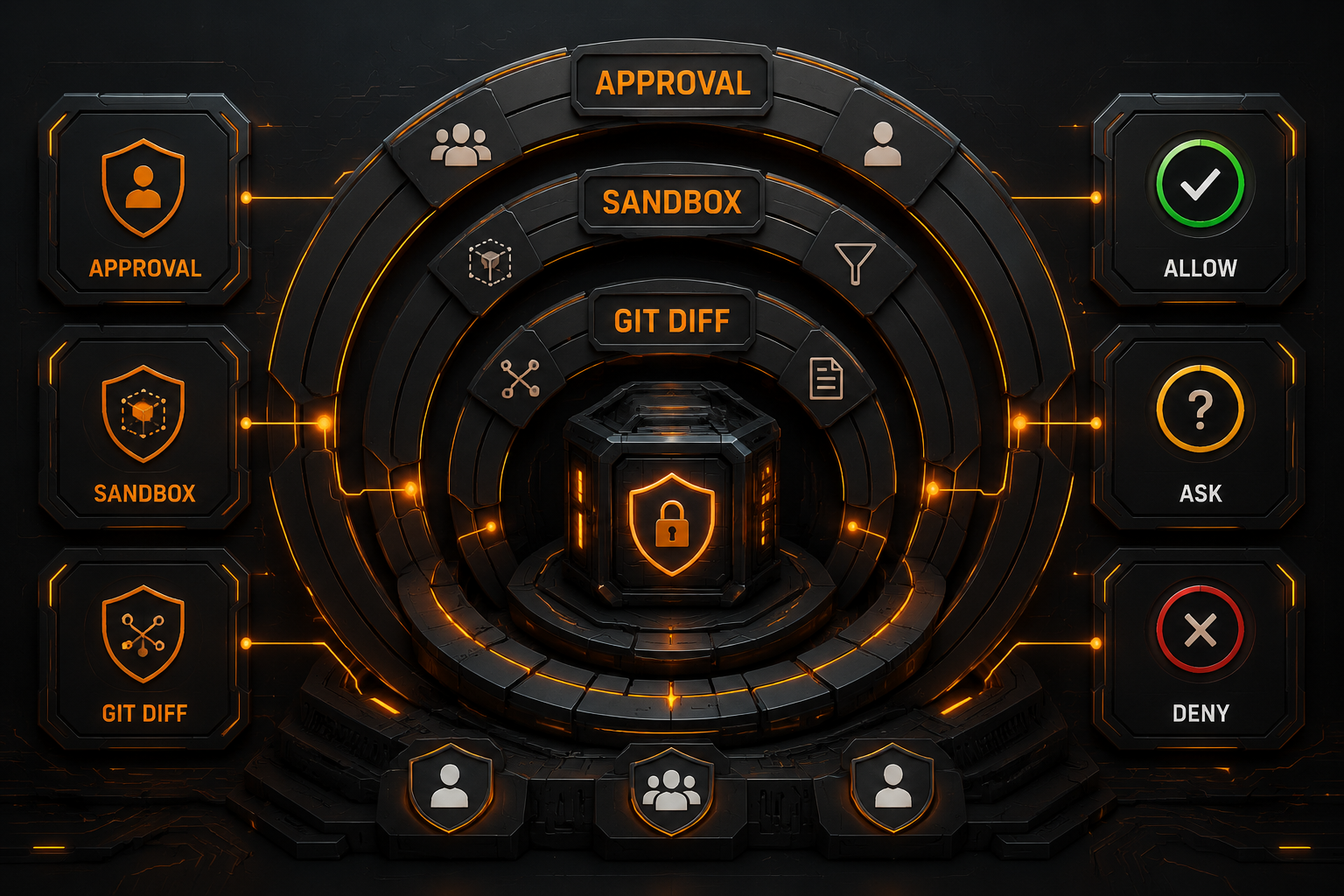
All four products can edit files and execute commands. Fewer confirmation dialogs are not automatically better; the useful comparison is how clearly each tool lets you contain risk.
Claude Code
Claude Code exposes permission modes, granular rules, managed policies, and sandboxing. Rules can match tools and their inputs, which is valuable for complex team policies.
Codex
Codex integrates approval policy, sandbox configuration, and project trust. Project-scoped .codex configuration is loaded only for trusted projects, reducing the risk that an unfamiliar repository changes agent behavior through local configuration.
Cursor
Cursor makes files and diffs visible in the editor and lets developers move between targeted edits and broader agent execution. Cloud agents and automations add a remote environment, so repository access, secrets, data handling, and review boundaries need separate attention.
OpenCode
Permission rules resolve directly to:
allow
ask
deny
They can be narrowed by tool and matching pattern. --auto approves actions that would otherwise ask, while explicit deny rules remain enforced. Do not enable broad auto mode on the first test of a new provider or model.
How to Compare Cost
Do not compare only monthly client subscriptions or published price per million tokens. Total cost includes:
- the client subscription;
- model or API usage;
- cloud-agent compute or quotas;
- repeated codebase context;
- retries and failed tool loops;
- engineering time spent on review and compatibility maintenance.
Most workflows fall into two broad models:
- Integrated subscriptions: easier setup, constrained by plan limits and supported features;
- Bring your own API or provider: more model and pricing flexibility, but you own compatibility, routing, limits, and billing.
Prices change too often for a static article to copy a useful table. Review each product's live pricing page, then measure comparable tasks with success rate, elapsed time, input/output tokens, and retries.
Choose by Workflow
Everyday Frontend or Full-Stack Development
If most of your day is spent editing code, following types, and iterating visually, start with Cursor. Completion and agent work share the familiar IDE path.
Large Refactors and Difficult Diagnosis
Claude Code is worth testing first when you are willing to systematize project instructions, Skills, Hooks, and permissions. Codex is also suitable for complex work, especially when OpenAI models and reasoning controls fit the workload better.
Scripts, Automation, and CI
Codex offers a clear codex exec path. Claude Code provides the CLI, Hooks, and Agent SDK. OpenCode offers opencode run, an SDK, and a Server. Test non-interactive behavior, exit codes, log redaction, and permissions—not just an interactive demo.
Multiple Models and Third-Party APIs
OpenCode is the most direct starting point because provider breadth and custom configuration are central to the product. If your team prefers Codex's agent behavior, its provider configuration is also worth testing, but validate the entire tool path.
You Do Not Need to Pick Only One
A layered setup can be more practical:
- Cursor for daily completion and editing;
- Claude Code or Codex for complex agent tasks;
- OpenCode as a multi-model, gateway, and local-model client;
- Git, tests, and CI as the shared acceptance layer.
Run the Same Evaluation Task
Do not compare four tools with four unrelated prompts. Use a small, reversible repository and ask each product to complete the same sequence:
- explain the project structure without edits;
- locate a known small bug;
- propose a plan before changing anything;
- add or update a test;
- run the test and explain failure;
- show the diff;
- revise or undo under constraints.
Record:
- first-pass success rate;
- unrelated files changed;
- transparency of commands and approvals;
- drift over several turns;
- elapsed time and total cost;
- recovery behavior after failure.
That evidence is more useful than a subjective claim that one model “feels smarter.”
Start each run from the same Git commit and task brief. Record the client version, exact model ID, API protocol, approval settings, test command and exit code, diff, model-call count and actual logged cost. Reuse a model only where both the client and protocol support it; otherwise disclose the difference. One successful run is not a success rate, and an unmeasured run cannot establish a speed or cost ranking.
Use the setup references for Claude Code, Codex, Cursor and OpenCode to verify each connection before comparing the same task.
Test Multiple Agent Models Through Nbility
If you want one OpenAI-compatible endpoint for testing several models, copy current model IDs from the Nbility model catalog and configure a client that supports custom providers with:
Base URL: https://api.nbility.ai/v1
API Key: YOUR_API_KEY
Model ID: copy it from the model catalog
Clients differ in protocol and tool-call expectations. Before production use, validate file editing, shell execution, streaming, and multi-turn context in a temporary repository. A successful chat response is not proof of full agent compatibility. Redacted failures can be submitted through Nbility support tickets.
FAQ
Which is the strongest: Claude Code, Codex, Cursor, or OpenCode?
There is no strongest tool independent of the task, model, permissions, and cost. Cursor emphasizes the editor, Claude Code emphasizes deep agent workflows, Codex emphasizes the OpenAI ecosystem and automation, and OpenCode emphasizes open source and provider choice.
Which is easiest for beginners?
Developers already comfortable with a VS Code-style editor often find Cursor easiest to adopt. Terminal and Git users can start directly with Claude Code, Codex, or OpenCode.
Which is best for a custom API?
OpenCode makes provider freedom the most explicit. Codex supports provider configuration. Claude Code and Cursor have their own supported paths and compatibility limits, so the answer depends on the endpoint and required agent features.
Do these tools upload the whole repository?
Data behavior varies by product, feature, deployment, and privacy setting. Do not make one assumption for all four. Before using private code, review indexing, cloud-agent, telemetry, model-provider, and retention policies.
Can I use several tools together?
Yes. Their configuration directories are separate, but avoid letting several agents edit the same working tree at once. Use distinct Git branches or worktrees and enforce tests and review as a shared gate.
Summary
Choose the workflow you actually want to optimize:
- Claude Code: deep agent workflows and the Claude ecosystem;
- Codex: OpenAI/Codex, CLI, and automation;
- Cursor: a continuous AI development experience inside the editor;
- OpenCode: open source, many providers, and custom API control.
The most reliable decision method is to run the same reversible repository task through each tool. Compare success, control, recovery cost, and total cost before choosing a primary and fallback agent.