New Gemini projects store requests by default. Check conversation state before disabling it.
Since October 26, new paid projects store Generate Content requests by default. Separate project settings, per-request store, dataset sharing, and other retention, including the impact on Interactions history.
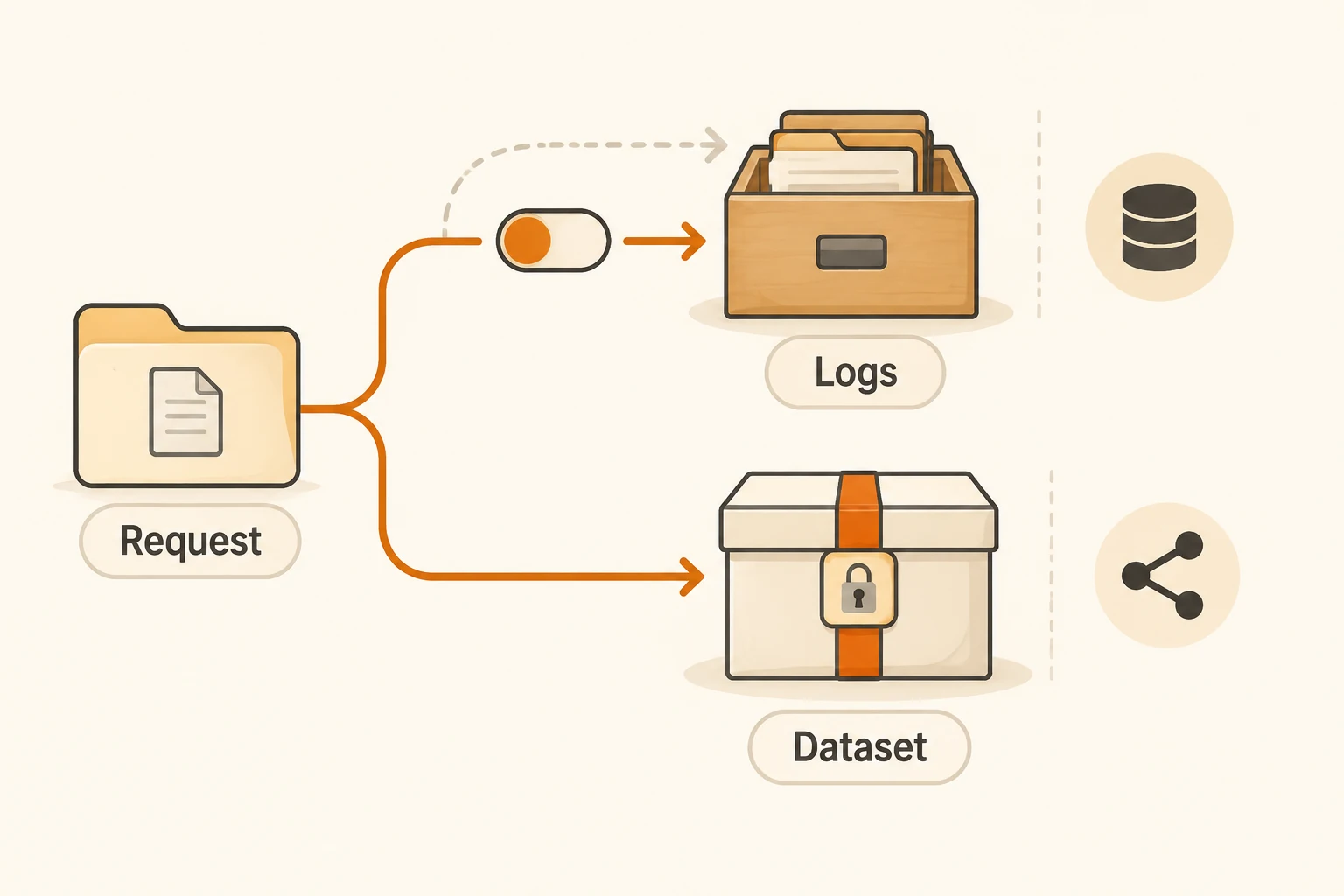
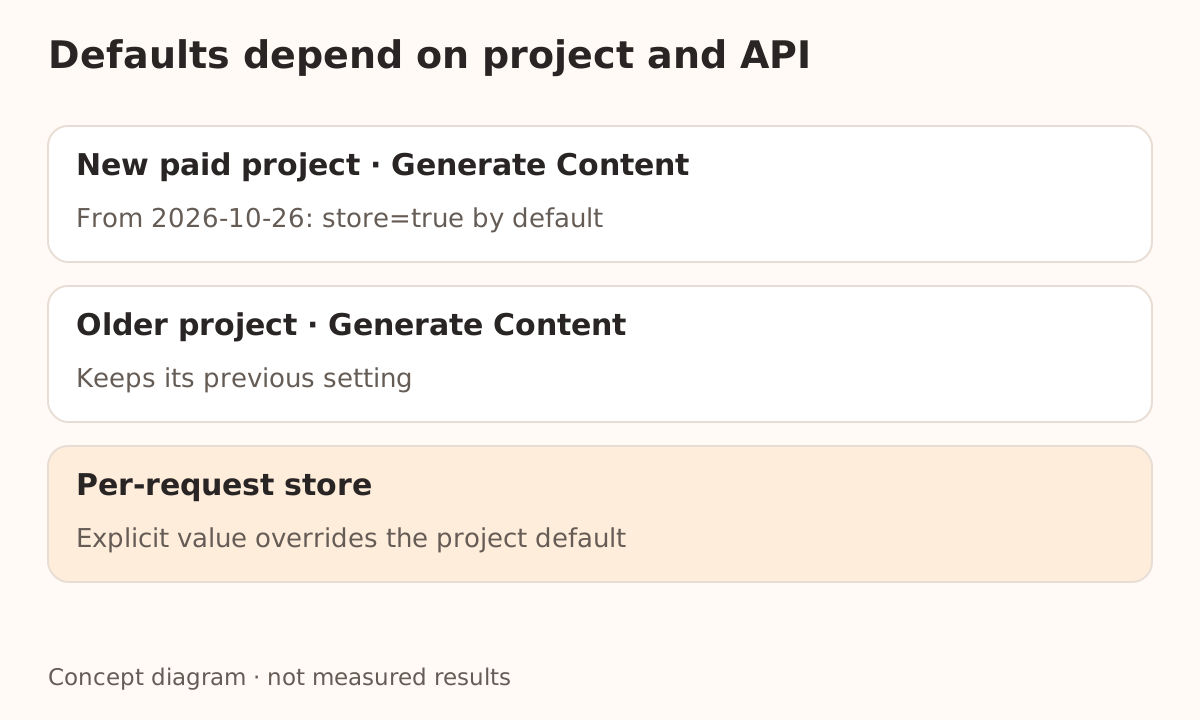
The same Gemini code can produce different logging behavior in an old project and a new one. From October 26, new paid projects store Generate Content requests by default. Existing projects retain their previous setting. Applications that omit store should include this difference in deployment checks.
Storage affects diagnostic records and conversation data, but it does not automatically mean consent to training. Project logs, dataset sharing, and other retention under the service terms are separate decisions.
This article checks the release notes, logging guide, and data-sharing policy on November 16, 2026. It describes official paid-project logging, not every free service or third-party gateway. We have not changed a live project's settings or submitted verification requests.
Establish the project date and API first
| Path | Default and implication |
|---|---|
| Generate Content in projects created from October 26 | store=true by default; adjustable at project or request level |
| Generate Content in earlier projects | Existing setting stays in place; previously disabled logging stays disabled |
| Interactions API | Storage is enabled by default and supports server-side conversation state |
Generate Content includes generateContent, streamGenerateContent, and batchGenerateContent. The logging documentation covers paid projects and listed OpenAI-compatible calls. It does not establish log support for every model and input. Current limitations include some models and inputs containing video, GIFs, or PDFs.
Select the correct project on the AI Studio Logs page and inspect Settings for Generate Content and Interactions independently. An account name is not enough: one account can own several projects, and the deployed key may belong to a different one.
Make the per-request choice explicit
Request-level store takes precedence over project configuration. Python google-genai supports the Generate Content option from 2.33.0. An older SDK cannot simply be assumed to send it.
This example uses the official default endpoint and the official key from your environment:
from google import genai

# Requires google-genai >= 2.33.0 and GEMINI_API_KEY in the environment.
client = genai.Client()

response = client.models.generate_content(
    model="gemini-4-hydrogen",
    contents="Public demo: explain what an API gateway does in one sentence.",
    config={"store": False},
)
print(response.text)
We checked the Python syntax, not the authenticated model call. Inspect wrapper libraries for parameter filtering too. A local store=False setting does not prove that the destination received it.
When a gateway is involved, verify the client request, forwarding behavior, and provider policy separately. The Gemini compatibility page describes Nbility's entry point; this article has not verified forwarding of this field. An upstream option does not replace the gateway's own data-handling policy.
Disabling Interactions storage affects history
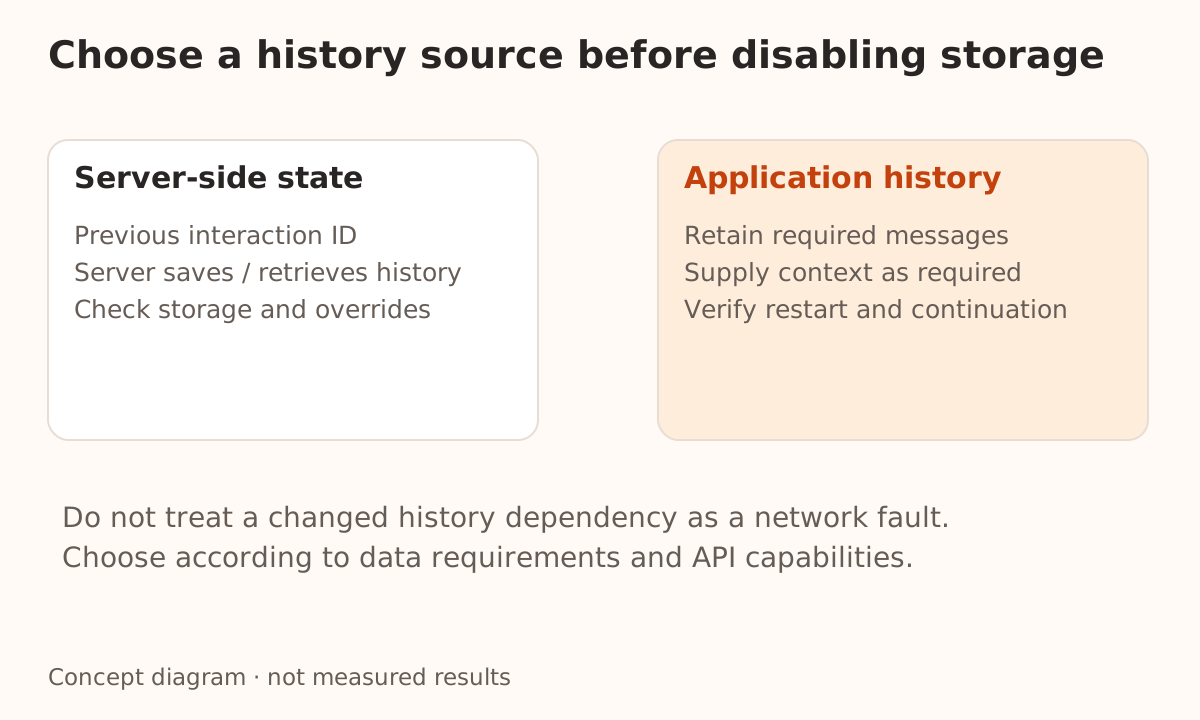
Interactions storage supports automatic saving and retrieval of conversation history as well as the logging interface. The documentation warns that disabling Interactions logging at project level prevents that automatic state management unless a request explicitly overrides the setting.
If your application continues from a previous interaction ID, first decide whether to retain suitable storage or maintain the necessary history yourself under the API's requirements. Turning off storage and then treating continuation failure as a network incident misses the changed dependency.
This differs from Claude's short-lived message threads, but both raise an application question: can you continue a task if reusable history is unavailable on the server? Do not transfer parameter names, lifetimes, or recovery procedures between the products.
Logs, datasets, and other retention have different scopes
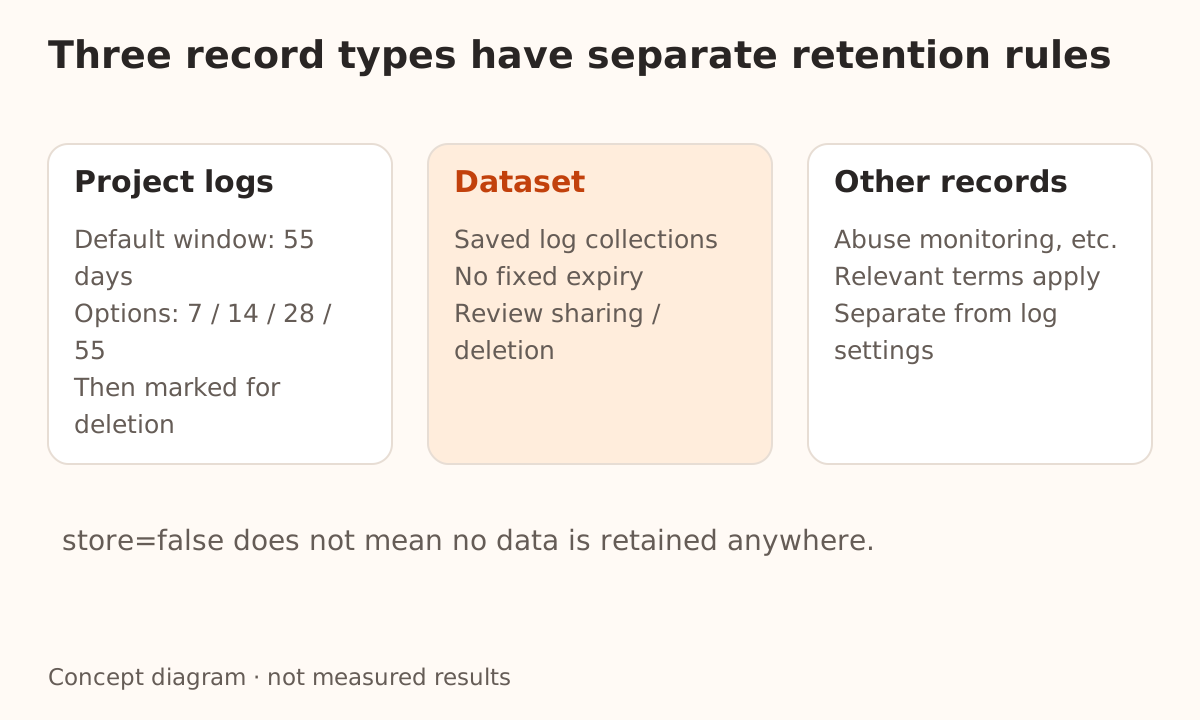
Project logs have a default retention window of 55 days, configurable to 7, 14, 28, or 55 days. Expiry marks logs for deletion; it is not evidence of immediate erasure from every medium. Logs saved into a dataset have no fixed expiry and need separate management.
The sharing policy says these logs are for the project's own use by default and paid-project logs are not used for product improvement by default. Choosing to share a dataset invokes different data-use terms. Inspect the sharing choice and your authority to contribute data when creating one.
The Gemini terms also describe limited-period prompt and response logging for abuse detection and related purposes. The developer-log switch does not govern every such record. store=false is not a promise that Google retains no data at all. Clients, tools, gateways, and your own application may hold additional copies.
For each production project, record its creation date, API, SDK version, both logging defaults, request-override policy, retention window, and dataset owner. Then verify logs and continuation using harmless public text. That live check was not performed here. The minimal support-log template helps choose diagnostic fields, while the key-safety guide covers credential copies.