Returning files in Gemini tool results
Gemini multimodal tool results need a valid call ID, typed content, and accessible bytes or a file URI. A filename alone does not deliver the artifact.

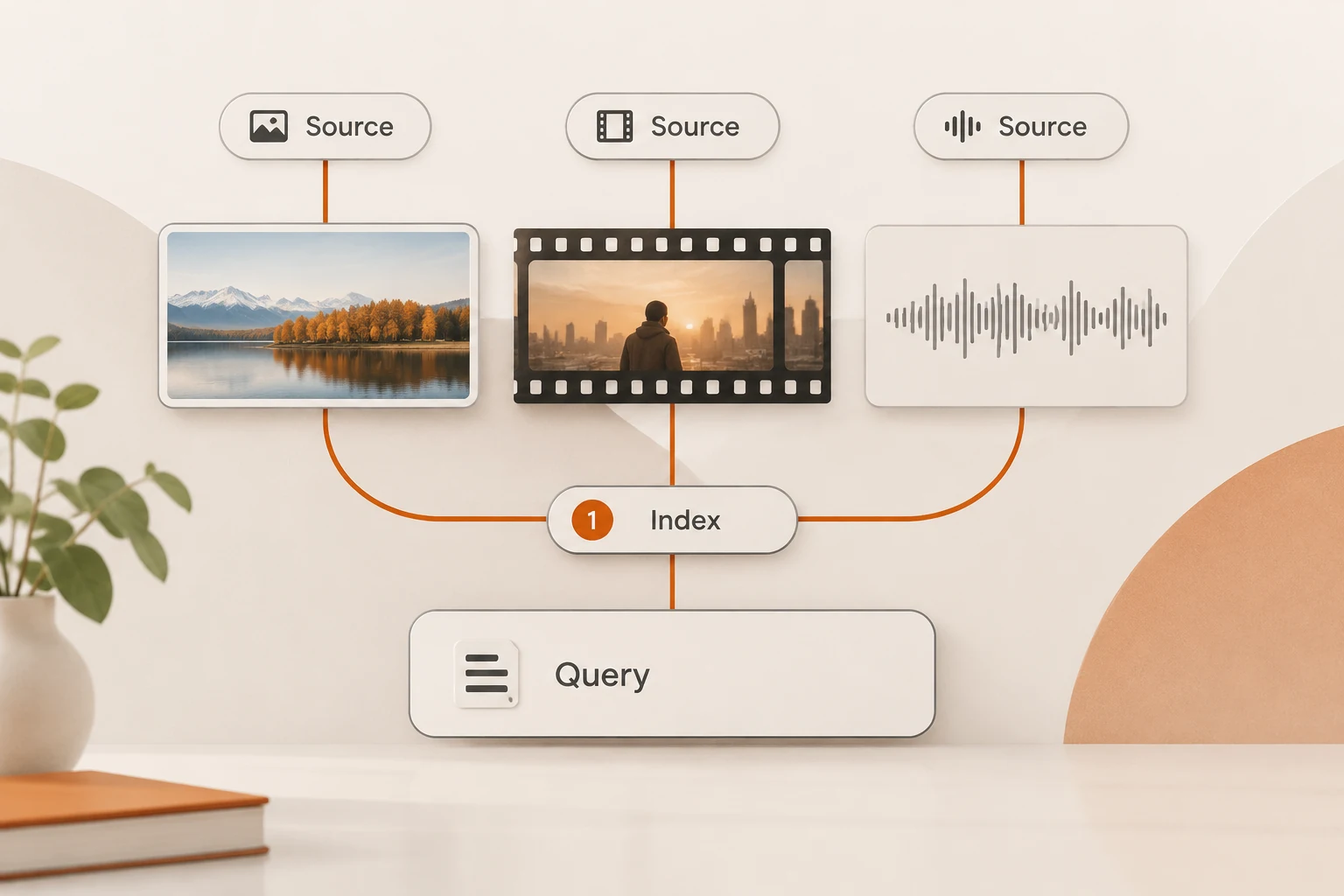
Gemini tool results can carry documents, audio, and video, and can return files through Files API URIs. The important handoff is media in the result sent to the model. A tool reporting “created report.xlsx” does not establish that the model received the workbook.
Google expanded these result types on November 5, 2026. We rechecked the release notes and multimodal function response guide on November 18. The Interactions example below follows the current official gemini-4-hydrogen example. No files were uploaded, model calls made, or third-party forwarding tested for this article.
Why does a model guess after the tool creates a file?
A filename describes an artifact; its contents supply the evidence. The application must retrieve the artifact and send accessible data or a URI in the tool result. Four states deserve separate checks:
- The model requests a tool call and the app records its call ID.
- The tool completes and creates the artifact.
- The app packages bytes or an uploaded file URI in that call's result.
- The model continues and answers using the artifact's evidence.
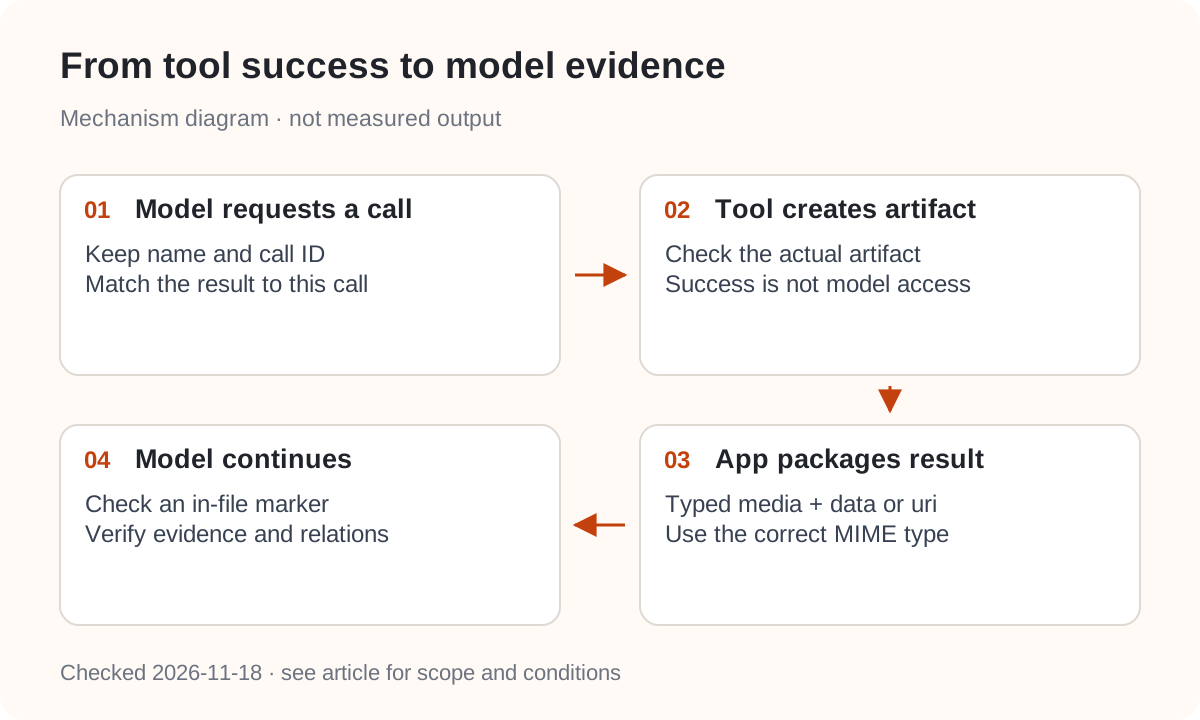
A successful tool exit establishes only the second step. A remote model generally cannot open /tmp/report.xlsx on your application server. Putting that path in a text block does not upload it. Our MCP participant guide helps distinguish where the tool runs from where inference runs.
What does an Interactions file result contain?
A function_result step has a result array of typed content blocks. Media blocks can provide base64 data or a uri. This continuation request sketch requires real IDs and a file URI from the same official workflow; it is not a complete runnable task:
{
  "model": "gemini-4-hydrogen",
  "previous_interaction_id": "INTERACTION_ID",
  "input": [{
    "type": "function_result",
    "name": "view_file",
    "call_id": "CALL_ID_FROM_MODEL",
    "result": [
      {"type": "text", "text": "Public demo workbook; target data is on the first sheet"},
      {
        "type": "document",
        "uri": "https://generativelanguage.googleapis.com/v1beta/files/FILE_ID",
        "mime_type": "application/vnd.openxmlformats-officedocument.spreadsheetml.sheet"
      }
    ]
  }]
}
call_id must match the earlier model-issued call. mime_type must describe the actual artifact. The guide says unsupported MIME types produce 400 INVALID_ARGUMENT, naming the field and accepted types.
The release notes also describe GenerateContent's functionResponse parts and fileData. Those belong to a different request schema: do not paste this Interactions object into generateContent. An OpenAI-format tool message does not automatically accept these fields either. Review the protocol differences before adapting examples.
When should a tool return bytes or a URI?
Inline data is convenient for small artifacts, but base64 contributes to request size. Google recommends uploading large media, such as video, long audio, or multi-page documents, through its Files API and returning the URI.
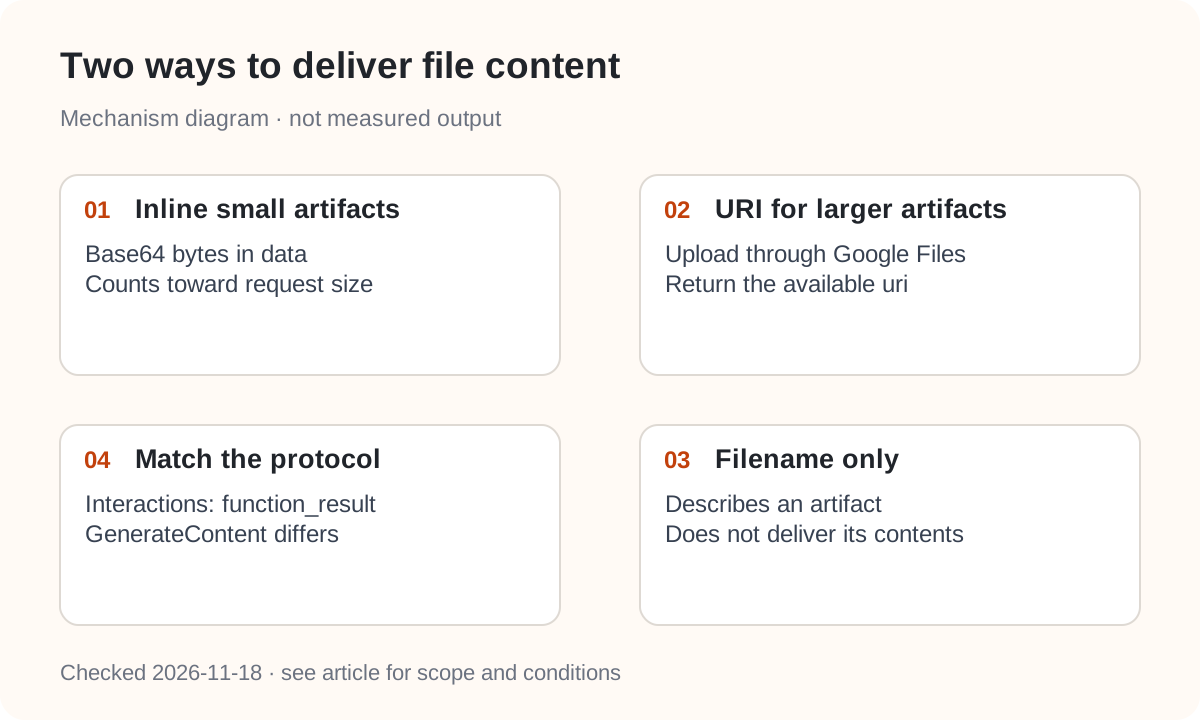
| Result form | Application supplies | It does not establish |
|---|---|---|
Inline data | Base64 bytes and correct MIME type | Unlimited file size |
Files API uri | An uploaded, available file resource | Equivalence with every object-storage URL |
| Filename in text | A description | Access to the original artifact |
Video result blocks are documented for v1beta and v1alpha; their processing value can be static or agentic. These Interactions names and values differ from GenerateContent's mediaProcessing. Record API version, model, and endpoint together.
A previous_interaction_id also depends on accessible interaction state. If you disable request storage, review storage and history replay before relying on continuation IDs.
Does attaching the workbook expose every sheet?
No. Files in function results follow the same processing rules as regular file inputs. Wrapping an XLSX in a tool response does not create a special full-workbook channel.
Current Office processing reads cell values from only the first XLSX sheet. For a second sheet or formula audit, have the tool extract the required evidence before returning it. See what Gemini receives from Office files for format-specific differences.
Treat text inside tool results as external data, too. Instructions embedded in a file must not expand the application's permissions; our tool-output permission guide explains that boundary.
How can you verify the handoff?
Use a public demo artifact containing a marker that cannot be inferred from its filename, plus one relationship that requires inspecting the contents. Do not repeat the marker or answer in the tool's accompanying text.
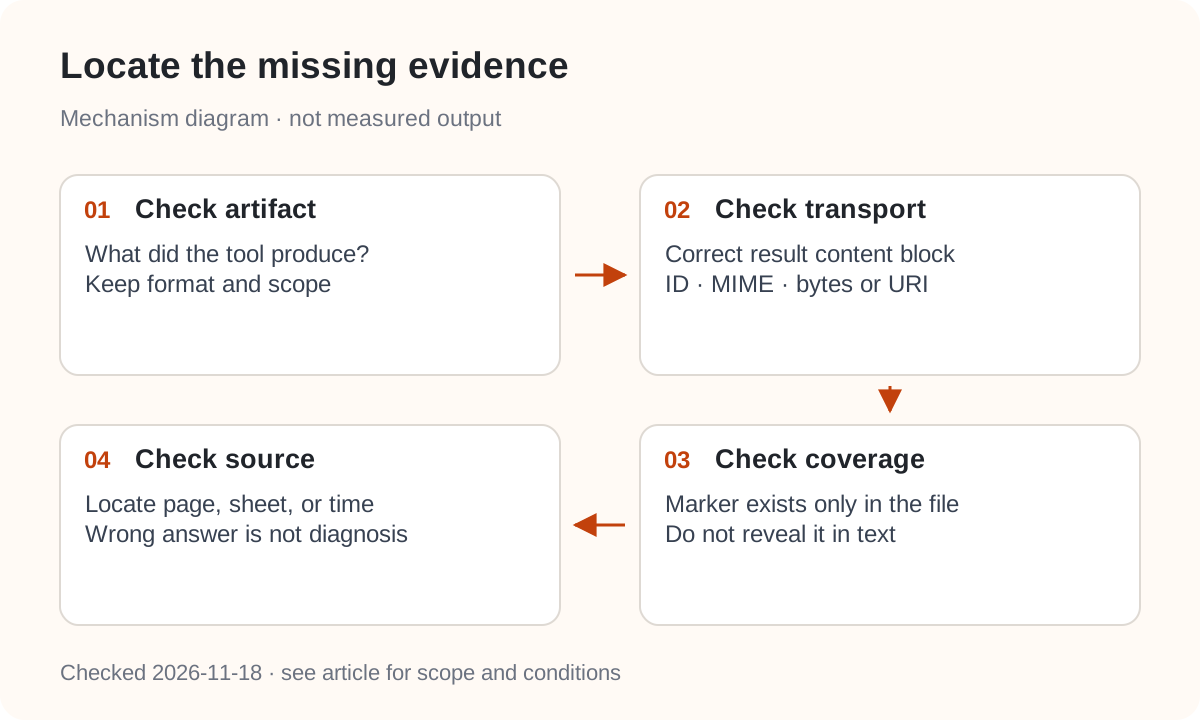
Record whether the expected artifact exists, the outgoing result contains the right media block, the model can identify the marker, and the answer points to the relevant page or sheet. A correct answer supplies one positive observation; a wrong answer does not by itself isolate transport failure.
For Nbility, consult the Gemini compatibility reference. Its documented generateContent paths do not establish support for official Interactions, Files URIs, or every new result type. Verify the actual route with a small public artifact before using it in a production workflow.