Where GPT-6.1 Terra Fits in Visual Work
Use product checks, technical drawings, and constrained writing to understand Terra's role, distinguish model output from tools, and plan a verifiable trial.
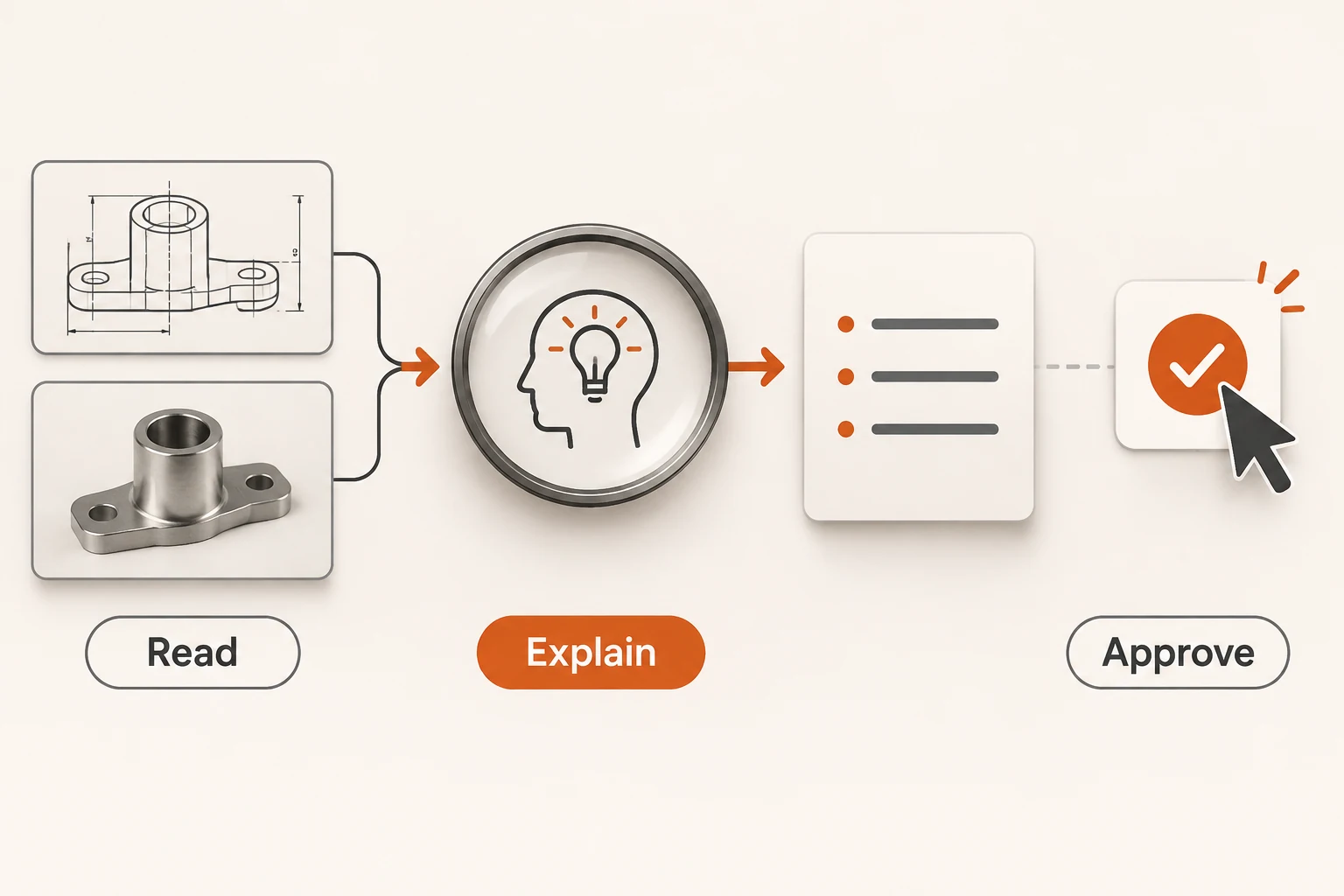
Checking a product photo against a catalog and revising its description combines several small jobs: spotting accessories, matching a candidate model, and removing claims the evidence cannot support. That is a useful starting point for GPT-6.1 Terra's combination of visual interpretation and writing.
OpenAI announced Terra on October 26, 2026. We reread the official model page on November 12. Its ID is gpt-6.1-terra; it accepts text and images and directly produces text. Listed uses include catalog matching, technical drawing interpretation, application screen actions, and writing. This article analyzes those uses; it does not report a model trial or a speed comparison.
Separate observation from inference and writing
For a product review, provide an authorized product photo, a public specification sheet, and the current copy. A narrow assignment is easier to verify than “improve this product page.”
Review the product photo, specification sheet, and existing copy.
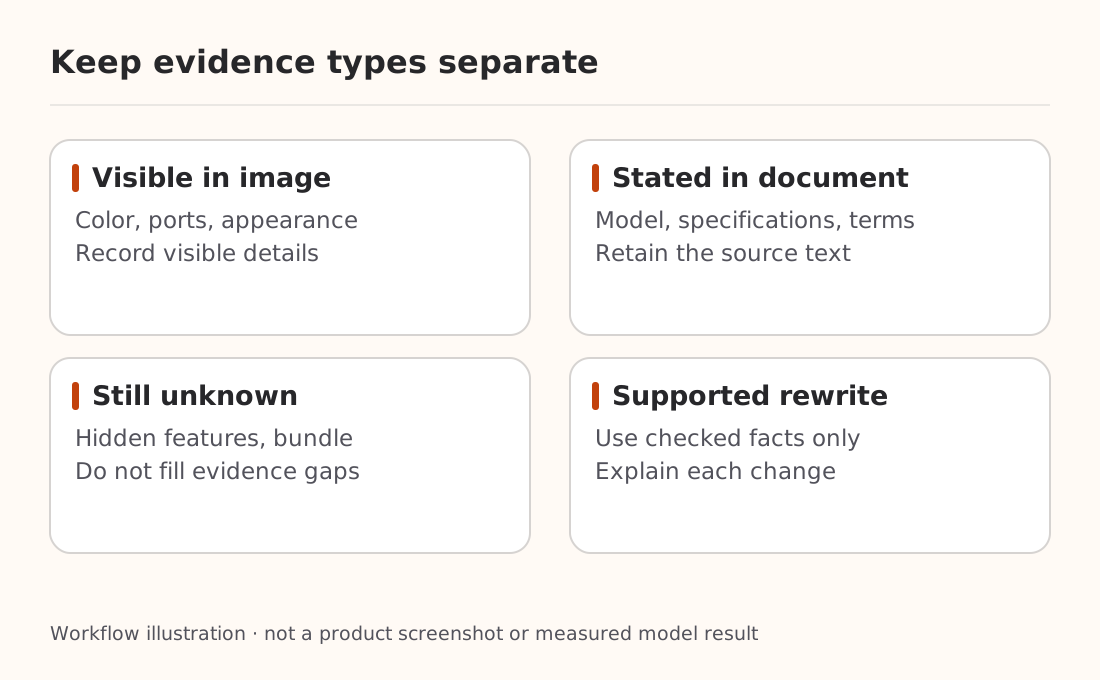
Separate visible facts, facts explicitly stated in the sheet, and unknowns.
Choose candidate model IDs only from the supplied catalog; say
“cannot determine” when evidence is insufficient.
Rewrite the description in no more than 80 words. Add no features,
certifications, prices, or included accessories.
Explain whether each change comes from the photo or specification.
Do not publish anything or make a purchase.
This is an unexecuted trial brief. A photo may establish color, visible ports, or objects in the scene. It usually cannot establish an internal chipset, a water-resistance rating, or the contents of a retail bundle. Ask for evidence and uncertainty even when a candidate looks familiar.
For technical drawings, examine labels, units, connections, and notes. An unreadable dimension should stay unreadable rather than become a plausible number. Engineering or safety decisions still need qualified review; interpreting a drawing is insufficient evidence for automatically approving it.
Image understanding, image creation, and computer actions use different paths
Terra's direct output modality is text. Its Responses API tool list also includes image generation and computer use. Those require the surrounding application to provide the tools, execution environment, and permissions.
| Desired result | Path to verify |
|---|---|
| Review a photo and explain discrepancies | Image input and text output |
| Produce new promotional artwork | A separate image model or image-generation tool |
| Update a product in an application | Computer tools, execution environment, and required approvals |
| Return machine-readable results | Structured output and application-side validation |
The model documentation explicitly states that tool calling requires the Responses API. A successful text chat does not verify the client, gateway, and tool execution loop. Start with the API format explanation, then check the Responses documentation for tool continuity.
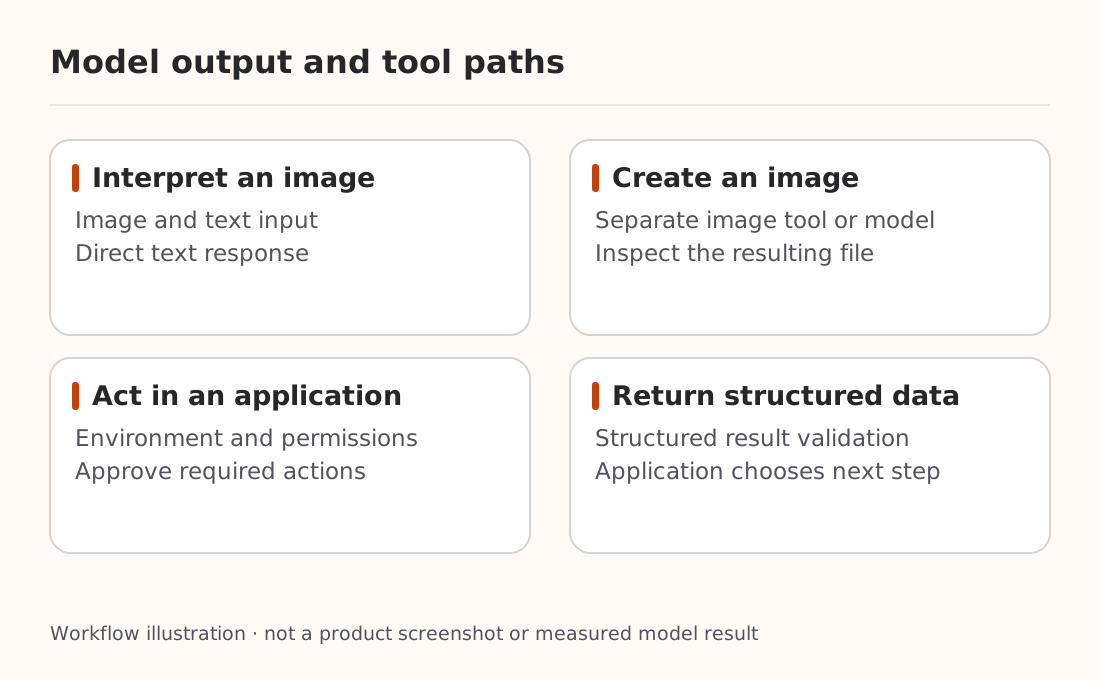
A first review task can remain read-only. It does not need access to a product backend, file writes, or outbound messages. If a model says it updated something, inspect the actual execution result. Instructions embedded in tool results should not expand its authority; the tool-output permission guide explains that boundary.
Decide using observable completion conditions
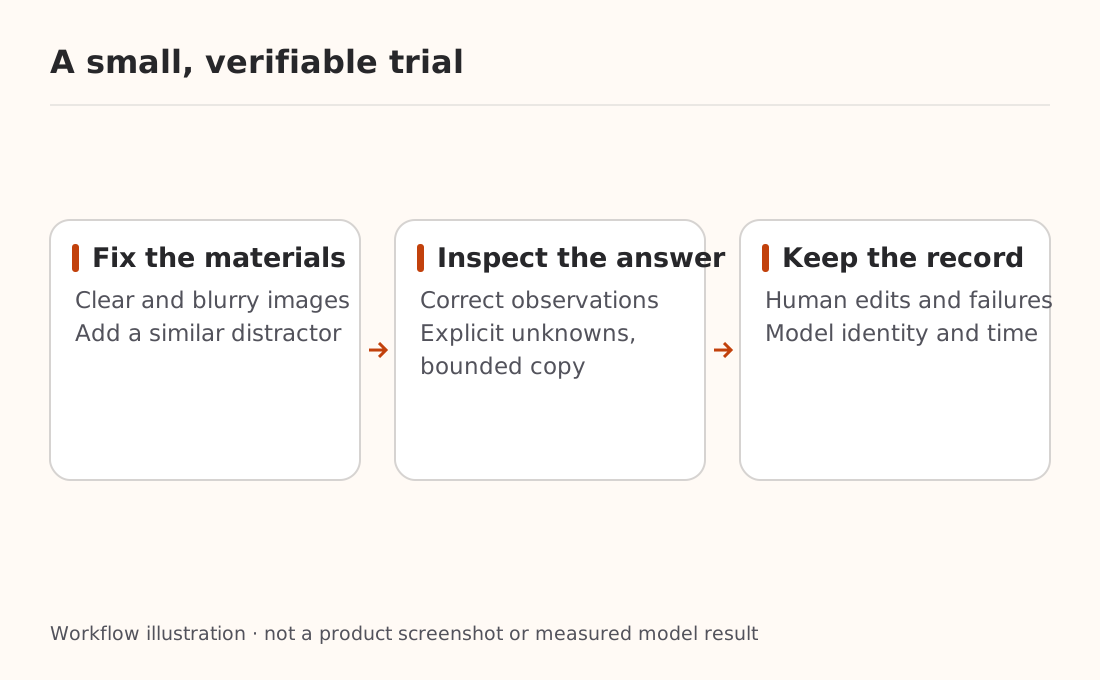
“Fast and efficient” is OpenAI's positioning. End-to-end work also includes uploads, waiting, tool execution, and human review. Fix a small set of public materials and check:
- Whether visible objects and annotations are correctly identified.
- Whether uncertain details remain uncertain.
- Whether the rewrite respects length, tone, evidence, and prohibited claims.
- Which requirements fail and which edits a person still makes.
Include a blurry image and a visually similar distractor alongside a clear example. See whether the model appropriately declines to identify something. This is a practical check, not a statistical accuracy study. For comparison with another model, hold inputs, instructions, and permissions constant and retain failures. The controlled comparison method provides a useful starting point.
Verify the service you will actually use
The official page supports both Chat Completions and Responses, with the separate Responses requirement for tools. Its reasoning.effort values are none, low, medium, high, xhigh, and max, with medium as the default. These are Terra's documented settings, not a portable list for every model family.
For Nbility or another provider, inspect the model catalog guidance, your token's access, and the fields that endpoint accepts. This article does not establish Terra availability in every Nbility group or offer an unverified universal configuration.
Choose one visual task with an inspectable written result. Save the materials, model ID, request time, and human corrections. Establish that result before adding tools and business actions.