An MCP resource listing does not put a file in model context
MCP resource discovery, reading and model context are separate steps. Trace a public manual from its URI to the actual model input.
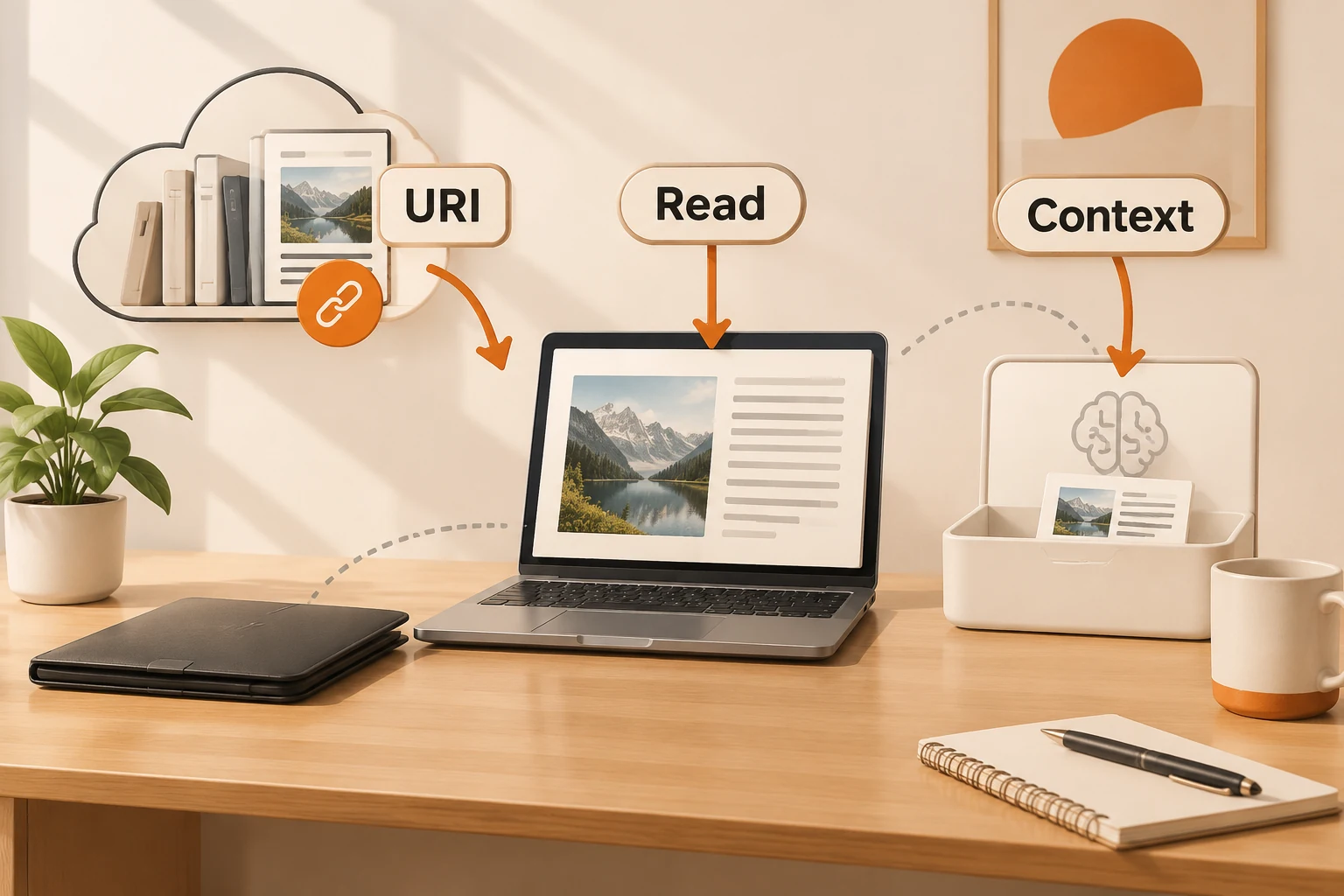
An entry in an MCP resource list means the application discovered it. The host still needs to read the resource, interpret the content and include relevant material in the model request. A resource URI does not establish that an equivalent file exists on the user's computer.
This guide checks the 2026-07-28 Resources specification on November 25, 2026. The manual below is illustrative public data, not a deployed endpoint or a tested client integration. The MCP introduction explains the host, client and server roles.
Where does discovery end and reading begin?
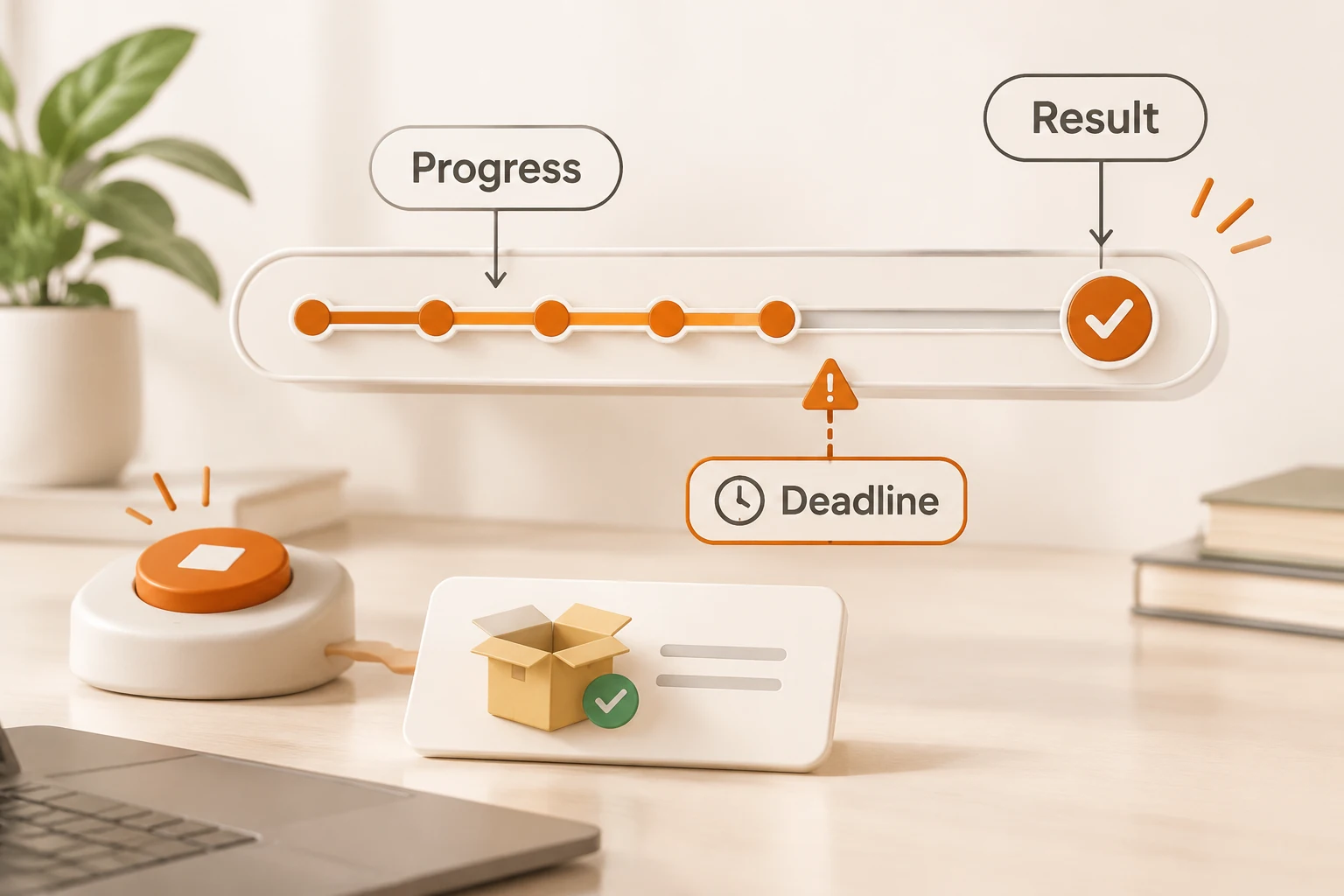
resources/list provides resource metadata; resources/read retrieves content; the host controls its inclusion in model context.
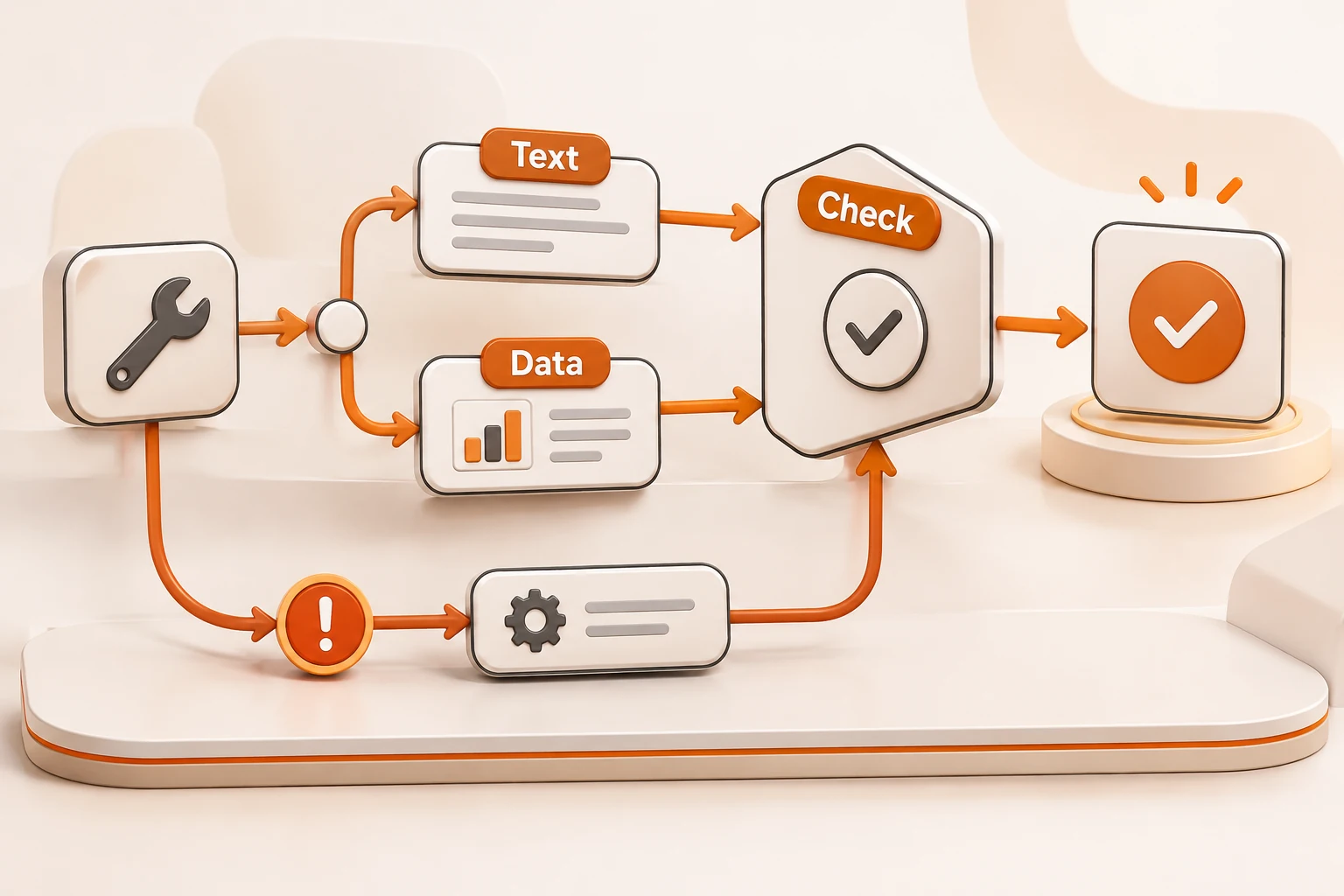
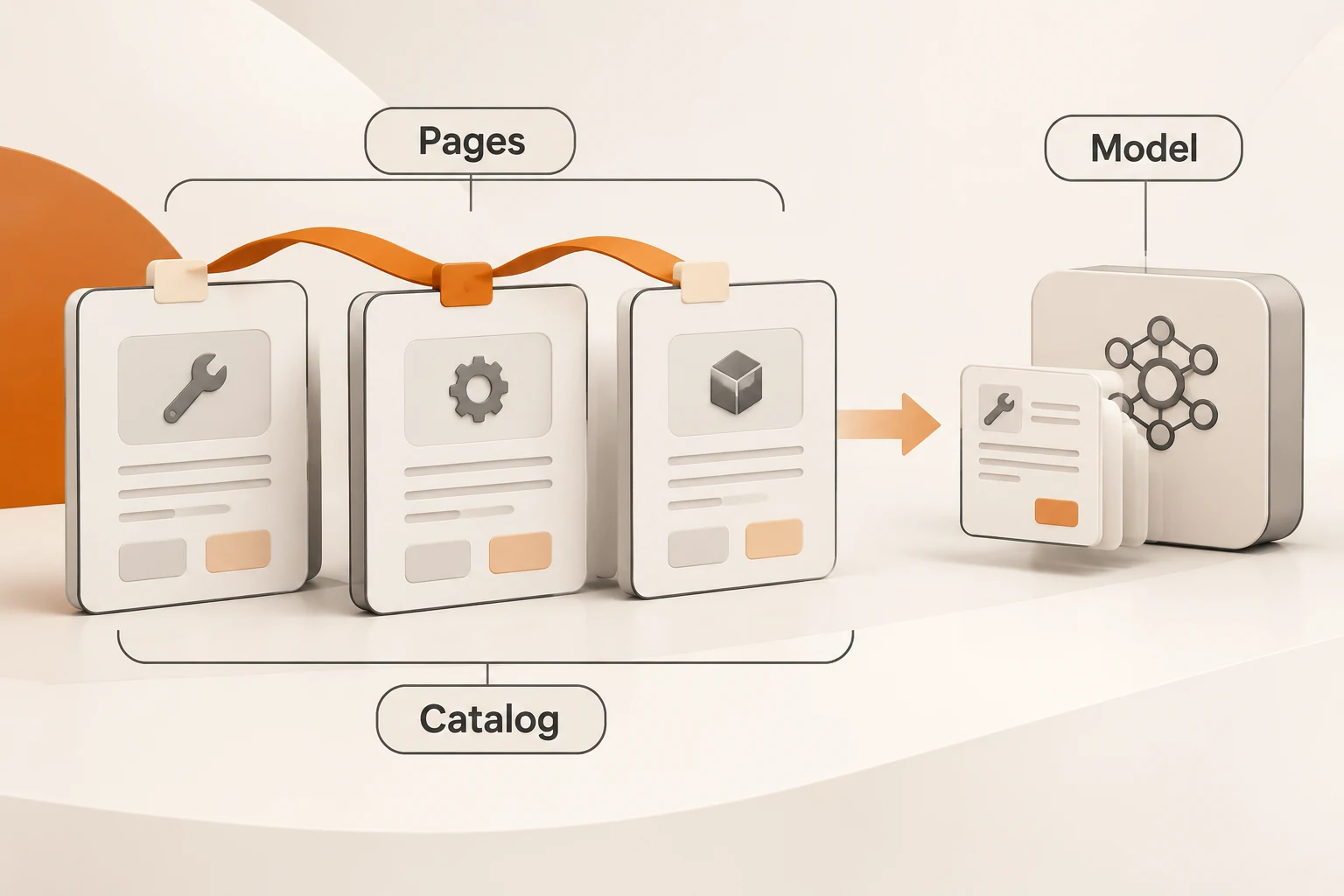
A catalog entry named Pump A manual at manual://demo/pump-a does not mean the model has seen the startup instructions. Check three separate artifacts: the catalog entry, the read response and the relevant excerpt in the outgoing model input.
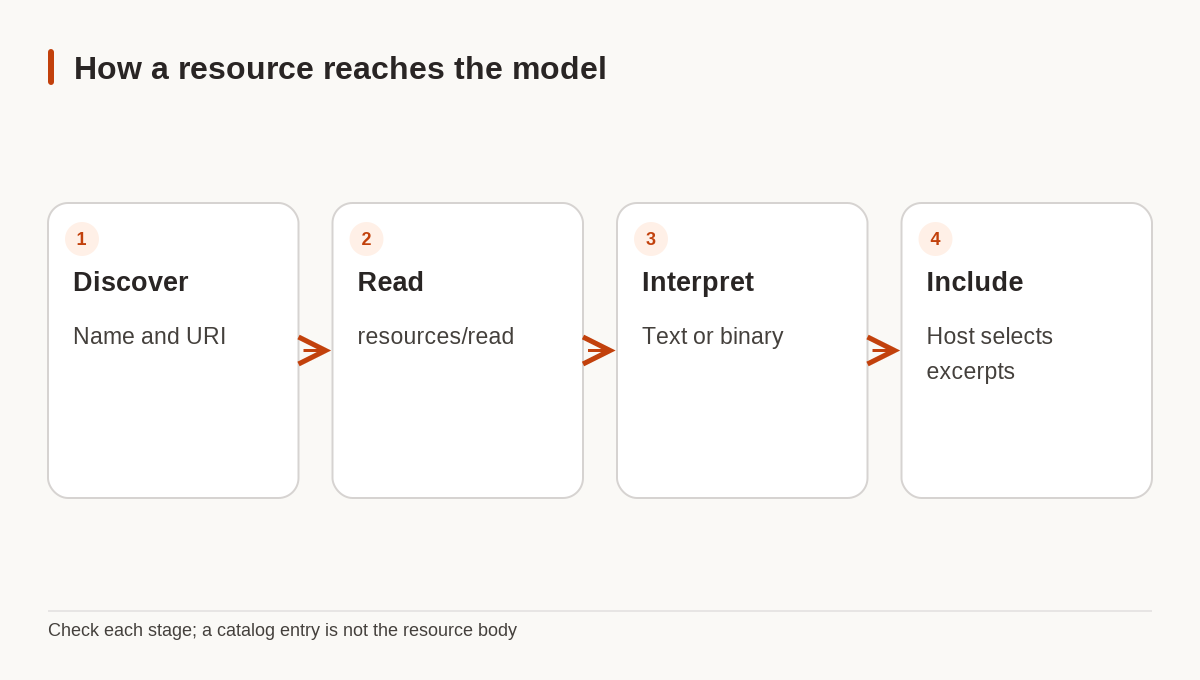
Resources are application-driven. A host may offer a context picker, search resources or select them automatically. MCP does not require every discovered resource to be attached to every conversation. A connected server with an uninformed assistant may therefore indicate a context-selection gap rather than a broken read operation.
Whose filesystem does a file URI describe?
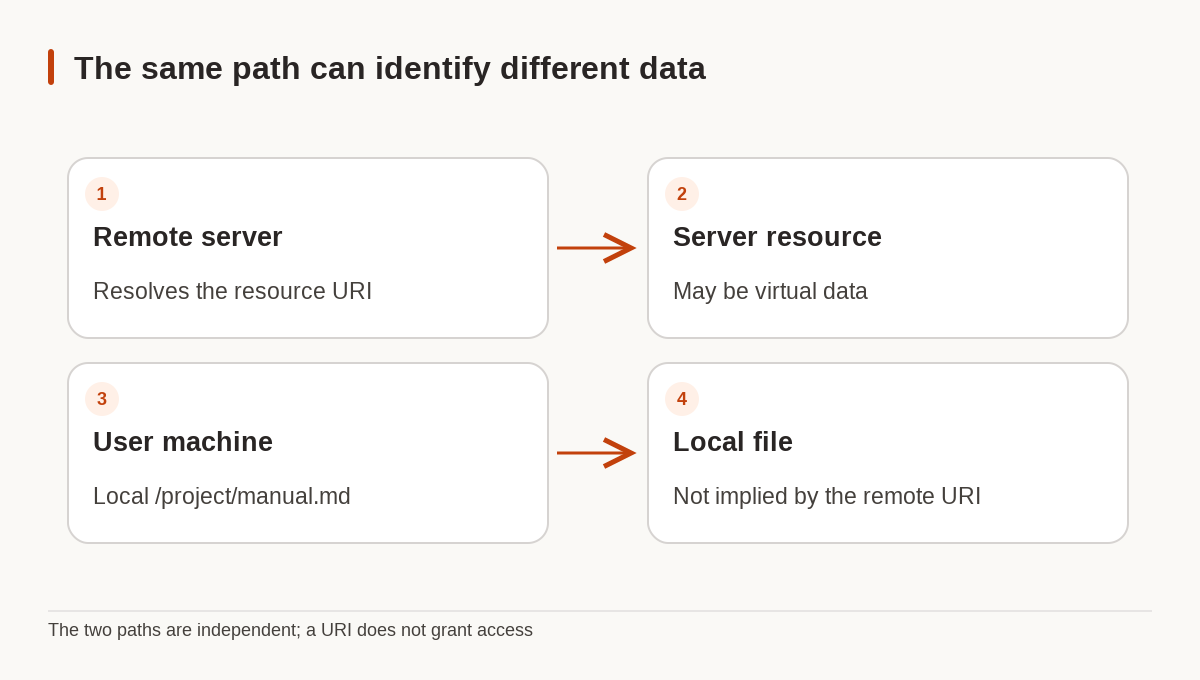
The MCP server interprets a file:// resource, and the specification does not require that resource to map to a physical file.
A remote file:///project/manual.md should not be opened as /project/manual.md on the user's machine. Identical paths can identify different data on different machines. A custom scheme such as manual:// makes server ownership clearer, but the URI itself grants no access.
| Representation | What the host must do | What it does not establish |
|---|---|---|
| Catalog URI | Select and read the resource | Content is already in context |
Tool resource_link | Resolve through a supported access path | The URI must appear in resources/list |
Embedded resource with text | Interpret its content and source | A local file must be downloaded |
https:// URI | Fetch according to the service contract and host policy | Access controls may be bypassed |
The specification recommends https:// when the client can fetch the resource directly. Tool-returned resource links need not appear in the resource catalog, so absence from that list alone does not make a link invalid.
What does a read exchange look like?
For a server supporting 2026-07-28, this JSON-RPC request reads an illustrative manual. An SDK or transport implementation still supplies the appropriate HTTP headers and connection behavior.
{
  "jsonrpc": "2.0",
  "id": "read-demo-1",
  "method": "resources/read",
  "params": {
    "_meta": {
      "io.modelcontextprotocol/protocolVersion": "2026-07-28",
      "io.modelcontextprotocol/clientInfo": {
        "name": "article-reader",
        "version": "1.0.0"
      },
      "io.modelcontextprotocol/clientCapabilities": {}
    },
    "uri": "manual://demo/pump-a"
  }
}
An illustrative response, not a captured service result:
{
  "jsonrpc": "2.0",
  "id": "read-demo-1",
  "result": {
    "resultType": "complete",
    "contents": [{
      "uri": "manual://demo/pump-a",
      "mimeType": "text/plain",
      "text": "DEMO-742. Before starting Pump A, open the inlet valve."
    }],
    "ttlMs": 0,
    "cacheScope": "private"
  }
}
contents can contain multiple items. Text uses text; binary resources can use a Base64 blob. Do not decode every MIME type as UTF-8. Whether a PDF or image reaches the model usefully depends on the host's conversion and the selected model's capabilities.
The current protocol can also return resultType: "input_required" for additional input before completing the read. A result member alone is therefore not proof of final content. See the protocol-era recovery guide before mixing newer requests with older connections.
Why can an updated resource produce an old answer?
Catalog changes, resource updates and content already stored in conversation history have different lifecycles.
resources.listChanged describes catalog notifications; resources.subscribe describes resource-update support. In 2026-07-28, clients opt into notifications through subscriptions/listen. The older resources/subscribe method is not the new subscription mechanism. Cache handling also depends on ttlMs and cacheScope.
After changing a public resource, read it again and compare its URI, modification metadata and content marker. If the read returns current text but the answer uses an old excerpt, inspect the context assembled by the host, including conversation history.
How can you verify the complete path?
Use a distinctive marker and an unambiguous fact in a public fixture to check the read-to-answer path.
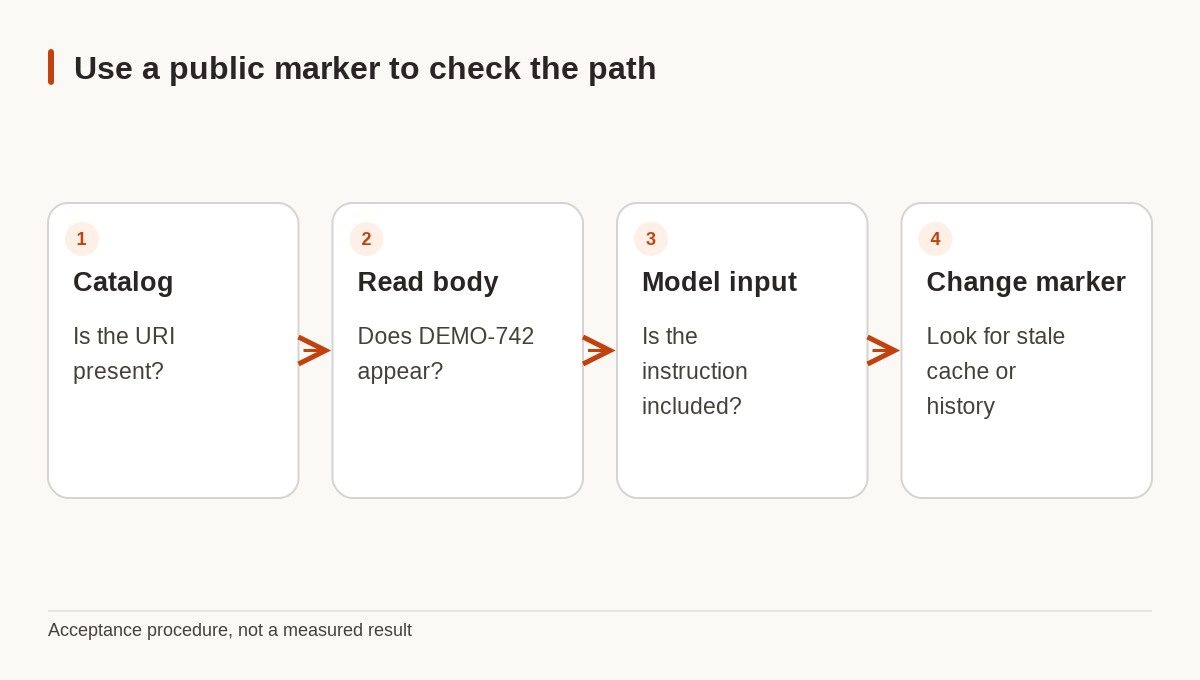
Ask what must happen before starting Pump A and request the source marker. Verify that the read response and actual model input contain DEMO-742 and the inlet-valve instruction. Then change the marker and repeat the read to detect stale context. This verifies one integration path; it does not authenticate the model or demonstrate persistent memory.
If the model request fails, consult the Chat Completions reference. If reading fails, inspect the host and MCP server. Nbility supplies the model gateway connection; its request logs do not replace MCP resource logs. Treat instructions found inside resources as external data under the tool-output permission boundary.
The JSON examples were syntax-checked. No live MCP server, host interface or authenticated model request was exercised for this article.