Gemini Saves a New Voice When You Remix One
Use relative instructions to create an independent Gemini voice, separate persistent traits from delivery style, and track previews, lineage, project scope, and expiration.
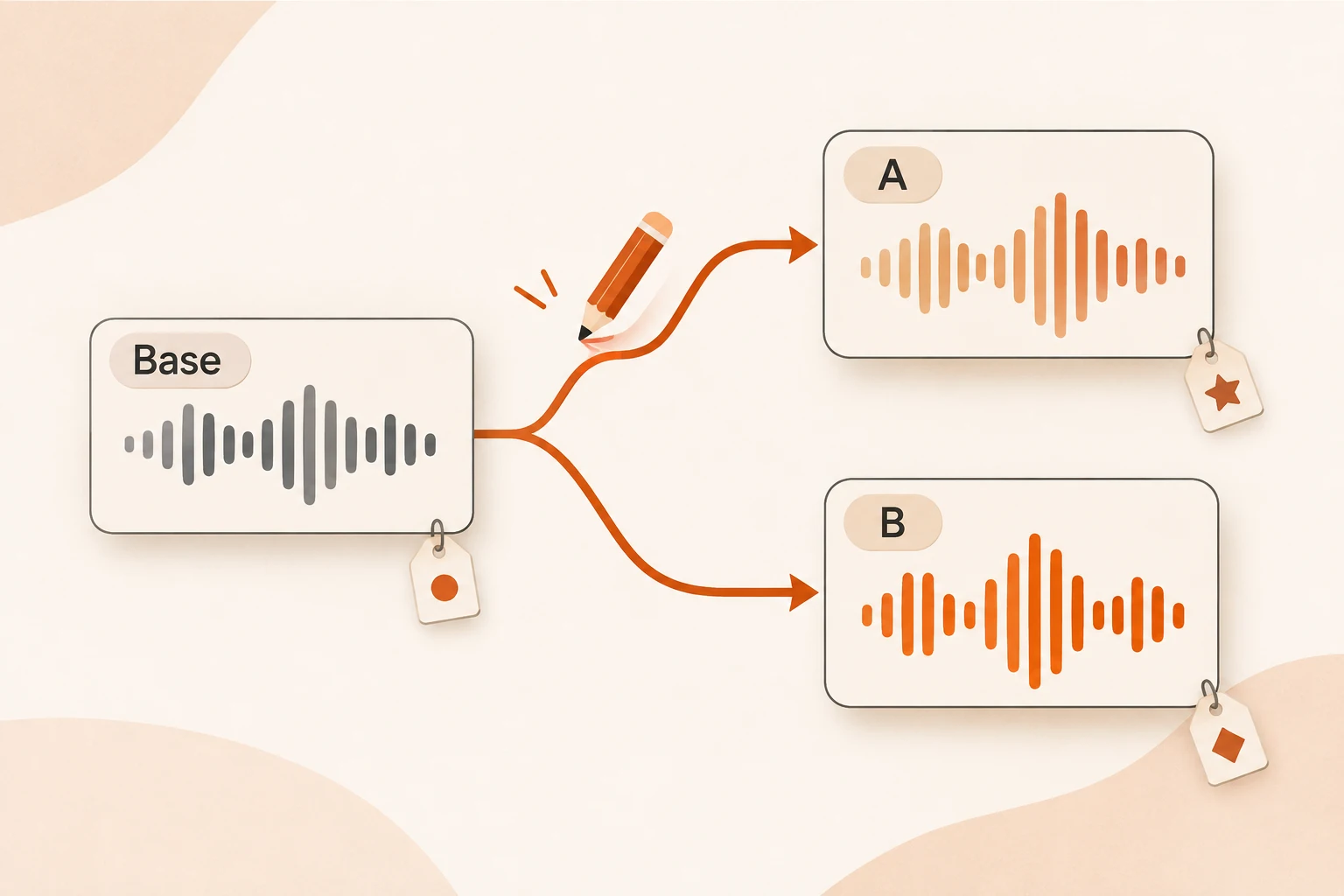
You may already have a narrator you like and want only a calmer delivery or a slightly lower voice. Gemini's Voice remixing, released November 4, lets you start from an existing voice and describe relative changes instead of redesigning the entire persona.
Each remix creates a new independent voice_... resource. It preserves the original, which makes alternatives possible but also creates a small version-management problem. A remix is not an in-place save.
This article checks the changelog, Voice remixing guide, and speech generation documentation on November 11, 2026. No audio was generated or auditioned. Prompts and listening plans below are proposals, not reports of sound quality or language performance.
Persistent traits and delivery cues are different decisions
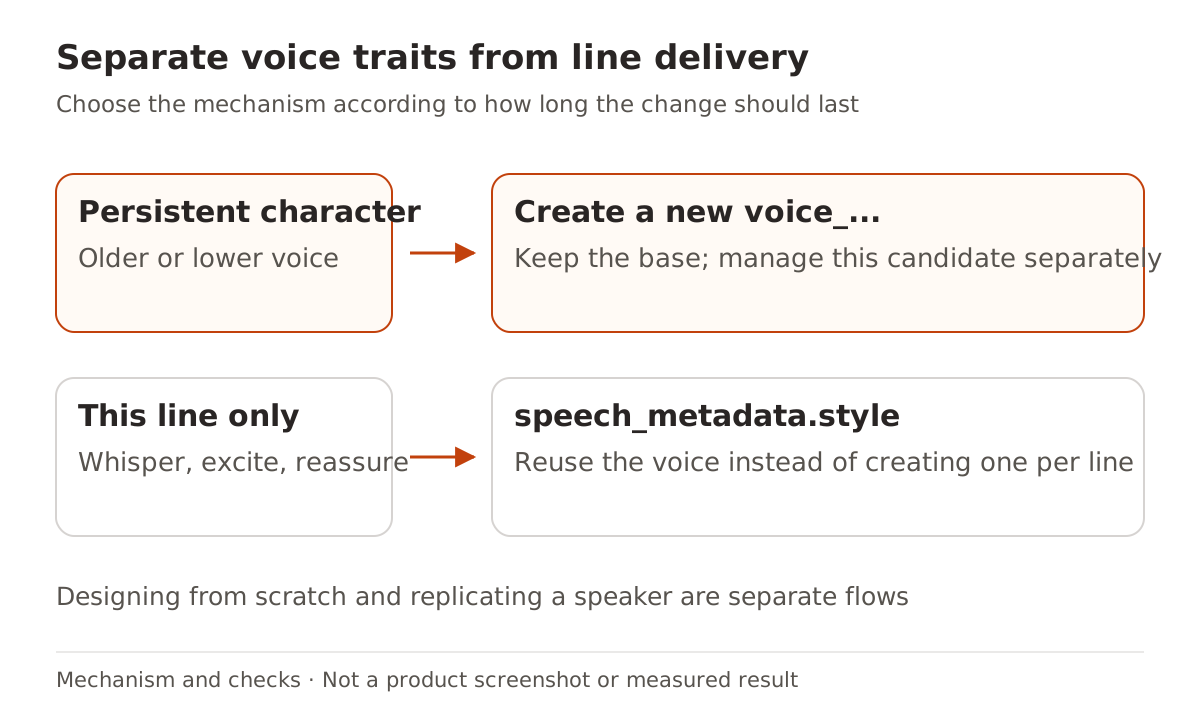
One question defines how a character generally sounds. Another defines how they perform this line. Store the first as a voice; apply the second during synthesis.
| Intended change | Mechanism | New voice resource? |
|---|---|---|
| A consistently older or lower voice | Relative remix instructions | Yes |
| Whisper this line, sound excited in the next | speech_metadata.style | Reuse the voice |
| Invent a persona from scratch | Voice design | Separate design flow |
| Reproduce a speaker from recordings | Voice replication | Separate flow with appropriate authorization |
Design and replication are adjacent capabilities, not additional remix parameters. This example uses a prebuilt voice. An instruction to retain a voice's character should not be presented as a guarantee of identical speaker identity.
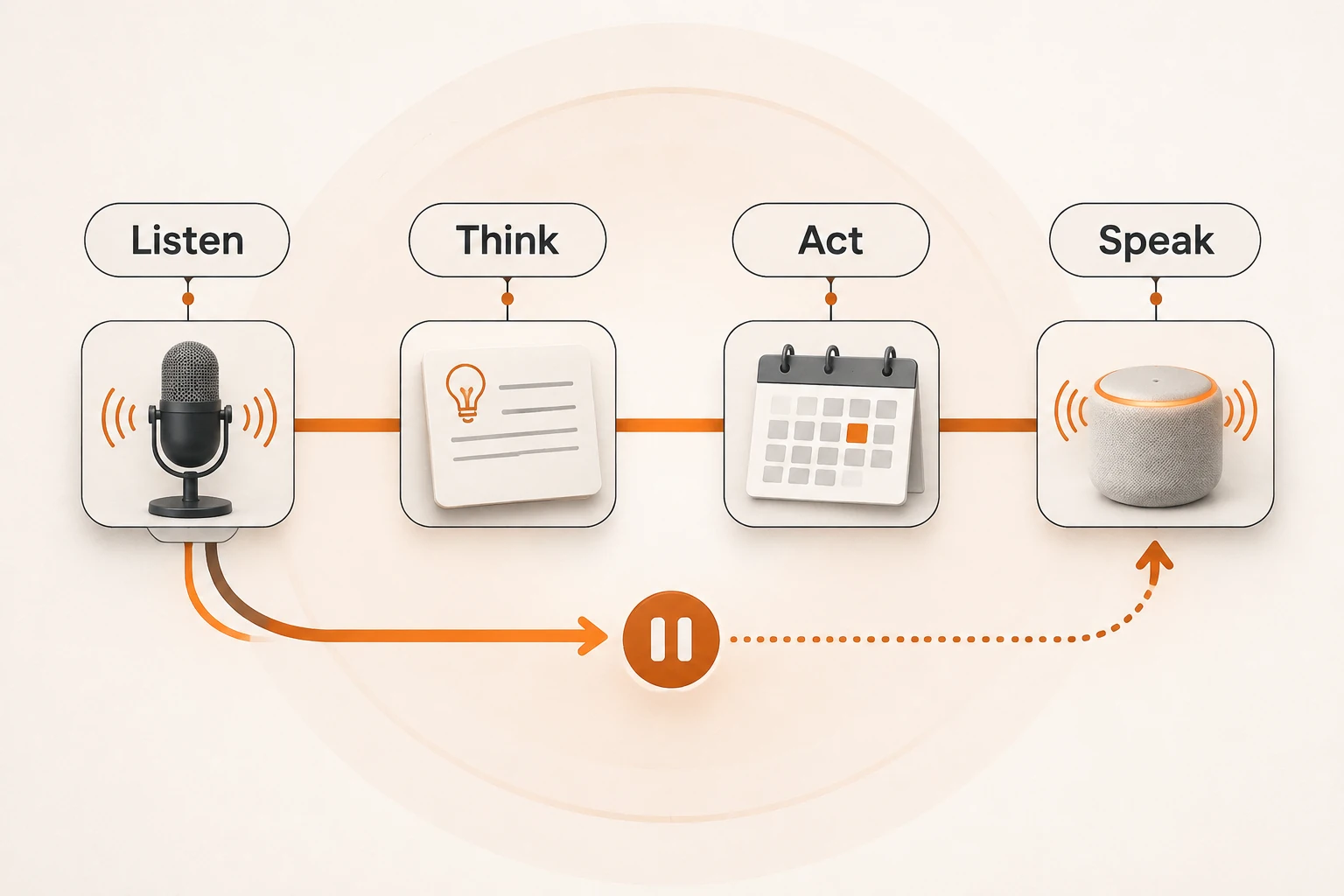
For lessons, podcasts, and explainers, settle the recurring voice before applying occasional delivery cues. A conversational assistant also needs listening, reasoning, and tools; the Voxtral voice-agent article covers that wider pipeline.
Record the creation model separately from synthesis
The native creation endpoint is POST /v1beta/voices, using gemini-3.8-flash-tts. The resulting stored voice can be used for synthesis with both that model and gemini-3.8-flash-lite-tts. Synthesis support does not imply support for voice creation.
This complete creation request follows the current native documentation and has not been executed here. It requires an eligible Google project and its key. It does not target Nbility's /v1/audio/speech endpoint:
curl --fail-with-body \
  https://generativelanguage.googleapis.com/v1beta/voices \
  -H "x-goog-api-key: $GEMINI_API_KEY" \
  -H "Content-Type: application/json" \
  -d '{
    "store": true,
    "voice": {
      "model": "gemini-3.8-flash-tts",
      "type": "prompted",
      "prompted": {
        "base_voice": "Puck",
        "input": "Keep the existing accent and friendly character. Make the voice slightly lower and more measured."
      }
    }
  }' \
  --output remixed-voice.json
base_voice can be a prebuilt name, an Extended Voice Library ID, or a stored prompted voice owned by the project. This voice type requires store: true. The response contains the new ID and sample_audio: a Base64-encoded 24kHz WAV preview. The JSON response is not itself a playable WAV file.
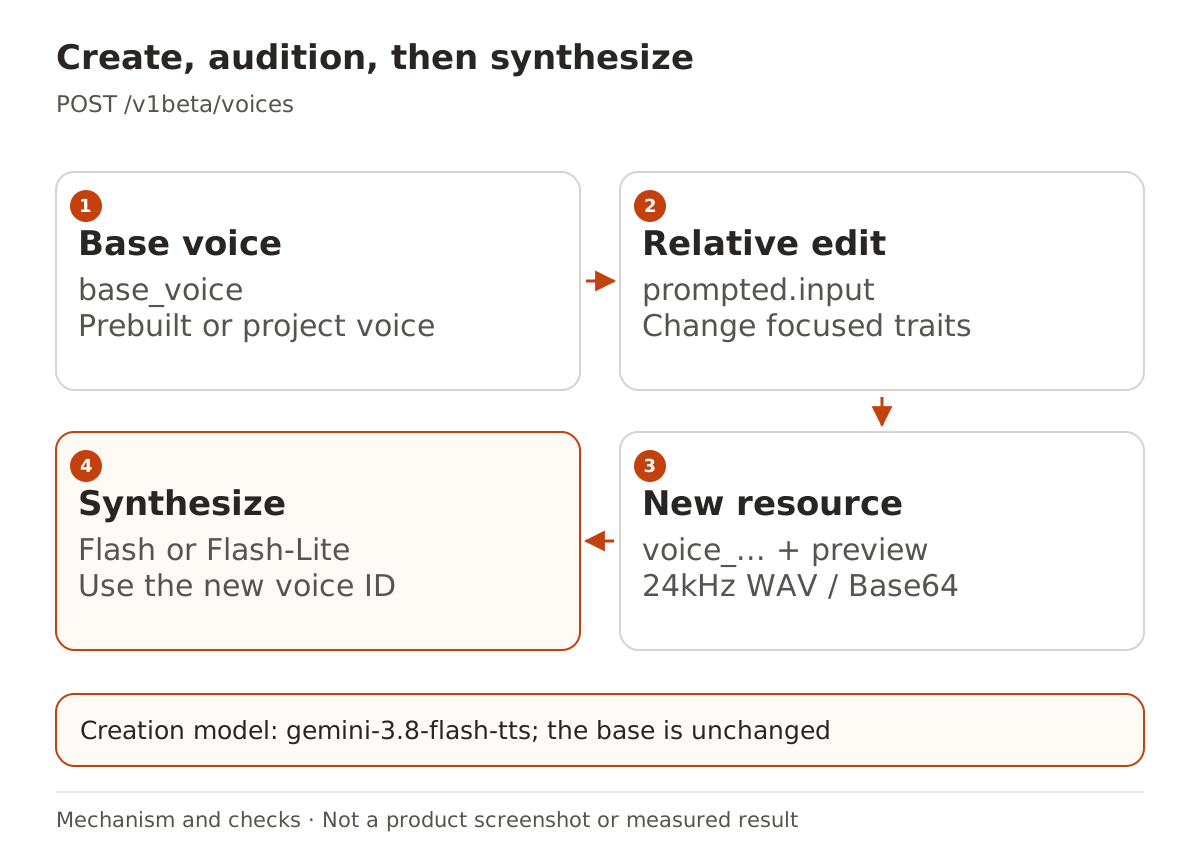
For subsequent native Interactions calls, reference the ID in generation_config.speech_config. Add temporary delivery cues through the input text's speech_metadata.style; see the official synthesis example for the full structure. If the saved audio will not play, check response type, Base64 decoding, and file completeness. The result-recovery guide explains the general distinction between getting a response and saving a valid file, though audio needs its own format checks.
Change one or two traits and reuse a listening script
Choose a base close to the intended language and accent. Ask for a focused adjustment, audition the preview, and only then iterate. The guide says baseline language and regional accent are preserved unless explicitly changed. That describes intended behavior; each result still needs listening.
Use the same script across candidates: ordinary explanation, dates and numbers, and unusual product names. Check missing words, emphasis, and pronunciation before judging the new persona. For example:
The next lesson explains how to organize meeting notes. Keep the original recording.
Our sample meeting begins on November twelfth at nine thirty in the morning.
Check product names against the glossary rather than rewriting them for fluency.
Compare the original and candidates under similar playback conditions. A supported-language entry alone does not establish natural delivery, reliable dialect control, or human equivalence.
Voice IDs have scope and expiration
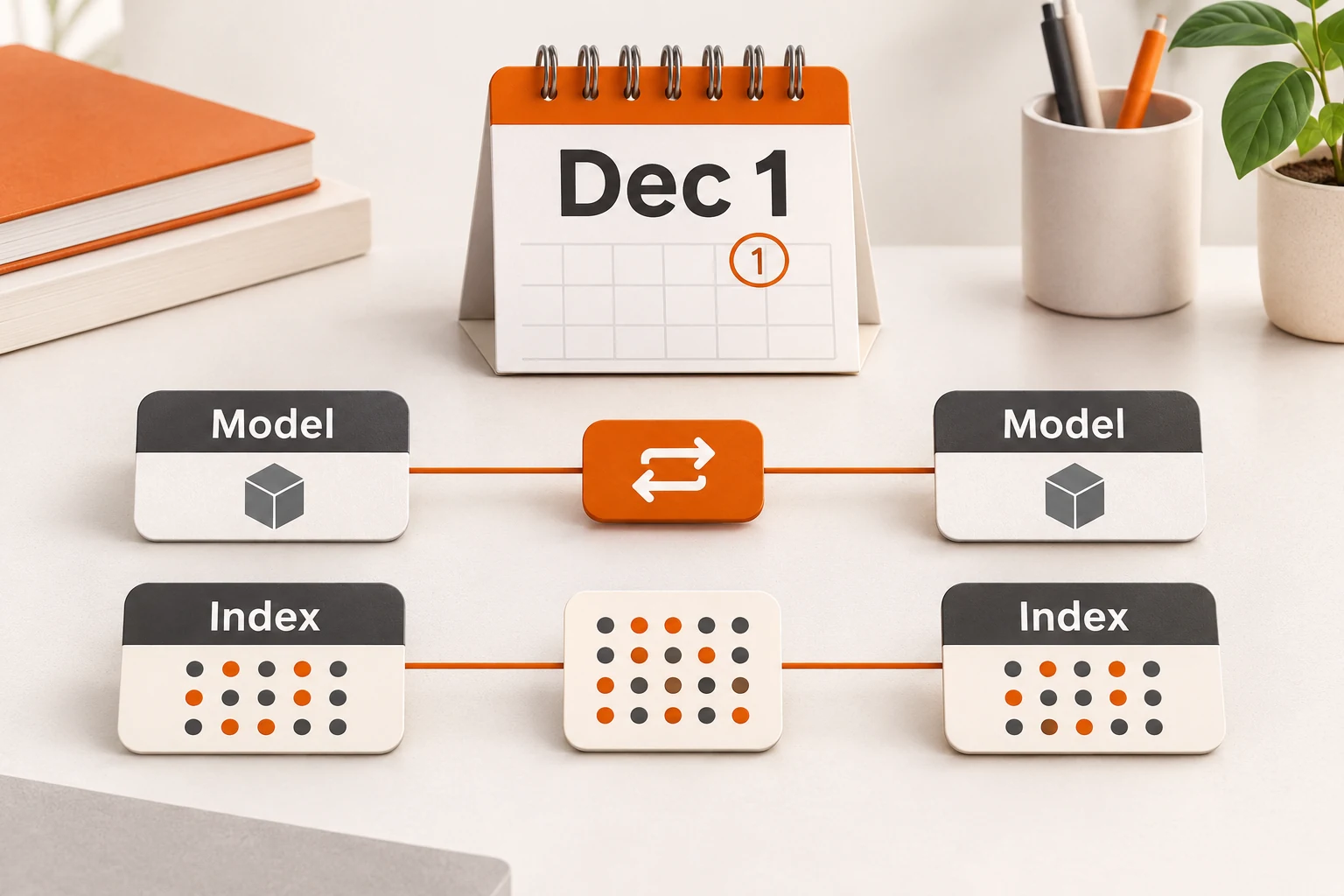
Current requirements include a Paid Tier project, Tier 1 or higher. The limit is 200 stateful voices per project, shared across designed, remixed, and stored replicated voices. Retention is one year from last use. Synthesis or referencing a voice as base_voice refreshes that window; inspect expire_time for the actual resource.
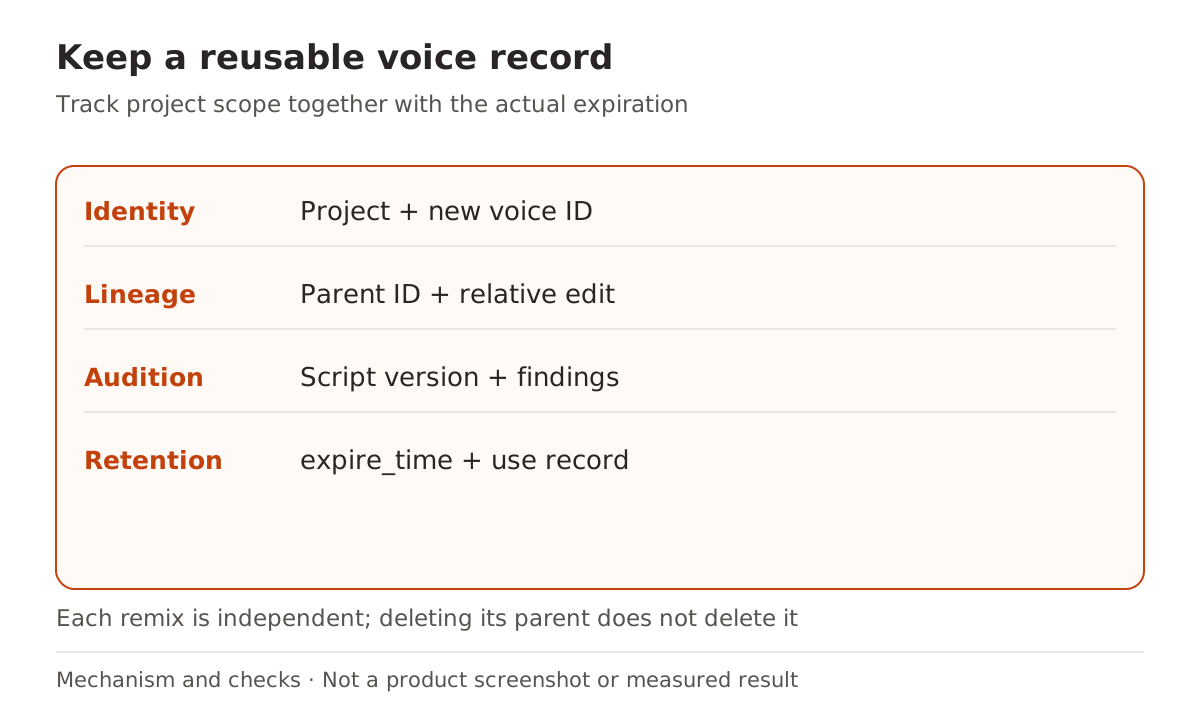
Keep a useful name, project, parent ID, relative prompt, listening-script version, and expiration. Deleting a parent does not delete its independent remixes. Clean up unwanted candidates by their own IDs, and do not assume that an ID transfers between projects or services.
For Nbility synthesis, check the Audio API and model catalog documentation for supported models, voices, and formats. This article does not verify Google's voice-creation and storage operations through Nbility's generic TTS endpoint. Confirm the voice resource and synthesis route separately so a successful narration can be reused in the next episode.