Put n8n's Structured Output Parser After Your AI Agent
Use a separate Basic LLM Chain and Structured Output Parser for an n8n agent's final answer, then check the evidence before accepting the JSON.
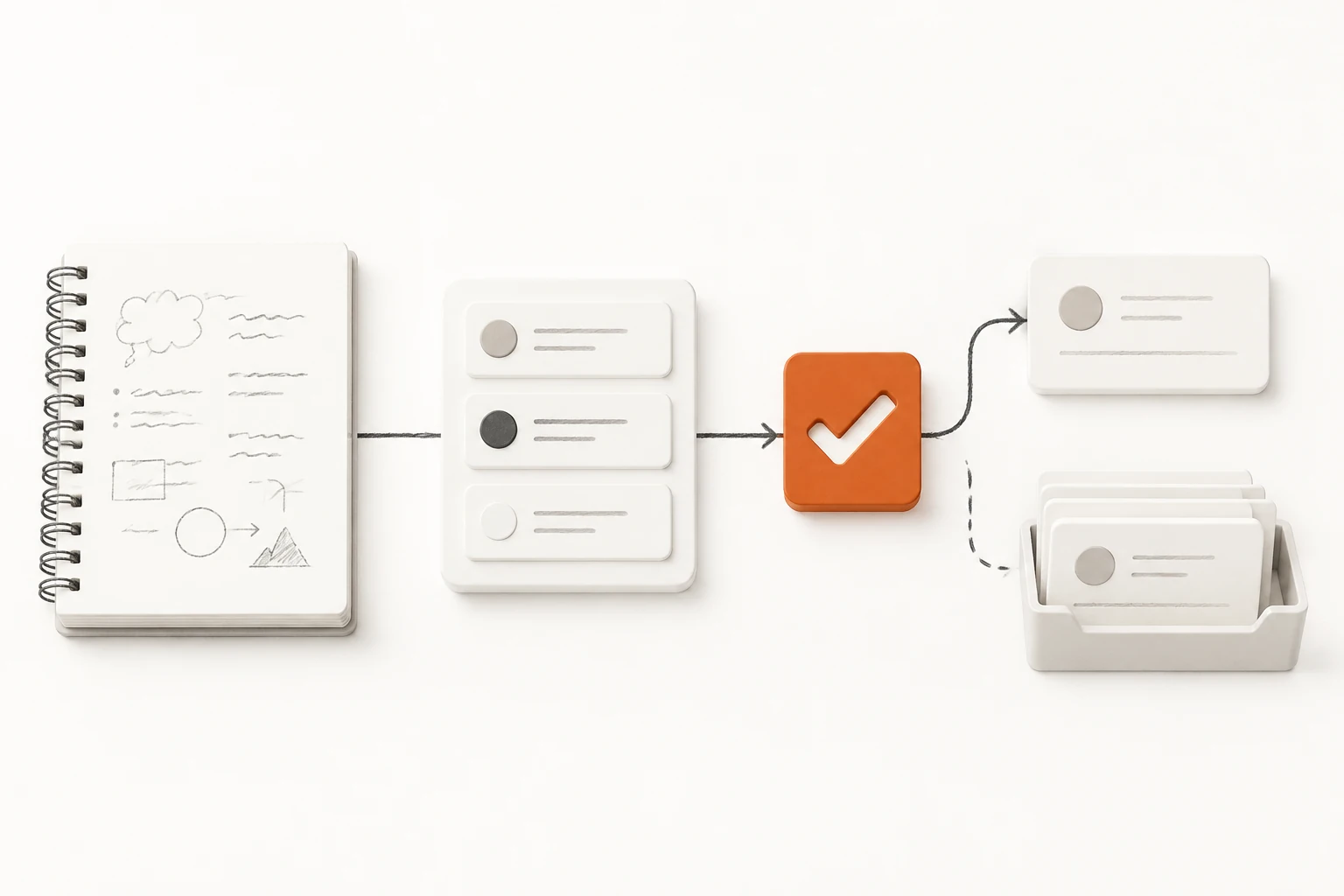
Let the n8n AI Agent gather information or use tools, and let a separate Basic LLM Chain + Structured Output Parser format its final answer. That's n8n's recommendation when parsing directly on an agent is unreliable. Add a business check after parsing: a valid JSON object can still contain an unsupported classification.
The Parser reference, its common issues guide, and the Basic LLM Chain reference were checked on November 23, 2026. The example uses synthetic input; it wasn't run against a live model inside n8n.
Attach the parser to the chain, not the model
Connect the Agent's main output to a Basic LLM Chain. Enable Require Specific Output Format on the Chain and attach the Structured Output Parser to its Output Parser port. Map the Agent's final text into the Chain's prompt. For simple text classification you may not need an Agent at all; start with the Chain.
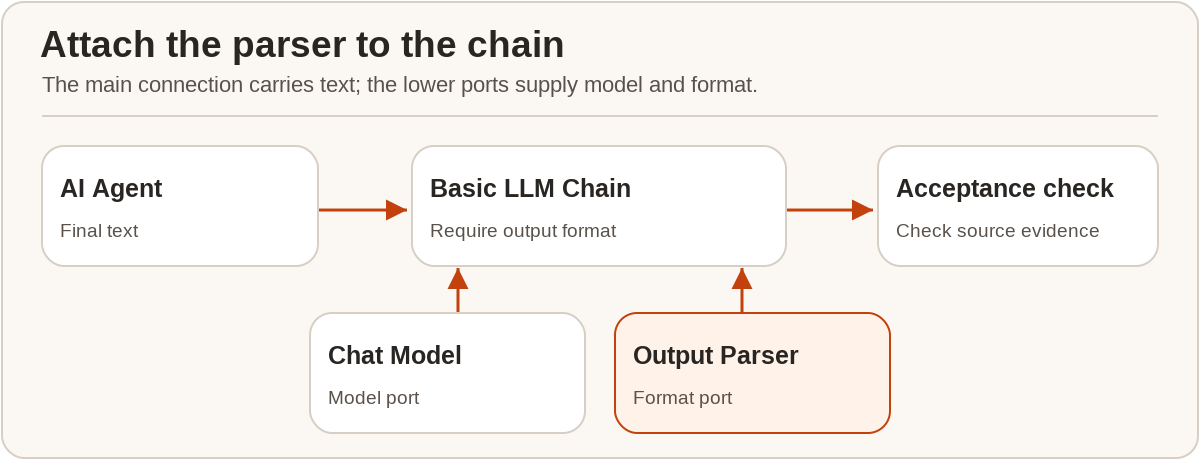
This node formats final output, not intermediate tool calls. It also doesn't mean a provider-native strict-output API option was sent. If you call the API directly, check the provider-specific Structured Outputs fields and the Nbility chat reference instead of inferring behavior from the parser icon.
Give insufficient evidence a defined outcome
Allow unknown as a category and null as evidence. In Define using JSON Schema, use an enum and a nullable field. Generate from JSON Example treats all fields in the example as required; it doesn't infer an enum from a sample value. Keep the schema inline because the parser doesn't support $ref.
{
  "type": "object",
  "properties": {
    "category": { "type": "string", "enum": ["billing", "delivery", "unknown"] },
    "evidence": { "type": ["string", "null"] }
  },
  "required": ["category", "evidence"],
  "additionalProperties": false
}
Give the Chain both the original text and the Agent's result. Ask it to quote evidence verbatim from the original, not from the Agent's paraphrase, and return unknown with null when it can't support a category.
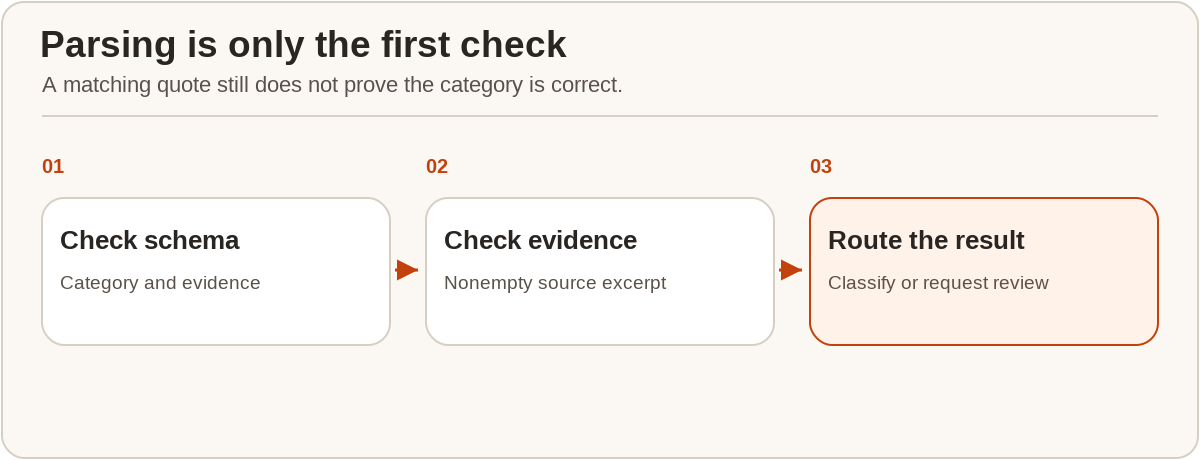
Inspect the Chain's actual output once before mapping its parsed object to classification. Map the original, unedited customer text to sourceText. Don't assume every node configuration exposes the object at $json.output. The following Code → Run Once for Each Item step decides whether to route the item to review:
const { classification, sourceText } = $json;
const evidence = classification?.evidence;
const accepted =
  (classification?.category === 'billing' || classification?.category === 'delivery') &&
  typeof sourceText === 'string' &&
  typeof evidence === 'string' &&
  evidence.trim().length > 0 &&
  sourceText.includes(evidence);

return { json: { ...$json, route: accepted ? 'classified' : 'review' } };
A matching excerpt only proves it appears in the source, not that it supports the classification. Test accuracy with labeled inputs before using results for writes. If the Chain throws a parser error, the Code node may never run. Route the Chain's error output to a review record or let the execution fail and report it through Error Trigger.
Test two different input items in the same run
Expressions in the parser sub-node resolve against the first item. A fixed schema avoids that particular dependency. If schemas really vary per item, group items under a common rule or isolate each item in its own call; see batch versus per-item sub-workflow inputs.
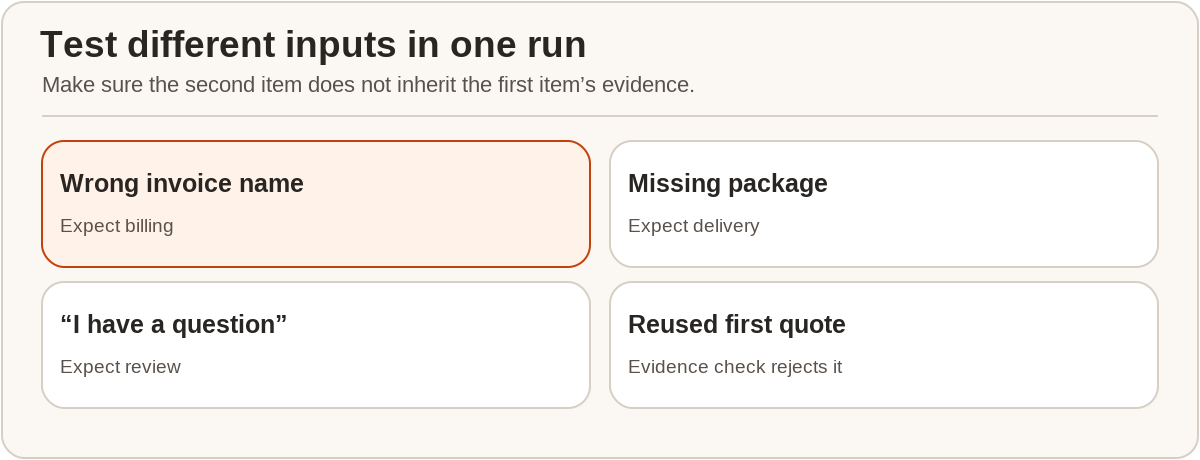
Try “The name on my invoice is wrong,” “My package still hasn't arrived,” and “I have a question.” Expect two different categories and one review. A quote carried over from the first input must fail the second input's evidence check. Then try an invalid category and confirm the parser error has somewhere traceable to go. A November 17 community thread raises wiring and output-mapping issues, but doesn't establish a shared output shape for every version or configuration.