Reuse an n8n Sub-workflow With Clear Inputs and Outputs
Pass typed fields into an n8n sub-workflow, return a predictable result, and choose between per-item execution, batch execution, and an asynchronous handoff.
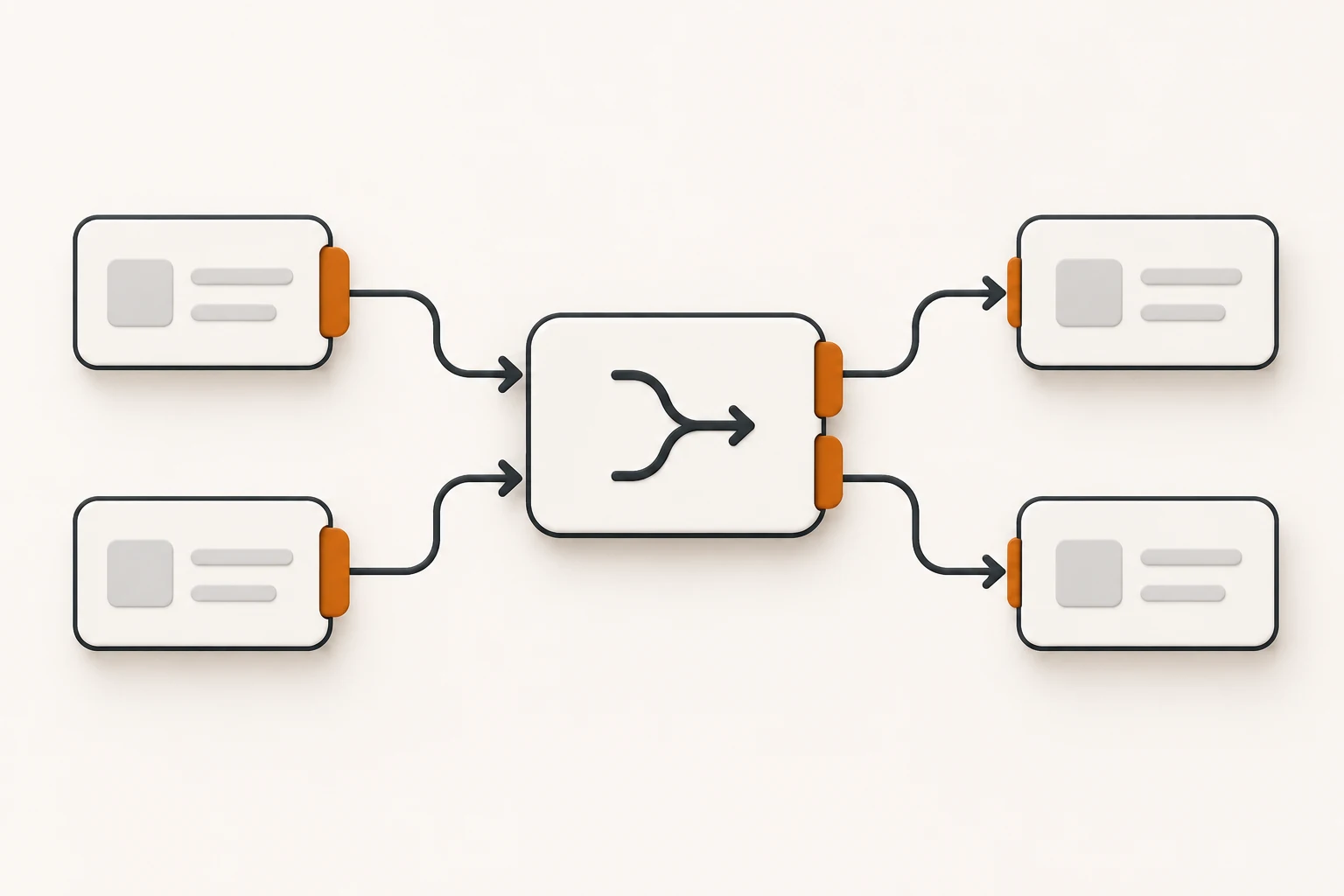
Instead of copying model nodes into your report and support workflows, give both callers one n8n sub-workflow with named inputs and a predictable result. Turn on Wait for Sub-Workflow Completion if the next parent step needs the summary. With waiting off, a parent that moves on hasn't received a finished summary.
The Execute Sub-workflow reference, trigger reference, and 2.48.7 node implementation were checked on November 23, 2026. The example illustrates a contract; it wasn't run as a live parent-child workflow.
Pass only the fields the child needs
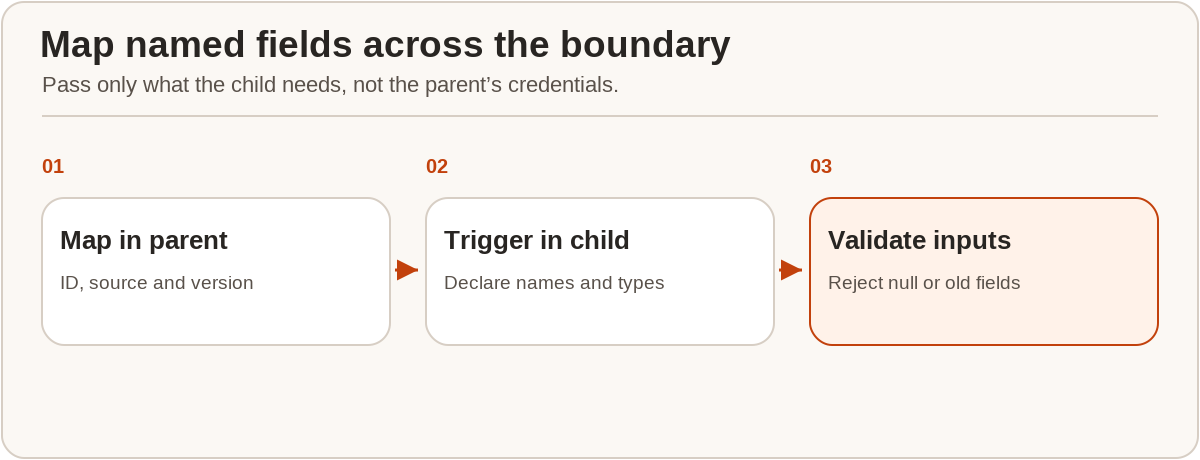
Start the child with When Executed by Another Workflow. Choose Define using fields below and declare record_id, source_text, and schema_version as strings. Use This workflow can be called by in settings to limit callers as appropriate. A caller doesn't need to pass its API key or the rest of the original record.
In the parent, choose Execute Sub-workflow → Database → From list, select the child, and map the inputs. Accept all data doesn't expose a declared input list in the caller. Removing a requested field from the mapping sends null according to the node reference. Validate required nonempty values and the version in the child before calling the model.
Set the return contract at the last node
In waiting mode, let the child's last node produce a stable shape, rather than returning the raw model response. These fields are an application example, not n8n built-ins:
{
  "record_id": "demo-17",
  "schema_version": "v1",
  "status": "needs_review",
  "summary": null
}
The parent matches results by record_id rather than assuming row order. It can present a completed summary or handle needs_review as a normal business outcome. That status is not a thrown workflow error. For the model stage, see validating structured output in n8n.
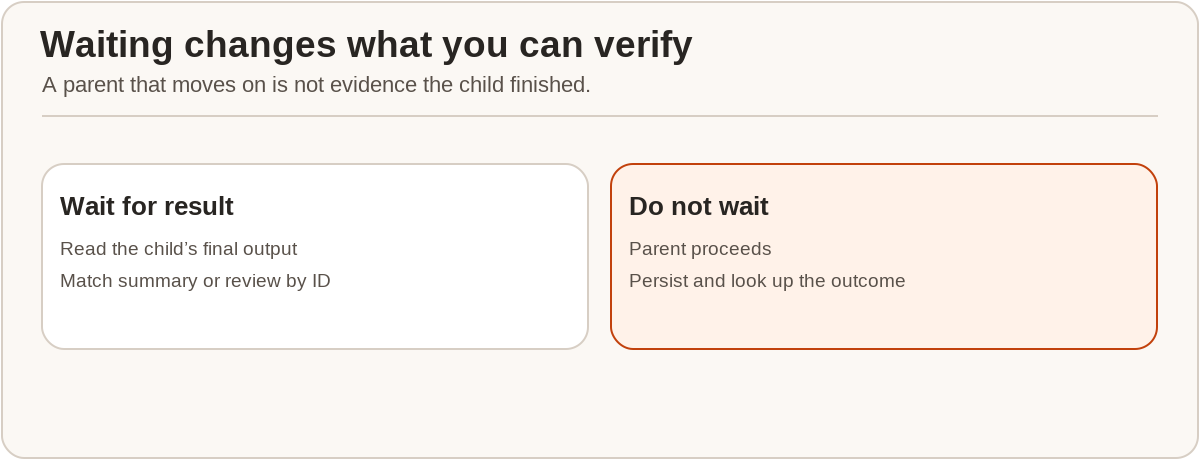
With waiting off, the 2.48.7 implementation passes the input items onward, not the child's final result. A row appearing at the next node doesn't mean the summary is ready. Let the child persist its status under the record ID and the correct task scope for a later lookup. Don't confuse the parent's execution ID with a business operation identifier, especially if the child writes to another system.
Ten items can mean one child execution or ten
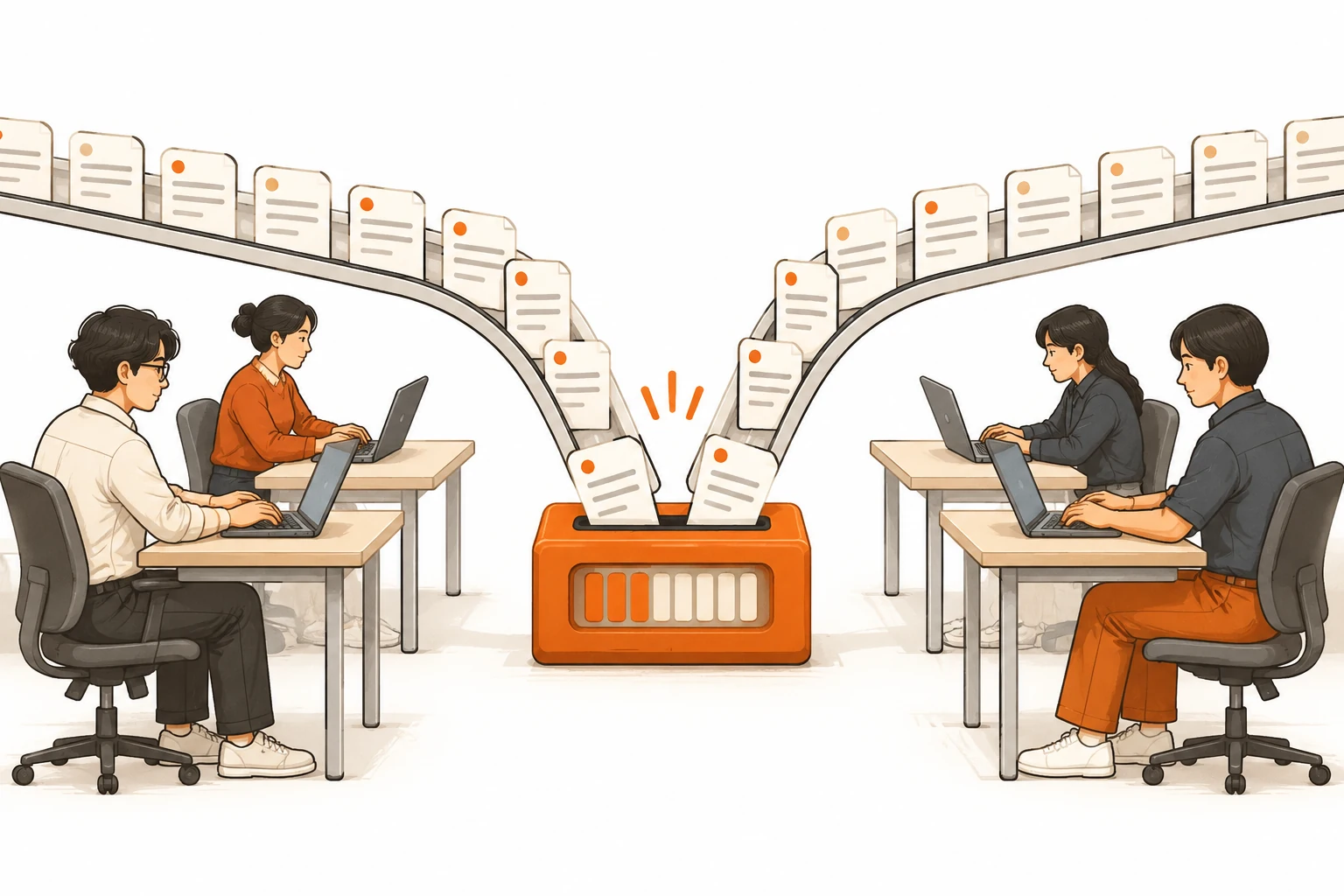
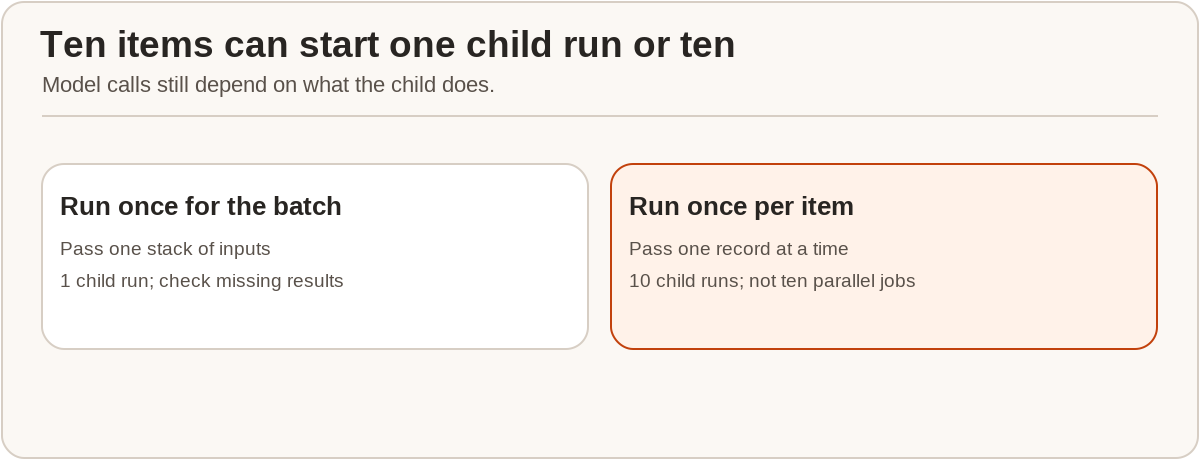
Run once with all items hands all ten items to one child execution. Run once for each item handles one item at a time; it doesn't mean ten workers run in parallel. Batch mode can share setup work, but carry record IDs through and check for missing outputs. Per-item mode separates records at the cost of more child executions. Neither switch alone tells you how many model calls the child makes; see n8n job concurrency versus API limits.
Verify both callers before changing the model
Replace the model step with a fixed result in a test copy. Send two distinct IDs from each parent. Test a missing field, an old schema_version, a review result, and a nonwaiting handoff. The waiting parent should receive the right IDs and states; the asynchronous path should leave a final record you can look up. Use View sub-execution from the parent to inspect the child's input and final node, rather than relying on the parent's green status.
Reconnect the real model using the n8n and Nbility configuration guide and verify the return shape for both callers. If the child fails or no deliverable arrives, use workflow alerting and delivery checks to decide where to surface it.