Why n8n Error Trigger Didn't Send an Alert
n8n Error Trigger catches failed automatic runs. Test it with a published workflow and monitor missing runs and missing deliverables separately.
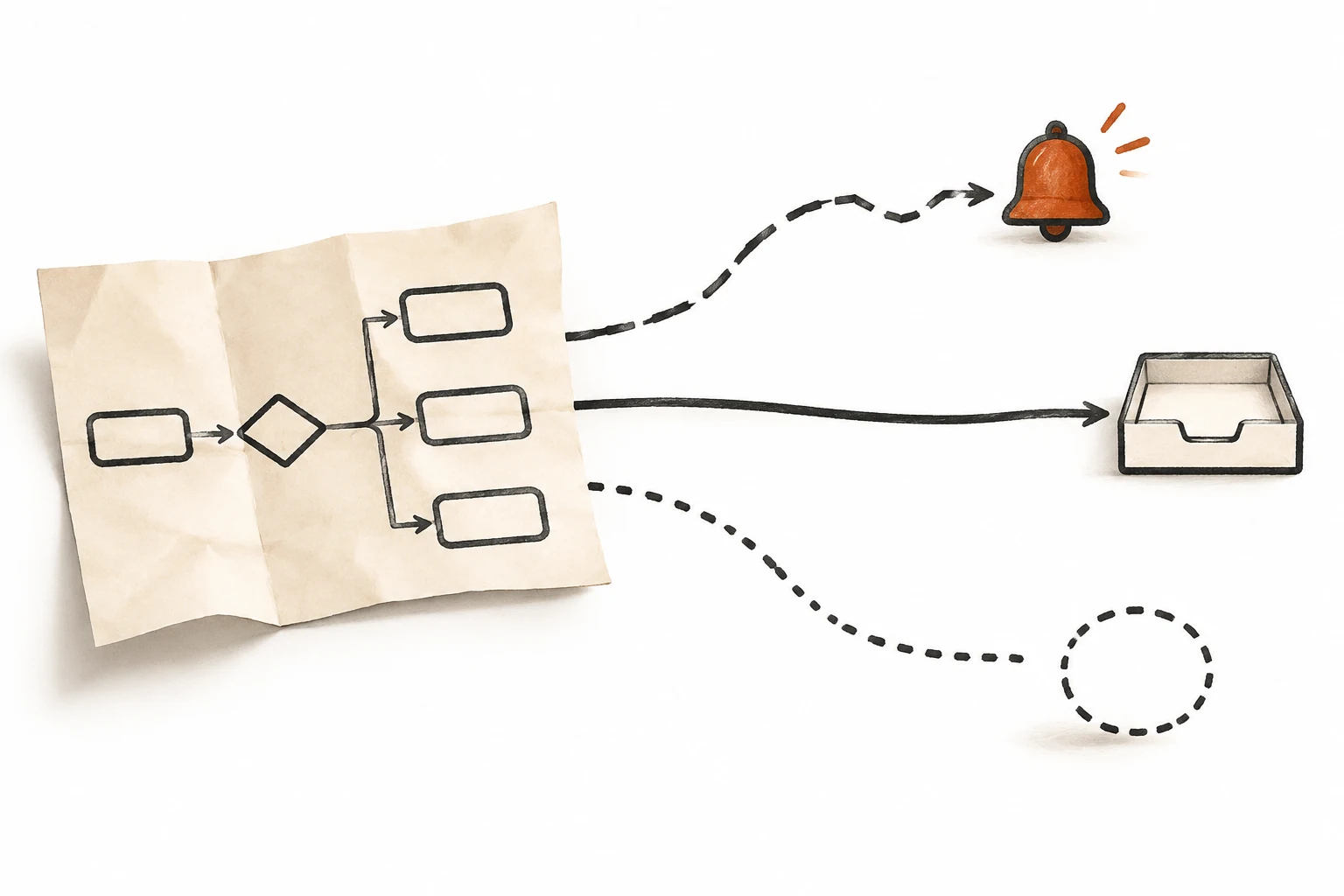
A failed manual run won't fire n8n's Error Trigger. The trigger starts the configured error workflow when an automatic execution fails. A green run with no report, or a schedule that never ran at all, needs a different check.
The procedure below follows the Error Trigger reference and error workflow guide, checked November 23, 2026. No alerts were sent from a live n8n instance for this article.
Test the wiring with an automatic failure
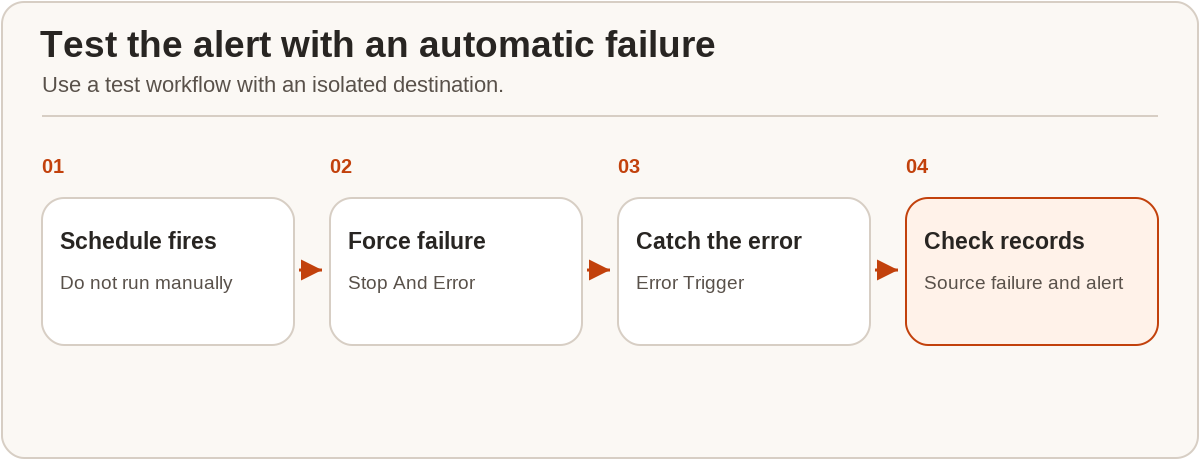
Use a published test workflow that fails on a schedule. Keep both the source workflow and its handler away from production destinations:
- Start the handler with Error Trigger and follow it with a node that writes to an isolated test destination. Save it and follow the node reference's instructions to publish the workflow containing Error Trigger.
- In a second workflow, connect Schedule Trigger → Stop And Error with the message
DEMO_REPORT_FAILED. In that workflow's Settings → Error workflow, select the handler. Save and publish the source workflow. - Let the schedule fire once. Look for the failed source execution and the separate test record from the handler. Disable the test schedule afterward. If the handler ran but didn't write the record, troubleshoot the handler rather than the source schedule.
On Error → Continue can let a run finish even when a model node fails. Continue (using error output) gives you an explicit branch; it doesn't make the execution fail on its own. Send affected items to a review list, or use Stop And Error on that branch if the whole run must fail. Tracking rejected items and alerting on failed executions solve different problems.
Handle error payloads without an execution link
Treat execution.url as optional. For a failure after the run starts, the useful fields include workflow.id, execution.lastNodeExecuted, and execution.error. The ID and URL depend on the execution being saved. For a failure in the source trigger, look under trigger.error; there may be no execution to open.
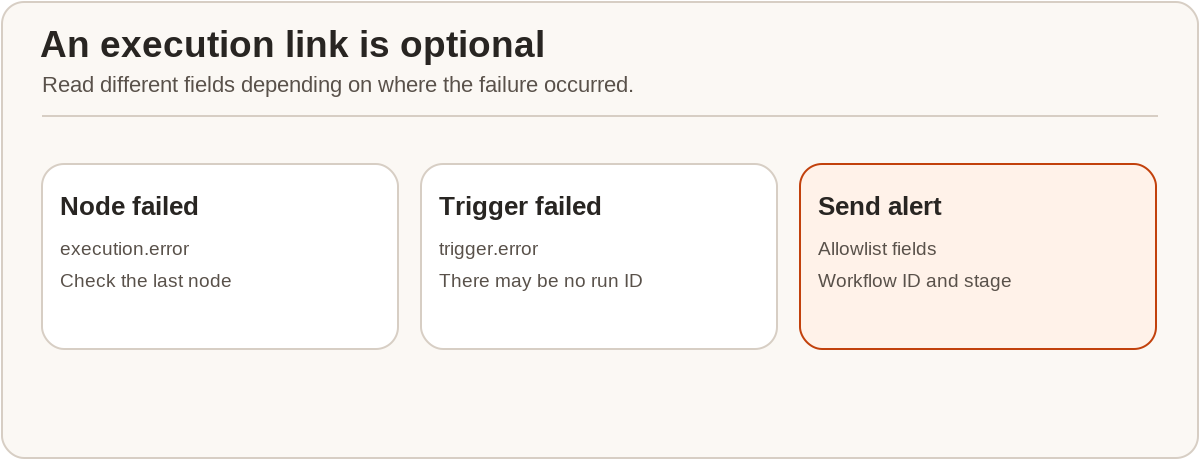
Send a workflow ID, a failure stage, and an internal error category. Include an execution link only where recipients have access. Don't forward raw request URLs, complete inputs, or stack traces to chat. See how to redact API logs for fields worth retaining.
Monitor the report, not just the run
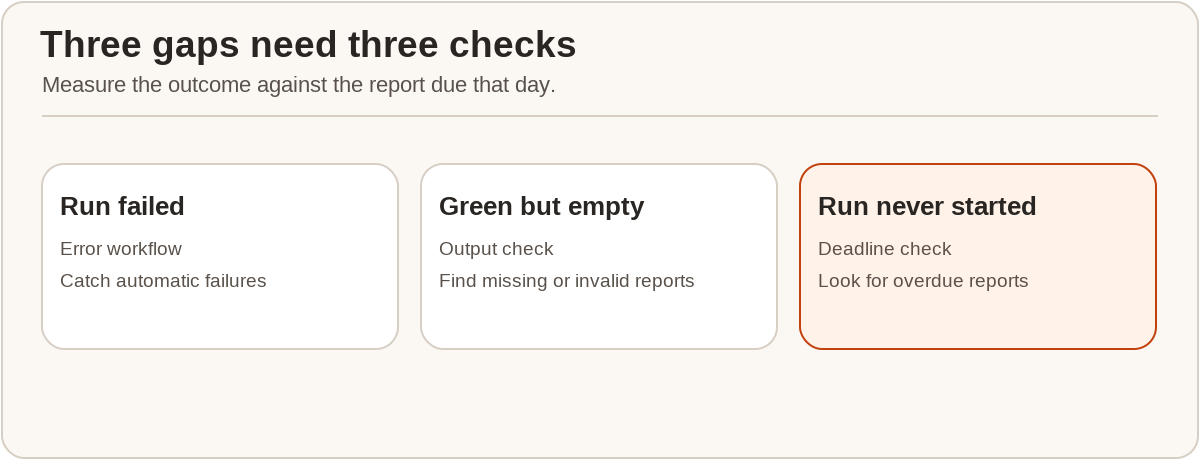
Use a deliverable check for green runs and a deadline check for missing runs. For a 9 a.m. report, alert on a failed execution, separately record runs that produced no validated report, and have an independent check look for that day's deliverable at 9:15. A checker on the same machine can't reliably tell you the whole machine is down.
A November 20 n8n community thread describes an execution finishing green after a classification node's error was handled. That's a participant report, not our reproduction. Test whether your own setup leaves an actionable failed item or a valid report.
Choose a recovery step from the evidence
Look at where work stopped before retrying. Use Nbility's API error reference for rejected model requests, output validation for malformed answers, and parent and child execution records for nested work. A workflow waiting for approval or queued for a worker hasn't necessarily failed. If a message or write may already have gone through, check the external receipt first; don't have the alert handler automatically repeat the business action.