Pause an n8n Workflow for Approval With the Wait Node
Use an n8n Wait webhook to resume the original run, then verify the approval and draft version before publishing. A timeout must not count as approval.
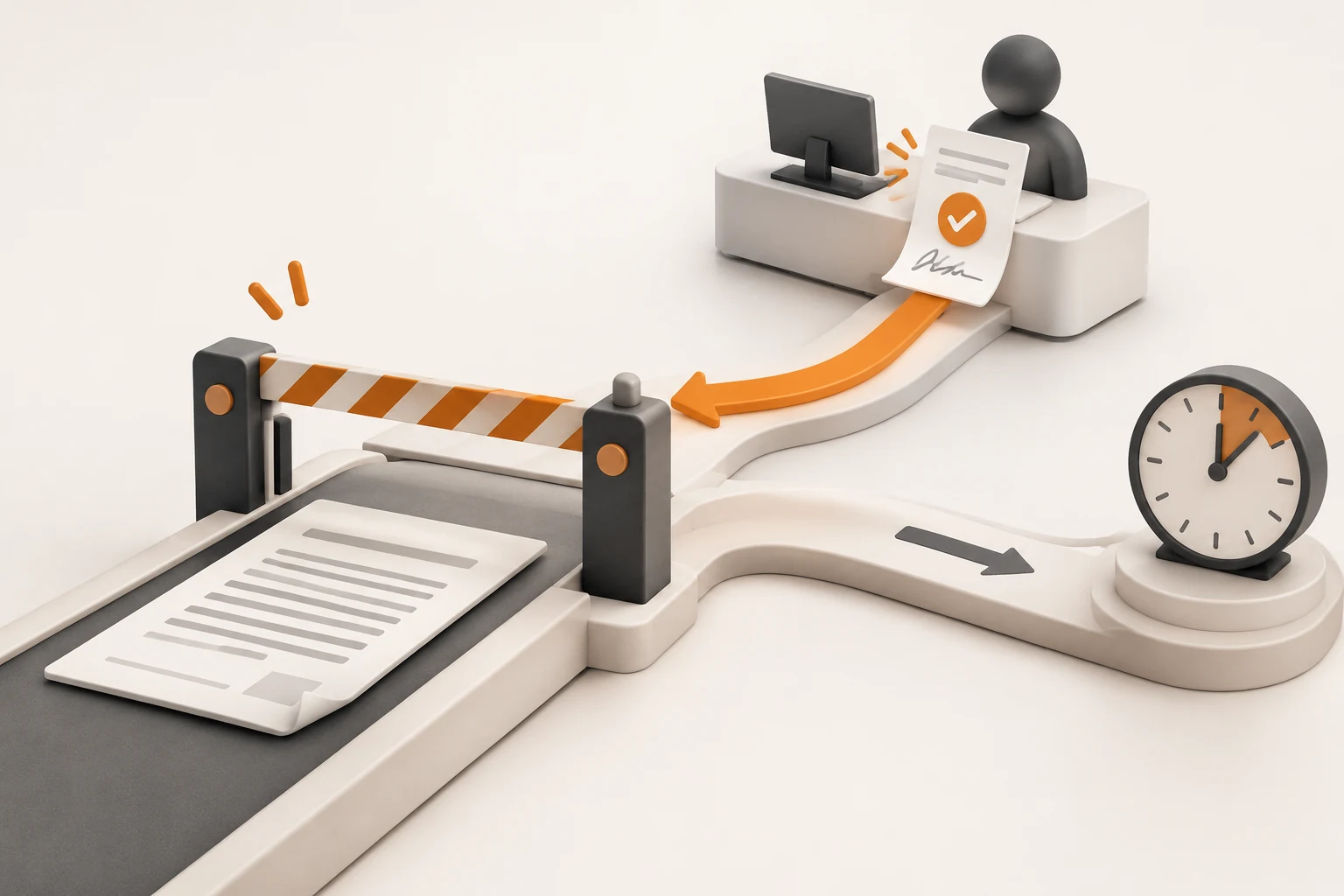
To hold an AI-written report for review, pause n8n with Wait → On Webhook Call and let the review service resume that execution through $execution.resumeUrl. Resuming isn't approval. A callback or a wait deadline should lead to a decision check, not straight to the publish node.
This setup follows the Wait reference and the Wait node in n8n 2.48.7, checked November 23, 2026. The acceptance cases are a test plan, not results from a live approval workflow.
Give the review service a URL for this run
Send $execution.resumeUrl in the same execution that reaches the Wait node. It is generated at runtime; partial editor executions can give you a different address. Test the dispatch and wait together rather than copying a URL from an earlier run.
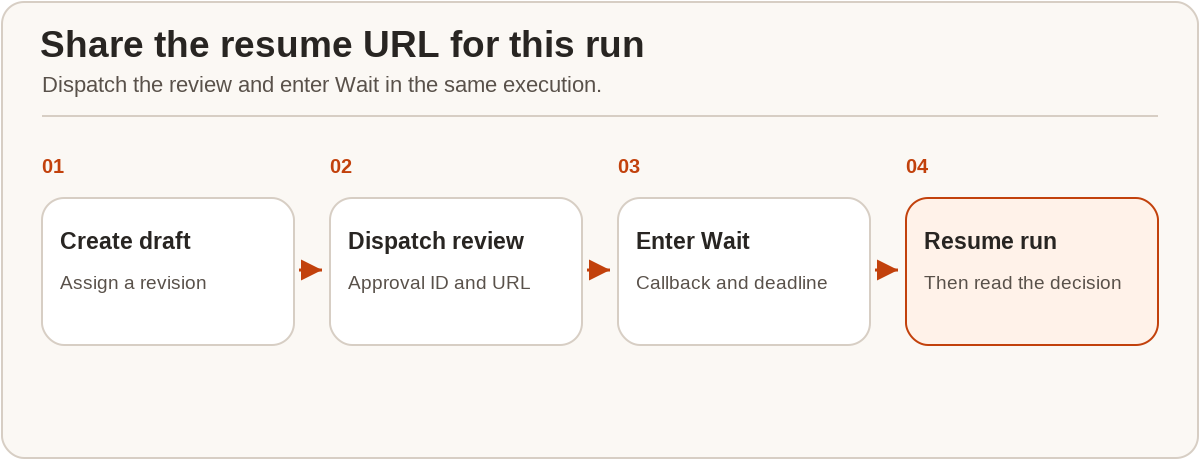
Start with a fixed draft in a test copy. Give the review service a business approval ID and the draft revision. Pass the resume URL between services, not in group messages, link previews, or public logs. Choose On Webhook Call, agree on POST, and enable an authentication option such as Header Auth. This authenticates the calling service; the service still has to check that the reviewer is allowed to approve the draft.
Multiple Wait nodes can be resumed in sequence using the execution's URL. If you distinguish stages with Webhook Suffix, append the configured suffix yourself when dispatching the URL. Bind the approval record to the stage and draft revision as well.
Check the decision after a callback or a timeout
Persist the actual decision in the review service and read it after Wait resumes. Limit Wait Time can resume the run when the deadline expires, even without a callback. Publish only when the approval ID, stage, and revision match and a valid approval was recorded before the deadline. A rejection, missing record, or late decision must never route to publishing.
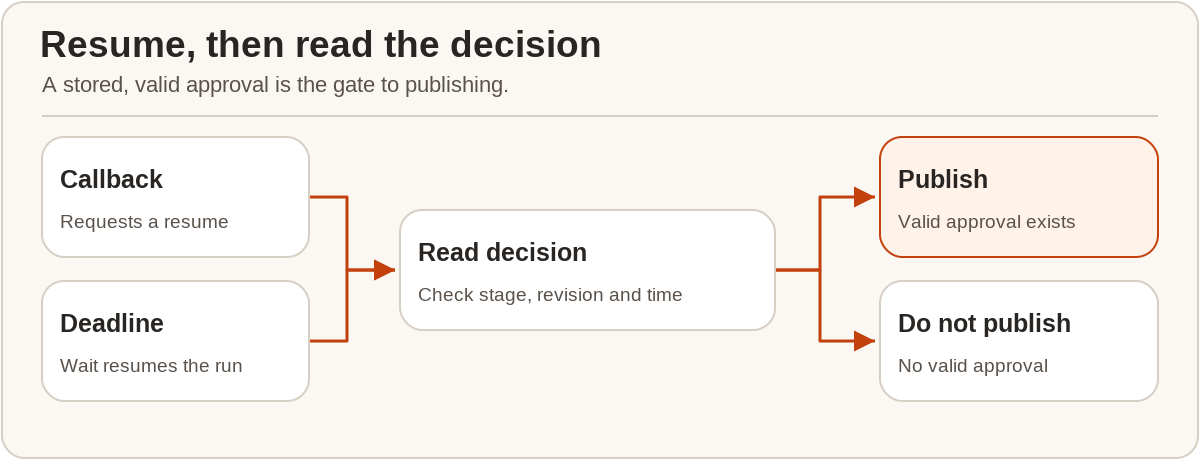
Have the review service verify the reviewer, store the decision, and then send the resume request. If that request fails, inspect the existing execution and decision before starting anything new. Publication itself still needs business-level deduplication and receipt checks. If the model didn't return a usable draft, validate the result before creating a review task.
Verify the four outcomes without publishing anything
Replace the publication destination with an isolated table. Check the table, not merely the callback's HTTP response. Run two distinct drafts side by side as a check that their approvals don't cross.
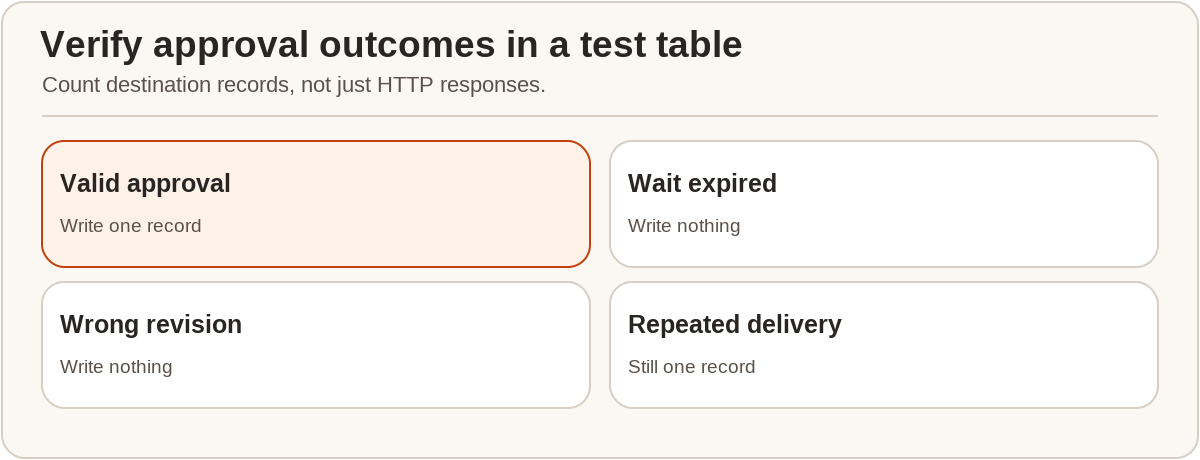
| Test | Expected outcome |
|---|---|
| Matching approval before the deadline | Resume the existing run and record one publication |
| Wait expires without approval | Mark as expired; no publication |
| Stale revision or invalid caller | Leave the new draft unpublished and record the reason |
| Repeat the decision or publication request | The final destination still contains just one publication |
Add a real model after the fixed-draft test passes. The n8n and Nbility setup guide covers connecting the model; alerts and deliverable checks cover what to do when the reviewed report never arrives.