Streaming TTS Bytes Are Not Yet Playable Audio
Follow the path from a TTS response to decoding and playback, distinguishing network chunks, compressed formats, raw PCM, and buffering.
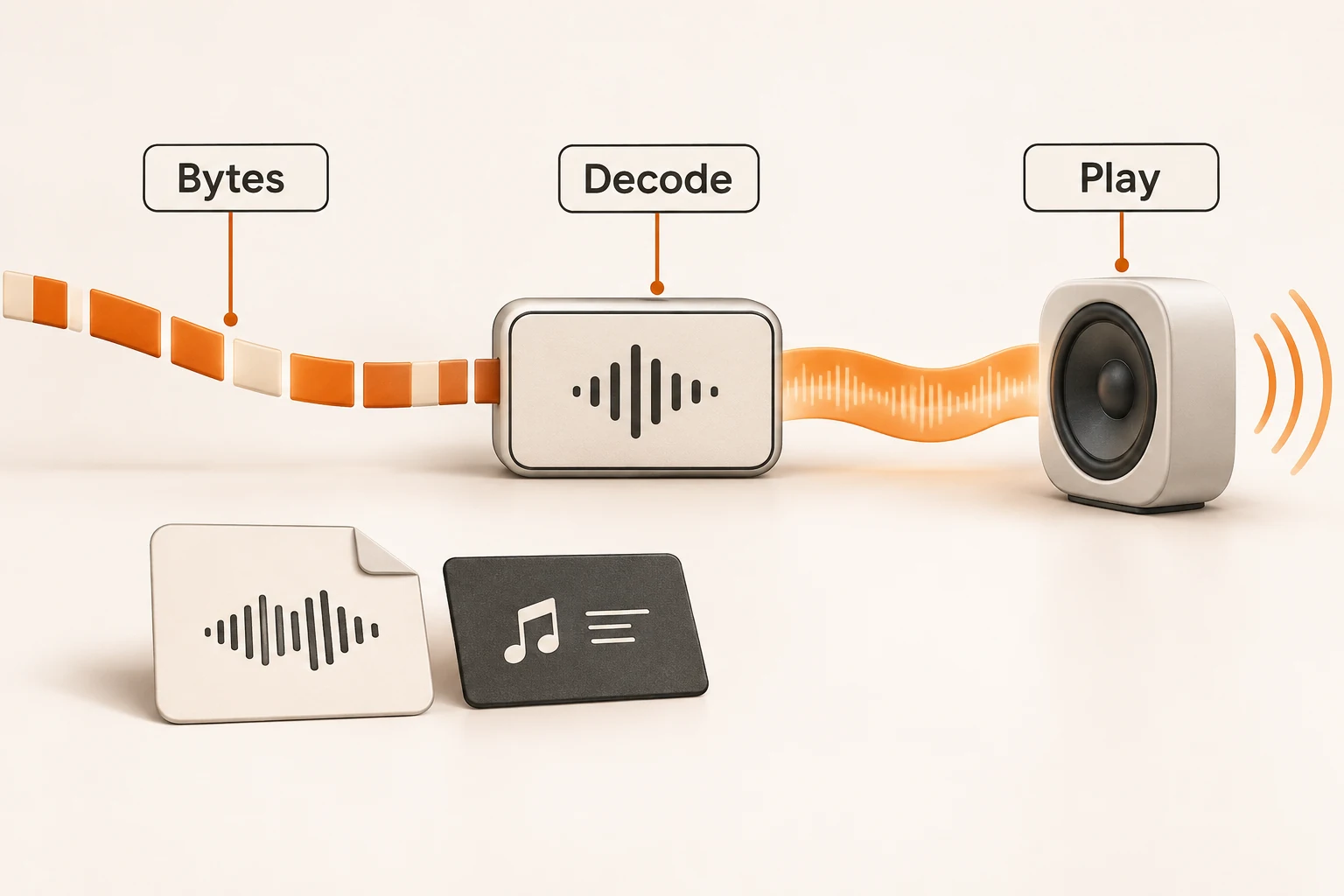
Your TTS request returns bytes continuously, yet the player remains silent. Check the response type, audio encoding, and decoding path before changing the voice. A network chunk is not necessarily a complete, independently playable piece of audio.
This guide was checked on November 13, 2026 against ElevenLabs documentation, MDN, and the Nbility Audio API. No live synthesis, browser playback, or latency measurement was performed. Confirm the streaming contract for your actual provider and channel.
Transport chunks do not define audio frames
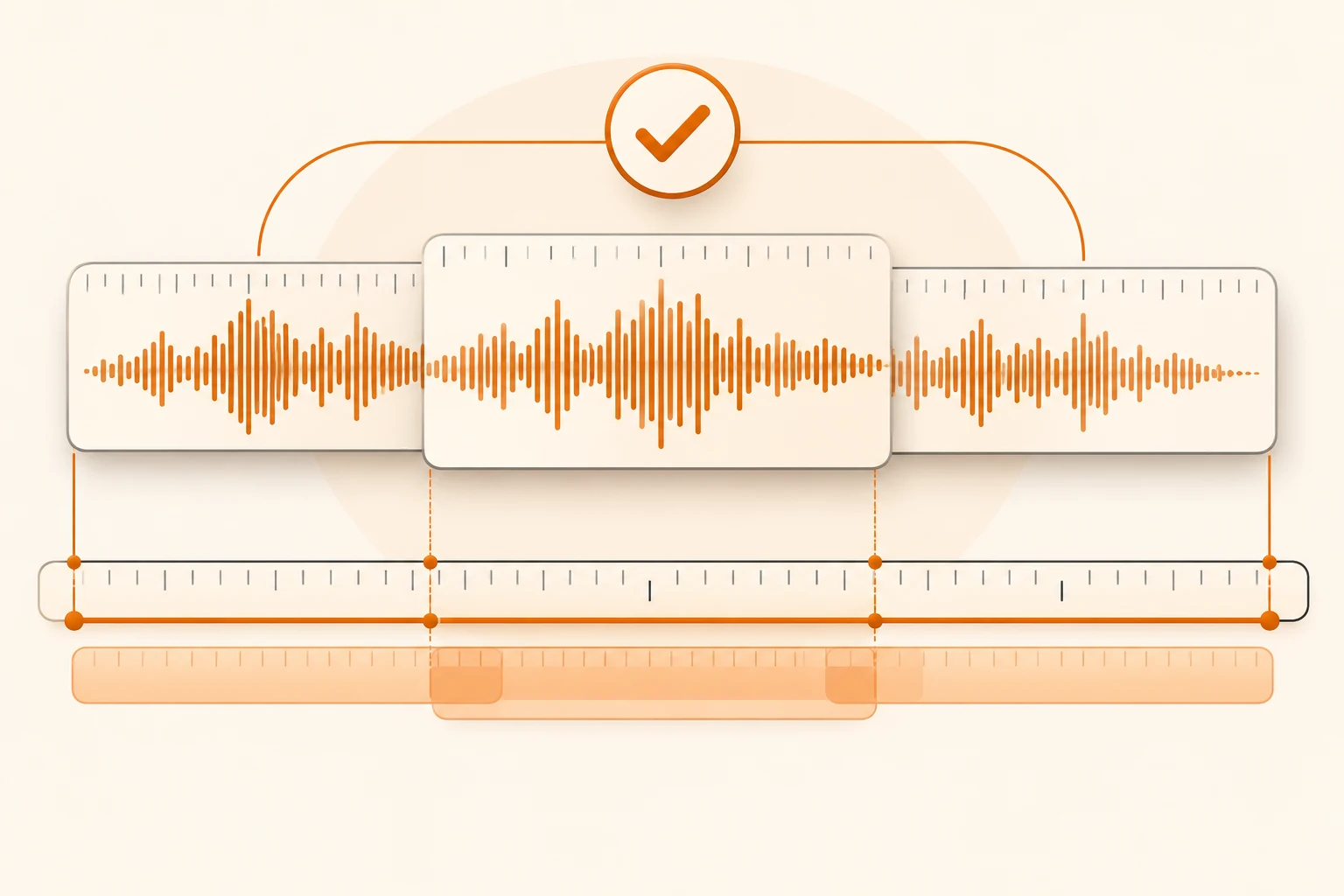
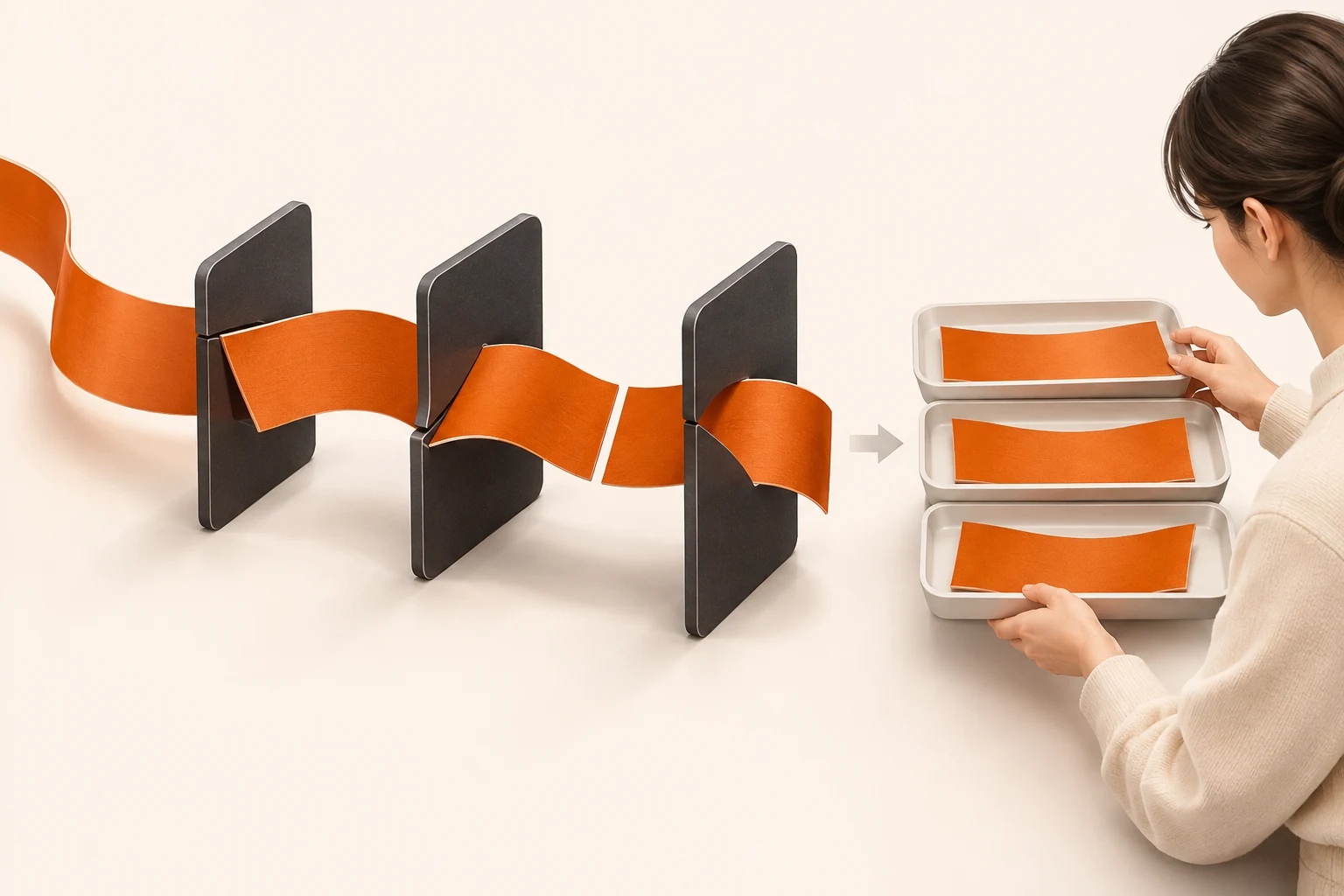
MDN's readable-stream guide describes reading a response with reader.read(). Its chunks follow transport and buffering behavior, not sentence, codec-frame, or file boundaries.
A compressed frame can span multiple reads. Creating a new player or restarting a decoder for every chunk can discard required state or introduce gaps. The transport issue resembles SSE framing, but a TTS stream is not automatically SSE. A text-event parser is not a general binary-audio decoder.
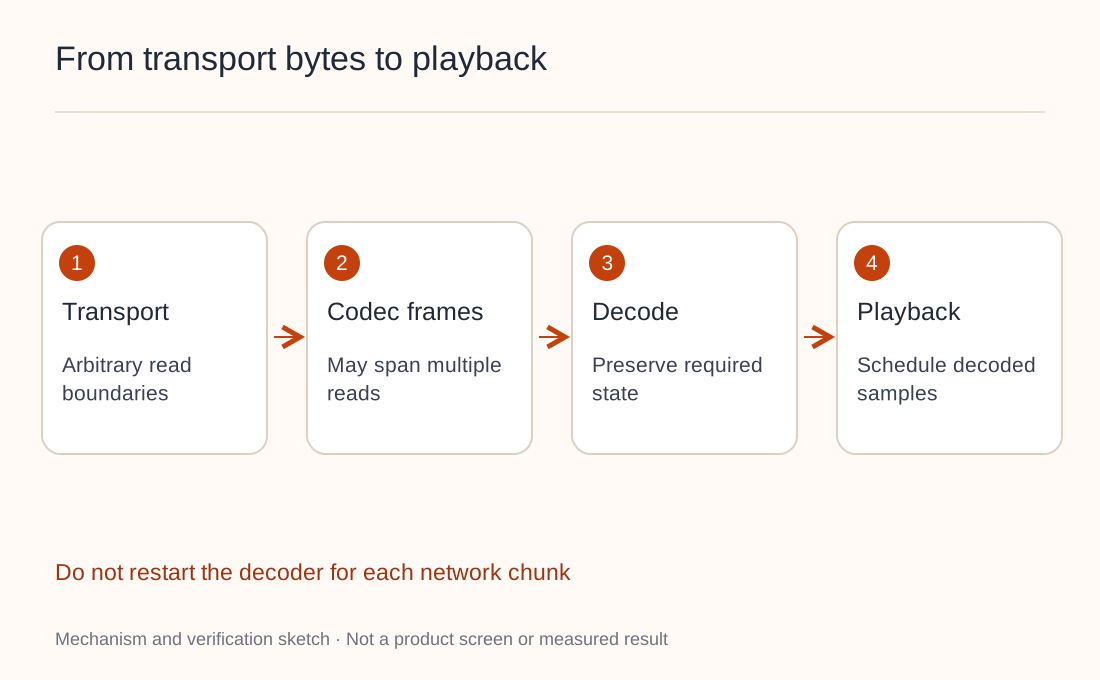
Read the endpoint contract: binary audio, structured events carrying audio, and asynchronous file delivery require different clients. The word “stream” does not identify the representation.
A filename does not convert an encoding
ElevenLabs' current streaming endpoint uses output_format, with mp3_44100_128 as its default. The generic Nbility TTS documentation uses response_format, such as mp3 or wav, subject to model support. Do not exchange those parameter names or enum values.
Raw PCM requires an agreed sample rate, channel count, sample width, numeric representation, and byte order. Renaming it .wav does not add a WAV header. Renaming it .mp3 does not compress it.
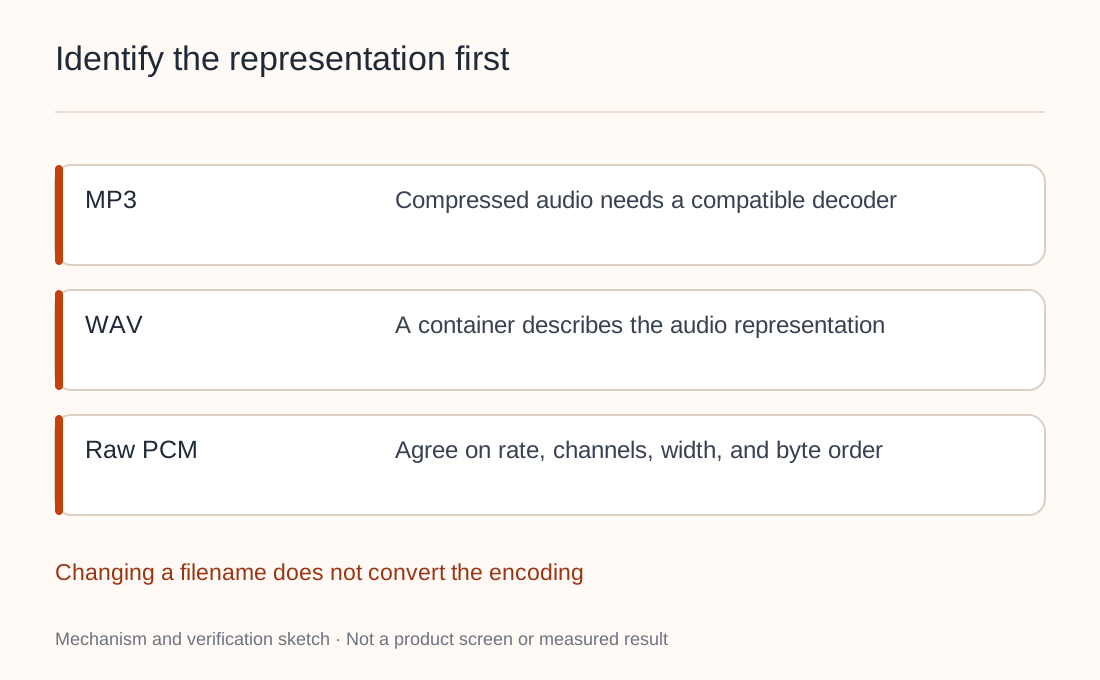
An AudioBuffer holds decoded, per-channel floating-point samples. Arbitrary compressed bytes are not those samples. Depending on the browser and encoding, use a compatible continuous decoder, an appropriate media interface, or complete the download before decoding.
Check the units with one second of PCM
Consider a hypothetical output explicitly documented as 24,000 Hz, mono, signed 16-bit PCM:
24,000 samples/second × 1 channel × 2 bytes/sample
= 48,000 bytes/second
Playing those same samples at 48,000 Hz halves the duration and changes pitch. That is a sample-rate mismatch, not necessarily a synthesis failure. This arithmetic applies only to the stated PCM representation, not compressed MP3 or every TTS model.
When processing 16-bit PCM incrementally, preserve a trailing partial sample for the next read. For multiple channels, align complete audio frames. Silently dropping an odd trailing byte can corrupt the following interpretation.
Validate a complete file before incremental playback
First request an ordinary MP3 using a model and voice available to your account. This unexecuted example does not establish streaming support:
curl --fail-with-body --show-error   https://api.nbility.ai/v1/audio/speech   -H "Authorization: Bearer $NBILITY_API_KEY"   -H "Content-Type: application/json"   --dump-header speech.headers   -d '{
    "model": "YOUR_TTS_MODEL",
    "voice": "YOUR_VOICE",
    "input": "This is a public audio check.",
    "response_format": "mp3"
  }'   --output speech.mp3
Check the exit code, status, content type, and full audio decoding. With --fail-with-body, an HTTP error still may write an error body to speech.mp3; the filename is not evidence of audio. Keep response headers local and inspect sensitive fields before sharing them.
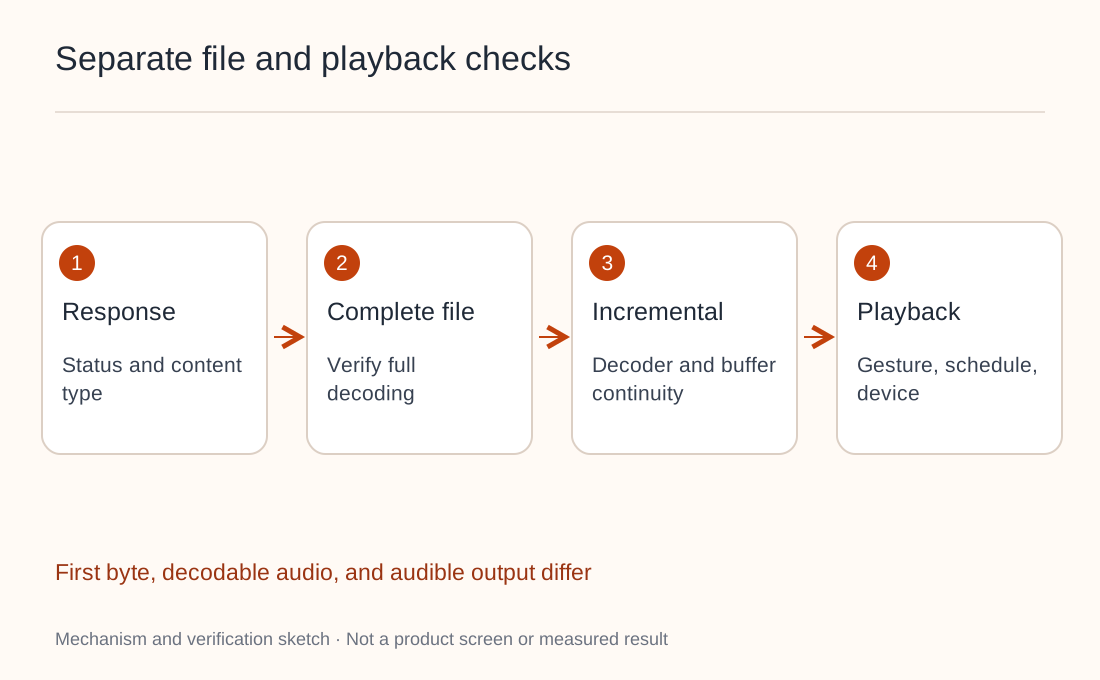
If a complete file plays but the incremental player does not, inspect decoder continuity, queues, scheduling, and browser autoplay rules. A required user gesture is not automatically an API failure. If the complete file fails, examine the response and download first. The image-delivery recovery guide explains the useful separation between generation and delivery, while audio still needs its own decoder validation.
Record first response byte, first decodable audio, and actual playback start separately. They measure different stages. For persistent voice design, see voice remixing and storage; managing a voice and playing its output are separate concerns.