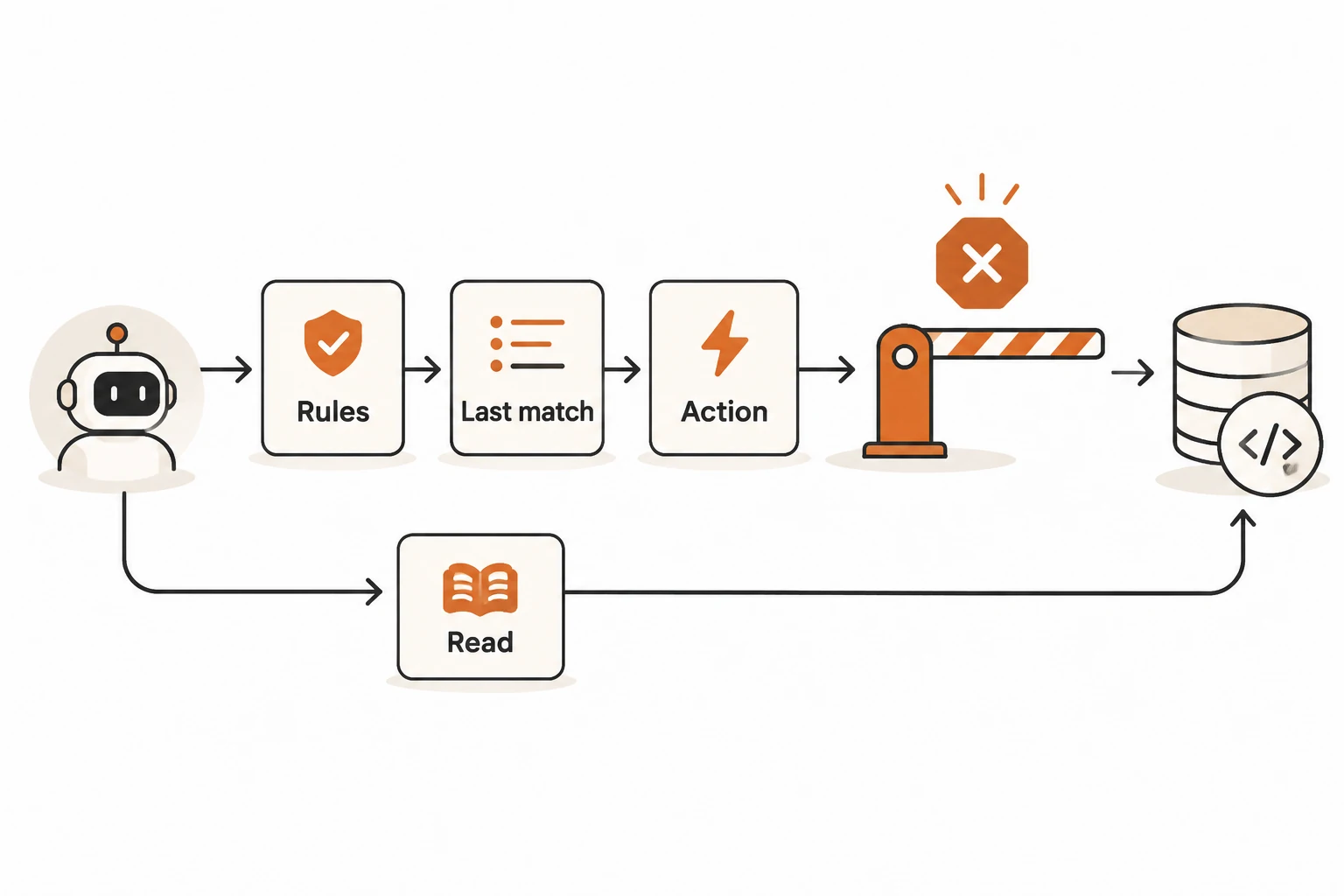
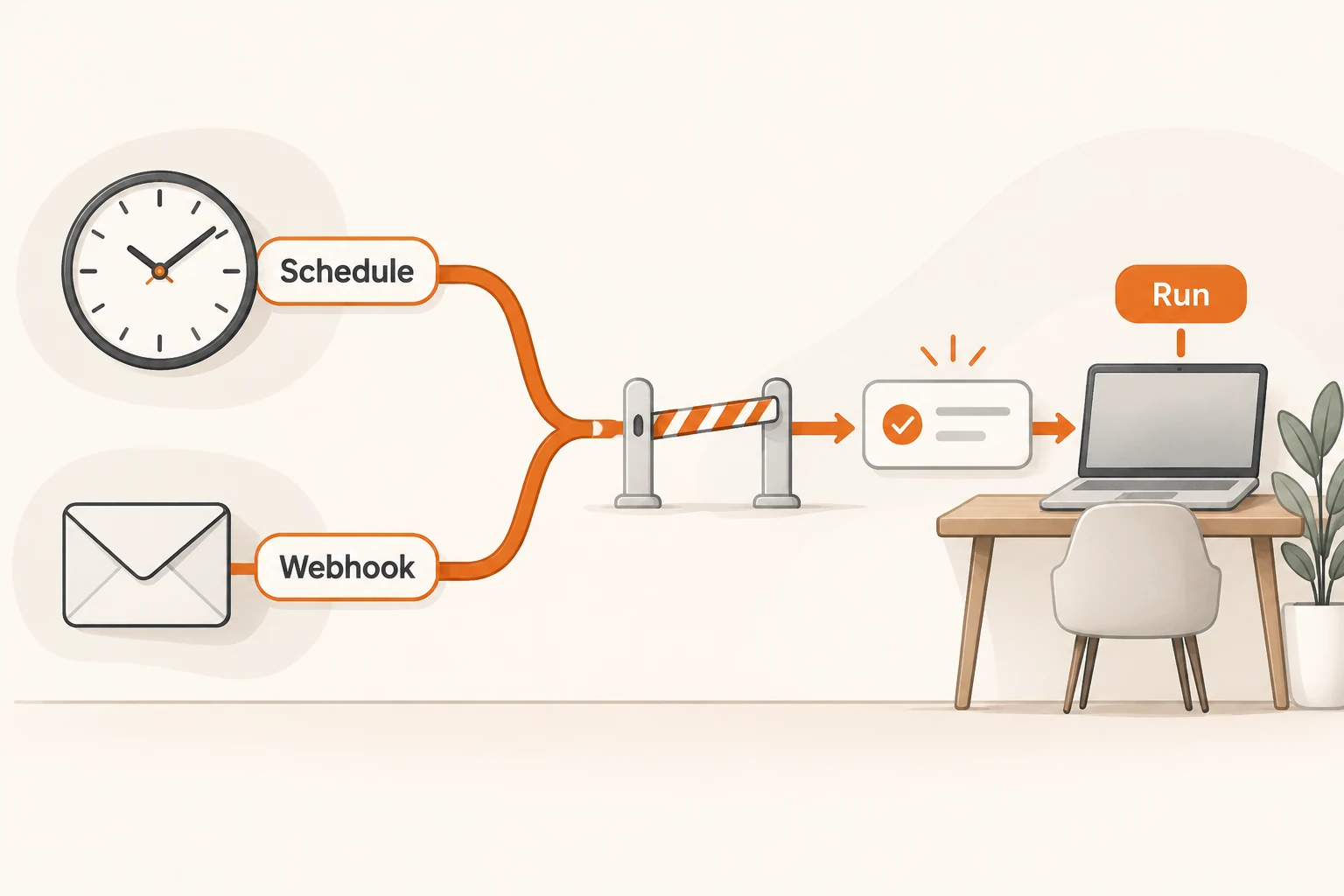
What Antigravity Auto Still Asks You in T3 Code
T3 Code v0.1.11 connects Antigravity Auto review, but account eligibility, native approvals, thread defaults, and provider versions still determine what happens.
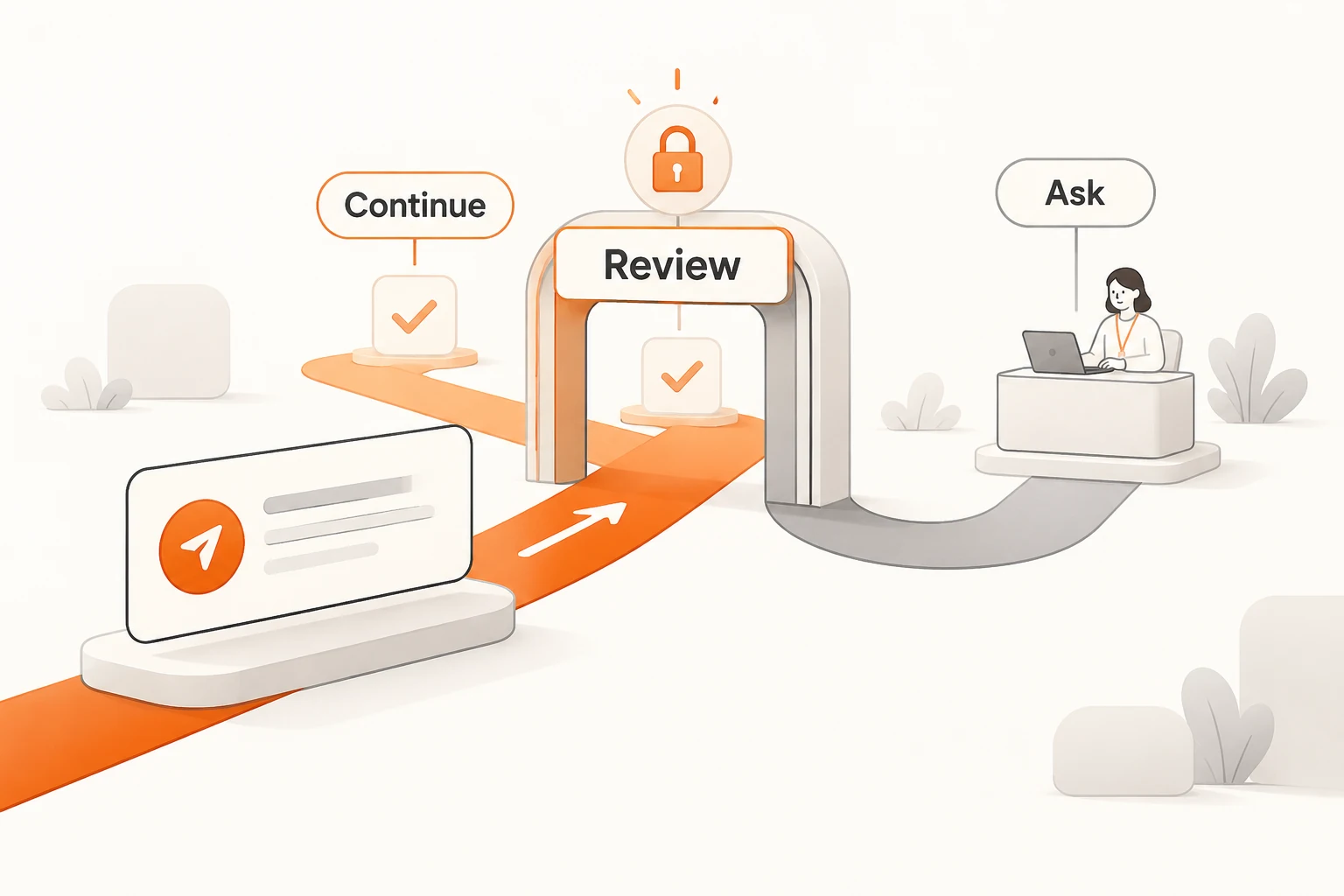
T3 Code v0.1.11 connects Antigravity's Auto review: routine actions can proceed after provider review, while requests that still need a decision come to you. Availability depends on whether the selected Antigravity sign-in supplies Auto. Without it, a thread already set to Auto runs in Supervised.
Checked on November 21, 2026, this guide uses the v0.1.11 announcement, permission-mode documentation, and Antigravity provider guide. We did not change a real account's permissions or test automatic review. This is not a claim that the mode prevents every dangerous action.
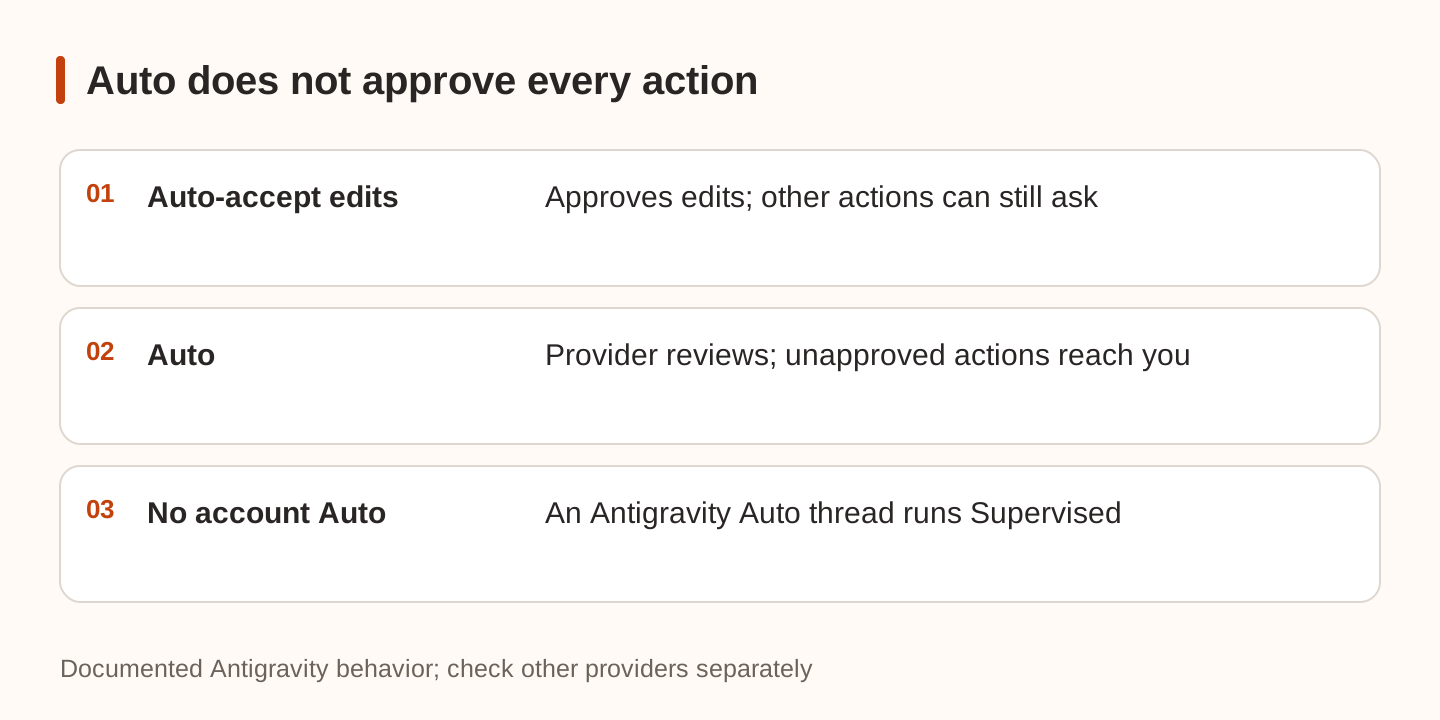
Auto is different from Auto-accept edits
The similar names describe different decision paths:
| Mode | Documented behavior | What to verify |
|---|---|---|
| Supervised | Requests approval for commands and edits | Some reads can still proceed |
| Auto-accept edits | Approves edits automatically; other actions can ask | An edit is not every command or tool call |
| Auto | Uses provider review for routine actions | The Antigravity account must support it |
| Full access | Allows commands and edits without ordinary approval prompts | Antigravity can still send native requests |
This is not a universal scale where every step guarantees fewer interruptions. Antigravity Auto sends actions its review did not approve to the user. Questions about the task can still require an answer.
Change permissions in the current composer's controls or model picker. Defaults for new threads come from Settings → Threads → New threads → Permissions, with project overrides possible. A new thread does not simply inherit the mode of the thread you were viewing. The documented initial default is Full access, so inspect the displayed value.
A Side chat starts with the composer's settings but does not follow later parent changes. Check the conversation actually performing the action.
Identify the runtime and account first
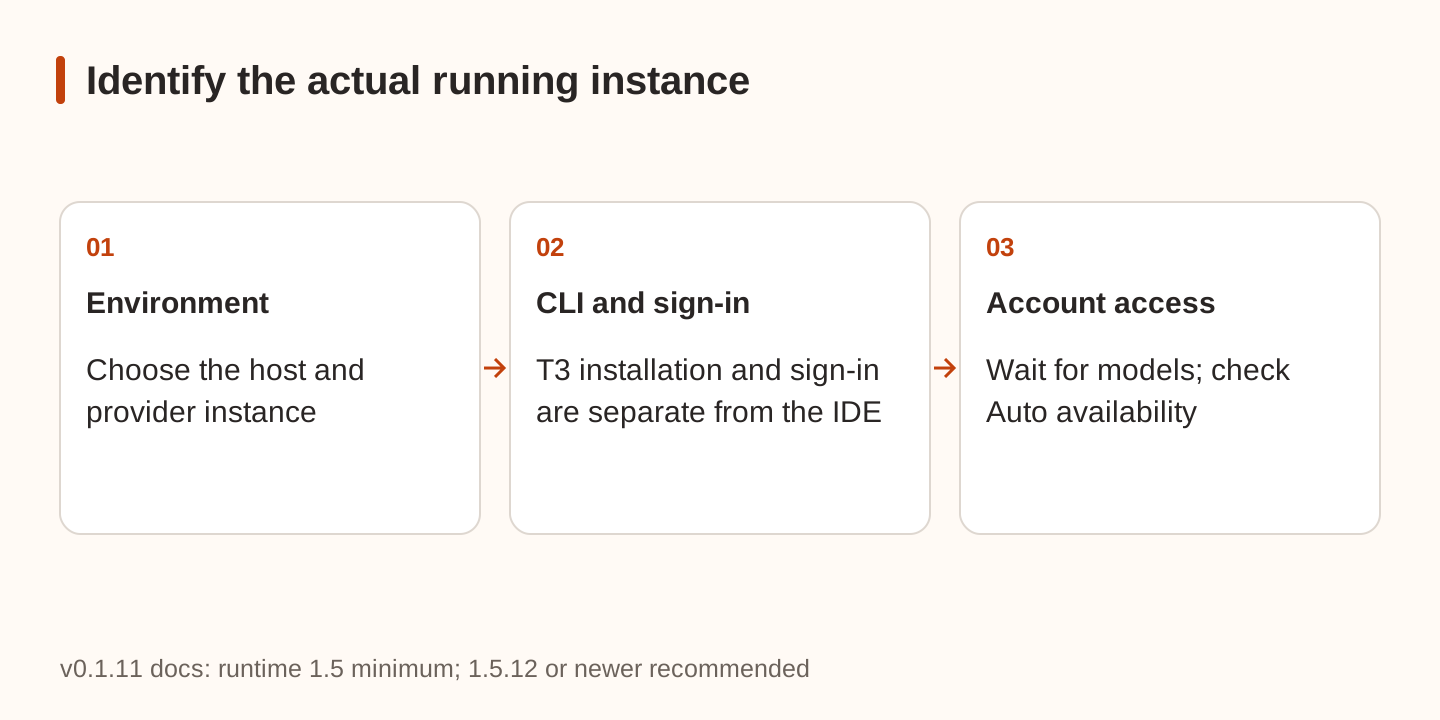
T3 runs the official Antigravity ACP agent in the selected environment. Its managed CLI installation and sign-in are separate from your terminal or IDE. In Settings → Providers, choose the environment running the project, install the runtime, sign in, and wait for T3 to confirm access and load models.
The v0.1.11 guide requires Antigravity 1.5 or later and recommends 1.5.12 or later. Update managed installations through provider settings. A custom Binary path still points to the executable you maintain. Running sessions keep their original runtime; new sessions use the update.
Some personal Google accounts do not supply Auto. Selecting another model name cannot grant account eligibility. Models and capabilities remain controlled by the account, sign-in method, and provider. Do not copy credentials between CLI profiles to try to enable an approval feature.
Our Antigravity documentation discusses the IDE. Custom API endpoint support must be checked separately from the ACP integration. Google sign-in or a Gemini API key field does not prove that a client accepts a Nbility endpoint. Follow connection basics to verify an actual endpoint override and protocol.
Why does Auto still show repeated cards?
First distinguish a tool approval from a fixed-choice question or missing task information. Fixed choices still need an answer. “Never ask again” in a message does not approve an actual tool request or change account capabilities.
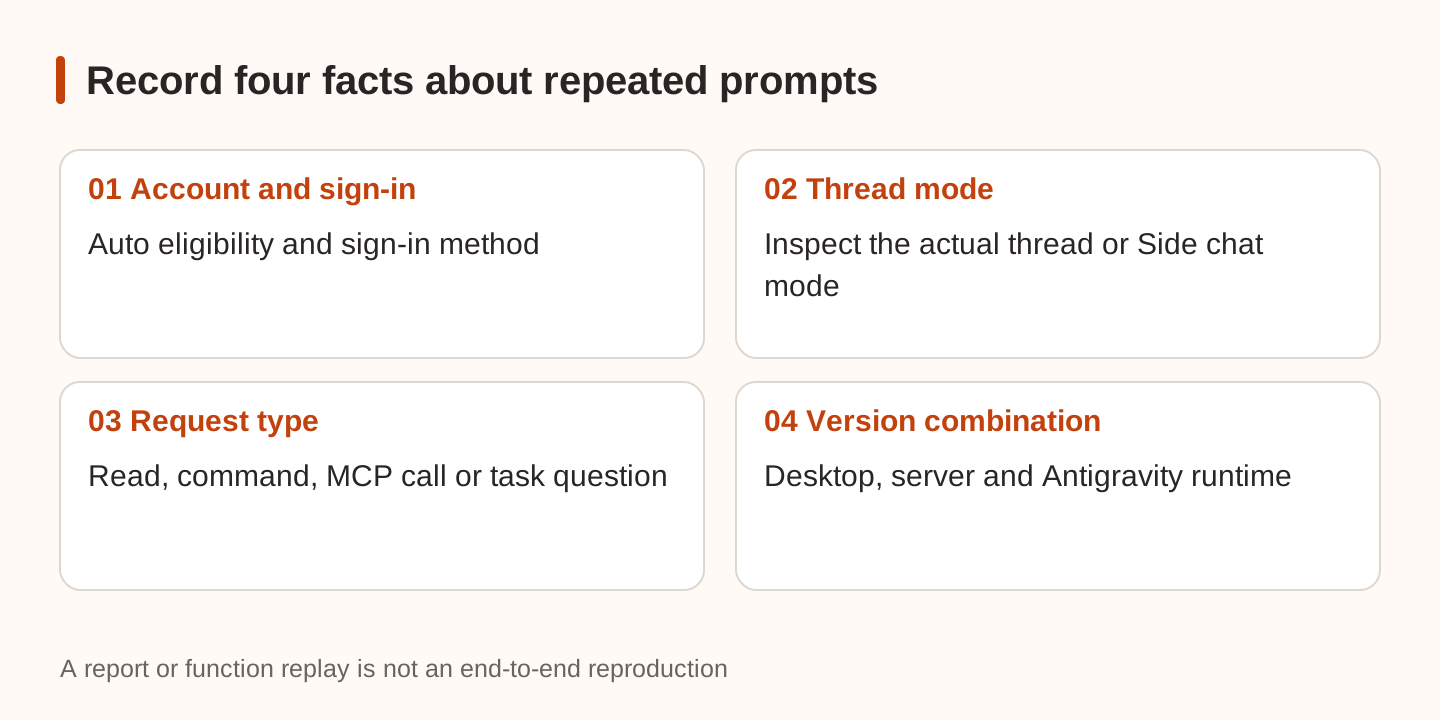
Record the complete combination: desktop and server versions, execution environment, Antigravity runtime, sign-in method, displayed thread mode, and triggering tool. Two recent reports warrant attention without supporting a universal diagnosis:
- Issue #40127 reports repeated approvals for reads outside the working directory on v0.1.11 with Antigravity 1.5.13 on macOS. It remained open without replies when checked. We did not independently reproduce its proposed cause.
- Issue #38806 began with Auto-accept edits on a nightly build and includes later stable Auto observations involving T3-owned MCP calls. The report and some follow-ups explicitly identify AI authorship or assistance. Replaying permission functions is not an end-to-end provider test.
One concerns outside-workspace reads; the other concerns MCP approvals. Identify the matching path before applying advice. Expanding the workspace to an entire home directory or selecting Full access changes the accessible scope; it should not be the default response to an annoying card.
If a patch exists, check both merge status and inclusion in your installed release tag. We did not run patches or treat unreleased changes as available switches.
Verify with disposable work
Use a demo directory containing public text. Ask the agent to read and explain a file, then create a test file in an explicitly allowed location. Record whether each action proceeds, asks, or is denied. If testing an outside-directory read, use a second approved demo directory rather than private code or credentials.
Ask an ordinary question requiring a choice and distinguish it from tool approval. Real deletion, messaging, or production changes are unnecessary for this check. These are suggested checks, not tests completed here or a comprehensive security assessment.
External pages, issues, and tool results remain data rather than new authority. Read the tool-output permission guide, and put the actual scope of editing, pushing, or merging in an Issue-to-PR brief. Permission mode controls when execution asks; the brief defines what the task is authorized to do.