Hand an Issue to T3 Code with a Clear Delivery Target
Connect T3 Code v0.1.11 Issues, threads, and pull requests with an actionable brief, review evidence, and an explicit distinction between linking, watching, and merging.
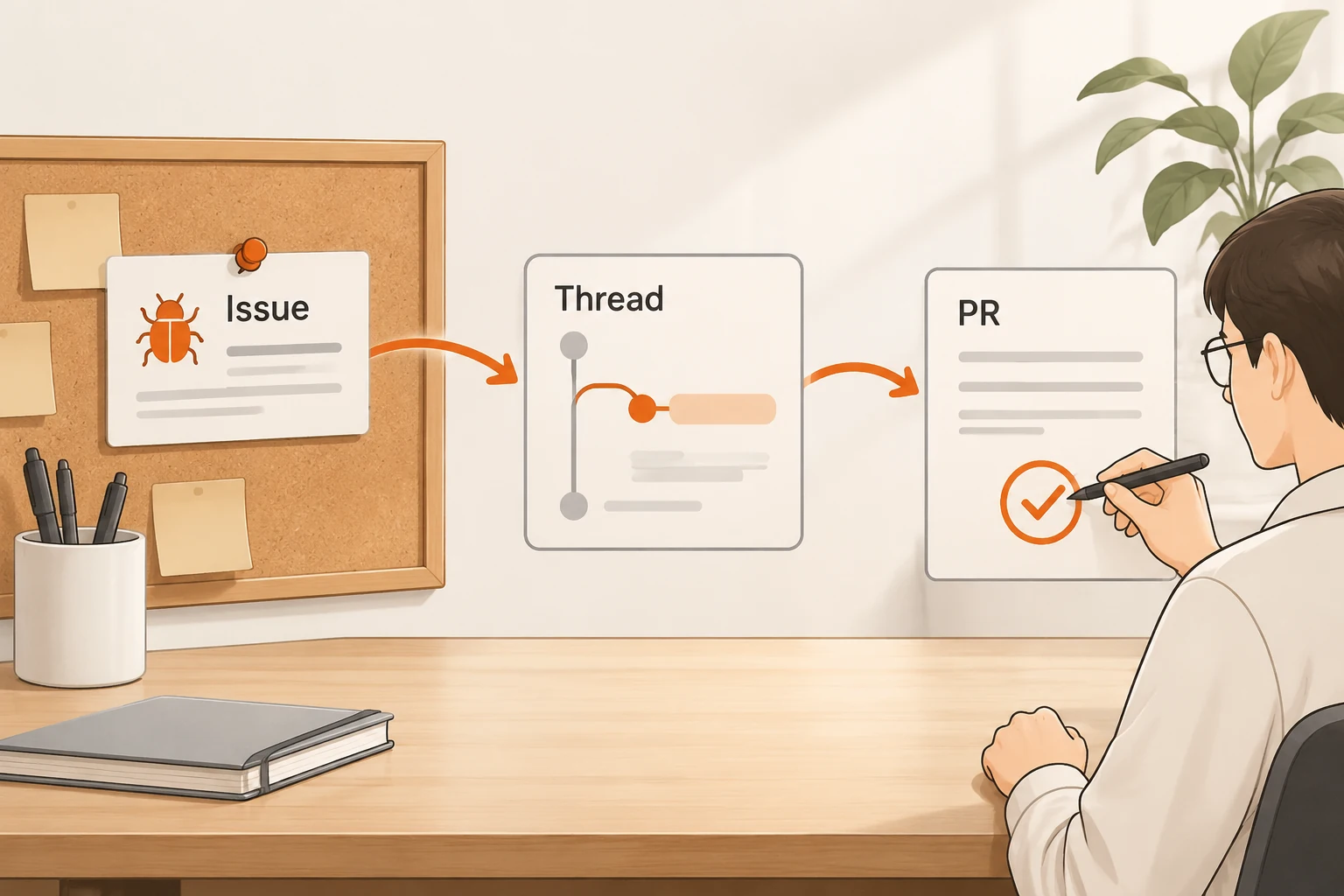
T3 Code v0.1.11 adds an Issues page where you can read reports, comments, and linked pull requests, then keep an issue with a thread. A useful implementation handoff still needs reproduction steps, a bounded scope, and a definition of done. Linking an issue, opening a PR, watching checks, and authorizing a merge are separate actions.
Checked on November 21, 2026, this guide uses the v0.1.11 announcement and its source-control documentation. We did not create, comment on, or merge real issues or PRs, or test every tracker integration.
What appears on the Issues page?
Open it from the sidebar utility row or Open issues in the command palette. The documentation covers projects hosted on GitHub, GitLab, Azure DevOps, and Forgejo, grouped by tracker account. Filter by state, your involvement, tracker, and project. Views saves searches, filters, and sorting. Load more retrieves older entries; the visible list is not proof that every historical issue has been loaded.
Linear requires an API key in Settings → Source control & issues and a team selected for the project. GitHub repository access does not automatically supply Linear access.
An issue panel shows its description, comments, state changes, linked PRs, labels, and assignees. Editing, closing, or reopening depends on the tracker and account permissions. An issue read through a project that does not own its repository is read-only. Writing over a remote connection also requires source-control:write scope.
Turn the report into an implementation brief
Read follow-up comments before dispatching the task. They may narrow the trigger or supersede the original diagnosis. “The export is garbled” is not enough reason to rewrite an entire export subsystem.
Adapt this ordinary task brief to your project; it is not a T3 configuration format:
Issue: <full issue URL>
Goal: Preserve Chinese text in the CSV under the agreed reading method.
Reproduction: <public fixture, steps, expected and actual results>
Starting point: <repository, branch, required unpublished commits>
Scope: Investigate encoding and response headers first; keep the API intact.
Acceptance: Verify headers, text, row count, and the intended reader with
            the same fixture; run existing relevant repository checks.
Delivery: Link the issue and report changes, checks, remaining gaps,
          and commit. If opening a PR, report base, URL, and current head.
Authority: Implement on a task branch and open a draft PR;
           leave the merge decision to me.
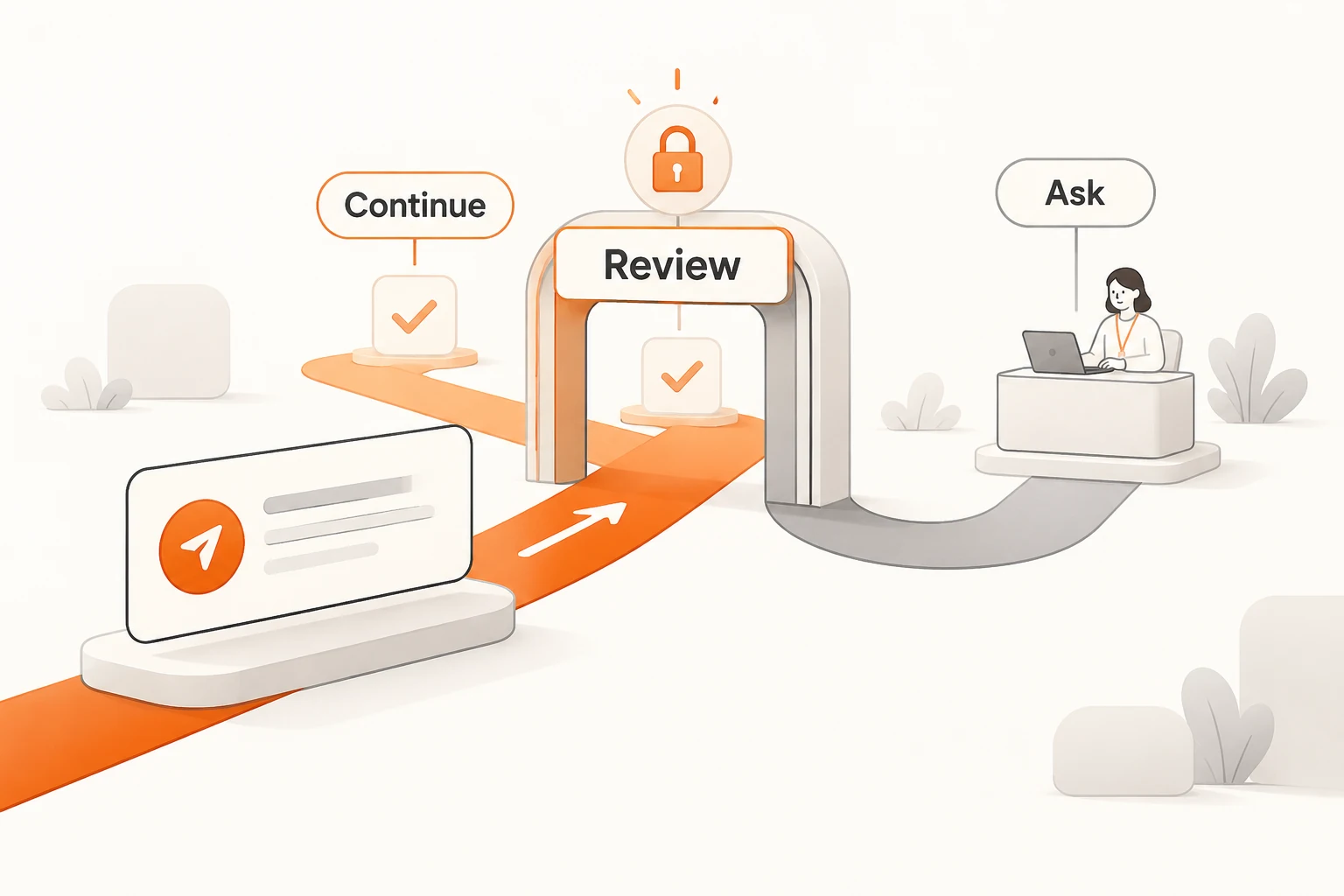
Change the authority line to match what you intend. Copying a template does not itself confer permission. For an unfamiliar problem, you can request investigation first. Once implementation is authorized, routine reversible steps need not require a separate “continue.”
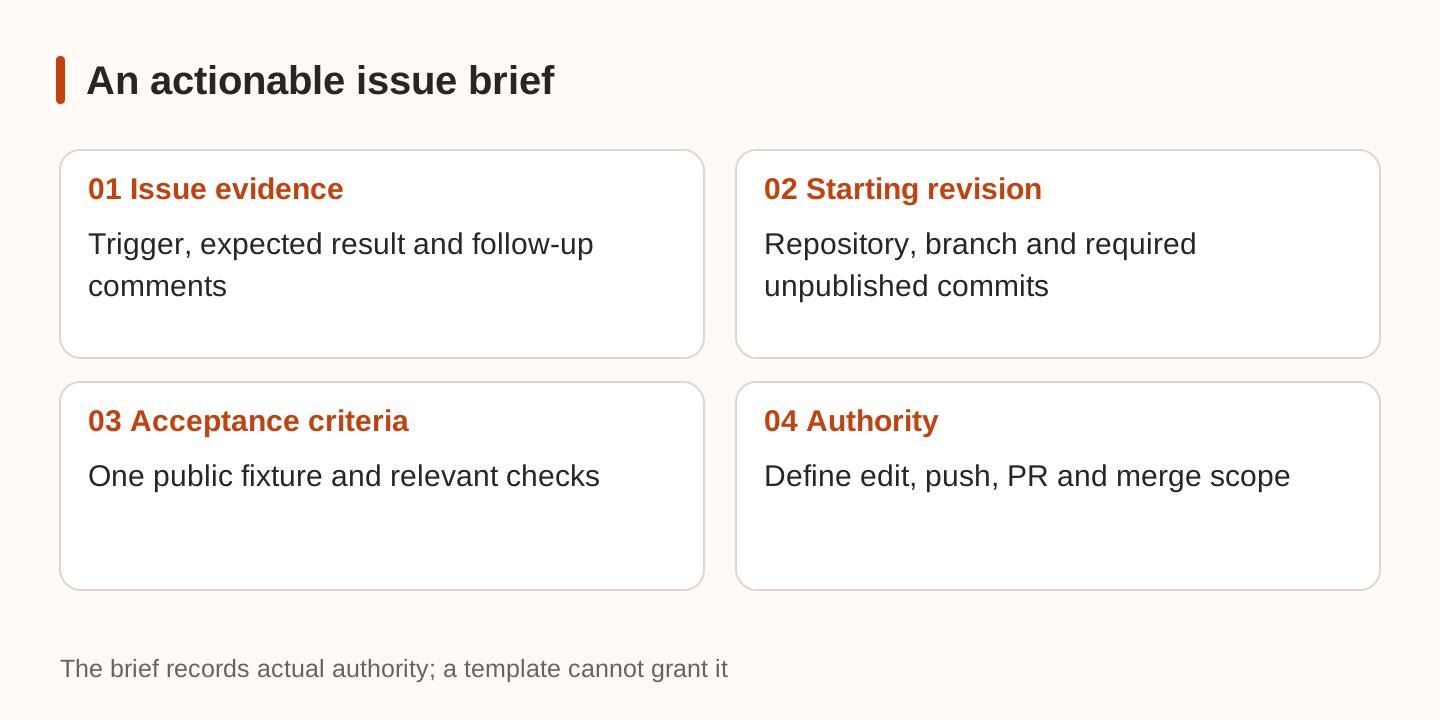
Choose a separate checkout using the worktree and starting-branch guide. If the fix depends on unmerged work, name the required commits rather than saying “use the latest code.”
Keep the evidence attached to the thread
Use Link to this thread in the issue header. Its sidebar badge opens Linked items, where issues and PRs stay accessible together. Agents can use link_issue. A link preserves an entry point; it does not establish that the implementation satisfies the report.
Link PRs through Link pull request, Linked items, or a conversation link's menu. A thread can hold several PRs. Check the repository, base branch, and current head for each; a similarly named repository is not the same delivery.
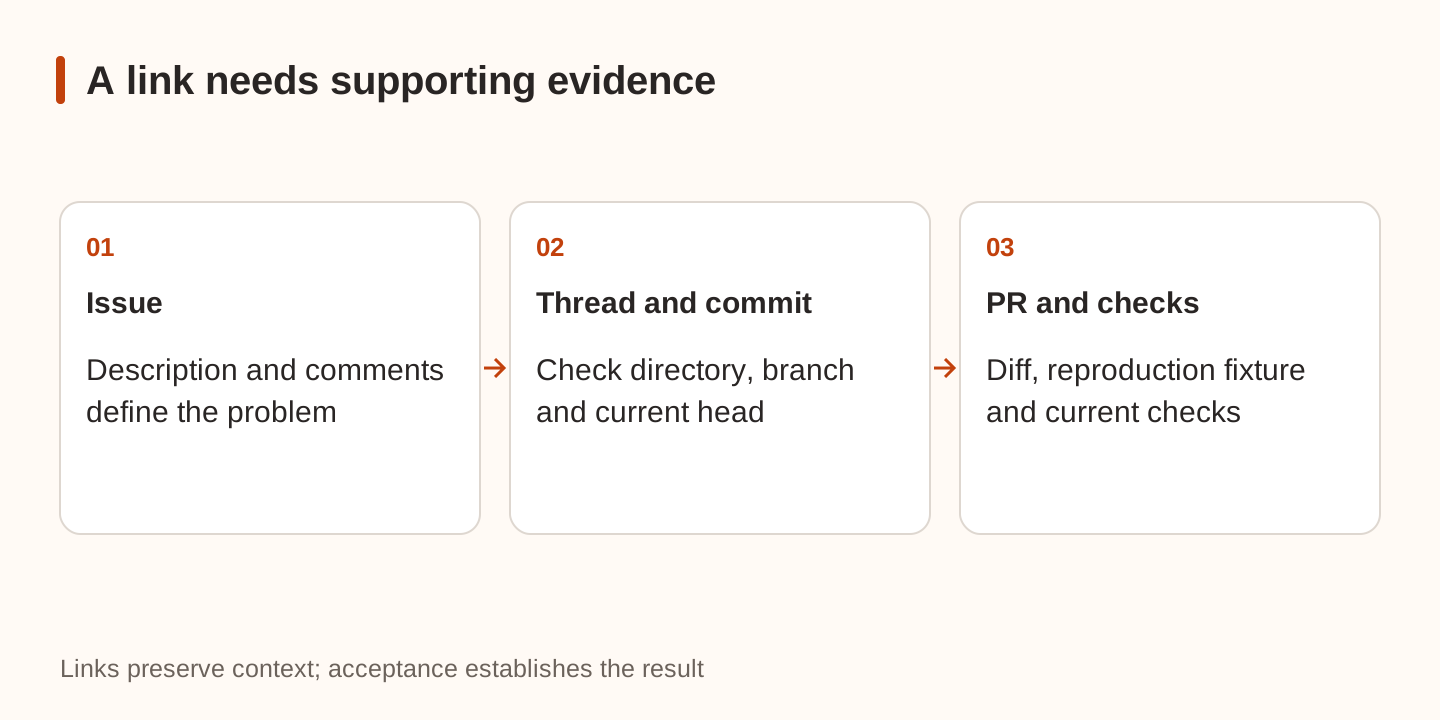
Review three things together: coverage of the original trigger, scope of the diff, and checks for the current head. A screenshot or “tests passed” is less useful than the input, command, and actual result. For a page running on another machine, use the remote preview and forwarding guide to establish which checkout you are viewing.
What does watching a PR do?
The documentation distinguishes a linked PR from a watched PR. An explicit request to watch, monitor, or babysit lets the agent register watch_pull_request. While the thread is active, the server checks about every two minutes and wakes the agent for relevant events such as failures, review activity, or conflicts.
That does not mean a model call every two minutes, and it does not authorize an unattended merge. A watch-only task may return to you once checks finish. “Merge after this reviewer approves” adds a further action, subject to repository rules.
| State or action | Meaning |
|---|---|
| Linked | The thread remembers the PR |
| Watched | The server tracks changes and can wake the agent |
| Checks passed | Checks for that head finished; review and merge conditions still matter |
| Settle, Archive, or Stop | Watching ends |
| Reopened PR | A new watch is required |
Watching also has stop conditions for repeated comment-only wakes and repeated read failures; rate limiting pauses it. Subagents cannot watch PRs themselves. The delegating parent handles that follow-up, so a useful brief says how the parent takes over after implementation.
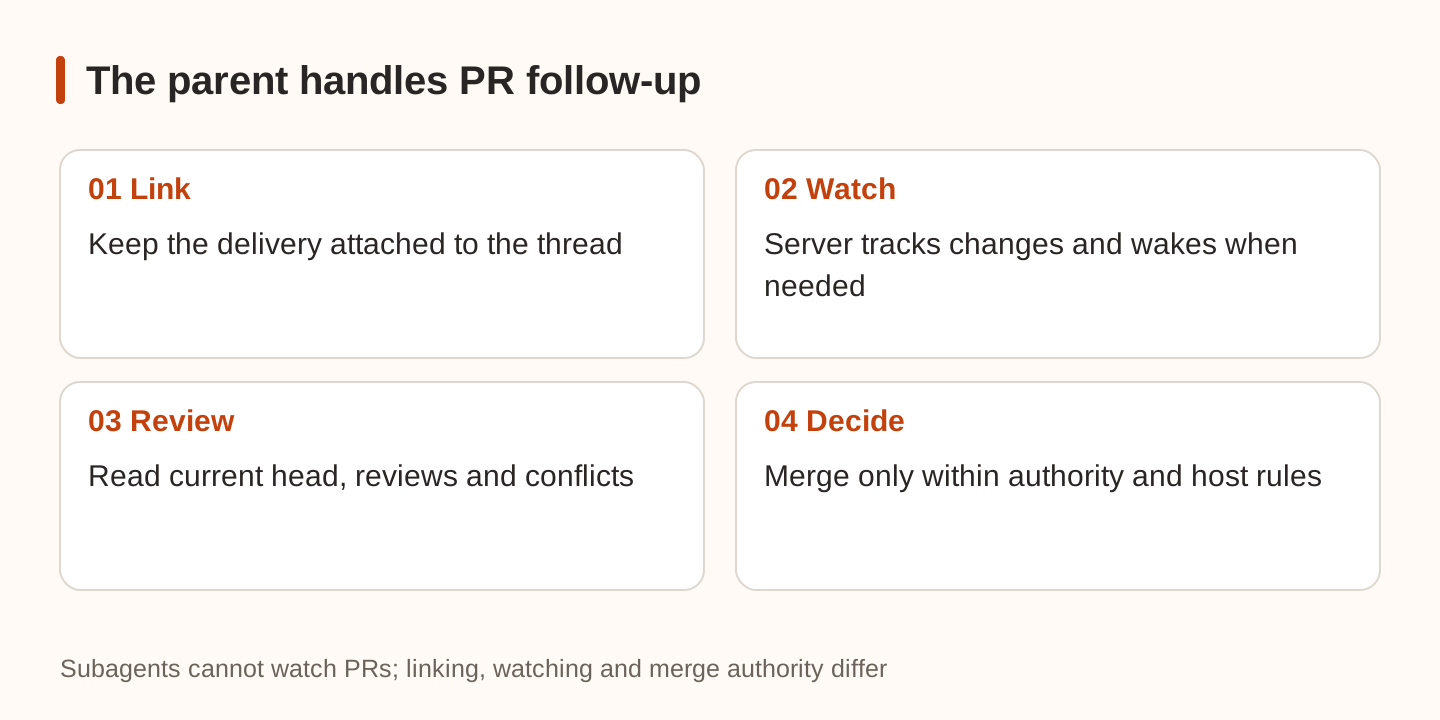
T3's native merge tools check the commit the agent last read. If someone pushes afterward, the merge is refused. Re-read the changes and checks rather than applying an earlier approval to new content.
Leave a handoff someone else can use
Record the issue URL, repository and branch, current head, PR URL, actual validation commands and results, unmet conditions, and next owner. State whether a watch remains active. A local commit should be described as local, with no implied push or deployment.
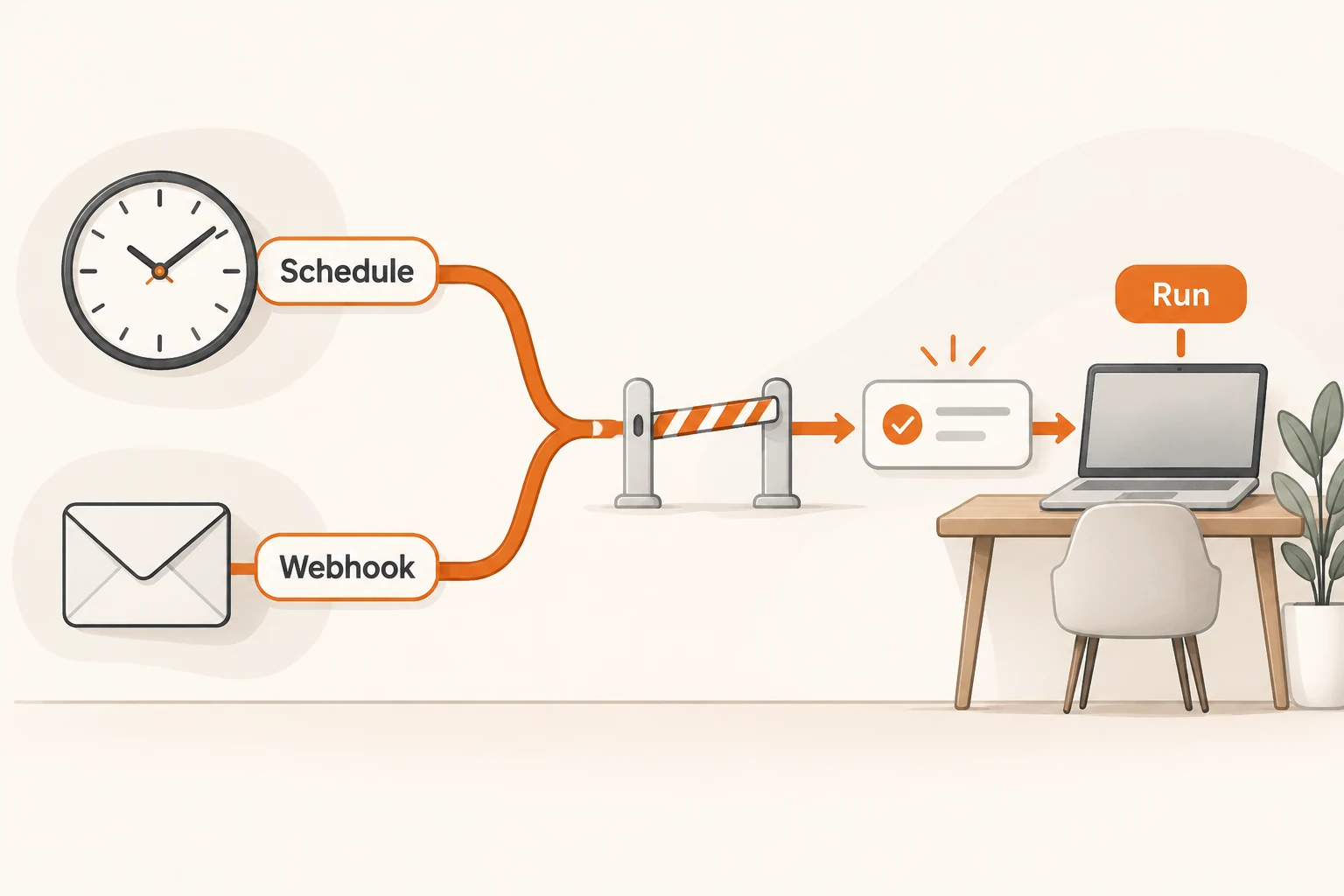
If CI events should start later work, read about scheduled and webhook tasks before setting up overlapping wake mechanisms. If implementation and review use different model connections, reconcile them using the Usage and billing guide. Counting PRs does not measure model cost.