Ask T3 Code Side Questions Without Derailing the Main Thread
Use /side, /btw, and Add to chat in T3 Code while keeping shared files, inherited settings, and the return of findings to the main task explicit.

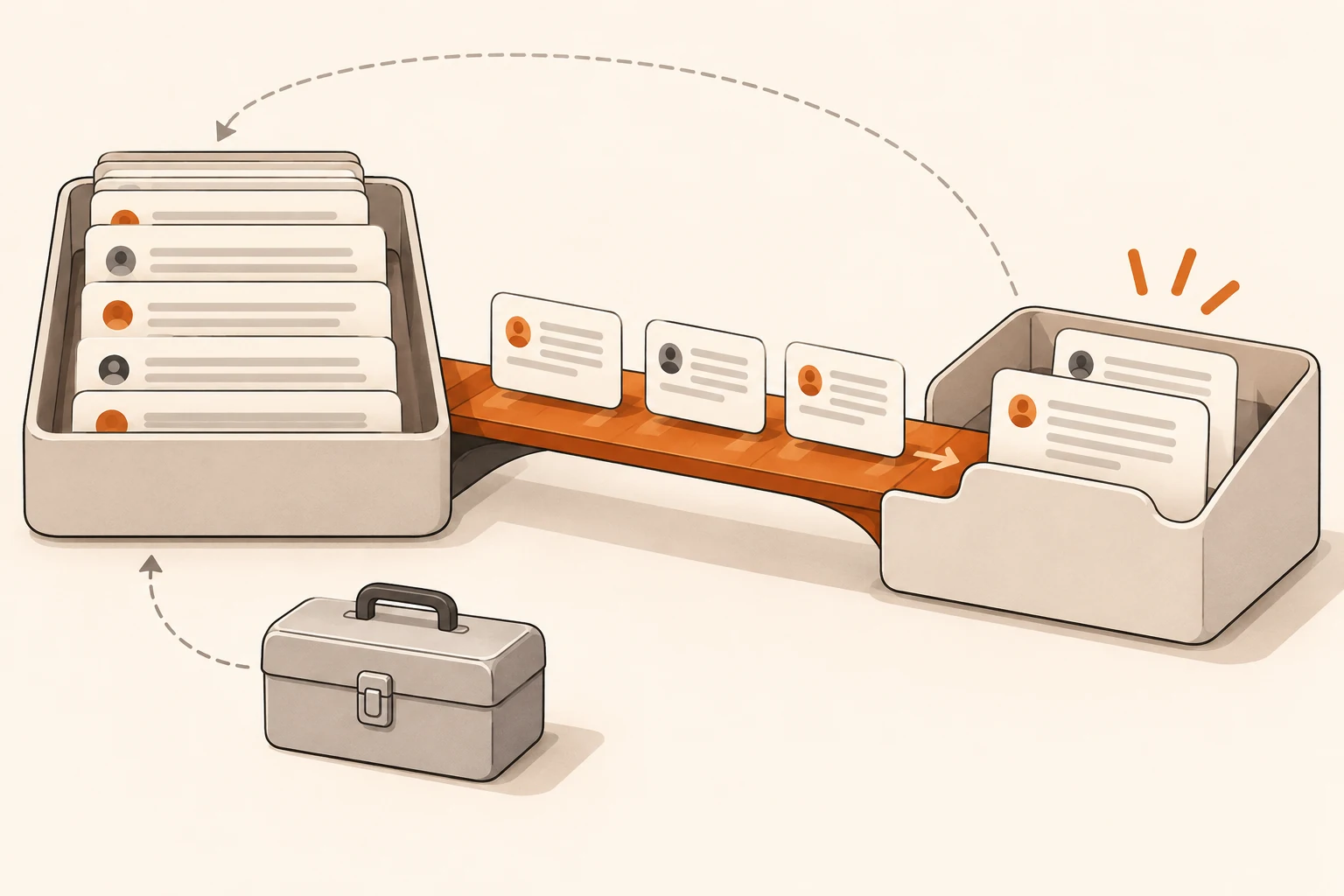
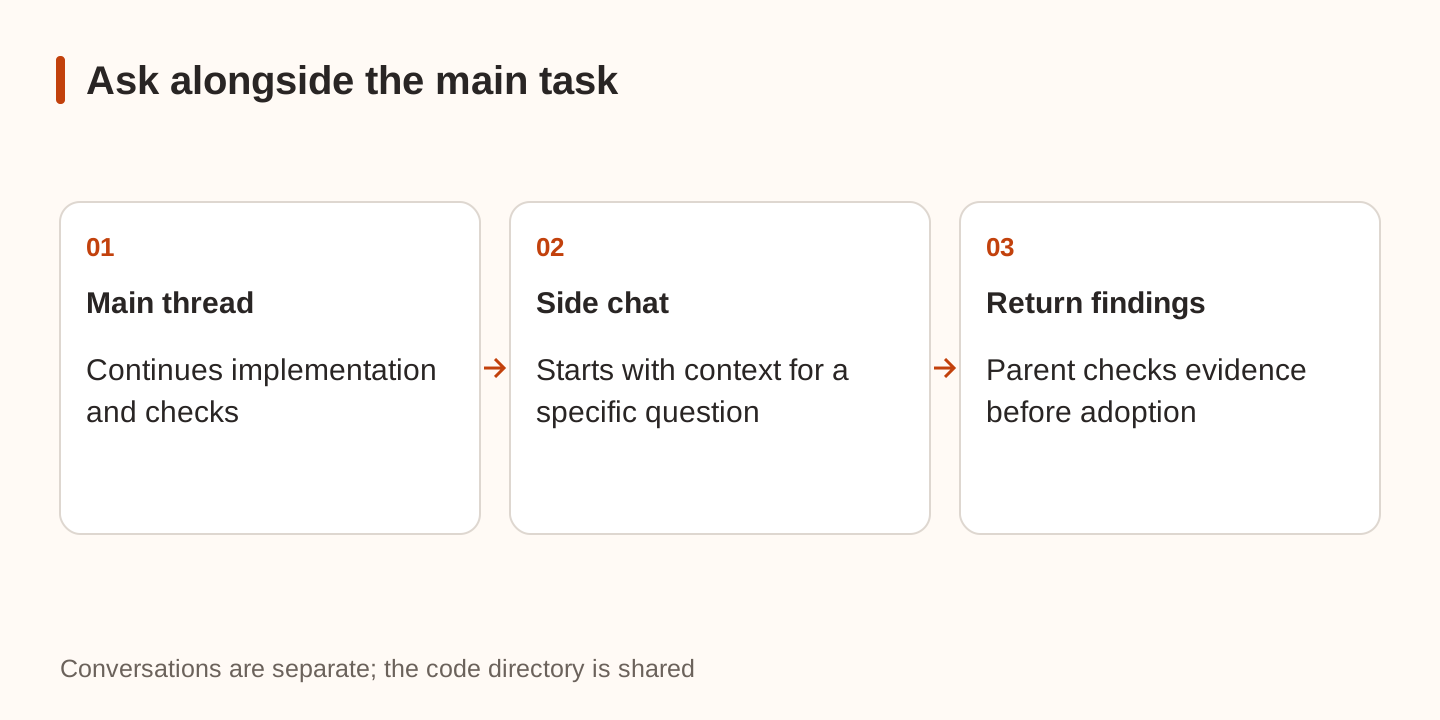
Your main thread is editing code, and you want to ask why a cache is necessary or what could go wrong with the proposed design. A T3 Code Side chat starts with the thread's background and answers separately while the main task continues. Its conversation is separate, its code folder is shared, and findings need an explicit route back.
Checked on November 21, 2026, this article follows the v0.1.11 release and its Side chats documentation. The release specifically mentions referencing side chats from the main thread. We did not run a paid-model comparison or measure time or token savings.
What belongs in a Side chat?
Use one for a question that need not immediately change the main task: explain a function, investigate an assumption, compare local alternatives, or list risks. If the main implementation must stop and change direction now, tell the main thread directly.
On web and desktop, begin a message with /side or /btw, followed by the question. You can also use + → Side chat in the right panel. It has its own composer and does not appear in the main sidebar. Find it later under Side chats in thread details. Mobile lists side chats above the parent thread's composer.
For example:
/side Explain which fields make up the current cache key. Separate findings
supported by code from assumptions that still need checking. Read relevant
files only, cite paths, and do not edit files or perform writes.
This describes the task boundary; it is not a filesystem control. Check the Side chat's permission mode too. The Auto and approval guide explains the distinction, including provider-dependent behavior.
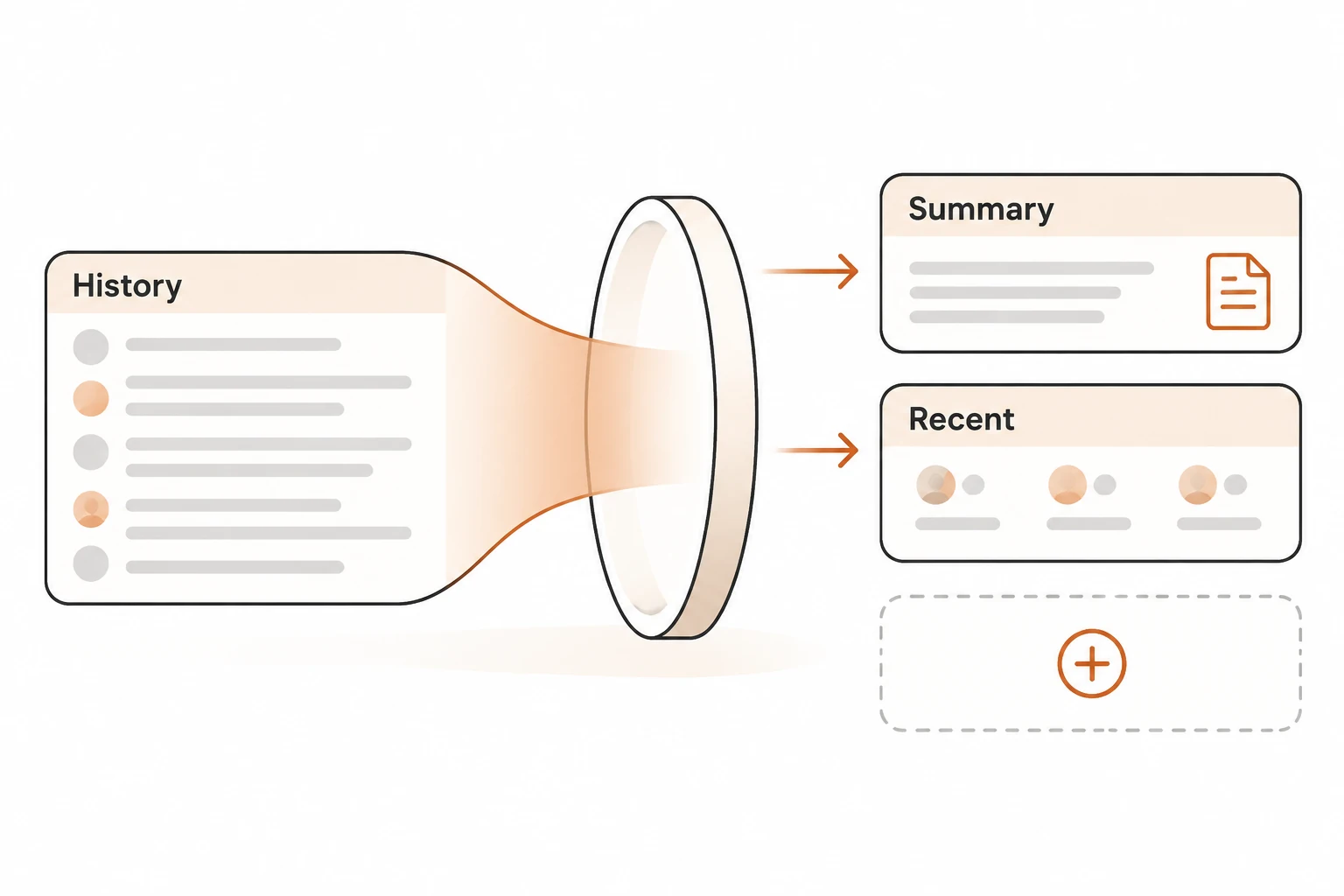
“Starts with what the thread knows” is not a promise that every historical token appears in every model request. Restate exact constraints or attachments when they matter. For broader history-transfer limits, see cross-provider context handoffs.
Which model and permissions does it use?
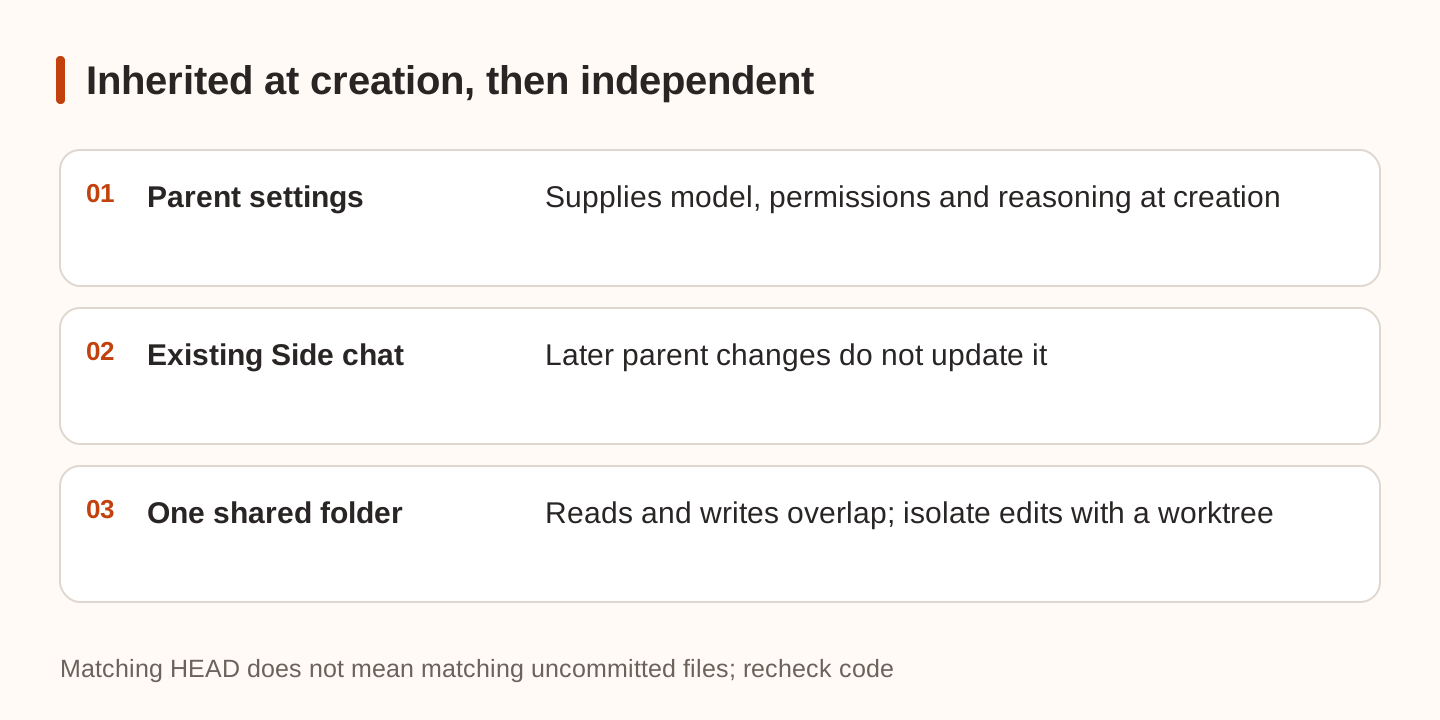
In v0.1.11, a new Side chat starts with the model, reasoning level, and permissions shown in the parent's composer, including its first reply. You can change them in the Side chat's own composer. Later parent changes do not update existing side chats.
After lowering the main thread's permissions, check older side chats individually. Changing the main model also does not change an existing side conversation. Inspect settings when creating a chat and when reusing an old one.
Both conversations work in the same folder. The main task may change a file while the Side chat is analyzing it. Ask for file paths and relevant uncommitted state. These read-only commands help describe a revision:
git rev-parse HEAD
git status --short
Matching HEAD values do not establish identical uncommitted files. Recheck critical code after a long analysis. For a competing implementation, use an isolated worktree rather than treating a Side chat as a code sandbox.
Bring findings back with an instruction
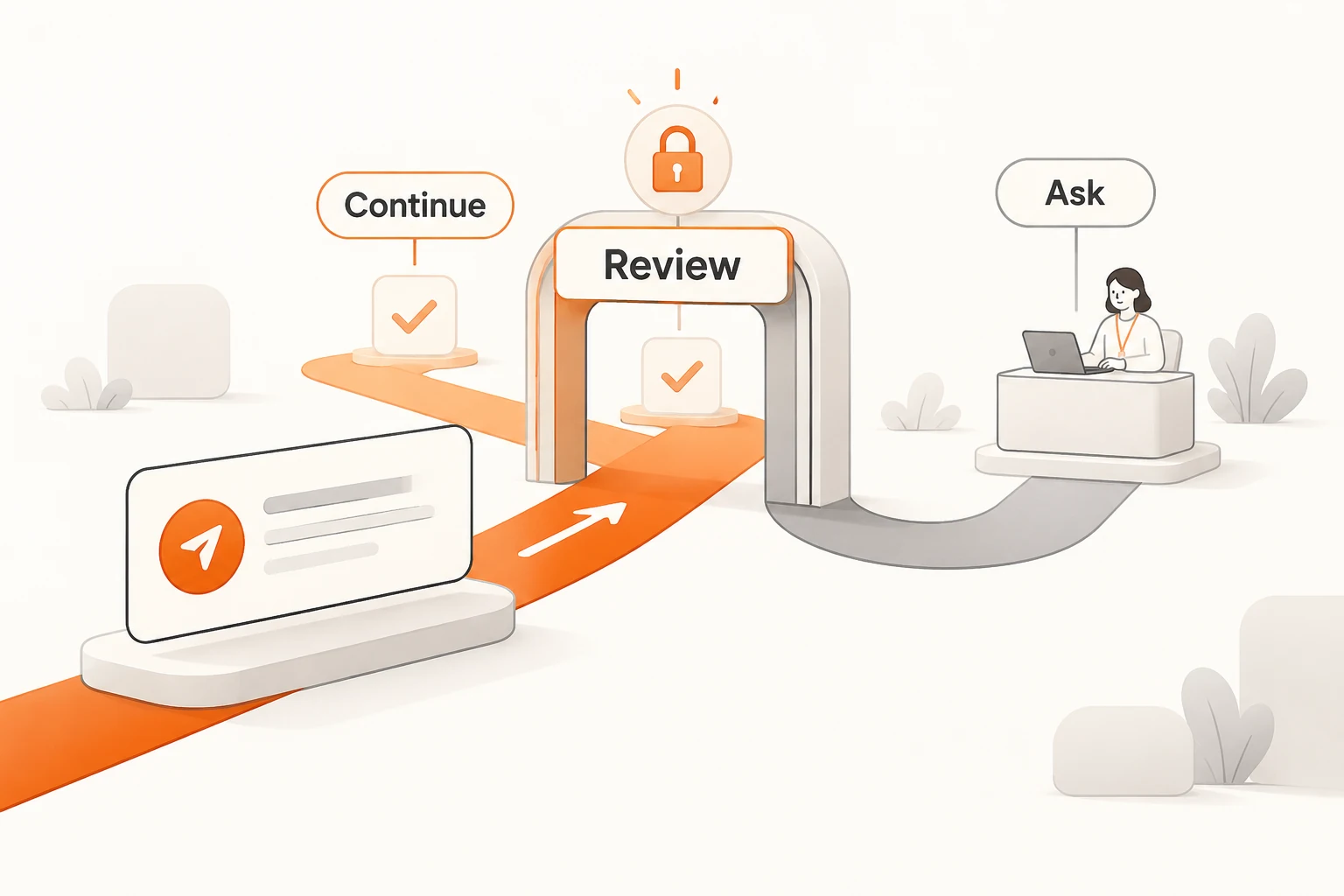
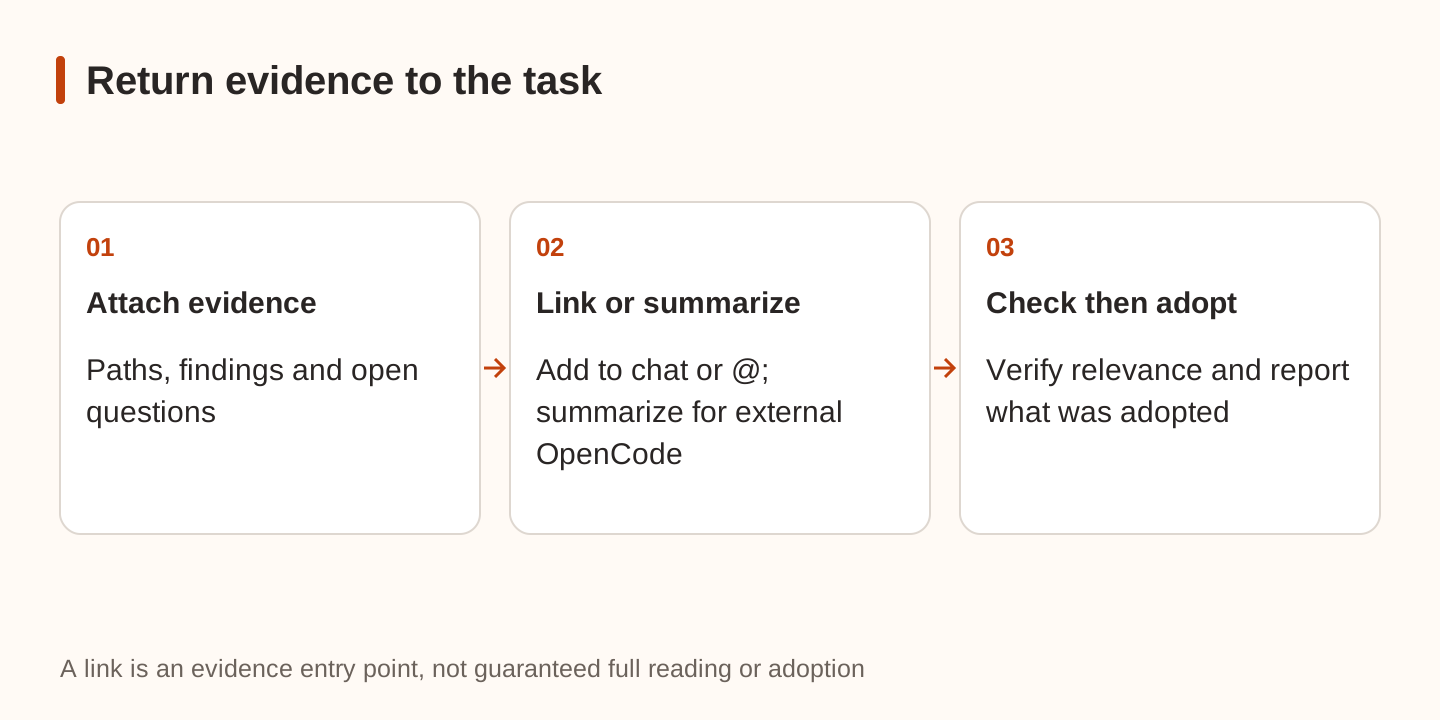
Choose Add to chat at the top of the Side chat, or type @ and a word from its title in the main composer. The main message receives a link, and the agent reads as much as needed. After a message has been sent in the Side chat, this can work while the main thread is busy.
A link supplies evidence. Add what you want done with it:
Read the referenced Side chat and check whether its cache-key findings still
match the current files. Change the implementation only where the evidence
holds. Report what you adopted, rejected, or still need to verify.
Keep the original acceptance criteria and scope.
That is a suggested handoff, not an automatic merge rule. The Side chat can be wrong; the main task should check the evidence before changing code.
Agents on an external OpenCode server cannot read the link, a documented exception. Put the necessary findings, paths, constraints, and open questions directly into the message instead of resending an inaccessible reference.
What survives closing the tab?
Closing a Side chat with no sent message deletes it. Used chats can be found again in thread details; use Delete at the top to remove one. Deleting the parent deletes its side chats. Archiving the parent archives them and stops their work; unarchiving brings them back.
Move important conclusions into the main delivery record. The Issue-to-PR handoff checklist provides a place for evidence, validation, and unresolved items. The existence of a Side chat does not show that its recommendation was adopted.
Try a small, verifiable question first
In a public demo project, let the main task make a bounded change and use a Side chat to explain one related decision. Check whether the main task continues, whether the Side chat respects its read-only scope, and whether the parent can identify the evidence it adopted after receiving the link. Use a written summary for an external OpenCode server.
We did not execute this procedure. Side chats add calls and may repeat file reads, so they do not inherently save tokens. Use the Usage and billing scope guide for accounting. Their practical value is a separate place for a temporary question and a deliberate return path for findings that affect the implementation.