Schedule T3 Code Work and Control Webhook Deliveries
Choose the execution environment and session destination for T3 Code tasks, then configure webhook signatures, filters, duplicate keys, coalescing, and offline behavior.
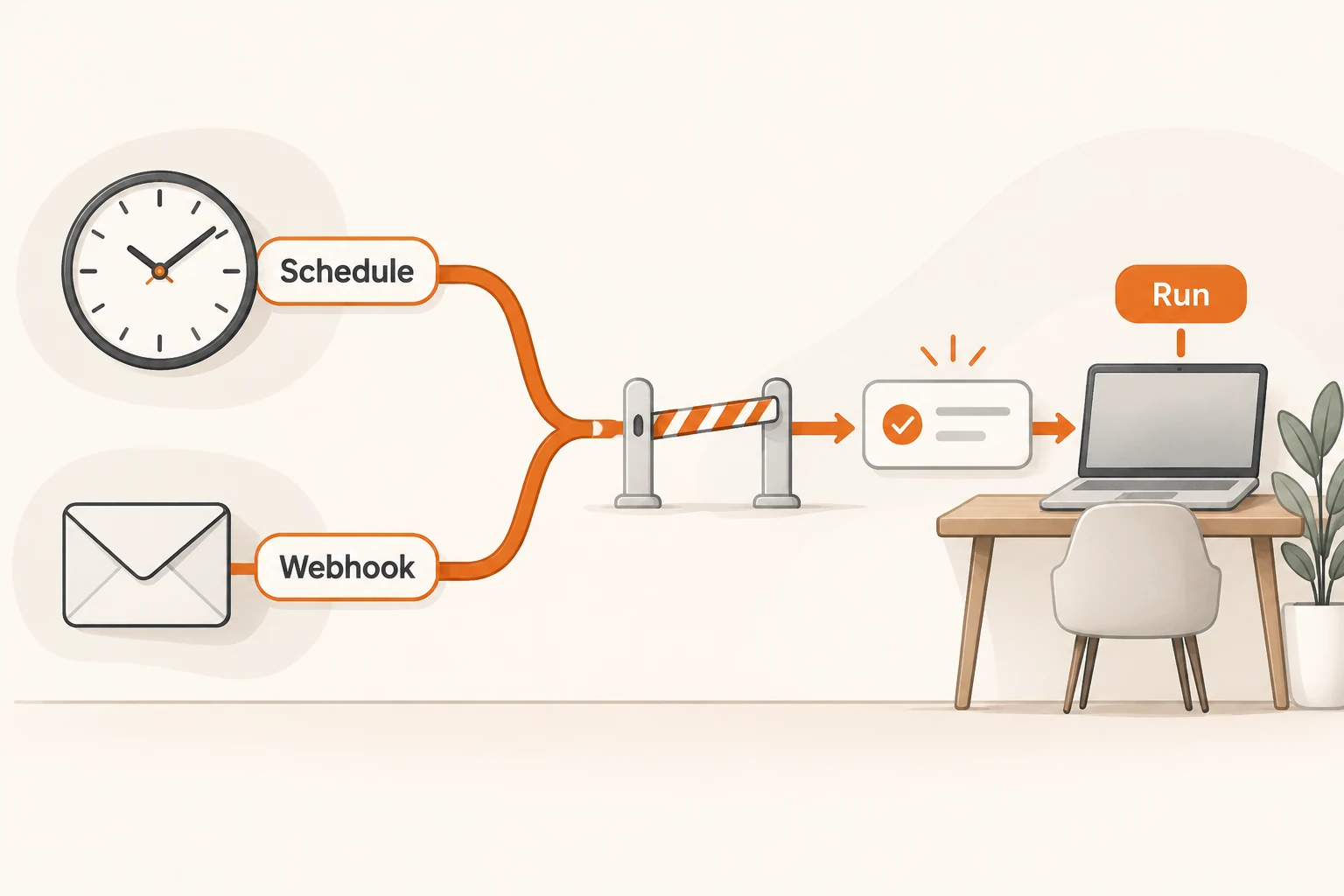
T3 Code tasks can run on a schedule or start when a webhook arrives. Decide which machine runs them, which checkout they use, and where results go before choosing a trigger. Otherwise a daily report may inherit yesterday's growing conversation, while a redelivery starts duplicate work.
Checked on November 21, 2026, this guide follows the v0.1.11 release and its scheduled task and webhook documentation. It describes configuration and proposed acceptance tests. We did not create live tasks, deliver webhooks, or run paid models. Not every documented feature was first introduced in this release.
Which clock does a scheduled task use?
Open Settings → Scheduled tasks. Each task runs on the selected environment with its project, model, and workspace settings. Your phone can manage it without being the execution host.
Fixed-time schedules use the environment's time zone. A phone in Shanghai and a host in the US may disagree. Once instead lets you choose a date and time in your own time zone; if the environment is offline, it runs when the environment returns.
Choose Destination separately:
| Destination | Later runs | Suitable use |
|---|---|---|
| New thread each run | Separate records | Independent daily audits |
| One thread, continuing conversation | Prior context remains available | Work that depends on previous decisions |
| One thread, fresh session each run | Results stay together; prior runs are not in the session | Independent recurring reports |
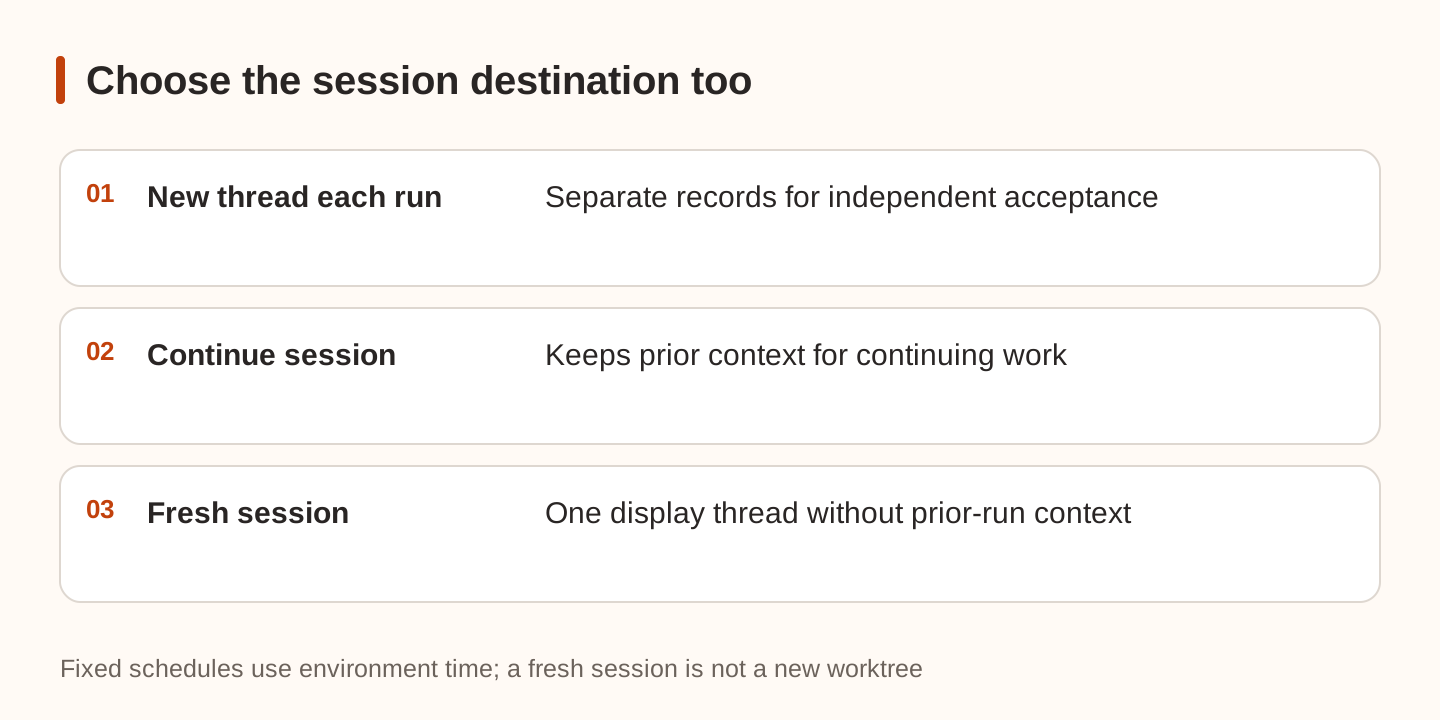
A fresh session does not clear files or create an isolated worktree. Use explicit workspace and branch choices when code isolation matters. Deleting a destination thread also deletes tasks posting to it. A task creating a new thread each run survives deletion of its previous result threads.
Start with a small Once task that only lists files in a public demo directory. Confirm its environment and destination before increasing frequency. Tasks can be paused, resumed, or run immediately, except webhook tasks: those run only when their URL is called.
Send only the webhook fields the task needs
Choose On webhook as the schedule. A public URL requires a T3 Connect managed tunnel. Save the task and copy the editor's URL; without a managed tunnel, only the path appears. Rotate replaces the URL and invalidates the old one.
The prompt selects which request data reaches the agent. Instead of injecting the entire payload, use a narrow field:
Inspect this PR and write local review notes. Do not comment or merge:
{{body.pull_request.html_url}}
That is a T3 placeholder. Headers and query values use forms such as {{headers.name}} and {{query.name}}. Missing fields render empty, so pair the prompt with filters rather than relying on prose to handle an absent URL.
For GitHub, enable Require signature on desktop or web, keep x-hub-signature-256, hex encoding, and the sha256= prefix, and use the same secret in GitHub with application/json. Mobile preserves an existing signature check but cannot turn one on. Keep the secret out of prompts and repository files.
A signature authenticates the configured sender, not every sentence in a PR description. T3 wraps placeholder values as untrusted request data and modifies mention-triggering characters. Its documentation explicitly says this does not guarantee that an agent ignores embedded instructions. Apply the external-data permission boundary as well.
Filters, duplicate keys, and coalescing solve different problems
This editor-field example targets newly opened and reopened GitHub PRs:
Filters:
  headers.x-github-event equals pull_request
  body.action is one of opened, reopened
Duplicate request key:
  {{headers.x-github-delivery}}
Coalesce key:
  {{body.pull_request.number}}
Coalesce window:
  120 seconds
It is not an importable configuration file. It also excludes synchronize events. Add those deliberately if reviewing every push is your goal, and decide how newer heads supersede older work.
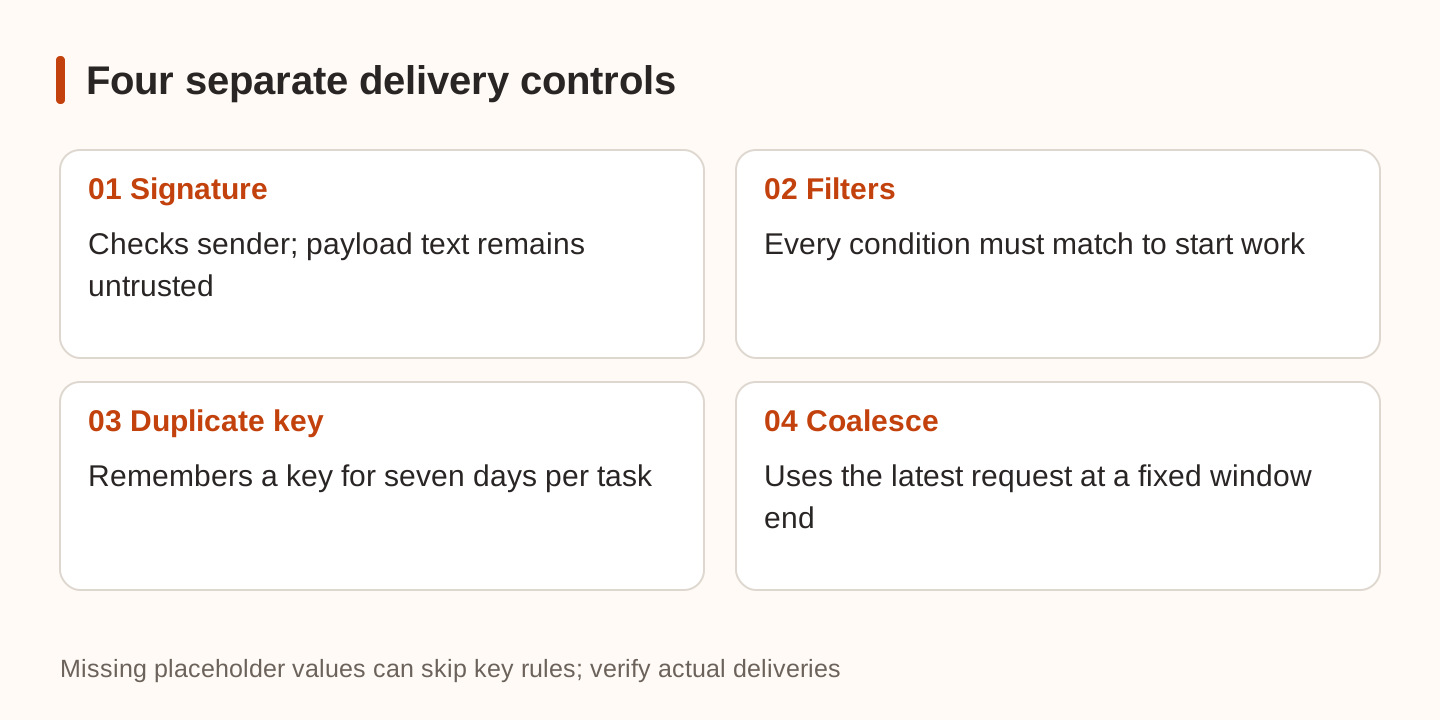
Every filter must match. Other requests are logged as Filtered without starting work. Duplicate request key remembers a key for seven days per task, allowing a delivery ID to identify a repeated delivery. It does not make business actions such as posting comments idempotent.
Coalesce key combines a burst into one run. The window is 10–3600 seconds, with a 120-second default. It starts on the first delivery; later deliveries do not extend it. The run uses the latest body, headers, and query. This suits “review the latest state of this PR,” not an event stream where every item must be processed.
Both keys must contain request placeholders. A missing placeholder or empty rendered key skips that rule. Verify that the actual payload supplies the intended value.
What happens while the environment is offline?
By default the sender gets an error and nothing runs. Redeliver from the sender once the environment returns, for example through GitHub's Recent Deliveries.
With Settings → Sharing & access → Hold webhooks while offline, T3 Connect can retain requests to its URLs for up to 24 hours and deliver them later. This stores request bodies outside your machine; leave it off if that is unsuitable. Skip requests older than lets a task discard stale deliveries.
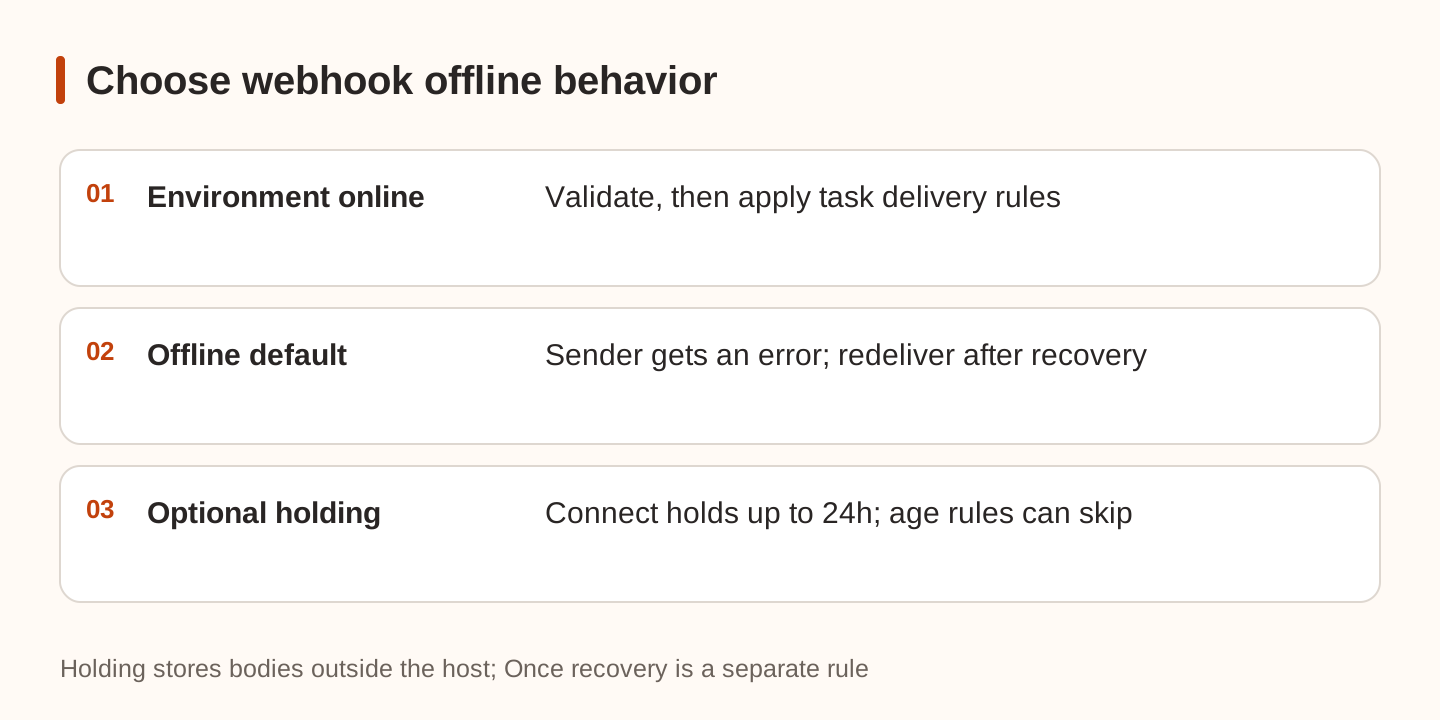
This differs from the offline behavior of a Once task. When an old CI event finally runs, re-read the current PR head and checks instead of treating the old failure as current.
Verify behavior before unattended use
Use a demo task without production credentials. Check invalid signatures, unrelated events, repeated delivery IDs, several deliveries for the same PR within a coalescing window, and missing key fields. Desktop and web expose Deliveries in the task menu to inspect requests and generated prompts. These are proposed tests; we did not run them for this article.
Bound item count, runtime, and available tools too. Trigger configuration is not a hard spending cap; see stopping new calls in unattended tasks. For implementation work, carry forward the Issue-to-PR delivery record. Successful delivery, successful model execution, and completed work are separate checks.