Cherry Studio MCP Connection Failed: Check the Tool Schema
Trace an MCP connection warning to the original tool-schema error. Compare tools/list with the model request, check bool versus boolean offline, and verify recovery without treating an open PR as a released fix.
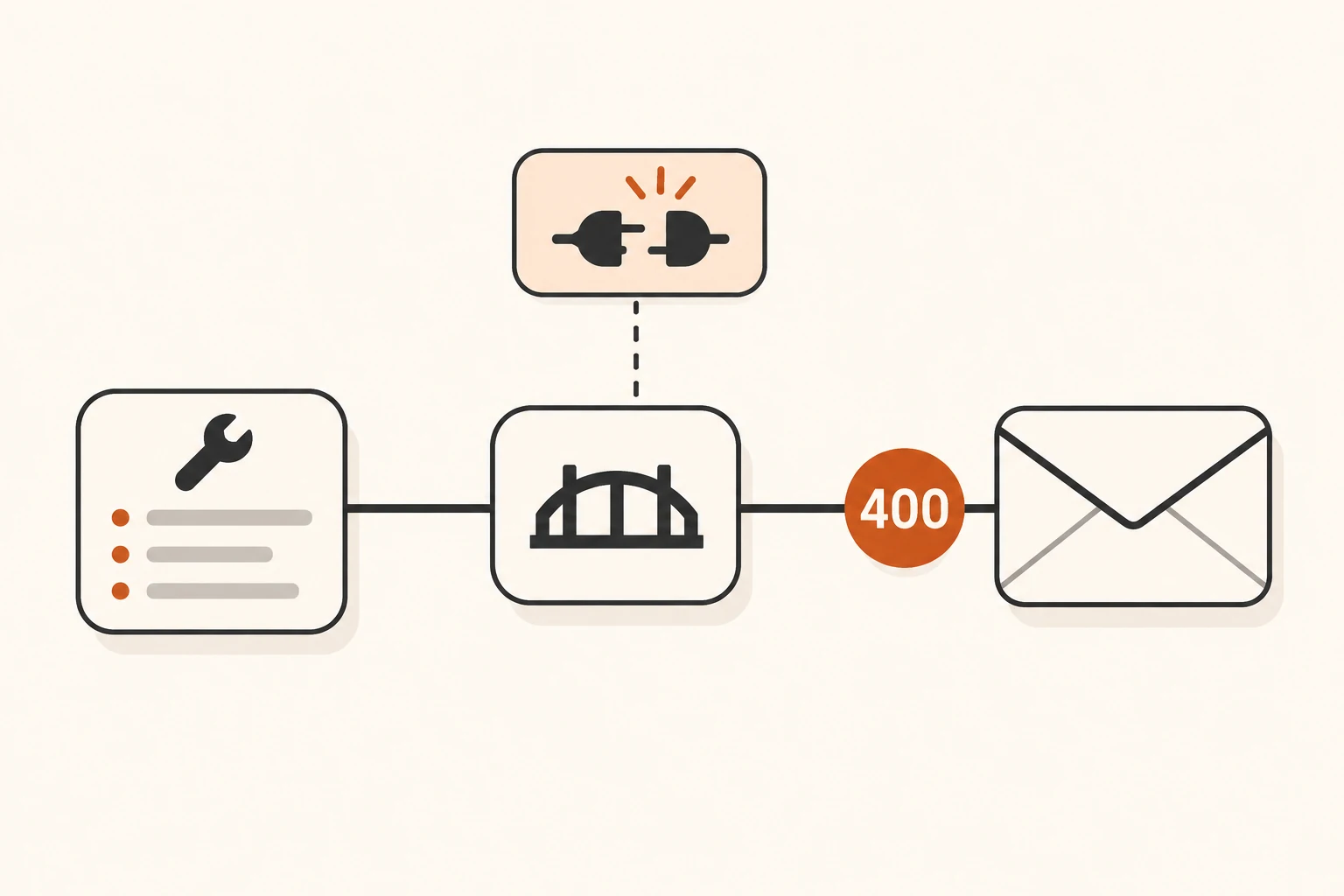
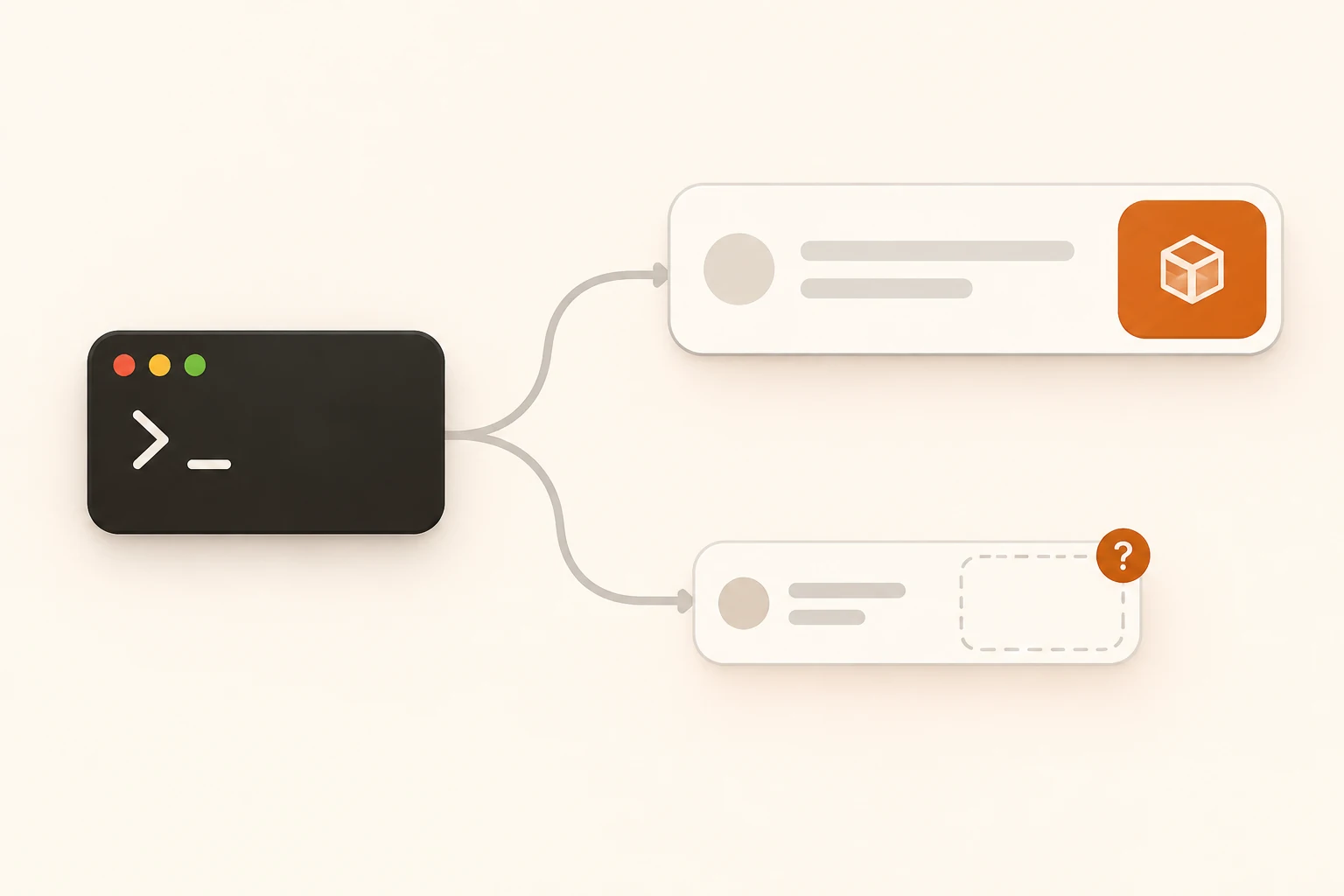
When Cherry Studio says “MCP service connection failed,” expand the original error before changing settings. If it also contains 400 Invalid schema for function or "bool" is not valid, start with the named tool's parameter definition. The diagnosis displayed in the UI may point at the wrong part of the system.
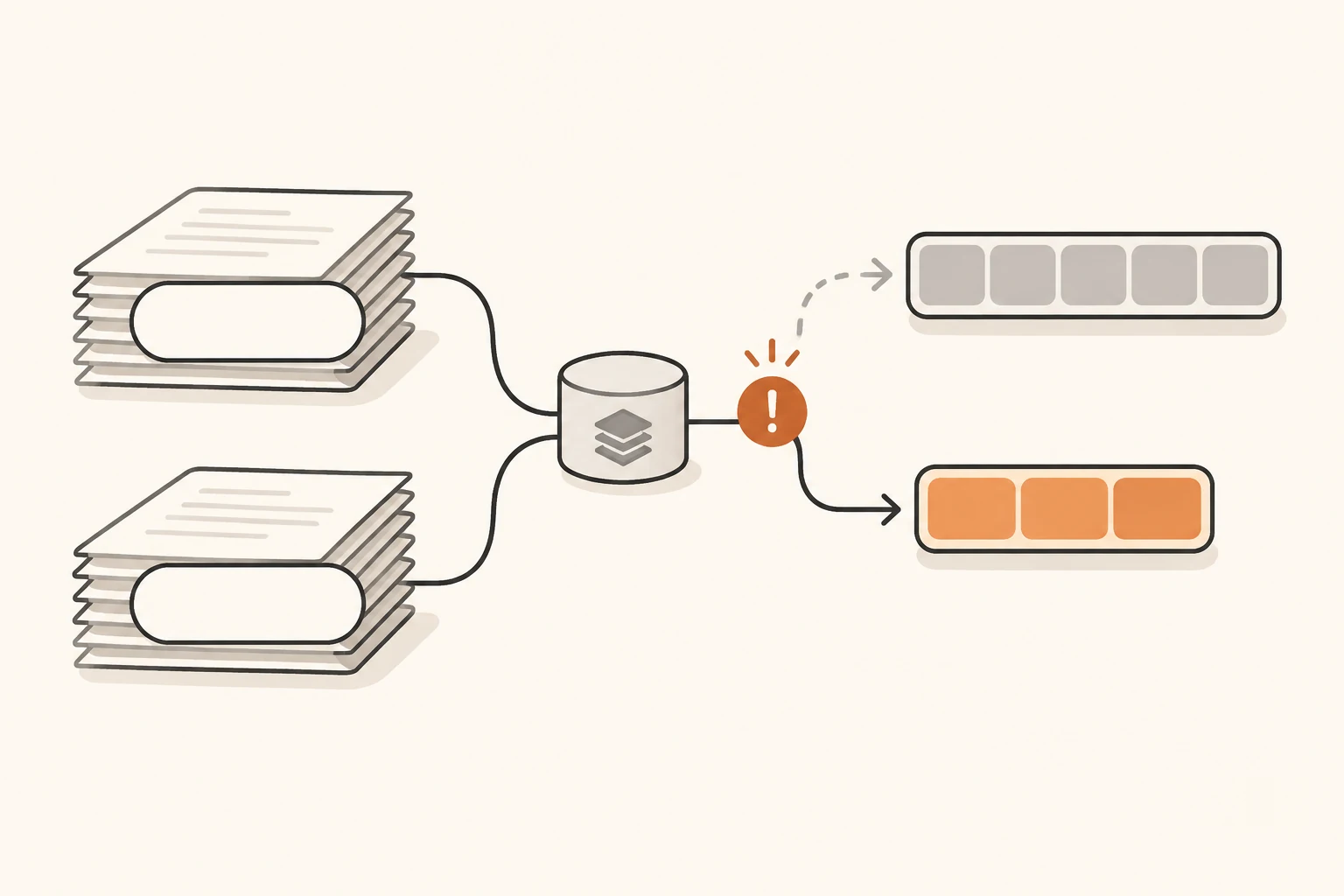
Restarting the server or increasing timeouts will not fix an invalid type declaration. A more useful investigation compares three records: what the server advertised, what the client sent to the model service, and what that service rejected.
This article was checked on November 8, 2026, against Cherry Studio's then-current stable release, v2.1.10, the MCP 2026-07-28 specification, and a recent issue. We ran the stable release's error classifier and the JSON Schema examples offline. We did not run the full Cherry Studio application or reproduce the reported failure against a real MCP server or model endpoint. If ordinary text chat also fails, start with the Cherry Studio connection guide.
Tool discovery and model acceptance are separate checks
The application talks to an MCP server to discover tools. It then supplies tool names, descriptions, and parameter schemas to a model service over a separate connection. The MCP introduction explains those roles in more detail.
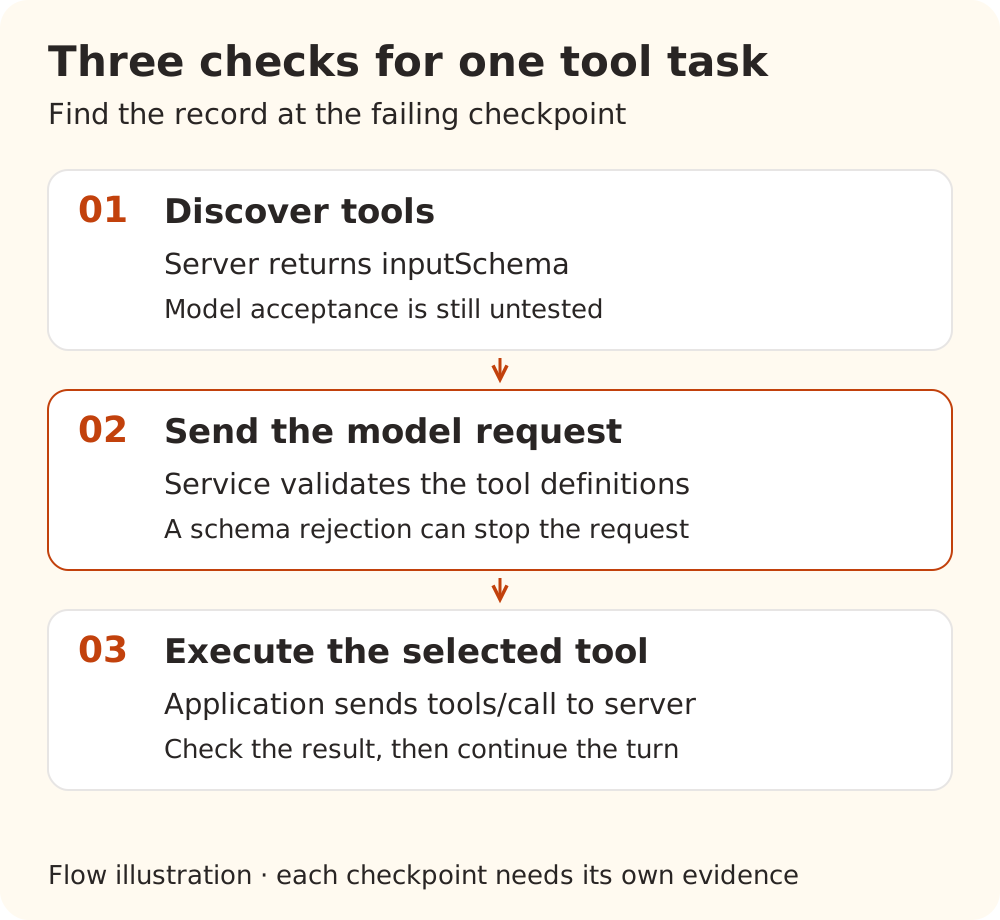
| Checkpoint | What success establishes | What remains unproven |
|---|---|---|
| Server starts and tool discovery succeeds | The application obtained this tool list | The model service accepts its definitions |
| A model request containing the tools succeeds | This service accepted these definitions for this request | The model will select a tool, or execution will succeed |
| A tool call returns the expected result | This invocation completed the intended work | Every other tool, argument, and history combination works |
A rejection during schema validation can happen before any tool is executed. One invalid definition can also reject a request carrying several tools, even when the user did not ask to use that particular tool.
If the original failure instead says that a process could not start, a connection was refused, protocol parsing failed, or tools/list could not complete, investigate MCP startup and transport. HTTP 400 alone does not identify the failing layer: check the destination, protocol, and response body together.
What the recent report establishes
Cherry Studio issue #23645, opened November 5, quotes a provider error containing Invalid schema for function and "bool" is not valid under any of the schemas listed in the 'anyOf' keyword. The UI reportedly described it as an MCP connection failure.
The report does not include an application version, operating system, original tools/list response, or outgoing model request. Its single reply is from a bot and recommends investigating schema origin separately from error classification. The available evidence does not establish that Cherry Studio changed a valid boolean into bool. It also does not establish a problem affecting all MCP servers.
The classification behavior can be checked independently. In v2.1.10's errorCategory.ts, isMcpErrorMessage matches the substring mcp_ before the generic HTTP 400 fallback. Running that release's function locally with a demonstration tool name produced:
| Demonstration input | Actual category |
|---|---|
HTTP 400, Invalid schema for function 'mcp__demo__preview_report': ... | mcp |
The same error with the tool renamed to preview_report | bad_request |
MCP connection is closed | mcp |
This checks the classifier, not the Electron UI or the origin of an invalid schema. PR #22345 proposes removing the identifier-based false signal. It was still unmerged when checked for this article, so it is not a released fix. Correcting the diagnosis would still leave the underlying schema rejection to resolve.
bool, boolean, and true mean different things
A boolean parameter is declared with "type": "boolean" in JSON Schema. bool is a type name in languages such as Python, but it is not a valid JSON Schema type string.
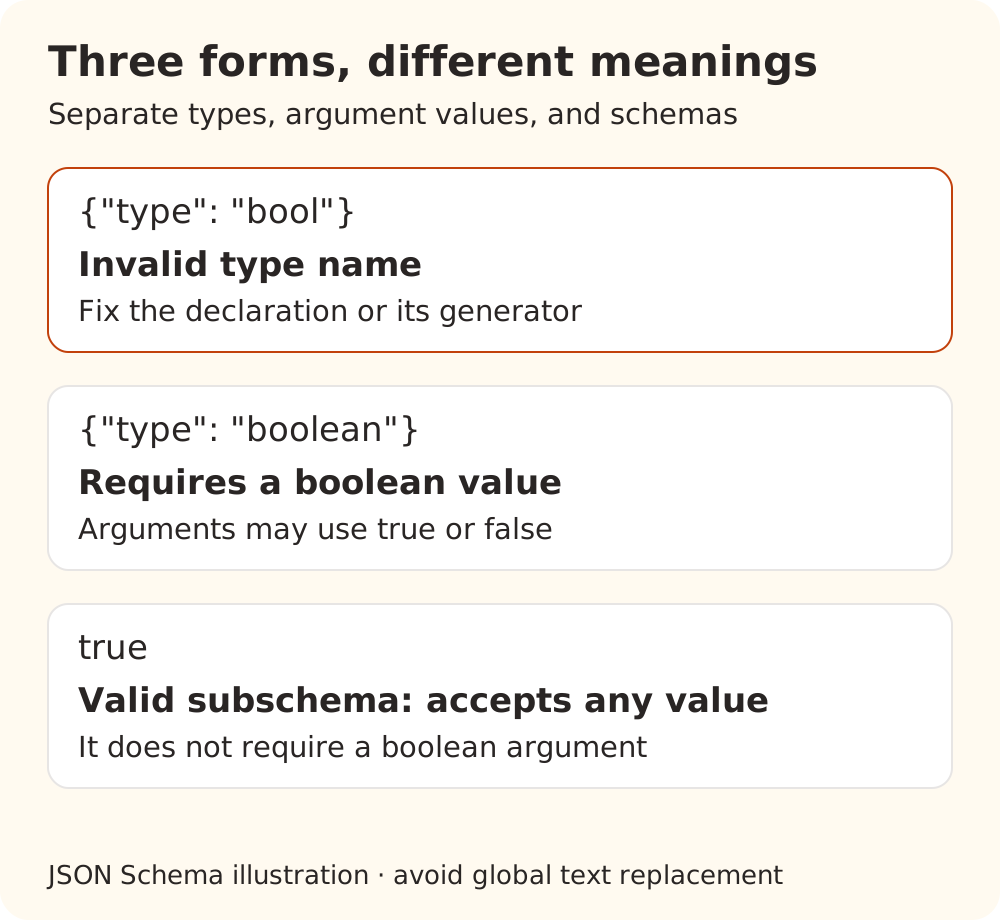
| Form | JSON Schema meaning |
|---|---|
{"type": "bool"} | Invalid type name |
{"type": "boolean"} | Accepts only the JSON values true and false |
A subschema consisting of true | Accepts any value; it does not require a boolean value |
The official JSON Schema introduction explicitly permits boolean schemas: true accepts everything and false rejects everything. Do not turn every boolean in a schema into a string, or run a global text replacement for bool. Fix the specific declaration or the code generating it while preserving property names, descriptions, enums, and legitimate boolean schemas.
Arguments are another separate concern. {"include_archived": false} contains a boolean; {"include_archived": "false"} contains a string. A valid tool definition does not guarantee valid arguments for a particular call.
Check a small example without calling a model
In a separate demonstration directory, save this intentionally invalid definition as tool.json. It is a single tool entry, not a complete JSON-RPC response and not the tool from the issue:
{
  "name": "preview_report",
  "description": "Read a public demo report",
  "inputSchema": {
    "type": "object",
    "properties": {
      "include_archived": { "type": "bool" }
    },
    "required": ["include_archived"],
    "additionalProperties": false
  }
}
Create an isolated Python 3 environment. The example was verified with jsonschema 4.25.1:
python3 -m venv .venv-schema
.venv-schema/bin/python -m pip install jsonschema==4.25.1
Save the following as check_tool_schema.py:
import json
import sys
from pathlib import Path

from jsonschema import Draft202012Validator
from jsonschema.exceptions import SchemaError

tool = json.loads(Path(sys.argv[1]).read_text(encoding="utf-8"))
schema = tool["inputSchema"]
if not isinstance(schema, dict):
    sys.exit("This example expects an inputSchema object")

dialect = "https://json-schema.org/draft/2020-12/schema"
if schema.get("$schema", dialect).rstrip("#") != dialect:
    sys.exit("Use a validator for the declared schema dialect")

try:
    Draft202012Validator.check_schema(schema)
except SchemaError as error:
    location = "/" + "/".join(str(part) for part in error.path)
    sys.exit(f"Invalid schema at {location}: {error.message}")

print("Schema valid under 2020-12; provider acceptance not checked")
Run it with:
.venv-schema/bin/python check_tool_schema.py tool.json
In our local run, the invalid example exited with a nonzero status and identified /properties/include_archived/type. Changing only that declaration from bool to boolean made the check exit successfully and print:
Schema valid under 2020-12; provider acceptance not checked
No API key, running server, or model request is needed. The current MCP JSON Schema rules default to 2020-12 when $schema is absent. If another dialect is declared, use its validator; do not change the declaration merely to pass this example.
Passing this check only establishes validity under the schema dialect being checked. It does not validate the entire MCP message, resolve every reference, establish provider-subset support, validate actual arguments, or verify business results. A missing $defs reference needs a separate resolution check, and a model service may reject a keyword that is valid JSON Schema. For designing parameters and final JSON responses, continue with JSON Schema and structured output.
Compare the advertised and transmitted definitions
For a real failure, export the named tool's entry from the server's tool list. Remove business content and private addresses, but retain the relevant inputSchema, $defs, $ref, and type declarations. Do not export authentication configuration along with it. Compare that definition with the corresponding parameters in the client's outgoing model request.
| Observation | Next investigation |
|---|---|
Original tools/list already contains "type": "bool" | Server schema generation, plugin version, and tool implementation |
| Server advertises a valid definition, but the transmitted definition is damaged | Client, SDK, or adapter; compare minimal before-and-after fragments |
| The definition is valid JSON Schema but rejected by the service | Service/model subset, endpoint type, and intermediate conversions |
| Only the UI diagnosis disagrees with the original error | Client error presentation, while separately resolving the request error |
In v2.1.10, createMcpInputSchema wraps the supplied schema for the SDK and adds local validation. Compatibility processing also happens later. Reading this one function cannot establish that the entire path preserves the definition, which is why the records at both ends matter.
When using Nbility, correlate the model request with Usage logs and retain the request ID for support. Inspect what the record actually contains rather than assuming it includes every diagnostic detail. A gateway also cannot be assumed to see the separate desktop-to-local-MCP exchange. The errors and retries documentation covers HTTP status handling and retry boundaries.
Verify recovery through the full tool path
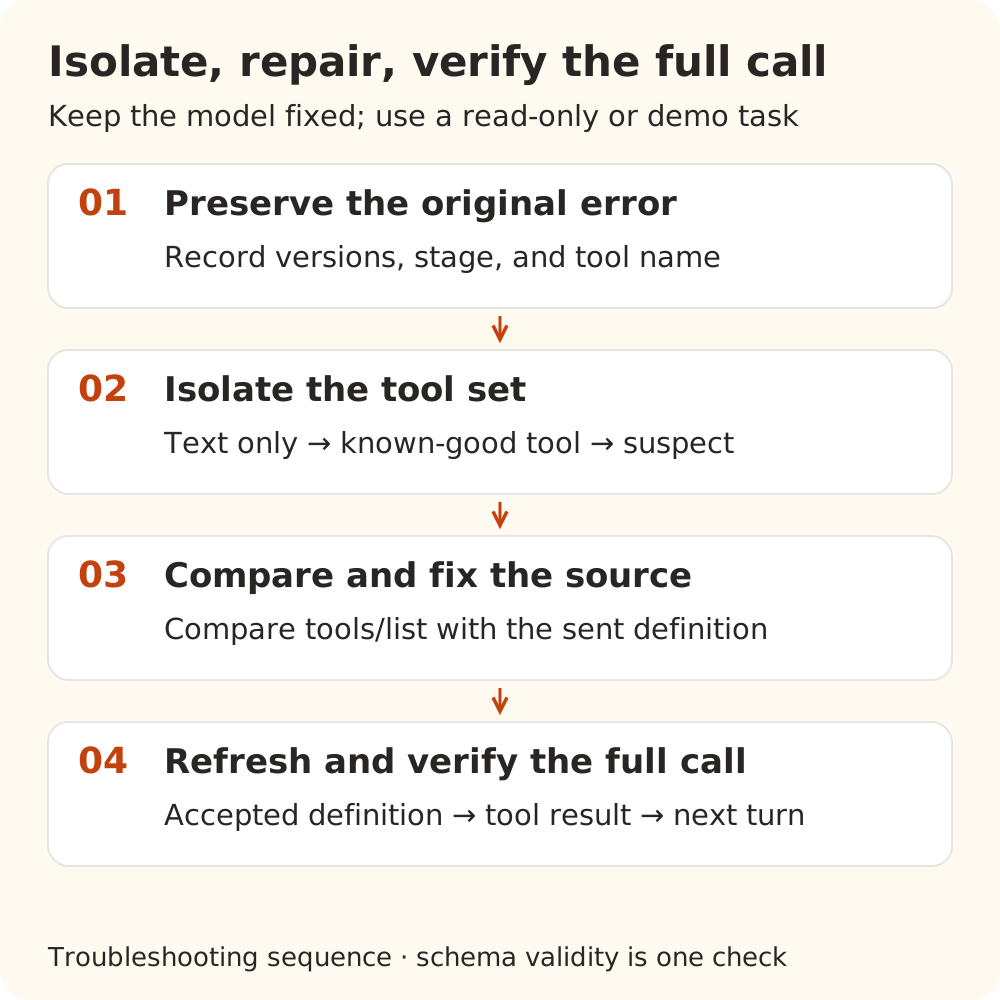
Use a temporary conversation, holding the model, provider, and test prompt constant:
- Disable MCP and send a short text prompt. This checks the basic model path only.
- Enable one known-working tool without write side effects. Check whether a request with tools succeeds. If it fails too, investigate model tool support, endpoint selection, and compatibility processing.
- Add the named tool. A failure at this point narrows the tool set but does not identify the responsible component. Compare definitions and fix their source. If you cannot change a third-party server, provide its maintainer with a minimal redacted fragment and temporarily disable the affected tool or server.
- Refresh discovery and make a complete call. Reload definitions using the client's supported controls and confirm the outgoing request has changed. Use a read-only or demonstration task. Verify that the service accepts the definition, the model actually selects the tool, the server returns the expected result, and the conversation can continue.
If the client only supports enabling whole servers, isolate by server. There is no need to modify internal data to obtain finer switches. Avoid deleting arbitrary tool messages from history or removing required business validation just to make a request pass. For schema-related 400 errors, repair the request before retrying an unchanged definition.
For a useful support report, retain application and server versions, transport, model and endpoint type, failure stage, original error, and minimal schemas before and after the change. Remove keys, authorization headers, signed URLs, private paths, and business data from public material. Share correlation IDs through a private support channel. These records help distinguish a server definition problem, client conversion, model compatibility, and misleading error presentation.
Sources checked
- Cherry Studio v2.1.10 release, October 31, 2026 and its error classifier
- Issue #23645 and its reply, and PR #22345; checked November 8, 2026. The report is not a complete reproduction, and the PR remained unmerged
- MCP 2026-07-28 tools and JSON Schema usage
- JSON Schema types, boolean schemas, and
jsonschema4.25.1 validation API