Gemini CLI Chat Works but Summaries Fail: Set the Background Model
Trace Gemini CLI summary-time 503 and model_not_found errors. Check v0.67.0 task aliases, override the summary model, and verify the actual request.
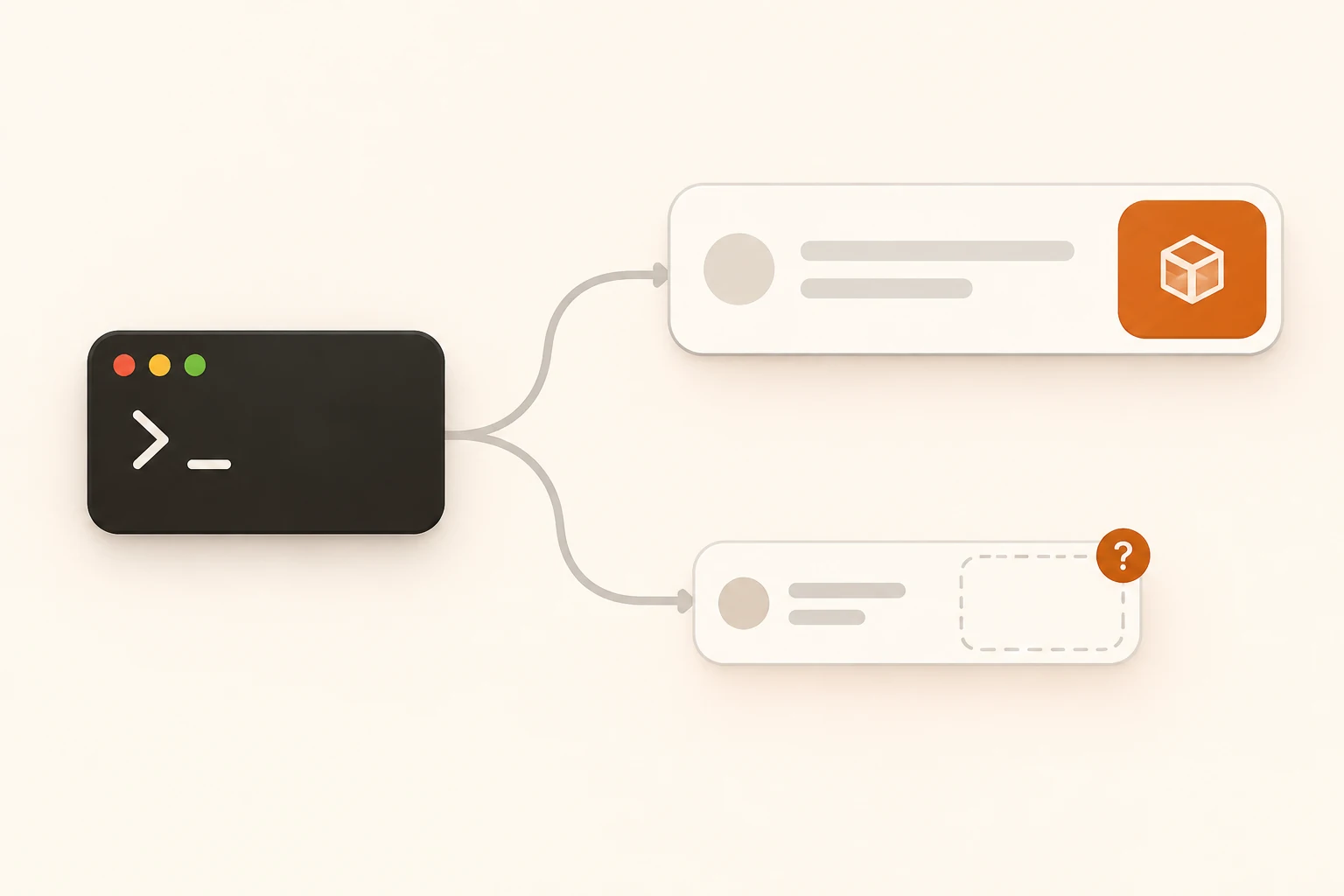
Gemini CLI answers a prompt successfully, then prints a 503 mentioning a flash-lite model you never selected. First identify which request failed. The main conversation and a background session-summary request can use different model configurations, so repeatedly changing /model may leave the failing path untouched.
This article covers the one-line description generated for a saved session. Context compression, which shortens the active conversation, has separate configuration. The details below were checked against stable Gemini CLI v0.67.0 on November 8, 2026. For the initial connection, follow the Gemini CLI setup for Nbility.
Where the Unexpected Model Can Come From
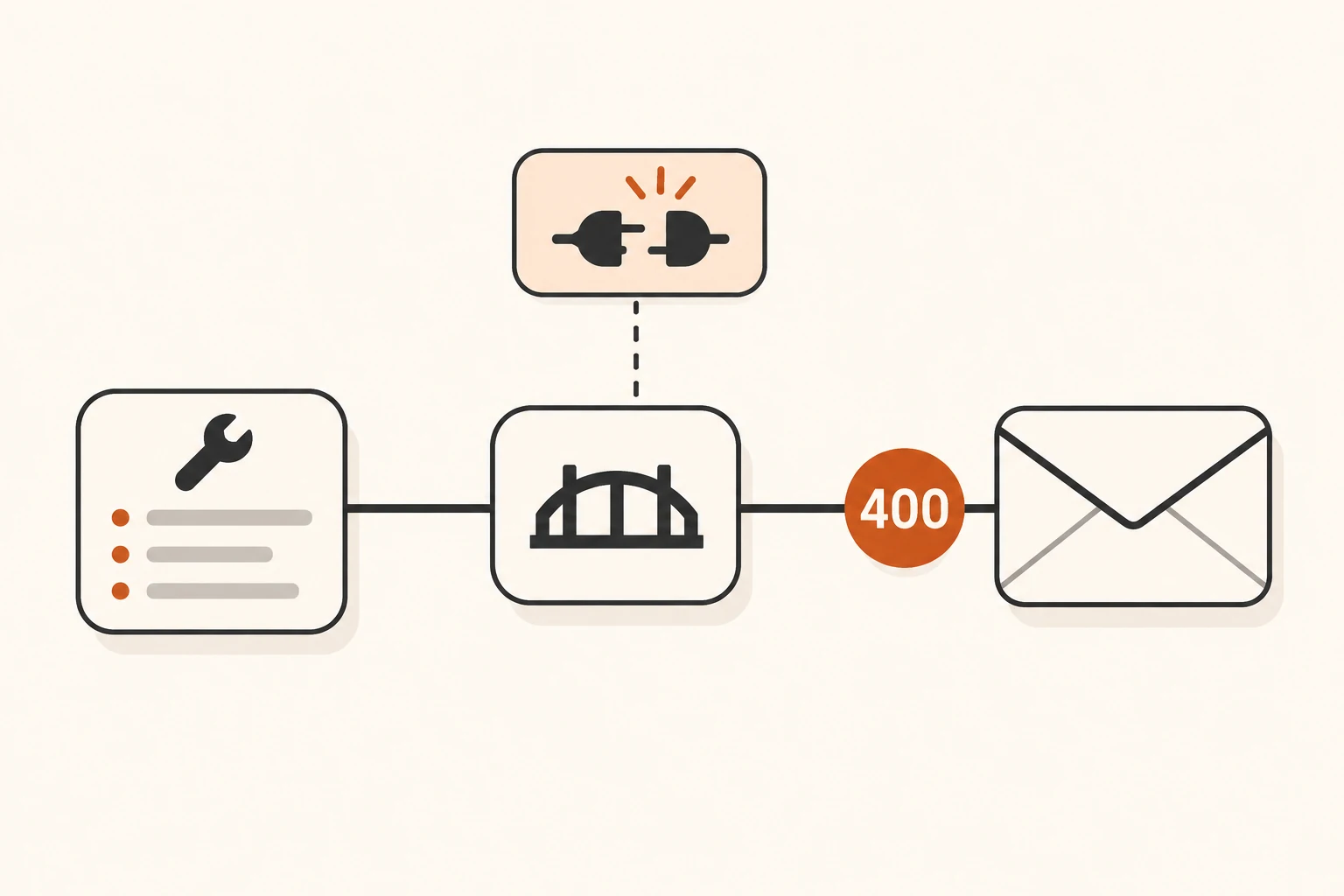
Issue #29065 documents a specific example. On Windows with CLI 0.56.0, the reporter could chat using gemini-3.1-pro-preview, while a background session summary requested gemini-3.1-flash-lite. Their relay's selected group had no available channel for that model. The response was HTTP 503 with model_not_found, followed by backoff retries.
These are the reporter's observations. The author closed the issue on September 23, but the public discussion does not identify a stable release containing a verified fix. A Closed badge alone cannot establish that every current configuration is covered.
The current release does provide a configuration path we can inspect. In v0.67.0, SessionSummaryService requests the summarizer-default configuration. The default model registry points that task to flash-lite, which is then resolved to a concrete model ID.
The tagged defaults resolve flash-lite to gemini-3.1-flash-lite, or to gemini-3.5-flash-lite when the corresponding latest Flash-Lite condition is enabled. Installed configuration, feature conditions, availability fallback and server mappings can affect the final target. Check the actual request rather than treating the short name as the outgoing ID.
Separate Chat, Session Summaries and Compression
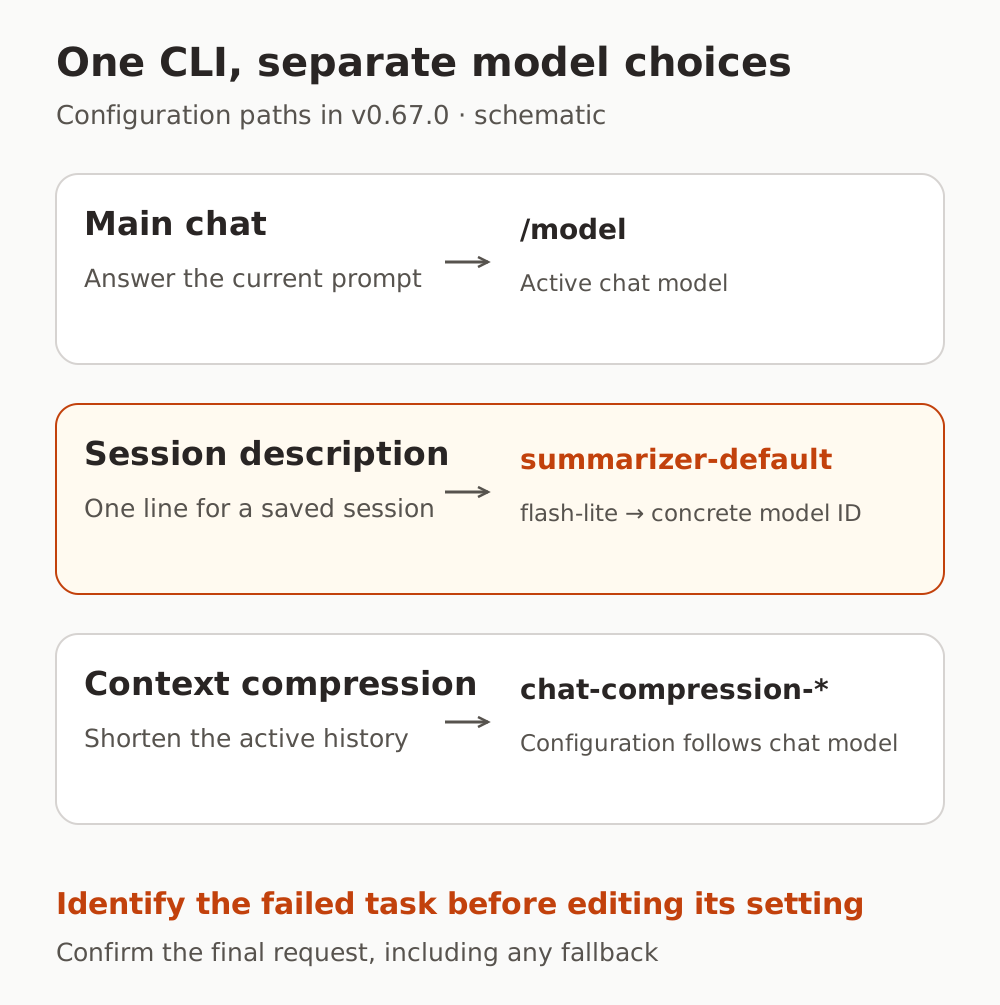
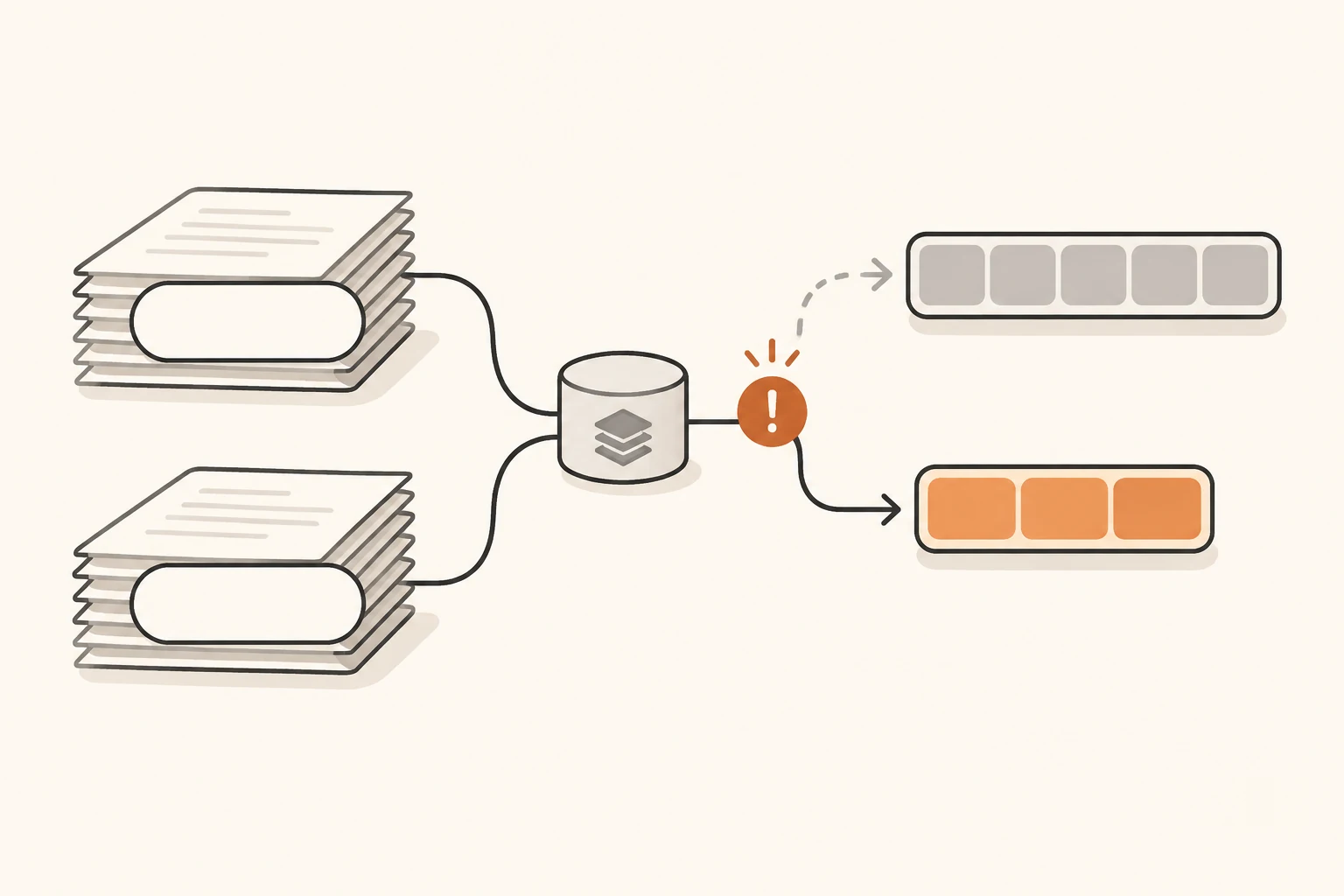
| What the call does | Relevant v0.67.0 configuration | What to verify |
|---|---|---|
| Answer the current prompt and advance the main task | /model, startup options and the active chat model | The model requested by that conversation |
| Generate a one-line saved-session description | summarizer-default | Whether the resolved target is available to these credentials |
| Shorten active conversation history | The chat-compression-* configurations | Which compression configuration was selected for the chat model |
The official model-selection guide also notes that /model and --model do not override subagent models. Session summaries have their own key as well. A working main model therefore validates only part of the workflow.
summarizer-default can also be used by paths that summarize tool output. Changing it can affect more than the session-list text. Conversely, changing this key does not automatically change summarizer-shell, classifier, or the chat-compression-* family. Identify the compression call separately if compression is what failed.
Read the Error Body Before Changing Retry Settings
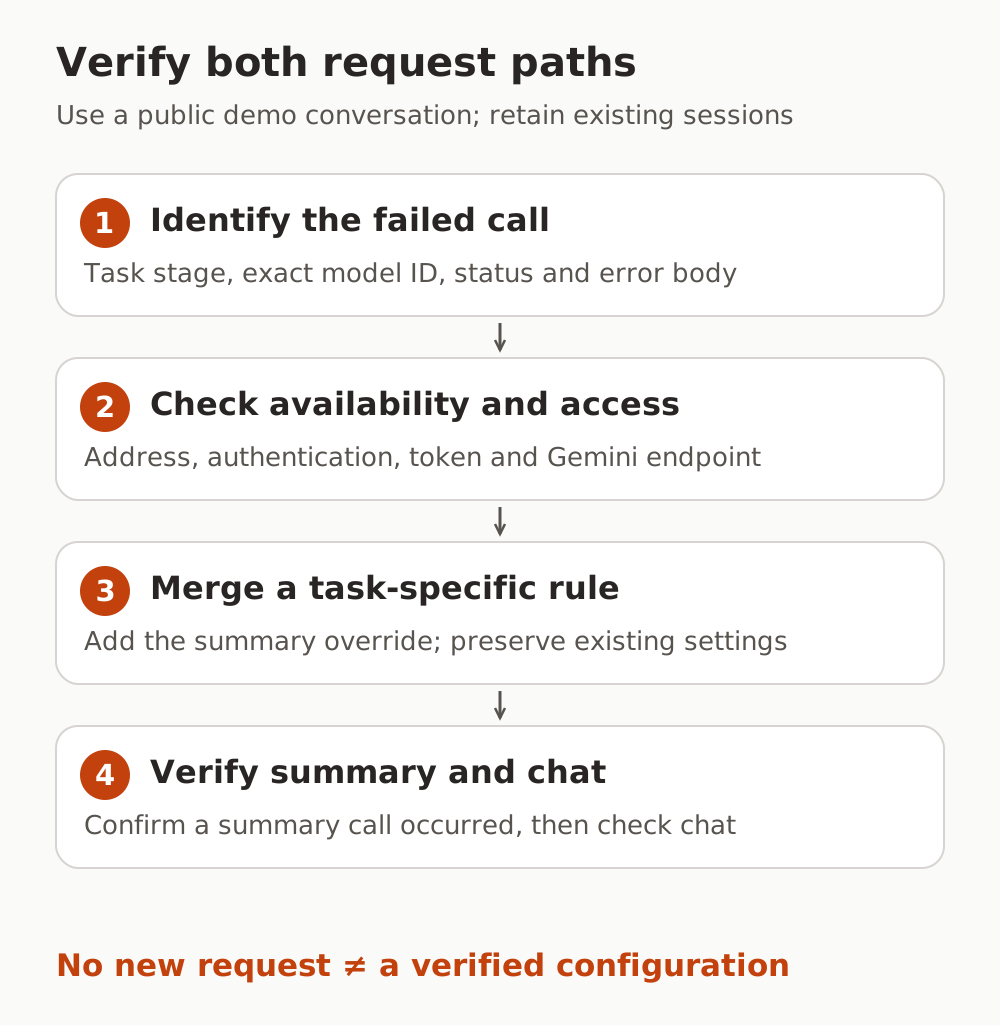
Run gemini --version, then use /about in the interactive CLI to record the version, model and authentication method. Keep the failure time, task stage, requested model ID, HTTP status and a redacted error body.
An error containing model_not_found, a concrete model ID and a message about no available channel in the selected group points first to model availability or routing configuration. Replaying that unchanged request generally will not correct the mismatch. A bare 503 with no such detail still requires investigation of temporary capacity and upstream availability.
A successful chat request proves that particular model and path work. Check the background request separately:
- Is it using the expected address, authentication method and token? Does that token and group permit the exact model in the error?
- Does the service support Gemini's native
generateContentpath? Working OpenAI Chat Completions does not establish that. See the Gemini-compatible API reference for Nbility's address and fields. - Is a project settings file overriding the user settings, or a system settings file overriding both? Reading one
settings.jsonmay not reveal the effective value.
Spinner messages need corroboration too. Recent Issue #30080 reports background or stale-request retries appearing in foreground status. In a November 7 follow-up, the author also corrected the original budget concern: their tests did not reproduce an incorrect retry budget. A displayed model name alone cannot prove a routing defect.
Once the same unavailable model keeps failing, correct the configuration before resuming. The guide to layered retries explains how client and gateway retries can turn a specific error into a much longer wait.
Override the Summary Task's Model
You can either make the original summary model available to these credentials or select another verified model for the task. The choice depends on service availability, permissions and parameter compatibility. Creating a model alias does not by itself grant access or add capabilities.
For the second approach, use the supported modelConfigs.customOverrides setting. Preserve the existing configuration and merge this entry into the user file at ~/.gemini/settings.json or the relevant project's .gemini/settings.json. If modelConfigs or customOverrides already exists, add to that object and array; do not create duplicate JSON keys or replace unrelated rules.
{
  "modelConfigs": {
    "customOverrides": [
      {
        "match": {
          "model": "summarizer-default"
        },
        "modelConfig": {
          "model": "YOUR_SUMMARY_MODEL_ID"
        }
      }
    ]
  }
}
Replace YOUR_SUMMARY_MODEL_ID with a real model available to the current token that supports this Gemini request and its parameters. It can be the chat model or another suitable model. Choosing a larger model can change both cost and response time; verify those effects from actual calls.
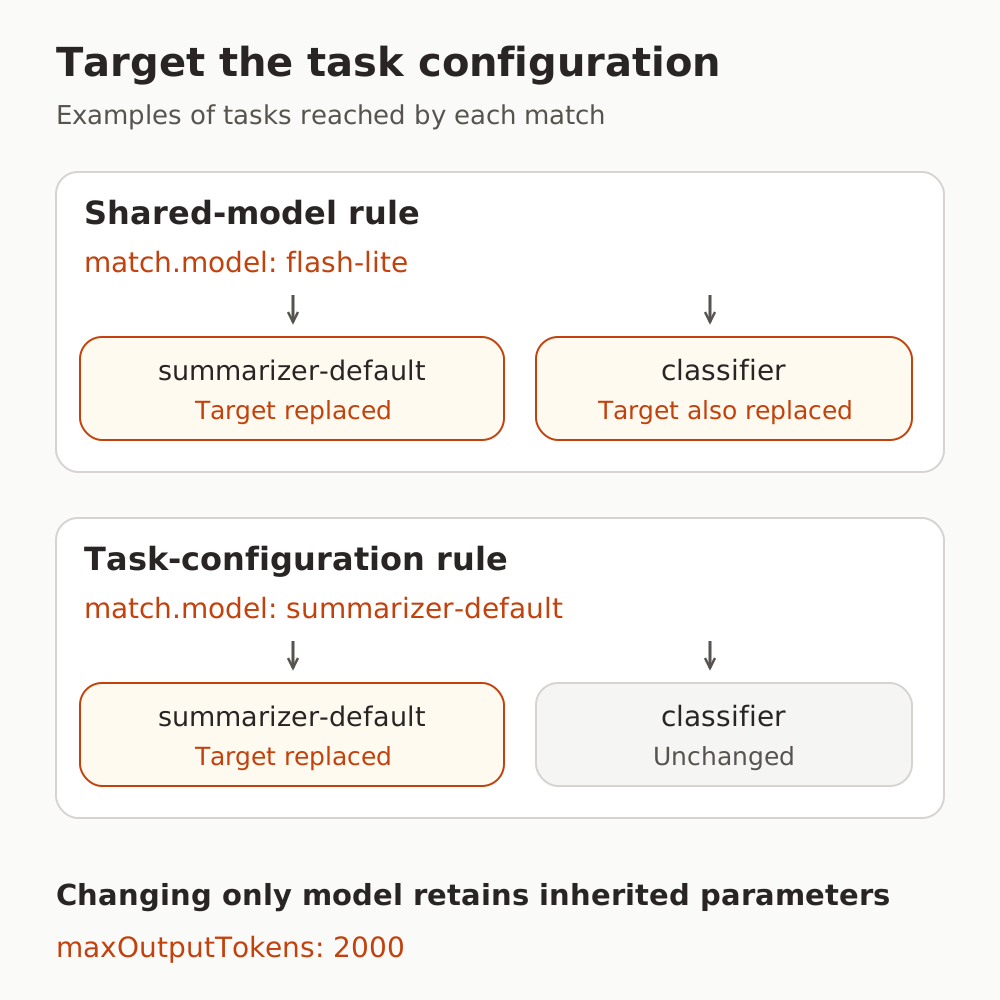
The rule matches the task configuration name summarizer-default and changes only model. In the v0.67.0 resolver, inherited generation settings remain intact, including the default maxOutputTokens: 2000. This gives a more focused scope than changing the shared flash-lite model.
Retaining parameters does not establish compatibility with the replacement model. If it rejects inherited sampling or output settings, adjust those according to its documentation. Otherwise a missing-model error may simply become a parameter error. The official advanced model configuration guide explains inheritance and overrides; the configuration reference documents customOverrides.
This rule controls the initial selection. Availability fallback, more specific rules and server-side mappings may still affect the final request. Save it and start a fresh CLI process for verification. Valid JSON alone is insufficient evidence that the live failure is resolved.
Verify a Summary Request Actually Happened
In a temporary directory, create a short demonstration conversation containing at least two user messages and no private data, then exit normally. From the same directory, run:
gemini --list-sessions
This command can call a model; it is not necessarily an offline listing. In v0.67.0, the listing implementation first attempts to supplement summary metadata for the most recent eligible previous session. Existing summaries or related metadata, insufficient user messages and other eligibility conditions can cause the one-line summary request to be skipped. A normal-looking list or an absence of errors therefore does not prove the override worked.
Use redacted request records to establish that:
- The summary call occurred and used the expected model ID, or an explainable subsequent fallback target.
- It completed and produced a usable session description without the original model-availability error on that path.
- A separate main-chat request still used the expected configuration and completed successfully.
With Nbility, compare the time and model against the usage logs. Those records help confirm a call; use CLI records to establish its task. If no summary request appears, check eligibility and configuration layers rather than deleting existing sessions to force one.
If the old model is still requested, check for another CLI installation, project or system overrides, and other matching rules. If the model changed but the error became an unsupported parameter or a timeout, investigate that new error. To roll back, remove only the override entry added for this test.
The offline verification for this article executed v0.67.0's actual configuration resolver. The task override changed the target and retained inherited parameters, while the checked chat, shell-summary, classifier and compression configurations stayed unchanged. It did not run the complete CLI, reproduce the old report, or send authenticated chat or summary requests. Verify the final behavior with your own service.
Recording background requests separately also helps explain why an agent task makes multiple model calls. For an unresolved failure, provide the redacted time, model, request ID and error body listed in the error-reporting checklist.
Sources
- Gemini CLI v0.67.0 release, November 4, 2026
- Session summary service, default configurations, and configuration resolver
- Session-list entry point and summary eligibility logic
- Context-compression configuration selection, which defines a separate path
- Issue #29065 and retry-status report #30080, including follow-ups read on November 8, 2026