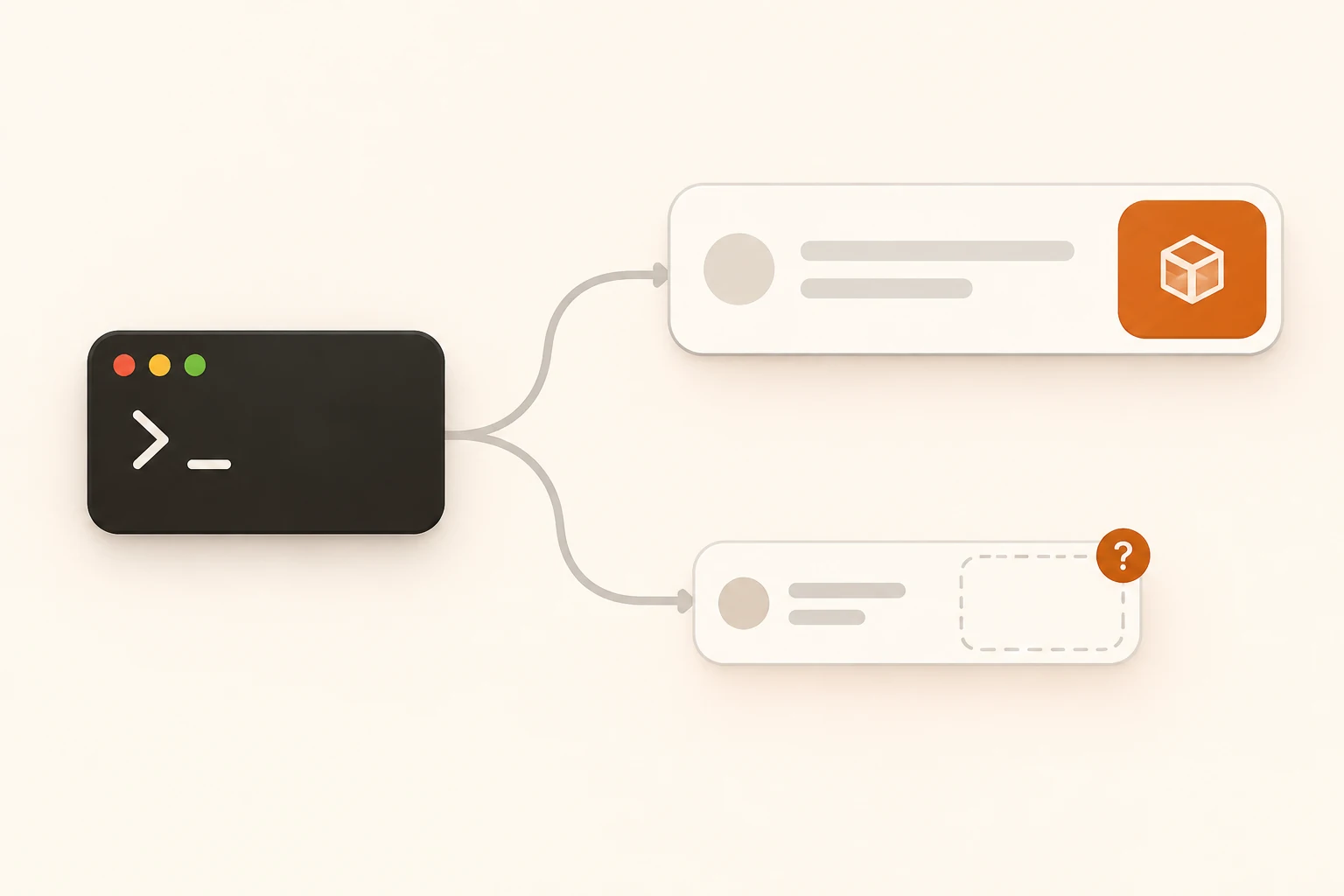
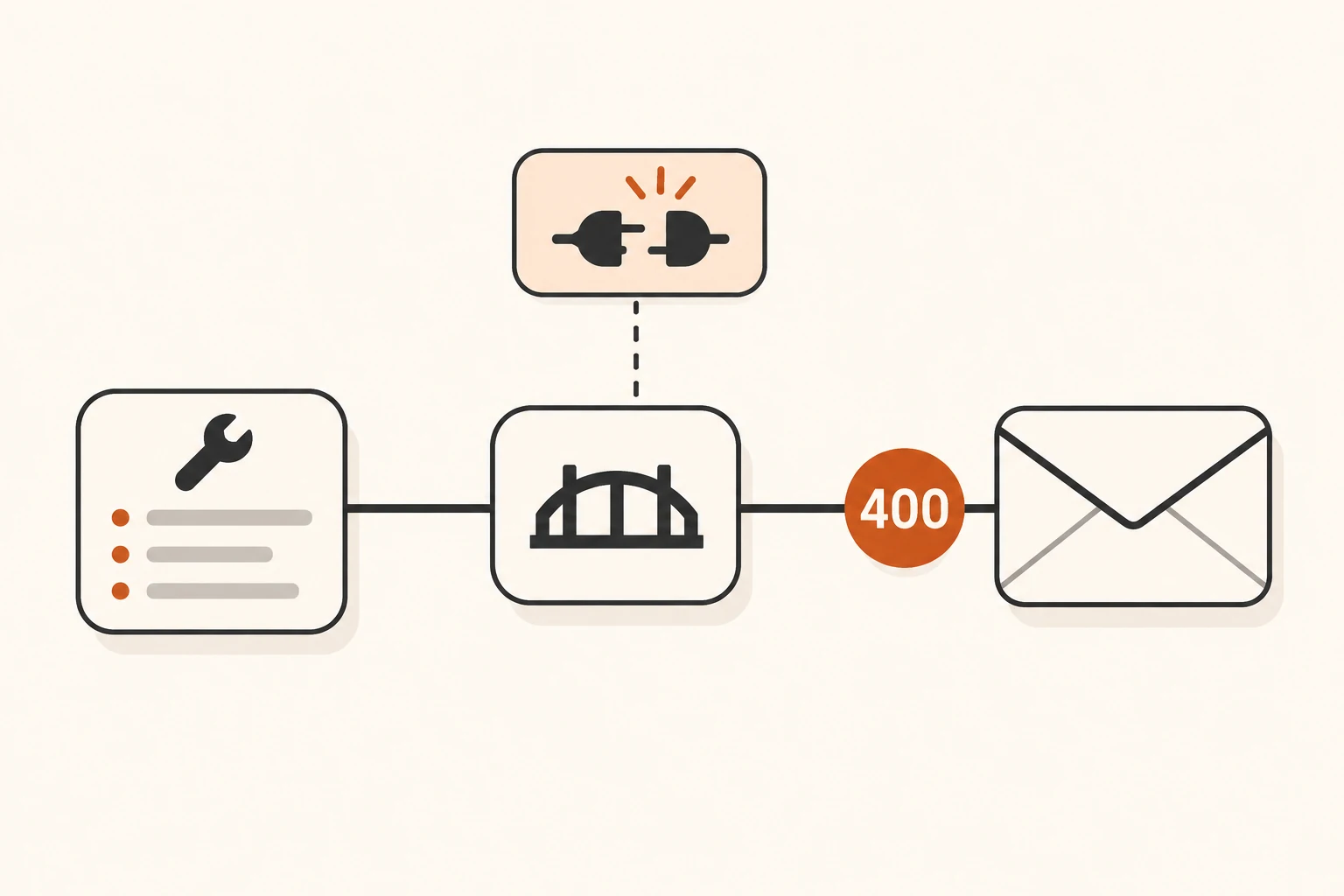
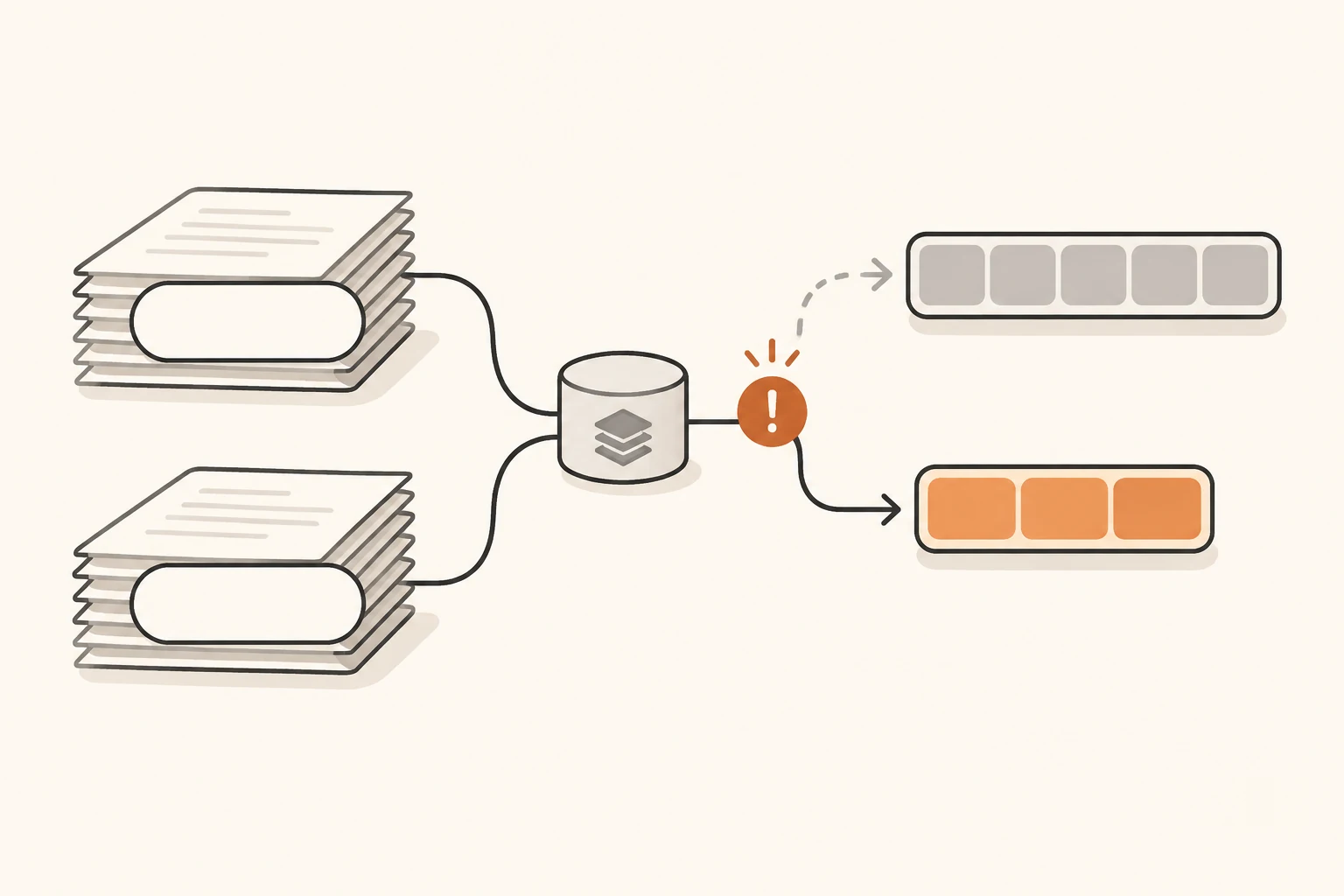
Hermes Times Out at 240 Seconds Despite SSE Keepalives: What to Check
Diagnose Hermes Stream stale errors by separating socket activity, parsed chunks, and stream lifetime. Check v0.23.0 settings, inspect raw SSE, and test a model-scoped timeout.
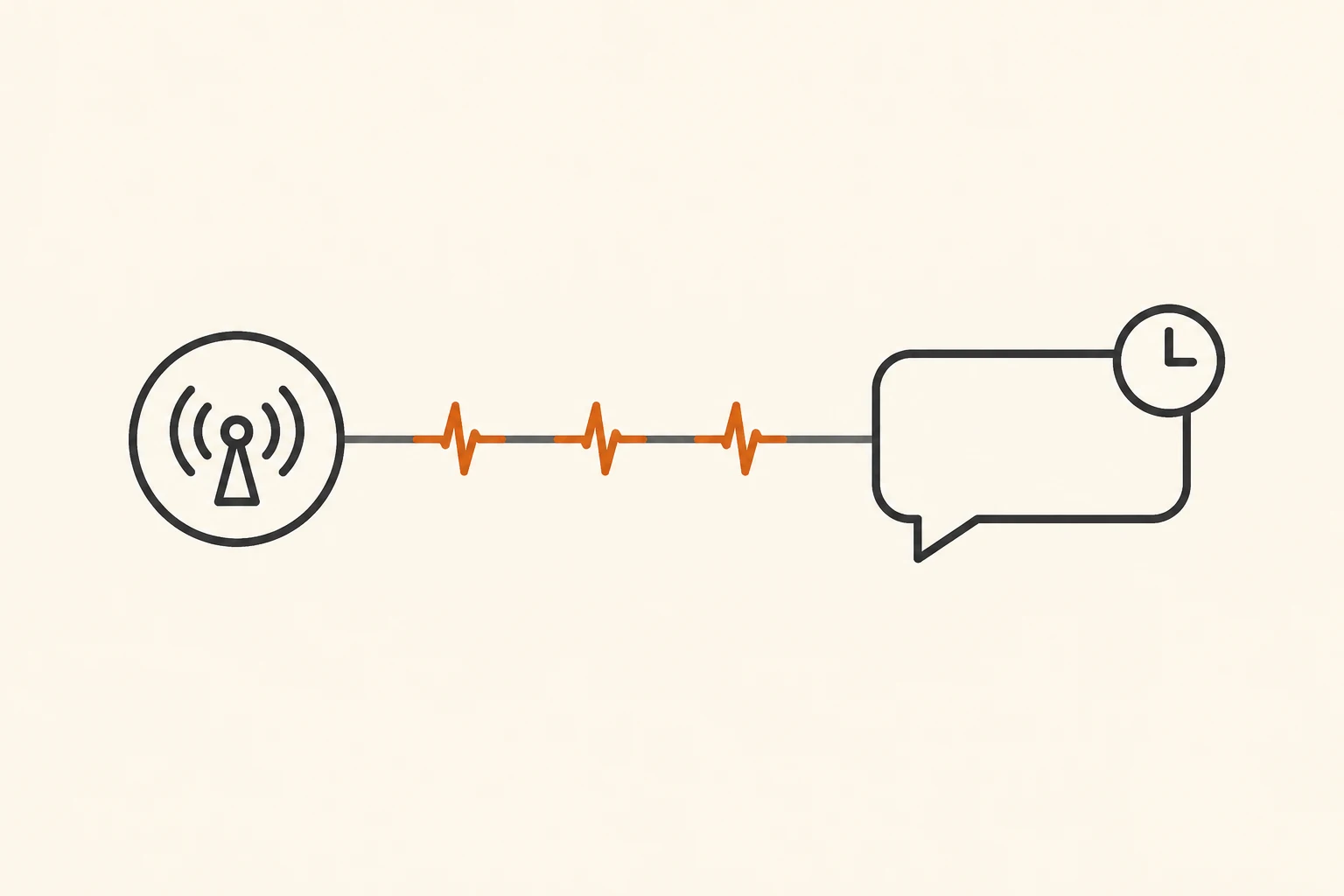
A short Hermes chat works, but a longer task disconnects every few minutes with Stream stale for 240s. Meanwhile, the proxy keeps sending SSE heartbeats. Start by identifying which signal Hermes is waiting for, then change the timeout that governs it.
A heartbeat shows activity on that connection segment. Whether the model is delivering text, reasoning deltas, or tool arguments is a separate question. Increasing every timeout also makes genuinely stuck requests take longer to fail.
This guide checks the documentation and source for the latest stable Hermes release, v0.23.0, as of November 8, 2026. The incident comes from a community report; we have not independently reproduced the full 240-second failure in Hermes or established that any particular live service will trigger it. For initial setup, use the Hermes connection guide.
What the November 8 report establishes
The author of Hermes issue #151280 reports running v0.23.0 through an OpenAI-compatible proxy with long reasoning turns. According to the report, SSE comment keepalives continued to arrive, but Hermes canceled the stream around 240 seconds and retried. Its log excerpts include:
Stream stale for 240s (threshold 240s) — no chunks received.
http_status=200 bytes=40 chunks=1 ... finish_reason_seen=False
At the time of review, the issue was open, with two community comments. Neither is a maintainer confirmation or a released fix. One commenter explicitly limits their corroborating historical logs: those logs establish stale timeouts, but do not prove that keepalives were arriving on those connections.
The stable documentation provides firmer evidence about intended behavior. It says the stale detector kills connections receiving SSE keepalives without actual content. The implementation updates its activity clock on parsed chunks, and the cancellation function explicitly describes terminating ping-only streams.
The useful question is whether that waiting policy fits this request. The warning alone does not establish a dead network, a stopped model, or a general defect in a proxy.
Heartbeats and parsed chunks are different signals
This is a protocol illustration, not a captured production response:
: keepalive

data: {"choices":[{"delta":{"role":"assistant"},"finish_reason":null}]}

: keepalive

data: {"choices":[{"delta":{"content":"OK"},"finish_reason":null}]}

data: {"choices":[{"delta":{},"finish_reason":"stop"}]}

data: [DONE]
The WHATWG SSE parsing rules ignore lines beginning with a colon. A comment can keep transport traffic moving without delivering a normal data: event to the application.
Hermes monitors parsed chunks for stream staleness. A parsed chunk is not necessarily visible output either: a role-only chunk can count while the displayed response remains empty. Conversely, many comment lines can arrive without producing another application chunk.
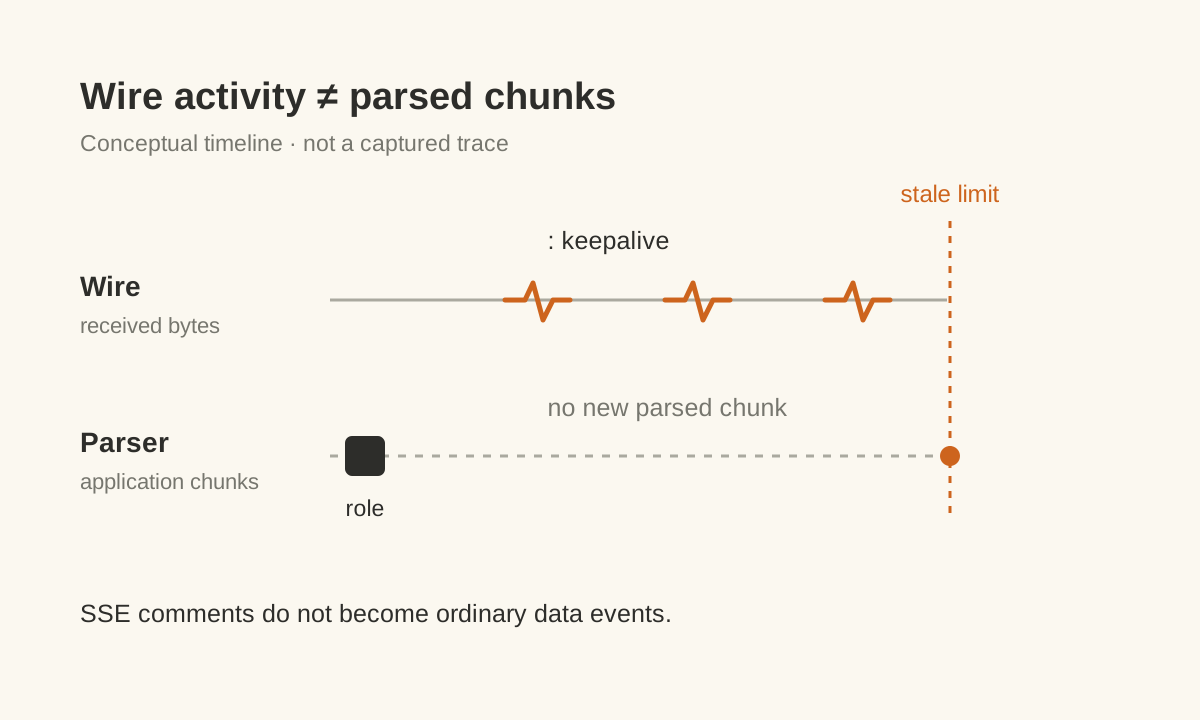
This diagram explains the mechanism; its spacing is not measured latency. Record the last received bytes, last parsed chunk, and last text or reasoning delta separately. A heartbeat does not establish that the model behind the proxy is still working.
Identify the timer that ended the attempt
For the Chat Completions streaming path covered here, distinguish these limits:
| Limit | What it waits for | Relevant v0.23.0 setting | Common mistake |
|---|---|---|---|
| Socket read timeout | More transport data | HERMES_STREAM_READ_TIMEOUT | Increasing it does not necessarily extend the stale deadline |
| Stale stream timeout | Another parsed chunk | providers.<id>.models.<model>.stale_timeout_seconds | Comment keepalives do not refresh this clock as normal chunks |
| Stream max lifetime | The duration of one stream attempt | agent.stream_max_lifetime | Disabled by default; when enabled, it cannot fire before the effective stale threshold |
The documented lifetime cap covers Chat Completions and Anthropic Messages streams. It does not cover Codex/Responses or Bedrock streams, so this table is not a configuration recipe for those transports.
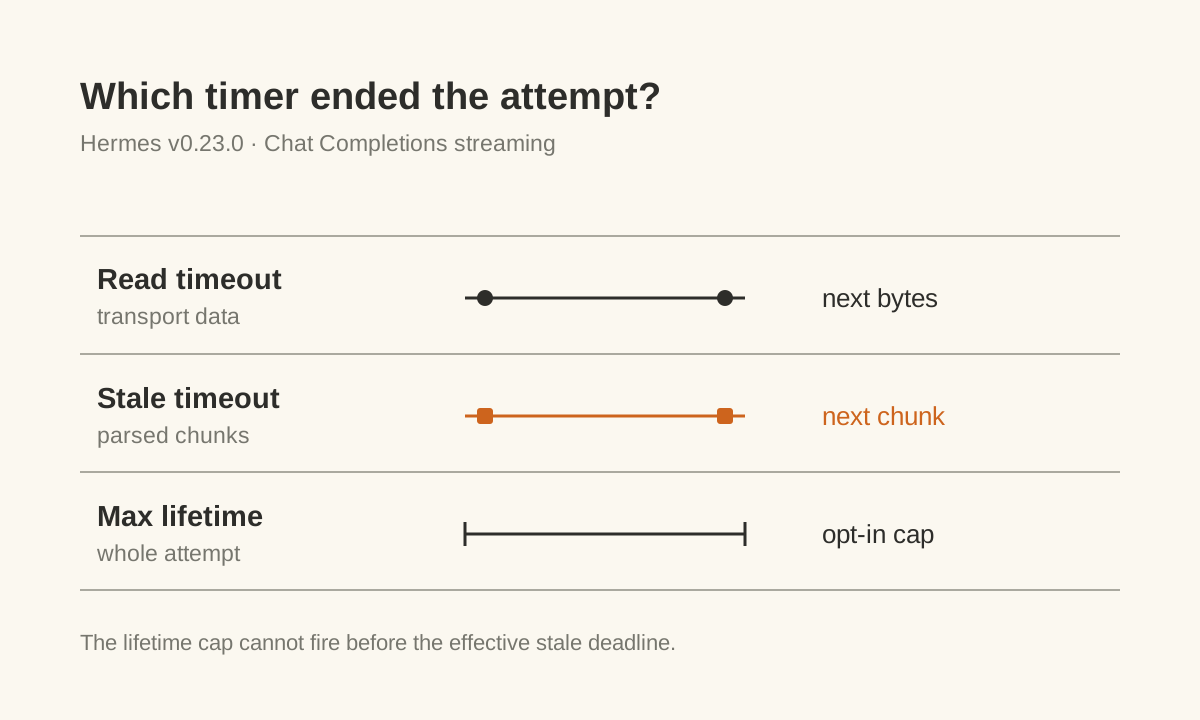
240 seconds is not a universal Hermes timeout. With no explicit override, the cloud streaming stale base is 180 seconds. Estimated contexts above 50k and 100k raise it to at least 240 and 300 seconds respectively. Some reasoning models have additional floors, and an implicit value can also be constrained by a run budget. Read the actual request's threshold from its log.
Find the first error before disconnection: Hermes Stream stale, a socket read timeout, a server error, or an outer proxy termination. If the response is 401, 404, 429, or 502, follow the API status-code troubleshooting guide first.
Inspect raw SSE instead of relying on HTTP 200
Begin with a short public prompt and no tools or private code. Run this in Bash after securely setting NBILITY_API_KEY, and replace the model placeholder with an exact ID available to your token. See the Chat Completions reference for the endpoint contract.
: "${NBILITY_API_KEY:?Set NBILITY_API_KEY before running}"

curl -N -sS --connect-timeout 10 --max-time 60 \
  https://api.nbility.ai/v1/chat/completions \
  -H "Authorization: Bearer $NBILITY_API_KEY" \
  -H 'Content-Type: application/json' \
  --data-binary '{
    "model": "YOUR_MODEL_ID",
    "messages": [{"role": "user", "content": "Reply with OK."}],
    "stream": true
  }'
-N disables curl's output buffering. The command does not retry automatically. Its 60-second total limit is a deliberate probe limit, so it cannot reproduce a 240-second watchdog. A curl timeout only establishes that this probe reached its own deadline; check upstream records separately to learn whether processing continued.
After the short request works, add sanitized context and parameters back in stages. Match the provider, exact model ID, transport, and parameters Hermes actually uses. Otherwise, you have only verified a different, simpler request.
Inspect the response in this order:
- Is it an error object or an SSE stream? HTTP 200 does not establish completion.
- Are
: keepalivecomments arriving? They establish traffic on this connection segment. - What do the
data:events contain: a role, text, reasoning, tool arguments, or empty objects? - Did the normal completion markers arrive? A closed connection and a completed generation are separate observations.
Do not interpret bytes=40 chunks=1 as a full wire-traffic measurement. On this v0.23.0 diagnostic path, bytes is estimated from parsed chunks. It cannot prove that only 40 bytes crossed the connection. Avoid diagnostic traces that print authorization headers, and remove keys, account details, and business content before sharing records.
Adjust the affected model after confirming a stale timeout
If raw-stream evidence and upstream records support a request still being processed with chunk gaps longer than the current threshold, allow that model a longer, finite wait. Open hermes config edit and merge this into the active profile's configuration, preserving existing endpoint, authentication, and model settings:
providers:
  YOUR_PROVIDER_ID:
    models:
      "YOUR_MODEL_ID":
        stale_timeout_seconds: 600
YOUR_PROVIDER_ID must match the provider selected at runtime. YOUR_MODEL_ID must be the exact model ID; slashes are allowed. Adding a new section named after a service's display label does not make it apply to an existing connection.
600 seconds is an example, not a recommended universal value. Choose a limit from observed gaps and an acceptable wait. A larger value also delays failure for a genuinely stuck request. A model-level value takes precedence over a provider-level value. An explicit value is used directly for streaming staleness, without the implicit context tiers or reasoning-model floors being added on top.
Save the change and use a newly started session for one controlled check. If a gateway owns the session, confirm that the serving process loads the intended profile configuration. Do not restart an instance with active work just to test this. First check the specific setting:
hermes config get 'providers.YOUR_PROVIDER_ID.models.YOUR_MODEL_ID.stale_timeout_seconds'
Reading 600 confirms that the value is accessible at that path. It does not prove that the active model uses it or that no outer deadline exists. If the old threshold still fires, inspect provider, model, profile, and process selection before increasing it again. Restore the previous value if the test does not help; if the key was originally absent, remove only the newly added stale_timeout_seconds.
The issue author also reports a parameter that makes their particular proxy emit reasoning deltas. That proxy-specific behavior is not included in this Nbility configuration. Check the selected service's documentation and actual response before adding extra request fields.
What counts as a successful check
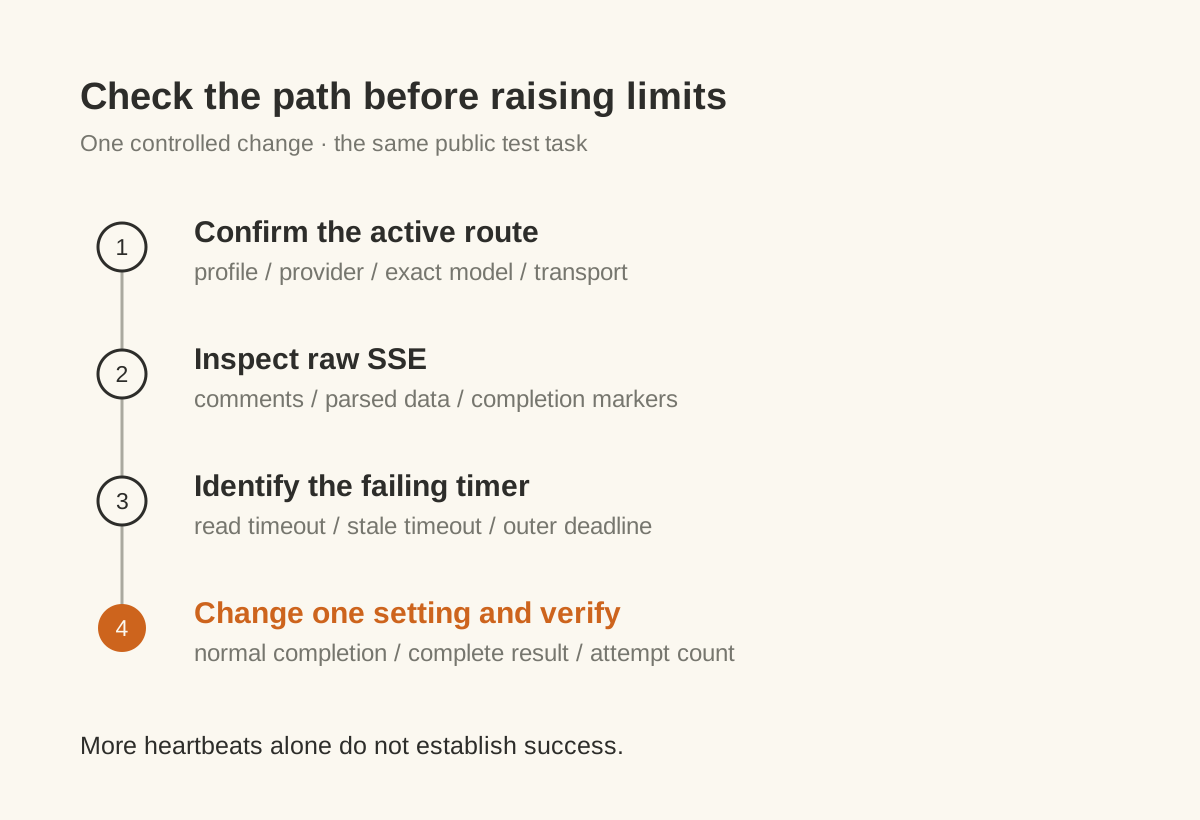
Use the same public test task before and after the change. Record the client version, profile, provider, model, effective threshold, end condition, and attempt count. A useful success signal is valid data followed by normal completion within the allowed time, with Hermes displaying the complete result. More heartbeats, HTTP 200, or a longer connection alone are insufficient.
If the relaxed deadline still produces only heartbeats, stop increasing it and investigate proxy buffering and upstream execution with the timeline. For repeated failures, check whether the client, SDK, proxy, and task layer are all retrying. The multi-layer retry guide explains how one failure can become a much longer wait. Before restarting an Agent task that has performed writes, check its side effects.
With Nbility, compare the failure time, model, and attempt count with your usage logs. A client timeout does not establish whether generation occurred, whether usage was incurred, or whether billing was duplicated. Use the error-reporting checklist when requesting help, with sensitive details removed.
Local validation for this article covers reading comments and data from synthetic SSE and checking model-level selection with the v0.23.0 configuration resolver. It does not include a live long-reasoning comparison, and no time or cost savings are claimed.