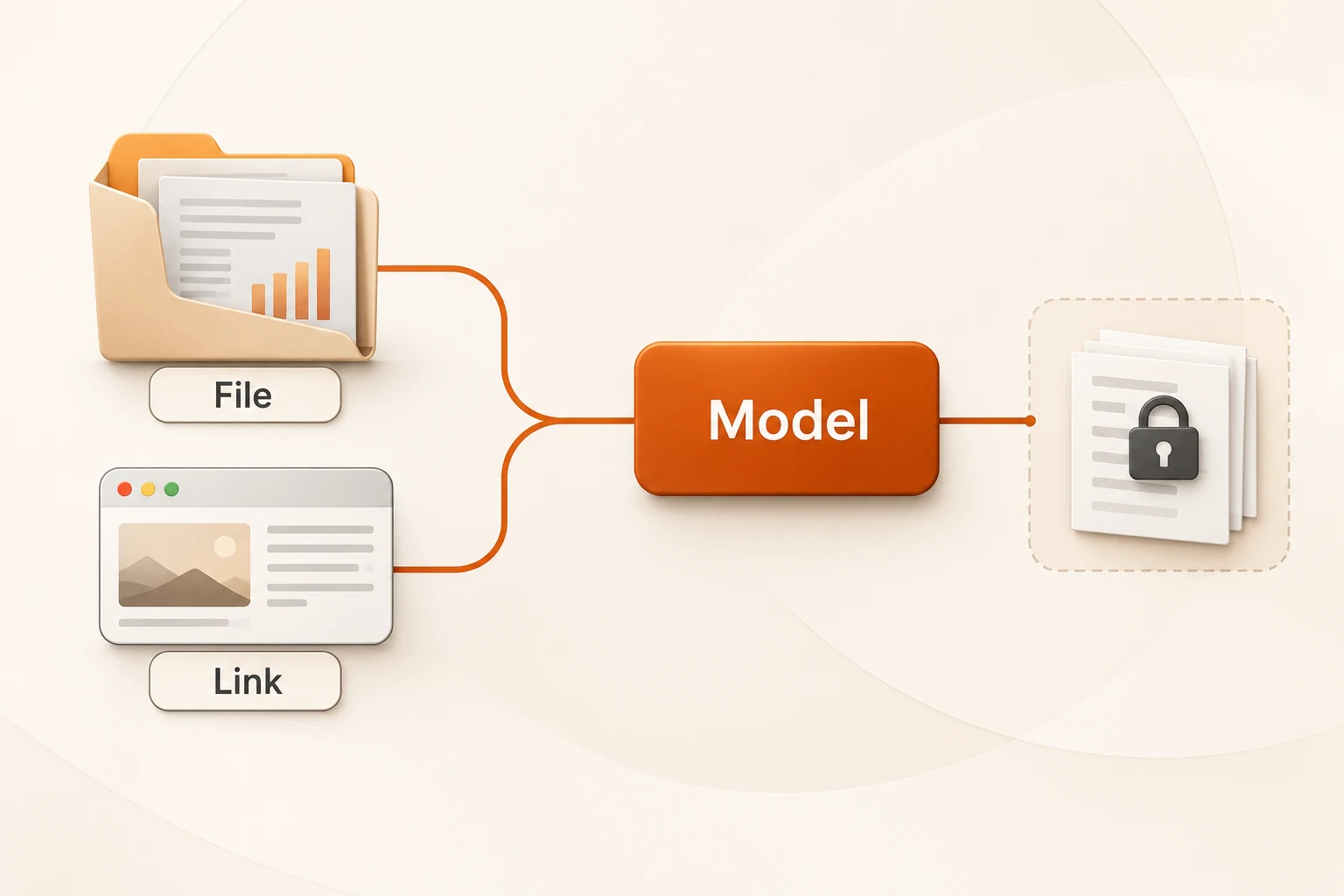
DeepSeek ASR for short recorded voice input
DeepSeek ASR accepts up to 120 seconds of PCM WAV or Ogg Opus and returns a complete transcript. It recognizes only the left stereo channel and does not stream.
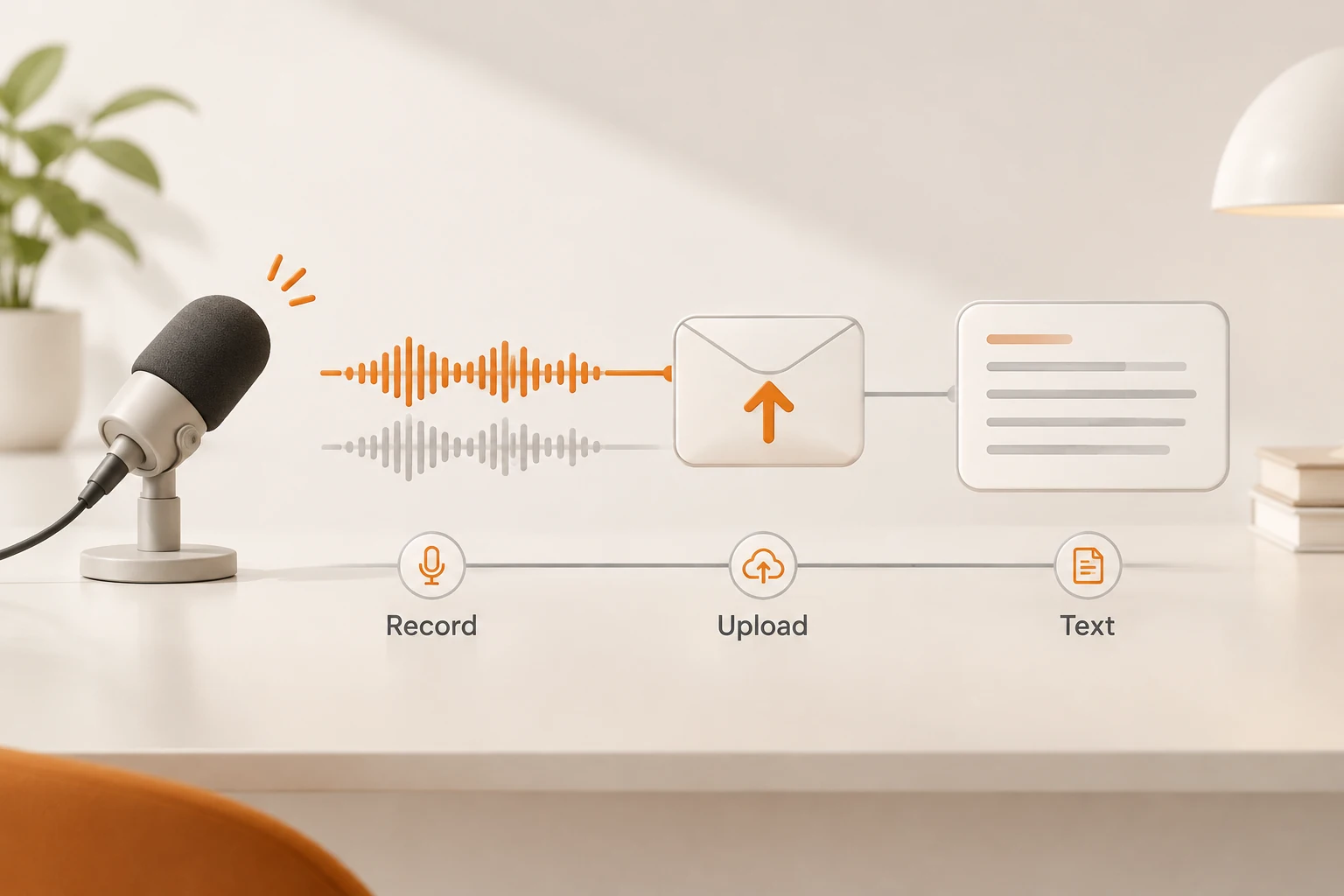
DeepSeek's ASR API turns a completed short recording into text for a chatbot. It accepts one whole audio file and returns a complete transcript, without streaming recognition. The current duration limit is 120 seconds, and only specific audio encodings are accepted. Live captions and meeting transcription require a different design.
DeepSeek opened ASR with its application API suite on November 13, 2026. We rechecked the release notes and speech-to-text guide on November 18. No audio was uploaded and no Mandarin or Cantonese recognition quality was tested. Audio conversion was checked locally with synthetic silence.
How should a recording button use this endpoint?
A suitable flow is: finish recording, validate the file, upload it, show the transcript, then let the user confirm sending. Do not present this endpoint as producing live interim captions while the user is speaking.
The official endpoint is:
POST https://api.deepseek.com/v1/tools/asr
It accepts a file field in multipart/form-data. There is no model or language selection parameter; the service detects language from audio. The documented languages include Mandarin Chinese (zh), Cantonese (yue), English, and others. A language listing does not establish quality for a particular accent, noise level, or code-switching pattern.
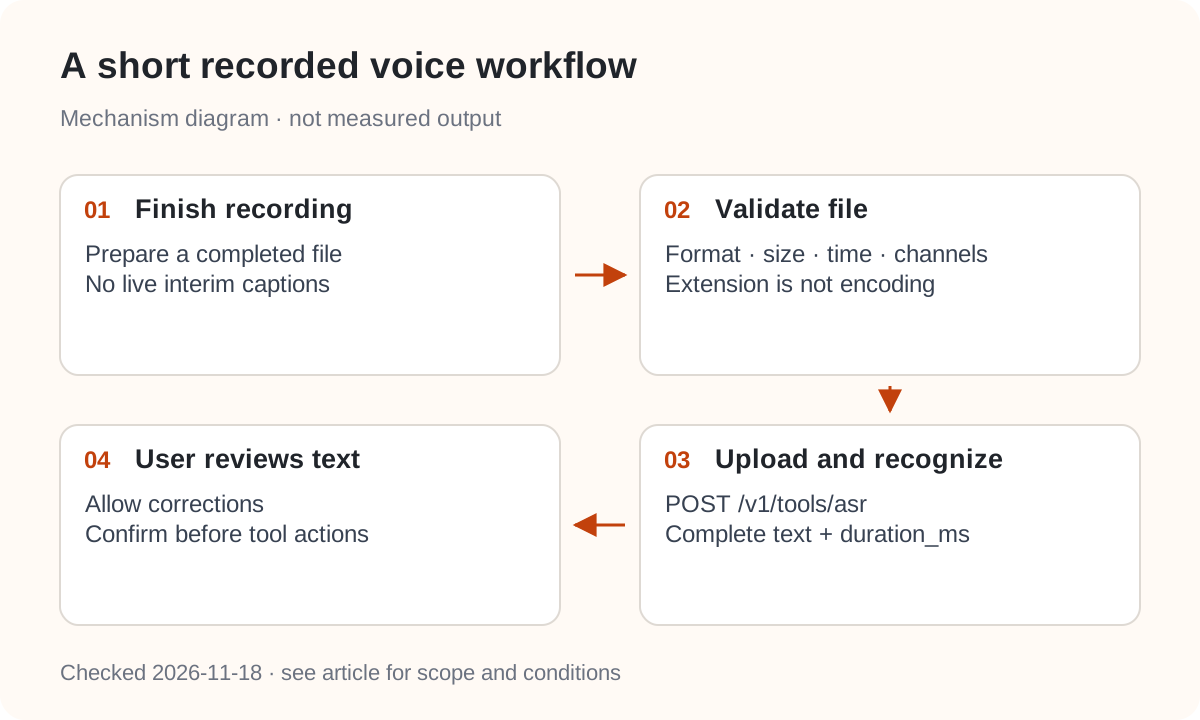
For a chatbot, let the user edit the transcript before it becomes a model prompt. Confirm people, amounts, and times before a transcription can cause consequential tool actions.
Can you upload MP3 or a browser recording directly?
Inspect the actual encoding. The guide accepts 16-bit PCM WAV or Ogg Opus, detected from content. Renaming an MP3 to .wav does not convert it. WebM Opus is not an Ogg container merely because both contain Opus audio.
| Property | Documented requirement |
|---|---|
| Format | 16-bit PCM WAV or Ogg Opus |
| WAV sample rates | 8000, 16000, 22050, 24000, 32000, 44100, 48000 Hz |
| Channels | Mono or stereo; only the left stereo channel is recognized |
| Size | At most 8 MiB |
| Duration | At most 120 seconds |
| Upload completion | Within 10 minutes |
The left-channel rule matters for interviews recorded with separate speakers on separate channels. A successful upload would not establish that both were recognized. Listen to both channels before deciding whether to mix to mono; mixing can add noise and overlapping voices.
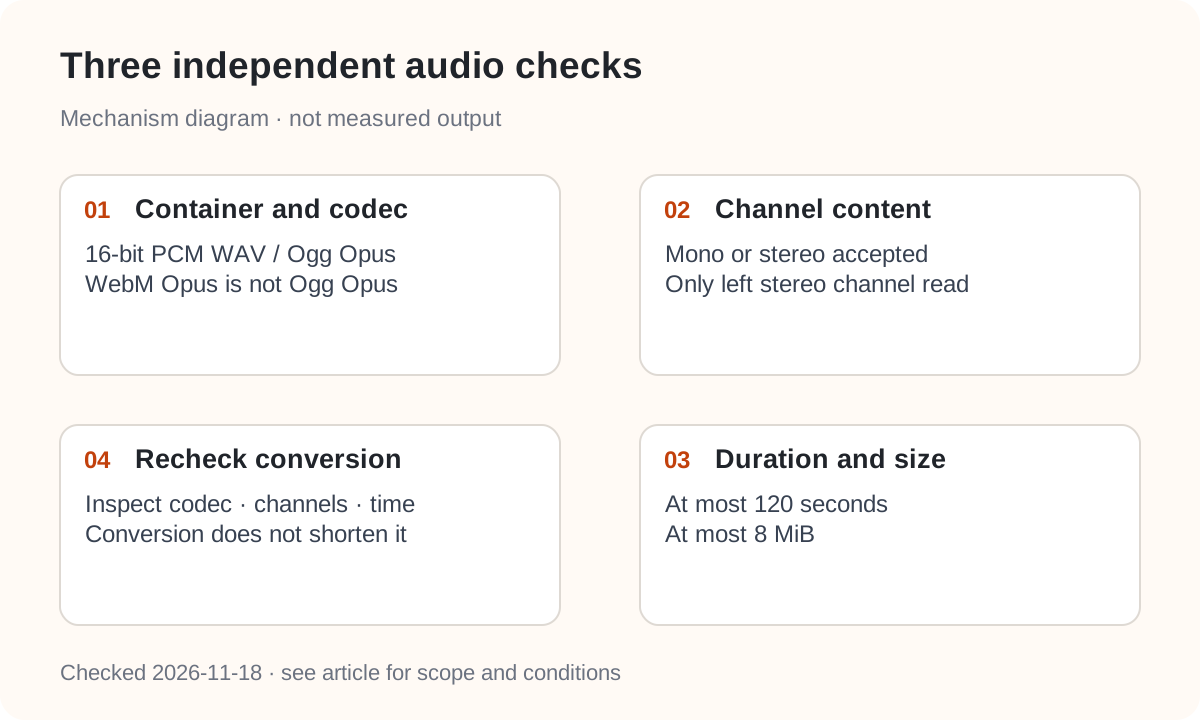
This Bash/Zsh conversion example creates 16 kHz mono 16-bit PCM WAV. It does not shorten the recording, so check duration and file size afterwards. -n avoids overwriting an existing artifact:
ffmpeg -n -i input.webm -vn -ar 16000 -ac 1 \
  -c:a pcm_s16le speech.wav

ffprobe -v error -select_streams a:0 \
  -show_entries stream=codec_name,sample_fmt,sample_rate,channels \
  -show_entries format=duration,size -of json speech.wav
We checked these output properties with synthetic silence, not speech recognition. The sample rate is an example, not the only supported choice. For longer recordings, retain chunk offsets as described in the timestamp reconstruction guide. This endpoint's basic response has no word timestamps; chunking cannot invent them.
What should the request and response look like?
After validating speech.wav, this request targets DeepSeek's official service. Supply your own DEEPSEEK_API_KEY through a secure environment, not another platform's key:
curl --fail-with-body https://api.deepseek.com/v1/tools/asr \
  -H "Authorization: Bearer $DEEPSEEK_API_KEY" \
  -F "file=@speech.wav"
The documented response fields are request_id, text, and duration_ms. The duration describes the recording, not HTTP latency, and does not locate individual words or sentences. Review the text before treating it as a verified transcript or subtitle file.
Nbility's general audio API uses /v1/audio/transcriptions and a model field. It is a different interface from /v1/tools/asr; this article does not establish forwarding support for DeepSeek ASR. Changing only the base URL is insufficient. See connection basics for platform credentials and endpoint selection.
Which failures need a different file?
A 400 indicates an invalid format or missing file field; 413 indicates a file larger than 8 MiB. Fix the input before resending. A 408 concerns upload completion, while 504 concerns recognition timing out; those are different stages.
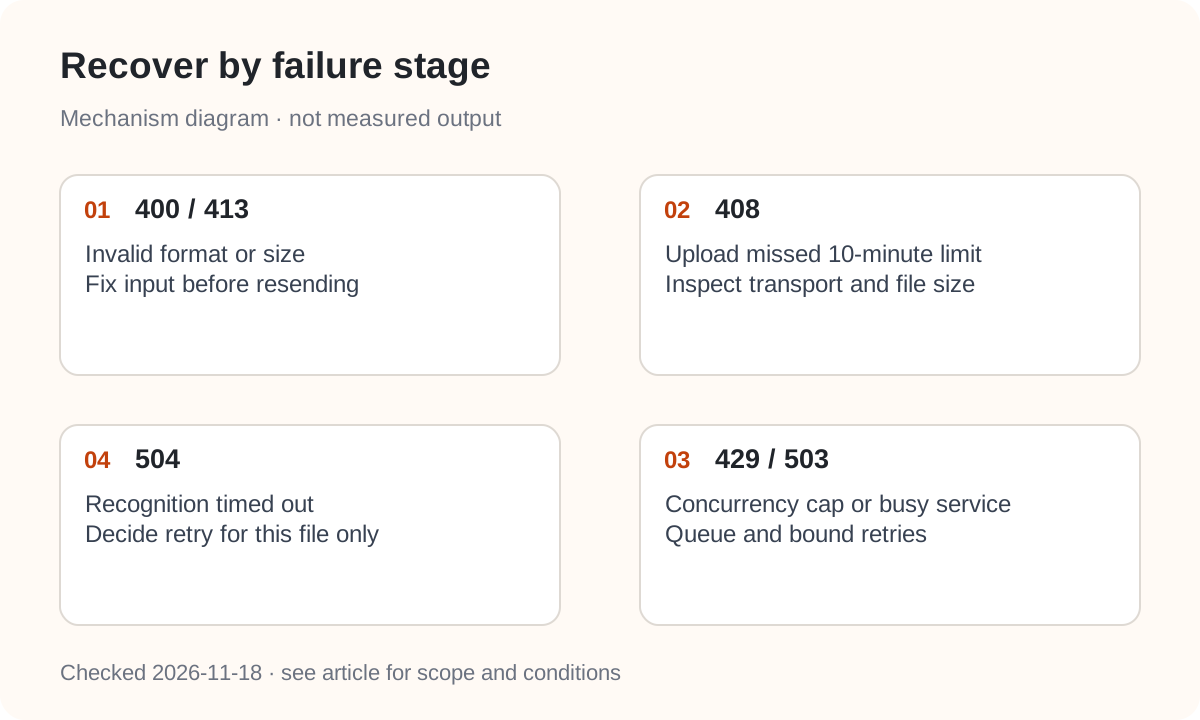
The guide also lists 429 for too many in-progress requests and 503 for a busy service. The documented cap is 50 concurrent requests per account, not 50 requests per second. Queue work and bound retries so a failure does not re-upload an entire backlog. Our retry-storm guide explains why several retrying layers compound this problem.
For acceptance, use a short recording you are authorized to process. Check encoding, both channels, transcript, proper nouns, and the user's correction interface. Keep necessary status and correlation information without logging raw recordings or full transcripts; follow support-log redaction when sharing diagnostics. Recheck current pricing and retention terms before launch rather than relying on a temporary promotion.