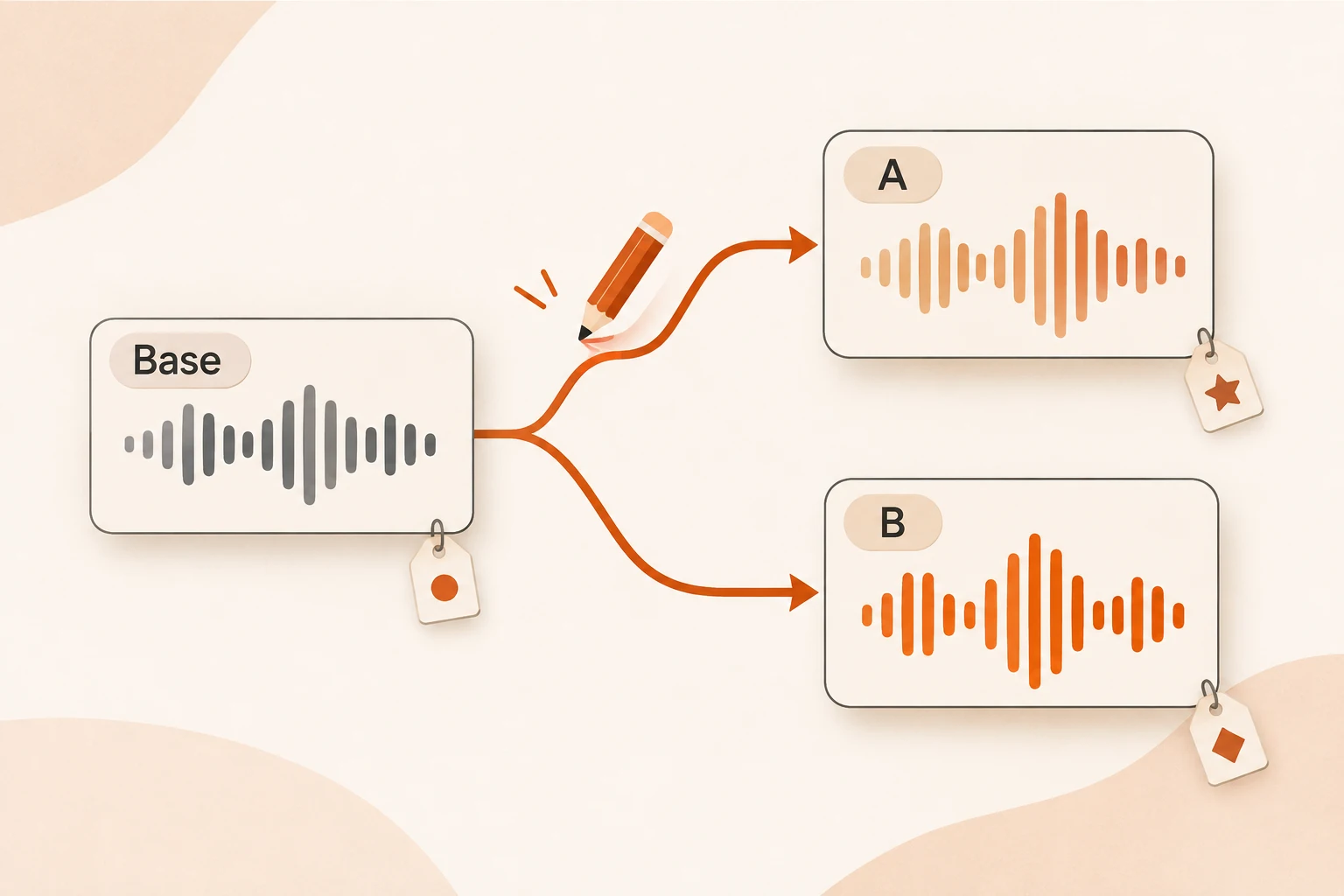
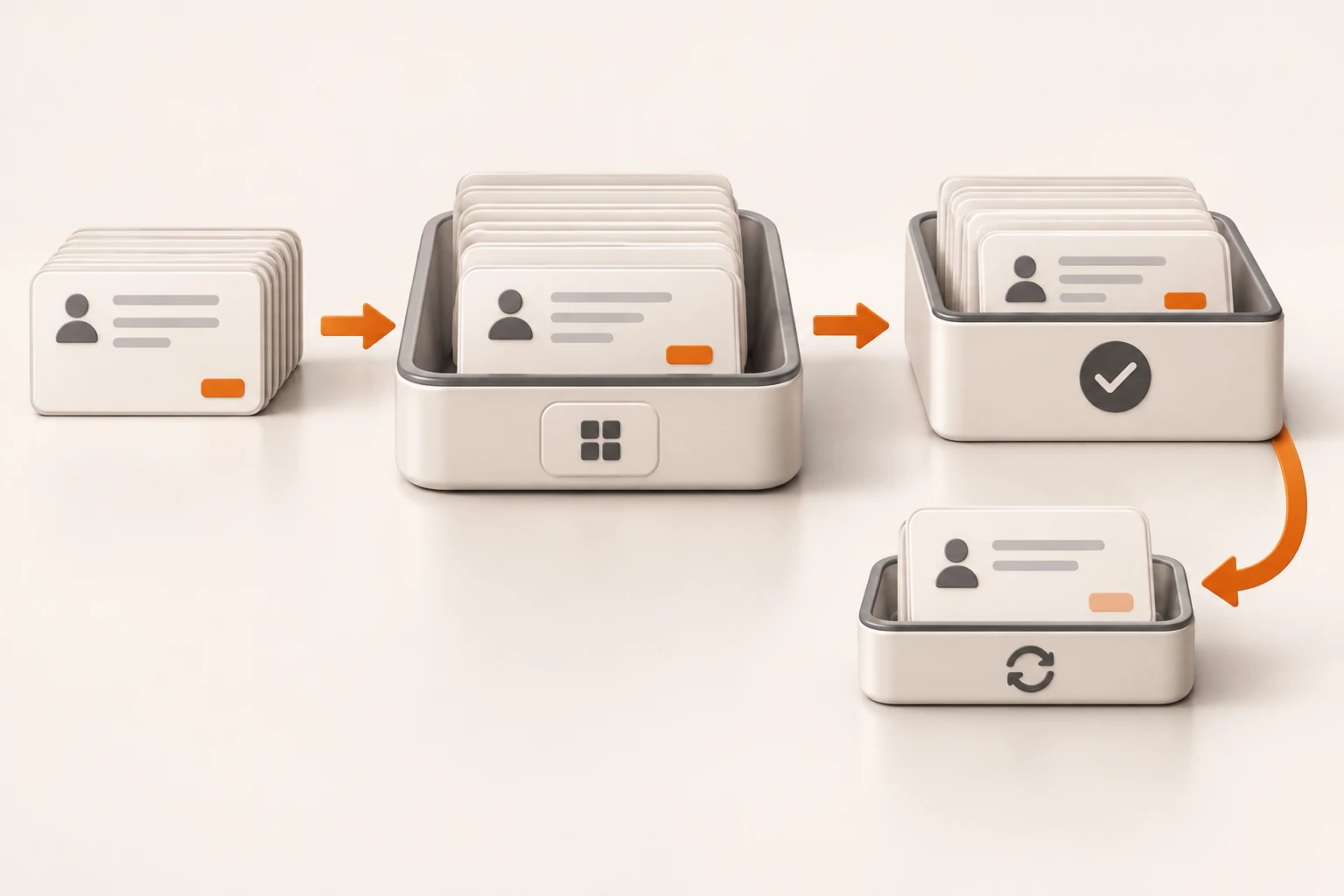
Gemini transcription can now apply spoken edits to a draft
Gemini 3.5 Transcribe Smart mode now applies voice edits to source_text. Treat its result as a complete revision, preserve accepted state, and review changes before saving or sending.
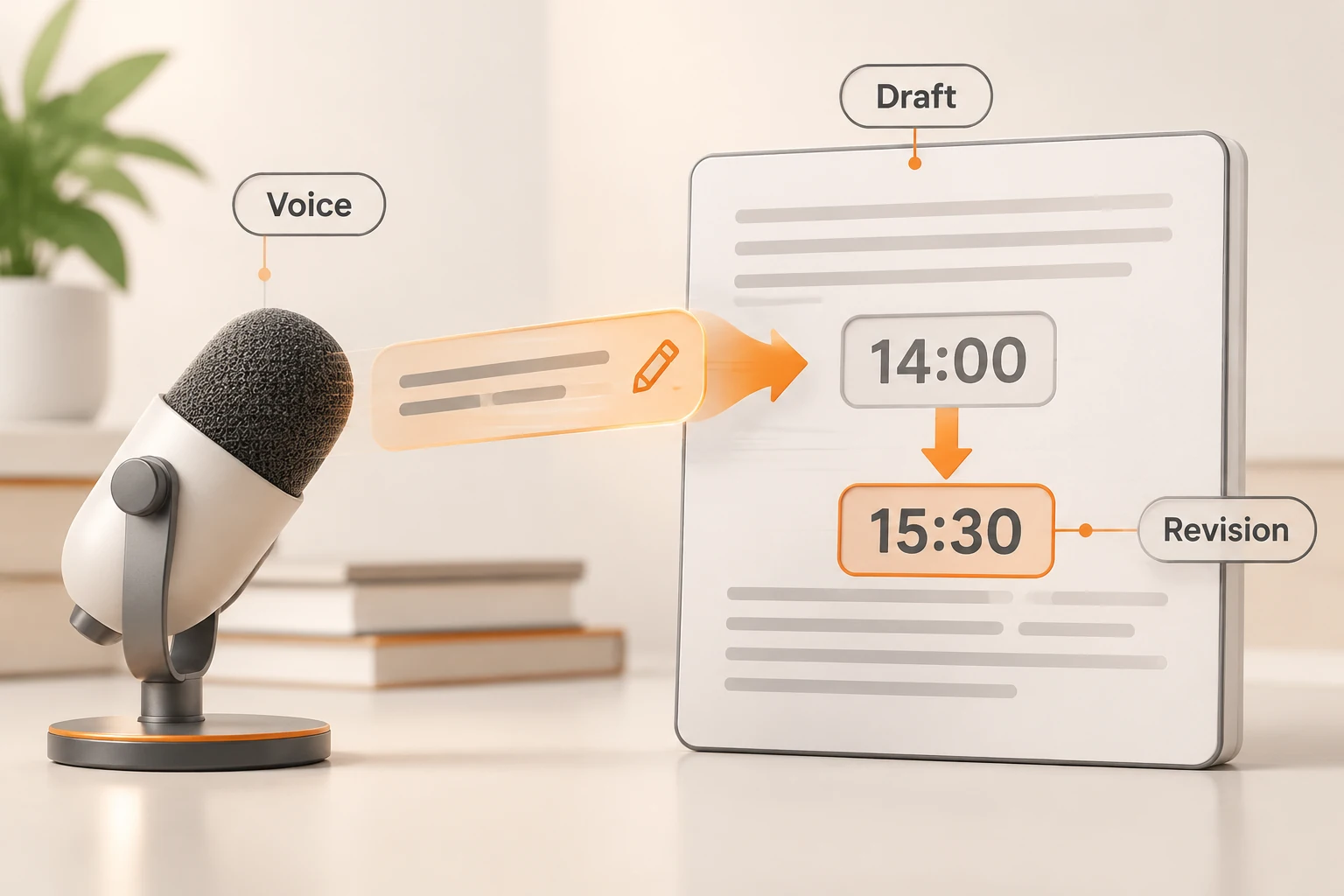
Dictate “the meeting is at two,” then say “change that to three thirty,” and the result can be a revised draft rather than a transcript containing both instructions. On November 17, 2026, Google added voice editing to gemini-3.5-transcribe and gemini-3.5-transcribe-live for replacements, rewriting, formatting, and changes to existing text.
It fits dictation and draft forms. Interviews, testimony, and records that must preserve exactly what was said should retain a verbatim path and store any edited version separately.
We checked the release notes and voice editing guide on November 19. No recording was uploaded, and no language accuracy was measured. The examples below are proposed acceptance cases.
How does Smart mode differ from ordinary transcription?
Verbatim transcription records what was said. Voice editing produces what the document should say after applying spoken instructions. The API defaults to verbatim transcription; setting mode: "smart" enables voice editing by default.
| Goal | Suitable path | Keep |
|---|---|---|
| Preserve an interview or meeting record | Verbatim transcription | Original audio and transcript; edited copy separately |
| Dictate and revise a draft | Smart mode | Previous version, complete revision, acceptance state |
| Edit an existing announcement | Smart mode with source_text | Input version and proposed replacement |
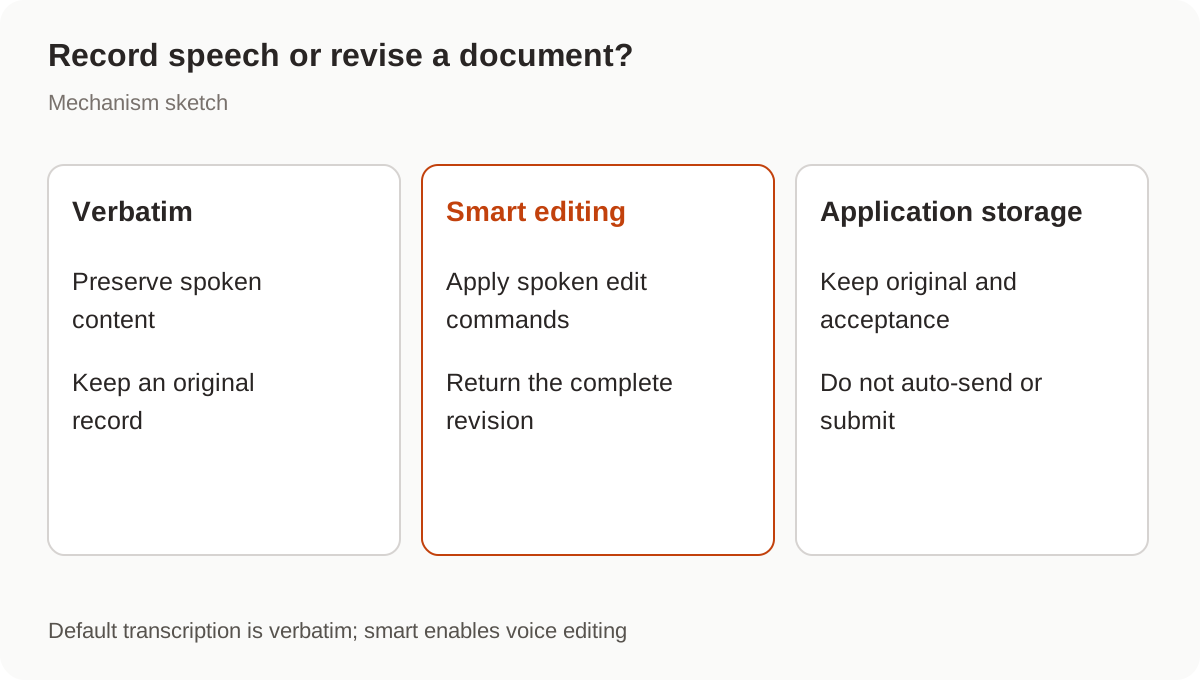
Do not depend on spoken “record this exactly” instructions when exact preservation matters. Provide an explicit verbatim mode in the product. Chunking and timestamps for longer recordings are a separate concern, covered in reconstructing a long-audio timeline.
How do you edit an existing draft?
Put the existing text in transcription_config.mode.source_text and make mode an object containing type: "smart". The source limit is 64 KiB, or 65,536 bytes, not a character count.
This follows the official Python SDK request shape. Configure the official GEMINI_API_KEY locally and prepare a public sample recording such as “Change the time to three thirty and add that video attendance is available.” The request has not been executed here.
from google import genai

client = genai.Client(http_options={"api_version": "v1beta"})
audio = client.files.upload(file="edit-command.mp3")

response = client.interactions.create(
    model="gemini-3.5-transcribe",
    input=[{
        "type": "audio",
        "uri": audio.uri,
        "mime_type": audio.mime_type,
    }],
    generation_config={
        "transcription_config": {
            "mode": {
                "type": "smart",
                "source_text": "The meeting is at 2:00 PM tomorrow in building 42.",
            }
        }
    },
)
print(response.output_text)
The supported-language table includes Mandarin cmn-Hans-CN and Cantonese yue-Hant-HK, among others. Language support does not establish accuracy for a particular accent, proper noun, or ambiguous command. Check dates, numbers, negation, and content that should remain unchanged.
Should the result be appended or replace the draft?
The result is the complete updated text. If an instruction edits one sentence of a three-sentence draft, treat the returned text as a candidate replacement. Appending it duplicates material. Treating every streaming fragment as a completed replacement can leave only part of a sentence.
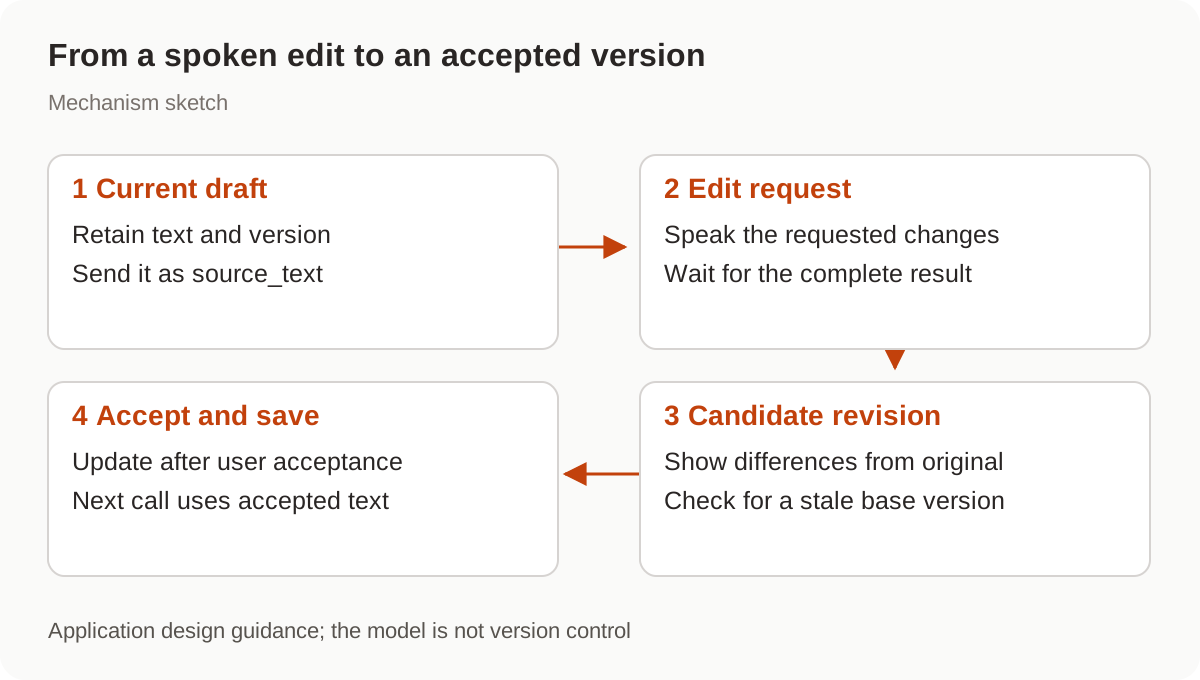
A useful editor retains the current draft, displays the completed revision and its differences, then updates the saved version after acceptance. This is an application design recommendation; the model does not supply document version control.
A phrase such as “send this to everyone” should not independently trigger an email, group message, or form submission. External actions need the application's explicit confirmation flow. See tool output and write permissions for the related boundary.
Does the next request remember the edit?
Separate interactions.create requests do not automatically persist source_text. The official multi-turn example passes the previous output_text into the next request.
For an editor with review, pass the latest accepted draft and retain its version. If a request started against draft-v3 while the user continued editing draft-v4, compare or rerun the proposed edit instead of silently overwriting v4.
Google documents a different behavior for bidirectional Live API sessions: Smart mode automatically updates the active source text after each finalized turn, and uses SMART for the mode value. That persistent-session behavior should not be applied to independent requests. Live sessions were not tested here.
How can you verify that the edit is correct?
Write down what may change and what must stay before recording the instruction.
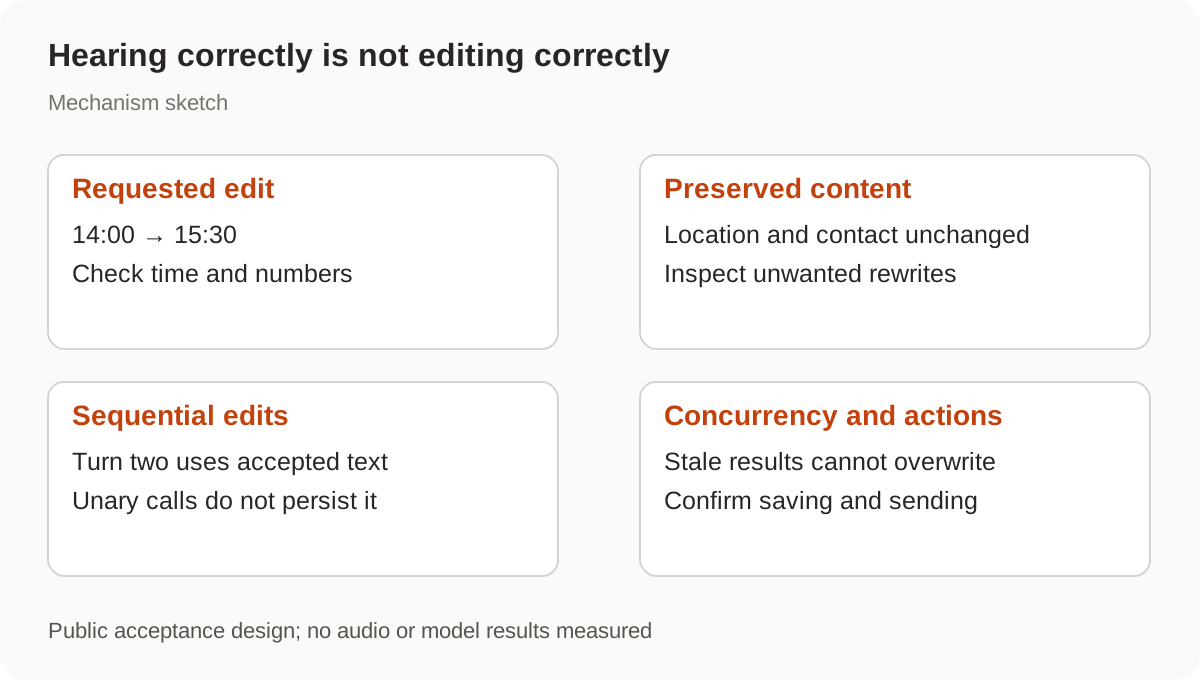
Useful public acceptance cases include:
- Change only a time while preserving the location and contact.
- Delete a sentence, then ask to undo it; verify that the application retained the previous version.
- Accept a change from 14:00 to 15:30, then edit again; check that the second request uses the revised draft.
- Manually edit while a request is running; verify that a stale response cannot overwrite the new version.
These are test designs, not observed results. A simple record-and-transcribe input may need less machinery; compare the short-recording ASR workflow.
For Nbility, review the Gemini compatibility documentation. This article has not verified Google Transcribe, Files, or Interactions support through Nbility. Ordinary Gemini chat access does not establish access to those endpoints.