Speaker labels in meeting transcripts need an identity check
Speaker diarization groups voices within a transcript. Keep labels, confirmed names, and audio references separate before producing attributed meeting notes.
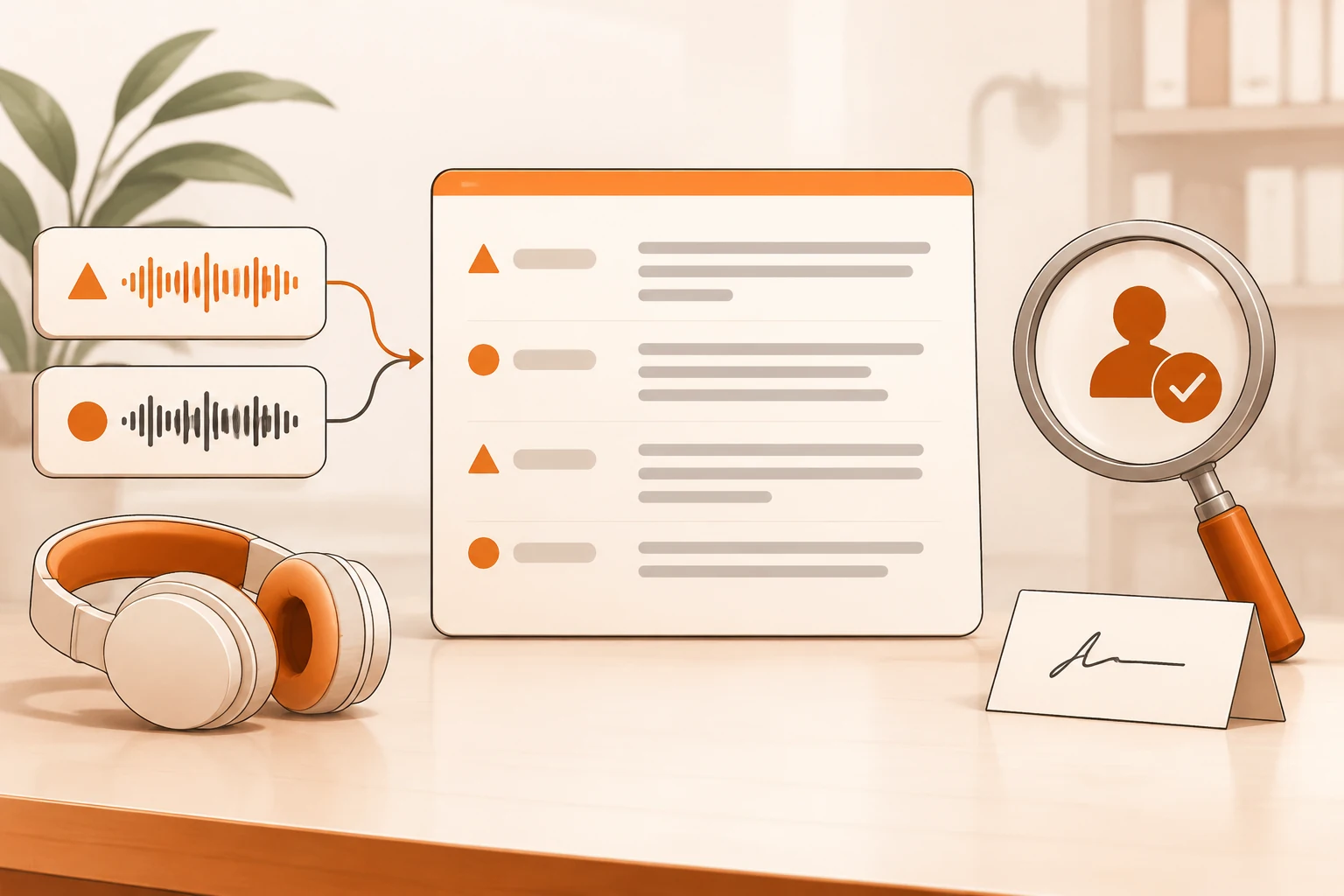
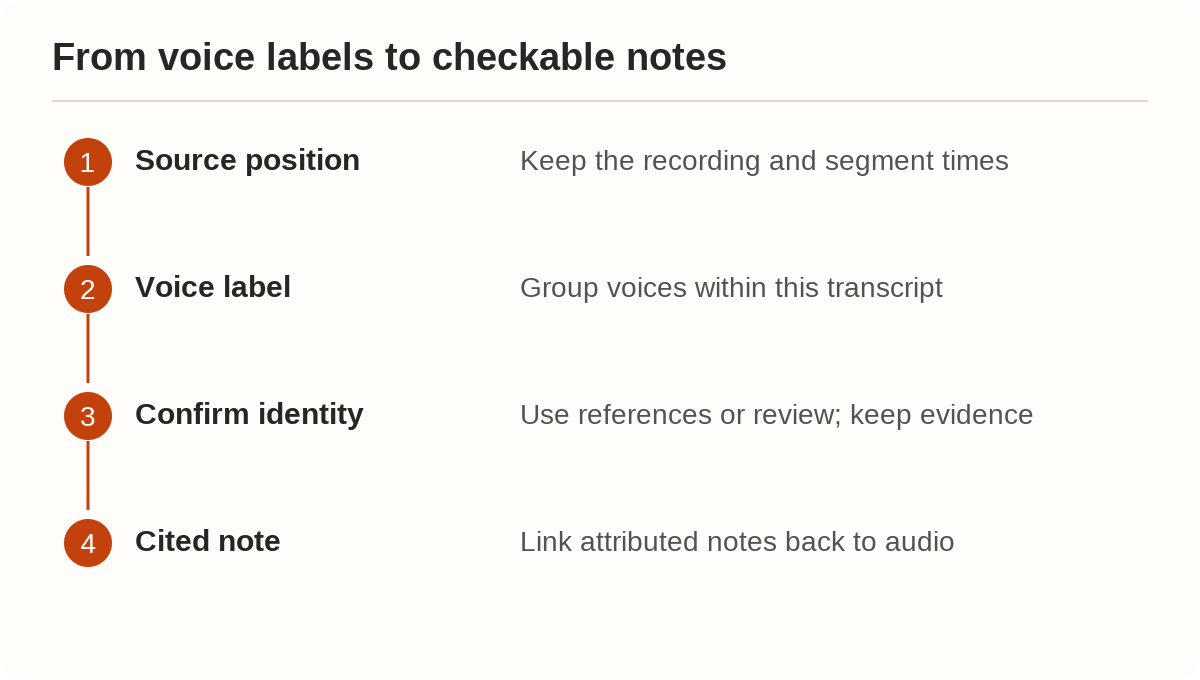
A meeting transcript labeled speaker_1 does not establish that a named manager promised Friday delivery. Voice grouping, identity confirmation, and checking what was agreed are separate tasks. Preserve the original speaker labels and audio positions, then map only verified identities onto the transcript.
Reviewed on November 24, 2026 against Mistral's speaker concepts, transcription feature table, and OpenAI's file transcription guide. No meeting audio was uploaded and no voice matching was tested. The JSON below illustrates application storage.
What does a speaker label actually establish?
A label groups a voice within one transcript; it does not establish a real name. Mistral explicitly says that speaker_1 in another call can be a different person. The same caution applies when a long recording is split across separate requests: matching numbers do not establish matching identities.
| Data | Useful for | Still needs checking |
|---|---|---|
| Transcript text | Finding a statement | Numbers, negation, corrections |
| Segment times | Locating source audio | Whether the model supplies timestamps |
| Speaker label | Grouping one transcript | The person's identity |
| Confirmed name | Attributed excerpts | Whether the statement was an agreement |
Correct words can still be attributed incorrectly. If one participant says “not Friday” and another says “Monday might work,” a fluent summary can turn this into an invented assignment. Readability is a poor acceptance criterion.
Which transcription features do you need?
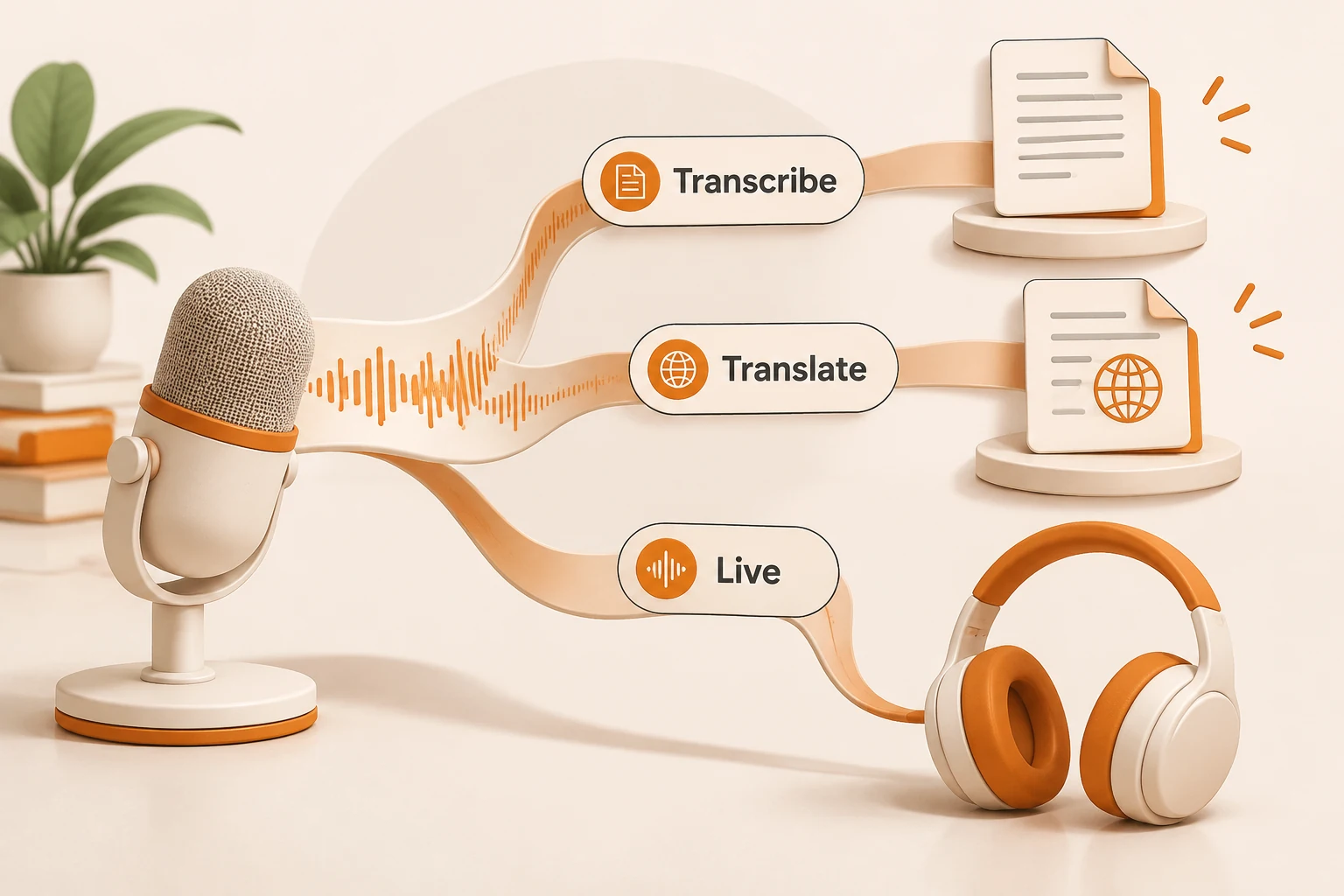
Select for the required output, because plain transcription does not imply timestamps or speaker labels. Mistral's current table distinguishes offline speaker-labeled segments with timestamps from realtime output, which does not provide equivalent segment start/end fields. The documented version does not support overlapping speech; interruptions and short acknowledgments require listening checks.
The Voxtral Mini Transcribe 3 model page marks voxtral-mini-transcribe-3-0 as Public Preview on the review date. Consult the diarization request guide for actual options rather than treating a preview feature as a tested production guarantee. Offline requests require both diarize=true and timestamp_granularities=["segment"]; omitting segment timestamps makes the request fail.
Existing OpenAI integrations have an additional deadline. gpt-4o-transcribe-diarize still documents diarized_json, but it is deprecated and scheduled to shut down on February 26, 2027, according to the deprecation table. Validate required speaker and timestamp fields again before migrating. A replacement model listed in a notice does not prove feature parity.
Nbility's audio documentation describes basic endpoints. It does not establish support for every specialized field in every channel. Check the specific model and capability path before integrating.
Can known participants simply be supplied as names?
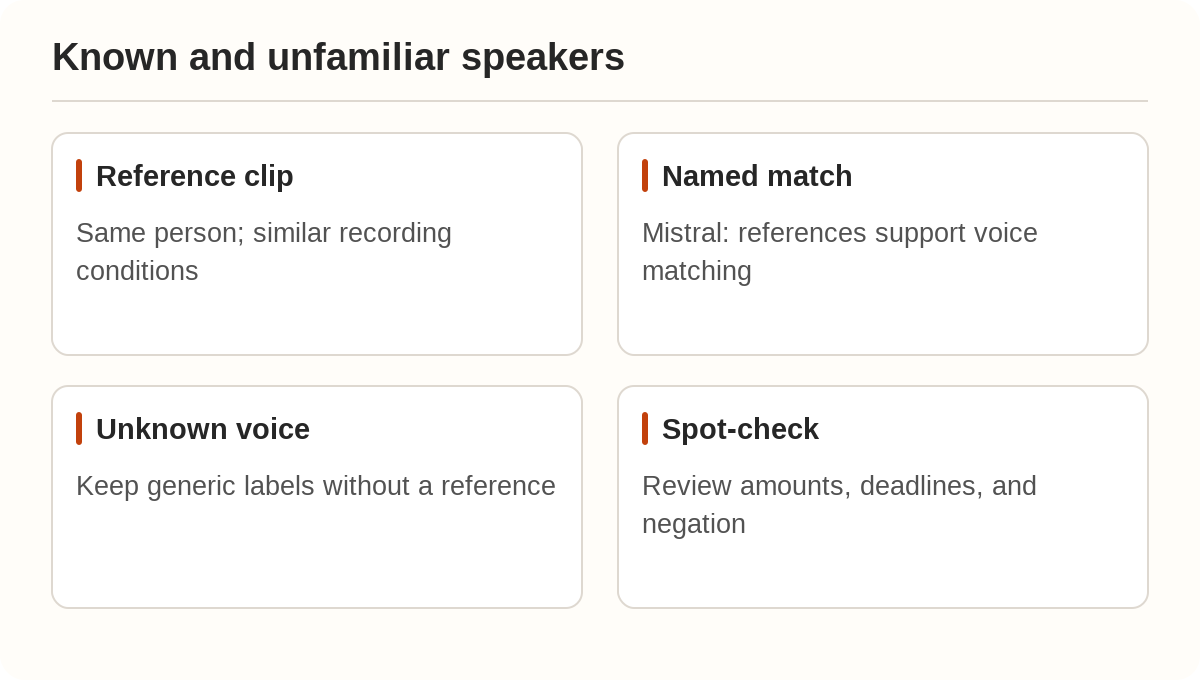
Names alone cannot match voices; reference audio supplies the acoustic evidence. Mistral currently recommends 3–15 seconds per reference, with at least roughly 85% speech, and accepts up to 8 references. The combined reference and predicted speaker count must not exceed 10. Unexpected speakers can retain generic labels. These conditions belong to Mistral and should not be copied into OpenAI parameters.
Use the actual person's voice under conditions close to the real microphone or phone line. Spot-check important attributed statements, especially after a device change or when a third person joins. Obtain appropriate permission and limit storage and access; this is not a substitute for login or approval verification.
How should attributed notes be stored?
Keep original labels and confirmed identity mappings separately so an identification error can be corrected without losing source evidence. This is application-defined data, not a provider response or a model-generated review status:
{
  "recording_id": "meeting-demo-01",
  "transcript_id": "transcript-demo-01",
  "speaker_names": {
    "speaker_1": {
      "name": "Ms Lin",
      "status": "confirmed",
      "evidence": "Audio reviewed and identity confirmed with participant"
    }
  },
  "segments": [
    {"start": 12.4, "end": 16.0, "speaker": "speaker_1", "text": "We cannot deliver on Friday."},
    {"start": 17.2, "end": 20.1, "speaker": "speaker_2", "text": "I will check again on Monday."}
  ]
}
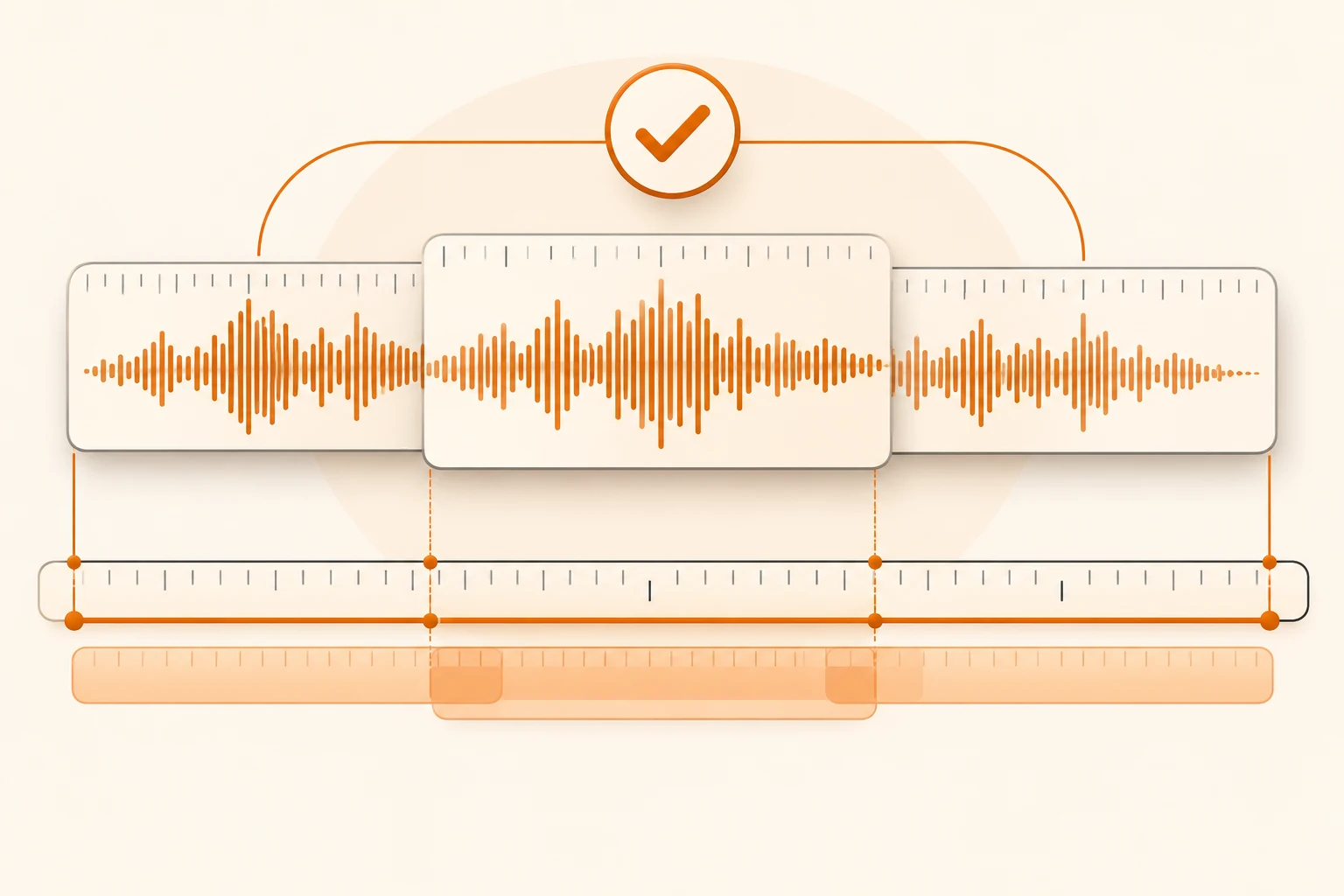
Display speaker_2 as unconfirmed. Do not fill names from seating order or a model's guess. Scope mappings to the transcript; retranscription may change labels. If audio was split, restore global positions from the segment manifest and retain the source fragment.
Require source positions on attributed notes. “I will check on Monday” must not become “promised Monday delivery.” The citation-chain approach also applies here, with audio positions replacing document pages.
How do you test misattribution before release?
Use a short, consented recording containing alternating turns, a returning speaker, an unfamiliar participant, and overlap. Compare it with the original and record four error classes separately: wording or meaning, voice grouping, identity mapping, and time location.
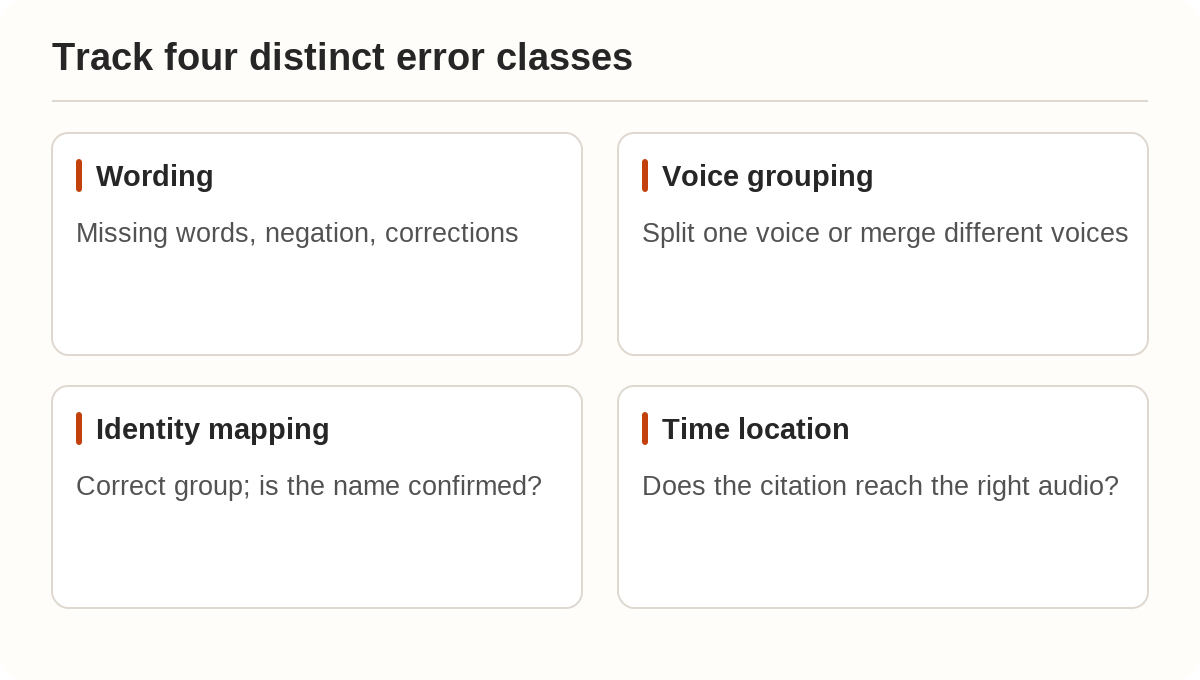
Listen closely to deadlines, amounts, and negations. Repeat the check after changing models, segmentation, or reference clips. For an interactive product, continue with voice-agent turn and tool boundaries. Confirming a meeting speaker and deciding when an assistant should reply require different tests.