Choosing between audio transcription and translation
Choose an audio workflow by its output: original-language text, translated subtitles, or live interpretation. Account for the legacy OpenAI translation endpoint shutdown.
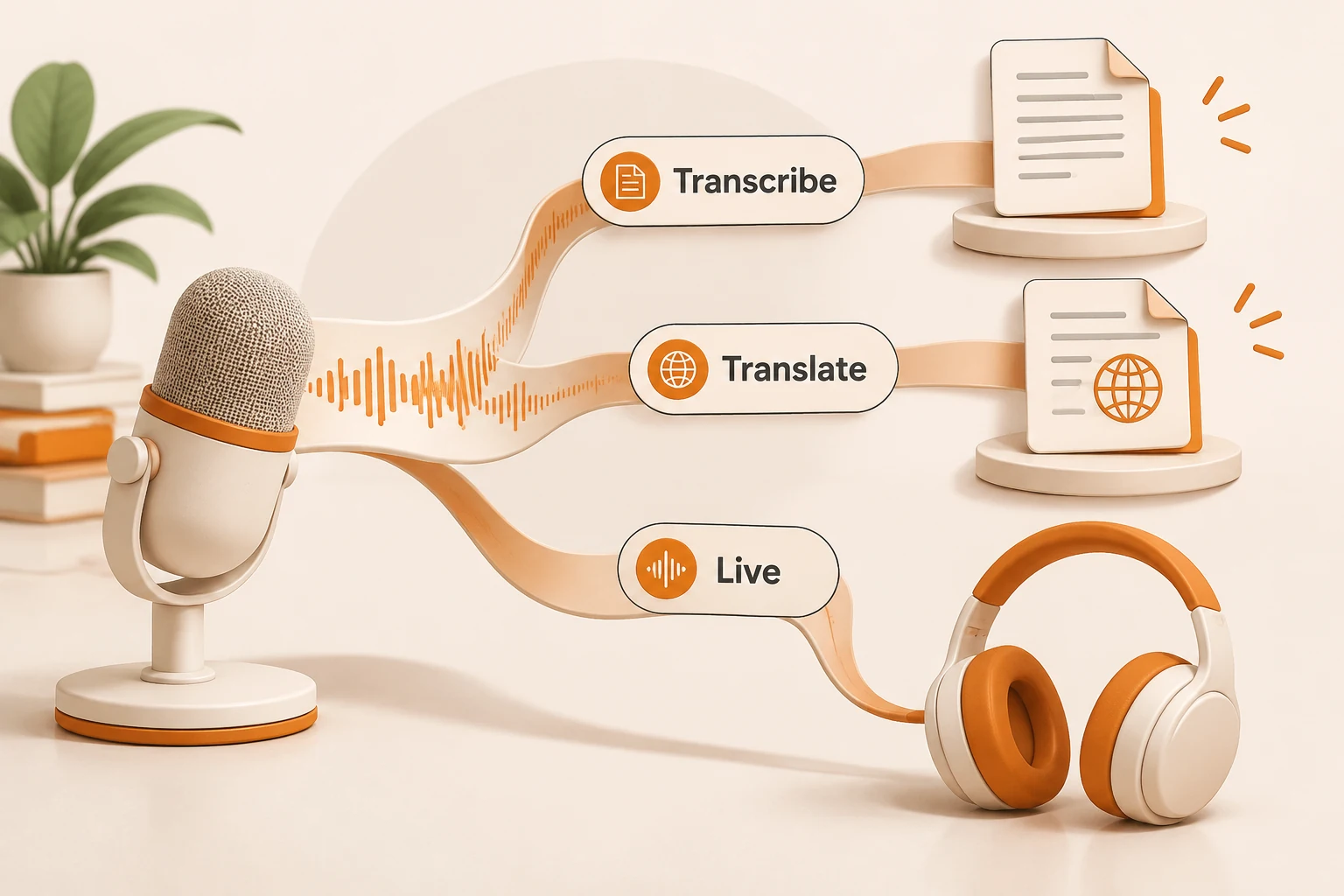
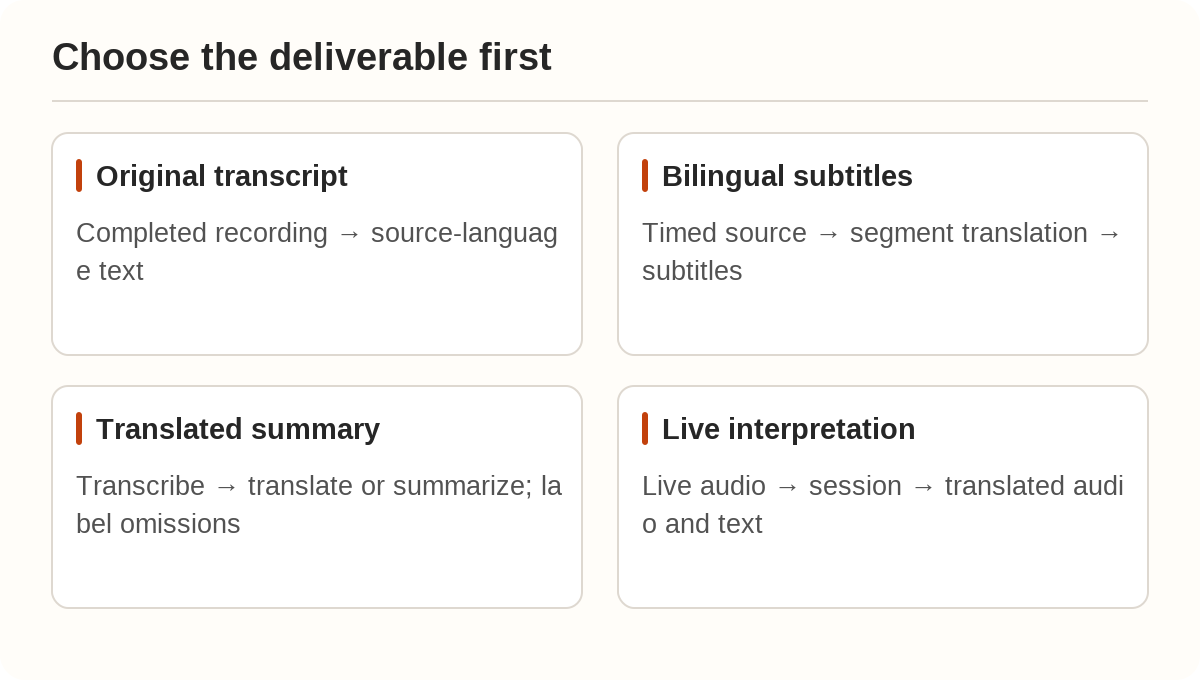
Before turning a recording into text, decide whether the output should preserve the original language or use another one. Transcription captures the words; translation changes their language; live interpretation also needs continuous audio input and playback. A single language setting cannot express all three contracts.
Reviewed November 24, 2026 using OpenAI's file transcription guide, Realtime translation guide, and deprecation notice. This is workflow and acceptance guidance, with no authenticated transcription, translation, or latency tests.
Do you need original text, translated text, or live interpretation?
Choose the processing chain from the deliverable. The following are application designs, not a promise that every model supports every feature.
| Deliverable | Possible chain | Check |
|---|---|---|
| Original-language meeting transcript | Audio → transcription | Wording, numbers, negation |
| Translated interview subtitles | Timed original → segment translation → subtitles | Timing and bilingual alignment |
| Translated summary | Transcript → translation or summary | Omissions and need for original text |
| Live interpretation | Continuous audio → translation session → output | Initial wait, final output, echo |
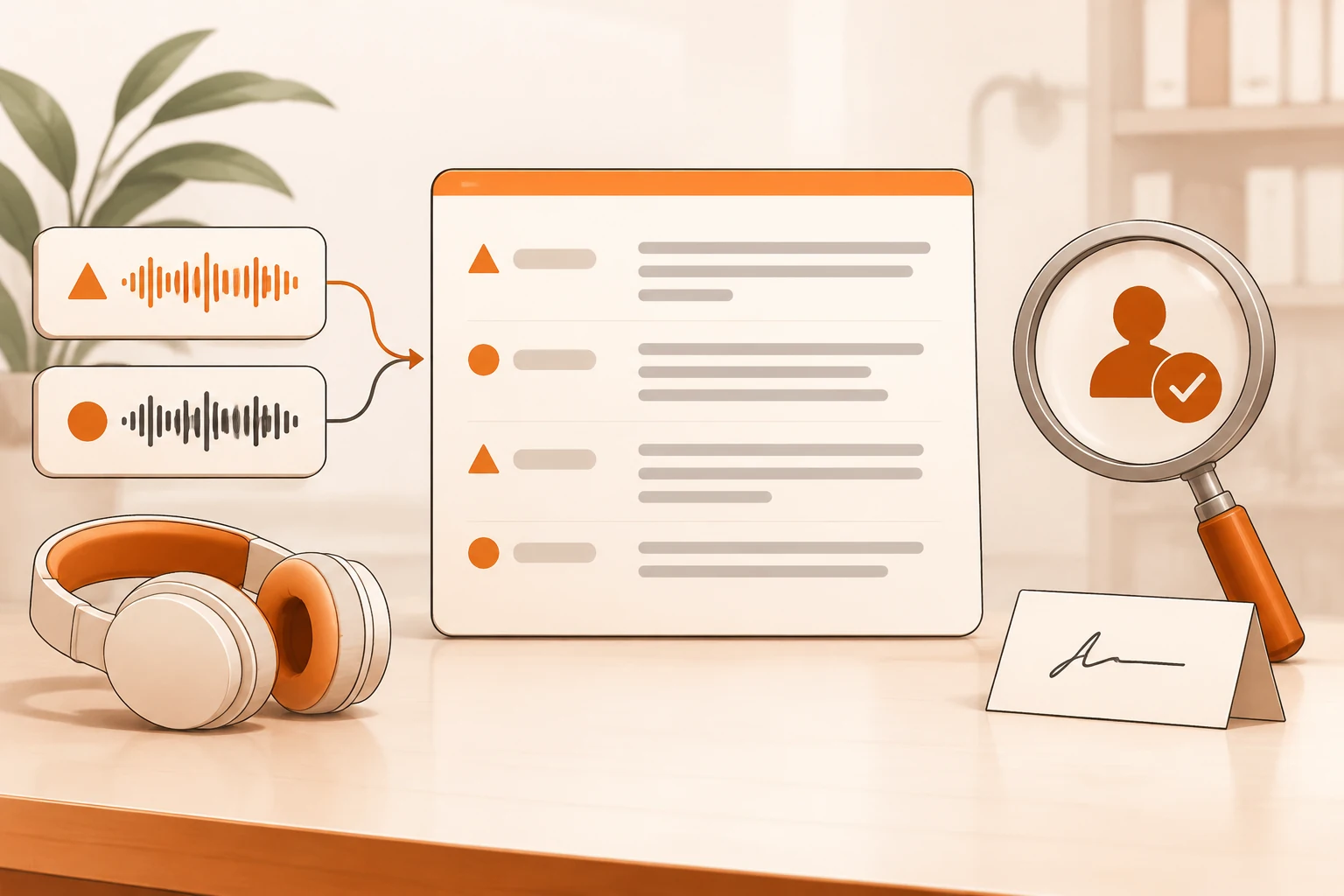
Keeping the source transcript makes names and mistranslations easier to repair. A translation without source positions is harder to audit. Restoring long-recording timestamps solves timeline alignment; this article addresses the language-processing choice.
Does language select the translation target?
An input-language hint in a transcription request is not an arbitrary translation-target switch. OpenAI currently recommends gpt-transcribe for files. Its languages field identifies expected input languages and replaces singular language for that model; do not send both.
This Bash request to OpenAI's own service says that the recording may contain Chinese and English. It does not ask for English to be translated into Chinese:
curl --fail-with-body --silent --show-error \
  https://api.openai.com/v1/audio/transcriptions \
  -H "Authorization: Bearer $OPENAI_API_KEY" \
  -F 'model=gpt-transcribe' \
  -F 'file=@interview.wav' \
  -F 'languages[]=zh' \
  -F 'languages[]=en'
Hints do not guarantee correct code-switching. Test a short mixed-language recording before adding vocabulary hints. This request was not executed; confirm current input conditions, including the documented 25 MB file limit.
Nbility's audio API covers basic paths, but specialized fields and upstream availability require a separate check. This example does not establish that gpt-transcribe is listed on Nbility. Model IDs and actual capabilities must be checked independently.
Should a new integration use audio/translations?
Existing integrations have a transition window; new ones should evaluate the replacement workflow first. OpenAI's /v1/audio/translations uses whisper-1 and returns English text only. It is deprecated and scheduled to shut down on February 26, 2027, following an August 26, 2026 notice. This is an existing migration deadline, not a new announcement this week.
Changing the model to gpt-realtime-translate is insufficient. That model uses a dedicated /v1/realtime/translations session with streamed input and translation events, rather than the old file-upload HTTP contract.
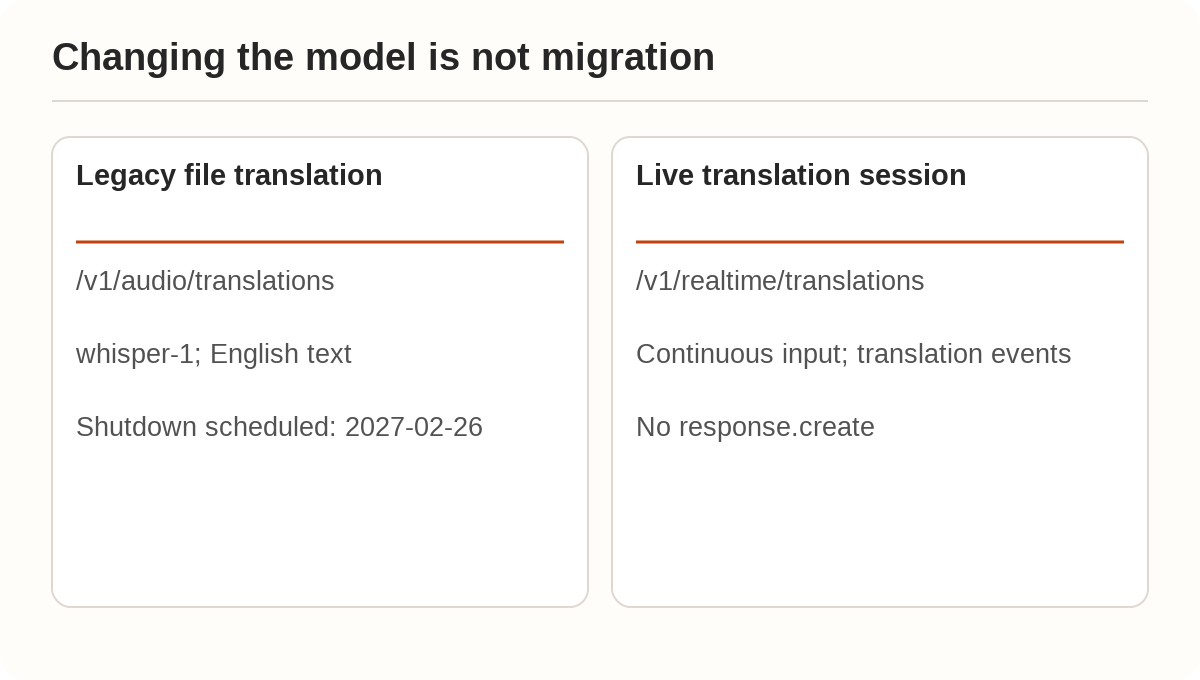
For completed recordings, consider preserving an original-language transcript and translating its text. A product that does not need live interpretation may not need a realtime redesign. Check required timestamps, source text, and speaker information rather than assuming any replacement preserves everything around the old call.
Is live translation a voice assistant?
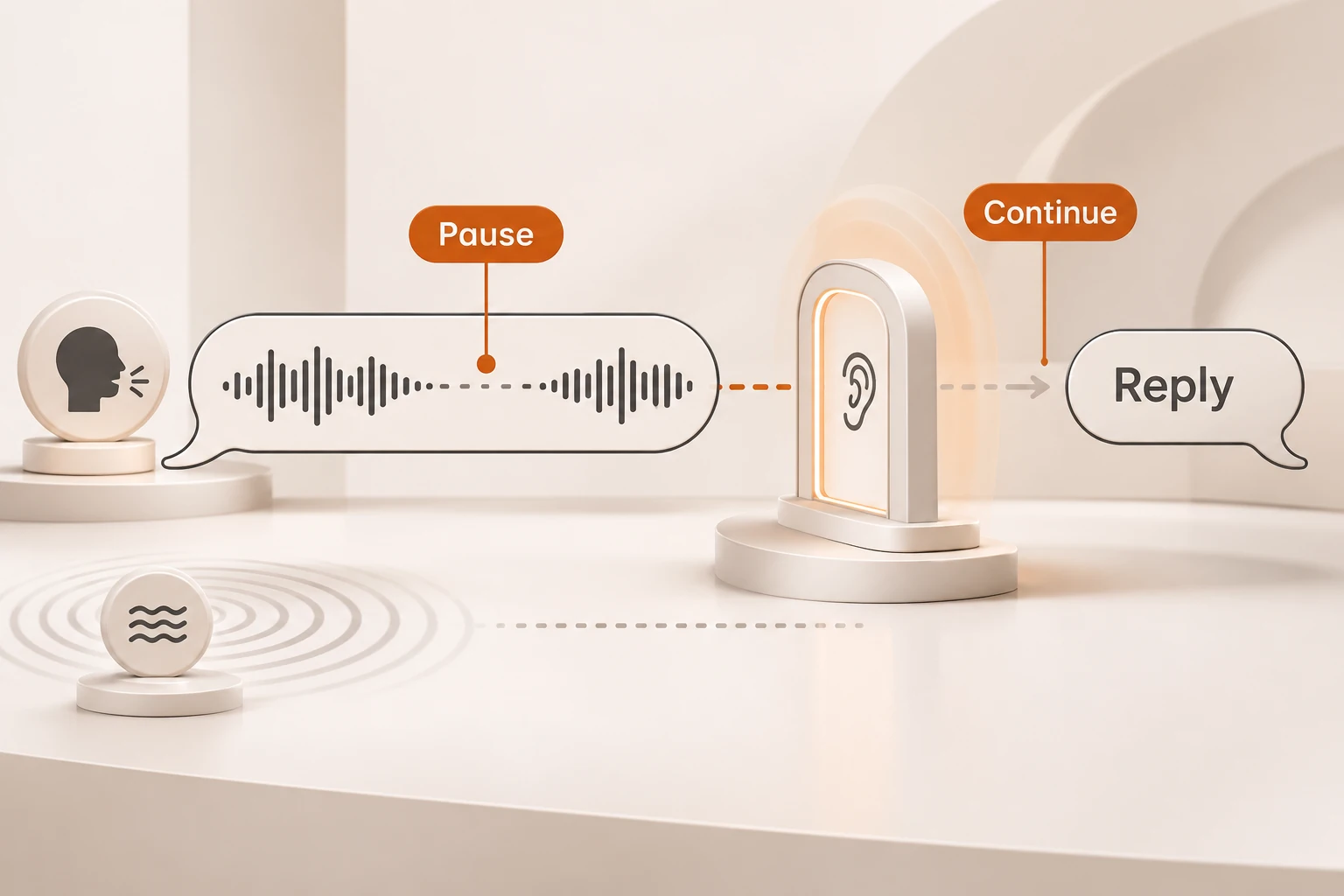
A translation session acts as an interpreter, while a regular Realtime session acts as an assistant. OpenAI distinguishes /v1/realtime/translations from /v1/realtime: translation starts from streamed audio and does not use response.create. Question answering and tools belong to a normal assistant session.
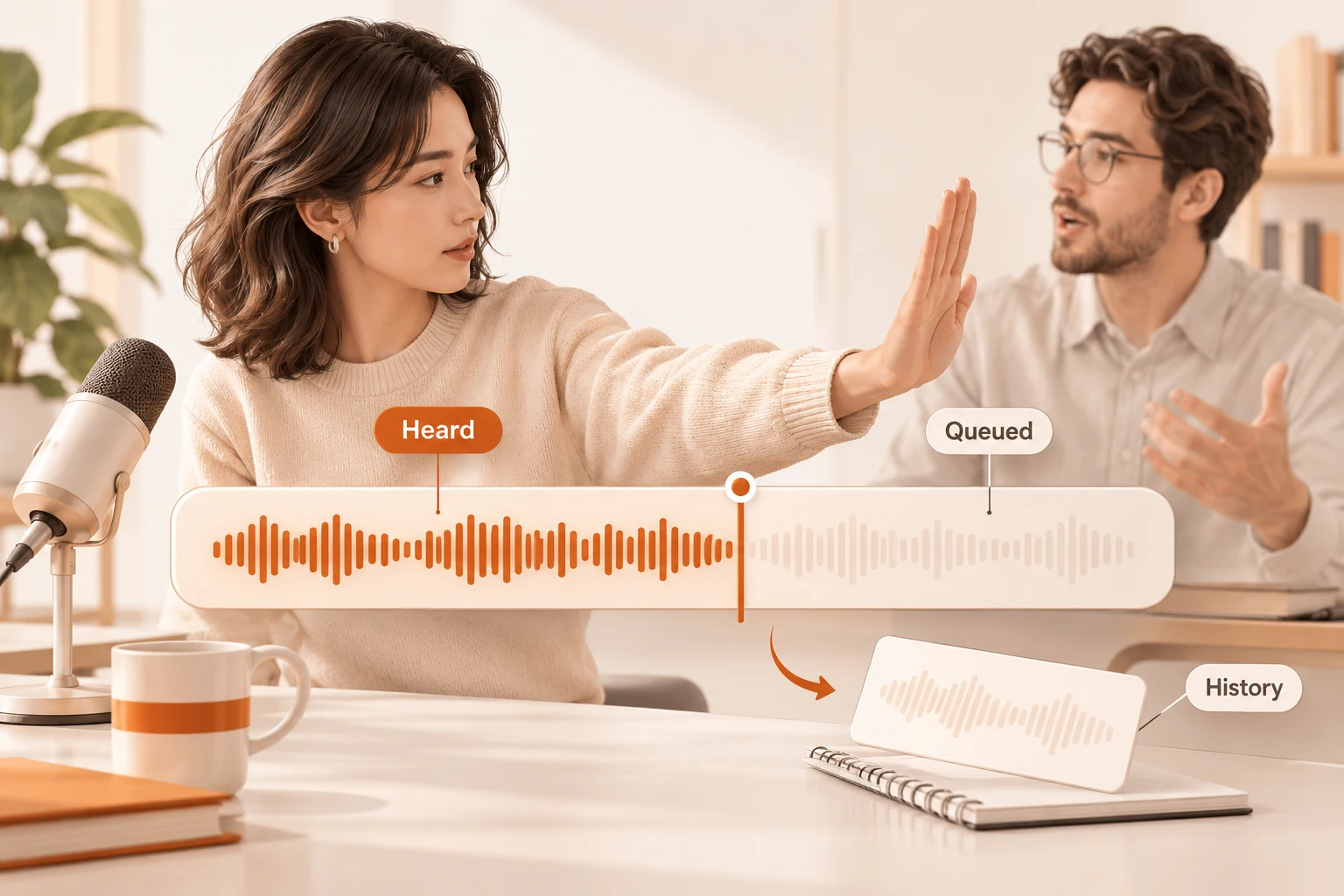
The translation guide also requires a separate session for each target language. English source with Spanish and French output needs two translation sessions. A two-way call needs separate consideration of each direction and playback, including keeping translated output from feeding back into the microphone.
The guide recommends WebRTC for browser capture and playback, and WebSockets when a server already receives raw audio. Their media responsibilities differ. Nbility's Realtime documentation describes a generic WebSocket entry point; it does not establish support for the dedicated translation endpoint or WebRTC. Do not migrate by changing the hostname alone.
How should a short acceptance recording be checked?
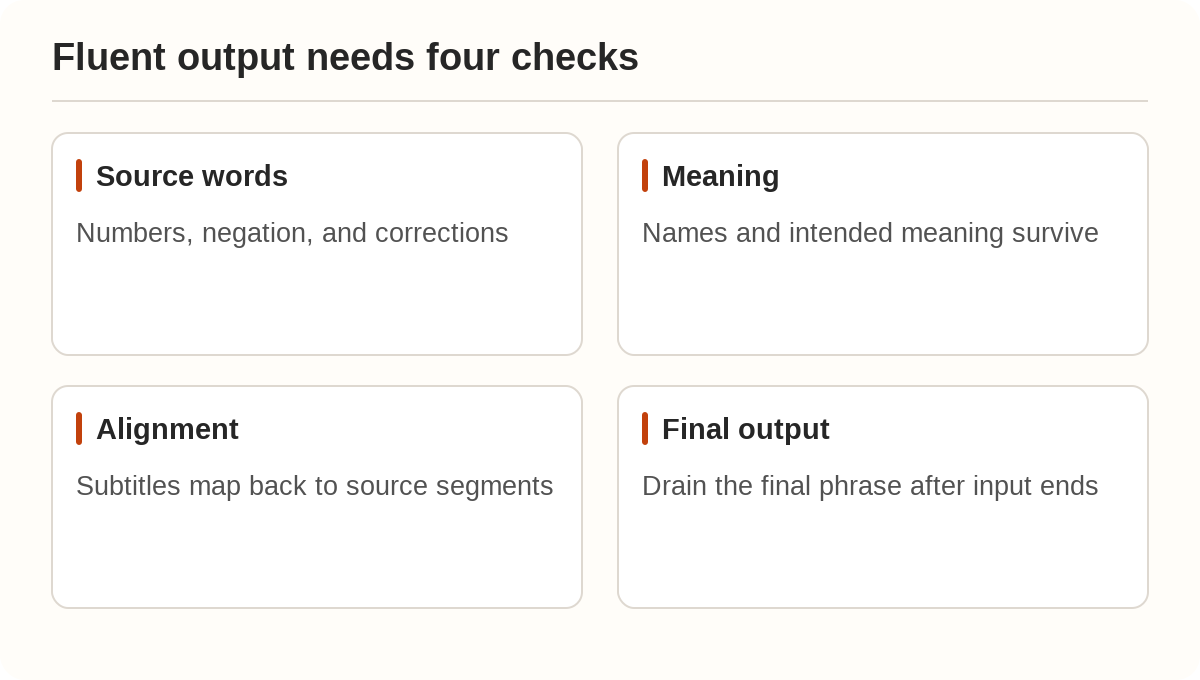
Check recognition, translation, location, and final output separately. Record public sample sentences yourself and have a speaker of both languages review them. These are test designs, not submitted model inputs.
| Input characteristic | Acceptance question |
|---|---|
| “Not fifteen—fifty” | Did the correction and negation survive? |
| Product name and acronym | Was the name silently substituted? |
| Language switch inside a sentence | Was either language omitted? |
| Ending immediately after the last phrase | Was the final output drained? |
Retain links between source text and revisions; a polished summary is not a verbatim transcript. Check identities with speaker-label guidance, and investigate silent translated audio with the streaming TTS playback guide. Before using Nbility for the workflow, verify a complete short example through your available channel.