Keep unheard speech out of a Realtime conversation after interruption
Realtime WebSocket interruption requires immediate playback stop, queue cleanup, and history truncation at the played position. Generation and tool state need separate handling.
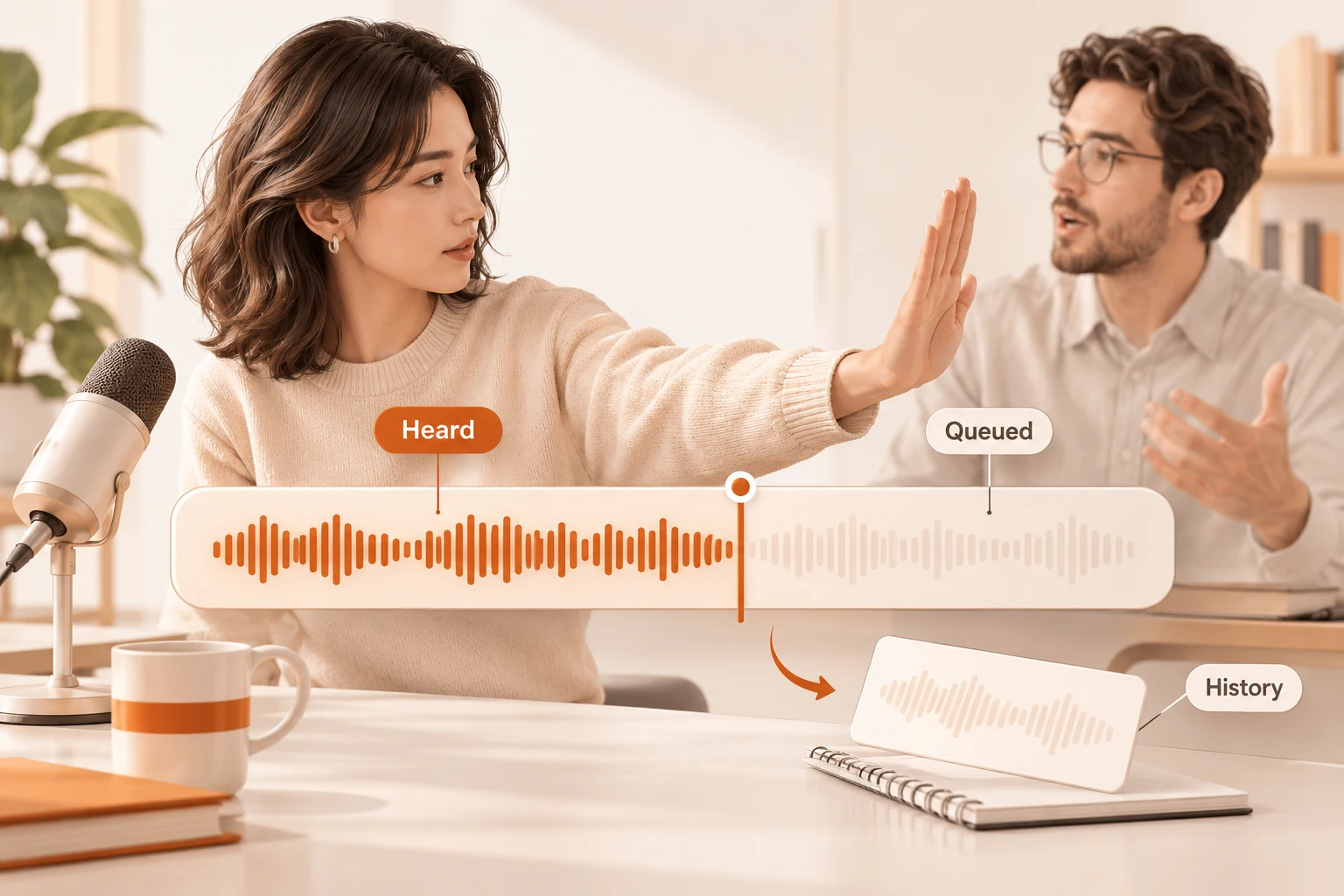
An assistant has generated eight seconds of speech when the user interrupts after two. Muting the speaker alone can leave the model assuming everything was heard; canceling generation alone can leave queued audio playing. A Realtime WebSocket client must reconcile playback and conversation history at the position actually played.
Reviewed November 24, 2026 against OpenAI's interruption and truncation guidance, VAD guide, and Nbility's Realtime documentation. Events and arithmetic were checked offline only. No live session or device-level playback measurement was performed.
What do cancellation, playback stop, and truncation change?
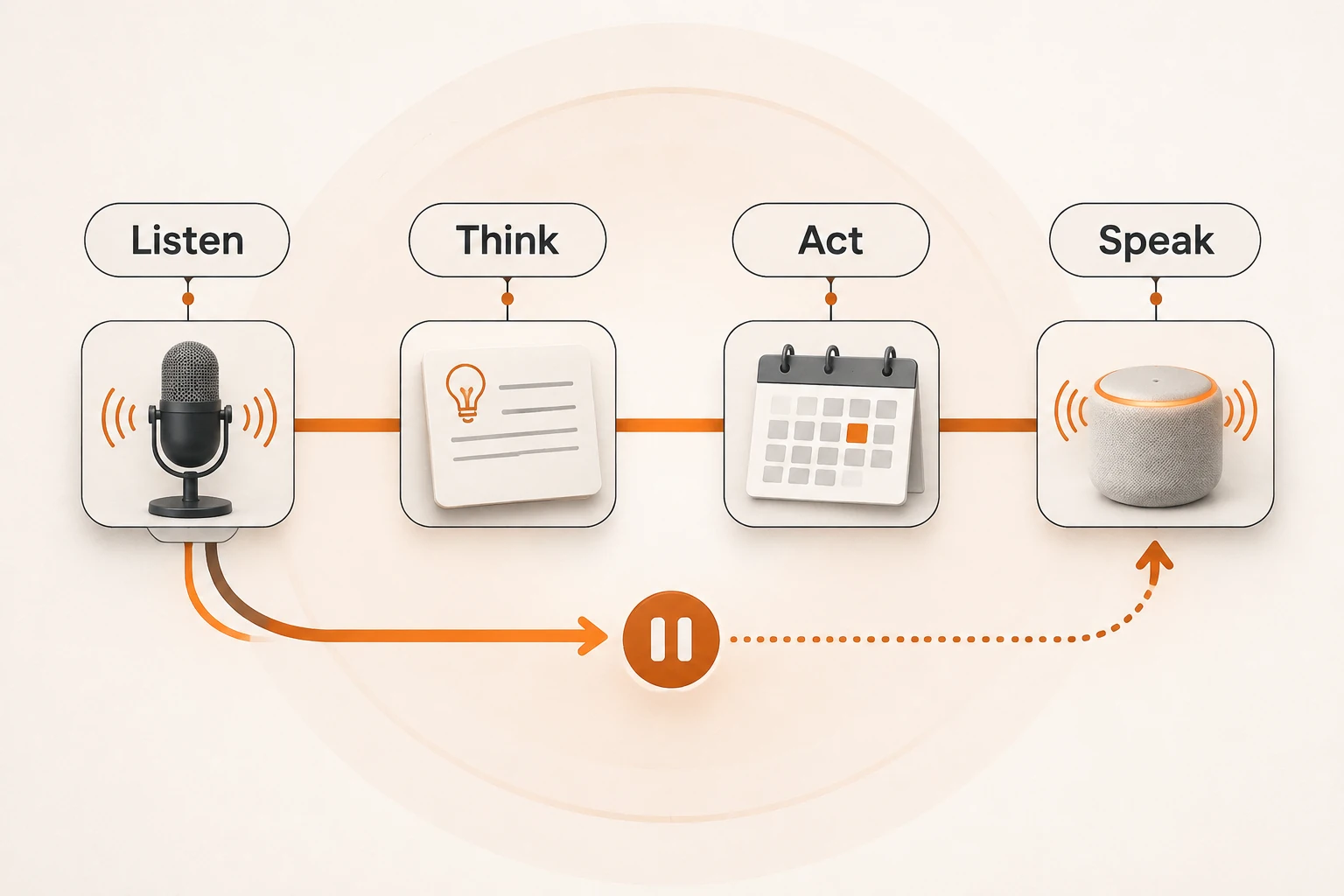
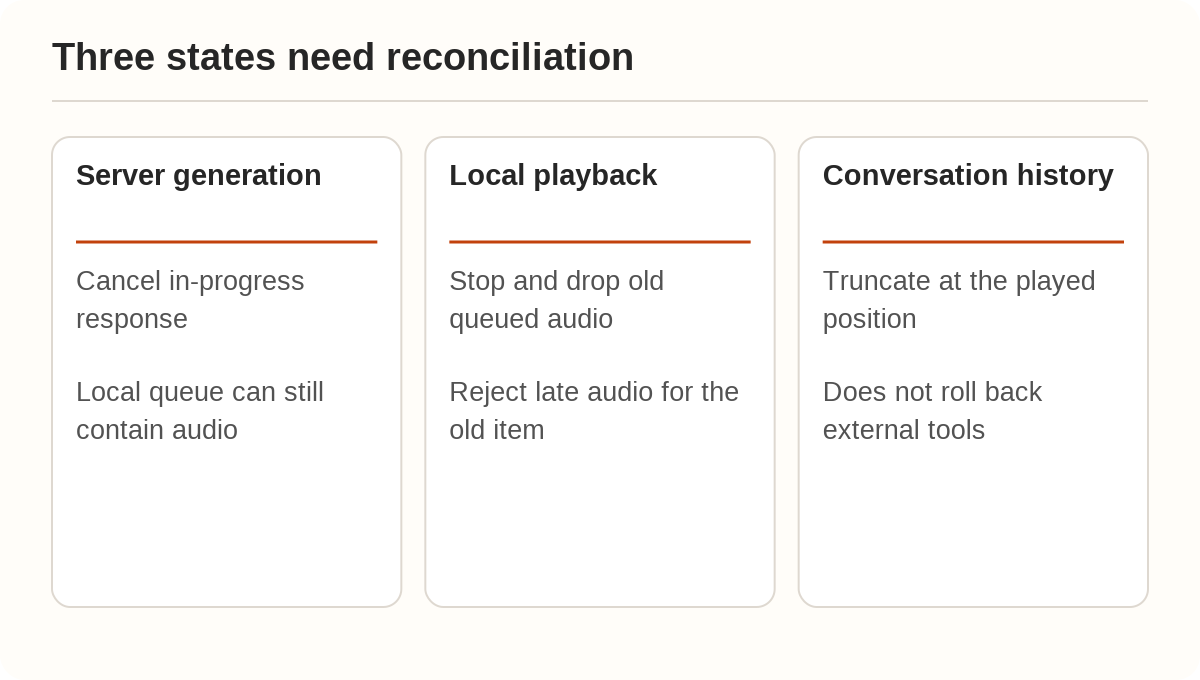
They change different states. Generation can run faster than playback, so receiving eight seconds of audio does not mean the user heard eight seconds.
| Action | State changed | Does not establish |
|---|---|---|
| Cancel an in-progress response | Server generation | Local playback queue is empty |
| Stop and discard queued audio | What can be heard next | Unheard content is absent from history |
conversation.item.truncate | Conversation audio item | An external business action was undone |
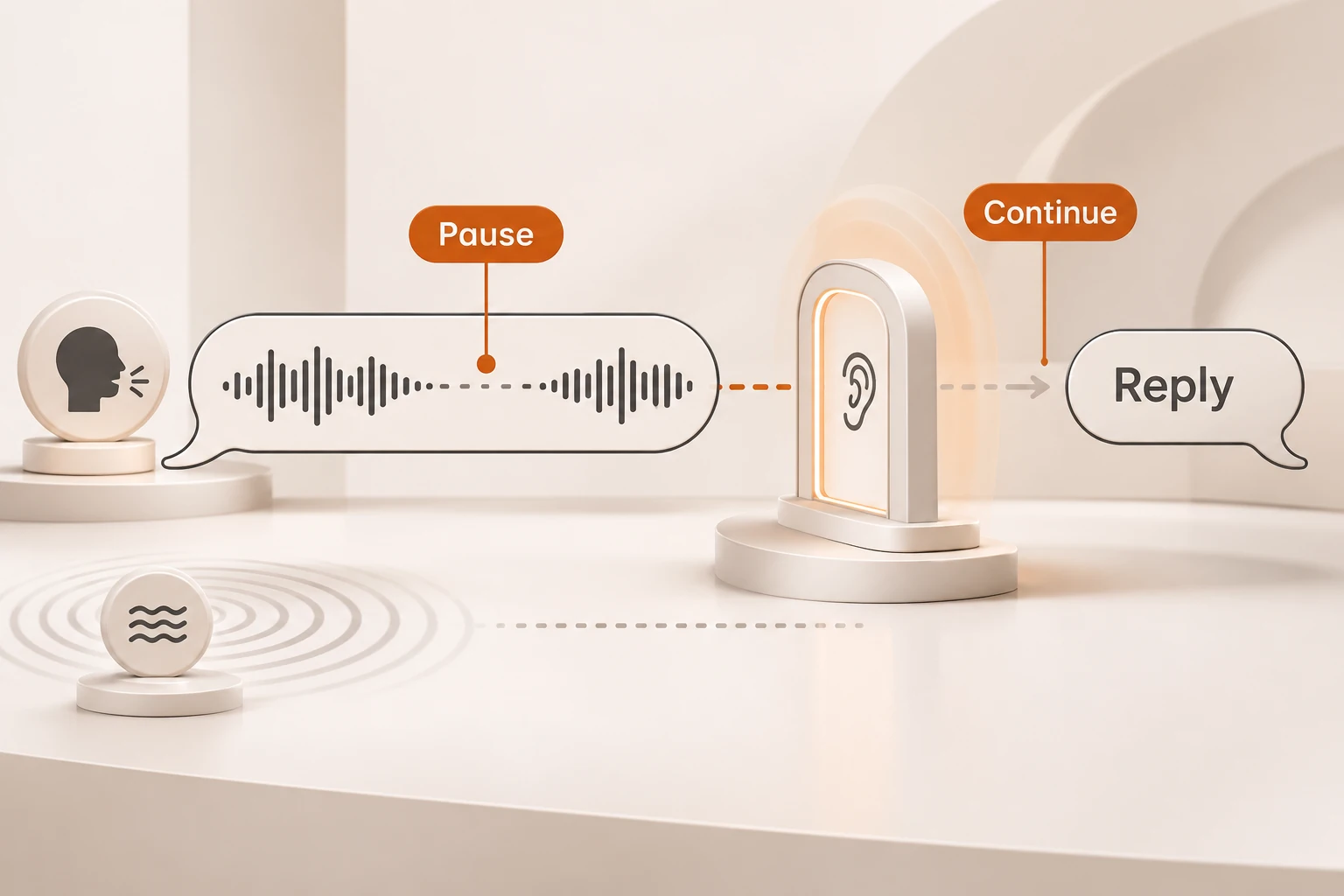
With automatic VAD interruption enabled, user speech cancels the in-progress response. If automatic interruption is disabled or push-to-talk is implemented manually, follow that flow's cancellation steps. See VAD response controls; do not disable interrupt_response while assuming the server will still interrupt automatically.
What should a WebSocket client do on speech_started?
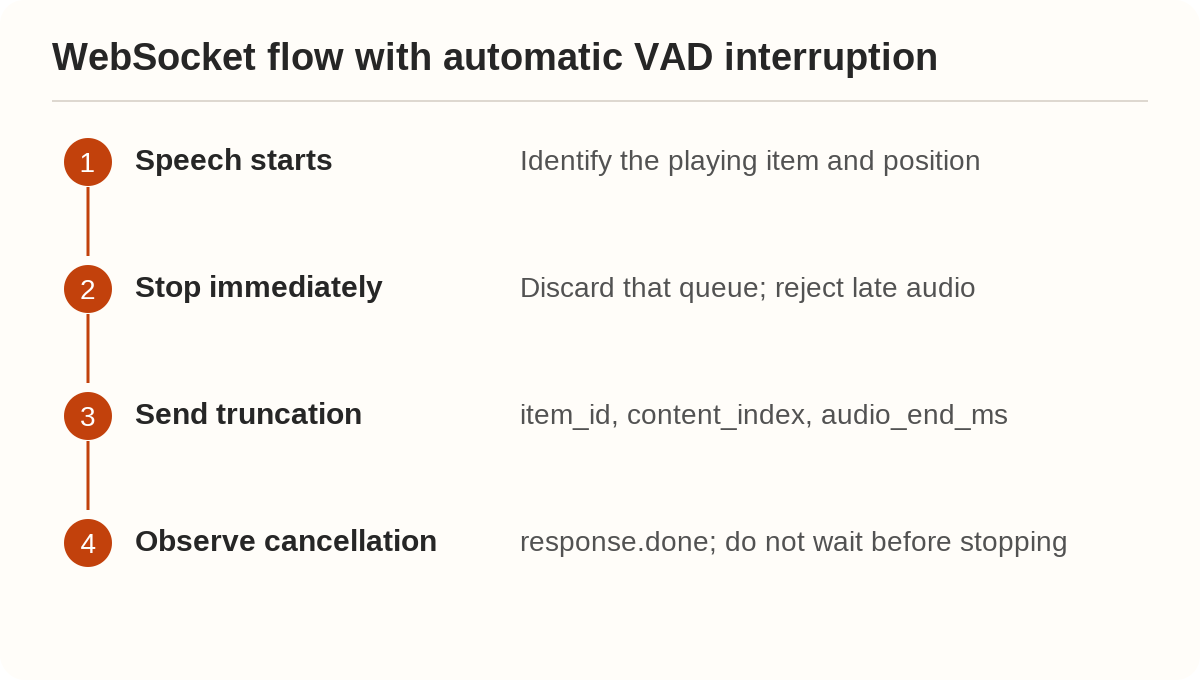
Stop the interrupted item's playback immediately, discard its queued audio, then send truncation using its played duration. OpenAI's guide starts this work on input_audio_buffer.speech_started; cancellation completion is not a prerequisite.
- Identify the playing
item_id, audiocontent_index, and played position. - Stop that item, discard its queue, and prevent late audio for it from being queued again.
- Send
conversation.item.truncateand record the item and position. - For automatic interruption, observe
response.donewithresponse.statusset tocancelled. Use it to observe completion, not to delay stopping playback.
This illustrative event retains the first 1.5 seconds of one audio content part. Replace the ID with the actual playing item and use its real content index:
{
  "type": "conversation.item.truncate",
  "item_id": "item_demo_audio",
  "content_index": 0,
  "audio_end_ms": 1500
}
The time is relative to that audio content, not page load or the entire recording. Discard late deltas by their item and response identity rather than accidentally clearing the next response.
Can audio_end_ms come from downloaded audio length?
No. Received or queued audio is not a record of what has played. Use playback progress, consumed sample frames, or an appropriate device clock, accounting for pauses, underruns, and output buffering.
For an offline arithmetic example, 36,000 played sample frames at 24,000 Hz represent:
36,000 frames / 24,000 frames per second × 1,000 = 1,500 ms
This assumes the stated format; it is not every model's sample rate and cannot turn downloaded bytes into an audible position. A multichannel frame includes one sample per channel, so do not divide by channel count again. Hardware buffering may still require validation. Elapsed wall-clock time since the request is not a universal playback clock.
Transcript handling has a separate limitation. OpenAI says the model cannot align text and audio precisely enough to provide a millisecond-accurate truncated transcript. Truncation handles the transcript history associated with unheard content, but does not return precisely cut subtitles. A UI displaying the full generated transcript must not treat it as proof of what remains in server history.
Does WebRTC need the same client events?
Do not copy WebSocket playback responsibilities unchanged. OpenAI manages output buffering for WebRTC and SIP, and automatically truncates unheard audio on automatic interruption. WebSocket clients manage playback and truncation themselves.
Manual push-to-talk is different again. The documented flow disables VAD. WebSocket clients cancel an in-progress response, stop local playback, and truncate; WebRTC/SIP use output_audio_buffer.clear to clear unplayed output and truncate the conversation, along with their required input-buffer handling. Switching transport URLs does not make these flows equivalent.
Nbility documents generic WebSocket access. That is not evidence that all channels provide OpenAI's WebRTC buffer behavior. Verify the actual model, event contract, and transport before testing a full interruption. The API-format comparison explains why similar names alone do not establish compatibility.
How should interruption be accepted before release?
Interrupt a long public response early, midway, and near the end. Check audio, history, and the next turn separately. These are proposed acceptance cases, not online results:
| Condition | Required behavior |
|---|---|
| A large old audio queue remains | No old tail continues playing |
| An old delta arrives after cancellation | It does not re-enter playback |
| User asks where the answer stopped | The model does not assume the unheard tail was heard |
| A tool query was already started | Results remain associated with the appropriate intent |
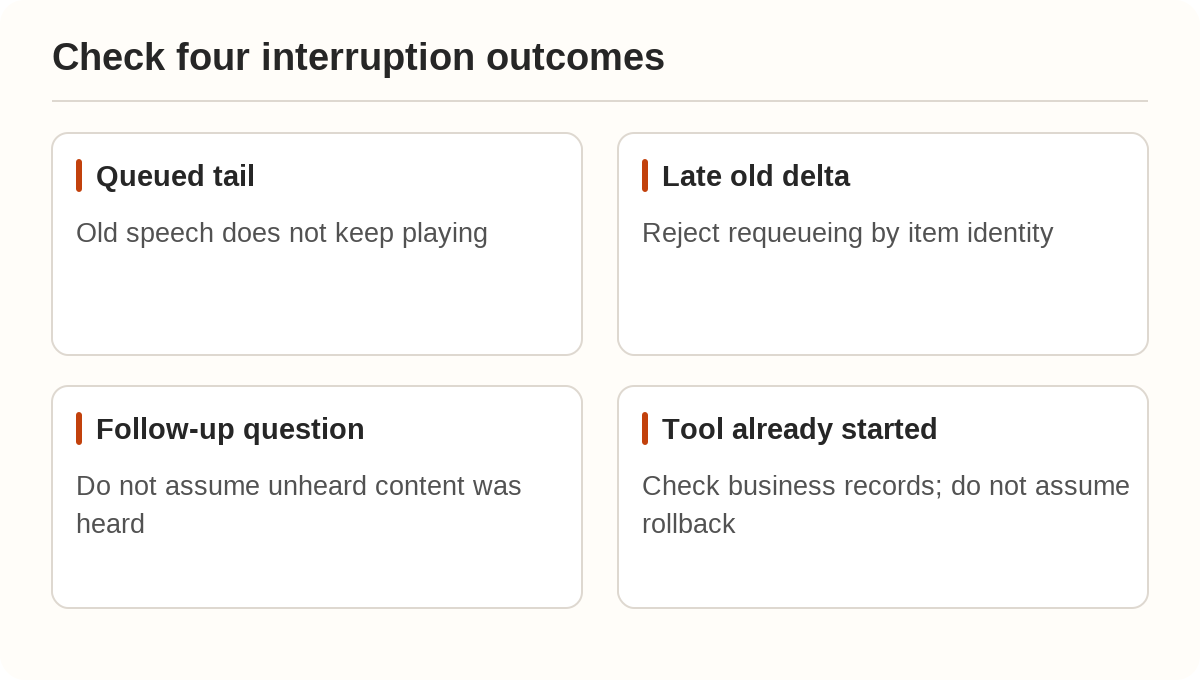
“Stop talking” does not roll back an order or message already sent. Inspect business-operation records and handle that separately; see retry side effects. For bytes arriving without sound, inspect decoding and playback queues. Then validate a complete read-only conversation using the Realtime channel actually available to you through Nbility.