Your first Orca session starts with an agent you already use
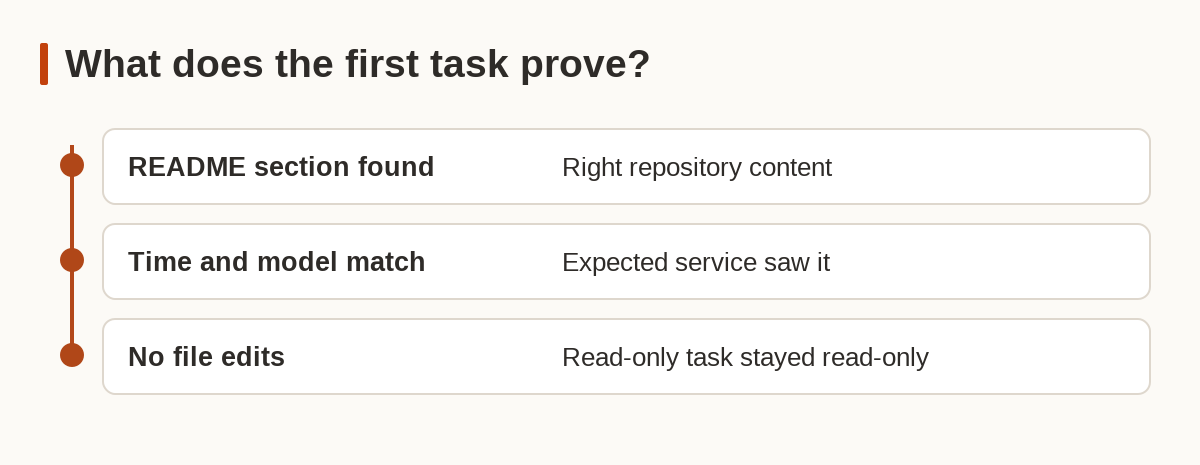
Run one read-only task in stablyai/orca to check the repository, working directory and agent account. Configure a model gateway at the agent that actually sends the request.
Installing stablyai/orca gives you a place to run coding agents. It doesn't tell you which model account a particular tab is using. Start with one repository, one agent and a question with an answer you can check in the files. That's enough to discover a wrong checkout or an unexpected provider before it costs you a day of work.
Give the first session a small, checkable job
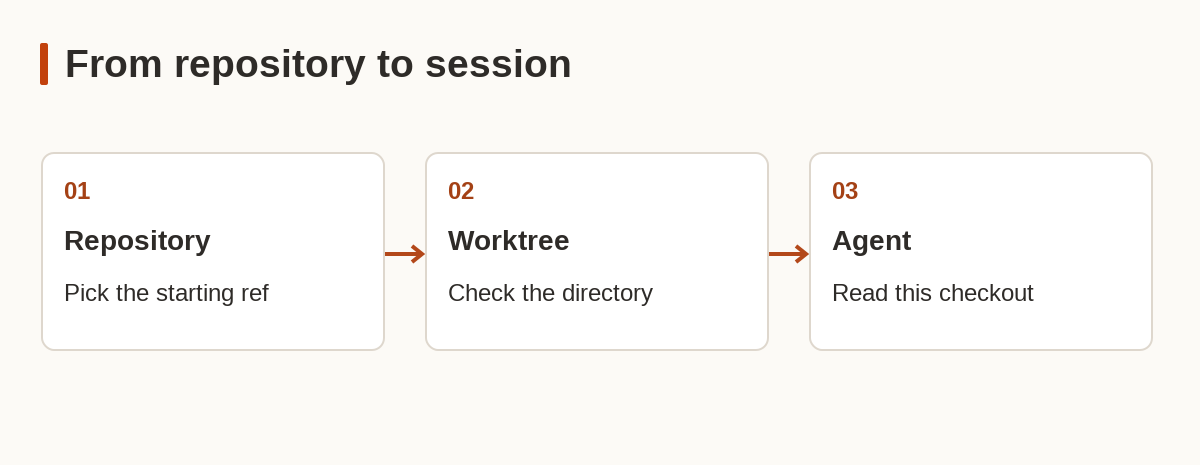
Use Add Repo in the sidebar to open a local Git checkout. Click the + beside the repository, name the task and check its start-from branch or commit. Pick a configured agent in the launcher. The release's first-session walkthrough goes on to run several agents; one is plenty for this check.
Try: “Read the README in this checkout. Which section gives the test command? If there isn't one, say so. Don't change files.” Open the cited section yourself. A greeting confirms that something answered. A correct file reference tells you much more about the directory the agent can see.
Does a working CLI outside Orca prove this tab uses the same account?
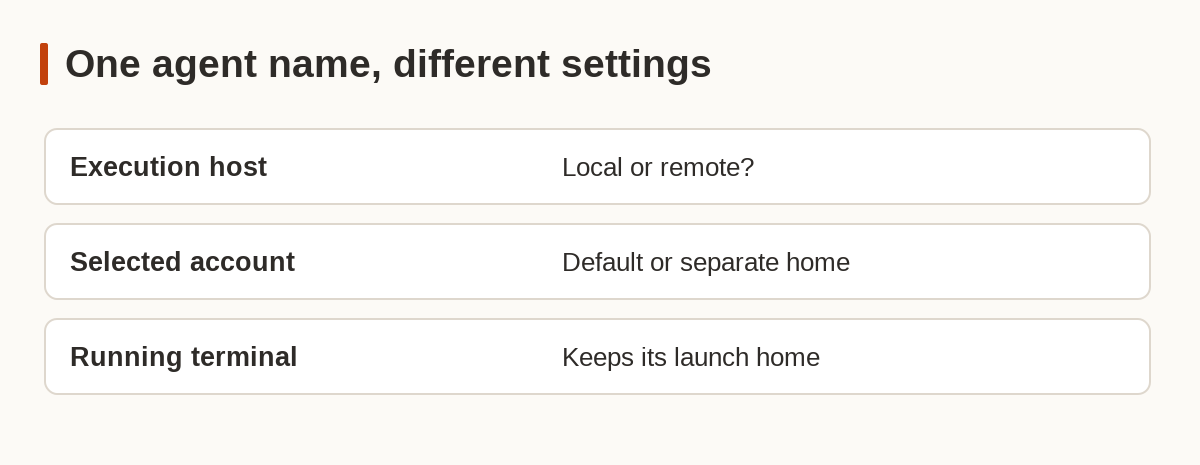
Only if the agent, host and selected account match. For example, the Codex integration in v1.4.279 uses the usual ~/.codex for System default. Additional accounts managed by Orca have separate homes. An already running terminal session keeps the home it started with. Editing one configuration doesn't prove a different session picked it up.
For a gateway-backed session, follow the Nbility instructions for the chosen agent. Claude Code and Codex don't take the same configuration. Make a small request with a dedicated token, then check the time and model in usage logs. A successful direct subscription request won't appear there. No part of this check requires pasting a key into the conversation.
What is the next useful step?
For two independent implementations, decide which worktree files should be private. For an overnight task, identify the machine that owns the session. When the change is ready, attach feedback to a line of code or a rendered element, whichever best identifies the problem.