Connect Qwen Code to an OpenAI-Compatible API: Install to First Request
Install Qwen Code, configure an OpenAI-compatible Base URL, API key, and model in settings.json or environment variables, then validate and troubleshoot your first agent task.
Qwen Code is an open-source coding agent that runs in your terminal. It can inspect source files, edit a repository, and execute commands. Despite its name, it is not limited to Qwen models: its current provider system supports OpenAI-compatible, Anthropic, Gemini, and other protocols.
That means a third-party gateway or self-hosted service can work through the openai protocol when it exposes a compatible endpoint. The configuration is straightforward, but the details matter: the Base URL must be the right API root, the model ID must be exact, and a gateway that handles normal chat may still fail on agent tool calls.
This guide was checked against the Qwen Code repository and authentication documentation in July 2026. It covers installation, environment variables, settings.json, the first request, model switching, credential safety, and realistic troubleshooting.
One important freshness note: the standalone qwen auth command has been removed. Use /auth inside an interactive Qwen Code session, or configure a custom provider through ~/.qwen/settings.json, .qwen/.env, and environment variables.
Method 1: Environment Variables for a Quick Test
The environment-variable path below was checked against the official authentication guide on 2026-10-14. If Qwen Code is installed, test it directly; see the Nbility Qwen Code guide for the full setup.
For the fastest connection check, set three values in the current shell:
export OPENAI_API_KEY="YOUR_API_KEY"
export OPENAI_BASE_URL="https://api.nbility.ai/v1"
export OPENAI_MODEL="YOUR_MODEL_ID"
qwen
QWEN_MODEL is also documented as an alias for OPENAI_MODEL, but using one name consistently makes precedence easier to reason about.
Start with a read-only task:
Read package.json and summarize the available scripts. Do not modify files.
This checks whether:
- the key is accepted;
- the Base URL reaches the intended API;
- the model ID exists;
- basic generation and streaming work.
Do not begin with an unrestricted edit or a production repository.
Prerequisites and Installation
The official NPM installation requires Node.js 22 or newer. Check your runtime first:
node --version
npm --version
Upgrade Node.js if the major version is below 22, then choose an installation method.
Install with NPM
npm install -g @qwen-code/qwen-code@latest
Install with Homebrew
On macOS or Linux:
brew install qwen-code
Verify the binary:
qwen --version
If the shell reports command not found, restart the terminal and verify that your global NPM binary directory is on PATH. Avoid broad sudo chmod workarounds against directories you do not understand.
How Qwen Code Represents an OpenAI-Compatible Provider
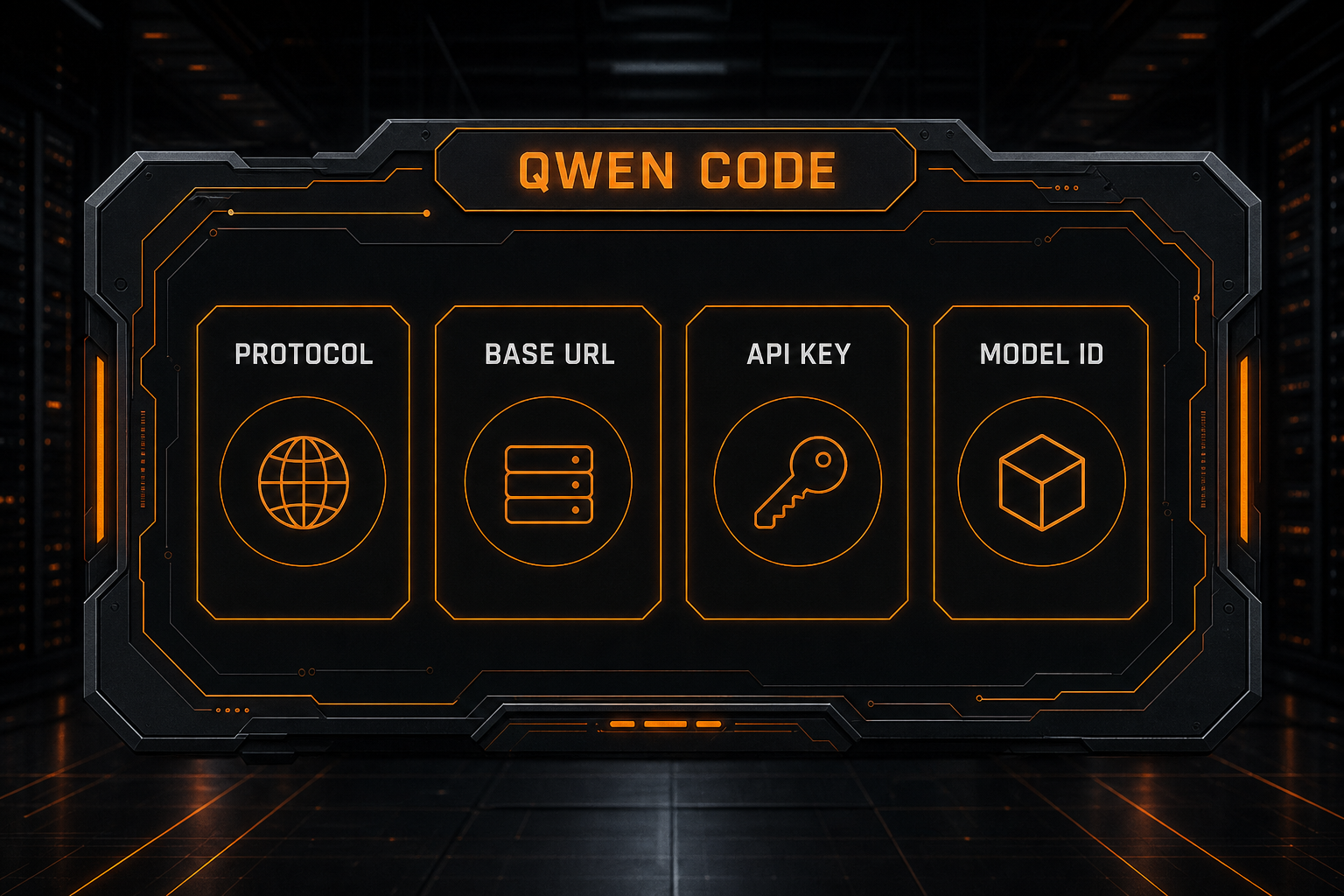
Qwen Code groups models by protocol under modelProviders. In the current documentation, an OpenAI-compatible setup maps to:
modelProviders key: openai
API Key: OPENAI_API_KEY
Base URL: OPENAI_BASE_URL
Model: OPENAI_MODEL
Here, openai names the protocol, not necessarily the company receiving the request. OpenRouter, an API aggregator, a self-hosted gateway, or another compatible service can all sit behind that protocol.
The four layers serve different purposes:
| Layer | Purpose |
|---|---|
openai protocol | Selects the OpenAI-compatible request format |
| Base URL | Routes requests to the intended gateway |
| API key | Authorizes access |
| Model ID | Selects a model recognized by that gateway |
Do not substitute a marketing display name for the API model ID. Copy the exact identifier from the provider's current catalog, preserving case, separators, and version suffixes.
Method 2: Define the Provider in settings.json
For repeat use, define your models in the user-scoped configuration:
~/.qwen/settings.json
A minimal custom OpenAI-compatible setup looks like this:
{
  "modelProviders": {
    "openai": [
      {
        "id": "YOUR_MODEL_ID",
        "name": "My Coding Model",
        "baseUrl": "https://api.nbility.ai/v1",
        "envKey": "NBILITY_API_KEY"
      }
    ]
  },
  "security": {
    "auth": {
      "selectedType": "openai"
    }
  },
  "model": {
    "name": "YOUR_MODEL_ID"
  }
}
Provide the secret separately:
export NBILITY_API_KEY="YOUR_API_KEY"
qwen
The fields mean:
| Field | Meaning |
|---|---|
modelProviders.openai | Models available through the OpenAI-compatible protocol |
id | Exact model ID sent to the API |
name | Human-readable label in /model |
baseUrl | Custom API root |
envKey | Environment variable that holds this model's key |
selectedType | Protocol selected at startup |
model.name | Default model; it must match one configured id |
Qwen Code can store secrets under the env field in settings.json, but that writes them in plain text. Shell variables or .qwen/.env are safer defaults.
Store Project Credentials in .qwen/.env
Qwen Code loads the first matching .env file rather than merging several files. From a project directory, the documented search order is:
.qwen/.env;.env;~/.qwen/.envif no project file was found;~/.envas the final fallback.
Shell environment variables override .env, and settings.json's env block has the lowest priority.
Create:
.qwen/.env
with:
NBILITY_API_KEY=YOUR_API_KEY
Then ignore it:
.qwen/.env
Never place an active key in an article, issue, terminal screenshot, or commit. If one enters Git history, removing the current line is not enough—revoke and replace the credential.
Where the Base URL Should End
An OpenAI-compatible Base URL commonly ends at a version root:
https://api.example.com/v1
Do not automatically append:
/chat/completions
The client normally adds the request route. Providing a full endpoint as the Base URL can produce a duplicated path and a 404 response.
Gateway layouts vary, so the provider's documentation remains authoritative. For a deeper protocol explanation, see What Is an OpenAI-Compatible API?.
Check State with /auth, /model, and /doctor
Inside an interactive session, these commands are central:
/auth
/model
/doctor
/authchanges the authentication method;/modellists configured models and switches the active one;/doctorchecks the current authentication and runtime state.
Legacy commands such as qwen auth status are no longer the correct diagnostic path.
You can also select a model at launch:
qwen --model "YOUR_MODEL_ID"
With several entries in modelProviders, /model groups choices by protocol and persists the selected model across sessions.
Configure Multiple OpenAI-Compatible Models
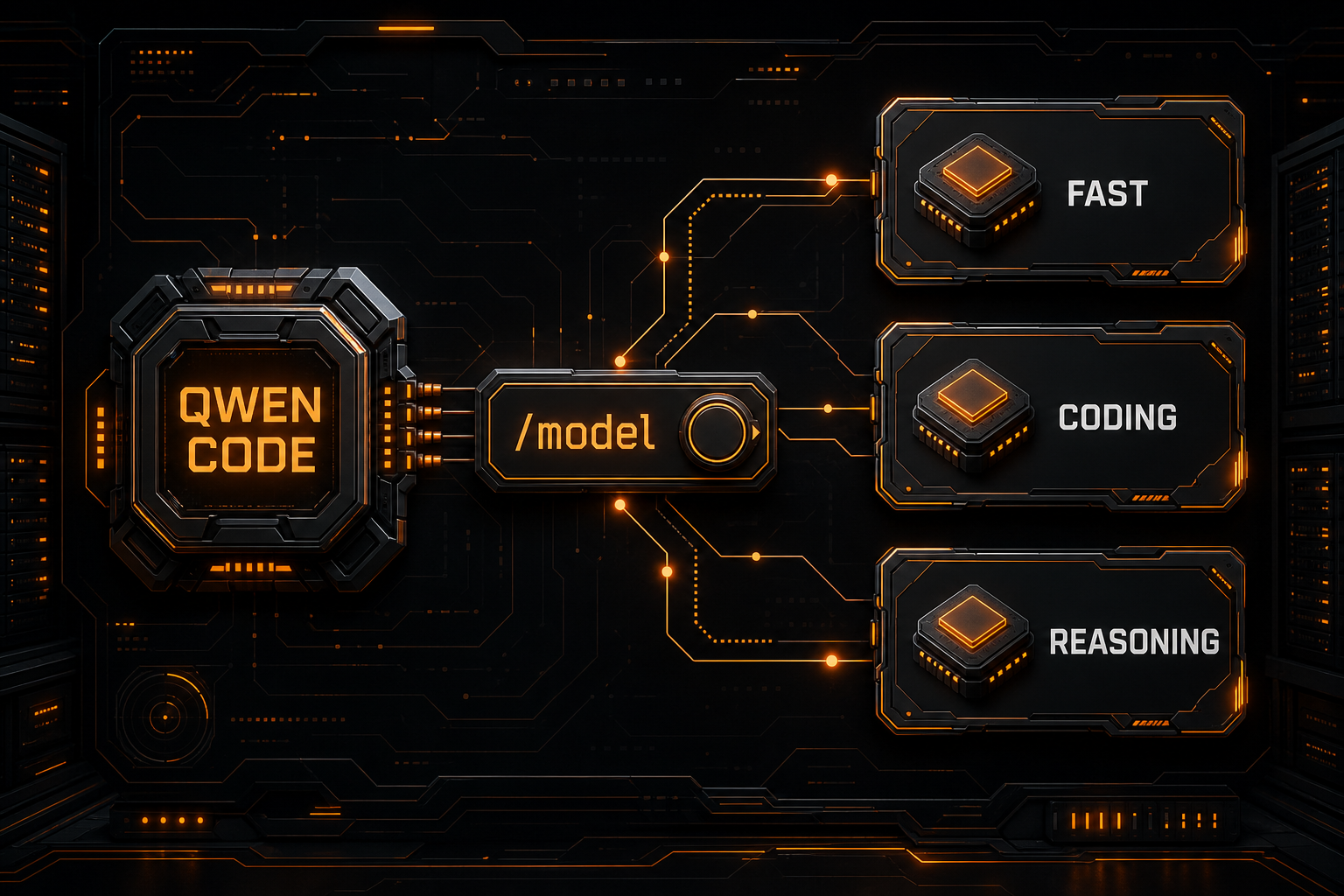
Add several entries to the openai array:
{
  "modelProviders": {
    "openai": [
      {
        "id": "FAST_MODEL_ID",
        "name": "Fast Model",
        "baseUrl": "https://api.nbility.ai/v1",
        "envKey": "NBILITY_API_KEY"
      },
      {
        "id": "CODING_MODEL_ID",
        "name": "Coding Model",
        "baseUrl": "https://api.nbility.ai/v1",
        "envKey": "NBILITY_API_KEY"
      },
      {
        "id": "REASONING_MODEL_ID",
        "name": "Reasoning Model",
        "baseUrl": "https://api.nbility.ai/v1",
        "envKey": "NBILITY_API_KEY"
      }
    ]
  },
  "security": {
    "auth": {
      "selectedType": "openai"
    }
  },
  "model": {
    "name": "CODING_MODEL_ID"
  }
}
A practical routing policy is:
- small edits, explanations, and formatting: a fast model;
- regular features and tests: a primary coding model;
- cross-module refactors and difficult diagnosis: a stronger reasoning model.
Do not evaluate agent suitability from chat quality alone. Verify tools, streamed arguments, context stability, and error handling.
Validate the First Agent Task Safely
After the read-only smoke test, increase permissions gradually:
- read one small file;
- ask for a plan without edits;
- create one test on a temporary branch;
- run a safe test command;
- inspect the Git diff;
- continue for several turns and watch context behavior.
A useful first prompt is:
Read package.json and the test directory, then propose a minimal test plan without changing files.
Once the plan looks sound:
Add only one minimal test, run the relevant test command, and summarize the actual diff.
A normal text response does not prove full agent compatibility. A gateway must also preserve streaming events, structured tool calls, and multi-turn state.
Troubleshooting
401 Unauthorized
Check that:
- the key was copied completely;
envKeymatches the actual environment variable;- the current shell loaded that variable;
- the key and Base URL belong to the same service;
- the account can access the requested model.
Check presence without printing the secret:
if [ -n "$NBILITY_API_KEY" ]; then echo "key loaded"; else echo "key missing"; fi
404 Not Found
Common causes include:
- a missing
/v1segment; - placing
/chat/completionsin the Base URL; - using a website hostname instead of its API hostname;
- a gateway that implements a different route family.
Model Not Found
model.name must match an id under modelProviders, and that ID must be accepted by the remote gateway. Also verify that the API key has model access.
A New Setting Does Not Take Effect
Qwen Code prioritizes CLI flags, system environment variables, the first discovered .env, and finally settings.json's env block. An old exported value can silently override the file you just edited.
Clear conflicting variables when diagnosing:
unset OPENAI_API_KEY OPENAI_BASE_URL OPENAI_MODEL QWEN_MODEL
Then keep one intentional configuration source and restart Qwen Code.
Chat Works, but File or Shell Tools Fail
Verify that:
- the selected model supports tools;
- the gateway preserves tool-call fields;
- streamed tool arguments arrive completely;
- the model is intended for agent work rather than chat only;
- Qwen Code and the provider integration are current.
429, Timeout, or 5xx
A 429 usually signals quota, concurrency, or rate limiting. A 5xx is more likely a gateway or upstream problem. Use bounded exponential backoff instead of unlimited immediate retries. The AI API error-code guide provides a reusable diagnostic sequence.
Permission and Security Boundaries
Qwen Code can inspect files, edit code, and run shell commands. During initial integration:
- test inside Git on a temporary branch;
- exclude
.env, SSH keys, and production credentials; - keep approval prompts enabled for risky commands;
- ask for a plan before broad changes;
- review the diff and run tests;
- give API keys limited permissions and sensible budgets.
If the repository is private, also review the gateway's and upstream model's data-handling terms.
Use Nbility as a Multi-Model Endpoint
To try several models through one OpenAI-compatible endpoint, copy the current IDs from the Nbility model catalog and configure:
Base URL: https://api.nbility.ai/v1
API Key: YOUR_API_KEY
Model ID: copy it from the model catalog
Keep the key in .qwen/.env or the shell, not in source control. If a model or compatibility issue remains, submit a redacted error through Nbility support tickets.
FAQ
Is Qwen Code limited to Qwen models?
No. The official provider system supports OpenAI-compatible, Anthropic, Gemini, Vertex AI, and other configurations, and modelProviders can contain multiple models.
What is the difference between OPENAI_MODEL and QWEN_MODEL?
For the OpenAI-compatible path, QWEN_MODEL is documented as an alias for OPENAI_MODEL. Use one consistently to make overrides predictable.
Why does qwen auth no longer work?
The standalone auth command has been removed. Use /auth inside Qwen Code, or configure custom providers with settings.json, .env, and provider environment variables.
Should I put the API key in settings.json?
It works, but stores the secret in plain text. A shell variable or ignored .qwen/.env file is a safer default.
Does OpenAI compatibility guarantee tool calling?
No. Basic chat compatibility does not guarantee a reliable coding agent. Test streaming, tools, multi-turn context, and error behavior before using it on important work.
Summary
A dependable Qwen Code setup follows this order:
- install Qwen Code on Node.js 22+;
- run a minimal connection test with environment variables;
- define providers and models in
~/.qwen/settings.json; - keep active keys in the shell or
.qwen/.env; - validate the full agent path with
/doctor,/model, and controlled tasks; - troubleshoot authentication, paths, models, streaming, and tools separately.
For comparisons with other coding agents, continue with OpenCode custom provider setup and Roo Code custom API setup.