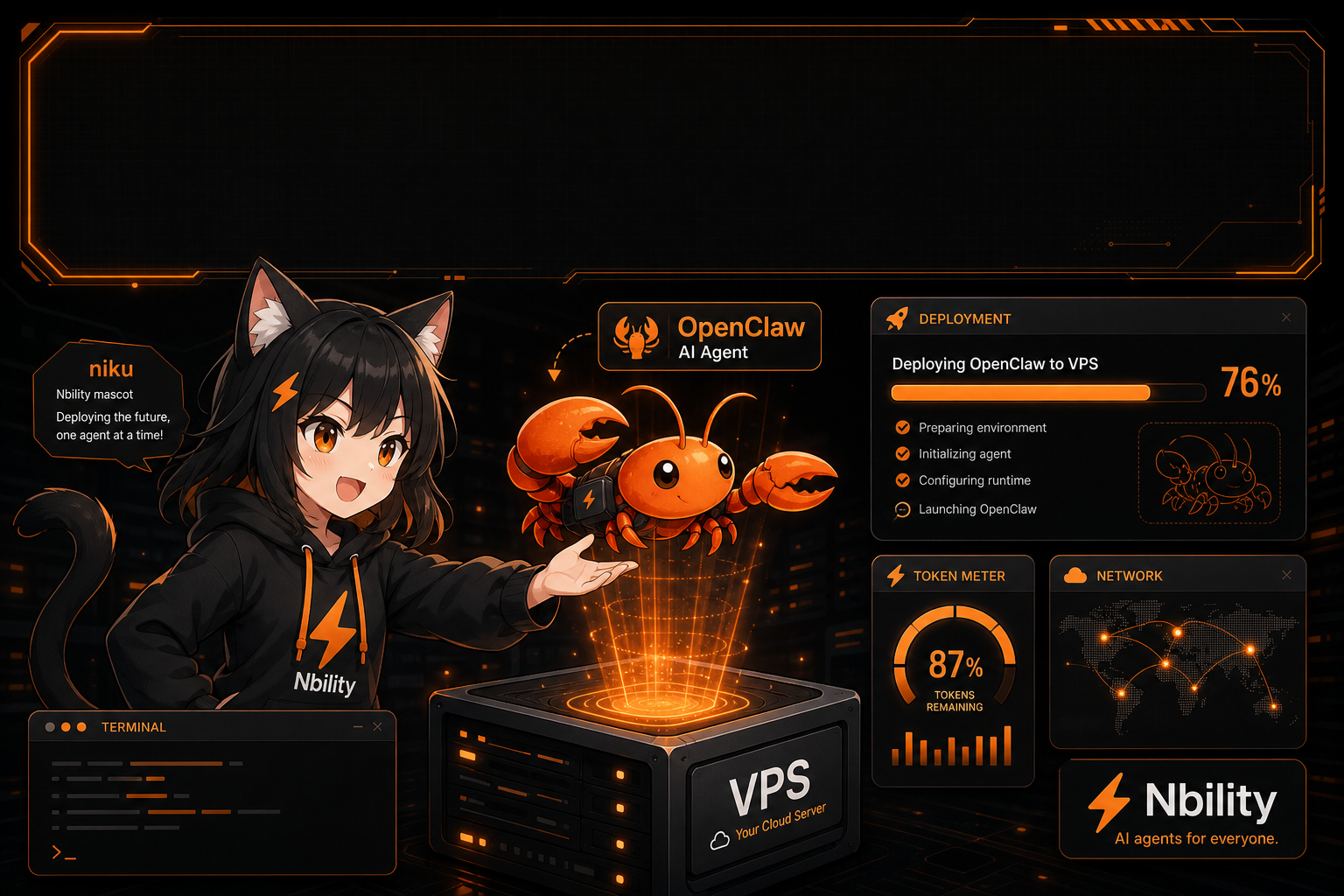
Part 5 of the AI Agent Getting Started series: deploy OpenClaw on a VPS, install Node/npm and the CLI, run onboarding, configure a model API, open the Web UI, connect messaging channels, and keep the Agent alive with systemd.
Part 7 of the AI Agent Getting Started series: use Dify with an OpenAI-compatible model endpoint, build chat apps, knowledge bases, and workflows, and manage tokens through Nbility.
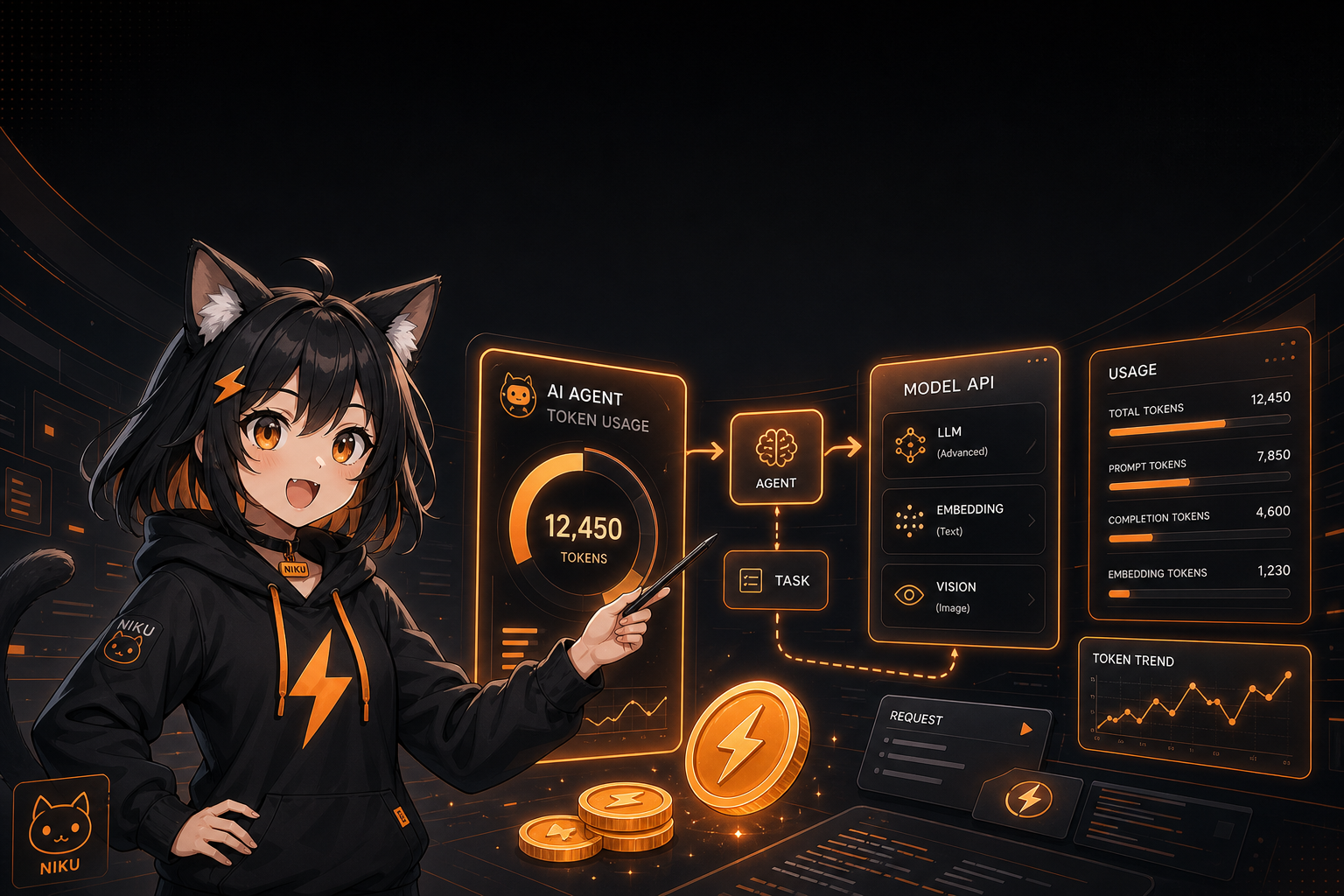
See how repeated model calls, history and tool results accumulate agent tokens. A three-call example explains the cost, with trimming, caching and budget controls.
Part 5 of the AI Agent Getting Started series: deploy OpenClaw on a VPS, install Node/npm and the CLI, run onboarding, configure a model API, open the Web UI, connect messaging channels, and keep the Agent alive with systemd.
Part 4 of the AI Agent Getting Started series: use NapCat for OneBot v11, bridge QQ group messages with NoneBot2, and forward them to Hermes Agent API Server for Q&A, image generation, status checks, and group summaries.
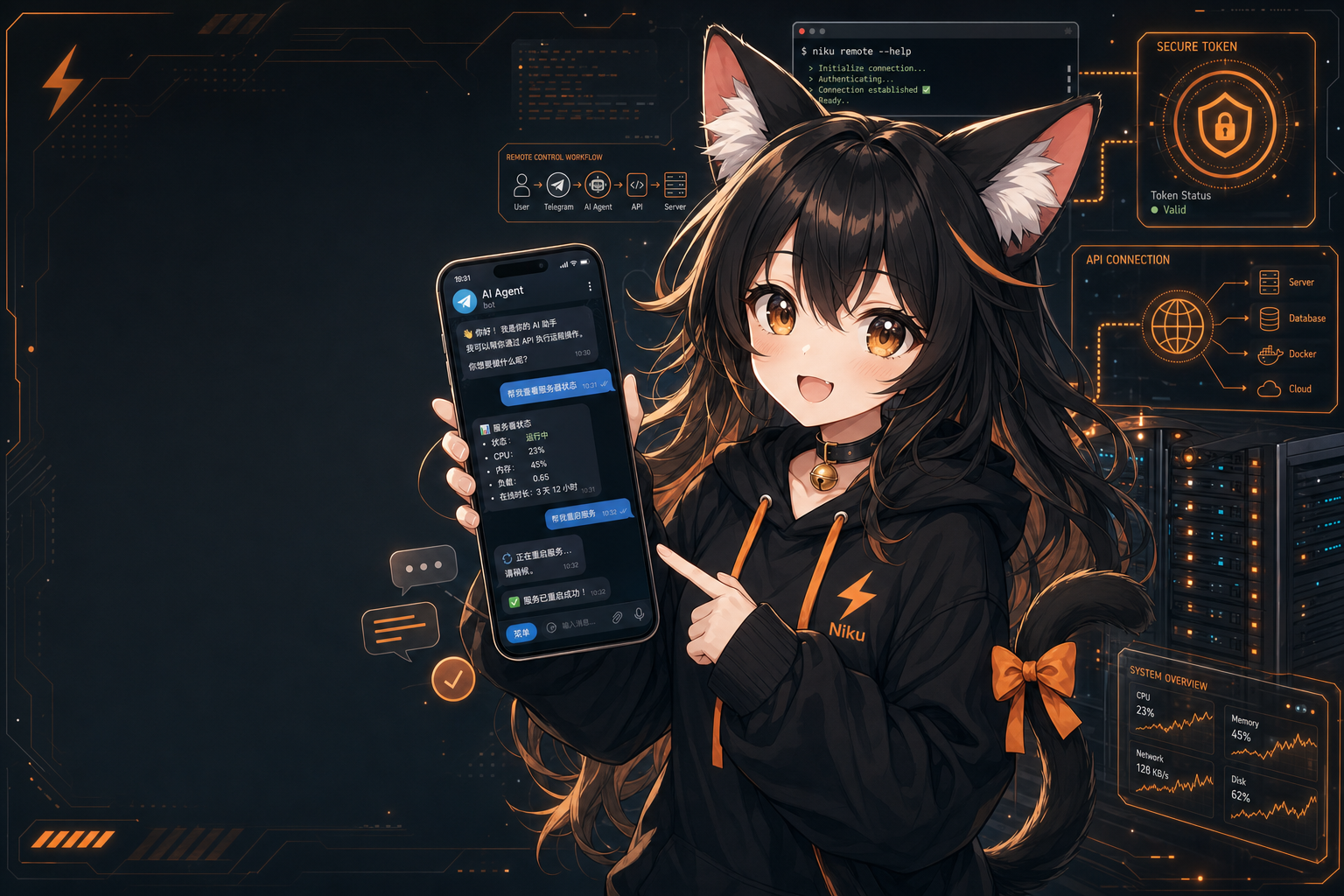
Part 3 of the AI Agent Getting Started series: create a Telegram bot with BotFather, configure Hermes Gateway, set allowlists and group triggers, then control your server-side Agent from your phone.
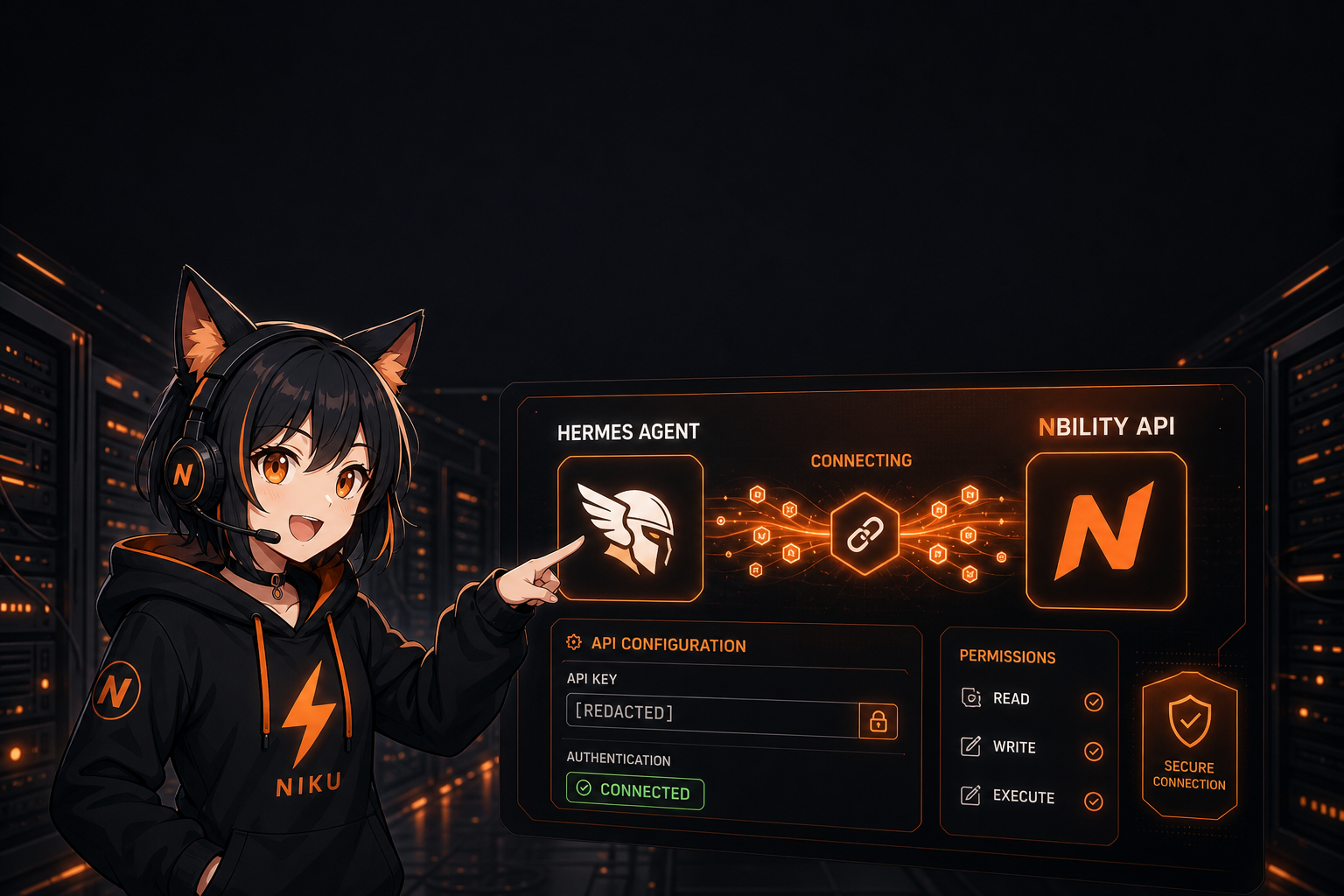
Part 2 of the AI Agent Getting Started series: from API Key, Base URL, and model name to verification commands, this article shows how to connect Hermes Agent to Nbility and explains why Agent apps naturally consume tokens.
A practical walkthrough for deploying Hermes Agent from scratch: installation, model API configuration, starting the command-line assistant, and why AI Agents need a stable token supply.