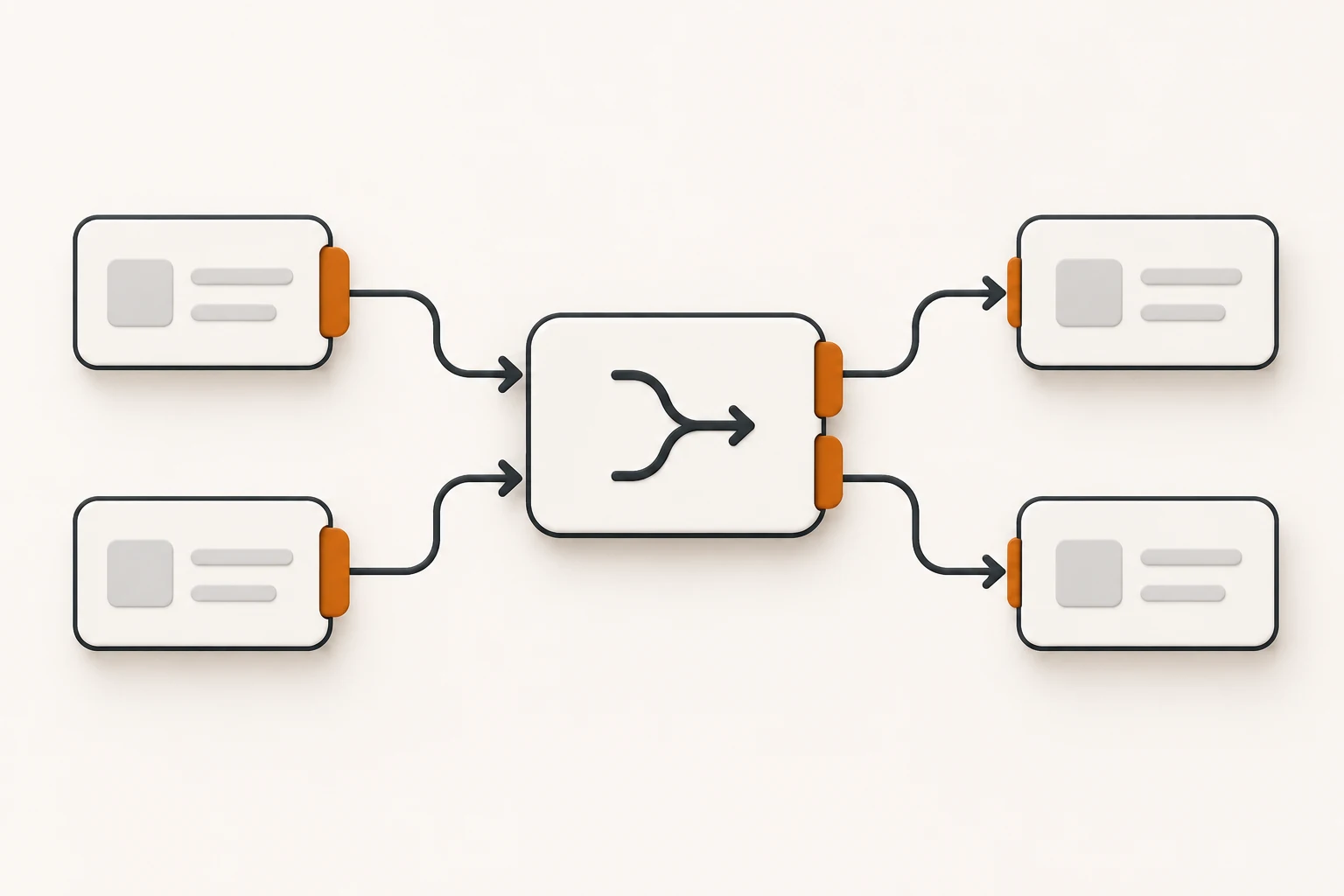
Reuse an n8n Sub-workflow With Clear Inputs and Outputs
Pass typed fields into an n8n sub-workflow, return a predictable result, and choose between per-item execution, batch execution, and an asynchronous handoff.
n8nSub-workflows
Articles about AI Agents, model APIs, developer-tool integration, and Nbility workflows.
#n8n
Pass typed fields into an n8n sub-workflow, return a predictable result, and choose between per-item execution, batch execution, and an asynchronous handoff.
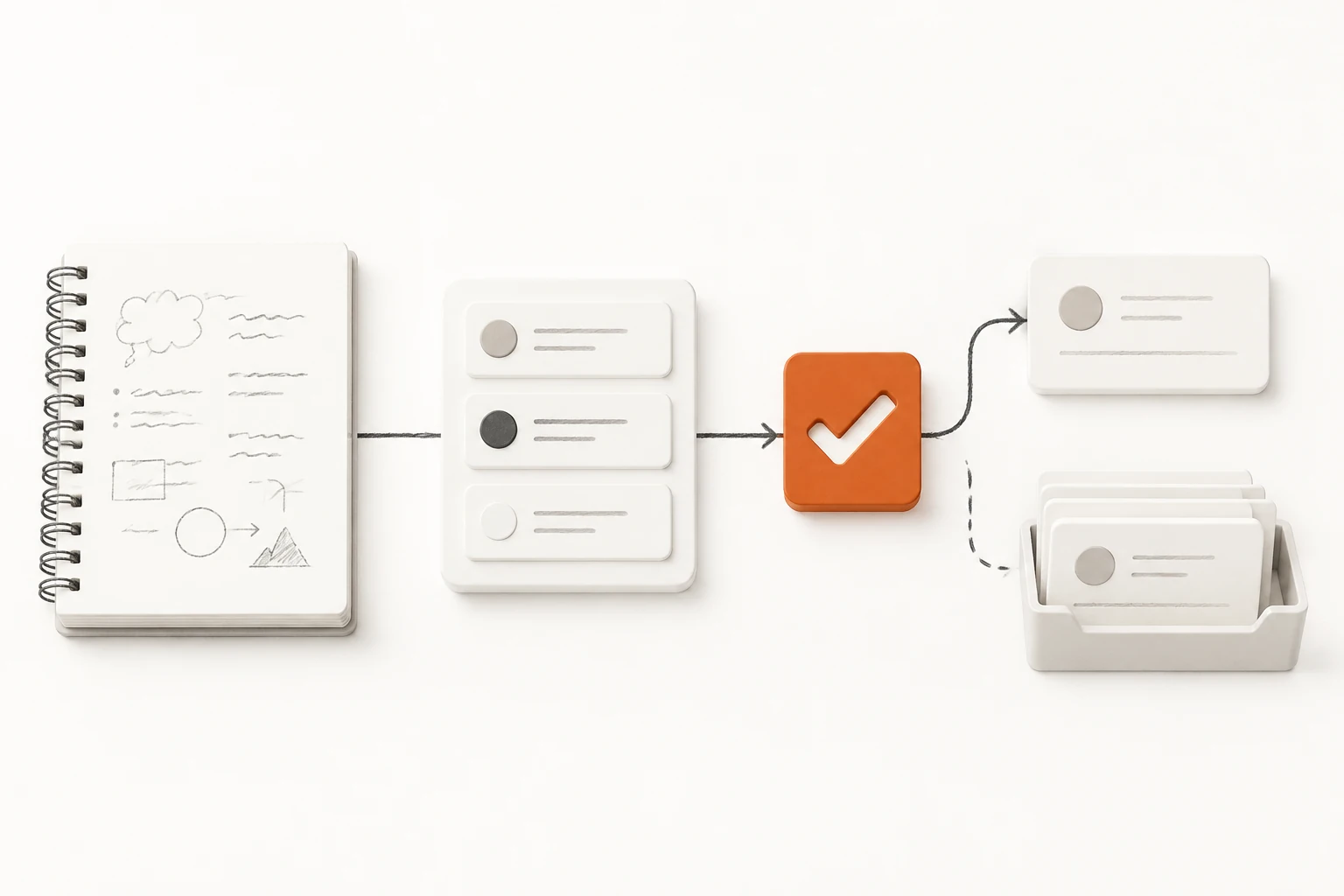
Use a separate Basic LLM Chain and Structured Output Parser for an n8n agent's final answer, then check the evidence before accepting the JSON.
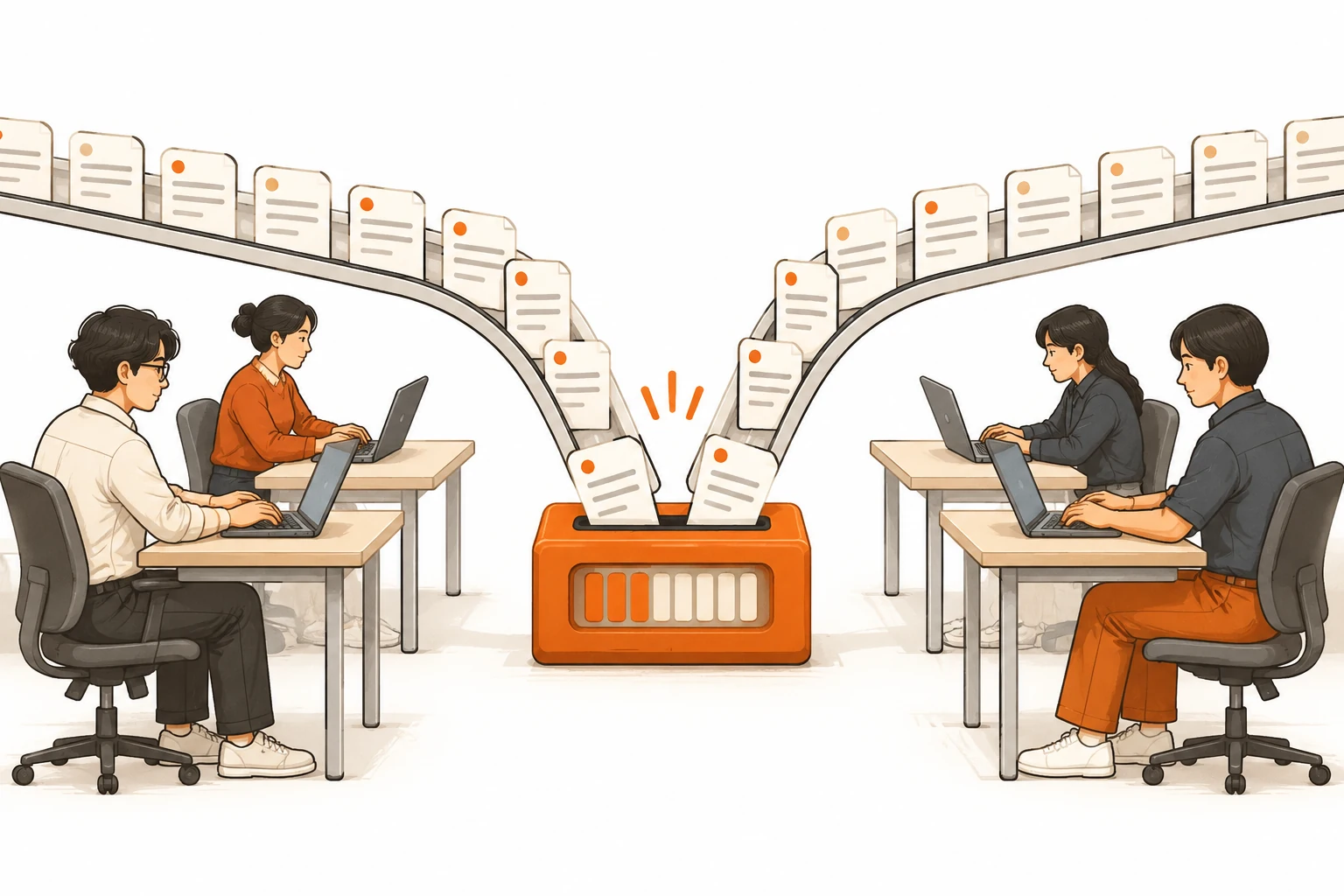
Distinguish n8n worker concurrency from model requests per minute. Use queue timings and API responses to decide whether to add workers or throttle calls.
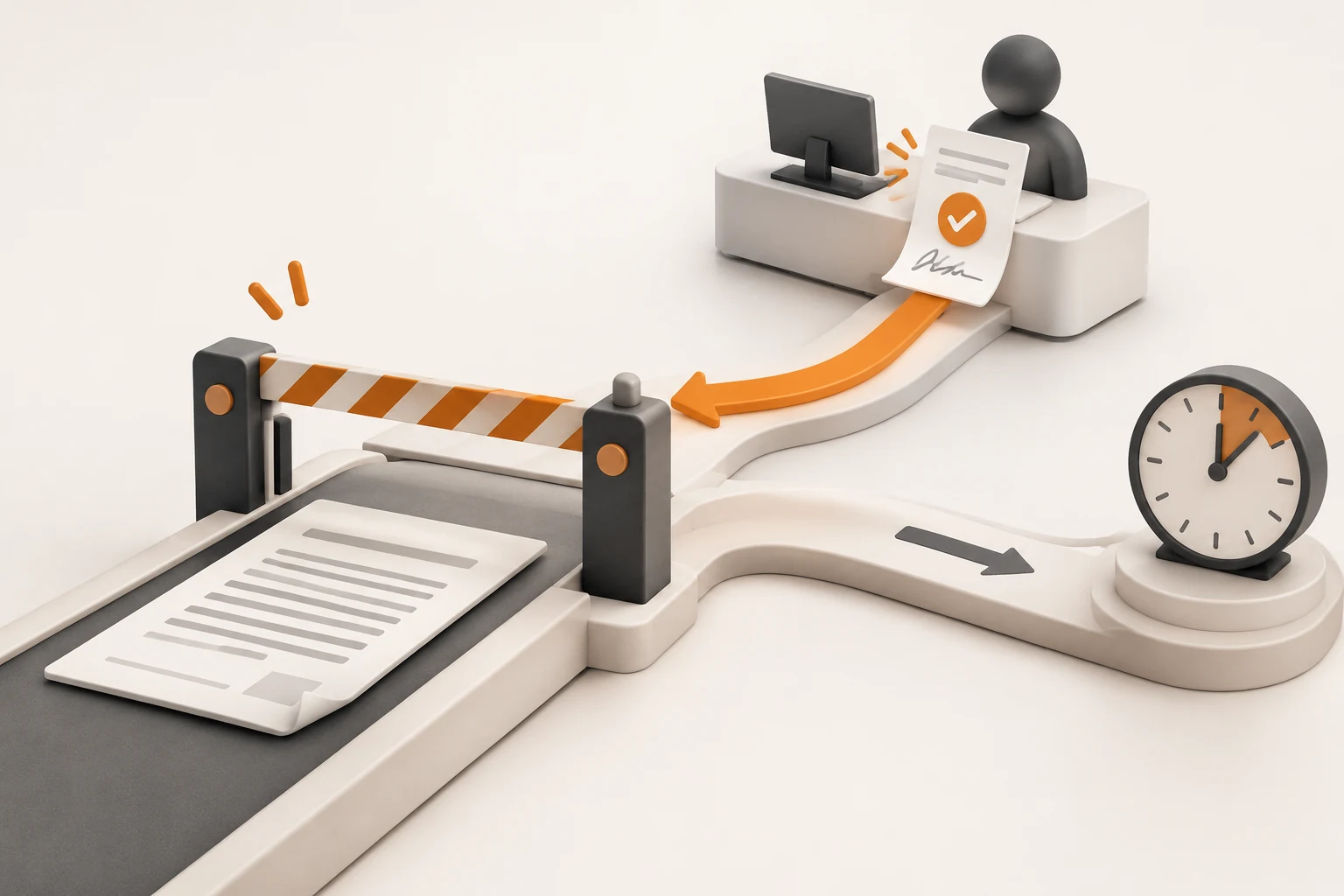
Use an n8n Wait webhook to resume the original run, then verify the approval and draft version before publishing. A timeout must not count as approval.
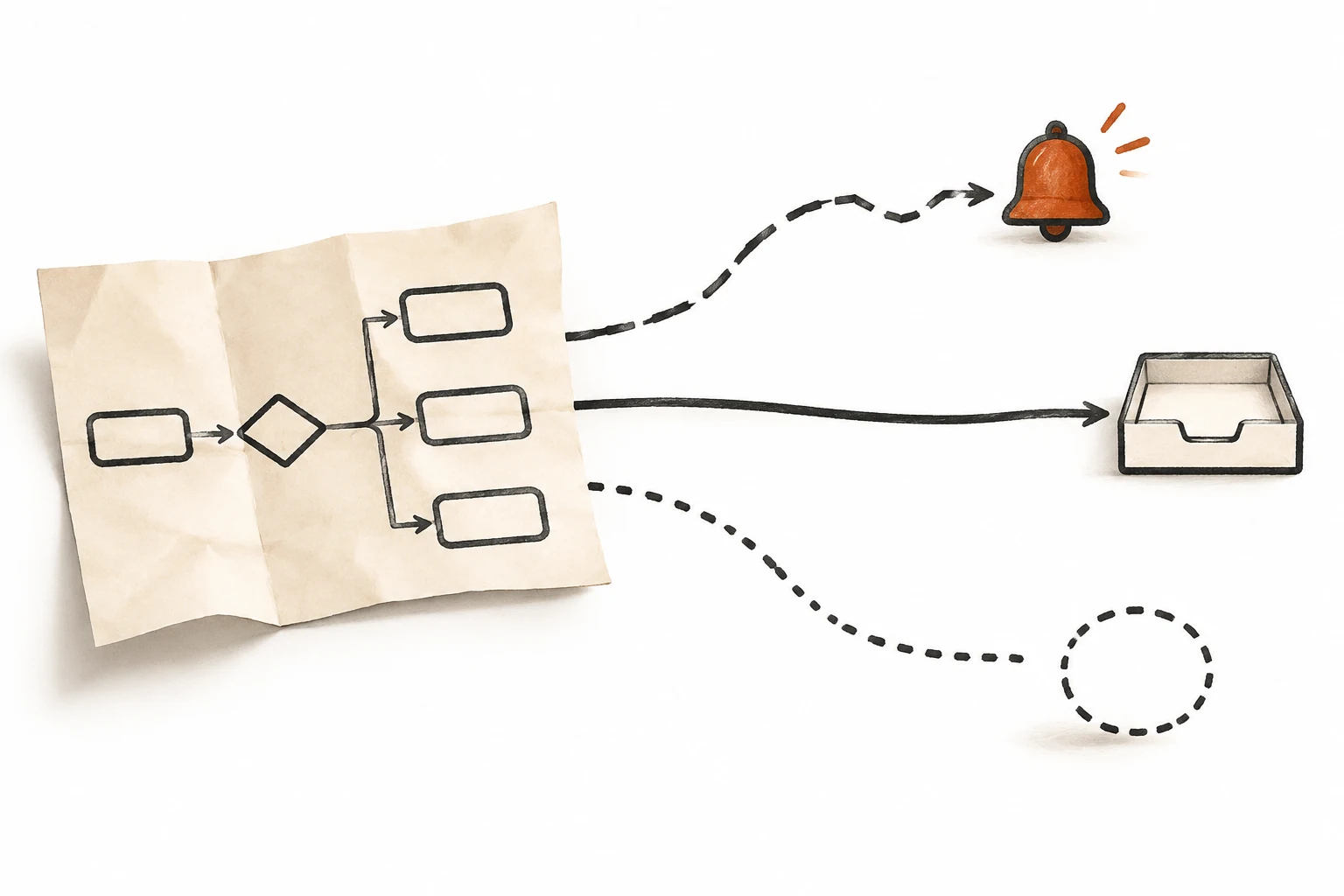
n8n Error Trigger catches failed automatic runs. Test it with a published workflow and monitor missing runs and missing deliverables separately.
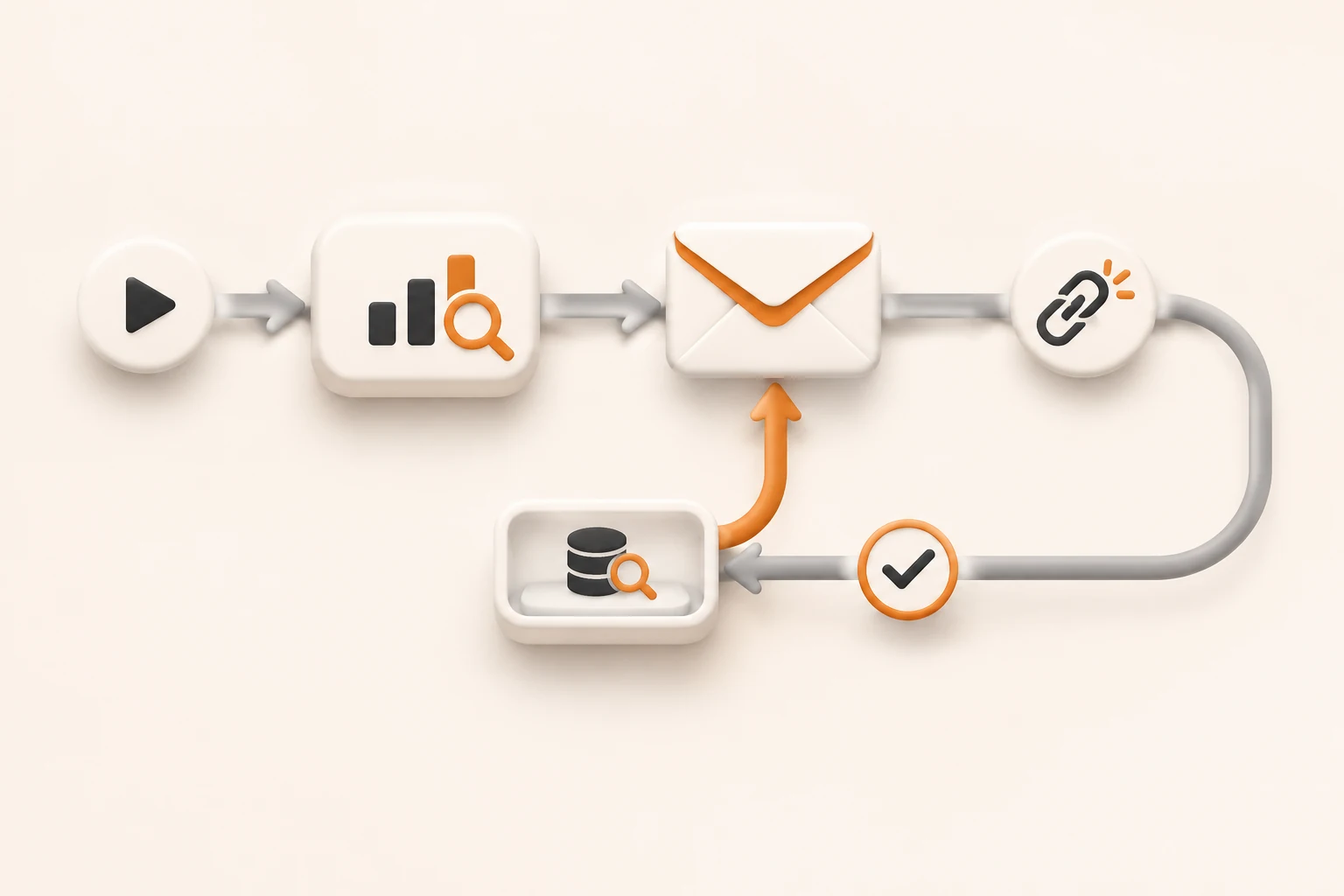
Separate workflow failure from external action failure, preserve operation state, and test recovery in a copy before resending messages or repeating writes.
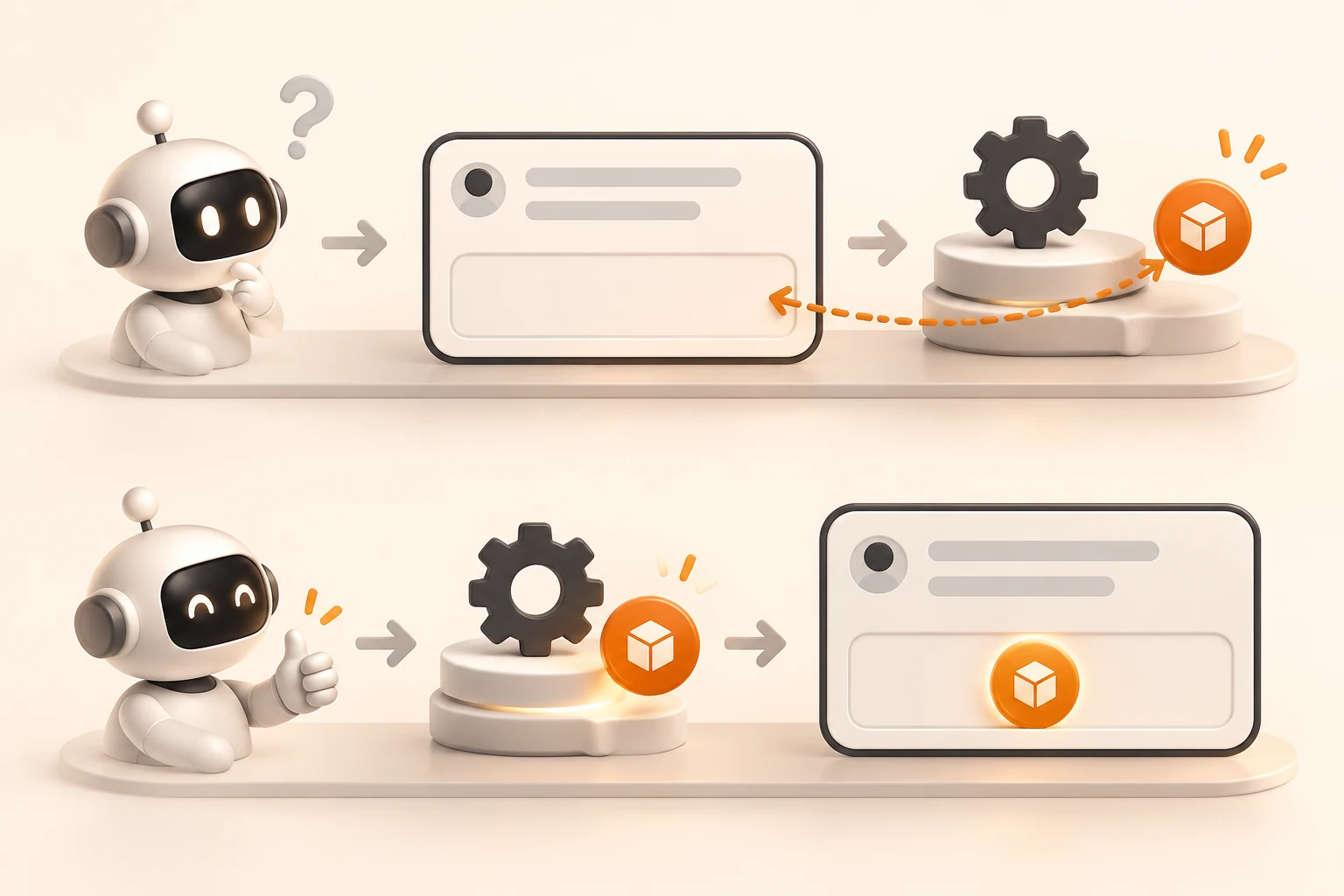
Trace empty Agent observations back to the matching tool run, inspect legacy execution order, and test v1 in a copy before repeating actions or changing production.
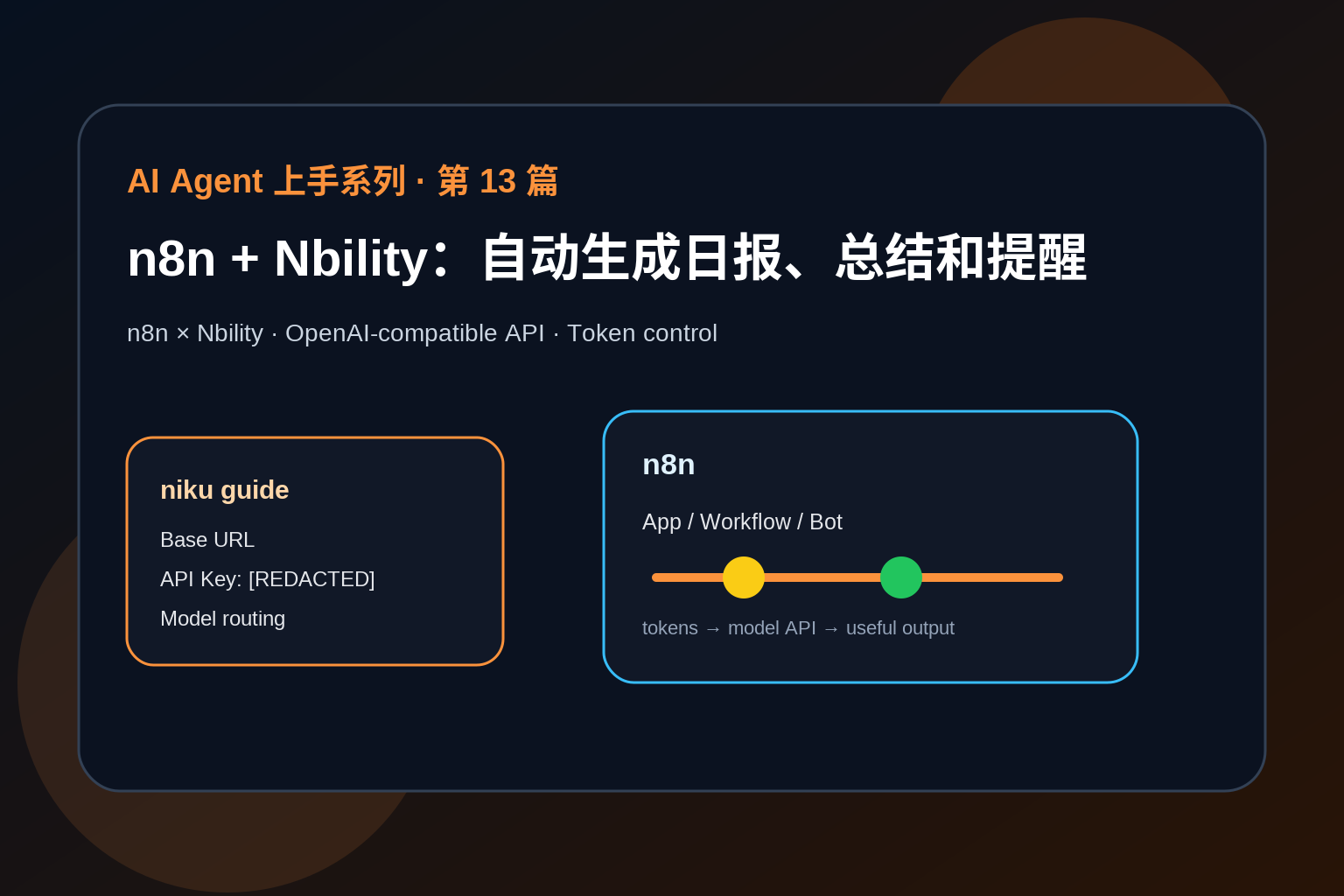
Part 13: combine n8n schedules, webhooks, messages, and Nbility model APIs into practical automation workflows.