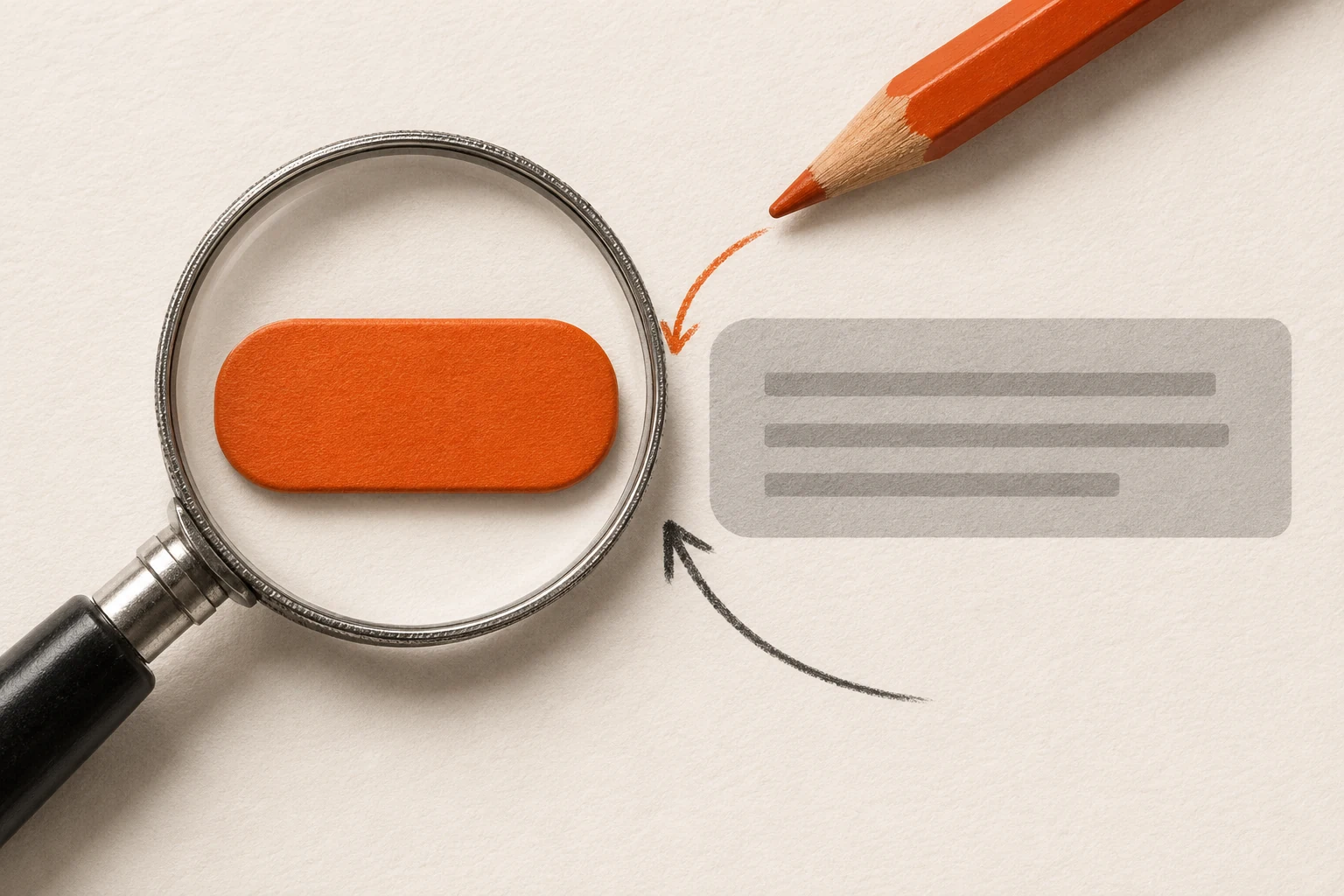
Show an Orca agent exactly where a button covers an error message
Orca Design Mode can identify a DOM element or mark up a screenshot. Choose the evidence that captures the problem and reproduce the same viewport and page state after the edit.
Articles about AI Agents, model APIs, developer-tool integration, and Nbility workflows.
#Orca

Orca Design Mode can identify a DOM element or mark up a screenshot. Choose the evidence that captures the problem and reproduce the same viewport and page state after the edit.

Use Annotate AI Diff to anchor feedback, pick a worktree agent and verify its revision. A zero-value display bug shows what to write on the implementation and test lines.

SSH worktrees and Remote Orca Servers both execute work away from the desktop, but own different parts of a session. Choose where files, processes and reconnectable state should live.

Choose between .worktreeinclude, worktree.sharedDirectories and personal shared paths. A harmless local config makes the difference between a private copy and shared writes easy to check.

Run one read-only task in stablyai/orca to check the repository, working directory and agent account. Configure a model gateway at the agent that actually sends the request.